
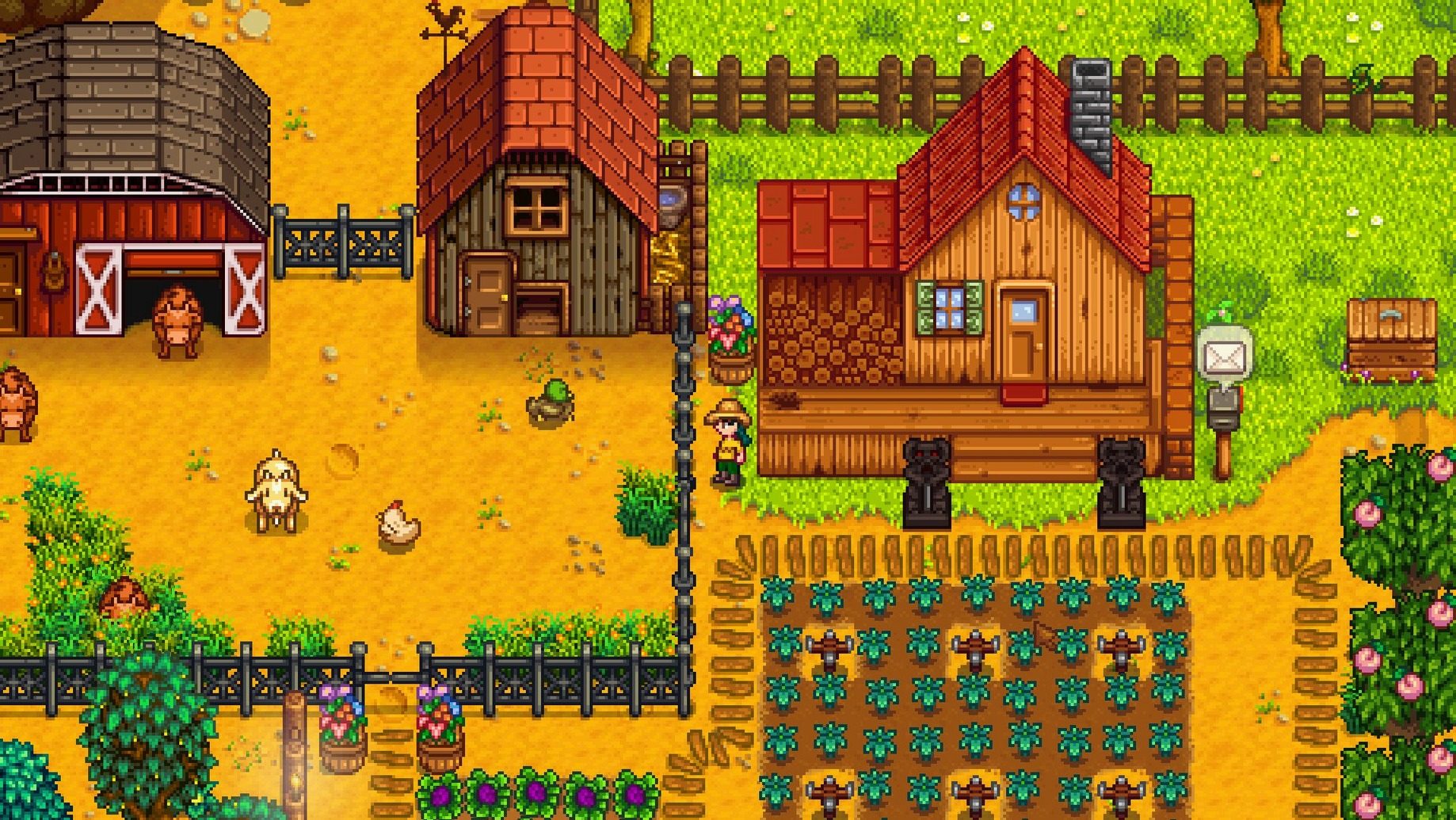
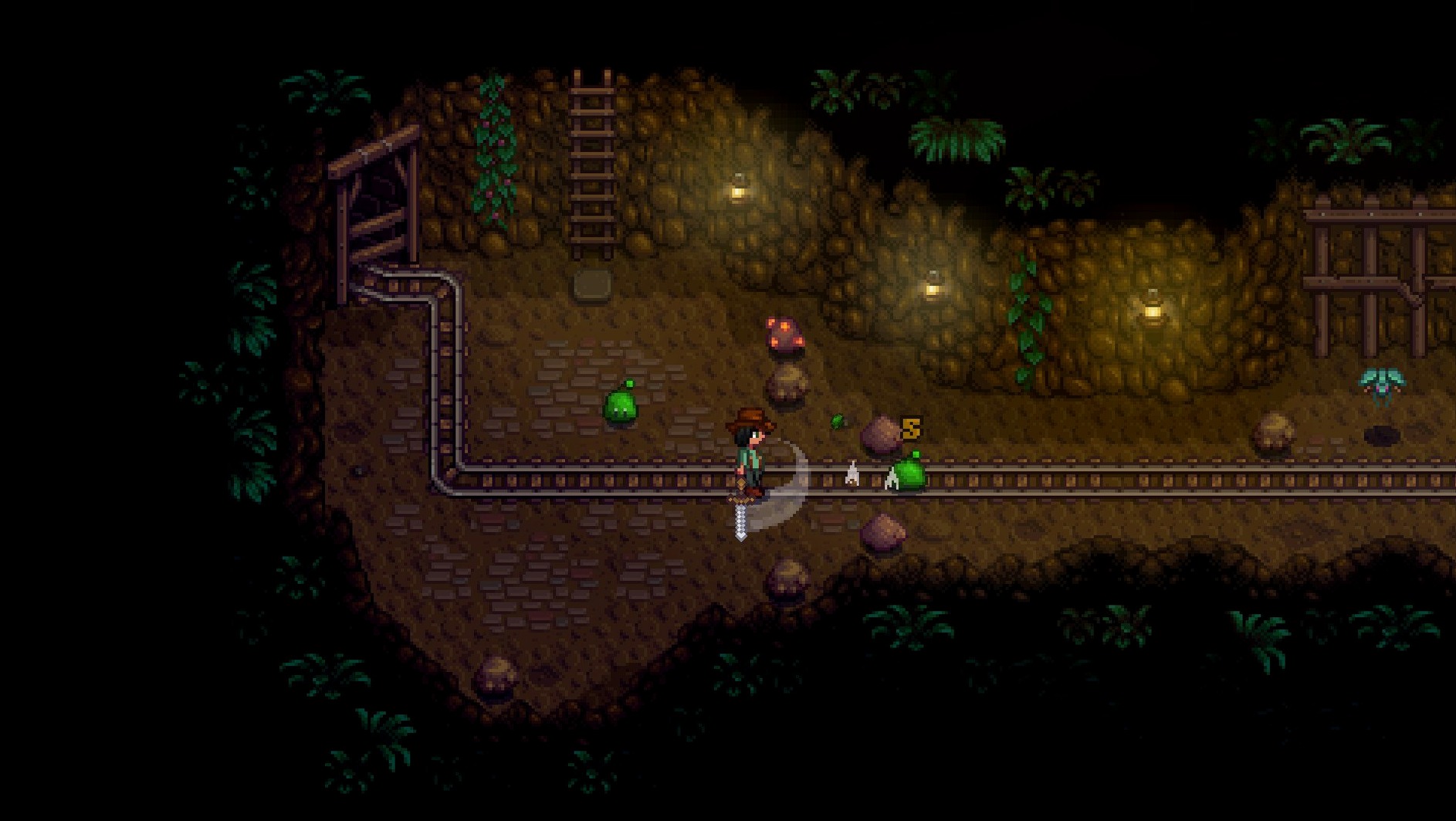
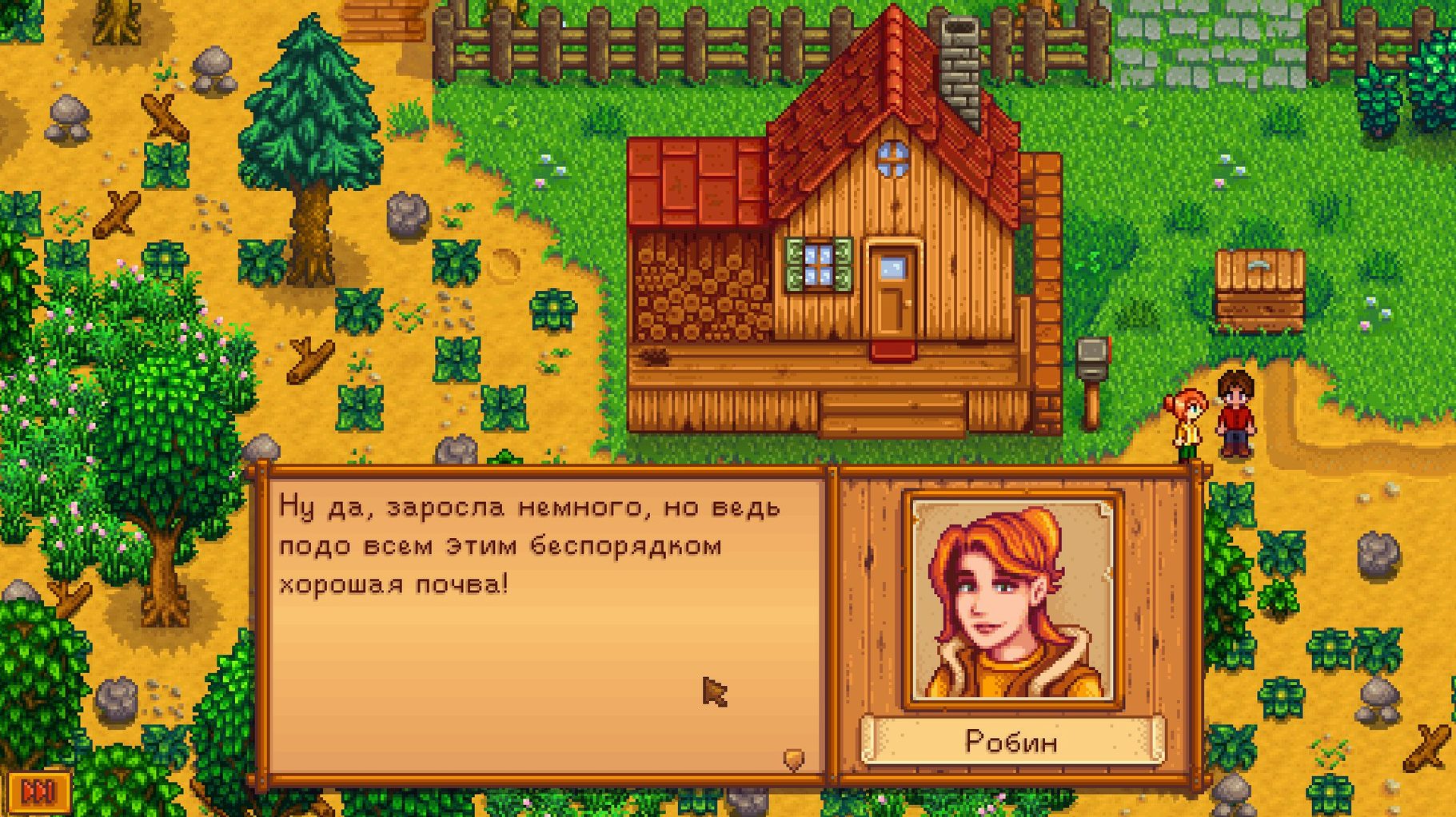
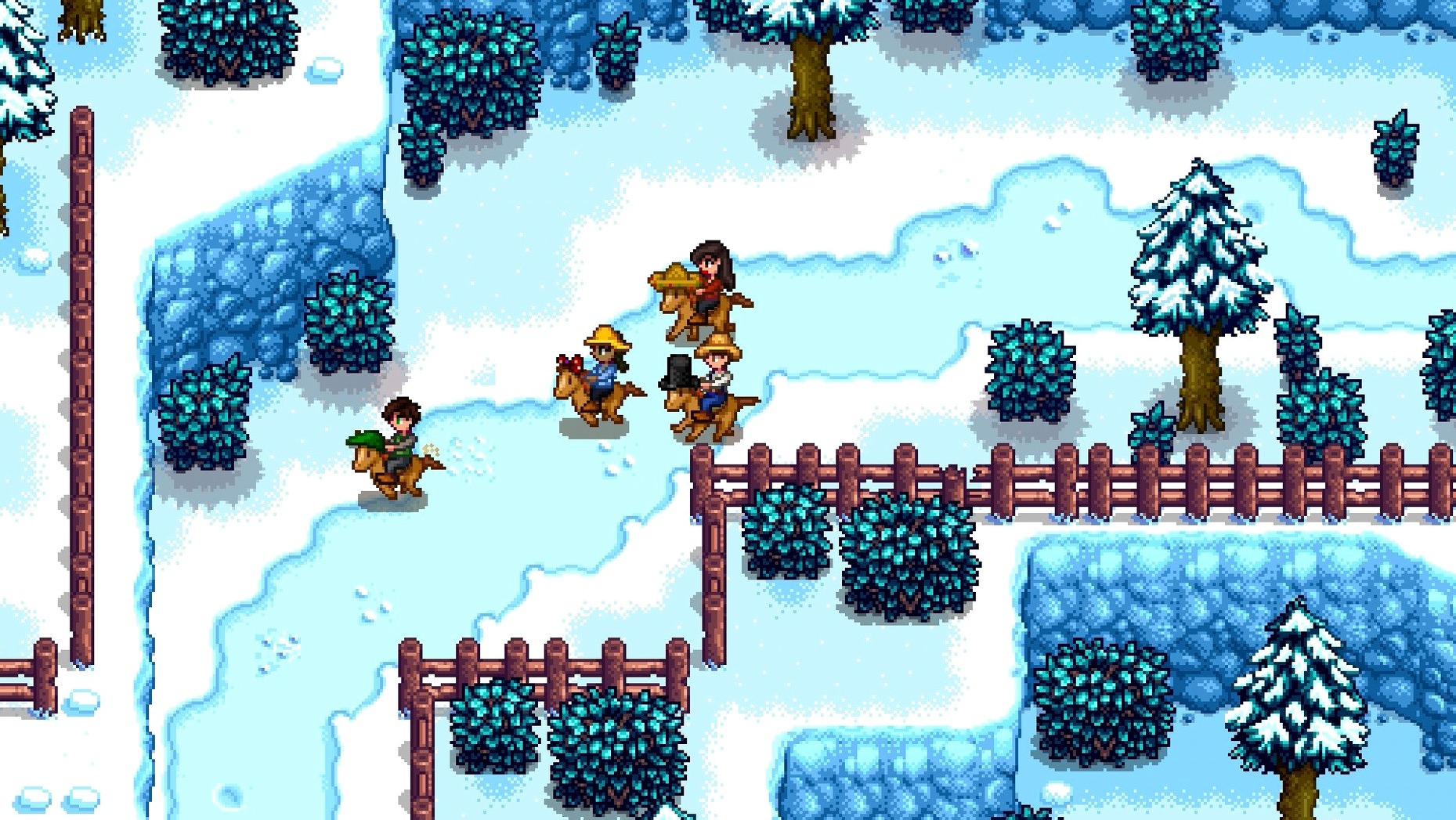
Stardew Valley is a country-life role-playing game for PC, Mac, and Linux. It opens with your character inheriting a run-down farm in Stardew Valley, where a corporate presence from Joja looms over the town. You start by clearing debris, planting crops, and slowly turning the neglected land into a productive garden. The version listed here is 1.6.15.24357.8705766150, and it runs on both ARM and 64-bit x86 Macs.
Steady rhythm for self-paced farming and social life
If you like games with a steady rhythm rather than constant action, this fits. The loop of tending crops, raising animals, mining, and befriending townsfolk gives you structure without pressure. You set your own pace each day. The interface supports twelve languages, so it works for a wide range of players. It is the kind of game you can play in short sessions or lose an afternoon to.
Too relaxed for players wanting fast combat or deep strategy
Players who want fast combat, deep strategy, or a strong narrative will likely find it too relaxed. The farming mechanics are simple to learn but repeat often. The social elements require patience, and the pixel art style may not appeal to everyone. If you prefer clear objectives and immediate feedback, this might not hold your attention.
Fix the game not launching on Apple Silicon Macs
A few things tend to trip people up after installing. The most frequent one is the game not launching at all. On Apple Silicon Macs, the fix is usually straightforward: right-click the app in Finder, choose Get Info, and make sure the Open using Rosetta box is unchecked unless you are on an older Intel Mac. The version runs natively on ARM, so Rosetta is not needed and can cause the game to hang on launch.
Another common issue is the game not seeing your save files from an earlier version. Stardew Valley stores saves in ~/Library/Application Support/StardewValley/Saves. If you upgraded from a much older build, the save format may be out of sync. The safest approach is to back up that folder before installing, then let the game rewrite the files on first launch. The game handles it itself, but a backup saves you from starting over.
Multiplayer connection problems come up too. If you host a farm and a friend cannot join, check that both of you are on the same version. The version string is visible on the title screen. Also, port forwarding on your router may need to be set for port 24642 if you are hosting over the internet. On a local network, it usually works without changes.
Legendary fish ponds now produce more roe daily
The current build, 1.6.15.24357.8705766150, adds a few practical tweaks. Legendary fish ponds now produce roe more often and have a higher average daily value. If you have been ignoring the fishing mini-game for cash, this makes it worth setting up a pond early. The change is small but noticeable over a season.
A Junimo bundle button has been added to fridge and mini-fridge interfaces. This means you can check bundle requirements without running back to the community center. It saves time when you are cooking or storing ingredients and want to know what you still need to gather. The button is easy to miss if you are not looking for it, but it is there on the fridge inventory screen.
Several crashes, multiplayer issues, and localization errors were fixed. The game is more stable than earlier 1.6 releases, especially during co-op sessions. A few interface labels in Hungarian and Korean were also corrected, so if you play in those languages, the text should be cleaner.
Clear only a 15-tile plot to conserve energy
Start by clearing only a small patch of your farm. The energy bar drains fast when you chop trees and break rocks, and you need energy to water crops. Focus on a 15-tile plot at most for the first few days. Use the hoe to till soil near your house, plant the parsnip seeds you get, and water them daily. That gives you a steady food source and a small income by day 5.
Talk to the townspeople each day, but do not worry about remembering their schedules. The game tracks friendship points silently. Giving a gift on a birthday earns a big boost, so check the calendar outside Pierre's shop. You can also find gift preferences by talking to the villagers or reading the Lost Books in the library later.
Save your first 2,000 gold for a backpack upgrade at Pierre's. The extra inventory space saves constant trips back to the farm. After that, prioritize the copper pickaxe upgrade from Clint. It lets you break the bigger rocks in the mine, which opens up ore and gems faster.
Stardew Valley free for Mac is a relaxing farming simulator perfect for unwinding after a long day. The game has no DRM, so the installer runs as-is. A stardew valley mac crack is not needed; the build is complete and playable. For a stardew valley download mac that works, just run the installer and point it to the Applications folder. A stardew valley torrent will give you the same disk image.
Store cooking ingredients in kitchen fridge and mini-fridges
The fridge in your kitchen works as extra storage for cooking ingredients. The Junimo bundle button mentioned earlier is on the fridge interface, but it also works on mini-fridges you place elsewhere. You can keep a mini-fridge in a shed or by the community center and still check bundles from it.
You can hold down the action button to continuously water crops or harvest them. This works for the hoe and watering can too. It is much faster than clicking each tile separately, especially after you have upgraded your tools for area effects.
If you hold a piece of food or a tool, you can still interact with signs and chests. That is not obvious at first. It means you do not have to unequip the item just to open a chest or read a sign. Similarly, you can place furniture by holding it and right-clicking the spot, without opening the inventory menu.
The day cycle pauses when you are in the menu, in a cutscene, or inside a building. Use that to your advantage when planning. If you are low on time, step into Pierre's or the saloon and plan your next moves without the clock running. The same applies to the mine elevator screen.
- Legendary fish ponds produce roe more often and have a higher average daily value.
- Performance optimizations were added.
- A Junimo bundle button was added to fridge and mini-fridge interfaces.
- Several crashes, multiplayer issues, and localization issues were fixed.
- macOS version: not specified
- Architecture: ARM and 64-bit x86
- 64-bit required
Questions from the notes
What are the system requirements for Stardew Valley on Mac?
The game supports both ARM and 64-bit x86 Macs. It is a 64-bit application, so it will not run on older 32-bit-only systems.
What languages does Stardew Valley support?
Interface languages include English, Russian, German, Hungarian, Spanish, Italian, Simplified Chinese, Korean, Portuguese, Turkish, French, and Japanese.
Install procedure
- Open the downloaded disk image and run the installer.
- Choose the install location at the end of the process.
- Select the Applications folder if it is offered.
Reports from players
Sign in or create a tester account to file a report.
No reports filed yet.