
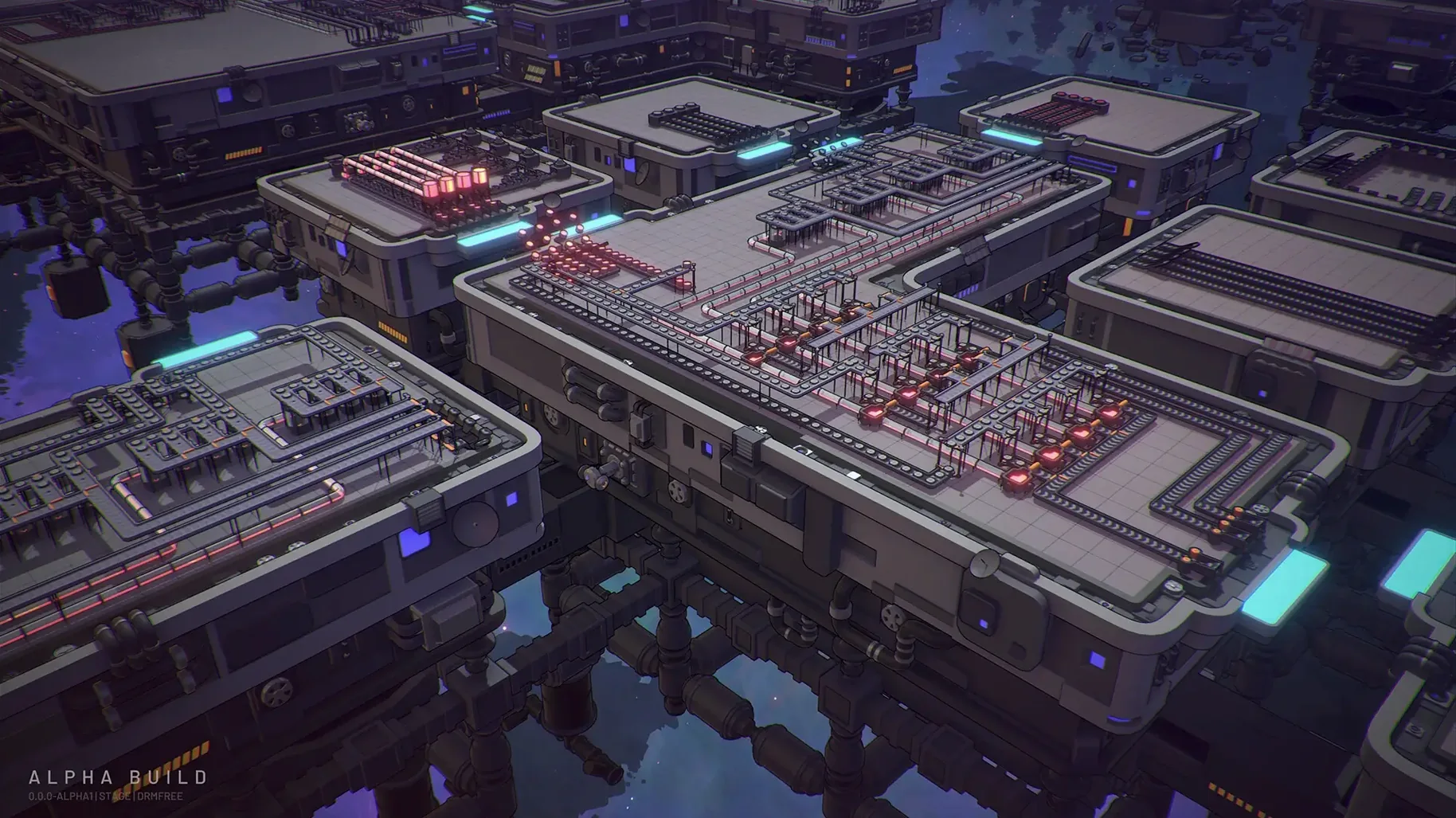
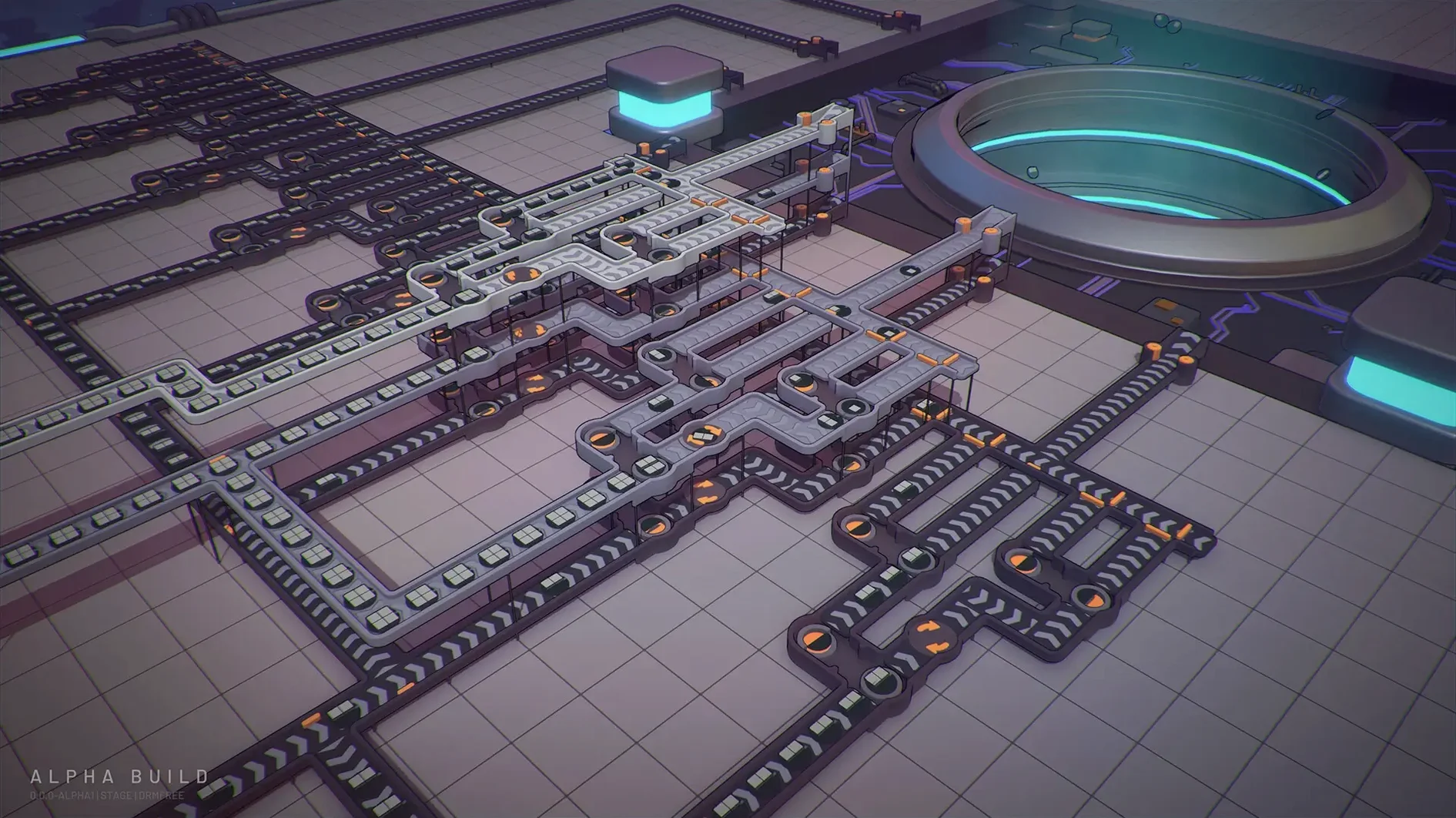
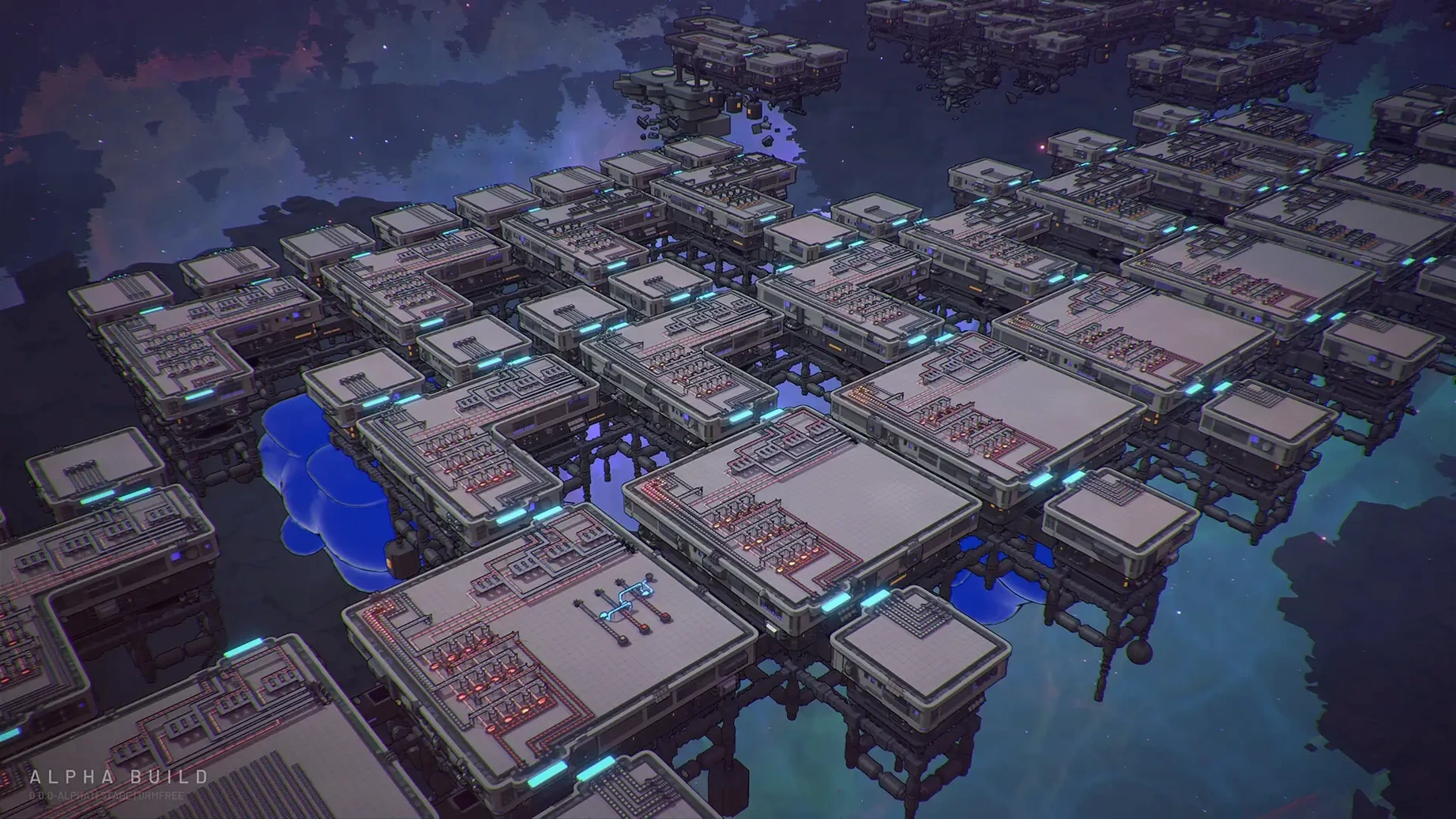
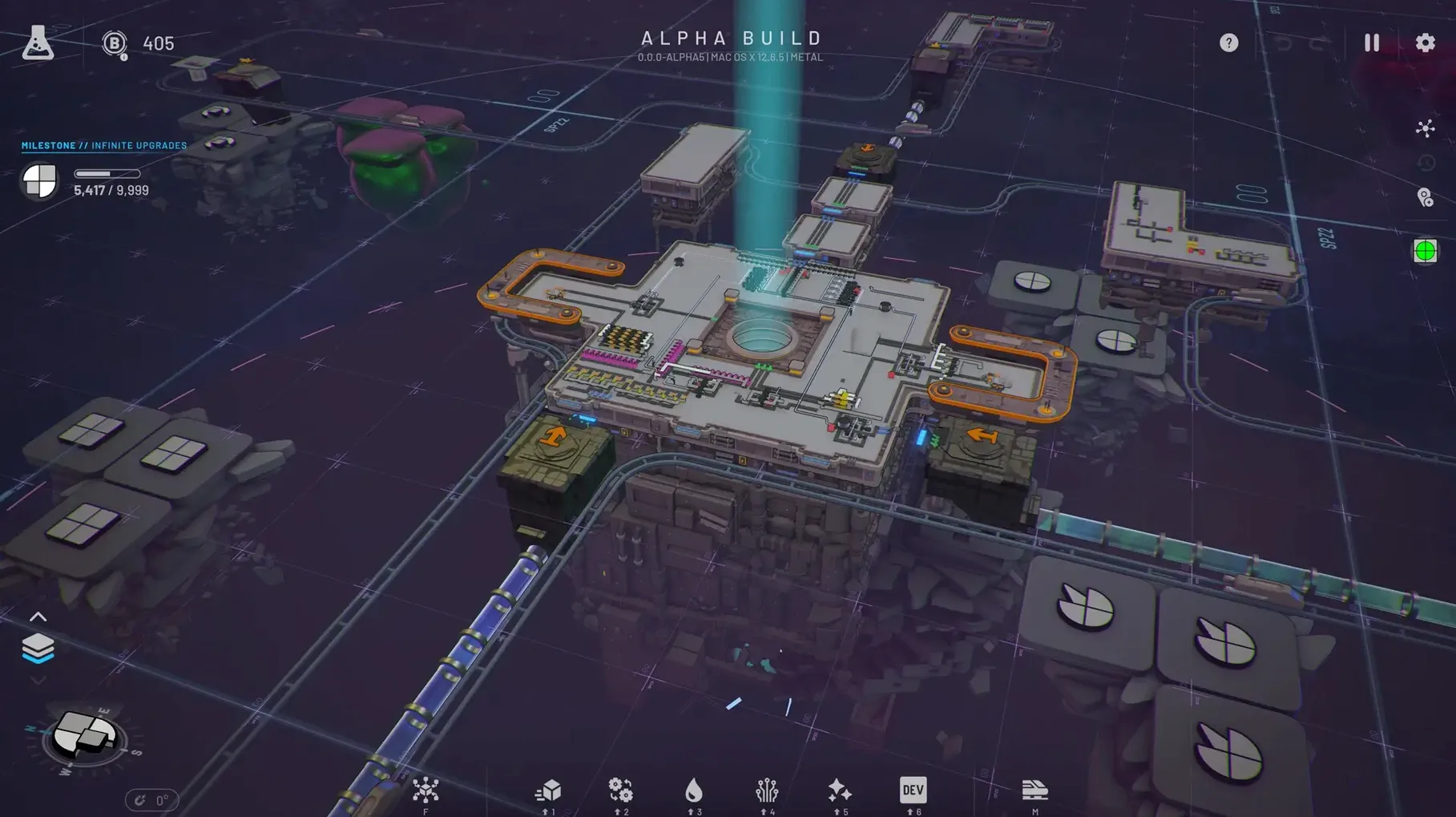
Shapez 2 is a top-down factory game where you extract, process, and automate the production of geometric shapes. The core loop hasn't changed: you build conveyor belts, cutters, painters, and assemblers to fulfill increasingly complex shape requirements. But the current version 1.2.0 focuses on making the experience smoother, especially on Mac.
Unity 6 boosts performance and stability
The big change in 1.2.0 is the move to Unity 6, which brings improved performance and stability on macOS and Linux. The update also adds blueprint migration, so your existing blueprints carry over without issues. A smaller but useful addition: the operator level screen now shows the game version and modded status, which helps when you're juggling multiple saves or mods.
What Stays the Same
The essential mechanics remain intact. You still work with liquids to speed up production or alter shapes, and you can break shapes apart, reassemble them, paint them, or rebuild them in different ways. The research tree still unlocks new buildings and upgrades, and the game supports more than 50 undo and redo operations, which is a lifesaver when a layout goes wrong. Shapez 2 runs on both ARM and 64-bit Intel Macs, so it's ready for older hardware too.
Unlimited undo tracks every placement
The undo and redo system goes beyond the stated 50 operations. The game tracks every placement, deletion, and rotation, so you can backtrack through a long build session without losing work. It is not a fixed cap — the actual limit depends on session complexity, but it is generous enough that most mistakes are reversible.
Blueprint migration in 1.2.0 means you can export a layout from a previous save and import it into a new game without rebuilding. The blueprint library stores designs per save file, but you can also export them as files to share or reuse across different worlds. This is useful when you want to skip the early-game grind on a fresh playthrough.
The research tree shows locked items in gray, but it also previews the shape requirements for each unlock before you commit resources. That preview helps you plan production lines ahead of time instead of reacting after a new building becomes available.
Learn extractors, belts, and processors first
Start with the tutorial shapes. The early tasks teach you how extractors, belts, and basic processors interact. It is tempting to skip ahead, but the game introduces complexity gradually — liquids and space trains come later, and the tutorial lays the groundwork for those systems.
- Set your key bindings early. The default controls work, but factory games benefit from a layout that fits your hand. Spend five minutes in the settings menu adjusting camera rotation and zoom speed.
- Use the blueprint library as soon as you have a working layout you like. Save a simple shape production line — you will need it again on the next map.
- Keep an eye on the operator level screen. It now shows the game version and modded status, which is helpful if you install mods later and need to confirm which save files are affected.
A Sample Workflow: Building a Painted Shape Line
Here is one way to tackle an early task that asks for a colored shape — say, a red square. The goal is a repeatable production line you can blueprint for later use.
- Place an extractor on a square shape deposit. Route its output belt toward a cutter.
- Set the cutter to split the square into four smaller squares. You will only use one lane for now, but the extra output can feed a second line later.
- Run the small squares past a painter module. Set the painter to red. Make sure the belt speed matches the cutter output so nothing backs up.
- Combine the painted squares back into a full square using an assembler. The assembler needs four inputs — feed them from the cutter's extra lanes or add more extractors.
- Route the finished red square to the hub. If the hub accepts it, save the layout as a blueprint. Name it something like "red square production" so you can place it on any map without rebuilding.
This approach scales. Swap the color or the base shape and the same layout works, which is where the blueprint library saves time across multiple sessions. Shapez 2 lets you build automated factories to process and combine geometric shapes on macOS.
- Moved the game to Unity 6.
- Added blueprint migration.
- Improved performance and stability, especially on macOS and Linux.
- Added game version and modded-status information to the operator level screen.
- macOS version not specified
- Architecture: ARM and 64-bit Intel
Questions from the notes
Does Shapez 2 support macOS on both Intel and Apple Silicon?
Yes, Shapez 2 supports both ARM and 64-bit Intel architectures, so it runs on Apple Silicon and Intel Macs.
Install procedure
- Open the downloaded disk image.
- Drag the app into the Applications folder alias.
- After copying finishes, launch the app from Launchpad.
Reports from players
Sign in or create a tester account to file a report.
No reports filed yet.