



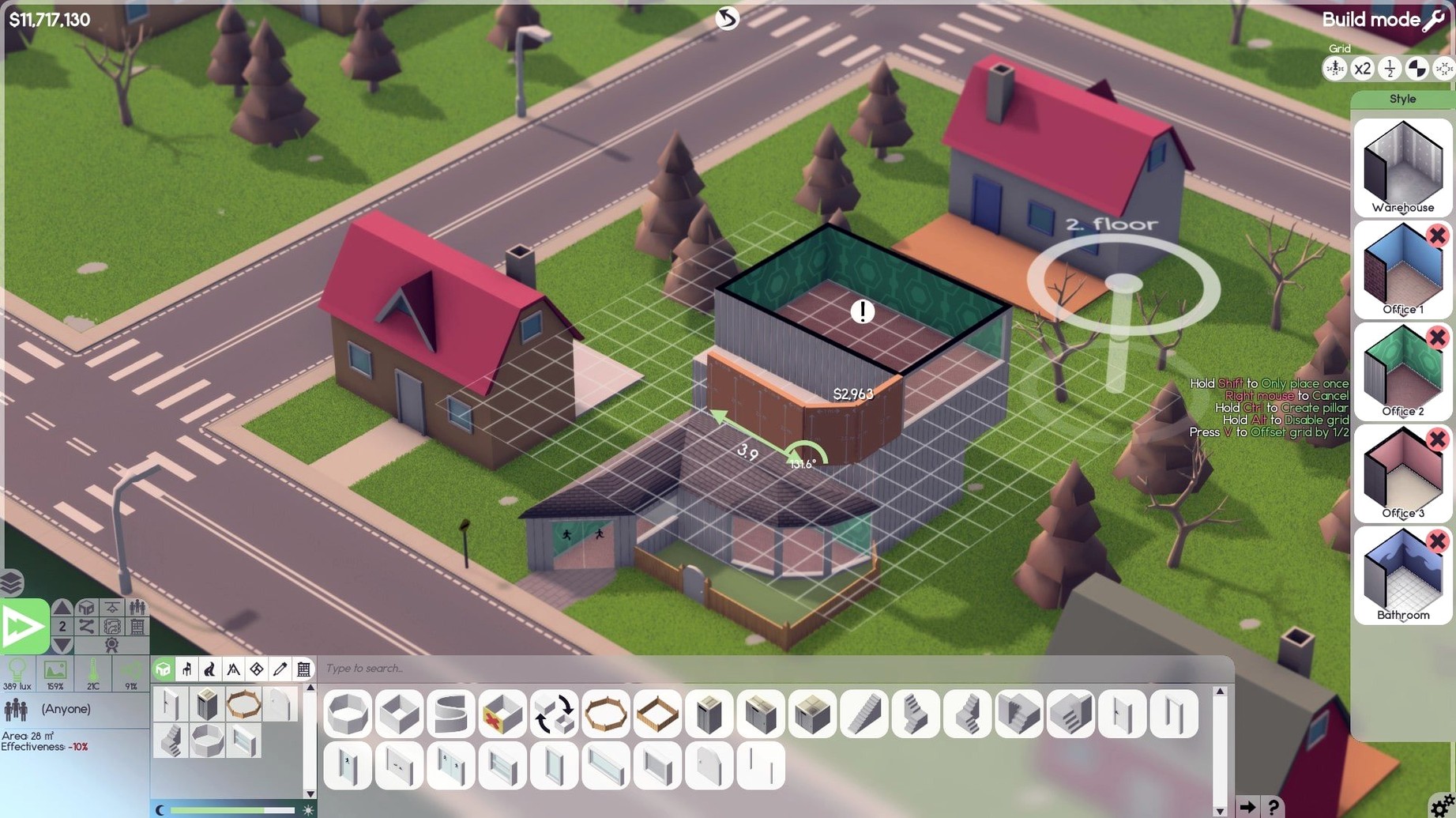
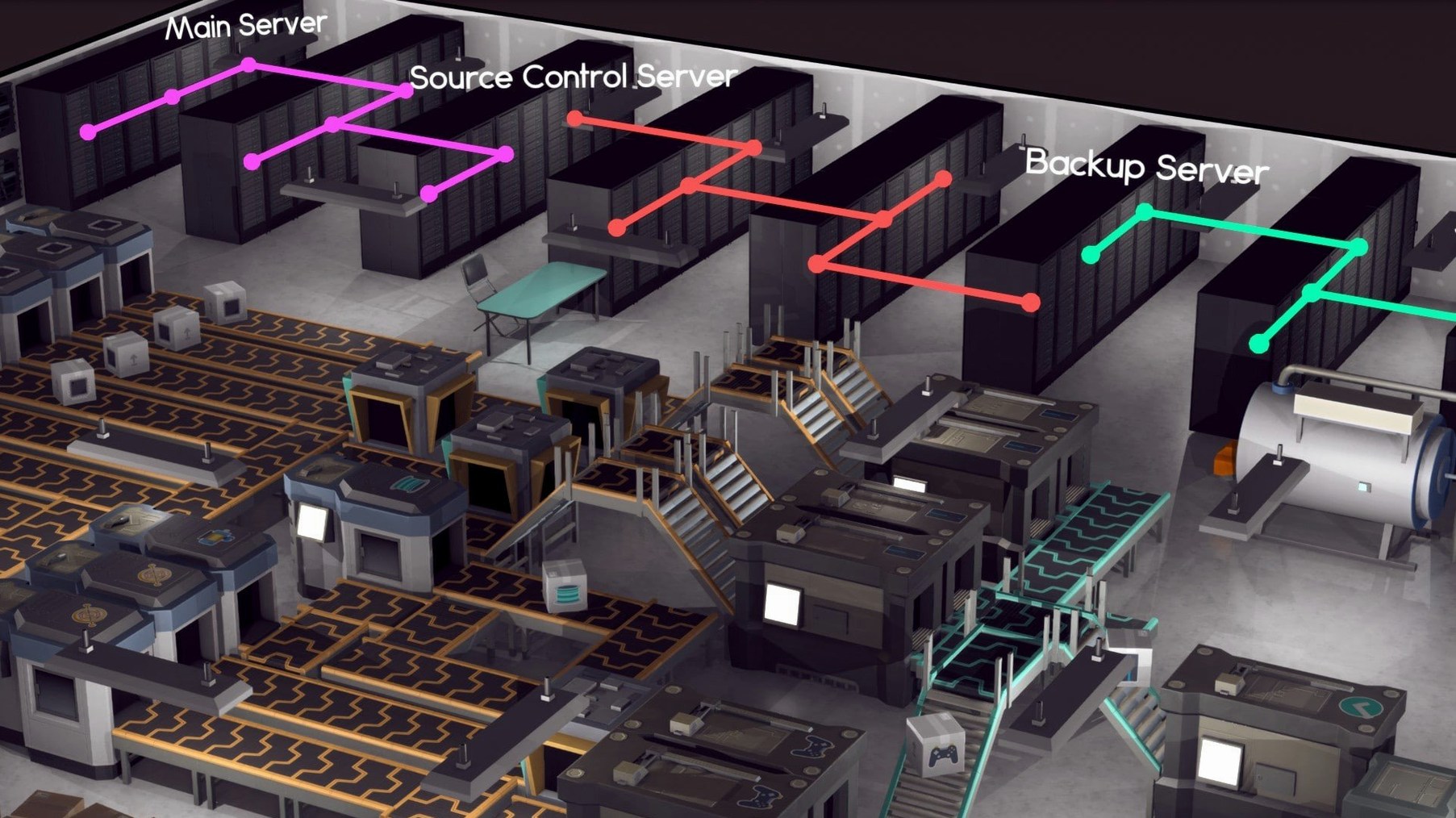
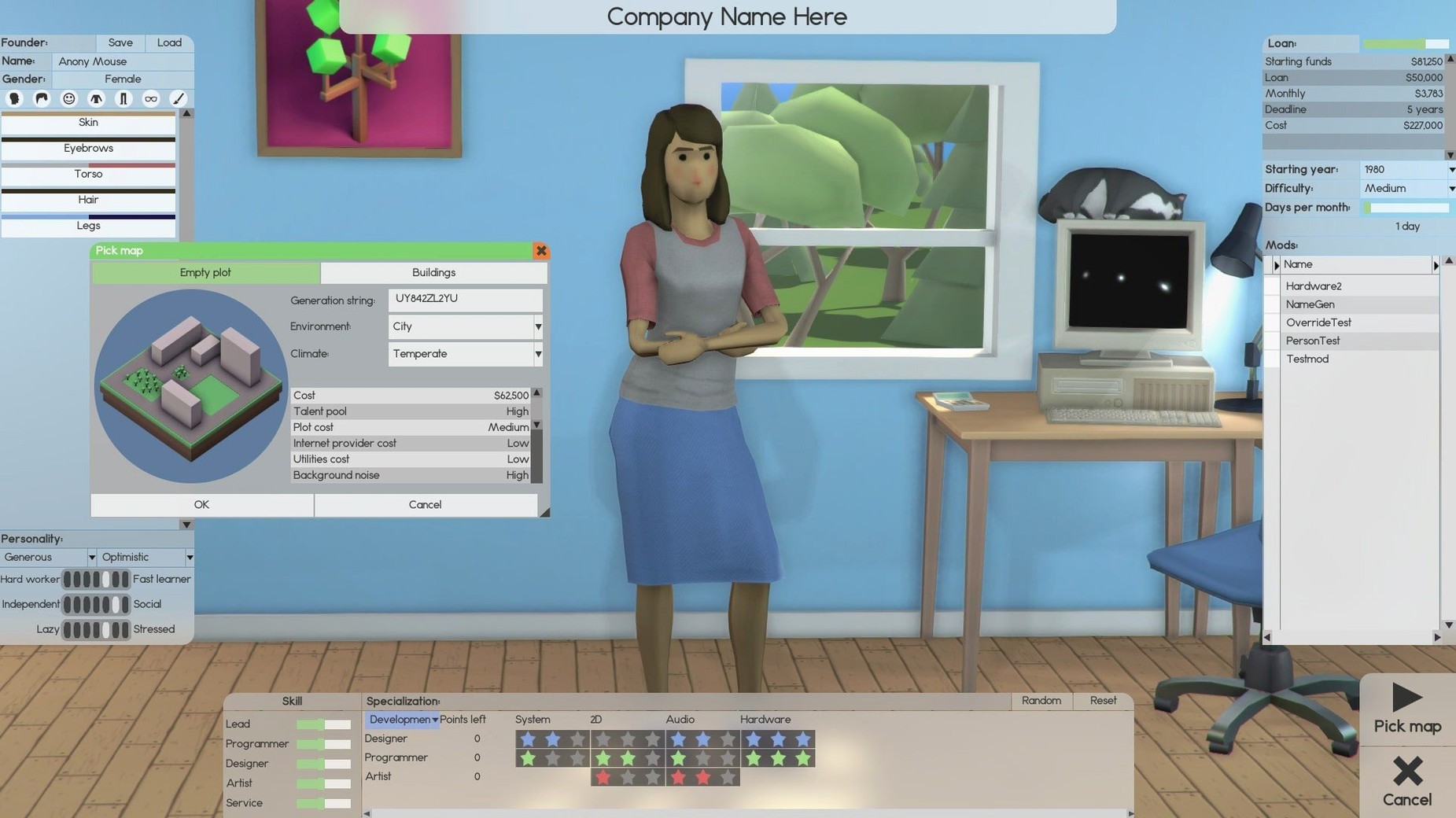
Software Inc is a strategy simulation game where you build and run a software company from the ground up.
Core gameplay — Manage every aspect of your business: hire employees for design, development, support, research, and sales; assign them to projects; and watch your virtual studio grow.
Office building — Construct and customize your office space, including roads and parking lots, to keep staff productive and happy.
Staff management — Each employee has skills and traits that affect their work. Train them, promote them, or let them go as your company evolves.
Game development focus — If you want, you can specialize in making games, competing with other studios in a simulated market.
Customization — Personalize your avatar and tailor your company's approach to match your play style.
No activation needed on Apple Silicon or Intel
Software Inc runs on both Apple Silicon and Intel Macs, with builds for ARM and x86 64-bit architectures. It was tested on macOS Tahoe, so it works on recent versions. No activation is needed — you can play directly after the install. The game uses music for its soundtrack and English for its interface.
For a management sim of this scope, the requirements are straightforward. On a modern Mac, expect the game to respond to your inputs without delay during regular play. Larger offices with many staff and active projects may take a moment to process, but that is typical for the genre.
Runs as a standard macOS app without Steam
Software Inc runs as a standard macOS app. You can keep it in the Dock, switch away to check email or a browser, and return without issues. The game does not require additional software like Steam to function — the disk image contains the app, and you drag it to Applications. That means you can run it alongside other tools without juggling launchers.
The game's file structure is simple. Saves and settings live inside the app's container, so they do not clutter your Documents folder. macOS features like Spotlight and Time Machine work normally around it. If you use multiple desktops, you can assign Software Inc to its own space and keep your workflow organized.
1.8.41 fixes employee floor-transition bug
The current beta, version 1.8.41, brings several fixes and adjustments. These are the changes from the Steam patch notes:
- Fixes — Resolved an issue where employees could get stuck when moving between floors. Fixed a bug that caused contracts to not generate correctly in certain market conditions. Addressed a problem with furniture placement snapping inconsistently on higher floors.
- Changes — Adjusted the balance of support ticket revenue to better match late-game staff sizes. Tweaked the AI for team leaders so they assign tasks more logically when multiple projects are active. Updated the room tooltips to show correct dimensions before placement.
These changes smooth out everyday play. The floor navigation fix matters if you build up to 10 floors — employees now move between them without standing idle. The contract generation bug affected players who relied on outsourcing deals; it now behaves as intended. Support ticket revenue was a common complaint in later stages, so that adjustment keeps the economy from feeling flat.
The team leader AI improvement is subtle but noticeable when you manage large teams. Leaders coordinate development and handle subordinates better, which means less micro-management on your part.
Set game speed to give time for tooltips
Before diving into a full playthrough, open the settings panel and adjust a few things to match how you work:
- Game speed — Set it to a pace that gives you time to read tooltips and assign tasks. The default can feel fast when you are learning the interface. Slowing it down early helps you understand employee stats and project phases.
- Notification frequency — Reduce alerts for routine events like contract renewals or employee idle warnings. You get enough info from the main screen without pop-ups every minute.
- The game saves quickly, and it prevents losing progress if you need to step away.
- Music volume — The game has music accompaniment. If you prefer ambient silence or your own playlist, lower the music volume or turn it off entirely. The sound effects for construction and interactions are useful cues.
These settings are personal preference, not requirements. The game plays fine out of the box. But adjusting them early saves you from pausing mid-session to tweak things.
- macOS: Not specified
- Architecture: ARM and 64-bit x86
Questions from the notes
What kind of game is Software Inc?
It is a strategy simulation game where you manage a software company, similar to office-building and game-development simulations.
Does Software Inc work on Apple Silicon Macs?
Yes, the game supports both ARM and 64-bit x86 architecture, so it runs natively on Apple Silicon and Intel Macs.
What language is the game interface in?
The interface language is English.
Install procedure
- Open the downloaded disk image.
- Drag the app into the Applications folder shortcut.
- After copying finishes, launch the app from Launchpad.
Reports from players
Sign in or create a tester account to file a report.
No reports filed yet.