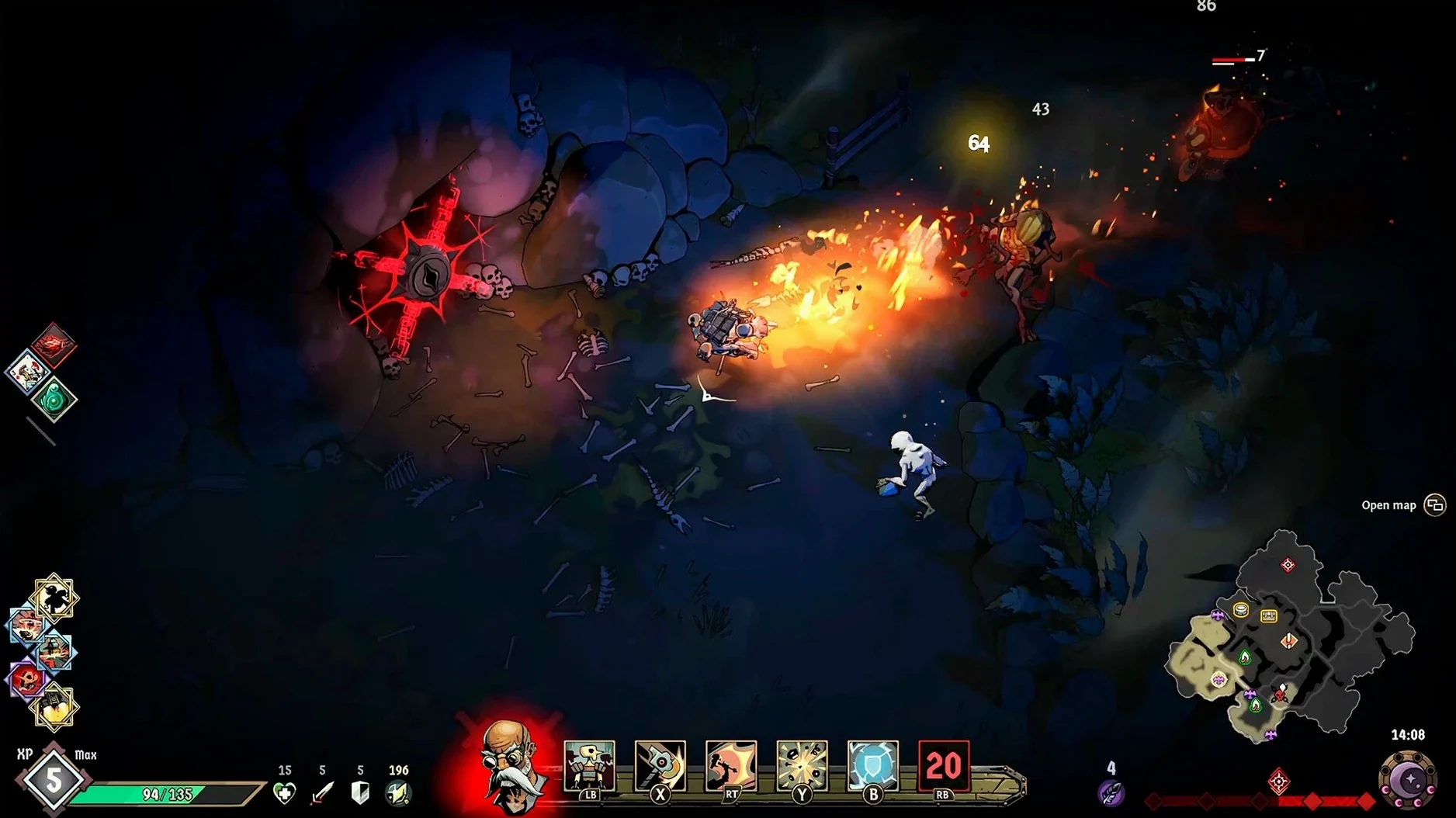
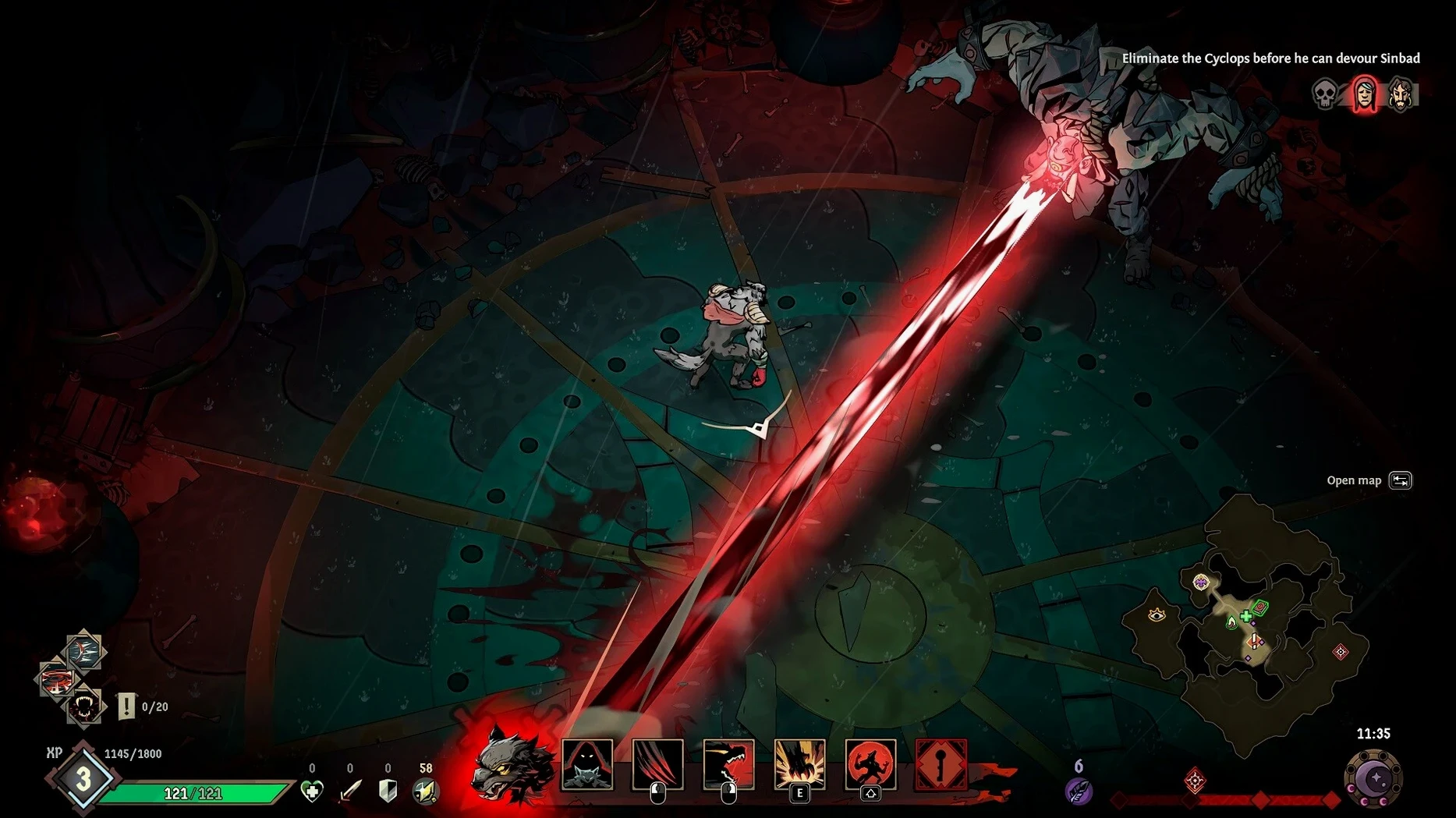
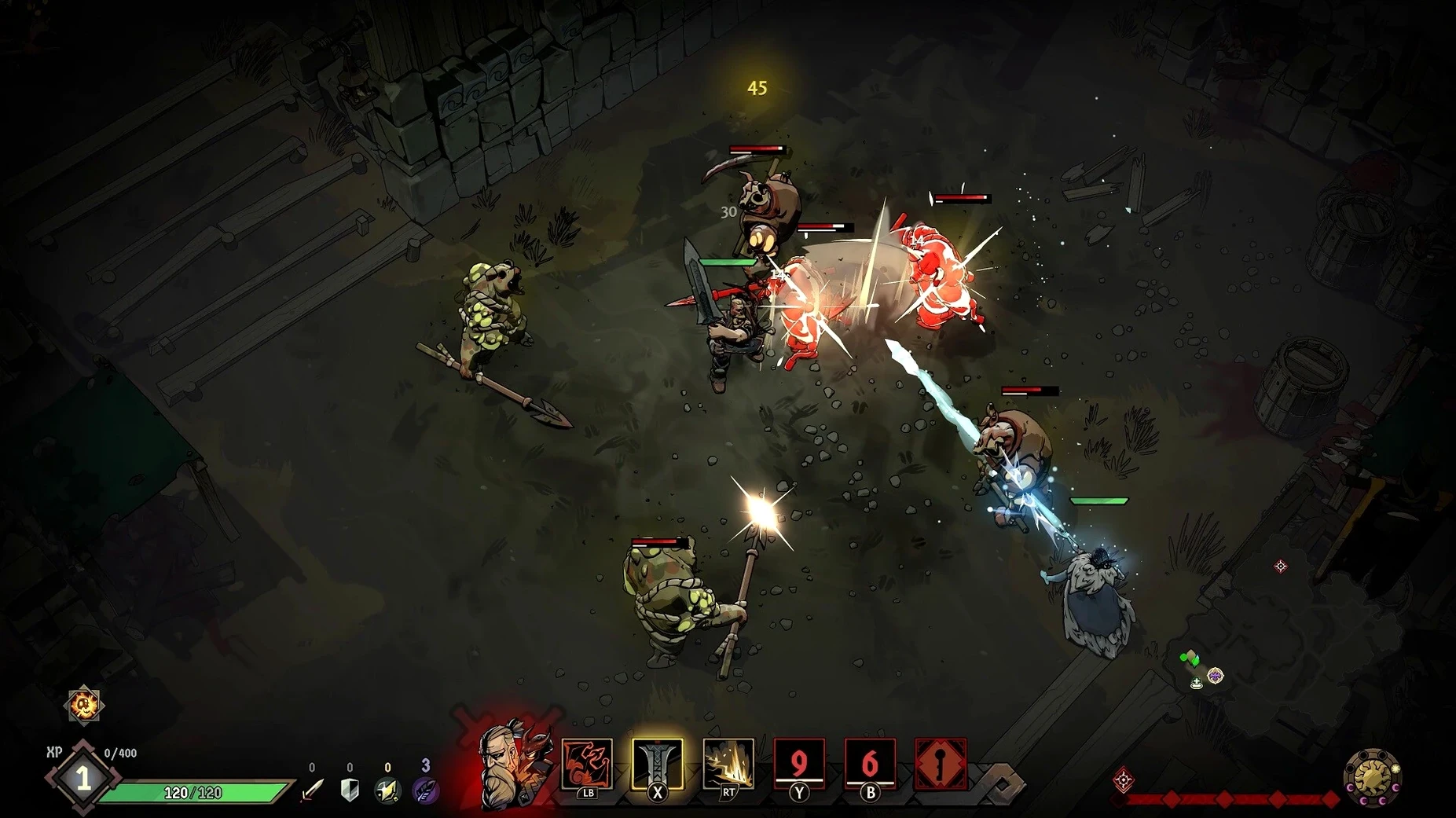
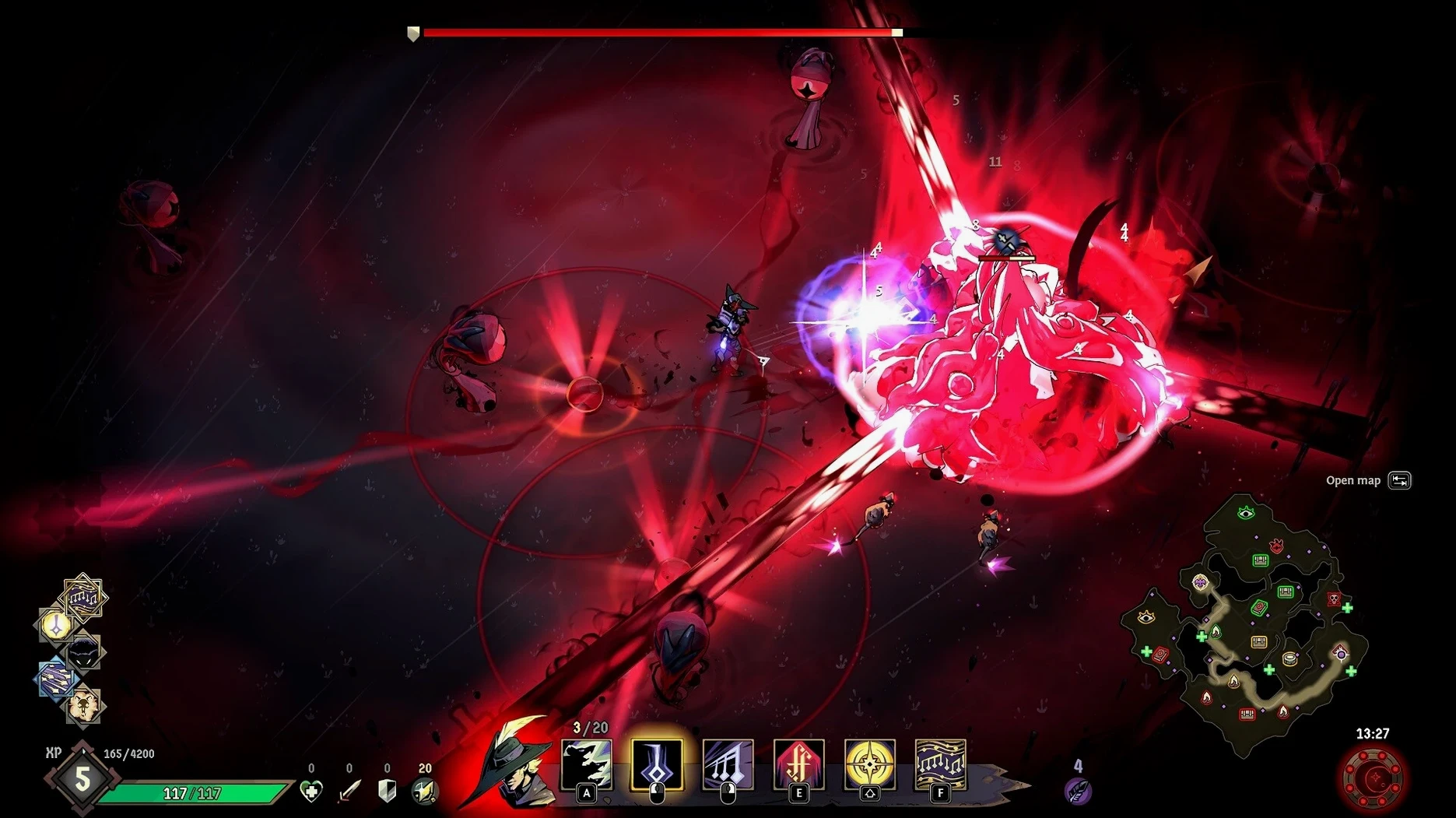
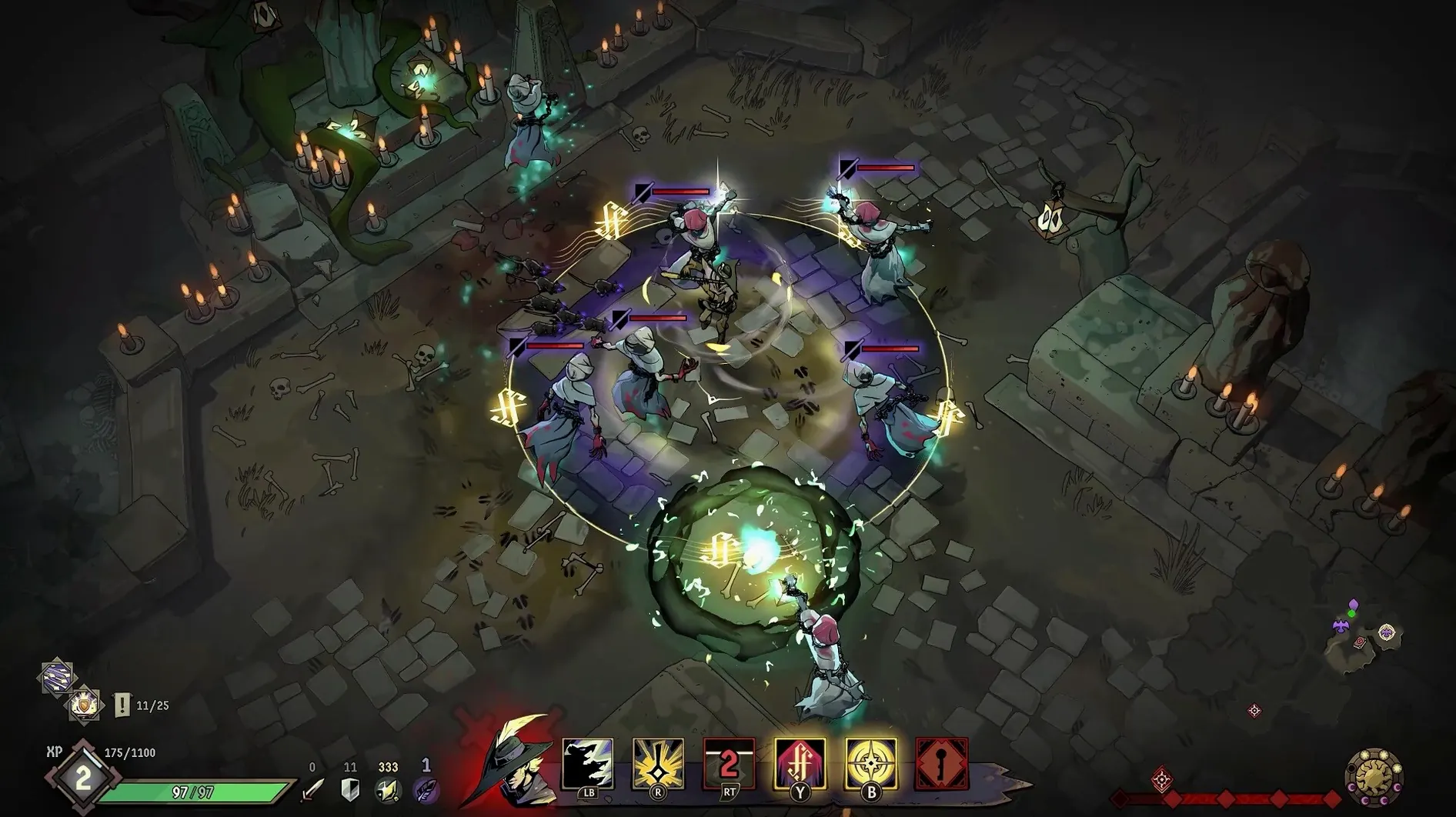
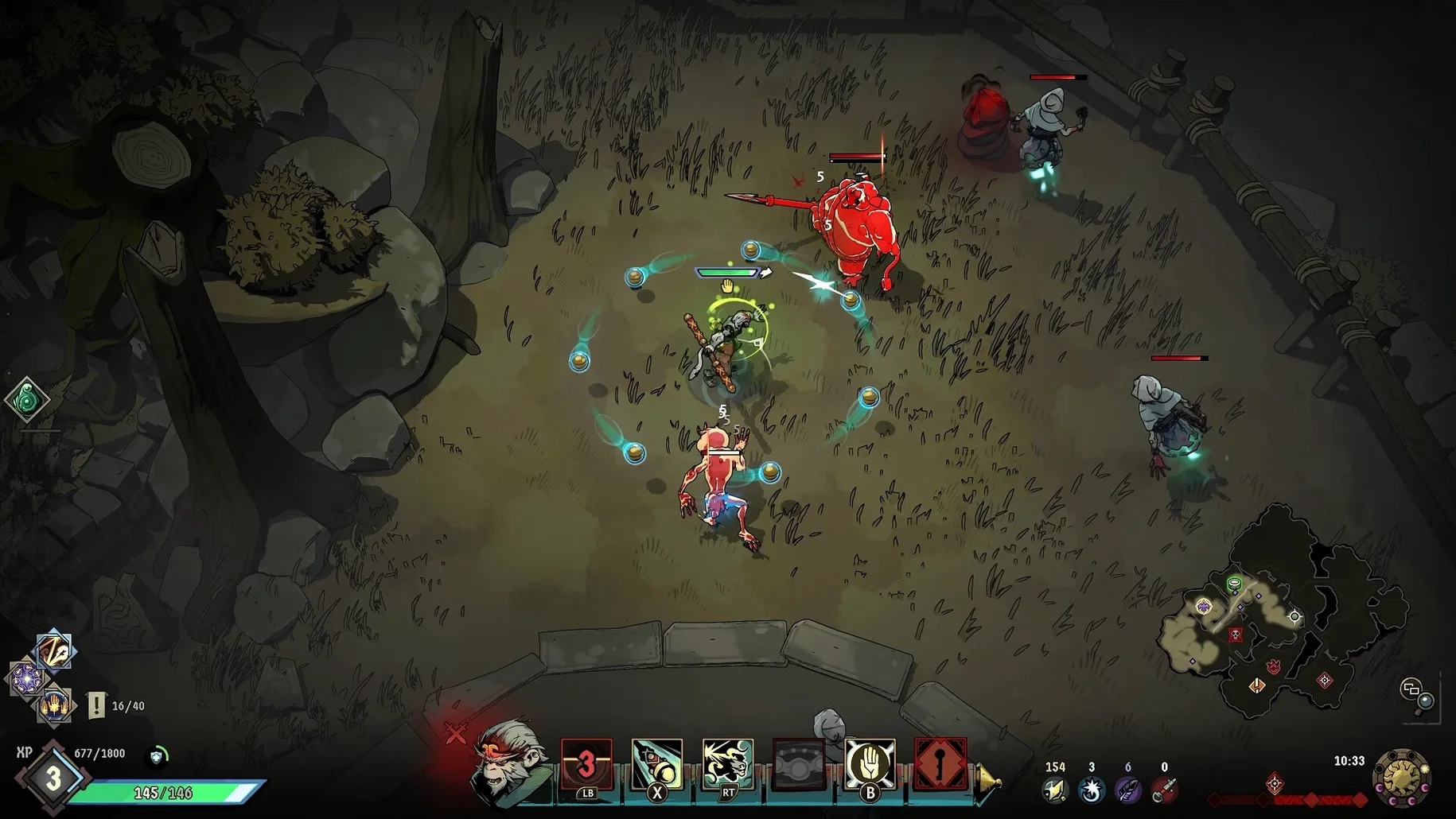
The current version, 1.04.01, is a maintenance update for the top-down roguelike action game Ravenswatch. It focuses on stability and bug fixes rather than new content — what was already there remains the same.
Solo or online co-op across three randomly generated maps
- Solo runs or online co-op with up to three other players.
- Playing through three randomly generated maps with one of nine heroes.
- Collecting one of 50 magic items across runs in a dark-fantasy world drawn from folk tales.
- English voice acting and a dozen interface languages including French, Japanese, and Korean.
Apple Silicon Macs only — older macOS not guaranteed
- Only Apple Silicon Macs are supported — Intel models won't run it.
- Tested on macOS Sequoia on a MacBook Air (M1, 2020); older macOS versions may work but aren't guaranteed.
- If the game errors at launch, run the Fix file included in the disk image.
- Changing the interface language requires editing a text file inside the app bundle.
For a fresh run, I’d start with the hero Scarlet — she’s the werewolf character and a good way to learn the basic combat rhythm. The opening map is the first of three, and each run begins with a short exploration phase where you can grab a magic item or two before the first night cycle. Focus on clearing the highlighted objectives first: they give talent points and unlock stronger abilities. After the first boss, the map shifts, and the difficulty scales up noticeably.
Comparing Ravenswatch with similar Mac games
If you’ve played Hades on Mac, you’ll recognize the top-down angle and the roguelike loop, but Ravenswatch is slower and more tactical. Hades pushes you through fast room-to-room fights; Ravenswatch gives you a larger open space to patrol, with enemy camps and timed night phases that change how you approach each zone. The hero roster is smaller here, but each character has a more distinct skill tree.
Curse of the Dead Gods is another close comparison. Both games have a dark fantasy look and stamina-based combat. Curse of the Dead Gods leans harder into trap management and positioning, while Ravenswatch emphasizes co-op play and map exploration. The difficulty levels in Ravenswatch — four in total — let you adjust the challenge more granularly than Curse of the Dead Gods does.
Moonlighter shares the top-down perspective and roguelike structure, but it’s a shopkeeping game at heart. Ravenswatch skips the economic management entirely and focuses on combat and build crafting. If you want pure action without running a store, Ravenswatch is the better fit.
Pull the camera back to spot enemy patrols
Before you start a run, open the settings menu and adjust these:
- Camera distance — The default is close enough to see character details, but pulling it back a notch gives you a wider view of enemy patrols and item drops. Personal preference, but it helps during co-op sessions.
- Damage numbers — On by default. If you prefer a cleaner screen, turn them off in the HUD settings. They don’t affect gameplay, just readability.
- Auto-aim — Enabled by default. For melee characters it works fine, but for ranged heroes like the Hunter, switching to manual aim gives better control over where your shots land.
The language file edit remains the same as described in the install steps: open language.txt inside the app bundle and replace english with russian, french, or another listed option. The game restarts to apply the change.
- macOS: ? (tested on macOS Sequoia)
- Architecture: Apple Silicon only
Questions from the notes
Does Ravenswatch support online co-op?
Yes, the game supports online co-op for up to four players, as well as solo play.
Install procedure
- Mount the downloaded disk image and drag the app into the Applications folder alias.
- After copying finishes, launch the app from Launchpad.
- If the game shows an error at launch, run the Fix file in the disk image.
- To change the language, open Ravenswatch.app/Contents/SharedSupport/prefix/drive_c/users/Kegworks/AppData/Roaming/Goldberg SteamEmu Saves/settings/language.txt in TextEdit and replace english with russian.
- Saved games are stored in Ravenswatch.app/Contents/SharedSupport/prefix/drive_c/Appstorrent Games/Ravenswatch/_Save.
Reports from players
Sign in or create a tester account to file a report.
No reports filed yet.