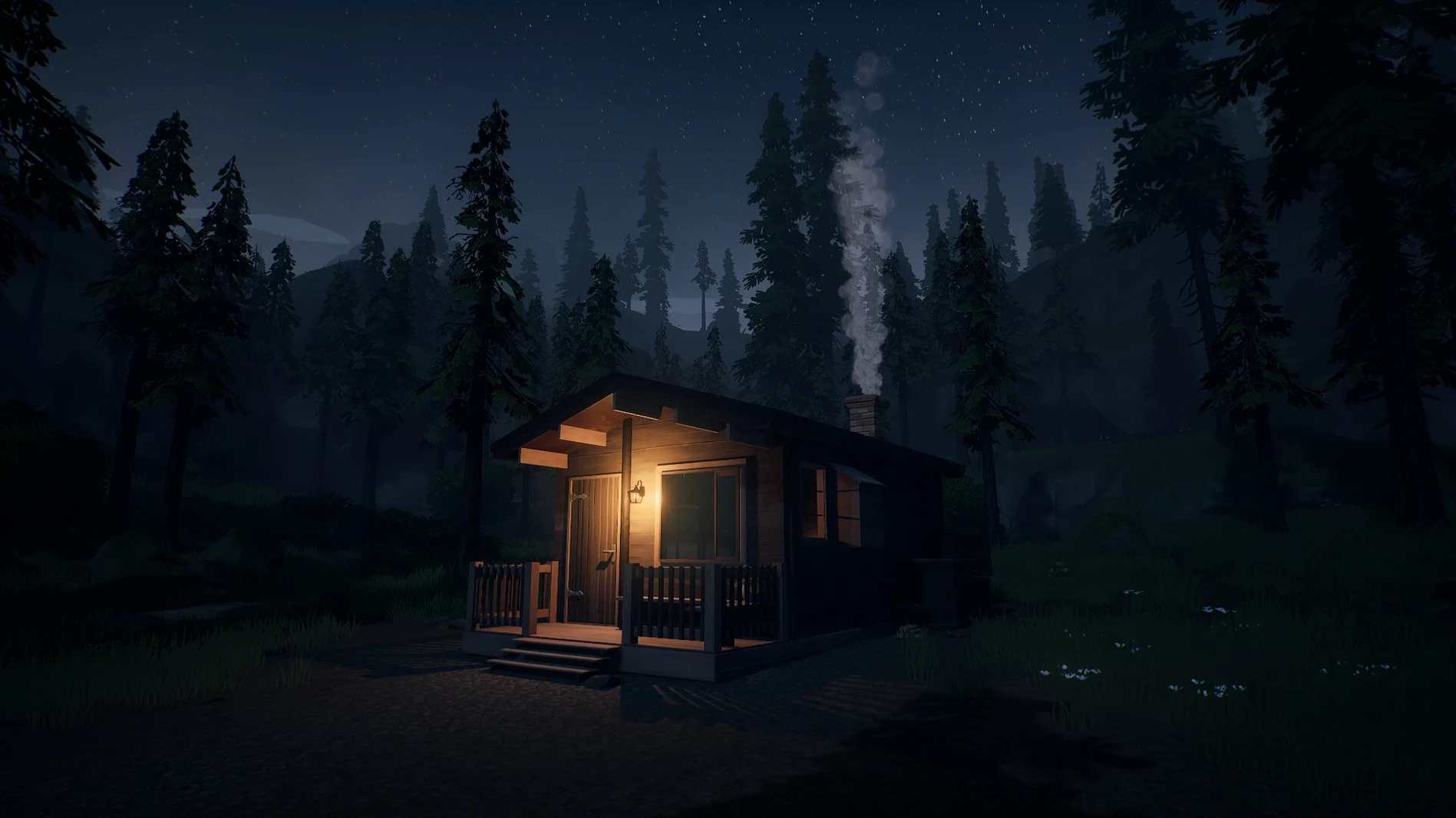
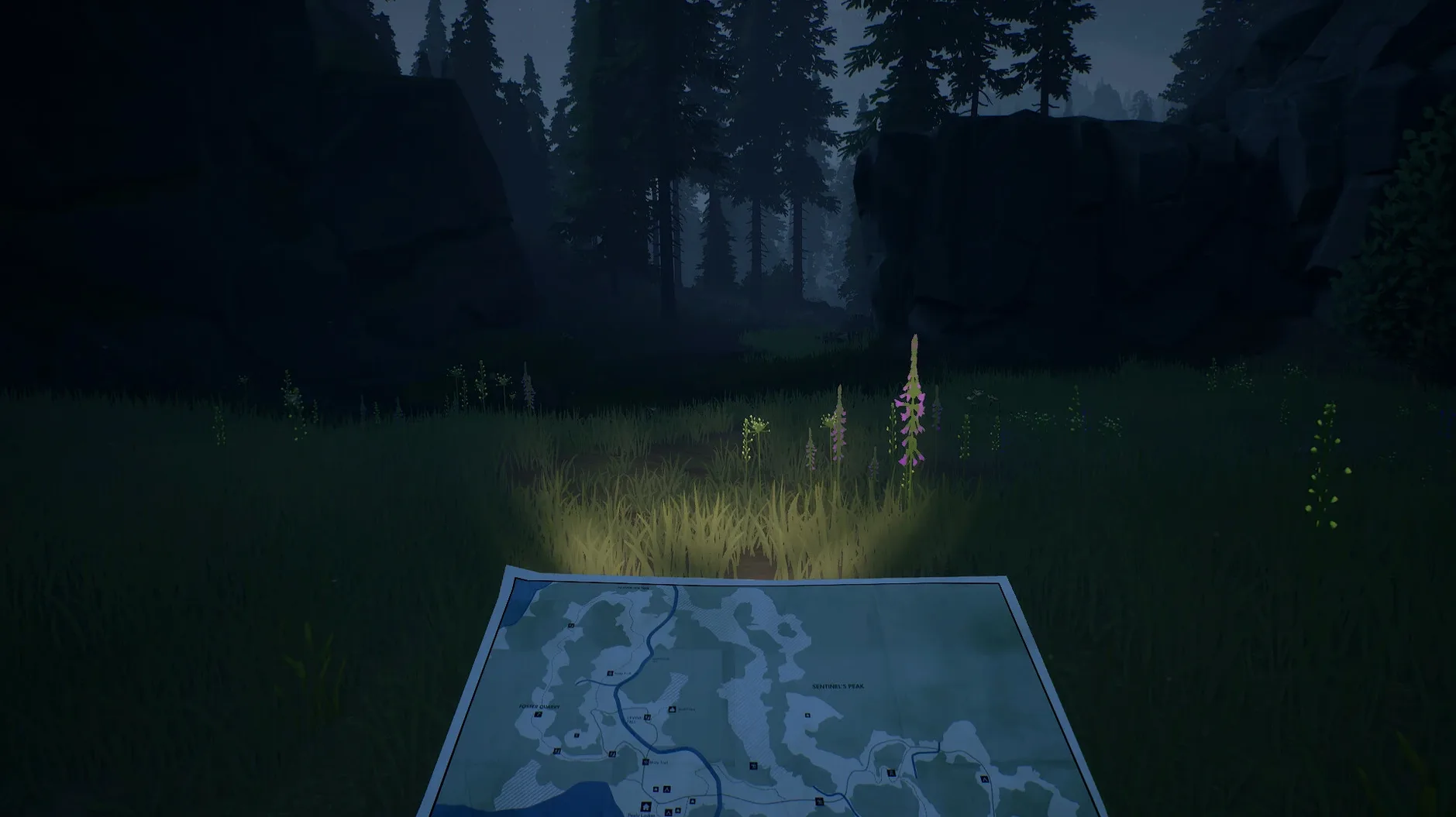
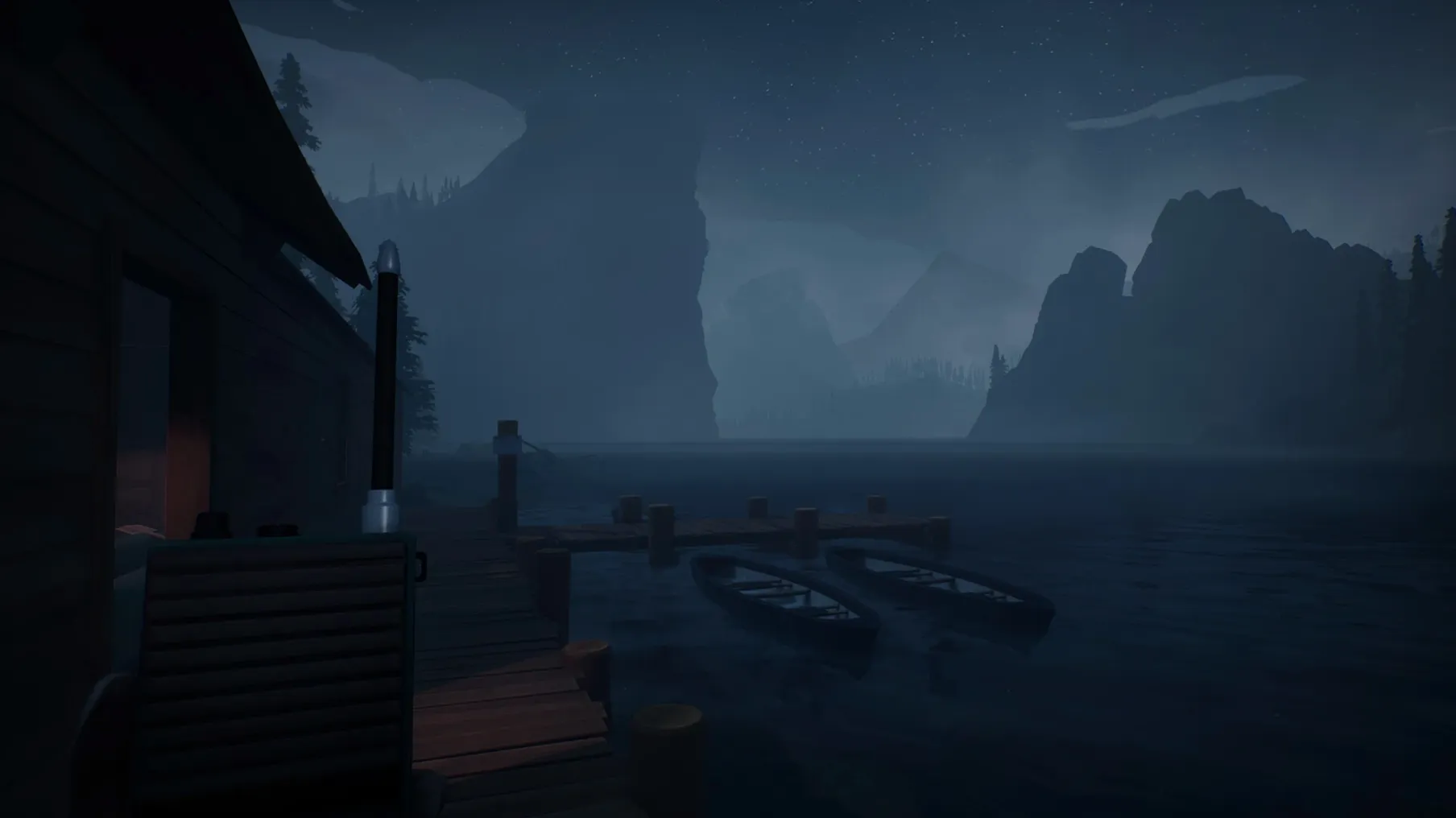
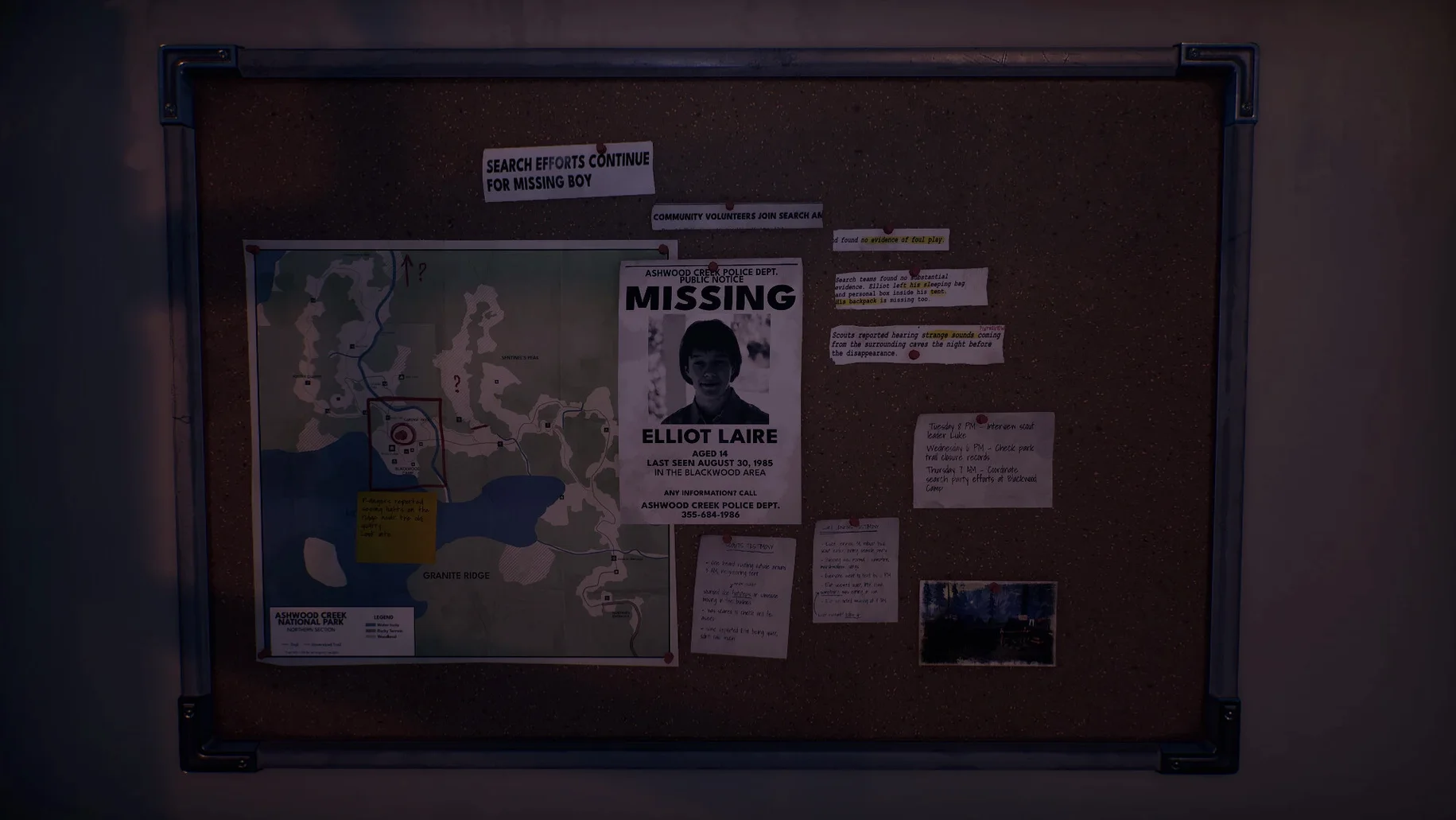
Radiolight runs on Apple Silicon Macs only. The current 0.9 build is wrapped in Wineskin, tested on macOS Tahoe with a Mac mini 2024 M4. If you are on an Intel Mac, this one will not start.
For fans of slow-burn supernatural investigations with a radio
- Players who like slow-burn, atmospheric investigations with a supernatural edge.
- Anyone who enjoys using tools—here, a radio and a walkie-talkie—to piece together what happened.
- Fans of solo-developed projects that lean on voice and mood rather than spectacle. The voice of Robert, the town police chief and your childhood friend, guides you through Ashwood Creek.
Not for anyone expecting fast action or hand-holding
If you expect fast action or a lot of hand-holding, this may frustrate. The game is an Adventure and Indie title on Steam, set in September 1985. Radio signals are central to both survival and investigation, so expect to fiddle with frequencies. The interface supports English, Russian, German, Spanish, Simplified Chinese, French, and Czech; voice is English only. A solo developer, Krystof Knesl, made the whole thing, so polish is uneven in places. That is part of the charm, but not everyone will agree.
The Wineskin wrapper needs no extra software to install
People often ask whether the Wineskin wrapper means they need extra software. It does not. The disk image contains everything needed—the game, the wrapper, and the fix file. Drag, copy, launch. No additional runtimes or emulators to find. Another frequent question is about save game location. Saves are stored inside the wrapper's virtual drive, not in the usual Documents or AppData folders. If you ever need to back up a save, browse into the disk image, find the drive_c directory, and look under users/(wineuser)/AppData or the game folder itself. The exact path varies, but it is never hidden.
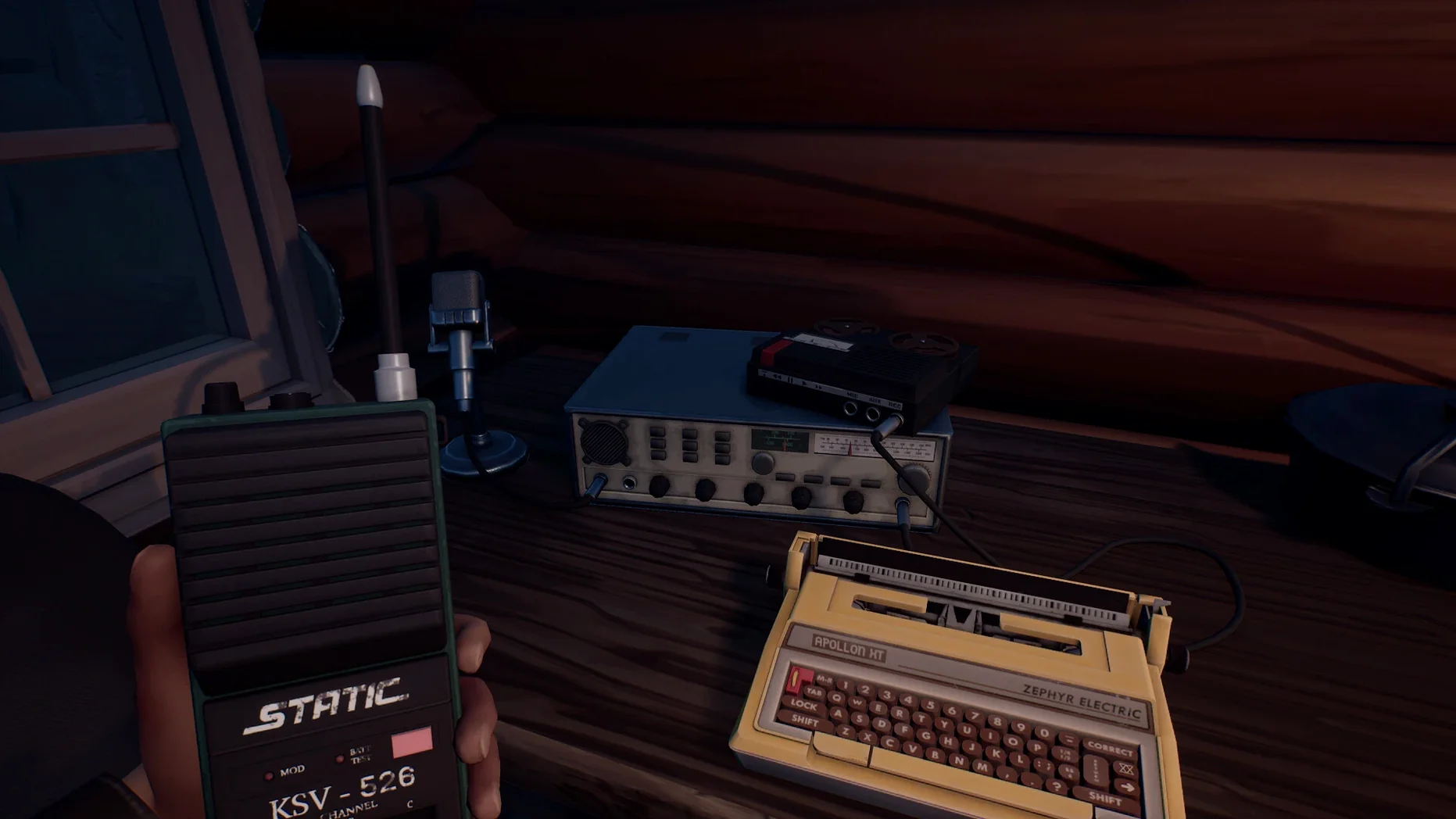
Some ask if the radio and walkie-talkie require a controller. They do not. The Tab key handles radio operation, and mouse clicks manage the walkie-talkie interface. A gamepad will not give you an advantage here. Also common: can you switch languages mid-game? Yes, but only from the settings menu on the title screen or in-game pause menu. The language setting is not a config file edit unless you want the Russian-to-English workaround described in the disk image.
Skipping the Fix file causes a first-launch error
The most common stumble is skipping the Fix file when the game errors on first launch. The disk image contains a Fix executable. Run it once, then the game starts normally. Beginners also forget to unmount the disk image after copying the app to Applications. The game runs fine from the disk image location, but dragging the app to Applications first is the intended install step. Leaving the image mounted is harmless, but it can cause confusion if you later clean up volumes.
Another mistake is expecting the radio to behave like a modern walkie-talkie with automatic squelch. It does not. You need to tune frequencies manually and listen for changes in static. The signal is part of the story—ignore it and you miss clues. A few players also report getting stuck early because they did not use the walkie-talkie to call Robert. The walkie-talkie is your link to guidance. If you are lost, check the frequency and try again.
Your first session: dark screen, crackling AM radio, Robert's voice
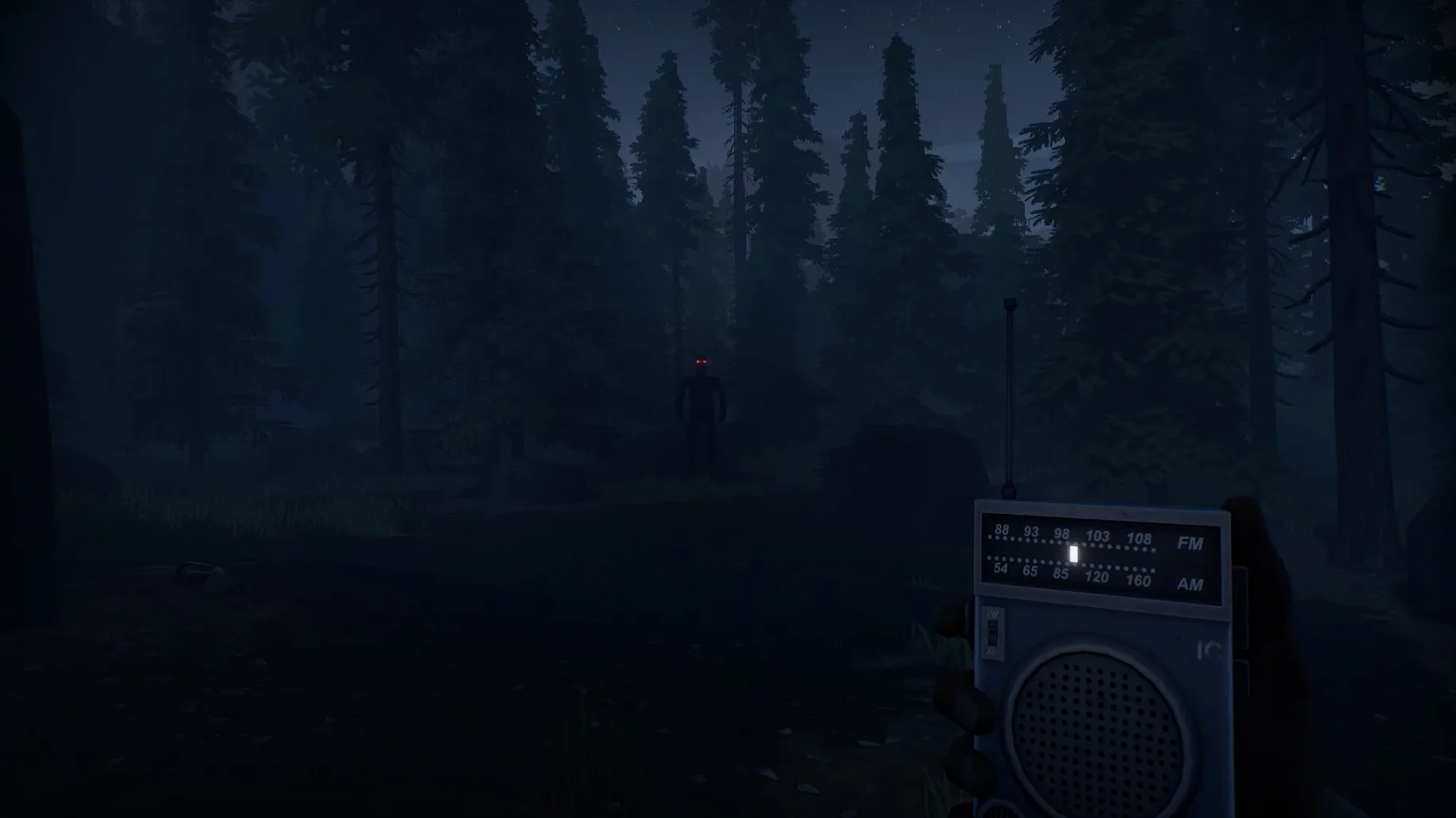
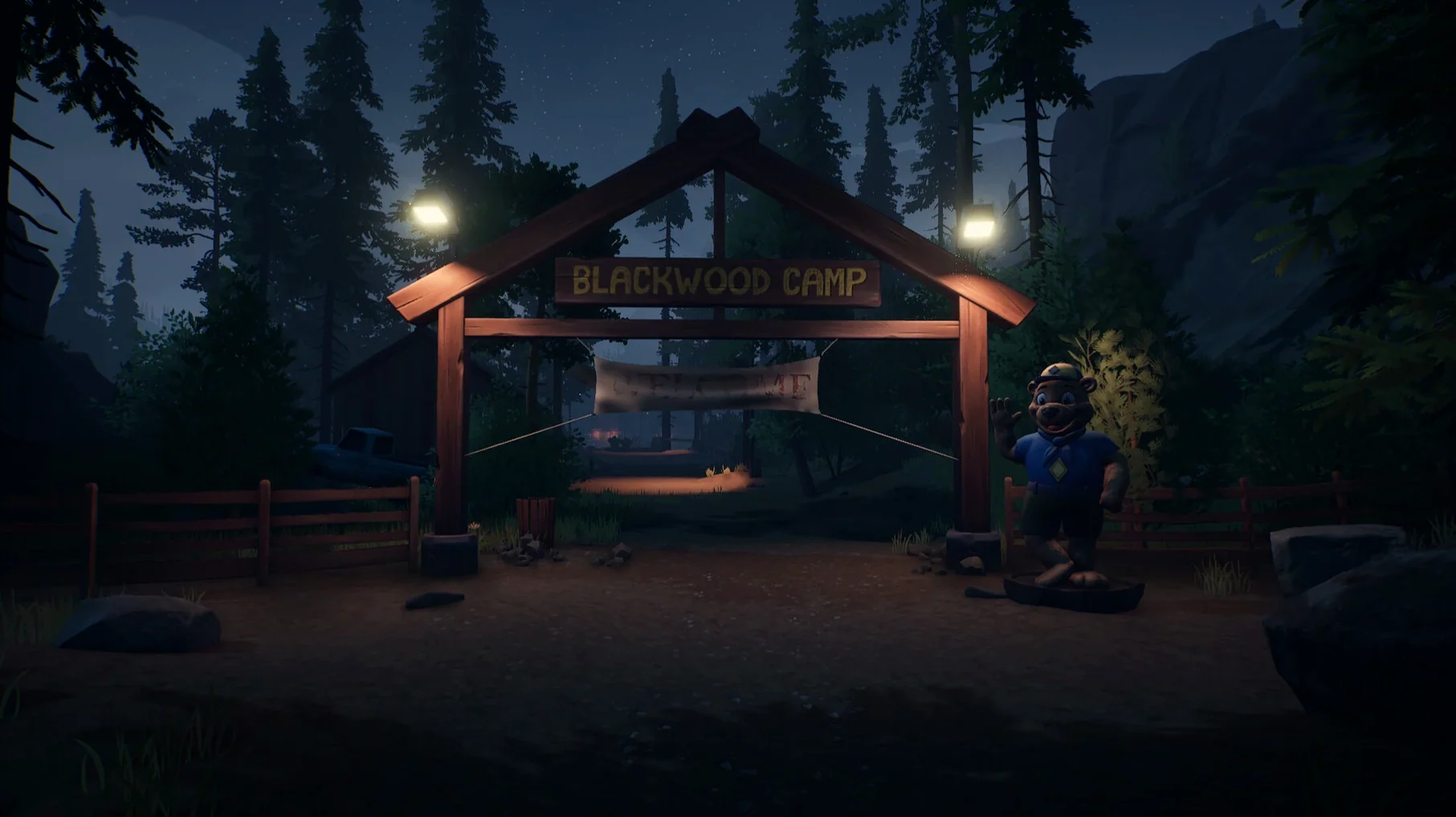
You are a fan of narrative-driven investigation games like The Vanishing of Ethan Carter or Firewatch. You download Radiolight, install it, and launch. The screen goes dark, then the crackle of AM radio fills the room. Robert's voice comes through, calm and familiar, telling you about the missing teenager. You are standing at the edge of Ashwood Creek National Park, a walkie-talkie in one hand, the radio in the other. No minimap. No quest marker. Just the sound of static and the memory of a childhood friend telling you to tune to channel 5. You walk forward, trees closing in, the signal wavering. Every frequency you try brings a different slice of the town's silence. Then, faintly, something else breaks through—not Robert. The game does not tell you what to do next. You have to want to find out.
- Build labeled 0.9 [Wineskin].
- macOS: Tahoe (tested)
- Architecture: Apple Silicon
- Other: Tested on Mac mini 2024 M4
Questions from the notes
Does Radiolight run on Intel Macs?
No. The build uses ARM architecture, so it requires Apple Silicon.
What languages does the game support?
Interface languages are Russian, English, German, Spanish, Simplified Chinese, French, and Czech. Voice is in English only.
How do I use the radio in Radiolight?
Press the Tab key to operate the radio. You will use it to communicate and investigate.
Install procedure
- Open the downloaded disk image.
- Drag the app into the Applications folder alias.
- Launch the app after copying finishes.
- If the game shows an error on launch, run the Fix file inside the disk image.
- Use the Tab key to operate the radio.
- To change the language, open the game settings.
- For the Russian version, a file removal method is described to switch to English.
Reports from players
Sign in or create a tester account to file a report.
No reports filed yet.