If you’ve been following the story through Mob Entertainment’s earlier chapters, Poppy Playtime - Chapter 4 picks up inside the same abandoned factory. The Wineskin wrapper (Build 58496) means it runs on Apple Silicon Macs without needing Boot Camp or a Windows license—just mount the disk image and drag the app over.
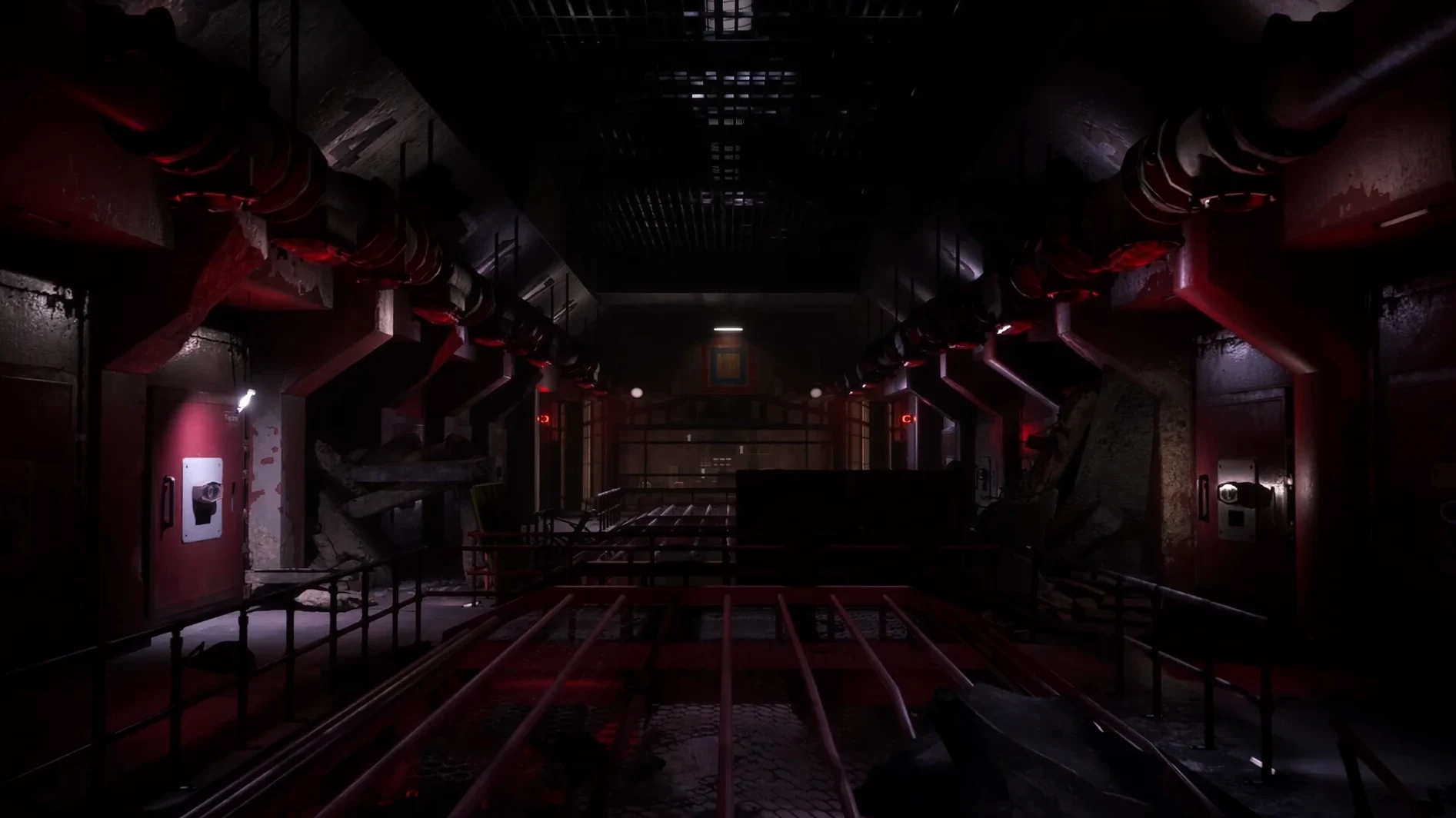
Moving through the factory solving environmental puzzles
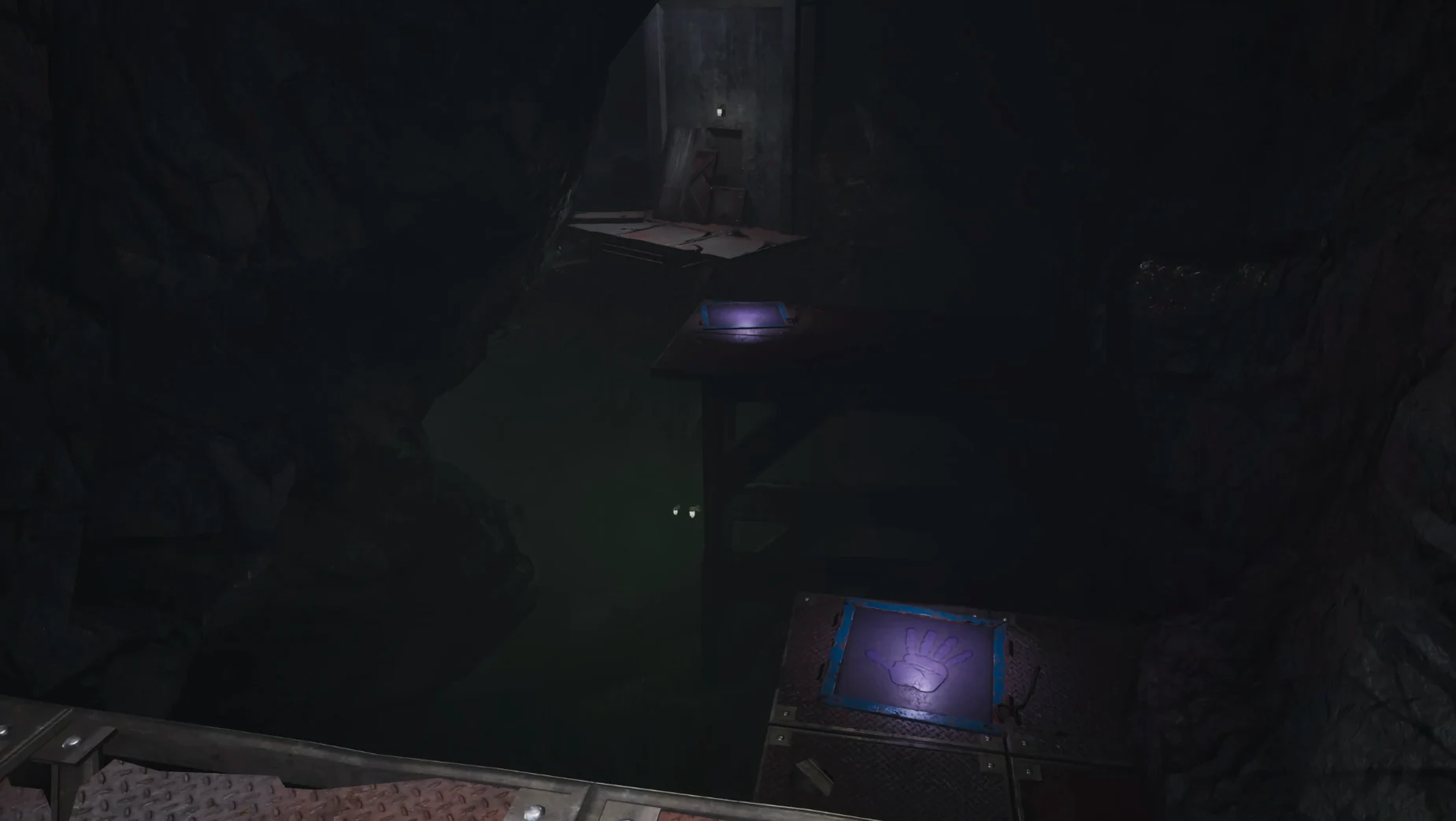
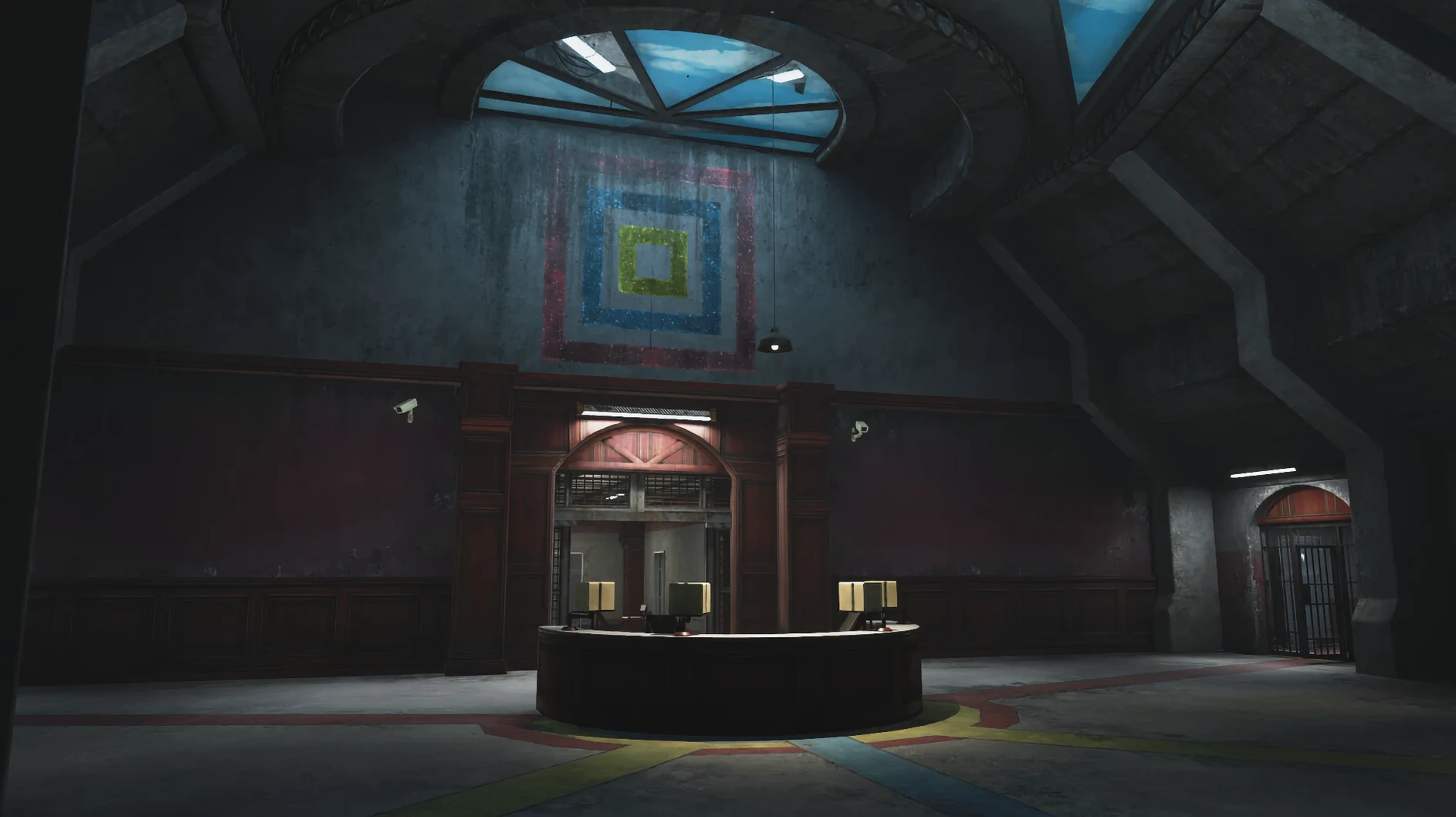
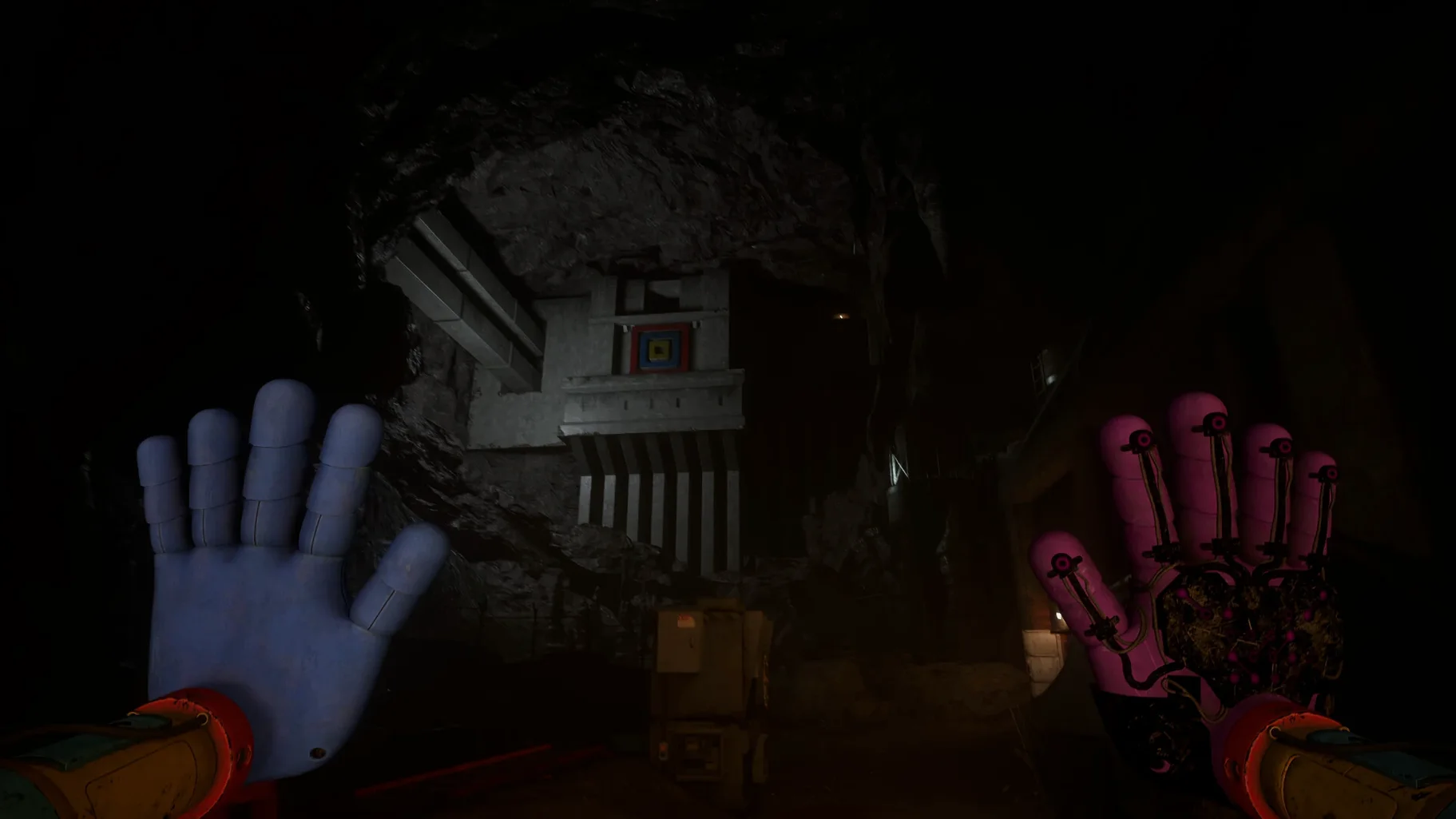
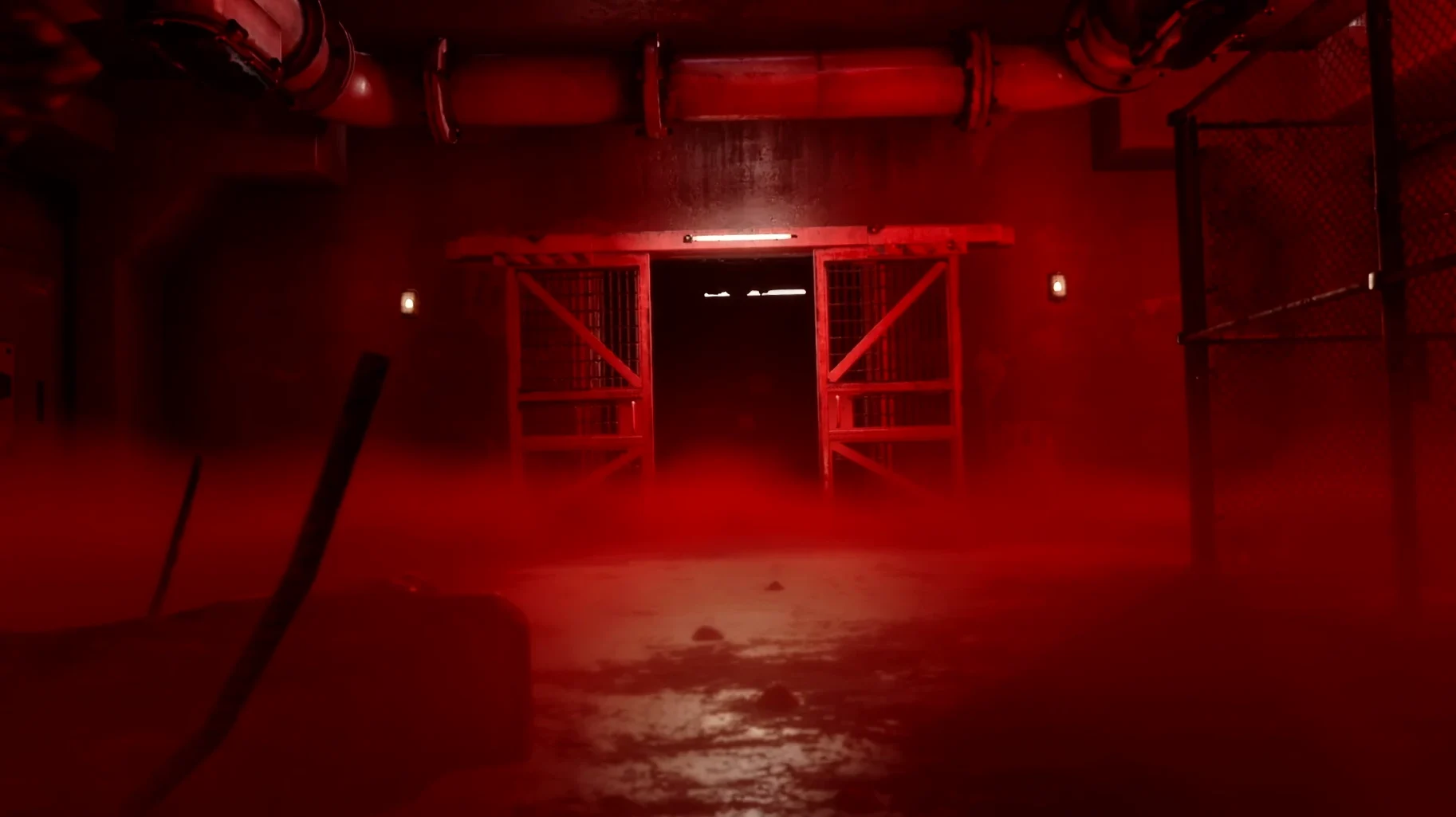
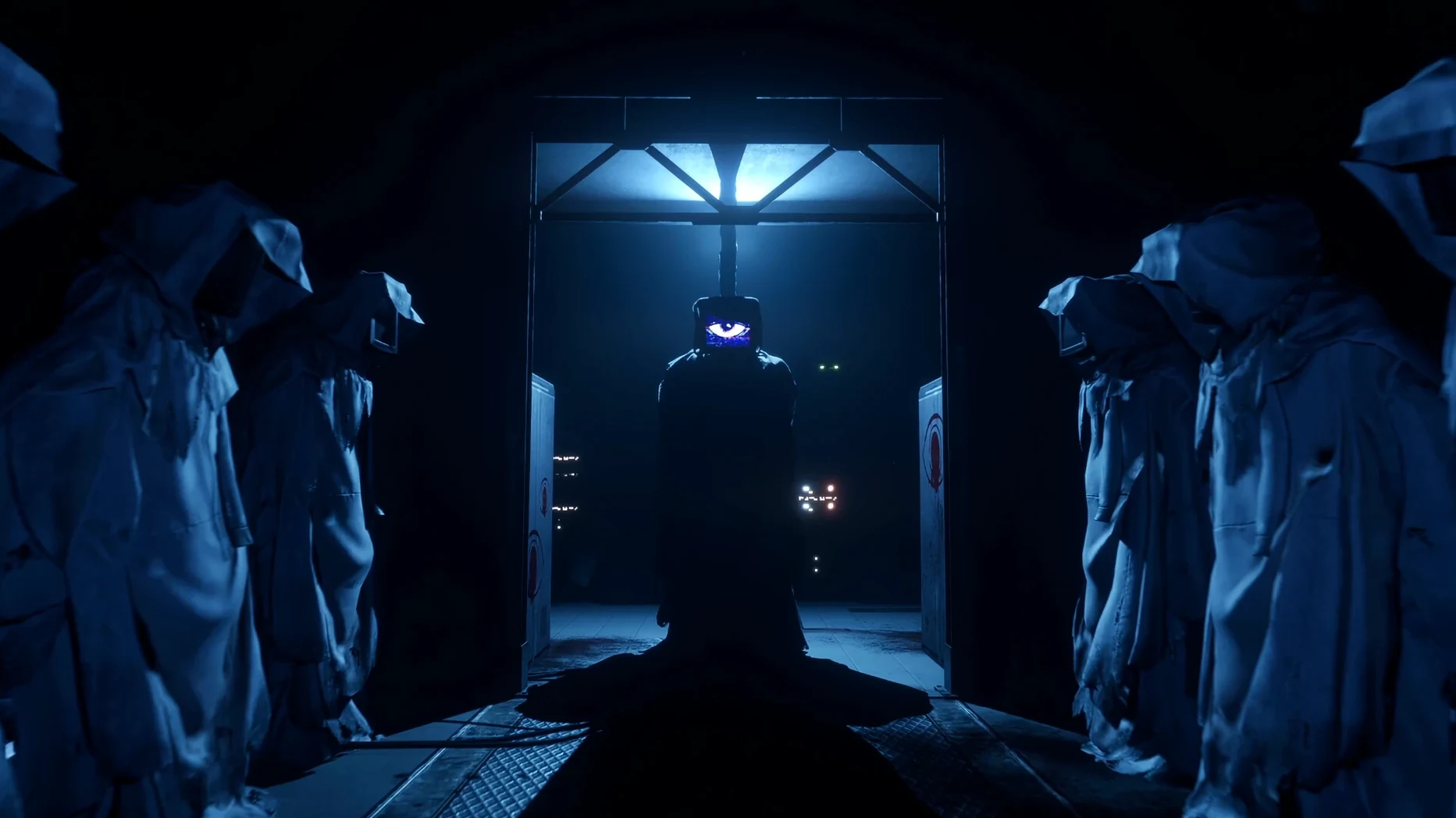
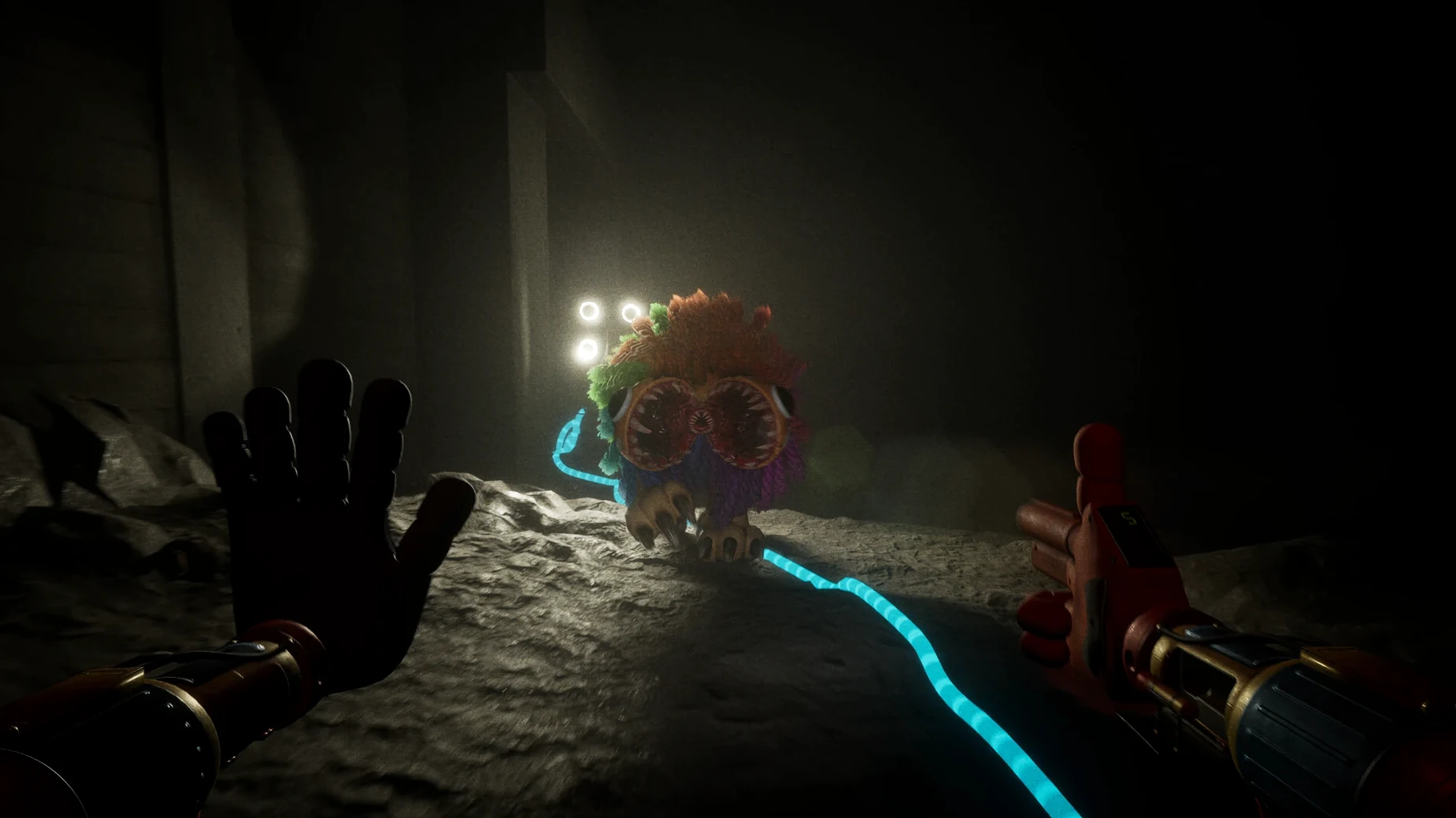
You move through the Playtime Co. facility on foot, solving environmental puzzles to unlock doors and progress. New characters and occasional allies appear, but the core loop is exploration under pressure—reading notes, pulling levers, figuring out what the machinery expects from you. English voice acting carries the story; text languages are English and Russian.
How the Mac version works
The disk image includes a Fix file. If the game errors out on first launch, run that file. Otherwise, it’s a standard drag-to-Applications install. No Rosetta dependency listed, so expect Apple Silicon performance within the wrapper’s overhead. The factory is bigger than in previous chapters, and the puzzles lean more on timing and observation than on inventory combos.
Adjusting the Wineskin wrapper before exploring
Before you start exploring the factory floor, there are a couple of adjustments that make the experience less fussy. The Wineskin wrapper exposes a configuration window the first time you launch—you can also reach it from the app’s context menu later.
- Windowed mode toggle. The game defaults to full-screen. If you alt-tab frequently to check notes or a walkthrough, switch to borderless windowed in the wrapper’s Graphics tab. This prevents the game from minimizing every time you click another monitor.
- Audio buffer size. Under the Staging tab in the Wineskin settings, set the audio buffer to 2048 samples. The factory’s ambient sound and voice lines stay in sync, and you avoid the occasional crackle during scripted events.
- Mouse capture. The wrapper sometimes loses mouse capture after a cutscene. Enable “Grab mouse on click” in the Input tab so you don’t have to re-click outside the window to regain camera control.
Quick-saving with F5 before timed puzzles
Mob Entertainment didn’t document all of these, but they’re in the disk image or the wrapper.
- Quick-save via F5. The game autosaves at checkpoints, but you can force a save by pressing F5. Useful right before a timed puzzle where you want a do-over without replaying five minutes of corridor.
- Russian subtitles toggle. The text language defaults to English. If you want Russian, change it in the game’s settings menu before starting a new game—the option is labeled “Text Language” and appears only on the main menu, not in the pause menu.
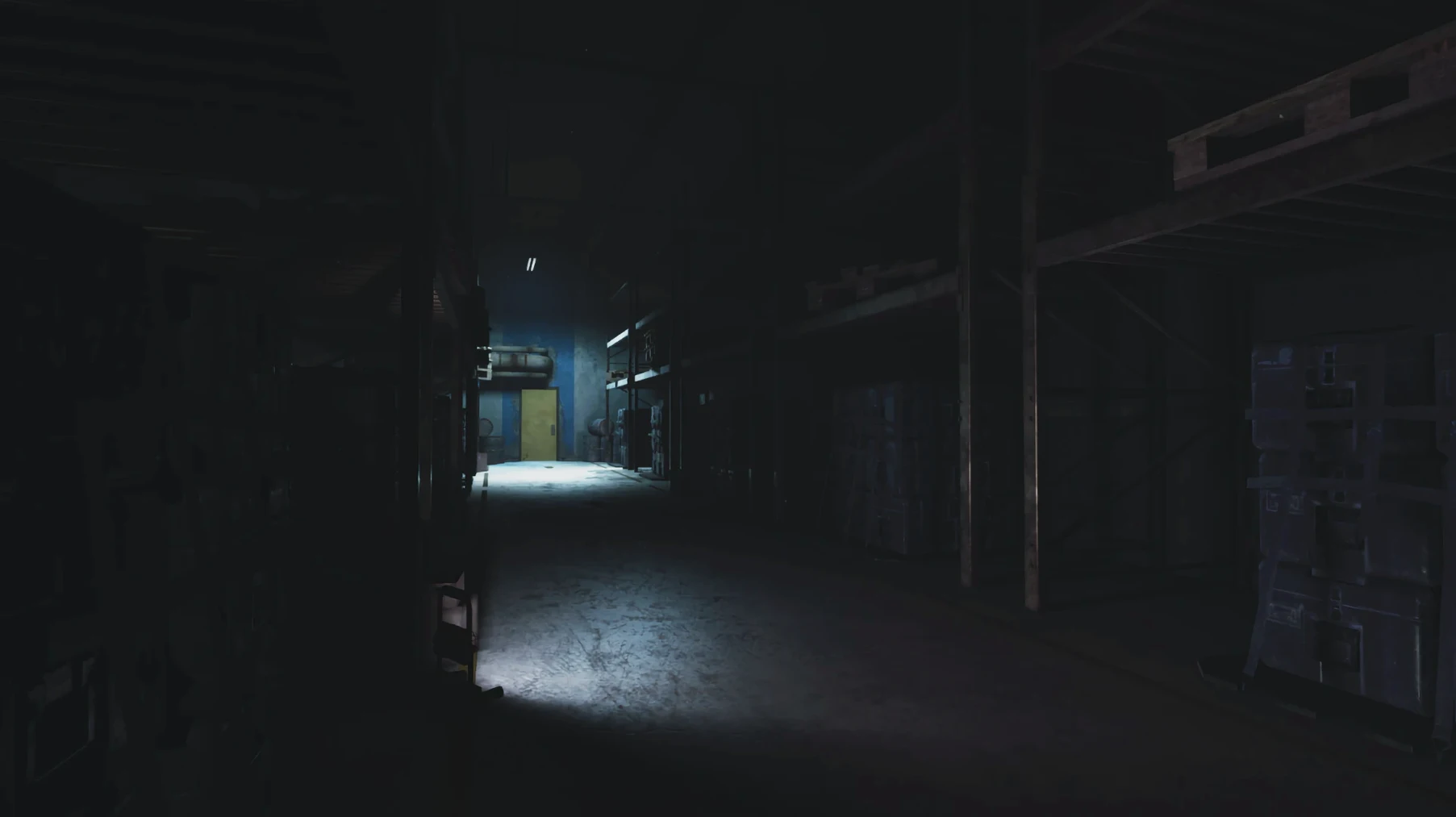
- Brightness slider. The factory is dark by design. The in-game brightness slider is under Video settings.
- Fix file runs silently. The Fix file on the disk image doesn’t show a progress bar. It runs in a terminal window that closes automatically. If the game launches normally on first try, you don’t need it—but running it preemptively won’t hurt anything.
Starting a Saturday session in the lower levels
Saturday afternoon. I’m three chapters deep and the factory’s lower levels are still throwing new room layouts at me. The session starts the same way every time: double-click the app in Launchpad, wait for the Wineskin wrapper to initialize (about the time it takes to pour a coffee), then the Mob Entertainment logo fades in.
I’m stuck on the conveyor-belt puzzle from last night. The game autosaved at the start of the room, so I load in, look around, and notice a grate I missed. I crouch, interact with it, and a side corridor opens. Inside is a note from a former employee—more backstory about Playtime Co.’s toy-testing protocols—and a keycard that lets me bypass the conveyor belt entirely. The puzzle wasn’t mandatory after all.
Twenty minutes later I hit a locked door with a cipher lock. The numbers are hinted at in a painting on the wall and in a logbook two rooms back. I backtrack, jot the numbers down on a scrap of paper by the monitor, enter them, and the door swings open. New ally dialogue triggers—a character I haven’t seen before—and the game saves automatically. I press F5 anyway out of habit.
The game asks if I want to save before exiting. I say yes. Next session I’ll start at the last checkpoint with full batteries and a better sense of the layout.
- macOS: ?
- Architecture: Apple Silicon
- Interface languages: Russian, English
Install procedure
- Mount the disk image and drag the app to the Applications folder.
- Wait for the copy to finish, then launch the app from Launchpad.
- If the game shows an error on launch, run the Fix file inside the disk image.
Reports from players
Sign in or create a tester account to file a report.
No reports filed yet.