



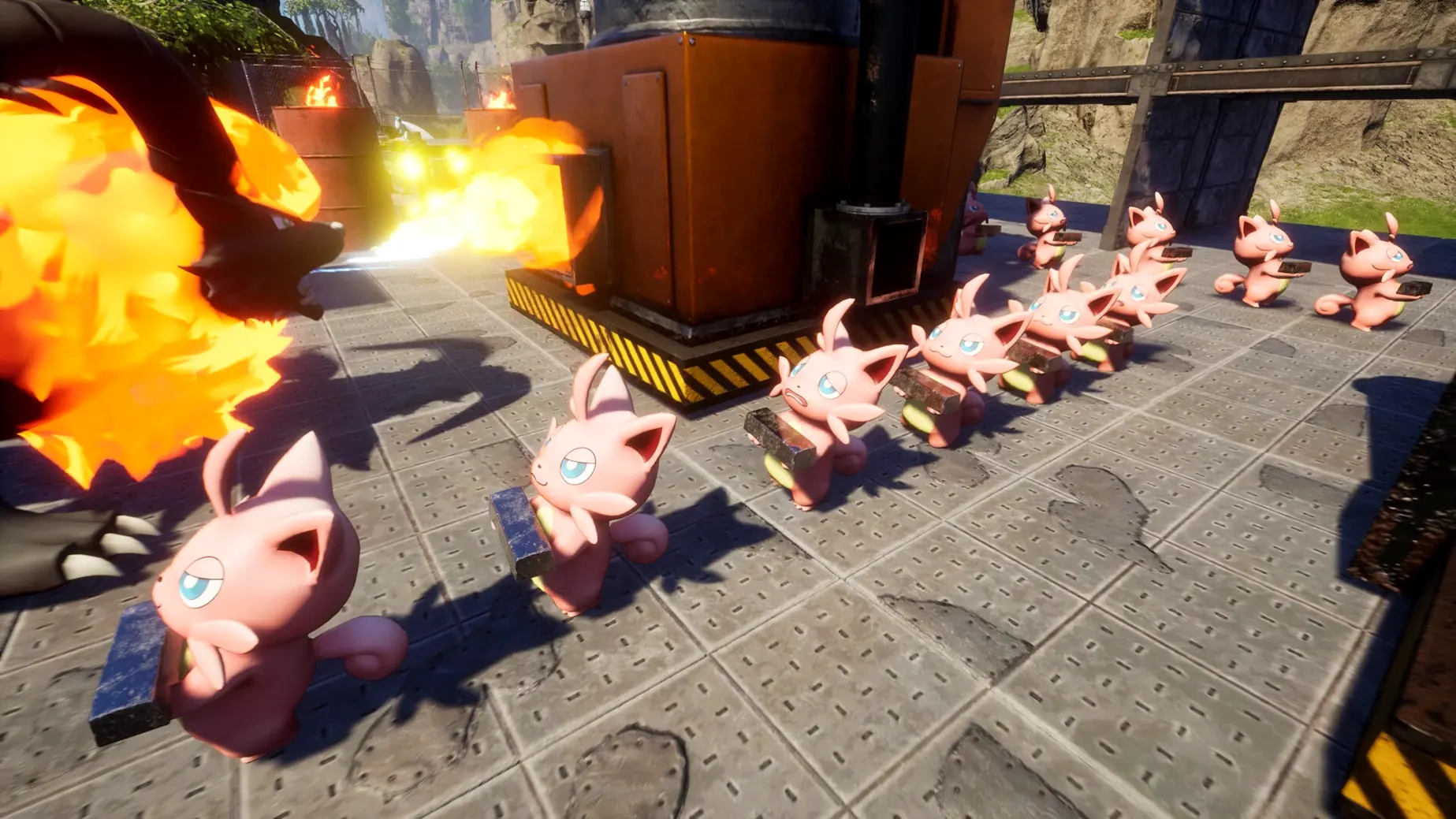



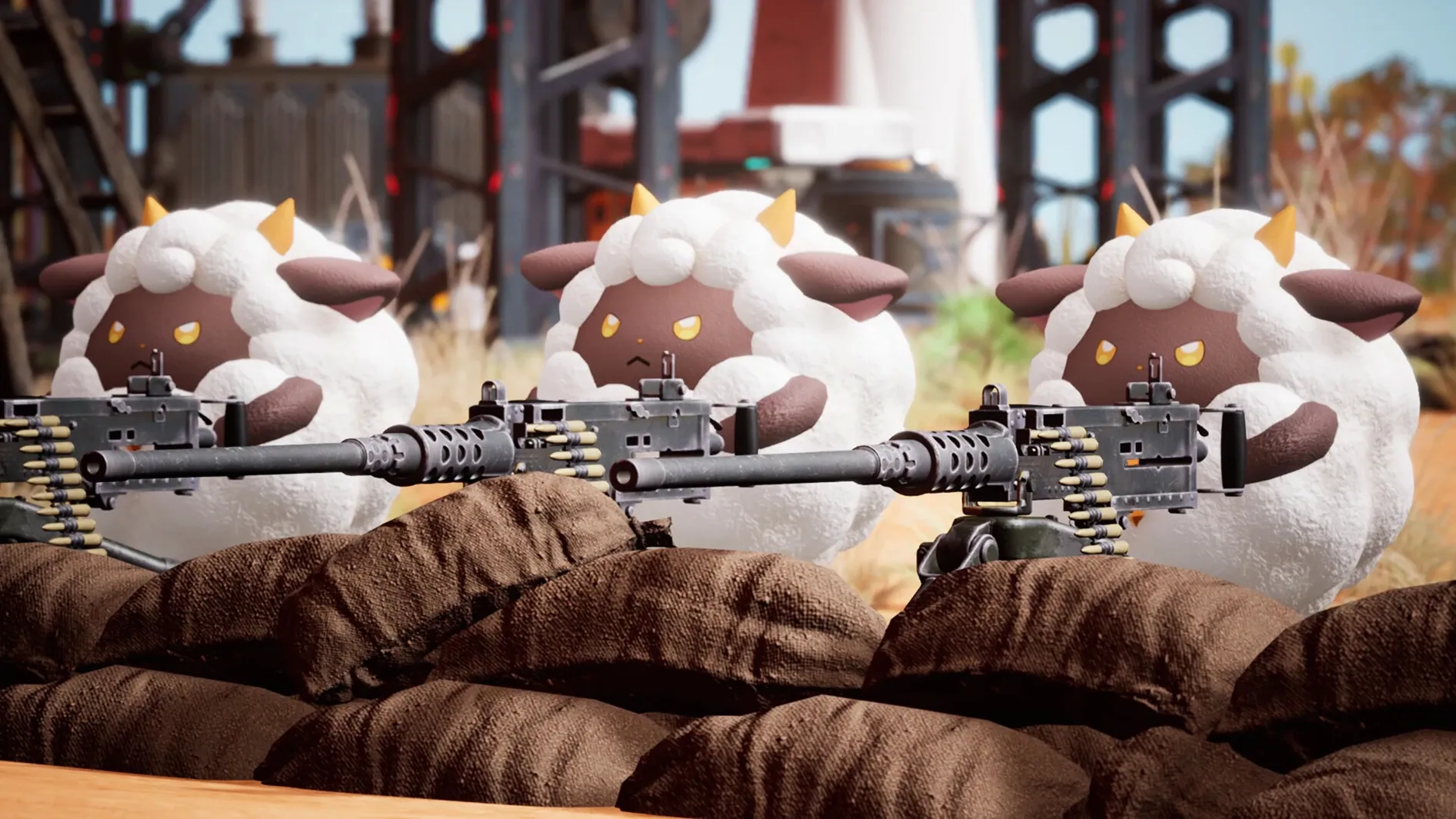
Players who want to capture Pals, build a base, and survive on a Mac with Apple Silicon have a way to run Palworld. The game is an open-world survival title from Pocketpair where you collect creatures called Pals, assign them to farming or mining tasks, ride them across land, water, and air, and send them into battle. It supports multiplayer and includes breeding where Pals inherit traits from parents.
- Hardware requirements: Works on Apple Silicon Macs (M1 and later).
- Controls: Keyboard and mouse or a game controller. No Mac-native control remapping yet; you can rebind in the game's settings menu.
- Lower-end M1/M2 chips will need low settings and 720p for similar smoothness.
- Multiplayer: Works via dedicated servers or direct IP. Same version required for all players.
- Survival loop: Manage food, temperature, and hostile Pals. Automate resource gathering by assigning captured Pals to tasks like ore mining or electricity generation.
- Languages: Interface in English, French, German, Spanish, Italian, Portuguese, Russian, Japanese, Korean, and both Simplified and Traditional Chinese. Voice language is music only.
Palworld lets you collect creatures, build bases, and fight alongside your pals on Mac. Performance varies by chip, but the game is playable on Apple Silicon hardware with adjusted settings.
Whether Palworld needs internet for offline play
One of the first questions that comes up is whether Palworld needs an internet connection to work. The base game does not require online activation. You can play the single-player mode entirely offline. Multiplayer obviously needs a connection to a server, but the single-player campaign is self-contained.
Another common question is about controller support. The game works with most common game controllers on Mac. Xbox and PlayStation controllers connect over Bluetooth or USB and are recognized without extra software. Keyboard and mouse is also fully supported. The settings menu lets you rebind controls, though there is no separate Mac-native control remapping tool outside the game.
Players often ask if their save transfers between machines. The save files are stored in the local application support folder. You can copy them manually to another Mac if you want to continue progress elsewhere. Multiplayer servers store their own world data, so you would need to join the same server to keep that progress.
A question that comes up frequently is whether Palworld runs on Intel Macs. It does not. The build is compiled for ARM architecture, meaning it requires Apple Silicon. M1 and later chips only. There is no Intel version available.
Eleven language options in the settings menu
The Palworld interface includes language options for eleven languages. If English is not your preference, you can switch to Russian, German, Spanish, Italian, Traditional Chinese, Simplified Chinese, Korean, Portuguese, French, or Japanese directly in the settings menu. The voice remains music only, so no spoken dialogue to worry about regardless of language choice.
Pals can be assigned to specific tasks after capture. You do not need to micromanage each one. The game lets you set Pals to work on plantations, factories, or electricity generation, and they will continue those tasks on their own as long as their needs are met. This automation extends to ore mining and farming tasks like sowing, watering, and harvesting.
Breeding in Palworld passes traits from parents to offspring. If you want a Pal with specific characteristics, you can breed pairs repeatedly and check the results. The inheritance system means you can plan lineages without randomness being the only factor.
The multiplayer setup does not require a matchmaking service. You can host a dedicated server or connect directly by IP. This makes it straightforward to play with friends without relying on a central server infrastructure.
Apple Silicon and macOS Tahoe compatibility
Palworld is built for ARM architecture and runs on Apple Silicon Macs. The tested system used macOS Tahoe on a Mac mini 2024 M4, so the game is compatible with current and recent macOS versions. There is no macOS version requirement listed beyond what Apple Silicon supports, so any Mac with an M1 or later chip should be able to launch the game.
Lower-end M1 and M2 chips will need reduced settings. The game has graphics options that let you adjust resolution, texture quality, and effects. Expect to run at 720p with low settings on those older chips for a consistent experience. The M4 test system handled higher settings, but individual results vary by model and cooling.
The game includes survival elements that impact gameplay directly. You need to manage food and temperature. Hostile Pals appear in the world and can attack your base or your character. The environment itself can be dangerous in certain areas. These mechanics are part of the core loop and do not change based on hardware.
Dungeon exploration is part of the content. These areas are instanced and contain enemies and loot. The spawns and loot tables are fixed for each dungeon type, so you can plan runs around specific rewards.
Fixing a game that won't launch after copying
One frequent issue is that the game does not launch after copying it to Applications. This usually happens if the app was not fully copied or if macOS Gatekeeper blocks it. To sort this out, make sure the disk image is fully mounted, drag the app to Applications, and wait for the copy to finish before launching from Launchpad. If Gatekeeper triggers, you can control-click the app and select Open from the context menu.
The game is demanding, especially in areas with many Pals or complex bases. Lower the resolution to 720p and set graphics to low. Turn off any background apps that use GPU resources. If you are playing on an M1 or M2 MacBook, ensure the laptop is plugged in and not in low-power mode.
Multiplayer connection failures happen when the server version does not match the client version. Palworld version 1.0.5.102999 is the current build. All players need to be on the exact same version to connect. If you are running a dedicated server, update it to match the client. If you are connecting to a server, check that it has been updated.
Some players report that Pals stop working at the base. This is usually a pathing issue. Pals can get stuck on terrain or structures. Rebuilding paths with more open space or relocating the base to a flatter area often resolves it. You can also manually recall and reassign the stuck Pal.
If the game crashes during dungeon loading, it may be related to memory pressure. Close other applications before entering dungeons. Reducing texture quality in settings also helps. Dungeons load assets on entry, so the initial load can be heavier than open-world areas.
- macOS ?
- Apple Silicon only
Questions from the notes
Does Palworld support multiplayer on Mac?
Yes, multiplayer works on Mac. You can join or host games via direct IP or dedicated servers, provided all players run the same version.
Install procedure
- Mount the downloaded disk image.
- Drag the app into the Applications folder alias.
- Launch the app from Launchpad after copying finishes.
Reports from players
Sign in or create a tester account to file a report.
No reports filed yet.