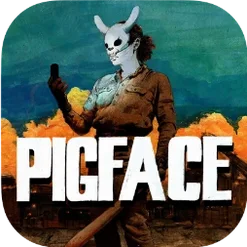
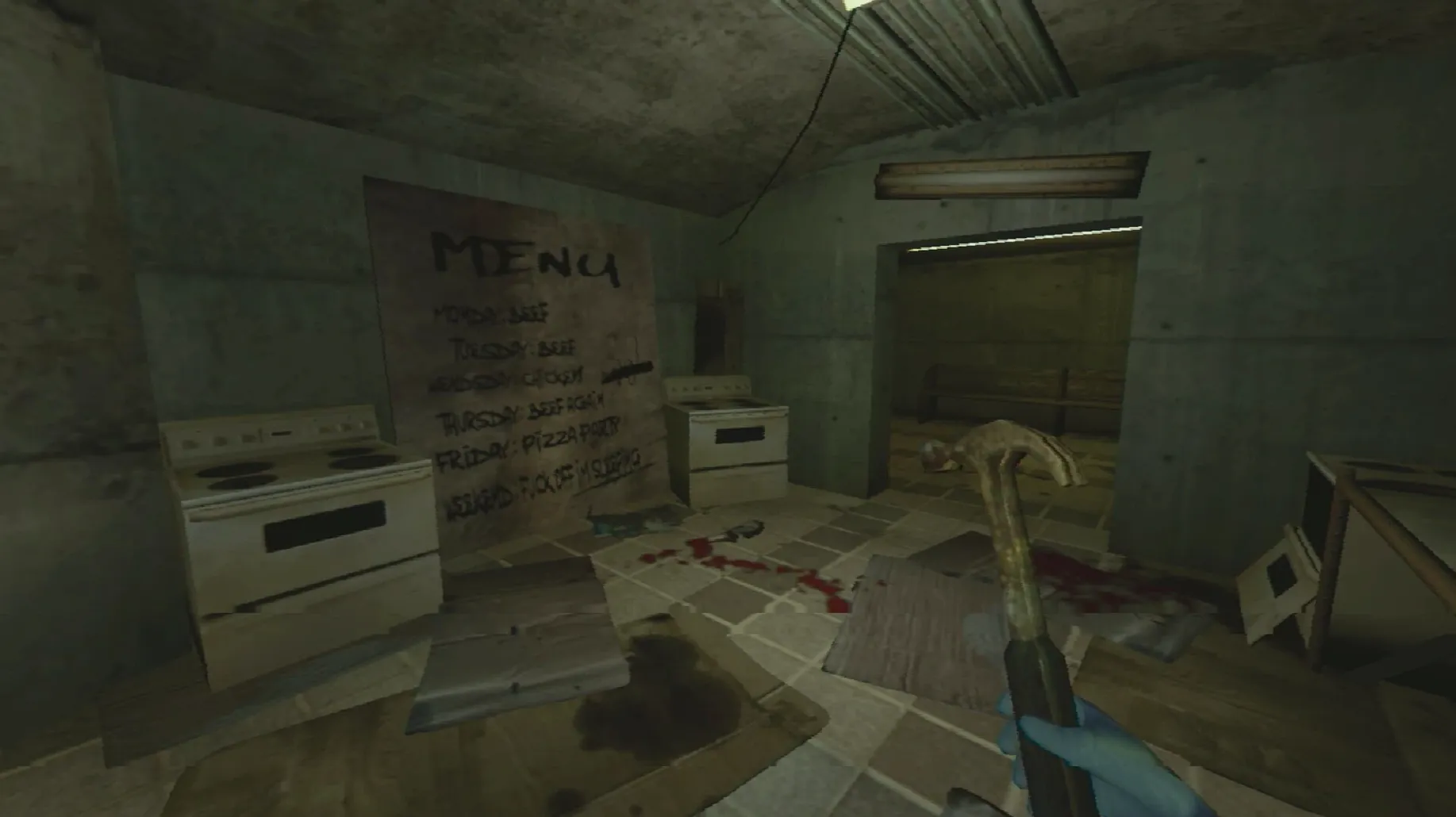
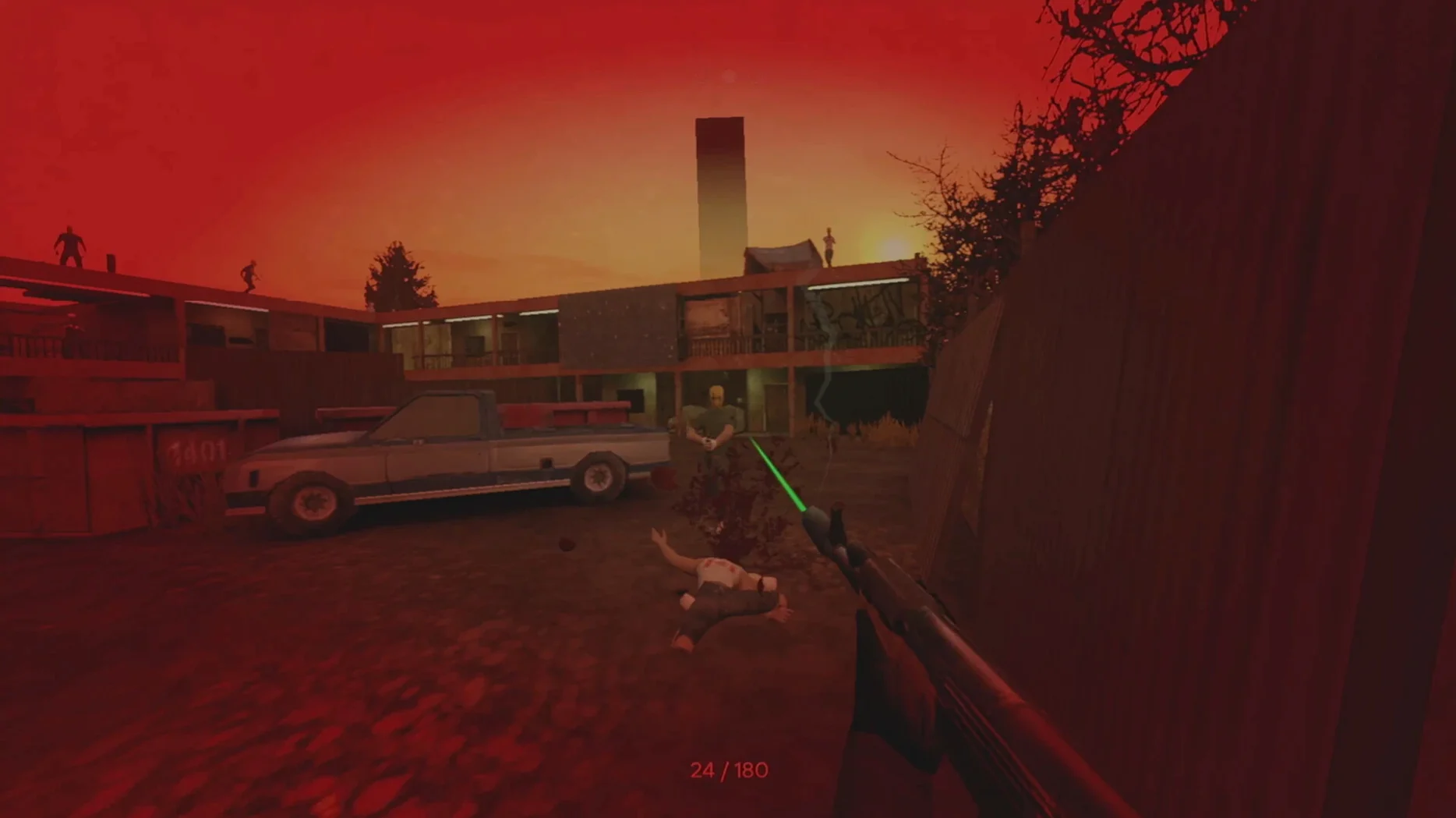
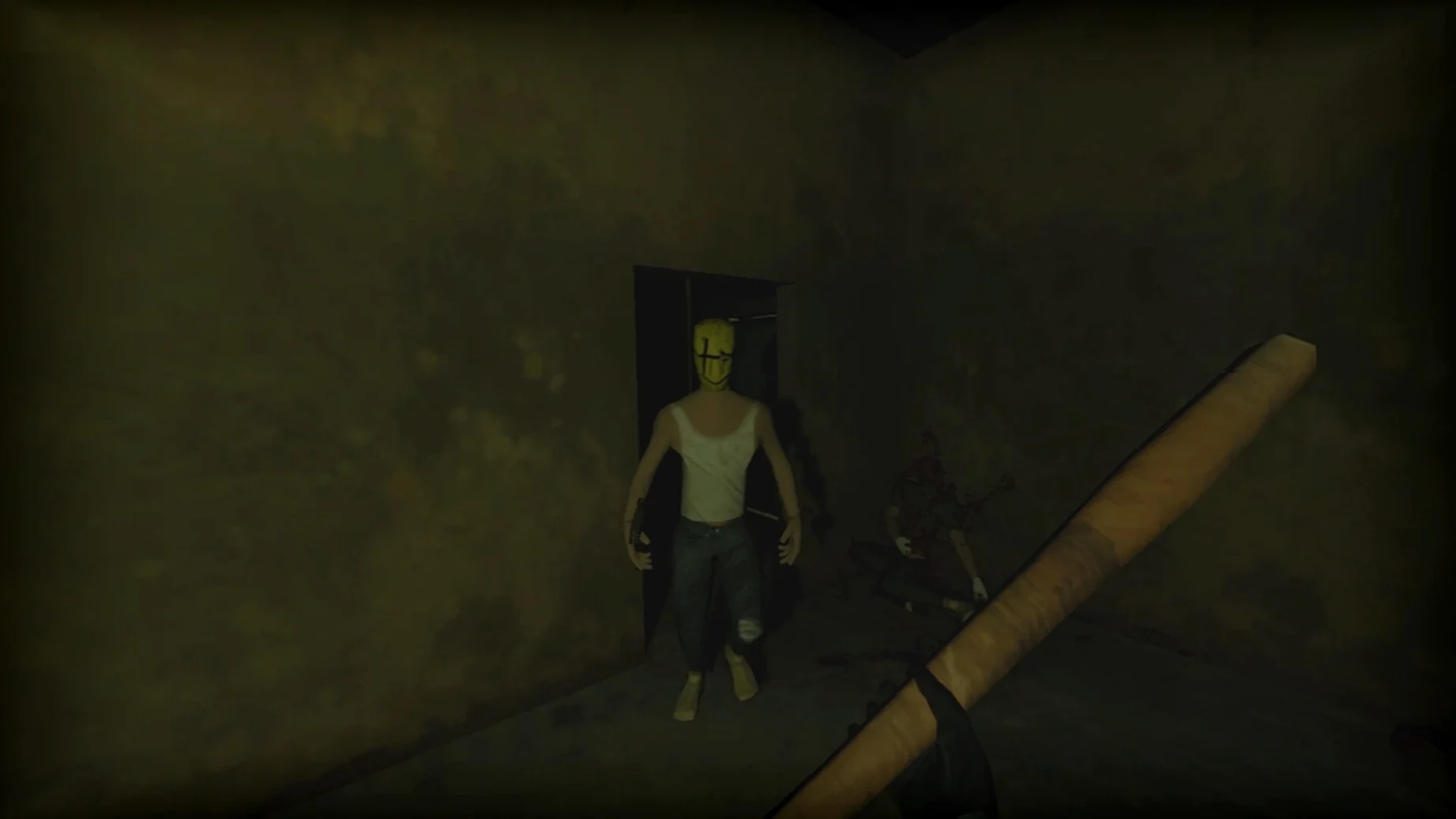
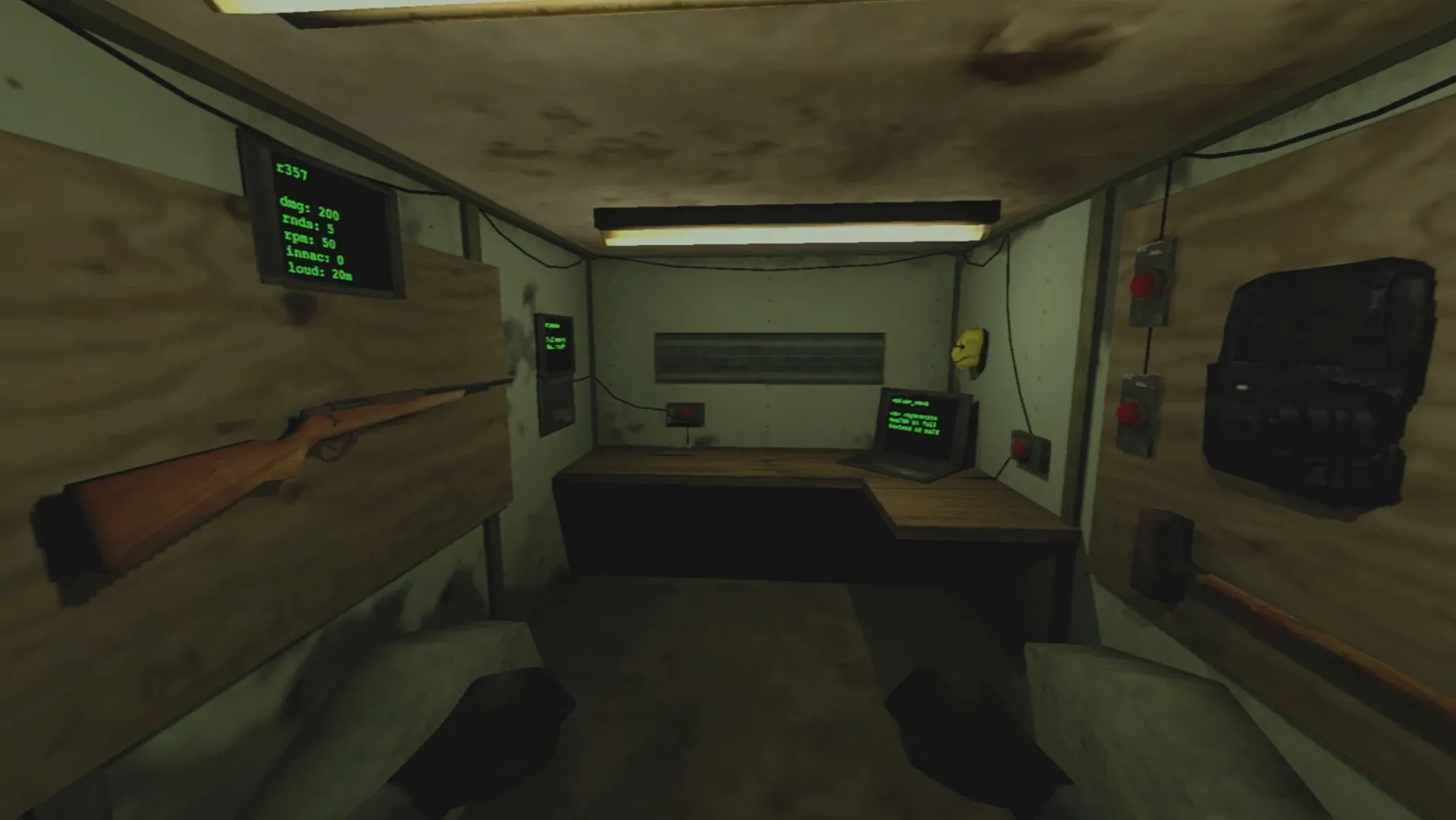
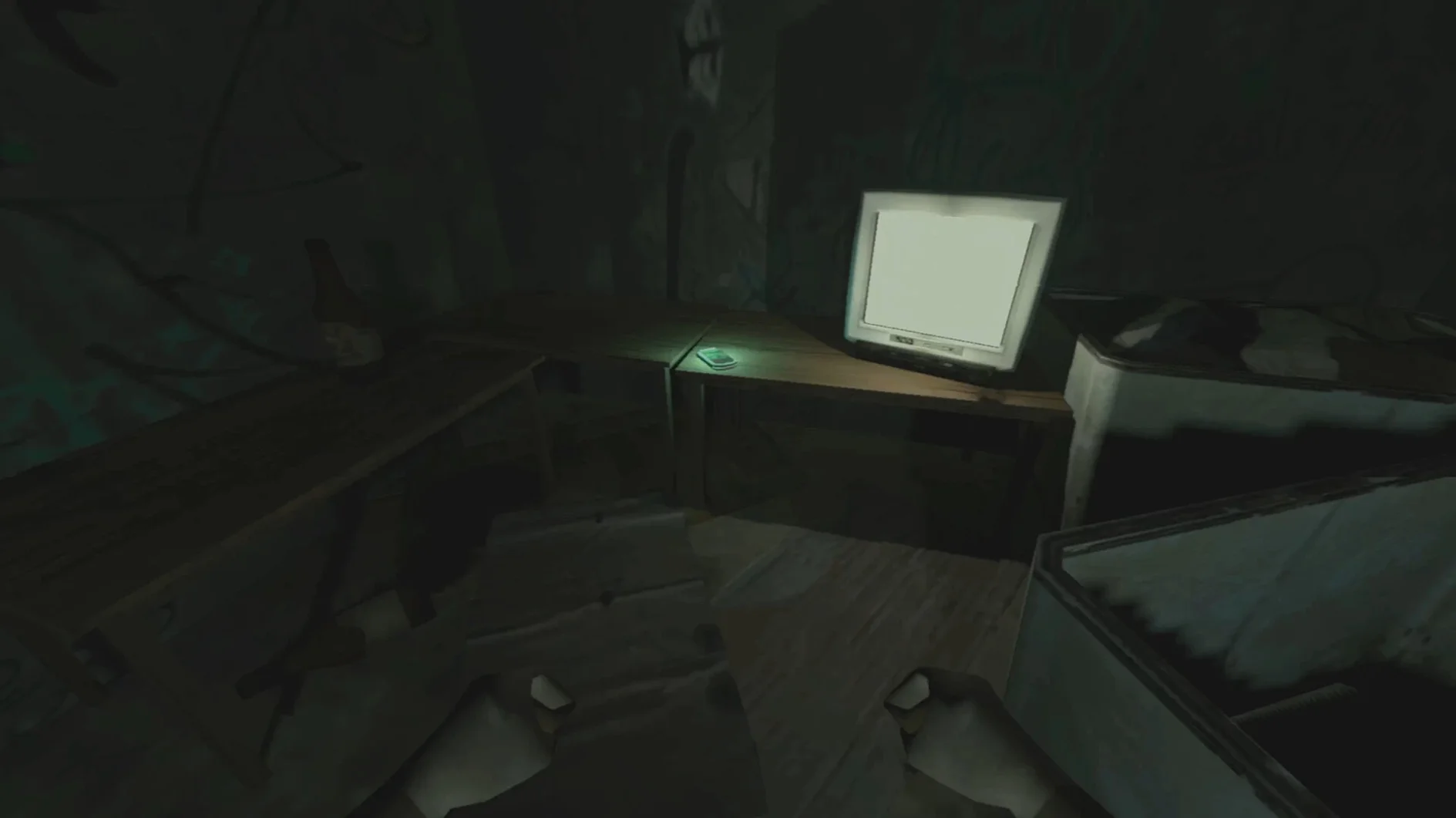
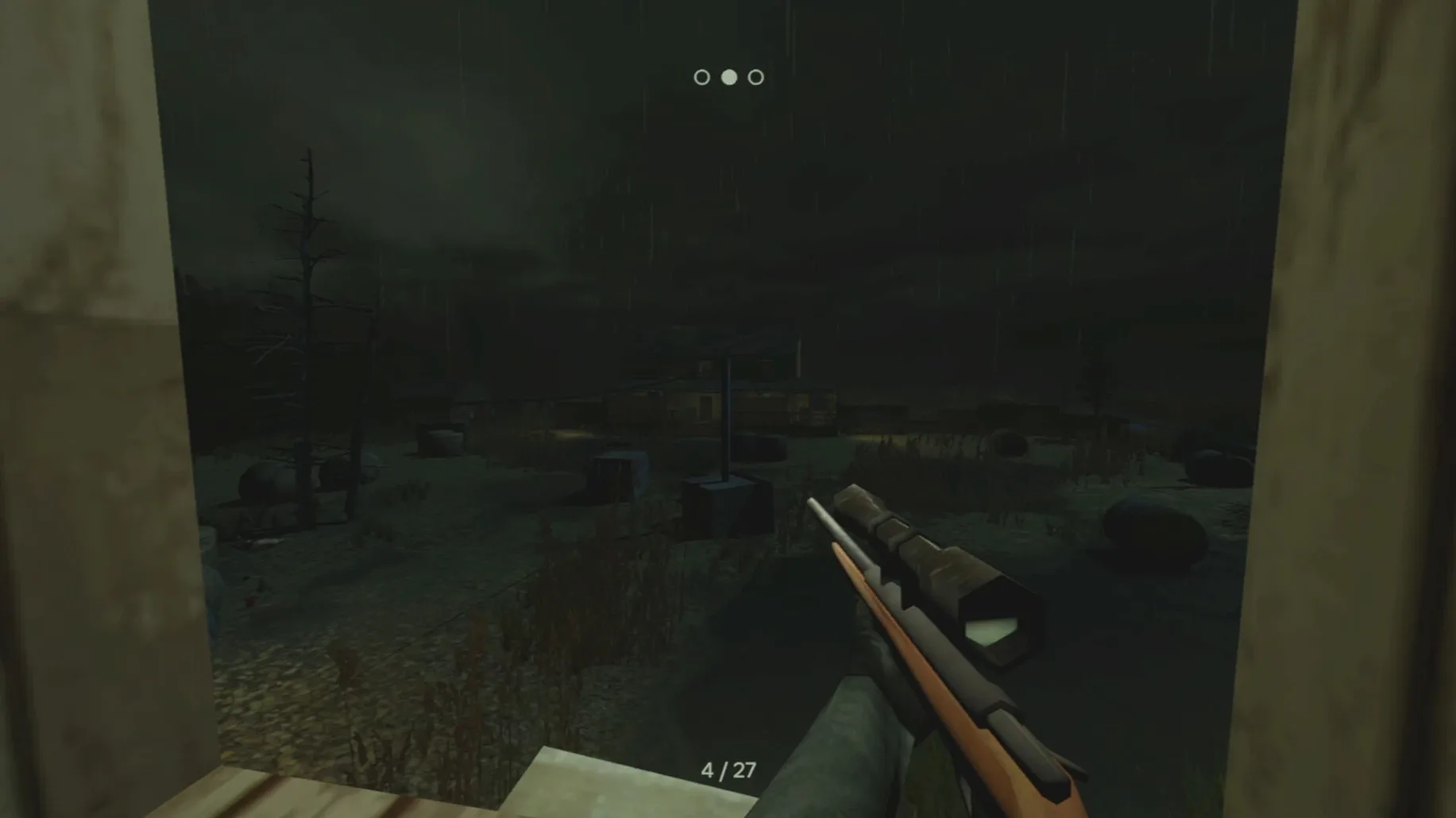
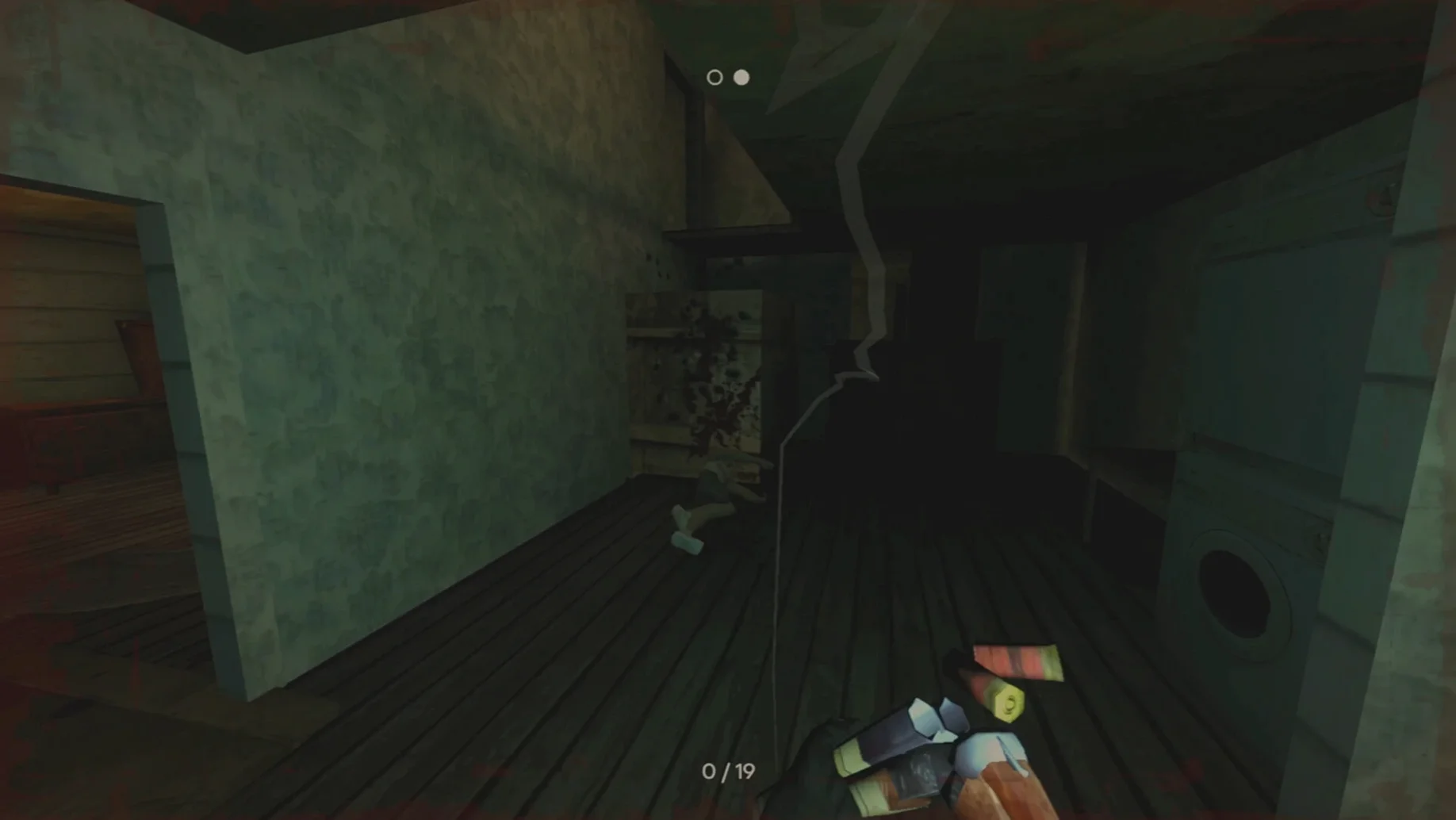
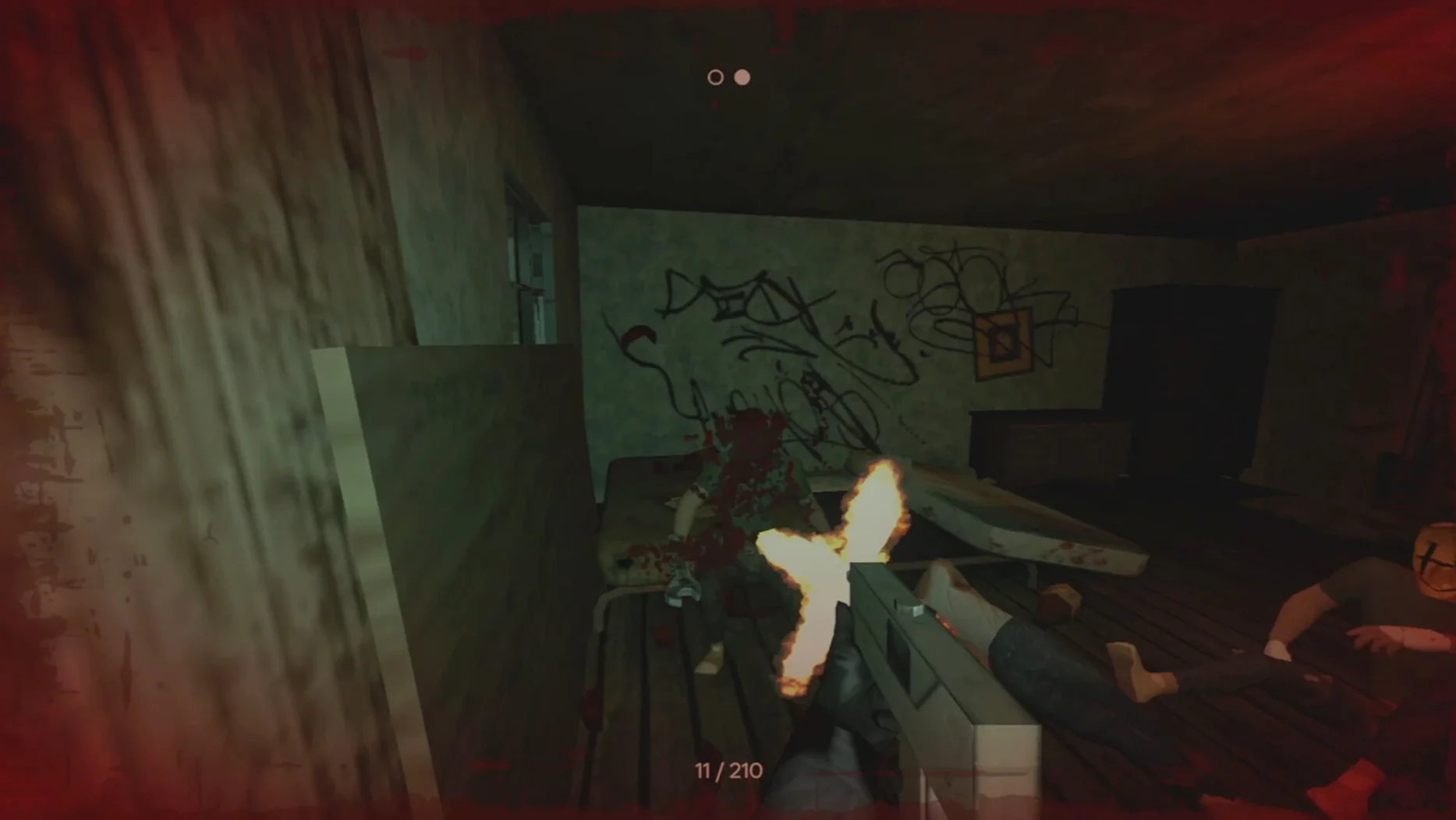
Version 0.30 of Pigface is an early access first-person shooter built for macOS through Wineskin, and it runs on Apple Silicon only. The game starts you in an abandoned warehouse, where you perform contract-based missions for your captors. Earn money by completing jobs, then spend it at a black market for equipment. Masks are scattered around and unlockable; equipping them increases your killing ability.
Contract, shoot, and get paid loop for FPS players
- Players who want a straightforward FPS with mission-based structure and a clear loop: take contract, shoot, get paid.
- Anyone curious about what an ultra-violent indie shooter feels like in early access — it doesn't hide the gore.
- Mac users on Apple Silicon who prefer a Wineskin-wrapped title over a native port, which can be a lighter footprint.
Early access rough edges and ARM-only requirement
- It's early access, so expect rough edges, missing features, and balance changes between versions.
- ARM-only — Intel Macs won't run it.
- Tested on macOS Tahoe with a Mac mini 2024 M4; older macOS versions may need extra troubleshooting.
- The black market is functional, but the equipment list is limited at this stage.
Wineskin-wrapped shooter versus native Prodeus and Dusk
Pigface sits in a small group of Wineskin-wrapped shooters available for Apple Silicon. Two titles come up often in the same search: Prodeus and Dusk. Both run on macOS, which means no wrapper overhead and generally better performance out of the box. Prodeus leans into retro-modern visuals and a campaign with hand-crafted levels; Dusk is a love letter to '90s shooters with tight movement and a full single-player story.
Pigface takes a different approach. It skips the campaign structure entirely, replacing it with a contract loop. You start in a warehouse, get a job, complete it, buy gear, repeat. The bomb-in-the-head framing gives each mission a tension that the other two don't try for. The mask system also has no direct equivalent in either game — Prodeus and Dusk give you weapons and upgrades, but not cosmetic modifiers that affect killing ability.
The early access state matters. Prodeus and Dusk are finished products with years of polish. Pigface is version 0.30, and you can feel it. But if you want a shooter that isn't another retro revival and has a different economy loop, it's a distinct option among Mac FPS titles.
Running the Fix file instead of reinstalling
The most frequent error is ignoring the Fix file in the disk image. If the game fails to launch after copying, running that file resolves it. New users often try reinstalling or trashing preferences first. Just run Fix.
Another mistake is hoarding money. The black market inventory refreshes unpredictably in early access. The contracts pay consistently, so spending early lets you tackle harder missions sooner.
Some players skip exploring for masks. Masks are not mission rewards; they are placed in the environment. Walking through the warehouse and mission areas thoroughly pays off. A mask can change how you handle a firefight more than a weapon upgrade can.
A typical play session for a contract-focused player
A player who prefers short, self-contained sessions rather than long campaigns will find a natural rhythm here. You launch the game, check the available contracts, and pick one that matches your current arsenal. The mission lasts maybe ten minutes: enter the area, eliminate targets, extract. Back in the warehouse, you visit the black market to spend earnings, then check if a new mask has appeared in a previously unreachable corner.
The lack of a save system between contracts works in favor of this style. Nothing is lost if you close the game mid-session — each contract is its own discrete chunk. This makes Pigface a good fit for evenings where you want one or two focused firefights, not an unfolding narrative. The bomb-in-the-head backdrop adds just enough context to make each contract feel like it has stakes.
- Early access version 0.30.
- macOS (version not specified)
- Apple Silicon (ARM)
- Tested on macOS Tahoe
- Tested on Mac mini 2024 M4
Install procedure
- Mount the downloaded disk image and drag the app into the Applications folder alias.
- Once copying finishes, launch the app from Launchpad.
- If the game errors on launch, run the file named Fix in the disk image.
Reports from players
Sign in or create a tester account to file a report.
No reports filed yet.