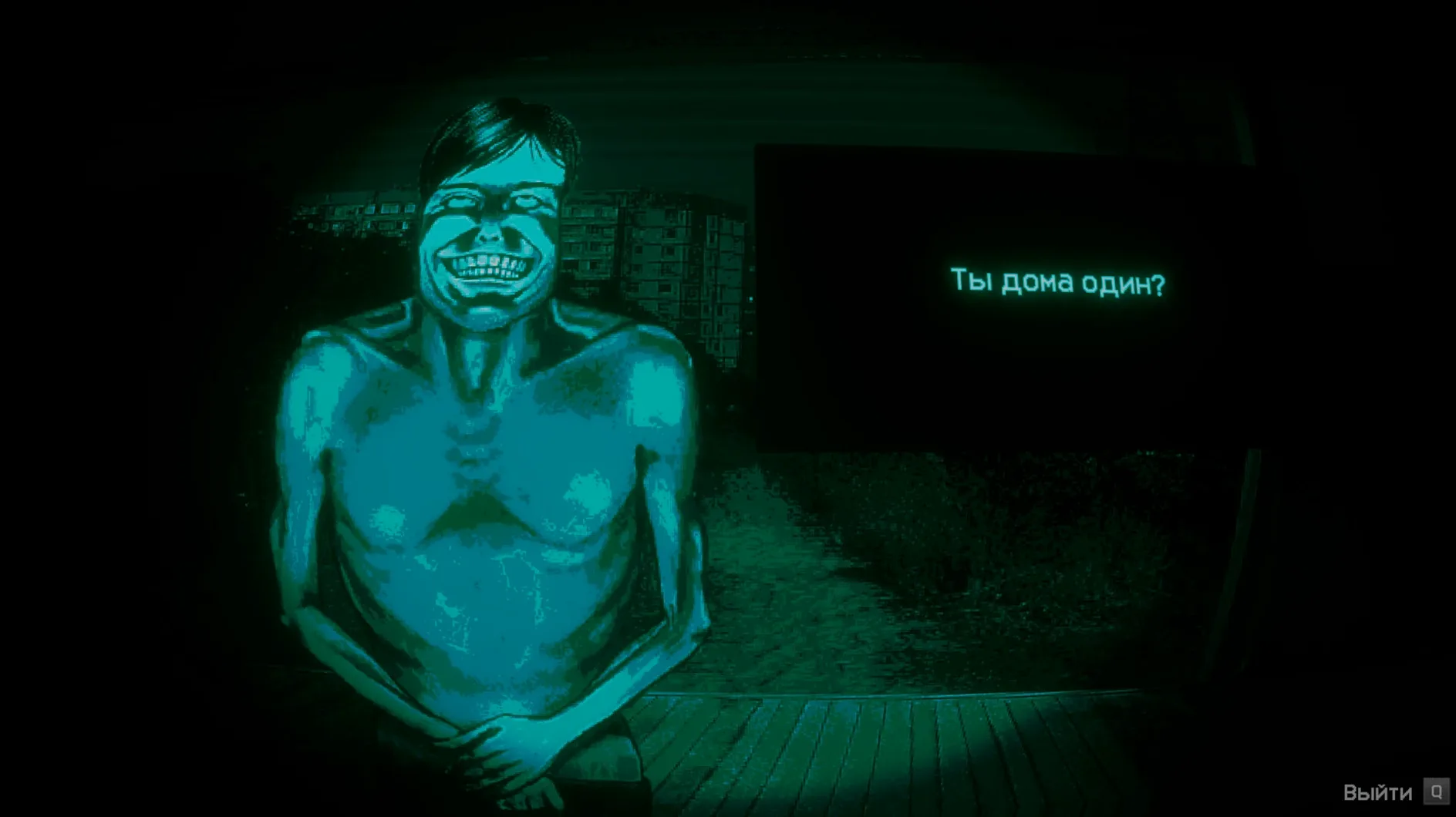
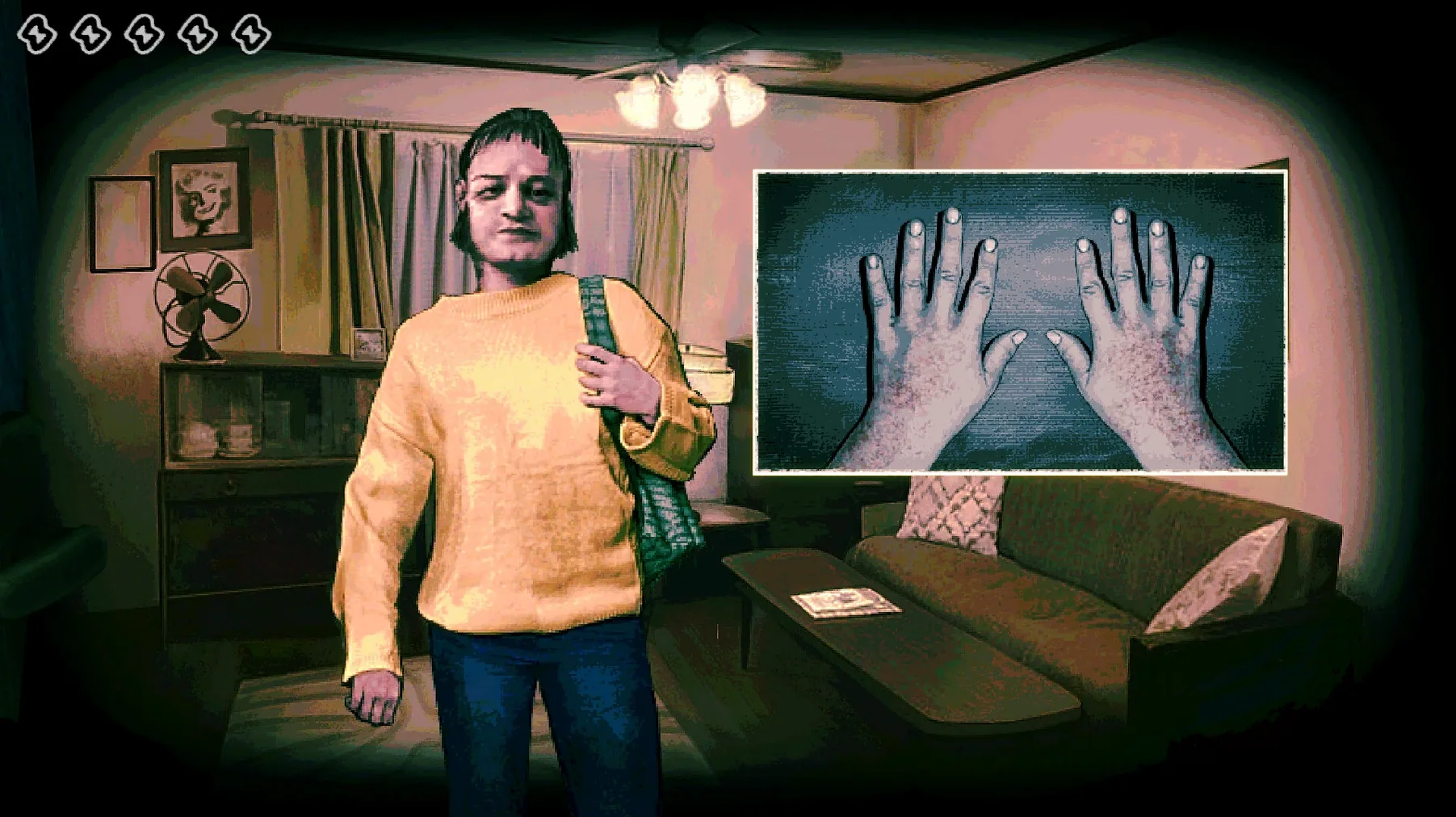
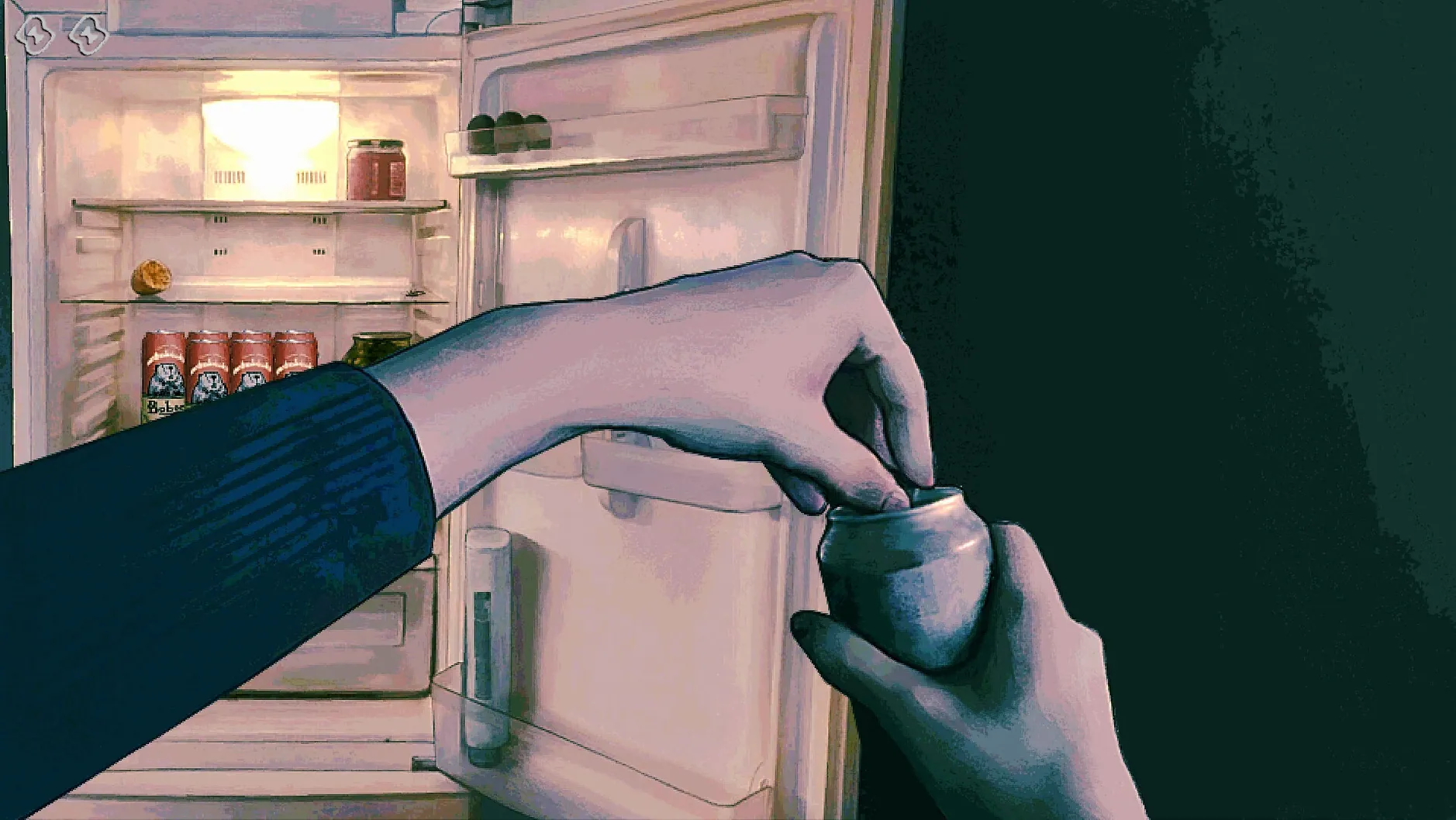
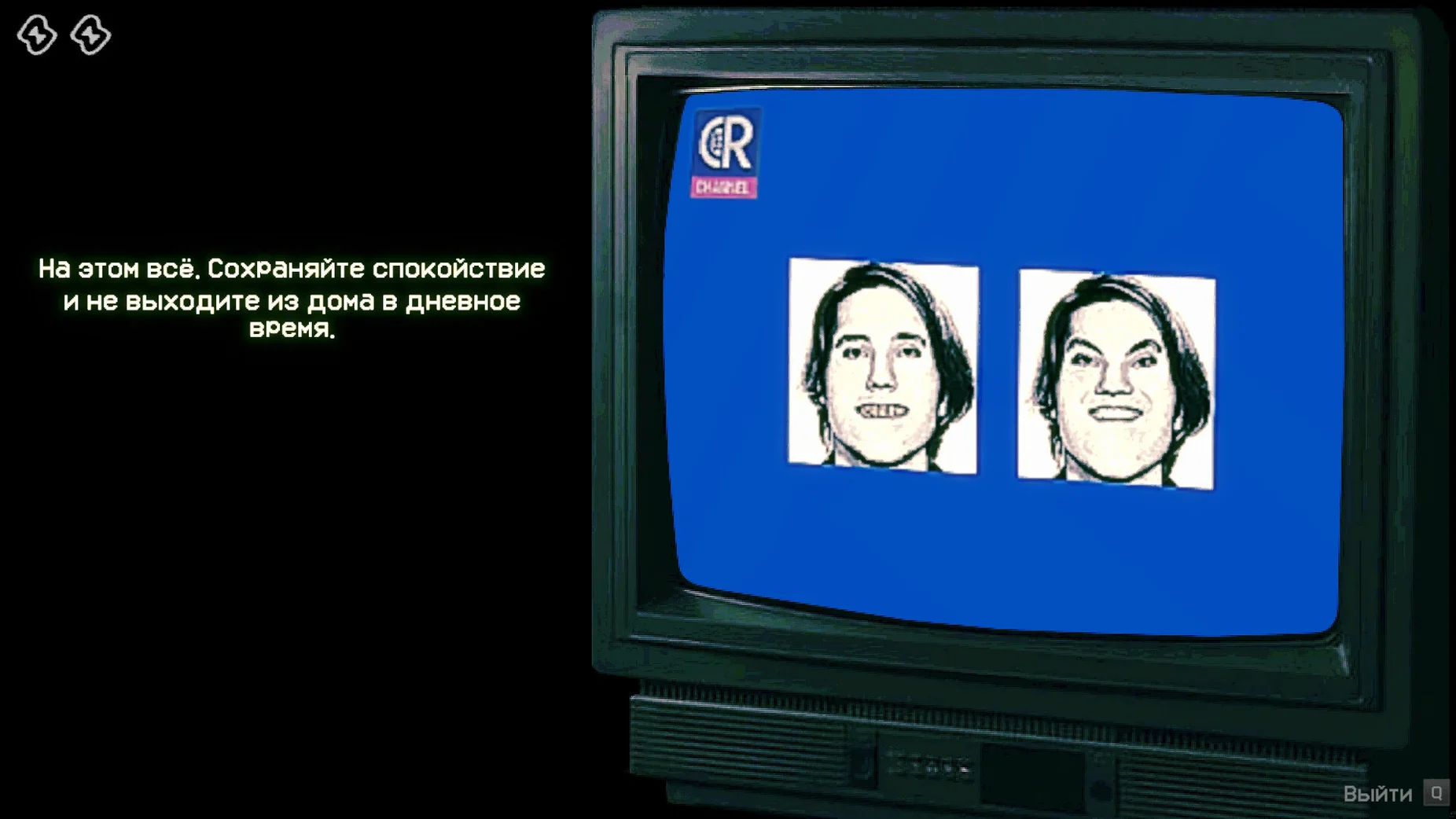
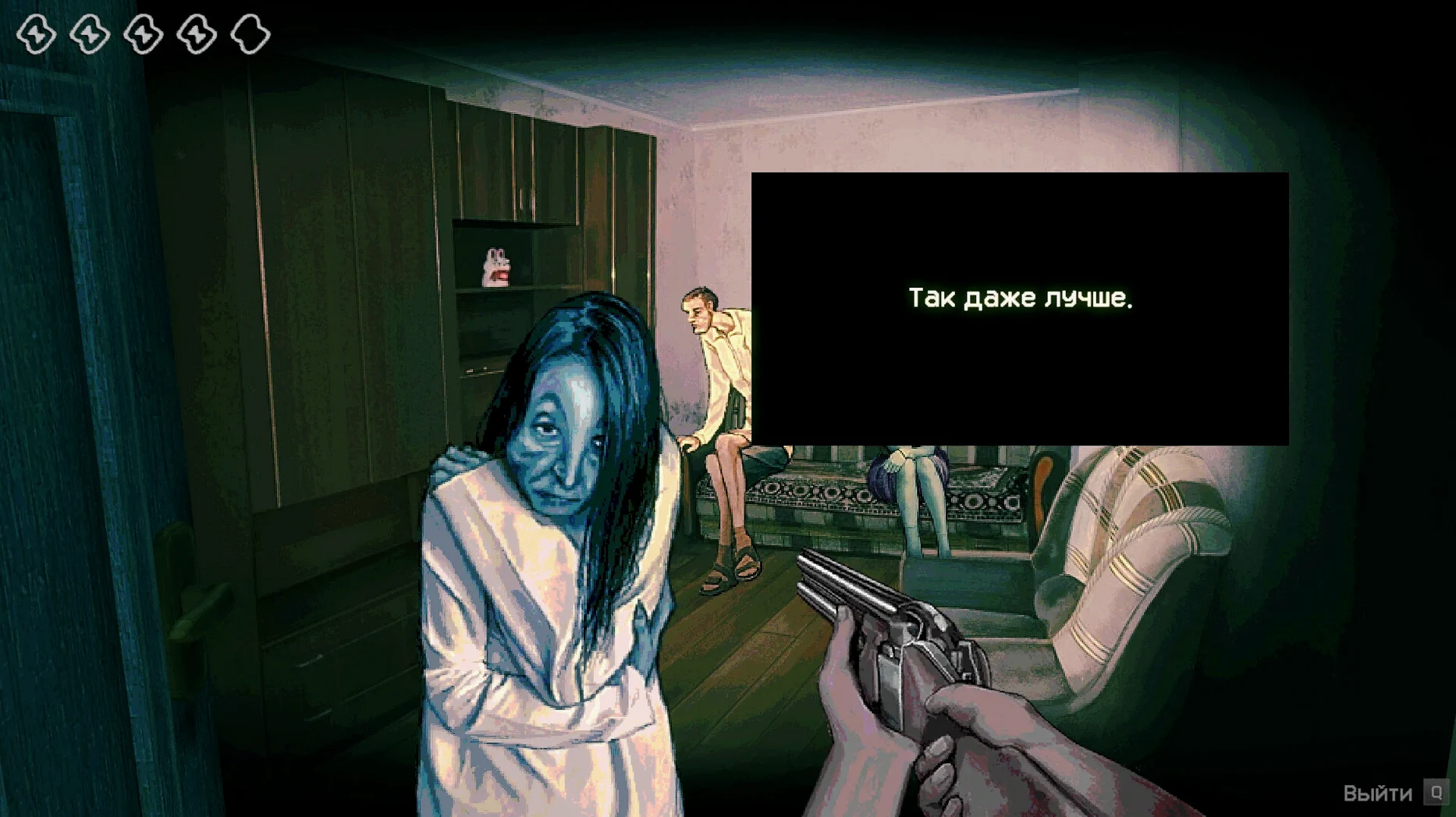
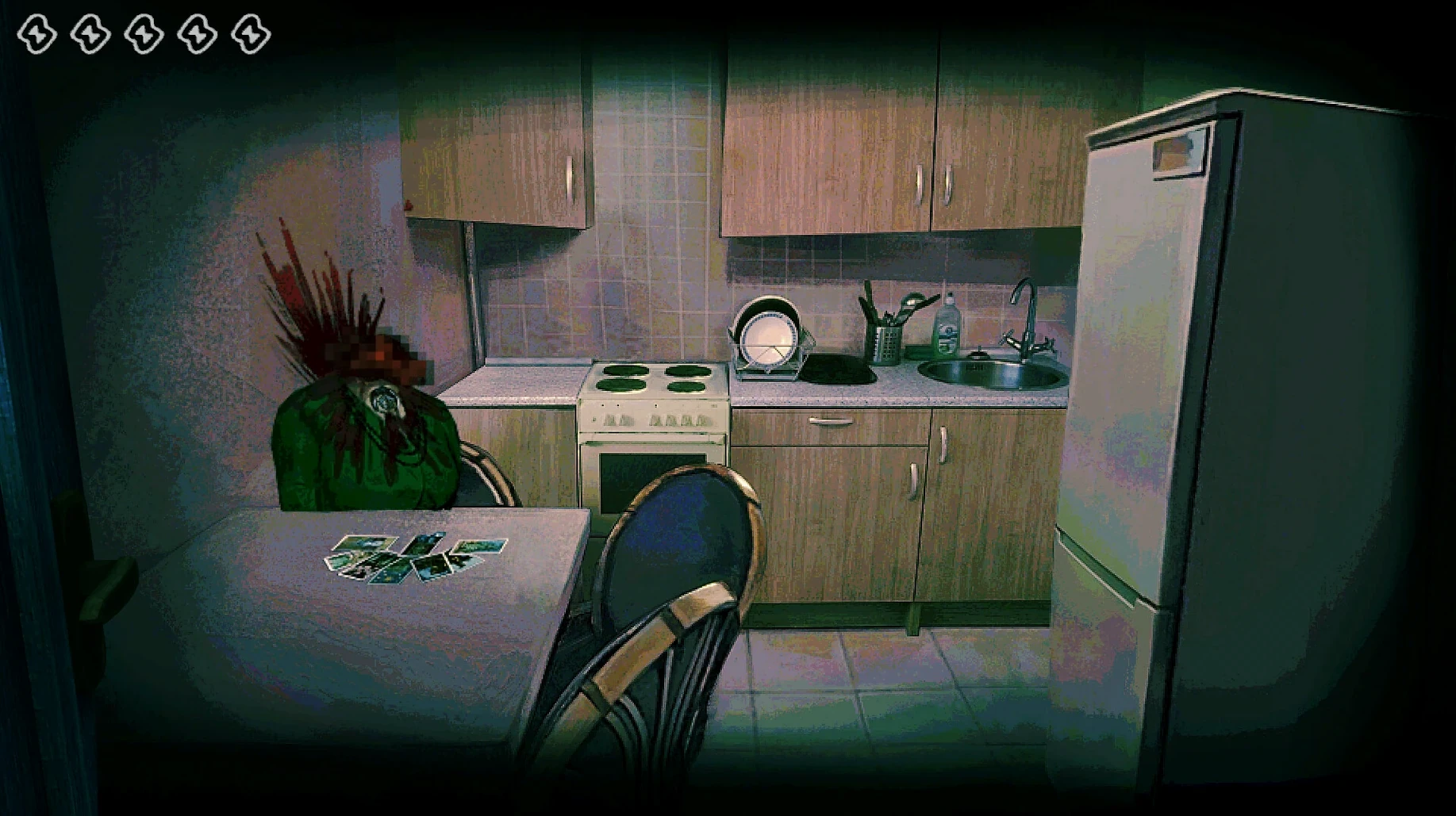
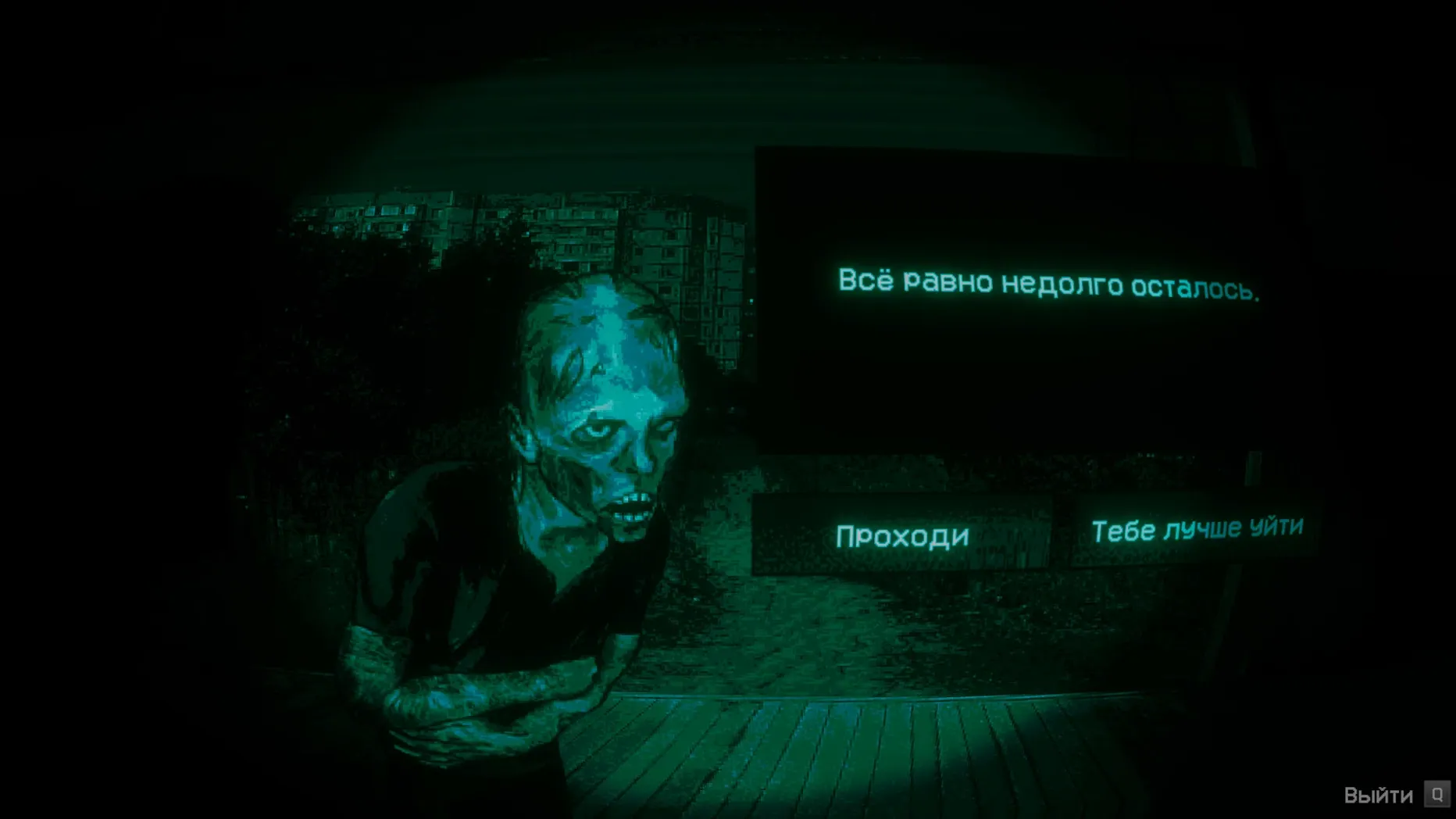
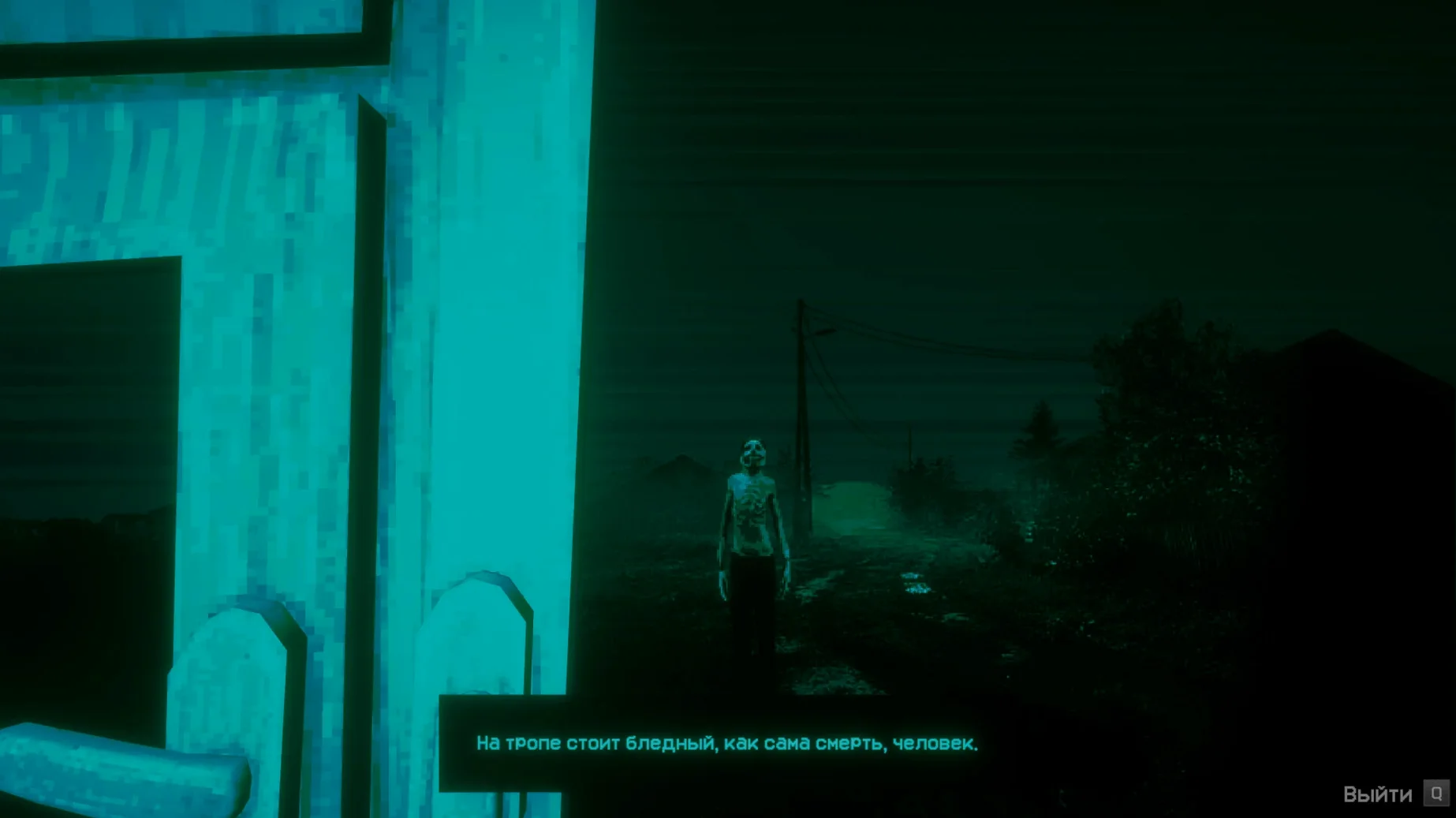
No I'm Not a Human is an anxiety horror game about identifying Visitors during the end of the world.
deciding who lives and who dies
Core loop — You decide who to admit and who to kill. Visitors are intruders that mimic humans, so every knock on the door is a test.
Setting — The world is ending, and your shelter is the last line between you and what’s outside.
Genre — Listed as Indie and Simulation on Steam, with the release date set for September 15, 2025.
Build — The Mac version is labeled 1.3.19 Rev2 [Wineskin], and it runs on Apple Silicon (ARM) with macOS Tahoe.
Language options — Russian, English, German, Spanish, Traditional Chinese, Simplified Chinese, Korean, Portuguese, French, and Japanese are supported. The audio is music only.
why new players lose before they start
The premise sounds simple: question each person at the door, then let them in or kill them. In practice, most first-time players stumble on a few things.
Treating Every Encounter the Same
Visitors mimic human behavior, but they don't do it perfectly. Beginners often rush through the questioning phase, treating each knock as a repeat of the last. The game expects you to notice small inconsistencies in responses, not just the words themselves. If you are not paying close attention to how someone answers, you will let Visitors through.
Ignoring the Pattern in Their Responses
Each person at the door gives you a set of answers. New players frequently focus on one detail and miss the broader picture. A Visitor might sound convincing on one question but contradict themselves on the next. The game is built around catching those contradictions, not memorizing a script.
Staying in One Language
The first launch must be done in English. Some players try to switch to Russian or another language immediately, hit a wall, and assume the game is broken. After the first launch, you can change the language in the game settings without issues. It is a one-time step that is easy to forget.
why you must run the fix file first
The disk image includes a Fix file that serves a purpose if the game displays an error when starting. People tend to close the disk image after dragging the app to Applications, then wonder why the error persists. Keep the disk image mounted until you are sure the game starts properly.
a horror quiz game stacks up against two mac alternatives
No I'm Not a Human fits into a small niche on Mac: horror with a conversational twist. Here is how it lines up against two other titles you might know.
Headliner
Headliner is a news-editing simulation where you decide what stories run and how the public reacts. It shares the "consequences from choices" loop, but the tone is satirical, not horror. No I'm Not a Human replaces public opinion with survival. There is no questioning phase in Headliner; you are editing articles, not interrogating people at a door. If you want the pressure of making the wrong call, this game gives it to you directly. Headliner gives you time to think.
The Mortuary Assistant
The Mortuary Assistant puts you in a funeral home where corpses sometimes move. It is pure horror with investigation elements: you examine bodies, check documents, and look for signs of demonic possession. No I'm Not a Human is closer to a simulation of paranoia. The Mortuary Assistant makes you afraid of the dead. This game makes you afraid of the living who knock on your door. The decision loop is faster in No I'm Not a Human, and the consequences are immediate.
Both games test your observation skills, but the rhythm is different. The Mortuary Assistant gives you time to search a room. No I'm Not a Human forces a decision while someone waits outside.
arm-only, tahoe or later, and a slow first launch
The build is for ARM architecture only, meaning Intel Macs are not supported. The game requires macOS Tahoe or later. Based on the requirements and the Wineskin wrapper, here is what you should know before you start.
- First launch is English-only — The game starts in English. Change the language to Russian or any of the other nine supported options in the settings menu after that first boot.
- No activation — The build does not require an online activation check. You drag the app to Applications and launch it from Launchpad.
- Save files — They live inside the app bundle under Steam/RUNE/427410/remote. That path matters if you want to back up progress or move it to another machine. On a standard Wineskin wrapper, it is inside the Contents/Resources/drive_c area.
- Error handling — If you see an error on launch, the Fix file in the disk image is the first thing to try. Run it, then launch the app again.
- Wineskin wrapper — The build uses Wineskin, which means the game is a Windows binary running through a translation layer. Performance on Apple Silicon should be consistent with how other Wineskin-based games behave on M-series chips. No extra configuration needed beyond the Fix step.
a decision from a simulation player's first playthrough
Imagine you are the kind of person who plays games like Papers, Please or Beholder. You like systems where every decision carries weight and the rules are not fully explained upfront.
You start No I'm Not a Human on a quiet evening. The first person knocks. You ask your questions. The answers seem straightforward, so you let them in. The second person gives similar answers, so you do the same. Then something happens that tells you one of them was wrong.
Now the game changes. You stop treating each knock as a routine check. You start listening for the hesitation, the answer that does not quite fit the previous one. The simulation side of the game kicks in: you are managing a shelter, not just playing a horror scene. Every person you admit is a resource or a threat, and you do not get a score at the end. You just live with the consequences.
For a simulation player, the appeal is not the jump scares. It is the system of lies and tells you have to parse in real time. No I'm Not a Human does not explain how to spot a Visitor. It lets you fail until you learn.
The replay value comes from that learning curve. After a few runs, you start recognizing patterns in how Visitors phrase their answers. The game becomes less about panic and more about pattern recognition, which is where the simulation audience usually finds its footing.
When the game displays an error upon starting, execute the Fix file found within the disk image. That usually sorts it out.
- Fixes: Steam Cloud save recovery on Steam Deck; minor Ukrainian localization fixes.
- Build: 1.3.19 Rev2 [Wineskin] for Mac.
- macOS Tahoe
- Apple Silicon (ARM build)
Install procedure
- Open the downloaded disk image.
- Drag the app to the Applications folder shortcut.
- After copying finishes, launch the app from Launchpad.
- If the game shows an error on launch, run the Fix file in the disk image.
- Start the game in English on the first launch.
- After the first launch, change the language in the game settings if needed.
Reports from players
Sign in or create a tester account to file a report.
No reports filed yet.