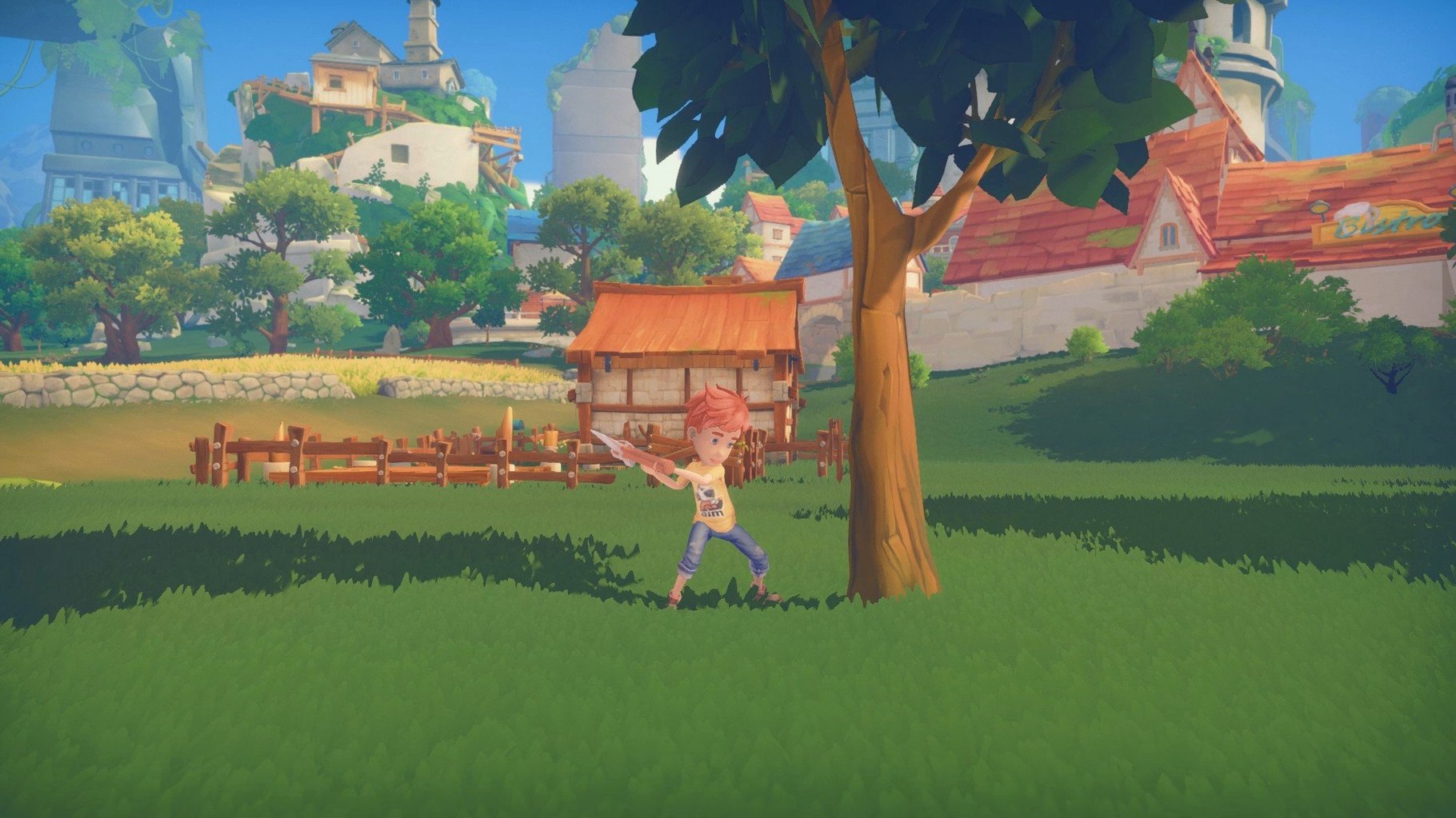
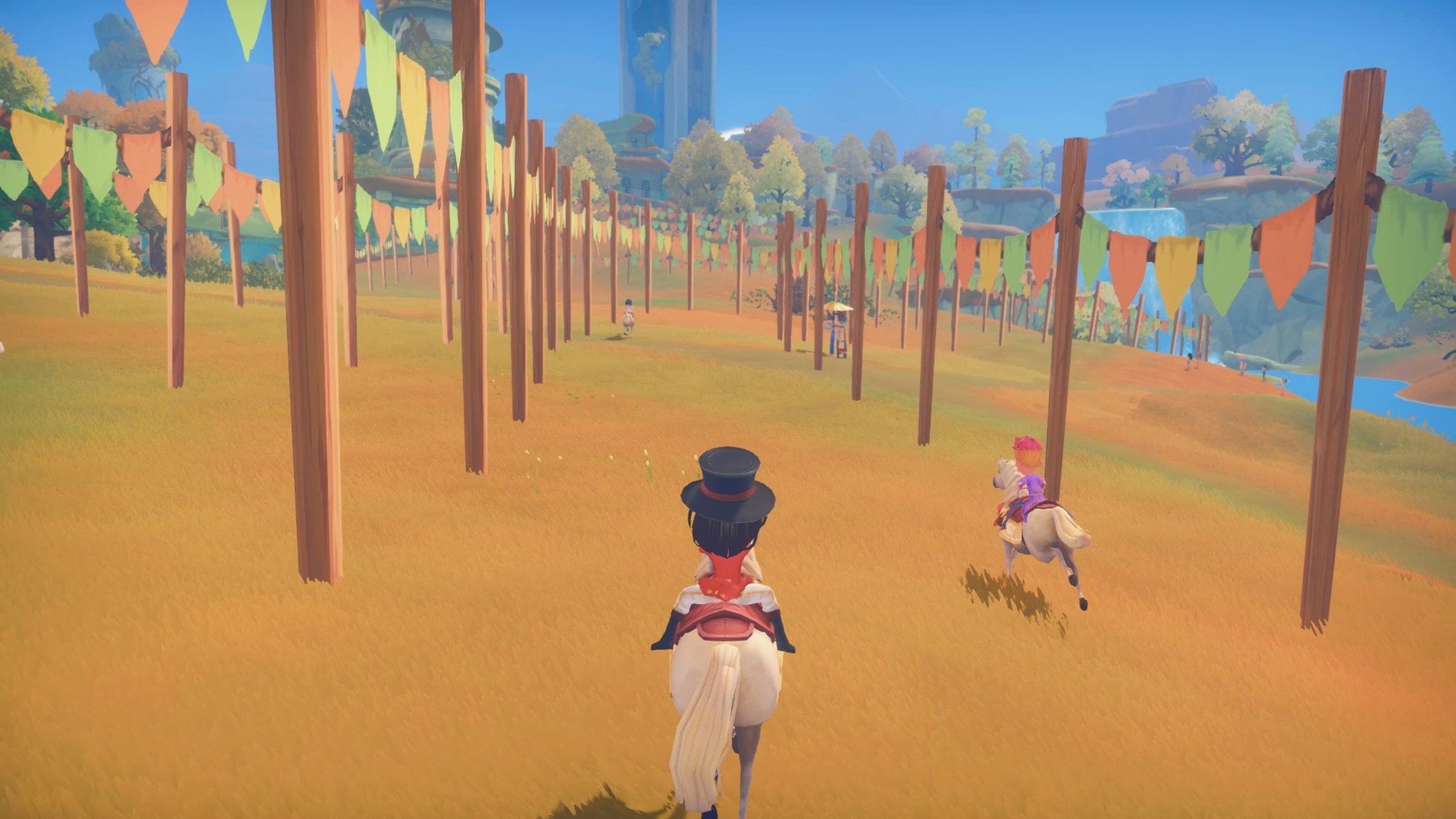
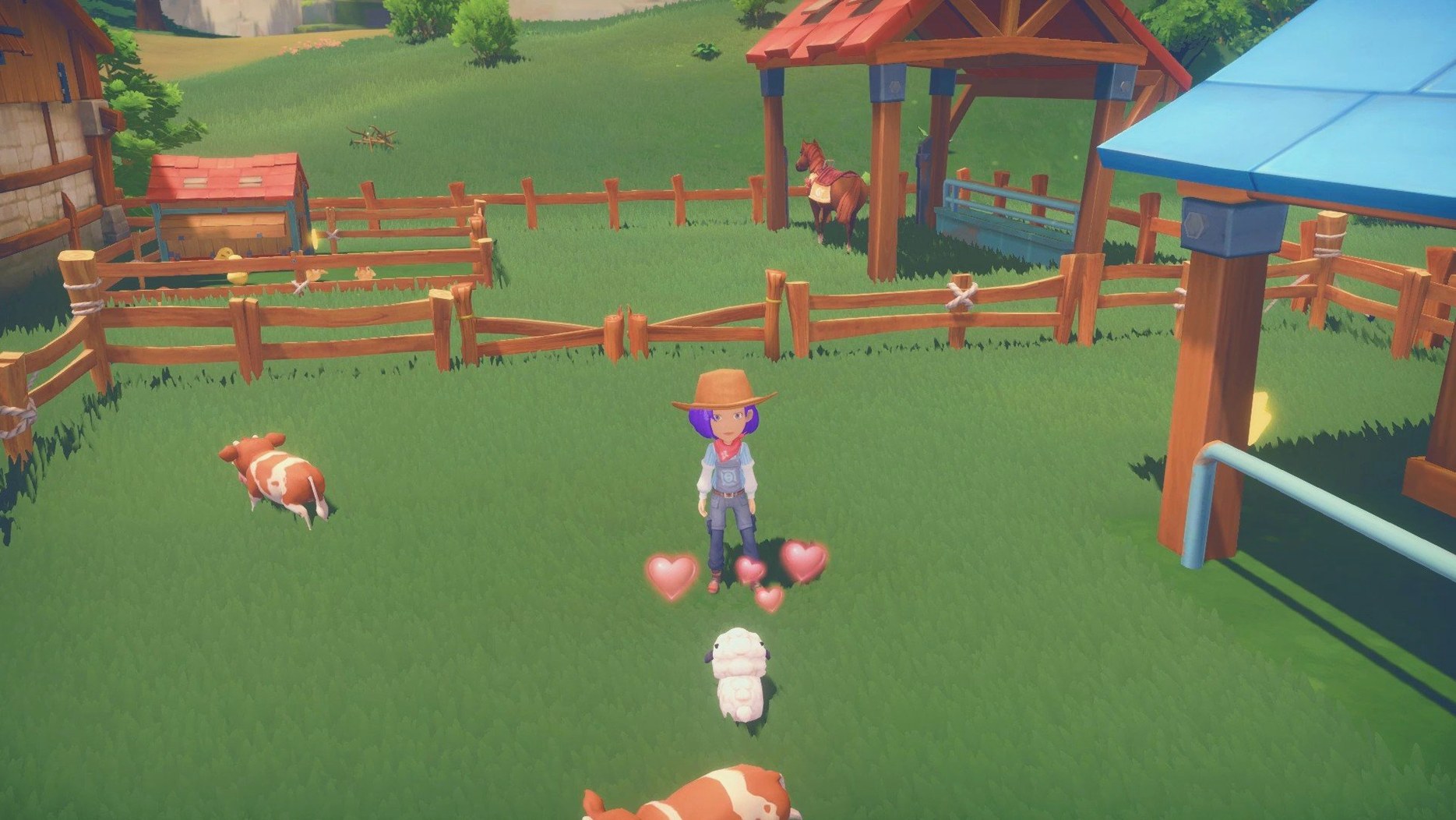
My Time at Portia is a life simulation RPG where you restore your father's workshop in the town of Portia.
Crafting, combat, and social systems define the workshop loop
- Crafting and building: Gather materials, craft machines, and fulfill commissions to bring the workshop back to life.
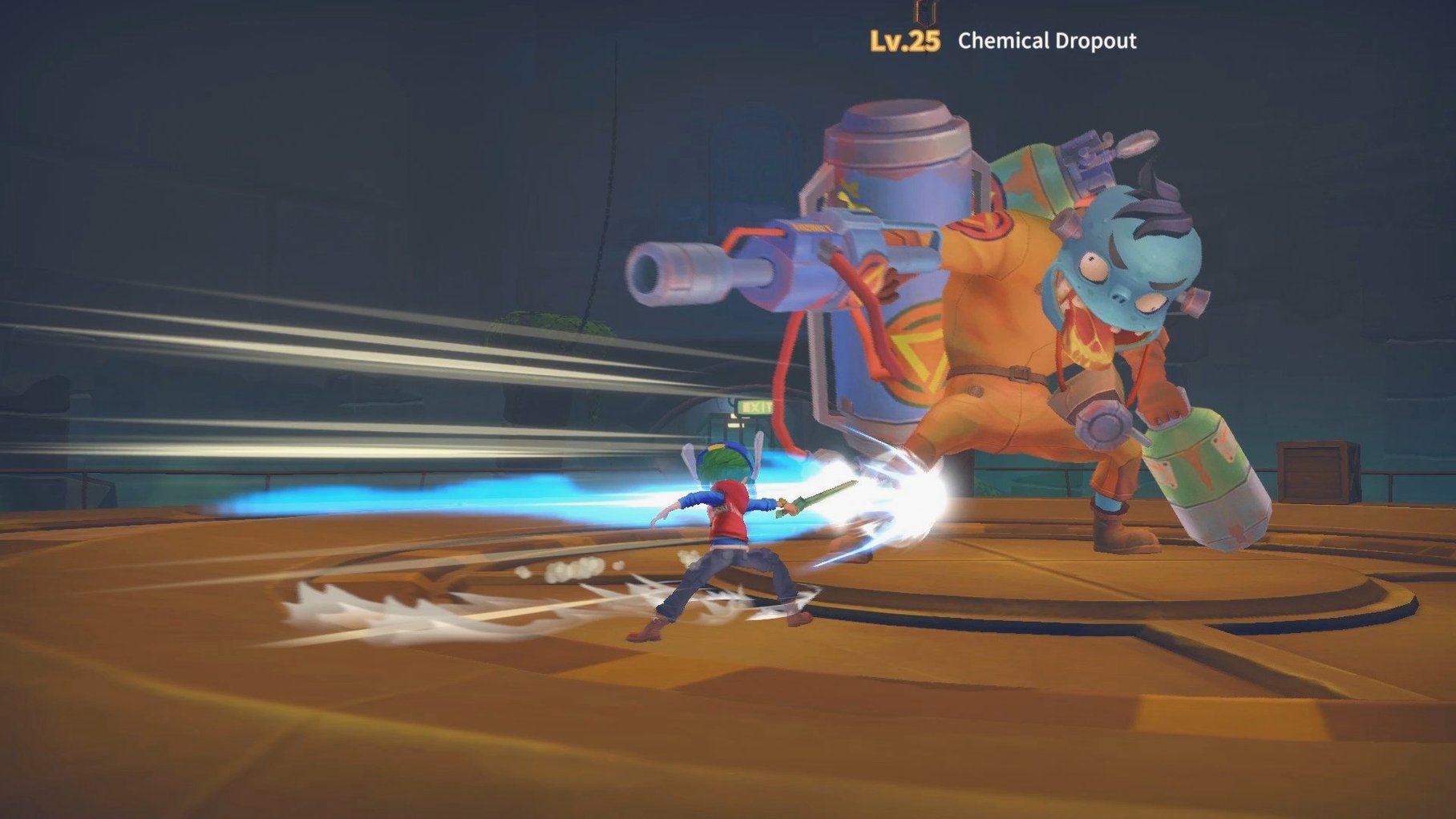
- Combat: Fight monsters and bosses in dungeons, with skill progression for combat and crafting.
- Social systems: Build friendships, give gifts, date, and even romance townsfolk.
- Life skills: Cook, fish, and level up social and crafting abilities to fit your playstyle.
Platform and Languages
Version 2.0.141634 runs natively on Apple Silicon Macs (macOS 11.0 or later). The game is fully localized in English, French, German, Spanish, Italian, Portuguese, Russian, Turkish, Korean, Japanese, and both Chinese variants, so you can play in your preferred language.
Best for players who enjoy mixed resource gathering and social management
My Time at Portia works best for players who enjoy a mixed loop of resource gathering, crafting, and social management rather than pure combat or pure farming. If you liked the workshop-building cycle in games like Rune Factory or the commission-and-upgrade structure of Atelier, this will feel familiar. It also suits people who prefer setting their own pace — there is no fail state for ignoring the main story, and the day-night cycle is forgiving enough that you can spend a whole in-game week fishing or decorating without falling behind.
Players who want a deep romance system with multiple events per character will find plenty to work through. The dating and marriage mechanics require maintaining gifts and dialogue choices over several in-game seasons, which rewards consistent attention rather than rushed completion.
Switch voice language and adjust audio settings before starting
Before you start your first day in Portia, open the settings menu and adjust these:
- Voice language: The game ships with English and Simplified Chinese voiceovers. If you prefer the original English track, confirm it is selected under audio options before the opening cutscene plays.
- Text language: Choose from the twelve available languages. French, German, Spanish, Italian, Portuguese, Russian, Turkish, Korean, Japanese, and both Chinese variants are all present. Switching later is fine, but doing it early avoids having to re-read tutorial pop-ups.
- Camera sensitivity: The default camera speed can feel sluggish when rotating inside cramped workshops or dungeon corridors. Bump it up a notch or two if you find yourself fighting the view.
Fix stamina drain by avoiding over-gathering early in the day
Some things trip up first-time players. Here are the ones I see most often:
- Running out of stamina early on: New players tend to gather everything in sight, then hit zero stamina before noon. The fix is simple — eat cooked food. Cooking restores stamina faster than waiting for a new day. Keep a stack of grilled fish or vegetable soup in your inventory.
- Missing commission deadlines: Commissions are the main source of money and workshop upgrades. If you accept one you cannot finish in time, you lose reputation. Rule of thumb: only take commissions for items whose materials you already have or can gather in one trip. Avoid multi-step commissions until your crafting bench is upgraded.
- Getting lost in the ruins: The early ruins have a repetitive layout, and it is easy to lose track of which floor you are on. Bring a handful of map markers (crafted at the workbench) and drop one at each staircase. This saves time and avoids backtracking through monster rooms.
- Ignoring social gifts: Friendship levels decay slowly, but they do decay. If you ignore a character for several in-game weeks, their affinity drops. A quick wave and a low-cost liked gift (most townsfolk like apples or eggs) once a week keeps the bar steady without dedicating a full day to socializing.
- macOS 11.0 or later
- Apple Silicon
Questions from the notes
Can I play My Time at Portia on an Intel Mac?
The current version supports Apple Silicon only, so Intel Macs are not supported.
Install procedure
- Unpack the archive.
- Drag the app into the Applications folder shortcut.
- After copying finishes, launch the app from Launchpad.
Reports from players
Sign in or create a tester account to file a report.
No reports filed yet.