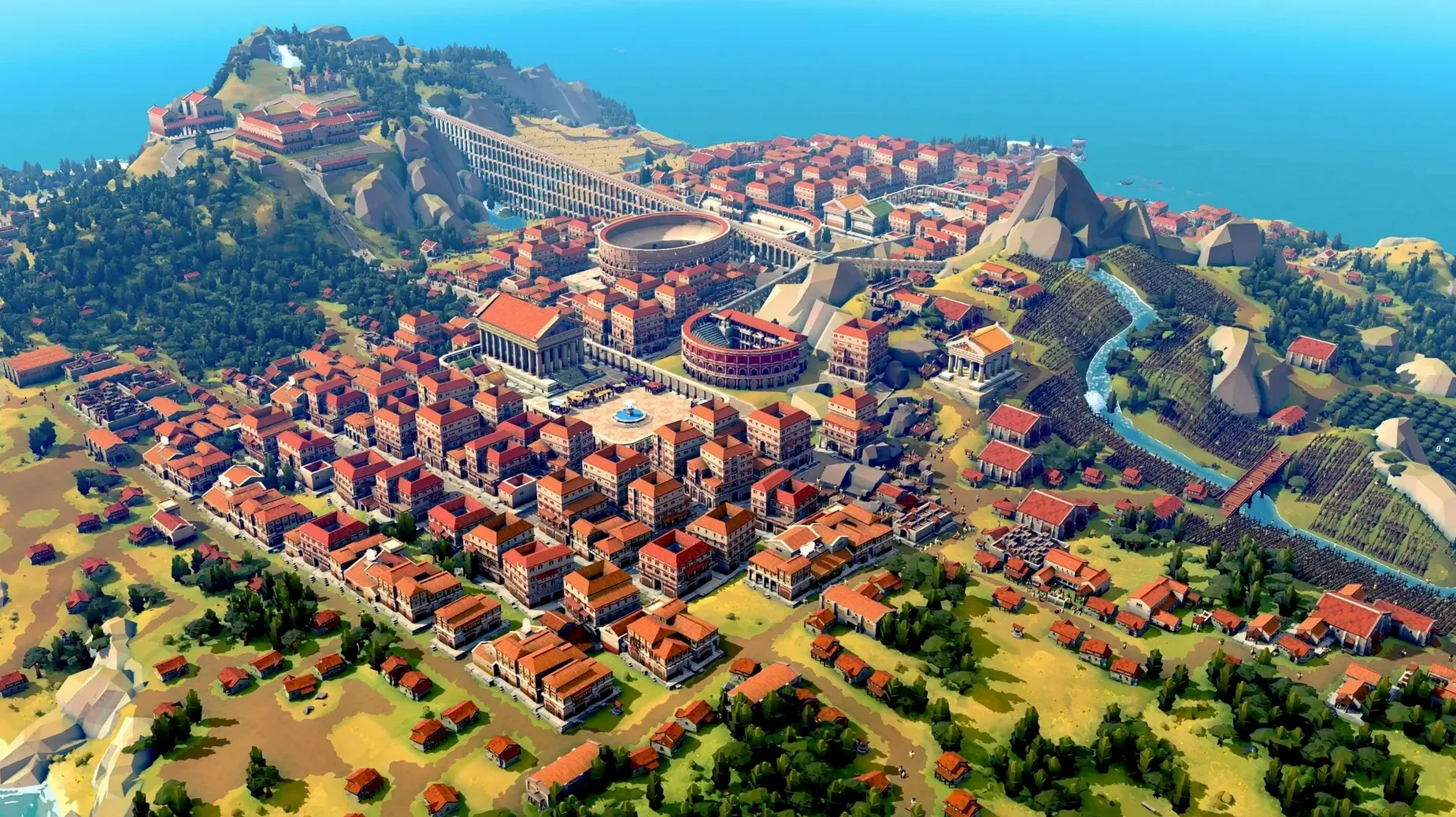
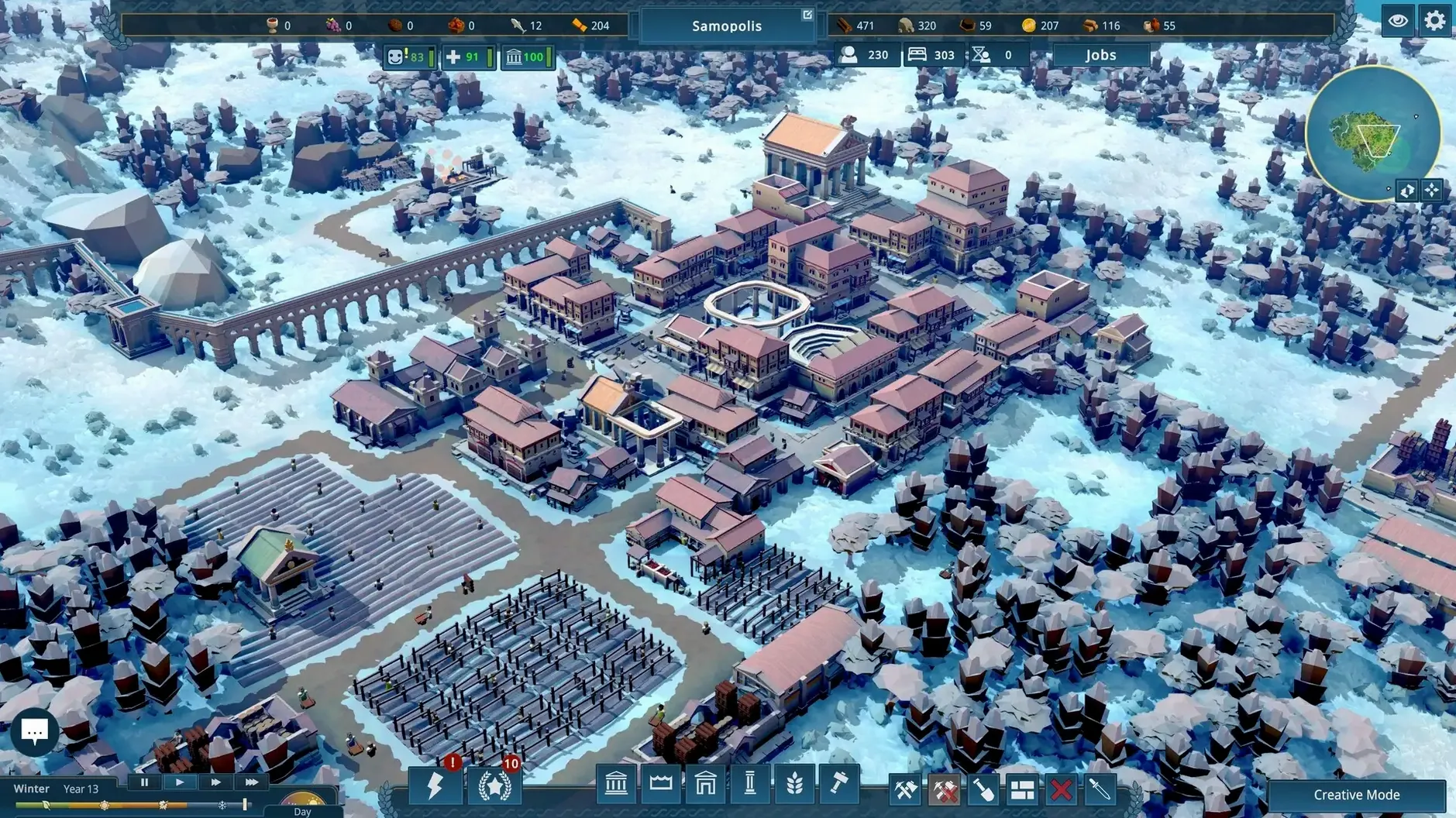
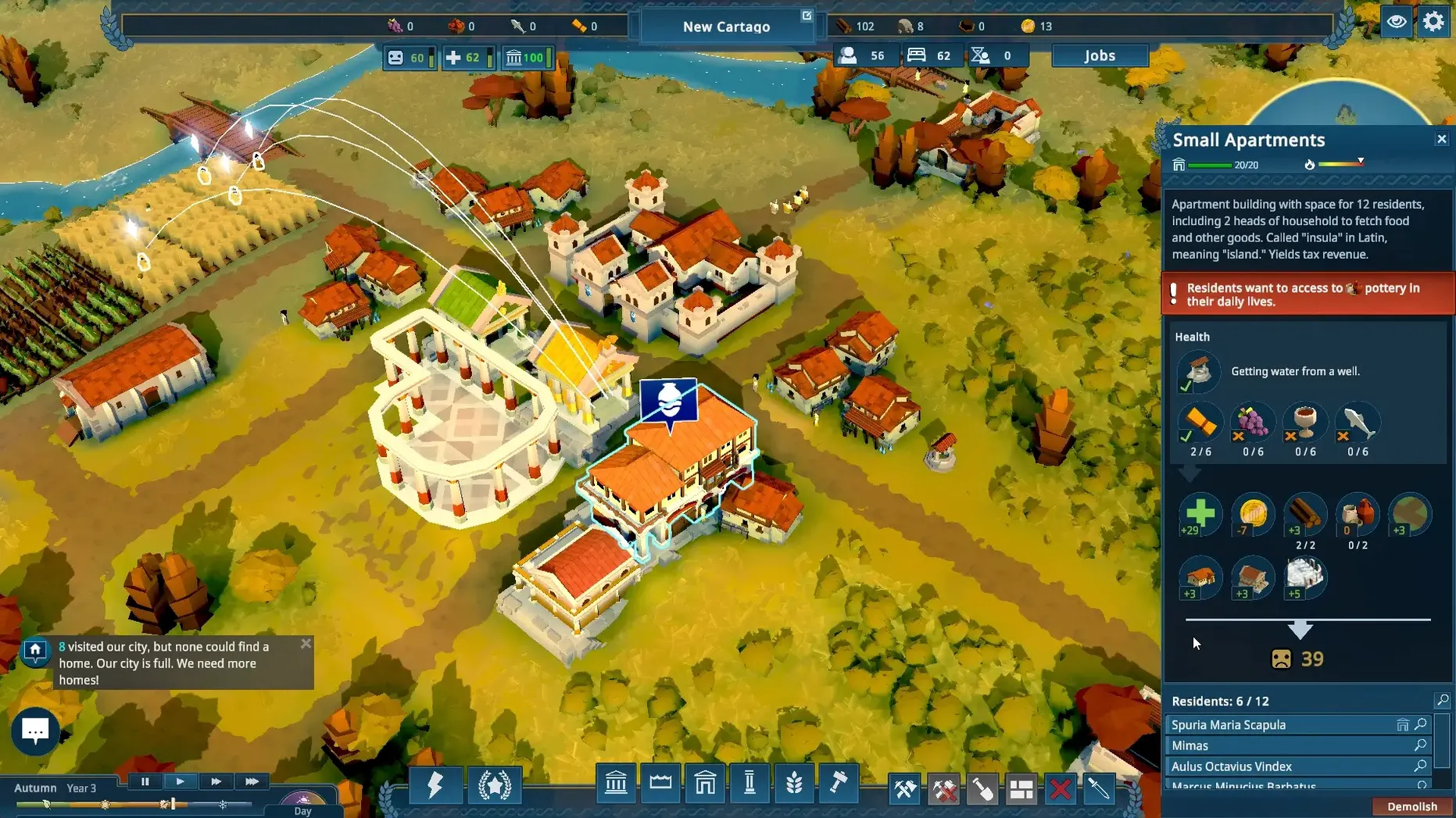
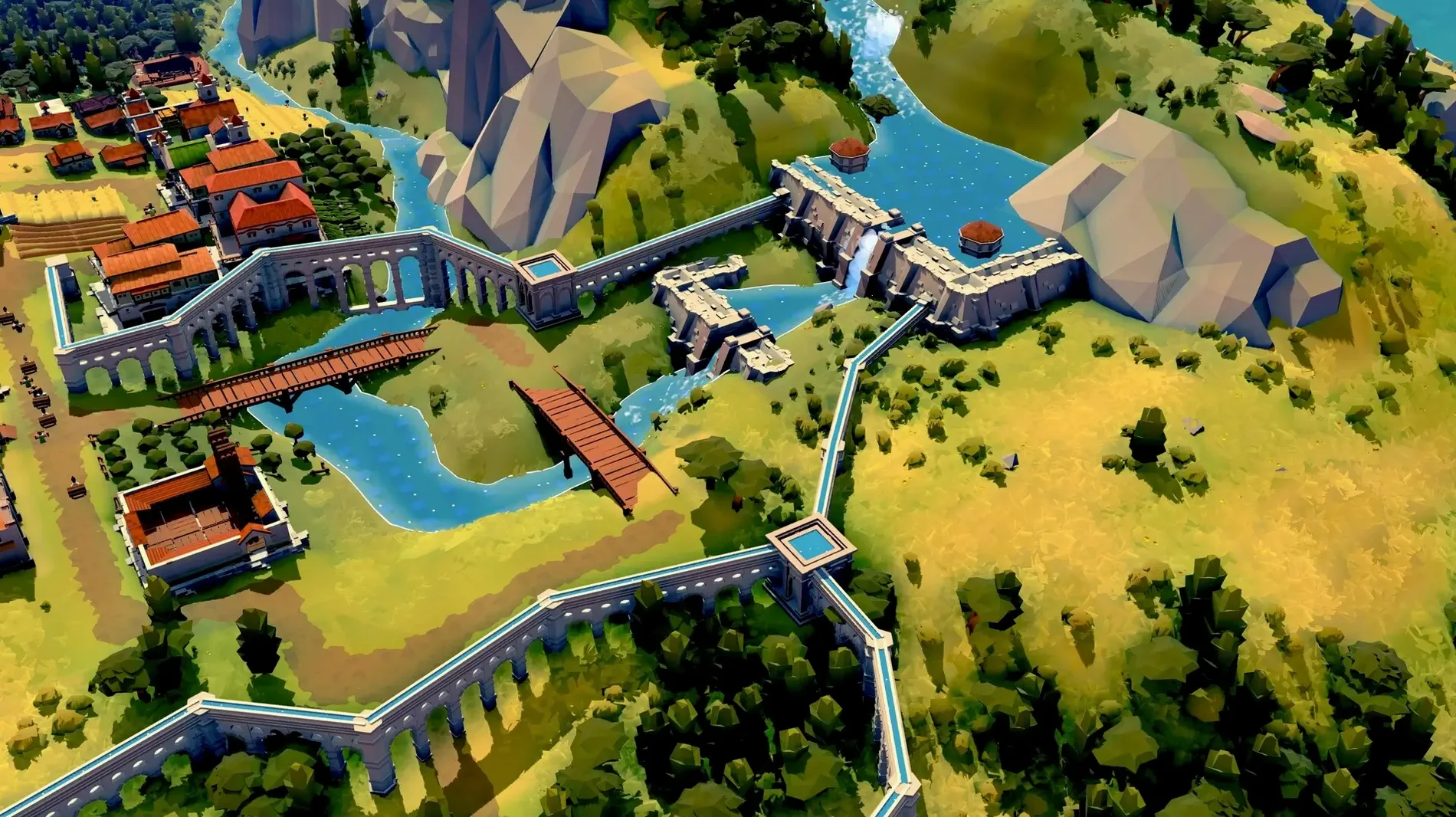
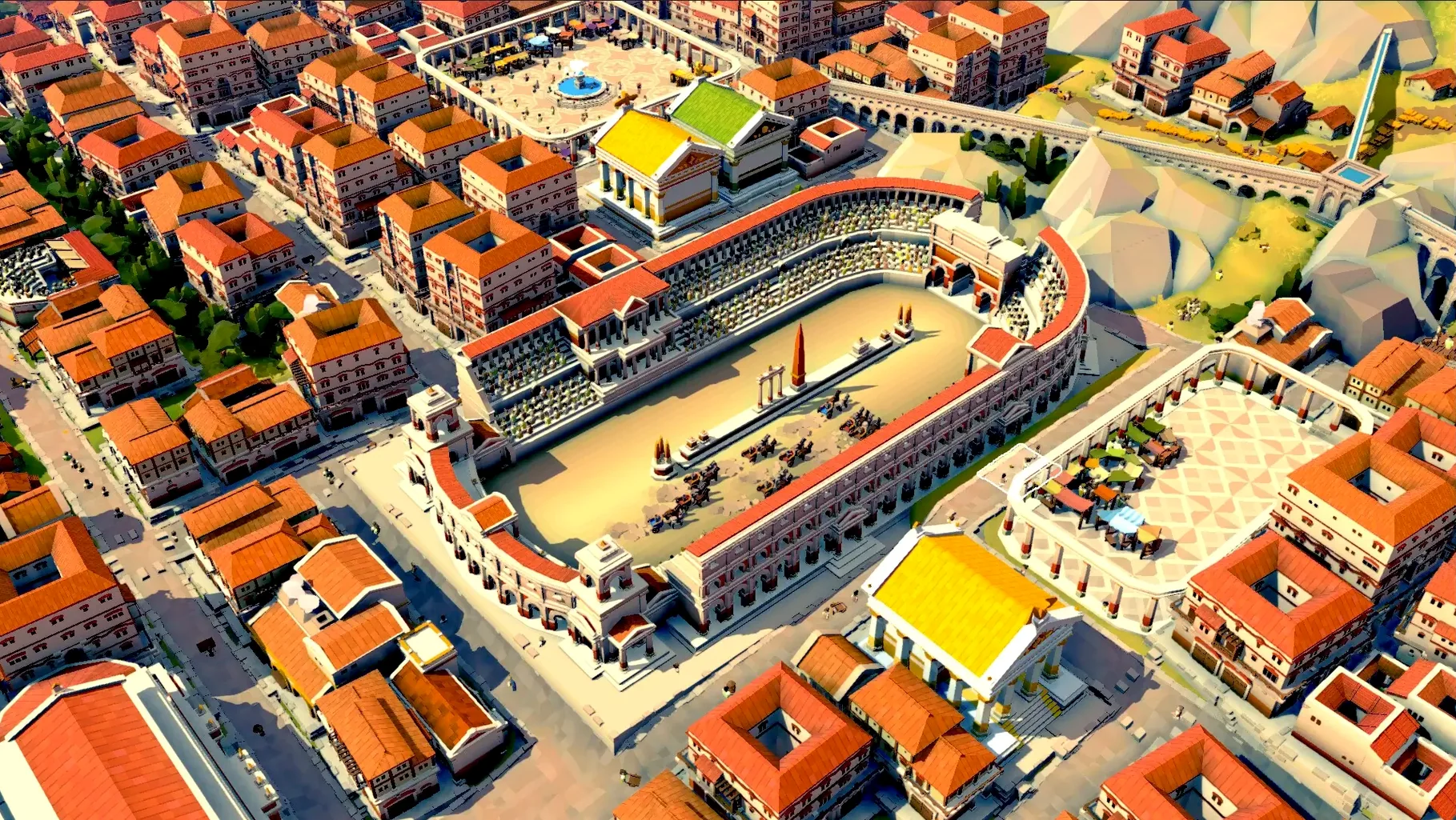
The current version, 0.7.2703, keeps the focus on the core loop: leading citizens to build Nova Roma, enacting laws, and keeping the gods happy. Dams and aqueducts are in, so water management matters as much as bread and wine supply chains.
Runs smoothly on a Mac mini M4 with mid-sized settlements
The macOS build was tested on both Apple Silicon and Intel 64-bit. On a Mac mini 2024 M4 running macOS Tahoe, the game handles a mid-sized settlement without noticeable slowdown. Mouse and keyboard are the primary controls; expect to click through menus for laws, trade, and construction. The interface supports 15 languages, including English, French, and Japanese.
Early game is smooth on the M4; larger cities may tax the CPU
Performance will vary with settlement size. Early game is smooth on the M4; larger cities with complex supply chains may tax the CPU. Intel Macs should manage, but keep expectations modest for very large maps. Irrigation and divine favor add layers that affect simulation speed, so pause often when planning.
Citizens stop working—check the law panel first
A few recurring issues crop up in the early access build, usually tied to the simulation depth rather than actual bugs. Knowing them saves time.
- Citizens stop working. Check the law panel first. A poorly timed law—say, raising taxes too fast—can tank morale, and citizens will idle. Repeal the law or lower the rate, then wait a few minutes for the labor pool to refill.
- Water stops flowing. Aqueducts and dams rely on elevation. If a section of pipe goes uphill without a pump or the dam's reservoir is too low, water halts. Open the water overlay (it's a toggle in the construction menu) and trace the path. Often a single segment placed at the wrong height is the cause.
- Gods get angry. The divine favor meter drops if temples are too far from housing or if you neglect festivals. The fix is usually a second temple closer to the main square, or a small shrine near the outer districts. Don't ignore it—angry gods spike crime and reduce harvest yields.
- Supply chain deadlock. Bread requires wheat and a bakery; wine requires grapes and a press. If either resource runs out, check the farm-to-warehouse route. Storage buildings sometimes fill up, blocking production. Build an extra granary or warehouse near the production zone, and set a minimum stock in the trade menu so you're not exporting everything.
A few practical things to do before diving into a serious city.
- Run the tutorial scenario. It walks through basic irrigation, lawmaking, and temple placement.
- Start on a flat map. The game's terrain tools are functional but not forgiving. A flat start reduces early water management headaches and lets you focus on supply chains and citizen needs. Save the hilly maps for a second playthrough.
- Pause early, often. Use the pause button whenever you're placing buildings or reviewing laws. Time passes during construction, and a few minutes without attention can drain resources or anger the gods. Pausing gives you control without rushing.
- Save before major laws. The game auto-saves, but not before every decision. If a new tax rate or citizenship law causes a revolt, having a manual save from five minutes earlier spares you a full rebuild.
Integration with macOS and Other Apps
The game doesn't require any special launcher or background service. It installs as a standard application, so macOS's built-in tools work as expected. A few combinations are worth noting:
- Mission Control and Spaces. If you like running the game on one desktop and a browser guide on another, drag the game window to a separate space. It stays fullscreen there, and you can swipe between the game and reference material without alt-tabbing out of the simulation.
- Quick Look for city screenshots. The game saves screenshots to the Pictures folder by default. Quick Look (press Space on the file) works instantly, so you can compare population layouts or resource flow without opening an image editor.
- Keyboard shortcuts. macOS modifiers like Command-H hide the app, which is useful during testing. The game itself uses standard keys for building menus, but you can also use Mission Control gestures to jump back and forth between the game and a notepad app for tracking law ideas.
- Time Machine and save files. The save folder is in
~/Library/Application Support/NovaRoma/. If you experiment with risky laws or terrain edits, Time Machine backups let you revert to a clean state without losing the whole city.
A modder designs and tests custom law sets from the save folder
Elena is a hobbyist modder and a Roman history enthusiast. She uses Nova Roma 0.7.2703 to test custom law sets she designs in a text editor. The game reads law files from the same save folder, so she edits them in BBEdit while the game runs in the background on a second monitor. She keeps a browser tab with Latin inscriptions open for authenticity checks.
Her typical session goes: launch the game, load her test city—a small settlement with basic irrigation—then quit back to the law panel to apply her edited file. If a law works as intended (say, a grain subsidy that boosts population without crashing the treasury), she saves the city and notes the conditions. If it fails, she checks the game's log output via Console on macOS for errors, then adjusts the file and reloads. The DRM-free build means she can swap files freely without triggering any online checks, which matters for rapid iteration.
She also uses macOS's built-in screenshot tool (Command-Shift-4) to capture before-and-after shots of her city's layout, then stitches them into a reference sheet in Preview. The game's water management mechanics—dams, aqueducts, elevation—give her something to model historically, even if the simulation simplifies Roman engineering. For her, the game is less about winning and more about testing hypothetical laws against a simulated Roman economy.
Build 0.7.2988 Native is available. This release pulls in changes from the upstream source, but no English patch notes were provided with the update.
- macOS version not specified by the developer
- Apple Silicon and Intel 64-bit
Questions from the notes
Does Nova Roma run on Intel Macs?
Yes, the macOS build was tested on Intel 64-bit architecture, so it should run on both Apple Silicon and Intel Macs.
What are the system requirements for Nova Roma?
The macOS version supports both Apple Silicon and Intel 64-bit; no specific macOS version or other requirements are listed.
What languages does the Mac version support?
The interface is available in 15 languages, including English, Russian, German, French, Spanish, Italian, and Japanese.
Install procedure
- Mount the downloaded disk image.
- Run the standard installer.
- Choose an installation location at the end.
- Applications is the recommended install folder.
Reports from players
Sign in or create a tester account to file a report.
No reports filed yet.