
NBA 2K24 Arcade Edition runs on any Mac with Apple Silicon (M1 or later) and Intel-based Macs, tested on macOS Sonoma and a MacBook Air (M1, 2020). It works with both architectures. Once installed, here are three modes to start with.
Start your career in MyCAREER
MyCAREER is the single-player story mode. Create a player and work through games, training, and off-court decisions. It’s the main draw for solo play.
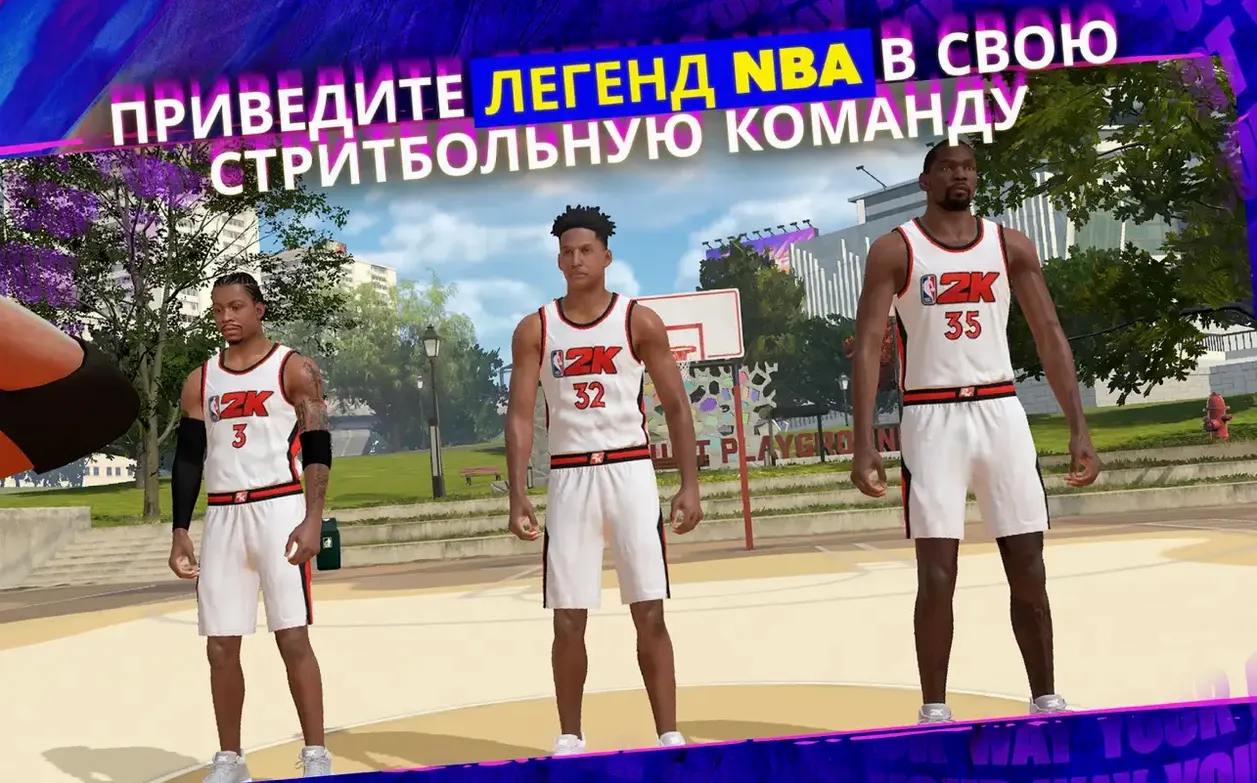
Jump into a quick streetball match
The Streetball mode is pick-up basketball: 1v1, 3v3, or 5v5. No rules, no clock, just scoring. Good for a fast game without the season structure.
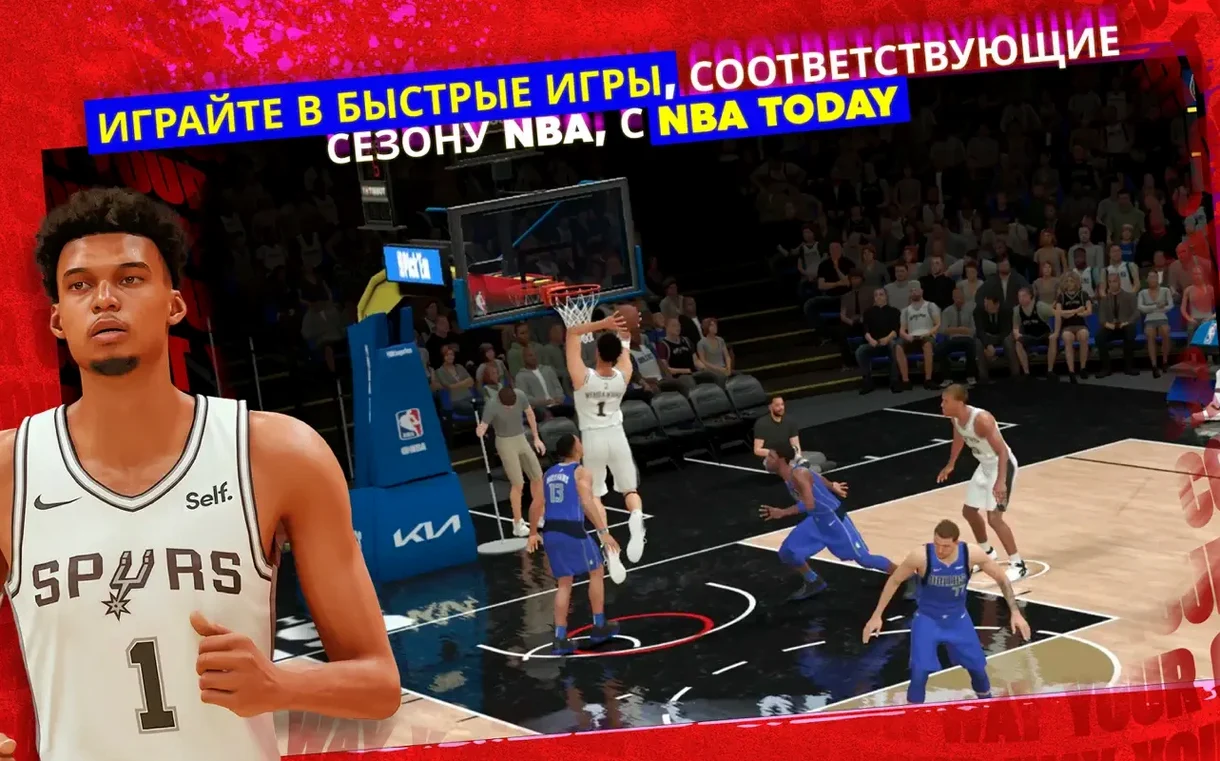
Play today’s NBA schedule
NBA Today loads the real-world matchups and standings. You can replay any game from the current season. Useful for checking how a team plays before watching the real thing.
Before installing, people often ask whether the game needs an internet connection. NBA 2K24 Arcade Edition does require a connection for most features — MyCAREER saves, NBA Today updates, and friend matches all need to sync. Offline, only the Quick Match and Spectator modes are available, and you will not see current rosters. Another common question is whether the game saves progress across devices. Since it is an Apple Arcade title, your save follows your Apple ID. Start a season on a Mac and continue on an iPad or iPhone. The save syncs automatically as long as you are signed into the same account. One more: does it support controllers? Yes, it works with any MFi-certified game controller or a PlayStation/Xbox controller paired via Bluetooth. Touch controls are available on iPhone and iPad, but on Mac you will want a controller for precision.
Play a full NBA Today game from tip-off to final buzzer
This workflow assumes you have the game installed and a controller connected. It takes about ten minutes for a single match.
- Launch the app from Launchpad. The main menu appears after the NBA 2K24 logo.
- Select NBA Today from the mode list. The screen shows the current real-world date and tonight’s matchups.
- Pick a game. You see each team’s record and starting lineup. Choose either side to play. The opposing team is controlled by the CPU.
- Skip the pregame cutscenes if you want. Press A (Xbox) or X (PlayStation) to jump to tip-off.
- Play four quarters. The default length is five minutes per quarter. Pause anytime to adjust camera angle or audio levels from the settings menu.
- After the final buzzer, the game shows box scores and player stats. You can exit to the main menu or start another matchup.
The same workflow works for Quick Match, Association, and Streetball modes. The only difference is the mode you select at step 2. Association lets you manage a season over many games; Streetball skips the quarters and runs to a set score instead.
Start with Streetball mode for the fastest control practice
Start with Quick Match to learn the controls. Streetball mode has fewer menu layers and no substitutions, so it is the fastest way to get comfortable with shooting and passing timing. Do not jump into MyCAREER immediately — the game assumes you know basic controls, and a missed tutorial can be frustrating.
Set the camera angle early. The default broadcast angle works for most players, but try the 2K angle if you want a wider view of the court. You can change it from the pause menu during any game. The setting persists across modes.
Check the NBA Today mode before playing any other mode. It updates every time the app connects online, and it shows the latest roster changes. If you start a MyCAREER season first, you might miss a trade that happened yesterday. NBA Today reflects that trade immediately.
Use Game Center to invite a friend. Both players need an Apple device running the same version. The Spectator mode is worth trying once — it lets a friend watch your game live. Not many sports games on Mac offer that feature.
If the game feels sluggish, lower the graphics preset in the settings menu. The MacBook Air (M1, 2020) handled the game at medium settings during testing. Intel-based Macs may need the low preset for consistent play.
- macOS: not specified by developer
- Architecture: Apple Silicon and Intel
- Tested on macOS Sonoma
- Tested on MacBook Air (M1, 2020)
Questions from the notes
Does NBA 2K24 Arcade Edition support multiplayer?
Yes, it supports Game Center invitations so you can play against friends.
What languages is the game available in?
Interface languages include English, French, German, Spanish, Italian, Russian, Japanese, Korean, Portuguese, Turkish, Traditional Chinese, and Simplified Chinese.
Install procedure
- Mount the downloaded disk image.
- Drag the app into the Applications folder alias.
- Launch the app from Launchpad after copying finishes.
Reports from players
Sign in or create a tester account to file a report.
No reports filed yet.