
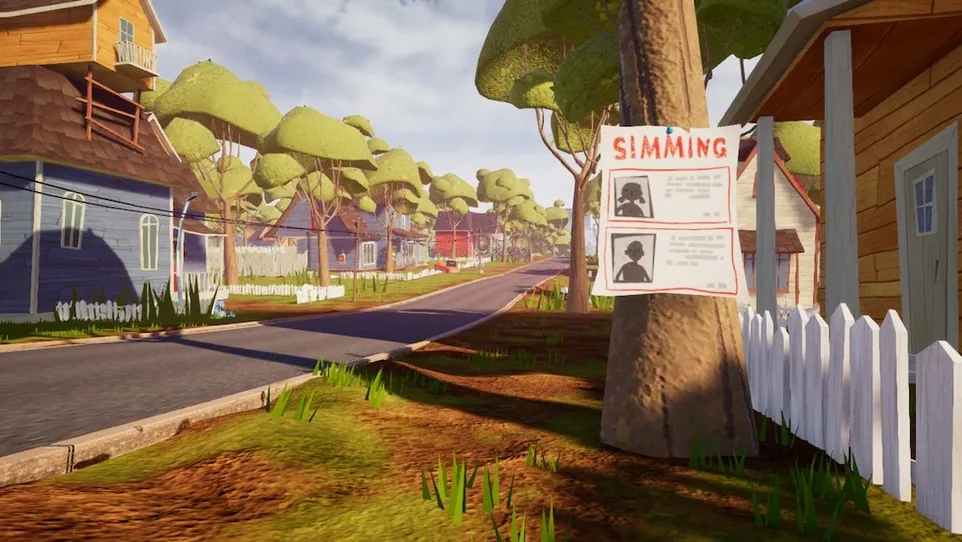

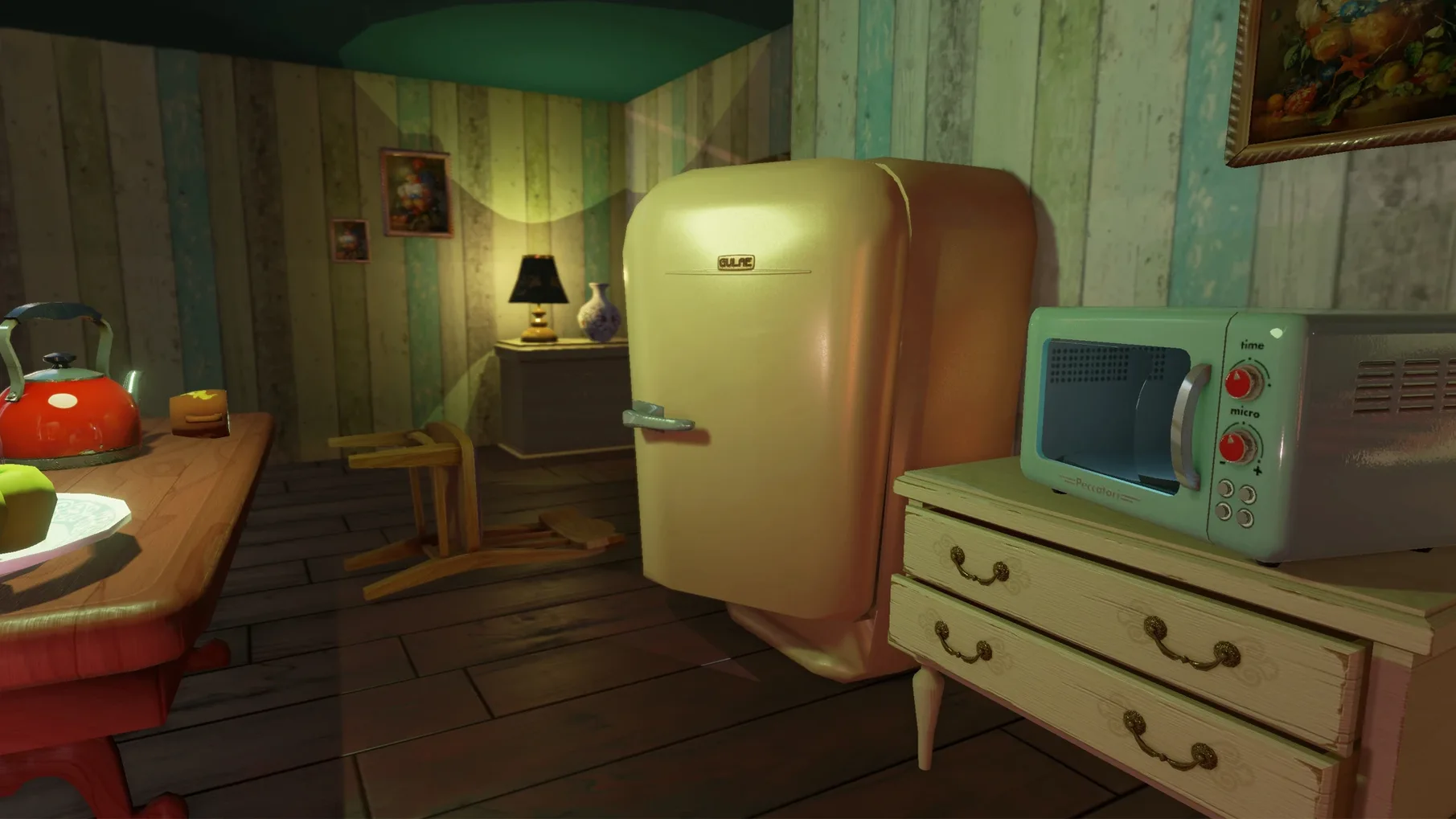
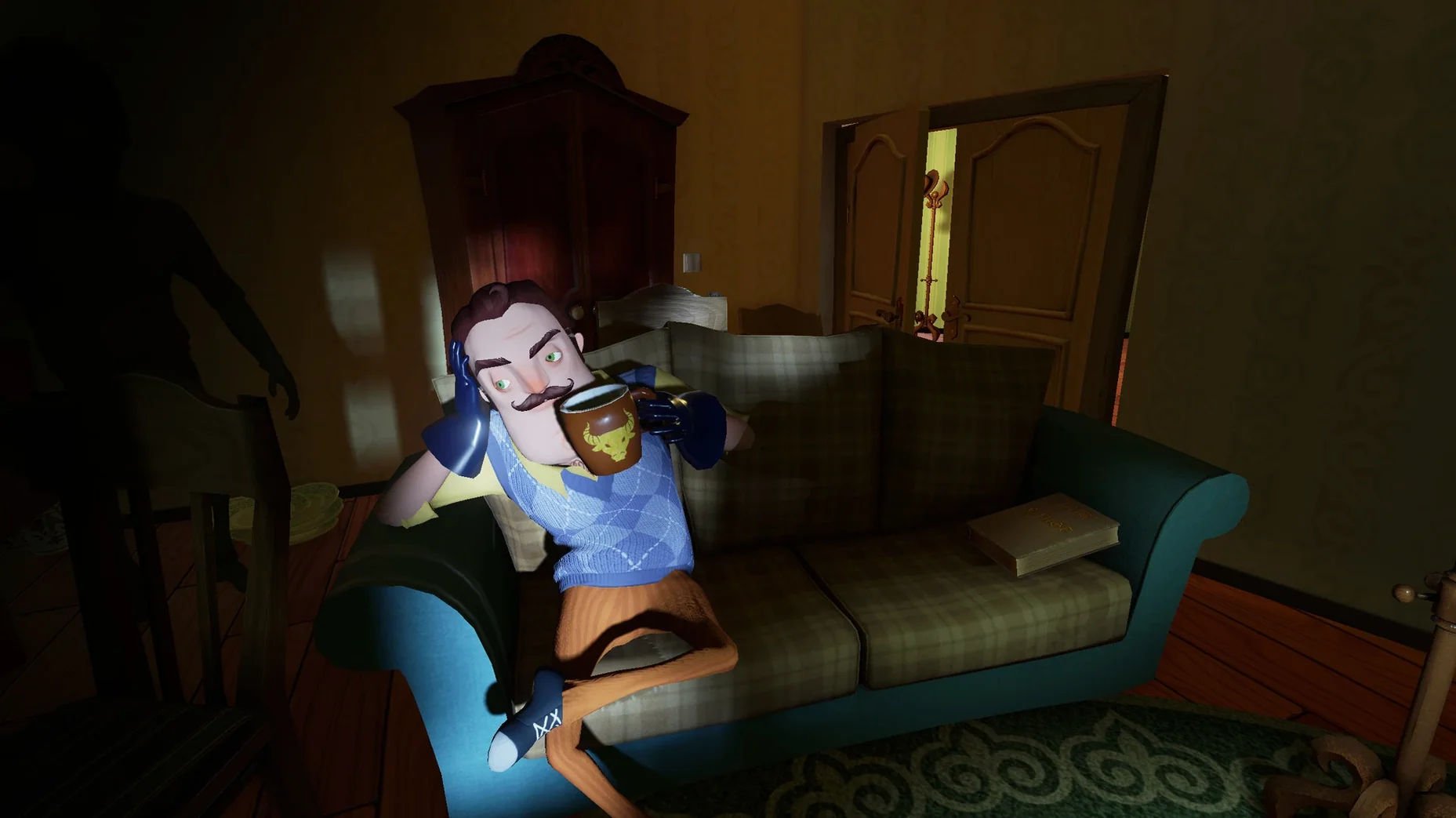


Hello Neighbor version 1.4 (build 30828) now ships with a Wineskin build label for this Mac package. The rest of the game is the same stealth horror title from Dynamic Pixels: you sneak into a neighbor’s house and figure out what he is hiding in the basement. The neighbor’s AI learns from your moves, so you cannot rely on the same trick twice.
Changing the language
The game includes twenty interface languages, from English and Russian to Chinese (both simplified and traditional) and Japanese. Audio is music only, so there is no spoken dialogue to switch. To change the language, open the game’s settings menu and pick from the list.
Running the game on Apple Silicon
This Mac version is built for ARM and requires macOS 11.0 or later on an Apple M1 chip or newer. The app uses a Wineskin wrapper. After mounting the disk image, drag the app into the Applications folder alias, then launch it from Launchpad once the copy finishes.
Fixing a launch error
If the game does not start, the disk image contains a file named Fix. Run it, then try launching again. If an FPS counter appears on screen and you want it gone, open KegworksConfig.app, go to Advanced, and disable Performance HUD for DXVK/Metal.
don't rush the front door like a standard stealth game
New players often treat it like a standard stealth game and rush the front door. The neighbor catches them immediately, and the AI logs that approach. Trying the same entry twice is a waste of time. Another common error is ignoring the windows entirely — but each window has a different trap. Picking the same window twice almost always triggers a bear trap or a net. Beginners also forget to close doors behind them. The neighbor notices open doors and adjusts his patrol route.
keep the app in Applications to prevent lost saves
The most frequent snag is the save location. If you move the app after starting a game, saves can vanish. Keep the app in Applications and do not relocate it. Another snag: the game may default to a language you do not read. Go to Settings and change it before starting a real playthrough. If the neighbor seems to predict your hiding spot, you are probably staying in the same closet or behind the same couch too long. The AI tracks repeated hiding behavior. Move around more. If the game feels sluggish, check that no other heavy apps are running — the Wineskin wrapper uses resources differently than a native title.
Workflow for a first successful entry
Start by launching the game from Launchpad. Set the language to your preference in the settings menu. Start a new game. Do not go for the front door. Circle the house and look for a window on the far side, away from the neighbor’s starting position. Approach it quietly. If the neighbor moves your way, back off and hide behind a bush or a fence. Once he turns, try the window. Enter and immediately close the door behind you. Crouch and move to the nearest piece of furniture. Wait until the neighbor passes, then move to the next room. Repeat until you reach the basement stairs. Do not open the basement door until you have a clear path — the neighbor hears that door open from two rooms away.
- Wineskin build label is now used for this Mac package.
- macOS 11.0 or later
- Apple M1 chip or later (Apple Silicon only)
Questions from the notes
Does Hello Neighbor support Intel Macs?
No. The Mac version requires an Apple Silicon chip (M1 or later) and macOS 11.0 or newer.
Install procedure
- Mount the downloaded disk image.
- Drag the app into the Applications folder alias.
- Open the app from Launchpad after the copy finishes.
- If the game fails to launch, run the Fix file in the disk image.
Reports from players
Sign in or create a tester account to file a report.
No reports filed yet.