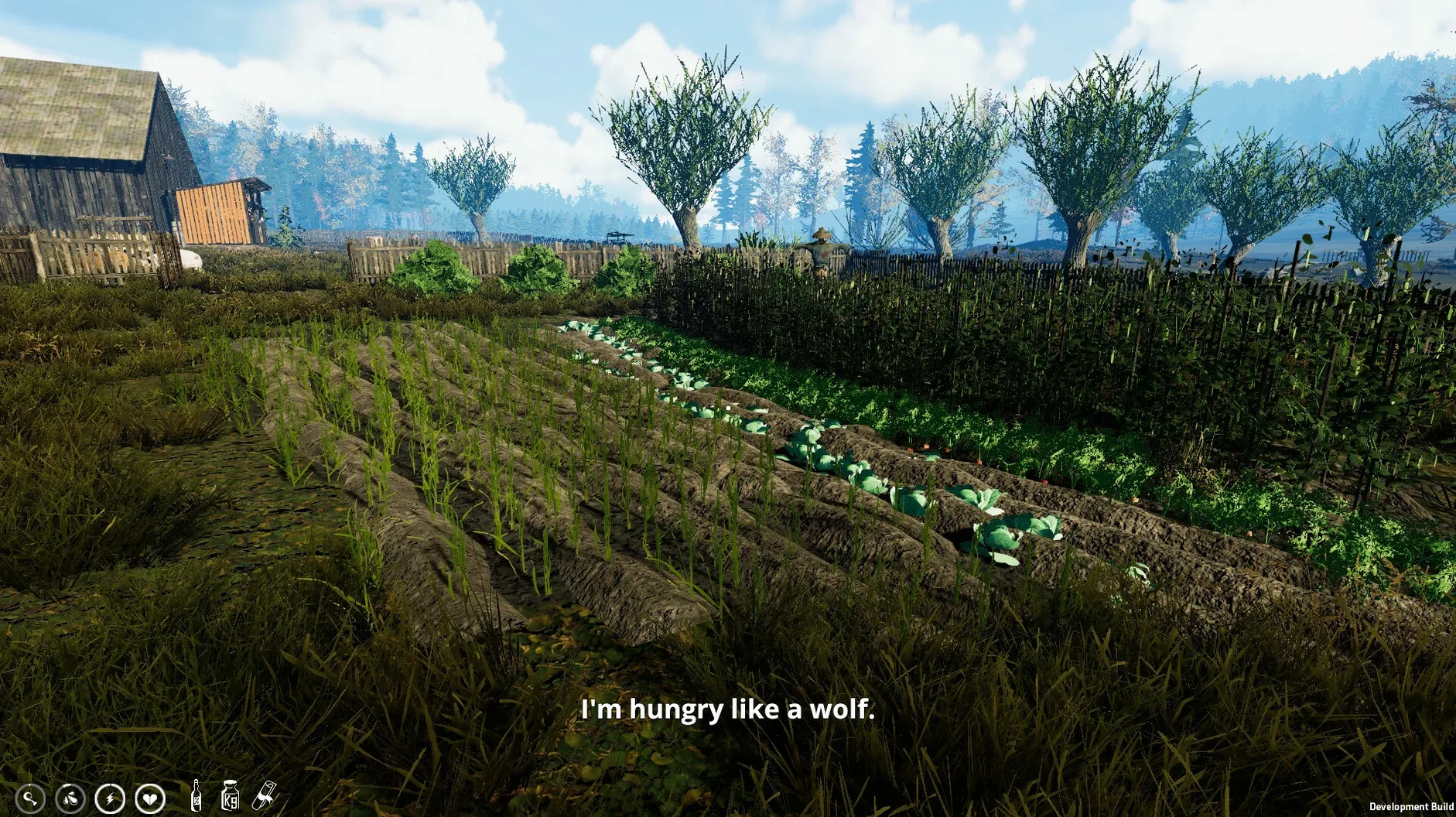
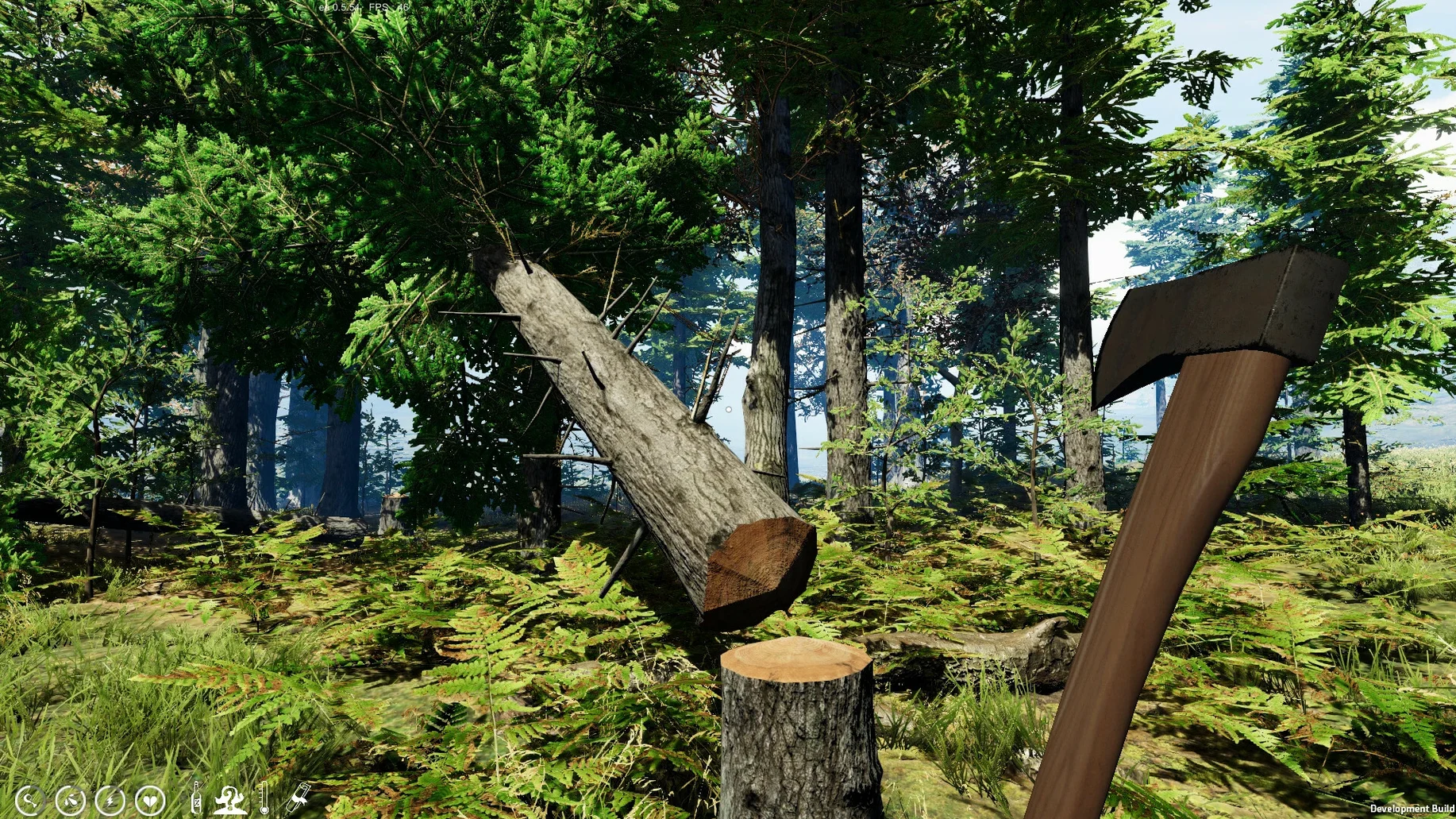
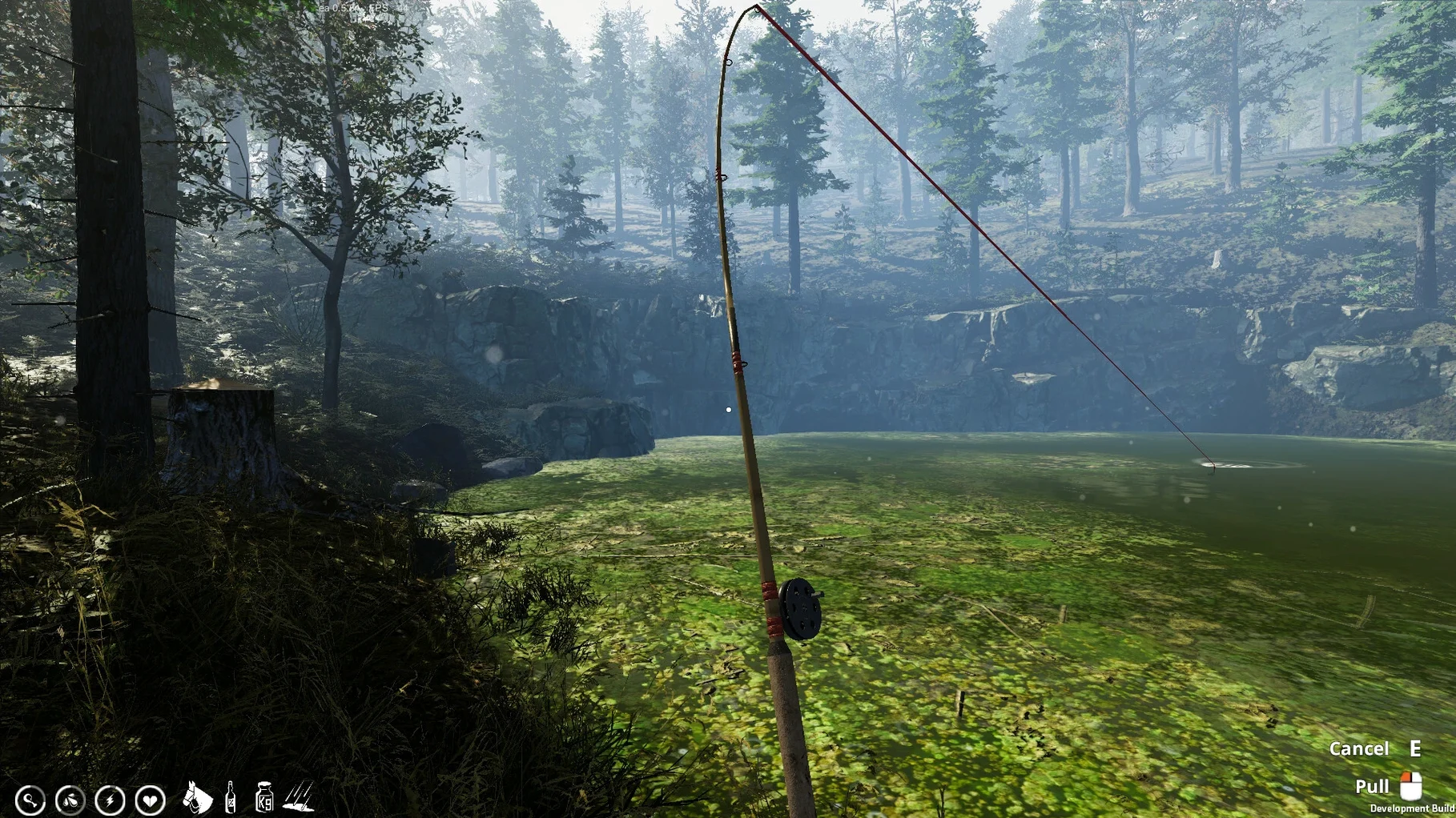
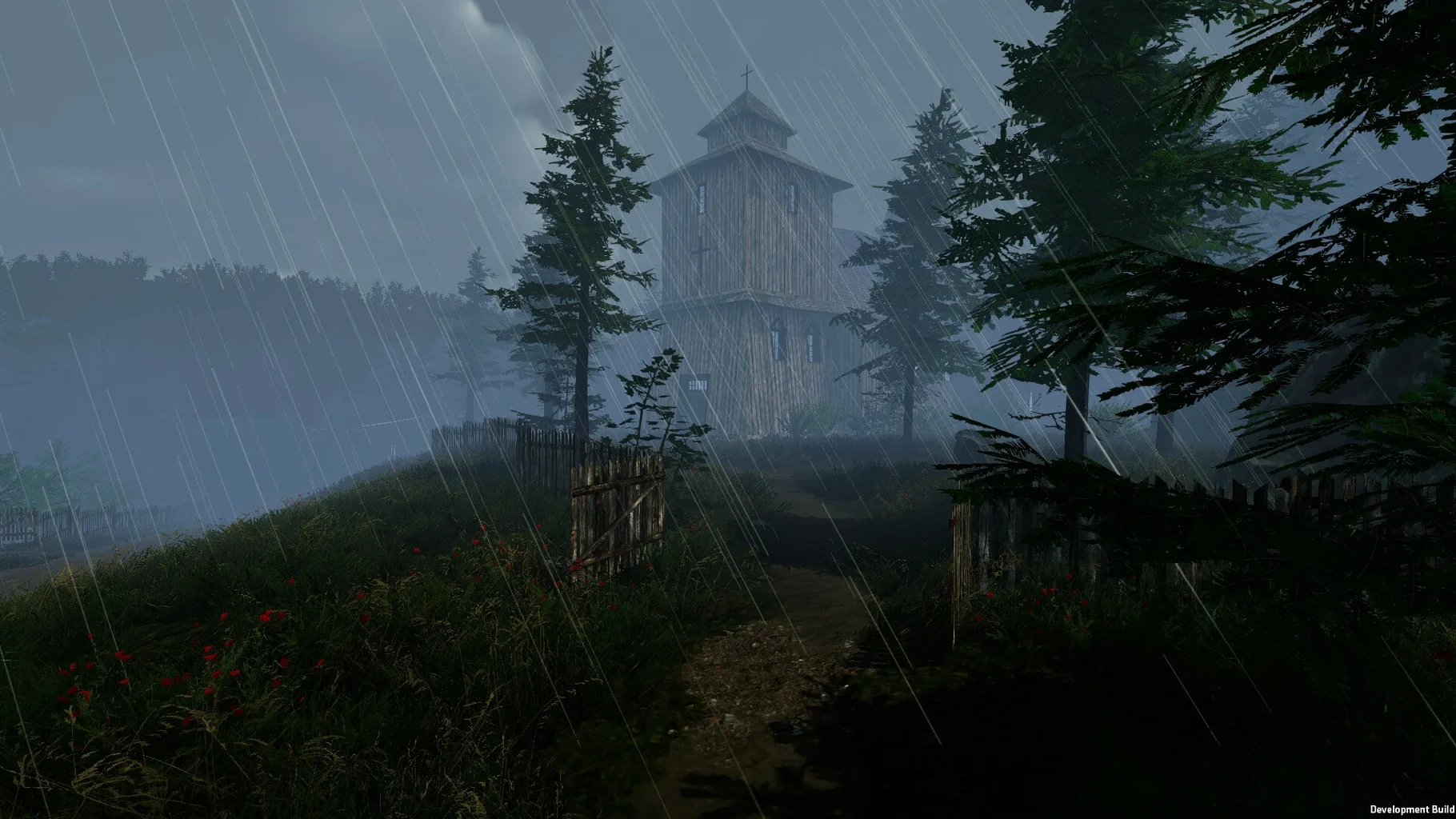
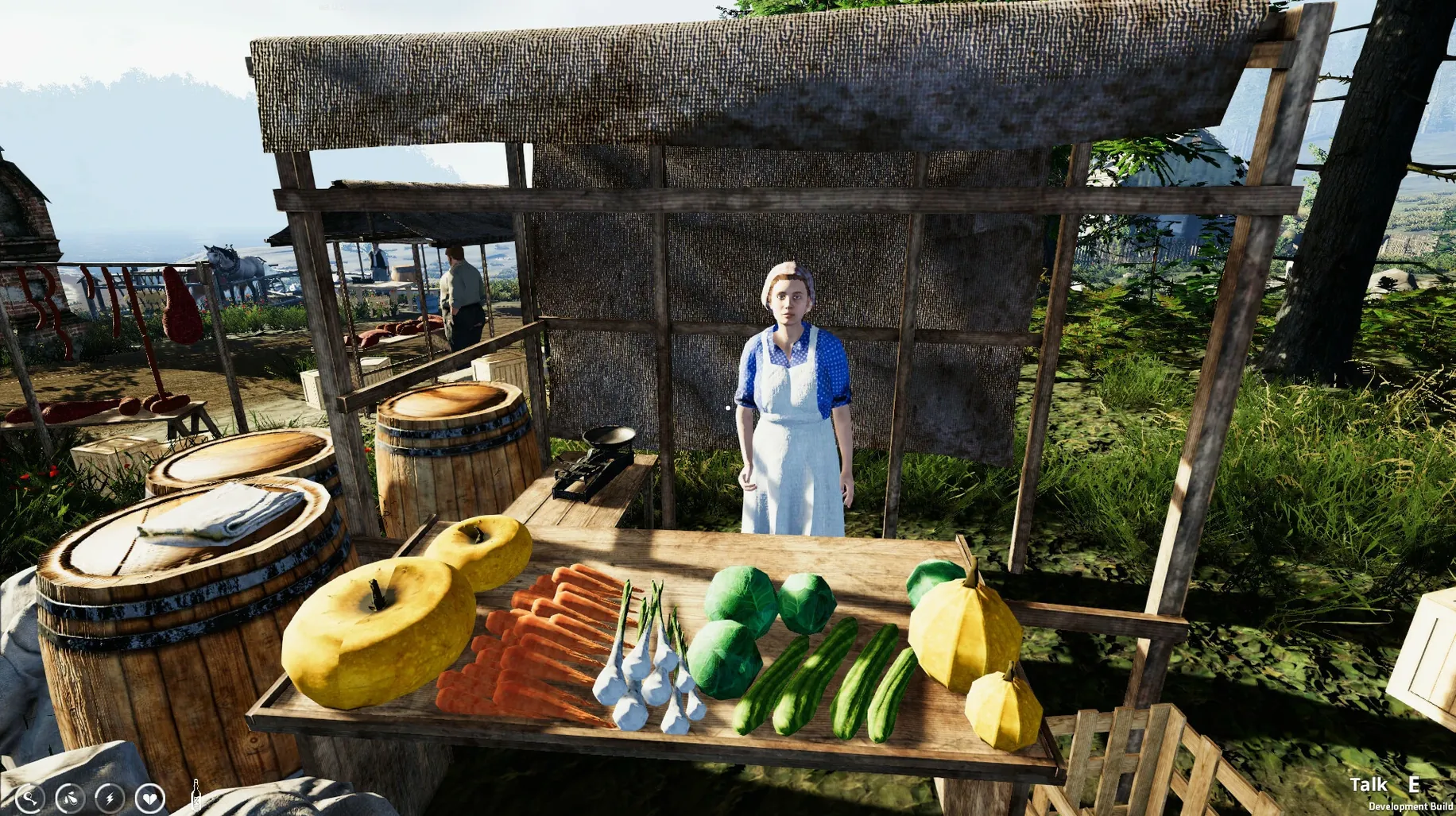
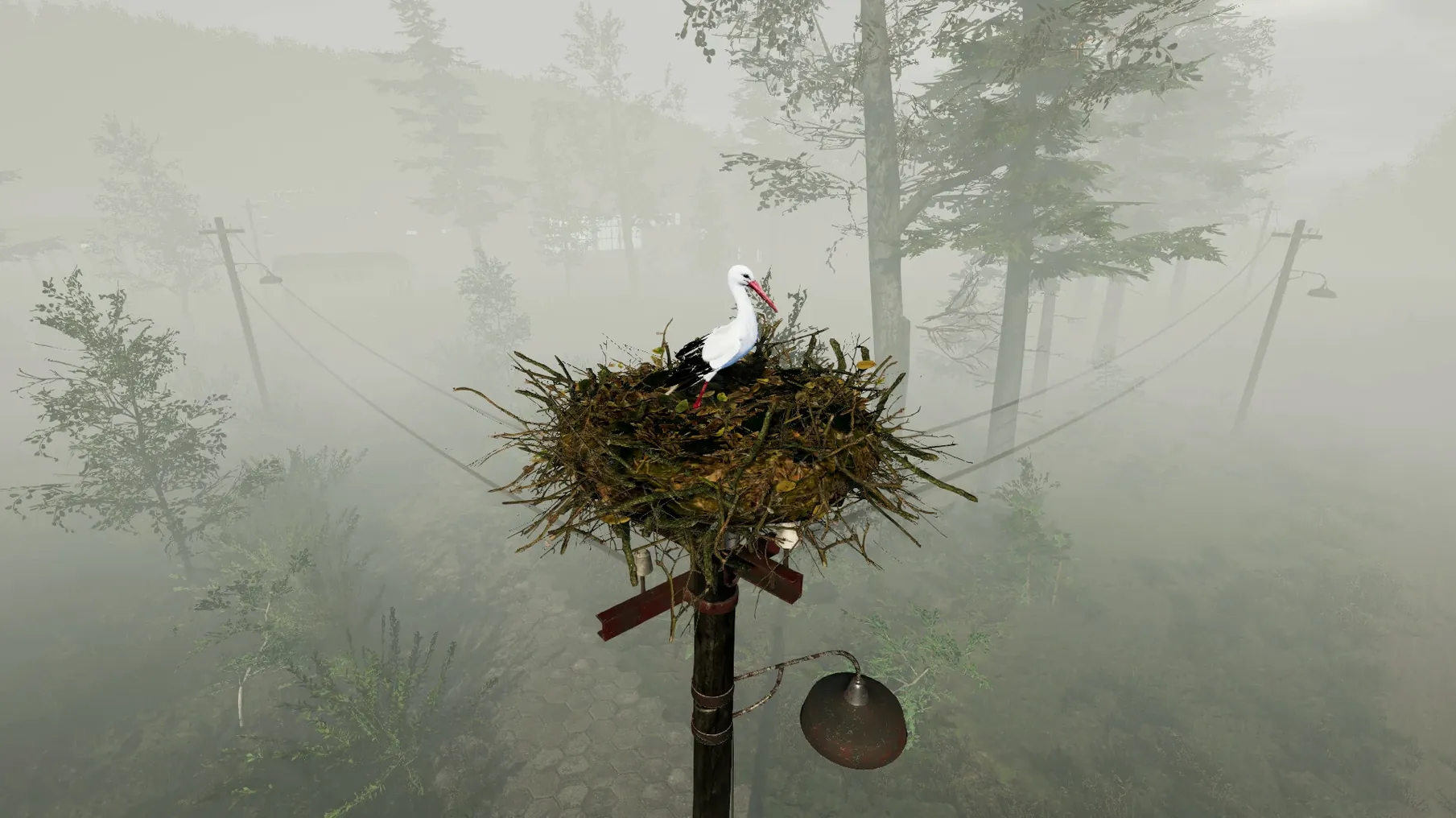
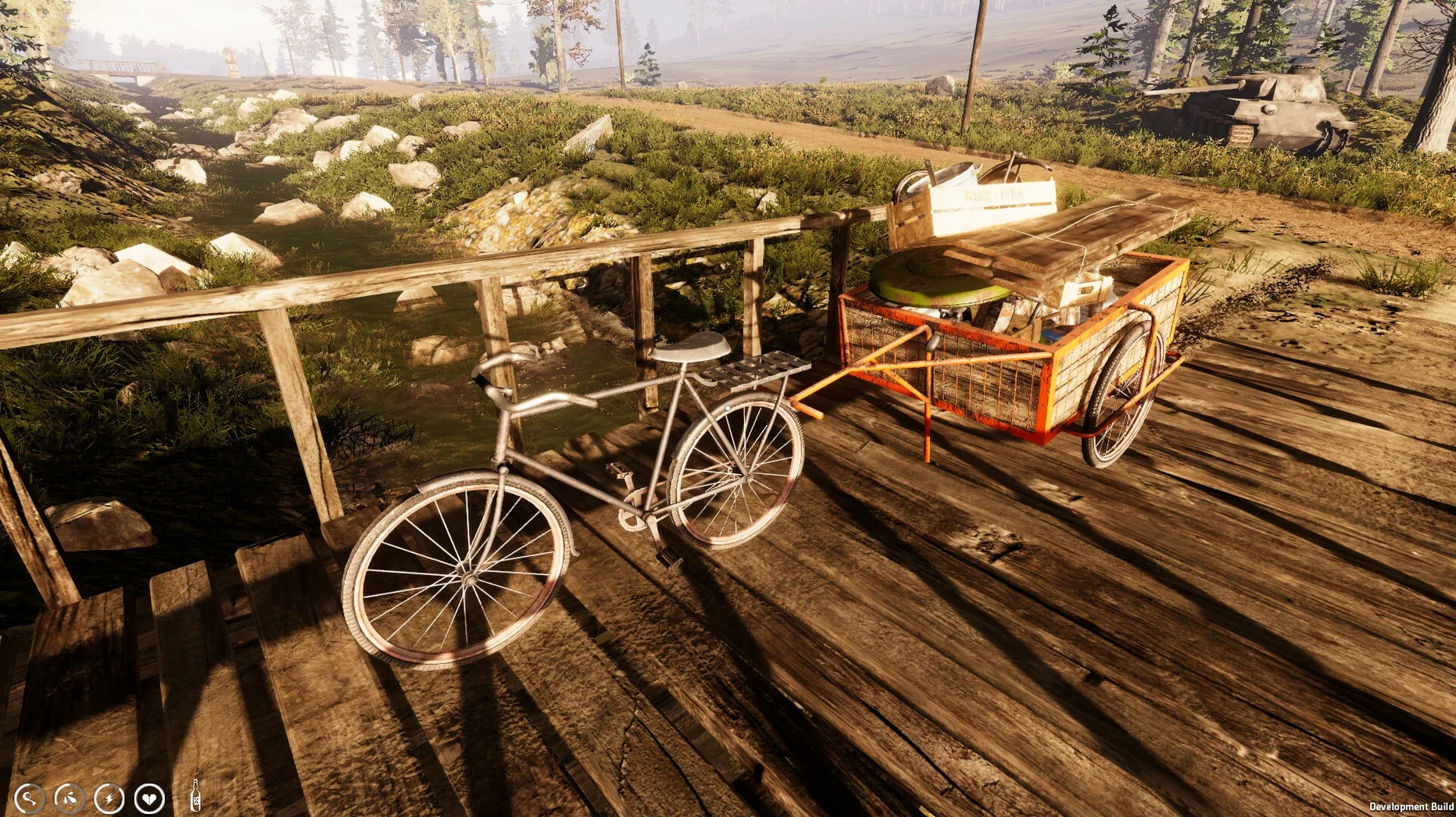
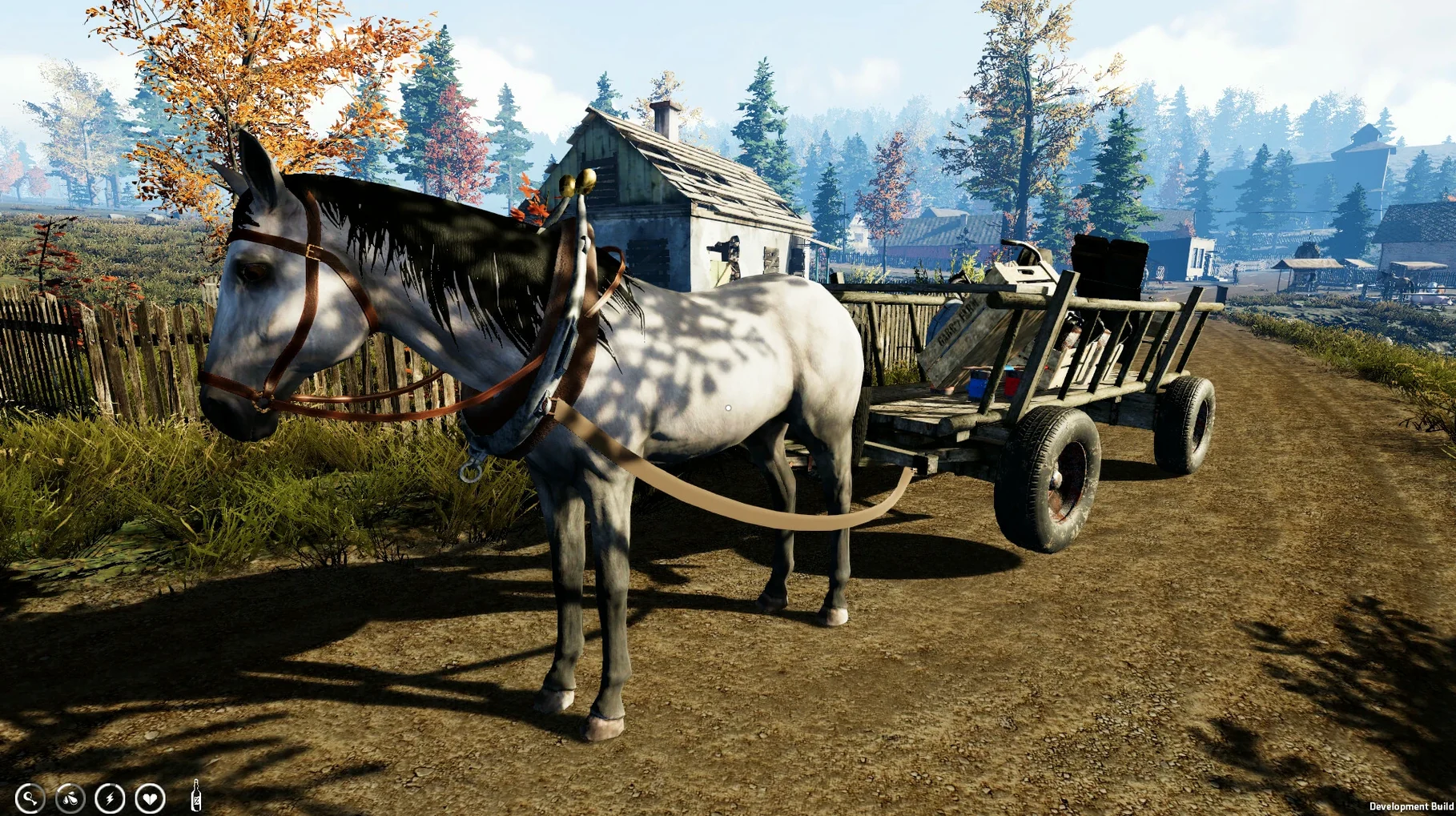
Farmer's Life, version 1.1.6, is a Wineskin build for Apple Silicon Macs, which means it runs on M-series chips without a separate compatibility layer. The game launched on October 20, 2023, and brings a large open world where you gather wood, raspberries, blueberries, mushrooms, eggs, and honey, then turn them into meals or sell them.
It fits alongside the tools you already use: the same disk-image mounting and drag-to-Applications install you know from other Mac software. The Wineskin wrapper handles the Windows executable, so you can focus on the farm life loop—planting, cooking, brewing, and selling alcohol. Vehicles like a bicycle, horse cart, tractor, and motorcycle expand your reach across the map.
Quest lines and marriage add structure. You can get married and receive spouse support, which helps with daily chores. Voice acting is in English and Polish, while the interface supports twelve languages including Russian, German, Spanish, Simplified Chinese, and French.
The ARM architecture means the game is optimized for Apple Silicon performance. It has been tested on macOS Tahoe and a Mac mini 2024 M4. If you run into a launch error, the disk image includes a Fix file—run it, and the game should start normally.
Set the language before you start
Before you start, open the game settings and look under the game or gameplay section to set the language. The default might not be English, depending on your macOS region. The interface supports twelve languages, so pick the one you are comfortable with.
Controls and key bindings can be remapped inside the same settings panel. The default layout works for basic movement and tool switching, but if you have a habit from another farming sim, adjust the bindings early. The game remembers them between sessions, so you set it once.
Graphics settings are basic—resolution and a quality slider. Start at medium if you are unsure. The open world has a lot of draw distance, and the quality slider mainly affects foliage density and shadow detail. You can raise it later once you see how the area around your farm handles.
Lives in the Applications folder with no extra launcher
Farmer's Life uses a Wineskin wrapper, so it lives in the Applications folder like any other Mac app. Launchpad or the Applications folder alias both work. The game does not require activation, so there is no extra launcher or login window.
macOS screen recording tools, like the built-in QuickTime screen capture or OBS, work without issue if you want to record your farm progression or share a clip. The game runs in a standard windowed or full-screen mode, and the macOS volume controls affect game audio normally. Voice acting is in English and Polish, and the game respects the system audio level.
If you use multiple monitors, the game defaults to the primary display. You can drag the window to a secondary screen in windowed mode, then toggle full-screen on that monitor. The cursor stays locked to the game window, so map navigation with the mouse remains consistent across setups.
Run the Fix file to resolve the Apple Silicon launch error
- Launch error after installation. The disk image contains a Fix file. Run it from where you mounted the image, then launch the game again. This resolves the most common startup issue on Apple Silicon.
- Game does not see the keyboard or mouse correctly. Some Wineskin builds need focus. Click the game window once after it opens, or press Alt+Tab away and back. This forces the wrapper to grab input focus.
- Sound cuts out after a few minutes. This is a known Wineskin quirk with certain audio channels. Restarting the game usually restores sound for the session. If it happens often, toggle the audio settings from stereo to mono in the game menu—this sometimes stabilizes it.
- Vehicles or machines feel unresponsive. The tractor and excavator have a slight input delay built into the game logic. It is not your hardware. Reduce the graphics quality one step to see if the input response tightens up, especially when driving through forested areas.
- Save files do not appear after reinstall. Wineskin saves are stored inside the wrapper folder, not in the usual macOS Documents or AppData locations. If you need to back them up, look inside the game's installed directory for a
drive_c/users/path. Copy that folder to keep your progress between installs.
For a farmer life mac torrent search, this build is straightforward: mount, copy, fix if needed, then play. The Wineskin packaging means the game behaves like a native app once the initial hurdles are cleared.
- macOS Tahoe (or later) tested
- Apple Silicon (ARM) architecture
- Mac mini 2024 M4 tested
Questions from the notes
Does Farmer's Life run on Intel Macs?
No, the Wineskin build is ARM-only, so it requires an Apple Silicon Mac (M1 or later).
What languages are available for voice and interface?
Voice is available in English and Polish. The interface supports Russian, English, German, Hungarian, Spanish, Italian, Simplified Chinese, Korean, Polish, Portuguese, Turkish, French, and Czech.
Install procedure
- Mount the downloaded disk image and drag the app into the Applications folder alias.
- After copying finishes, launch the app from Launchpad.
- If the game shows an error at launch, run the Fix file in the disk image.
Reports from players
Sign in or create a tester account to file a report.
No reports filed yet.