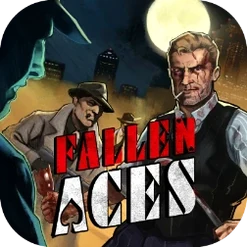
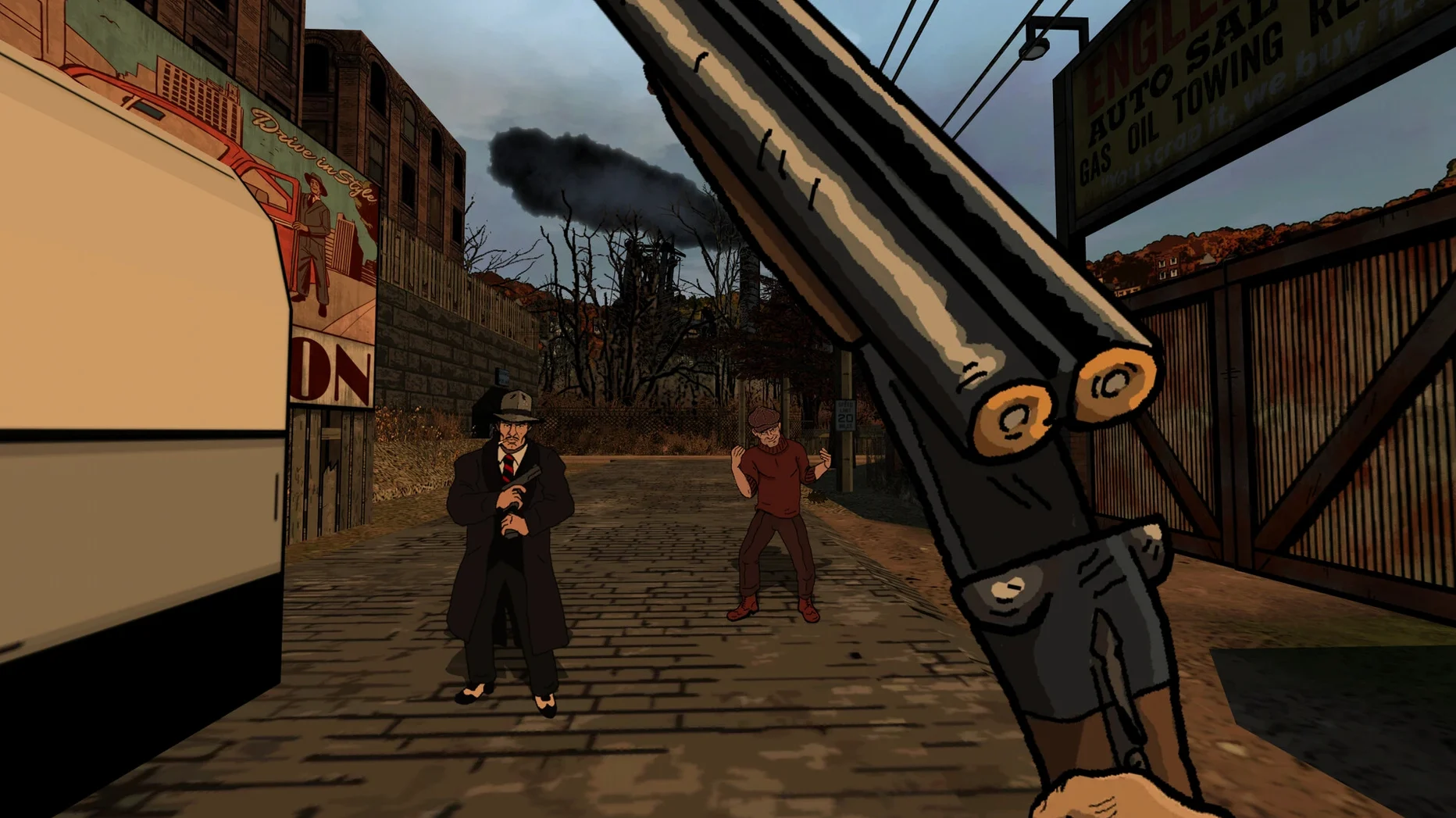
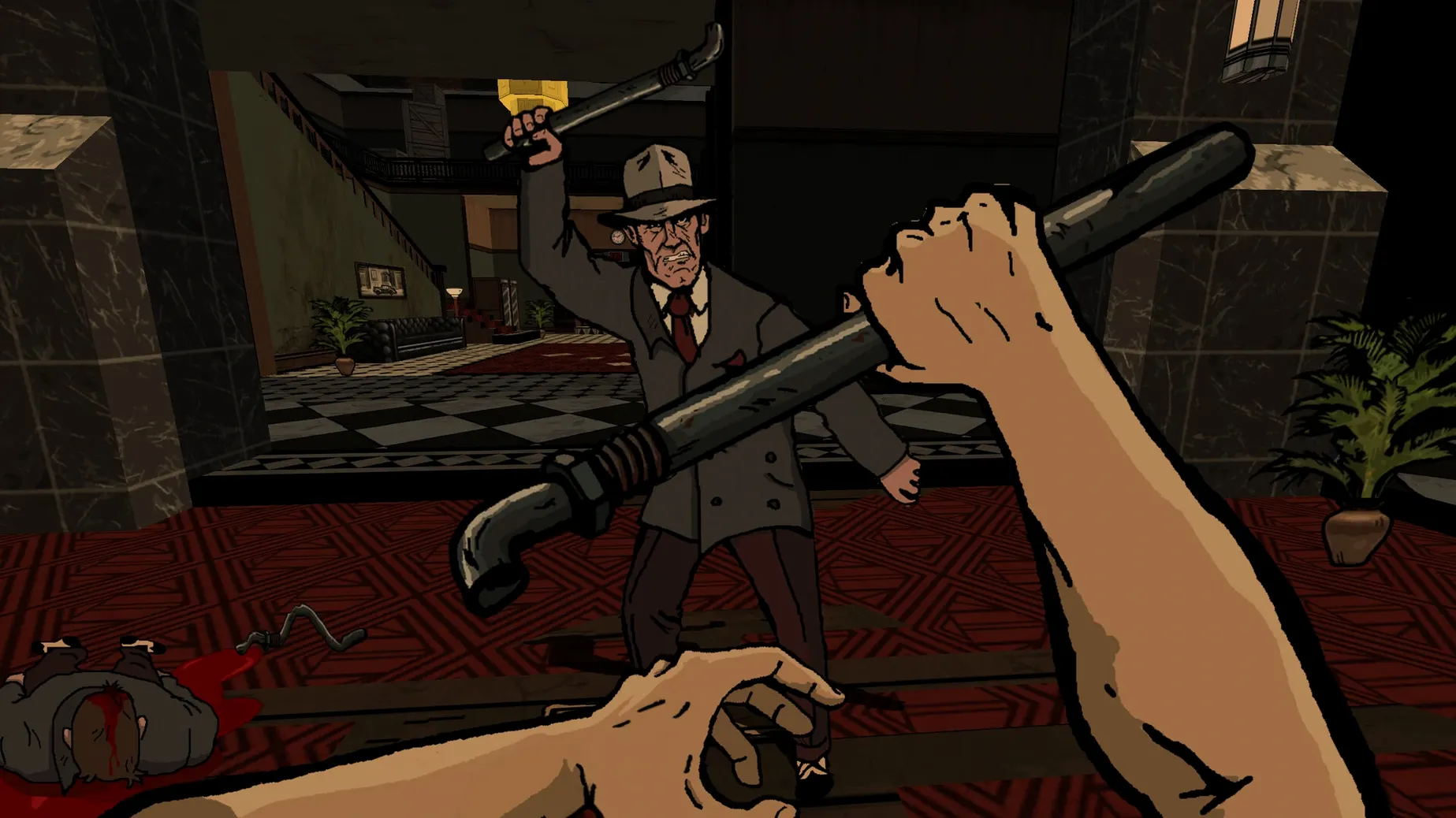
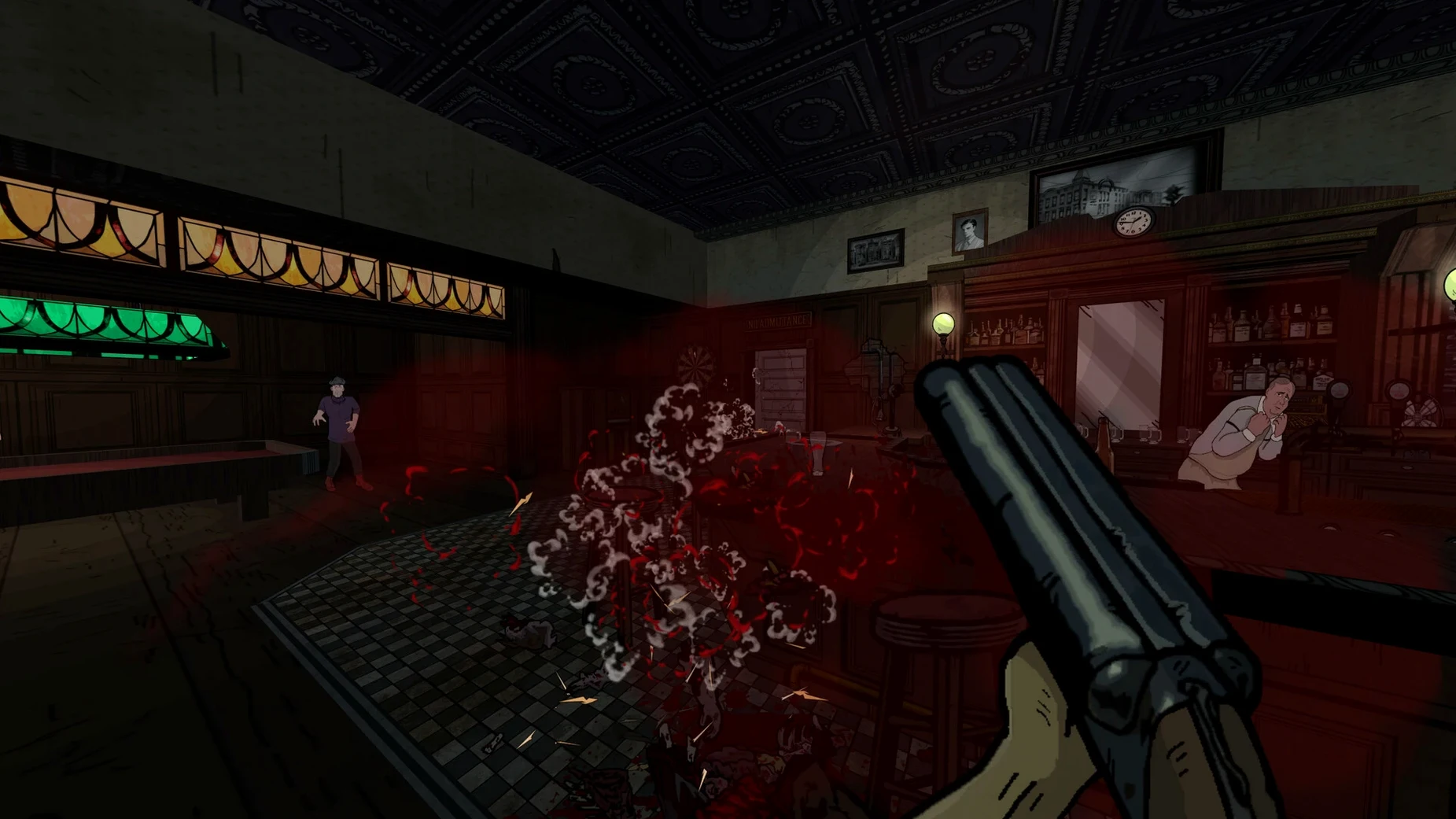
Fallen Aces is a noir first-person shooter with hand-drawn comic scenes, early access, and a release date of June 14, 2024.
Choice-driven action for stealth or loud play
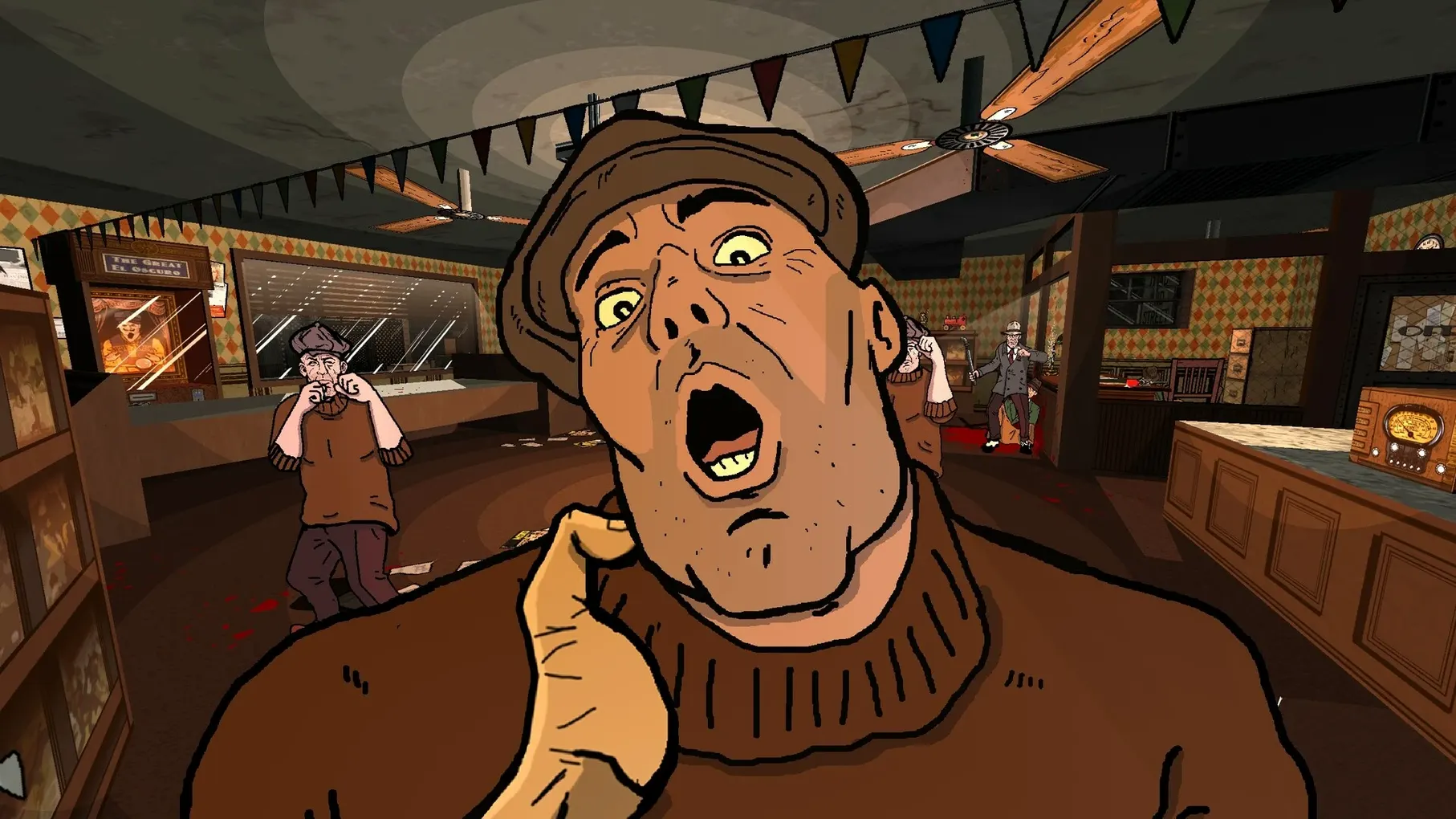
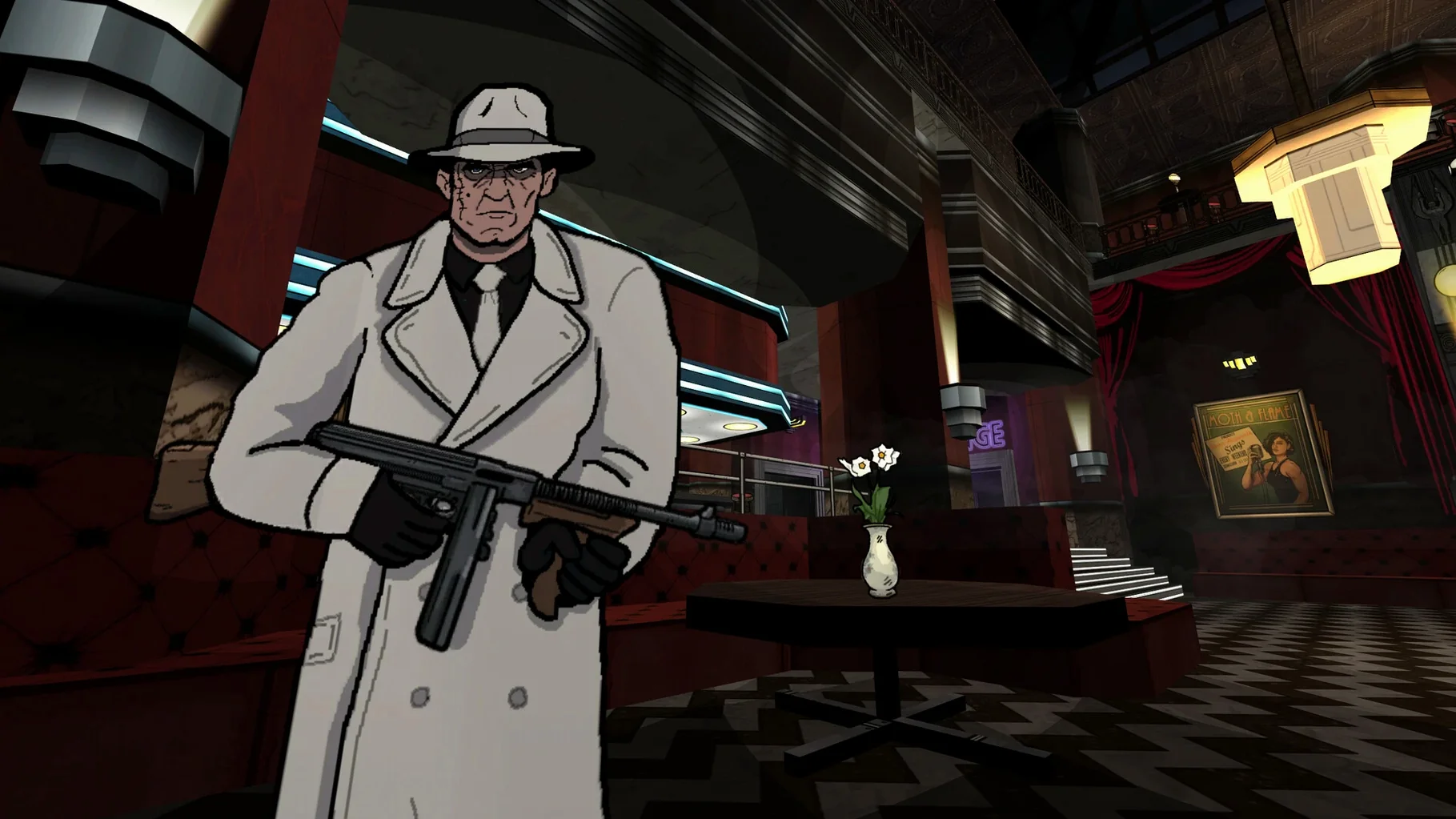
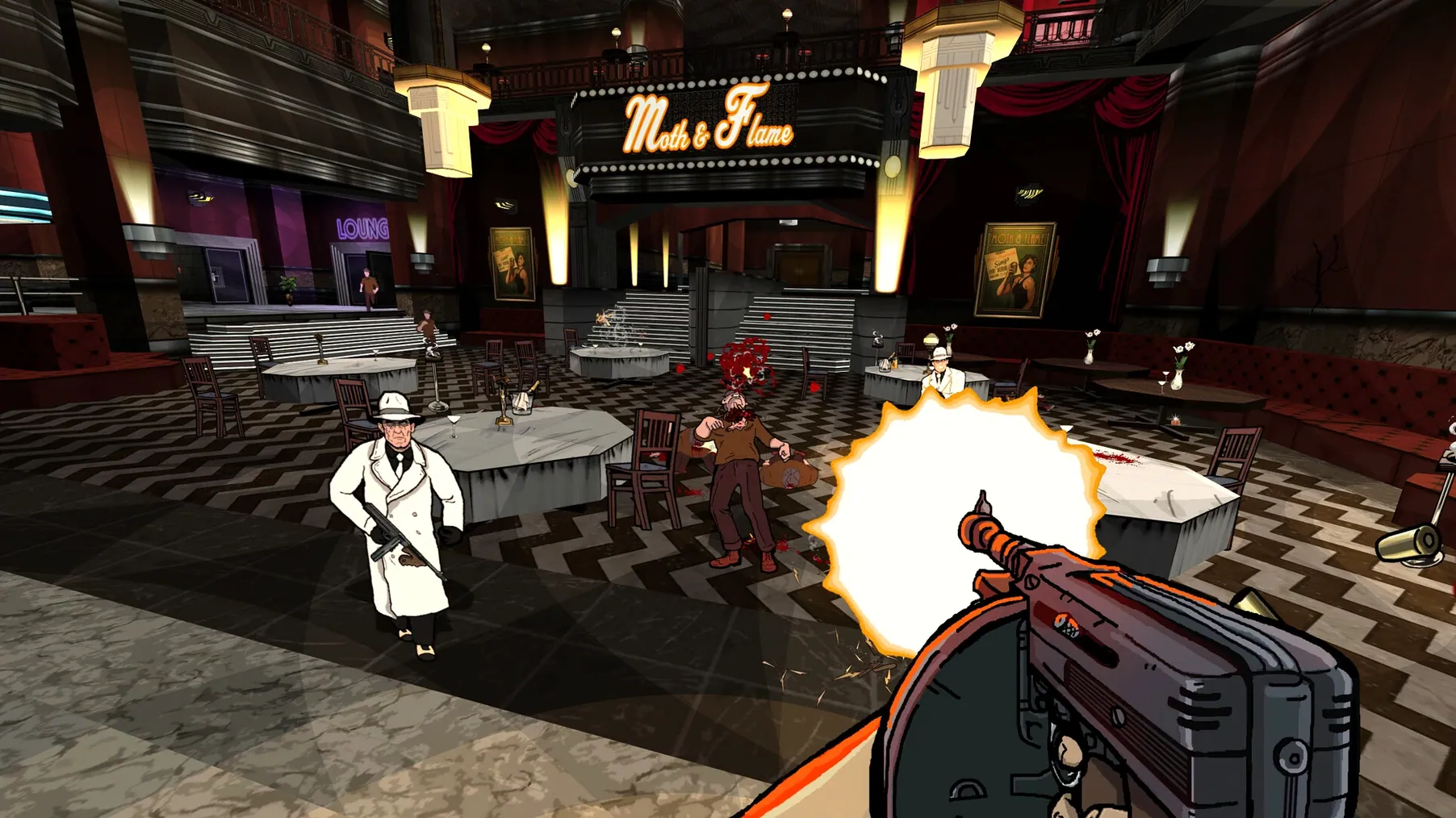
Players who appreciate choice-driven action will get the most out of Fallen Aces. You can take a stealth route, a loud route, or mix both. The weapon list spans fists, knives, pipes, bats, trash cans, frying pans, pistols, shotguns, crowbars, spears, and Tommy guns. Melee and firearms are both viable, so switching between quiet takedowns and firefights feels natural. The hand-drawn comic scenes give the noir setting a distinct visual style that fits the tone.
Early access and Apple Silicon only
If you prefer a polished, complete experience, early access may not be for you — the game is still in development. It also runs exclusively on Apple Silicon, so Intel Macs are not supported. The interface is English only. Players who dislike graphical tweaks should know that disabling Occlusion Culling in the Video settings is needed to avoid artifacts on some systems. If you want a straightforward shooter without having to adjust settings, this might not hit the mark.
Don't treat it like a run-and-gun shooter
New players sometimes treat Fallen Aces like a pure run-and-gun shooter. The game supports loud approaches, but the non-linear level design rewards checking corners, listening to the hundreds of lines of gangster dialogue, and reading the environment before committing. Charging straight in with a Tommy gun works less often than you think.
Another mistake is ignoring melee weapons. Fists, pipes, bats, frying pans, and crowbars are not backup tools — they are often the quietest way through a room. Beginners grab a pistol and fire immediately, which draws attention and wastes ammo. Try clearing the first few rooms with a knife or a trash can before reaching for a shotgun.
Some players also skip the Fix file in the disk image when the game fails to start. The install steps are simple: open the disk image, drag the game to the Applications folder alias, and launch from Launchpad. If it does not start, run the Fix file. That step resolves a common startup issue on some Mac configurations.
Runs on Apple Silicon via a Wineskin wrapper
Fallen Aces runs on Apple Silicon hardware only, macOS version unknown but tested on macOS Sequoia using a Mac mini 2020 M1. The game is a Wineskin wrapper build, version 0.7.6. It is still in development, so expect incremental updates rather than a finished product.
Graphical artifacts can appear on some systems. The workaround is to disable Occlusion Culling in the Video settings. That is a single toggle and it clears the issue. No other audio or video tweaks are mentioned in the available documentation.
The interface and voice language are English. There are no subtitles or localization options at this point.
Three episodes of early access content for Apple Silicon owners
Players who already own an Apple Silicon Mac and enjoy early access games will find Fallen Aces a good fit. The three episodes and dozens of levels offer a fair amount of content for an in-development title. If you like replaying levels — trying a stealth run through one corridor and a loud run through the next — the non-linear design supports that kind of experimentation.
Noir fans and players who appreciate hand-drawn art will get more from the presentation than someone who just wants another FPS. The comic scenes are fully voiced and the gangster dialogue adds atmosphere, but only if you slow down enough to hear it. If you tend to skip cutscenes and rush through levels, this game will not change that habit.
- Game marked as released on June 14, 2024.
- macOS ?
- Architecture: Apple Silicon
- Interface languages: English
Questions from the notes
What platforms is Fallen Aces available on?
It is available on macOS (Apple Silicon only) via a disk image. It was tested on macOS Sequoia on a Mac mini 2020 M1.
Can I play Fallen Aces stealthily?
Yes. The game supports choosing a stealth route, a loud route, or a mix of both.
Is Fallen Aces a finished game?
No, it is an early access release and is still in development.
Install procedure
- Open the downloaded disk image.
- Drag the game to the Applications folder alias.
- After copying finishes, launch the game from Launchpad.
- If the game fails to start, run the Fix file in the disk image.
- Disable Occlusion Culling in Video to avoid graphical artifacts.
Reports from players
Sign in or create a tester account to file a report.
No reports filed yet.