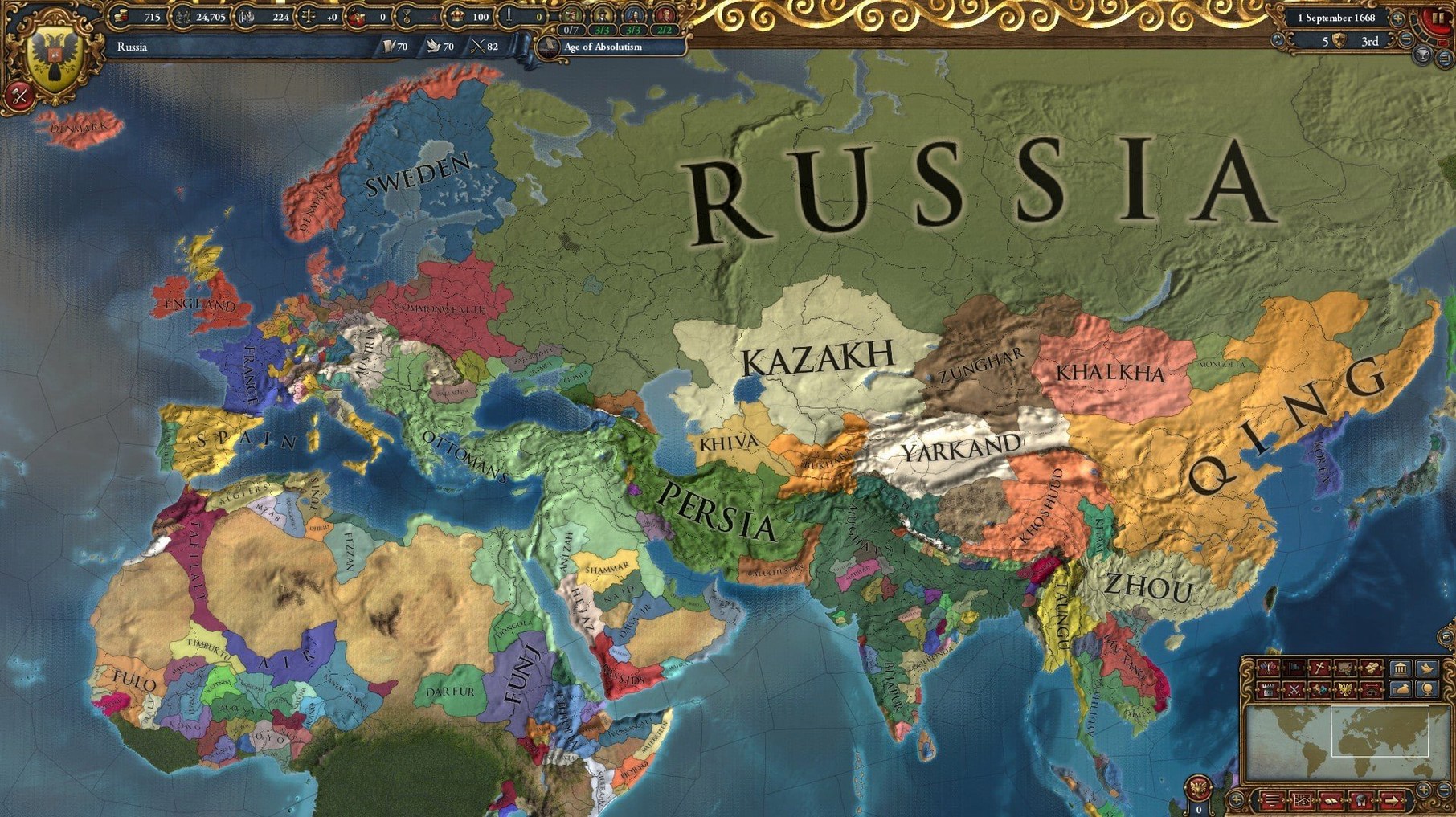
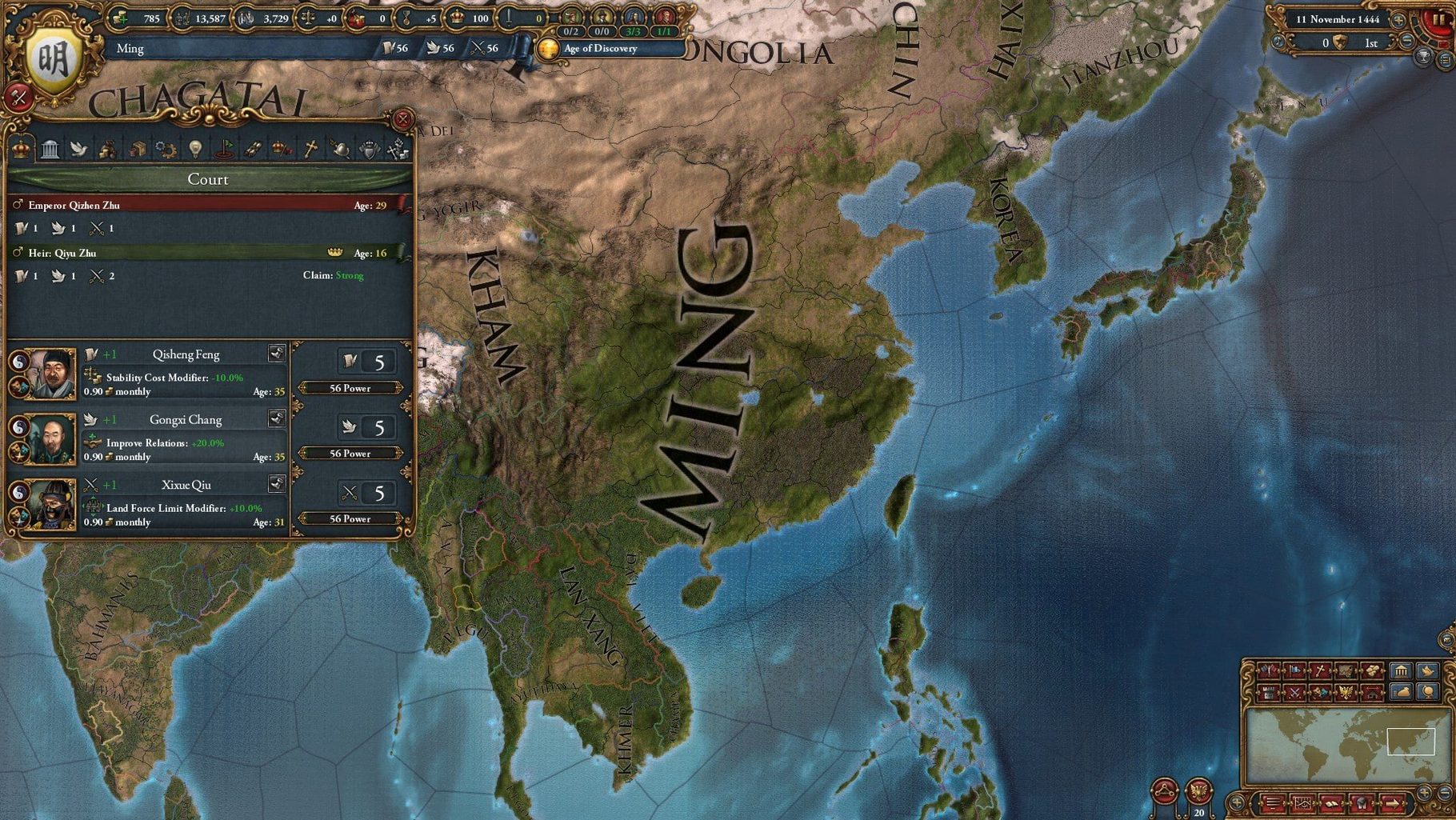
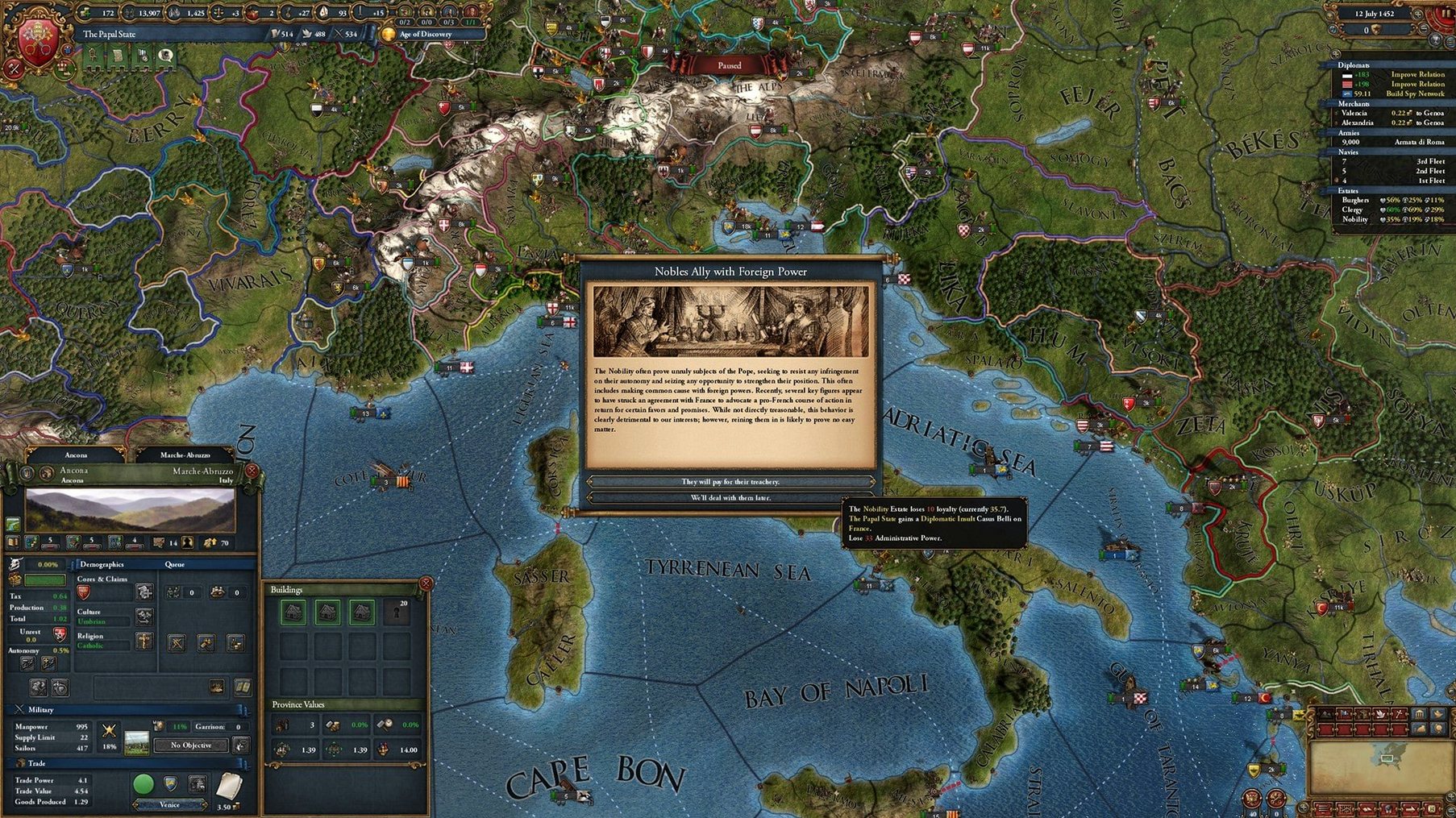
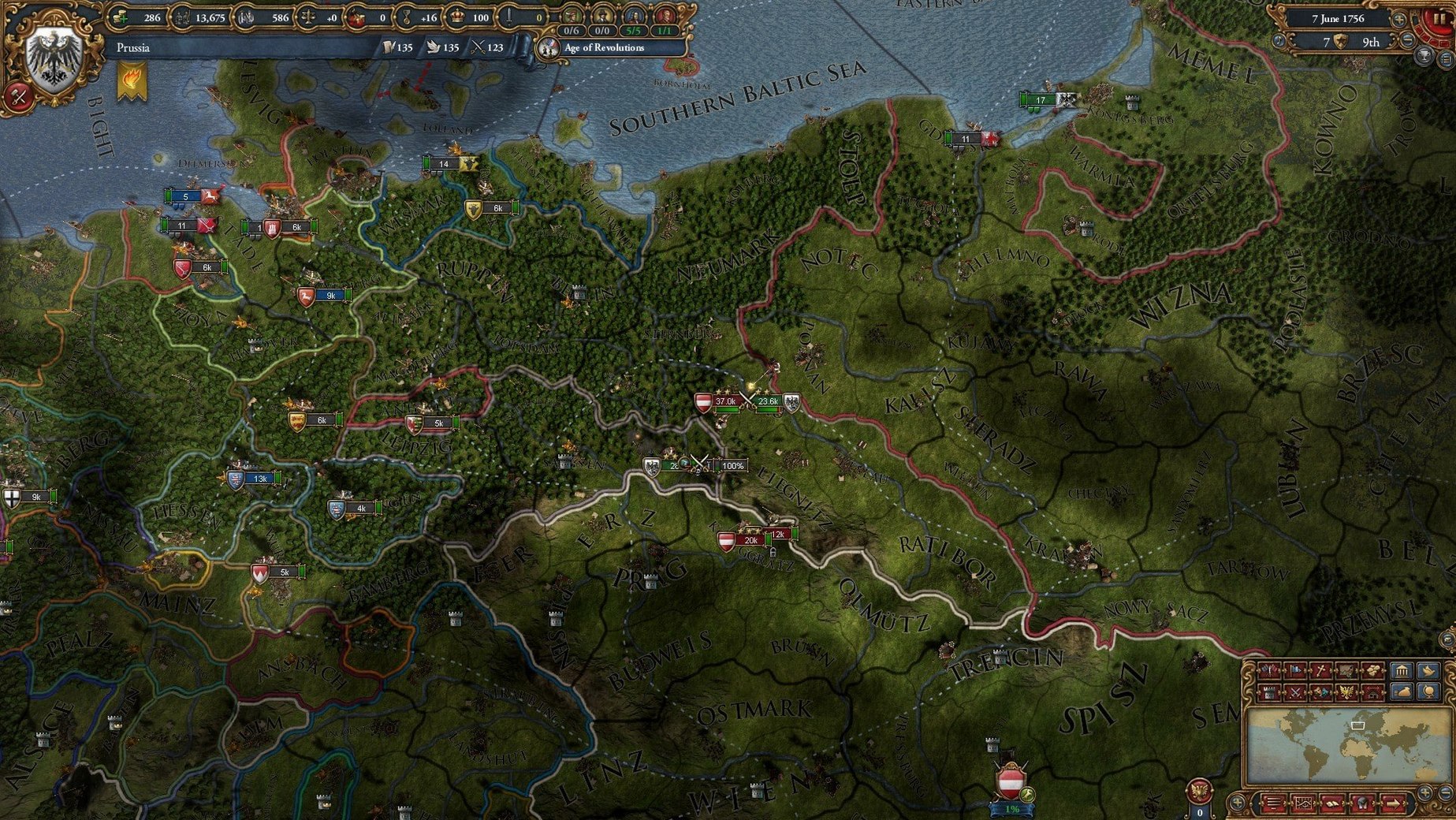
Like any Paradox grand strategy title, Europa Universalis IV is a map painter at heart, but one that rewards patience over reflexes. The campaign spans 1444 to 1821, letting you steer a nation through centuries of diplomacy, war, and colonization. On a Mac, the x86 (64-bit) build means Intel machines are the target; the 1.37.5.2 fix was tested on macOS Tahoe with a Mac mini 2024 M4, so expect it to run acceptably there via translation, though older Intel Macs will feel the strain in late-game saves.
Dense menus and the need for a mouse
The interface is dense, with menus for diplomacy, trade, and military that take time to learn. The UI scales reasonably on smaller screens, but you'll want a mouse — trackpad gestures don't translate well to right-click drag for map rotation. Interface languages include Russian, English, German, Spanish, and French, so pick your preference at launch.
Three common issues with the 1.37.5.2 fix
A few issues crop up regularly with the 1.37.5.2 fix. Knowing them saves time.
Launch the eu4 binary inside the .app wrapper
The eu4 file is the launcher, not the .app wrapper. If you double-click the eu4.app and nothing happens, open the Contents/MacOS folder inside the .app and launch the eu4 binary directly. That bypasses any permission or path quirks on certain macOS versions.
Black screen on startup
This usually means the game is stuck on a resolution it can't use. Hold Shift while launching the eu4 file — Paradox titles often fall back to a safe-mode window this way. If that doesn't work, edit settings.txt in the game's config folder to set a lower resolution manually.
Late-game lag
The game simulates every province and army every day. By the 1700s, the save file balloons and CPU load spikes. Lowering the map detail and turning off animated water in the video settings helps. Also disable the "Auto-save to cloud" option inside the game if it exists — local saves are faster.
Mouse scroll feels wrong
The map scrolls by moving the cursor to screen edges. That's Paradox default behavior. You can adjust scroll speed in the game's settings menu, but you cannot remap it to WASD keys. Get used to edge-scrolling or use middle-mouse drag to pan.
What you need to know before installing on a Mac
Runs via Rosetta 2 on M4 and other Apple Silicon
The build is x86 (64-bit) only. On Apple Silicon Macs like the M4 it runs via Rosetta 2 translation. It works, but the translation layer adds CPU overhead — expect late-game pacing to be slower than on a native Intel Mac. The tested hardware was a Mac mini 2024 M4 on macOS Tahoe, so it's playable, but not native.
Is there multiplayer?
Yes, but only via LAN or direct IP connection. The 1.37.5.2 fix does not include a lobby server. If you want to play with friends, make sure everyone is on the same build and use the in-game network lobby.
Which languages are supported in the interface?
Russian, English, German, Spanish, and French. The audio is music only — no voice acting, so language choice only affects menus and tooltips.
Can I mod it?
Most Europa Universalis IV mods from the Steam Workshop are designed for the Windows version. On the Mac build, you can manually place mod folders into the mod directory inside the game folder. Mods that only change text or events tend to work fine. Mods that add new executable code or require a different launcher version may not.
Starting a Portugal campaign from the Contents/MacOS folder
You open the game by running the eu4 file from the Contents/MacOS folder. The Paradox logo fades, then the main menu loads — a static map with a few buttons. You pick single-player, then choose a nation. Portugal is a common starting pick: one province, easy colonization targets, and England as a reliable ally.
The game begins in November 1444. You pause immediately. First move: send your diplomat to improve relations with Castile — you need allies against Morocco. Then set your merchants: one collects trade in Sevilla, the other steers trade from Safi. Every month ticks forward, and you unpause for a few seconds to let the game process, then pause again to read event pop-ups. A rival claimant appears in your court — you can either bribe them into silence or let them cause unrest. You bribe. That costs 10 ducats, but stability is worth more than gold in the first decade.
By 1450 you've fabricated a claim on Tangiers. You declare war on Morocco, call in Castile, and let their armies do the heavy lifting while you siege the coastal fort. The siege progress bar climbs slowly — each percentage point represents weeks. Now Portugal controls both sides of the strait.
Session ends around 1480. You've colonized one province in the Canary Islands, allied France, and fought a second war with Morocco. You quit and let the auto-save write to disk — no worries about corruption if you close cleanly.
Why aggressive expansion makes conquest backfire
The most common error is trying to conquer everything immediately. Europa Universalis IV punishes blobbing: aggressive expansion penalties stack, coalitions form, and you end up at war with half of Europe. Beginners should focus on a single war goal per campaign phase, not mass annexation.
Another mistake is neglecting navy. On a map that's mostly water for western nations, losing a single transport fleet can strand your army on an island. Build enough light ships to protect trade, and heavy ships only when you plan to fight naval battles.
Overlooking monarch point generation is a third trap. Admin, diplo, and military points fuel tech, ideas, and stability. Beginners spend them on random decisions instead of saving for key techs like "Quest for the New World" or "Military Tactics." Check your monarch's skill scores every time they die — a weak heir can cripple your run.
Finally, people ignore the ledger. The trade map mode shows where your merchants are collecting, but the ledger tab breaks down exactly how much each node earns. Beginners who don't check the ledger may have merchants sitting in dead nodes for decades, losing ducats every month.
Lower the graphics settings if you hit slowdowns; the game is CPU-bound, so closing background apps helps.
- macOS: Tahoe (tested)
- Architecture: Intel (x86 64-bit)
- Other: none specified
Questions from the notes
What macOS version does Europa Universalis IV require?
The requirements list macOS Tahoe as the tested environment, but the game is x86 (64-bit) and runs on Intel Macs.
Can I play Europa Universalis IV on an Apple Silicon Mac?
The build is Intel-only. On Apple Silicon, it may run through Rosetta 2, but performance is not guaranteed.
What languages does the game support?
The interface is available in Russian, English, German, Spanish, and French.
Install procedure
- Run the standard installer.
- When prompted, choose the install location.
- Select the Applications folder.
- Launch the game via the
eu4file. - If the game doesn't appear, open
eu4.app, then navigate toContents/MacOSto find theeu4executable.
Reports from players
Sign in or create a tester account to file a report.
No reports filed yet.