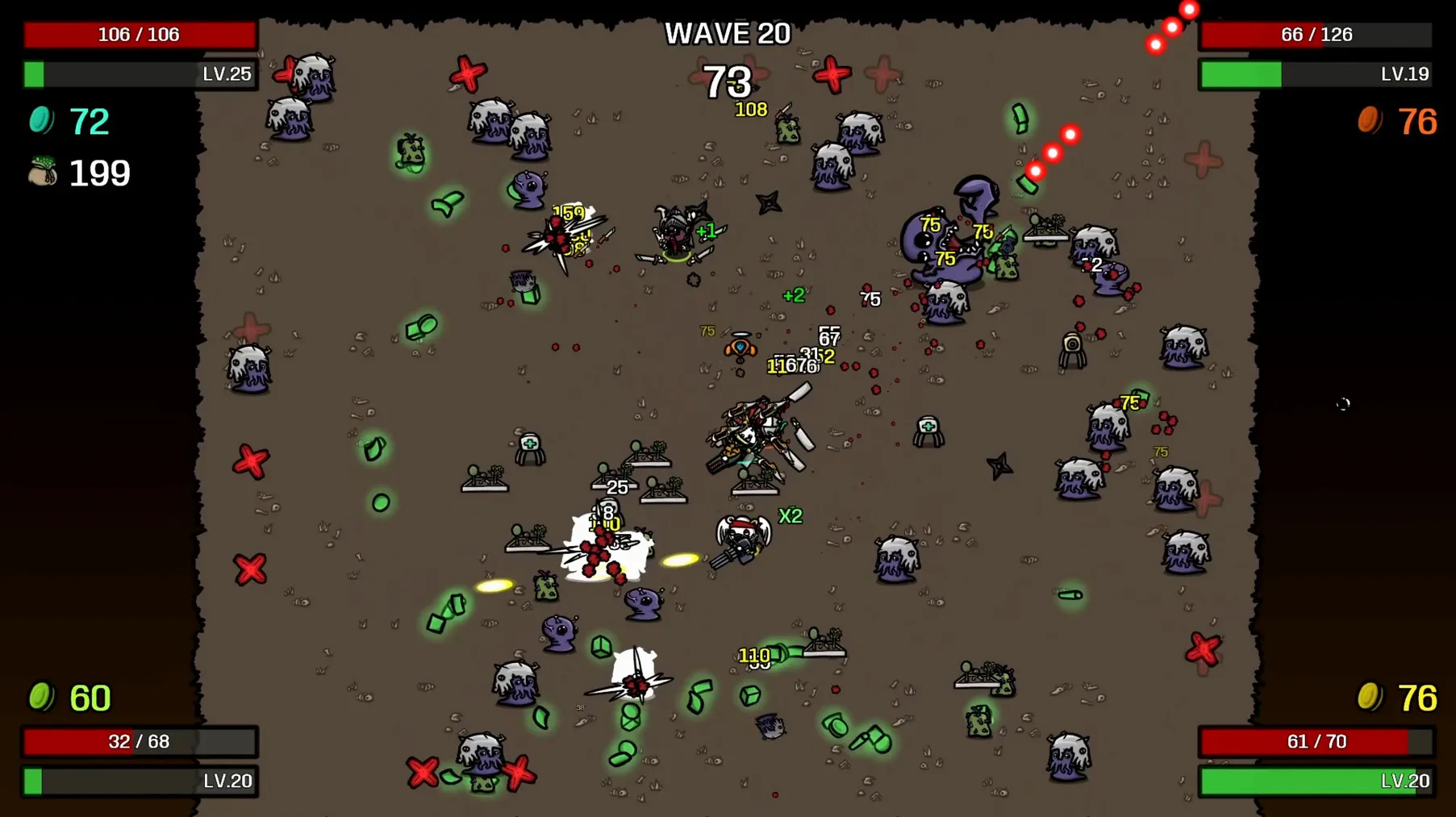
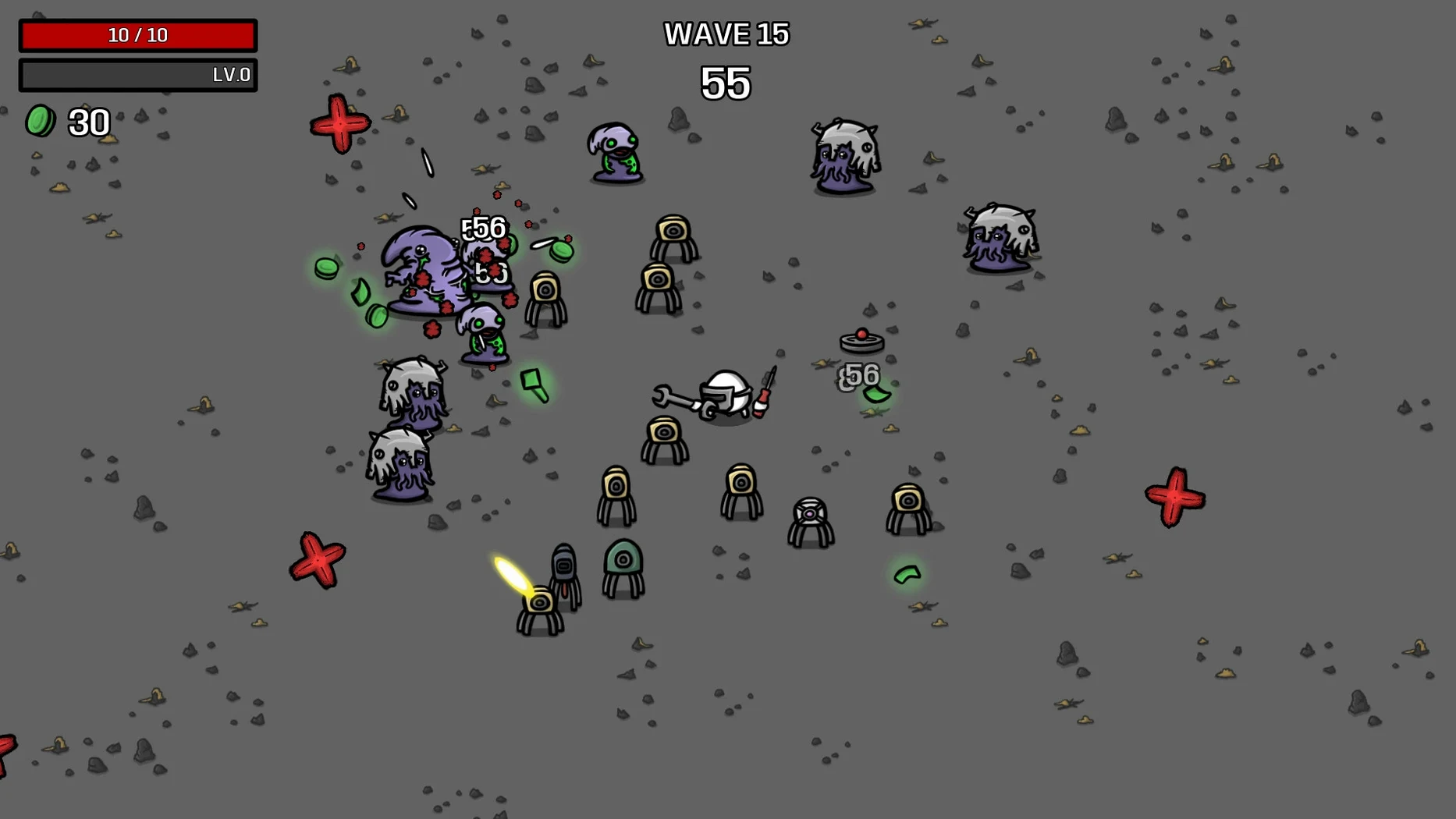
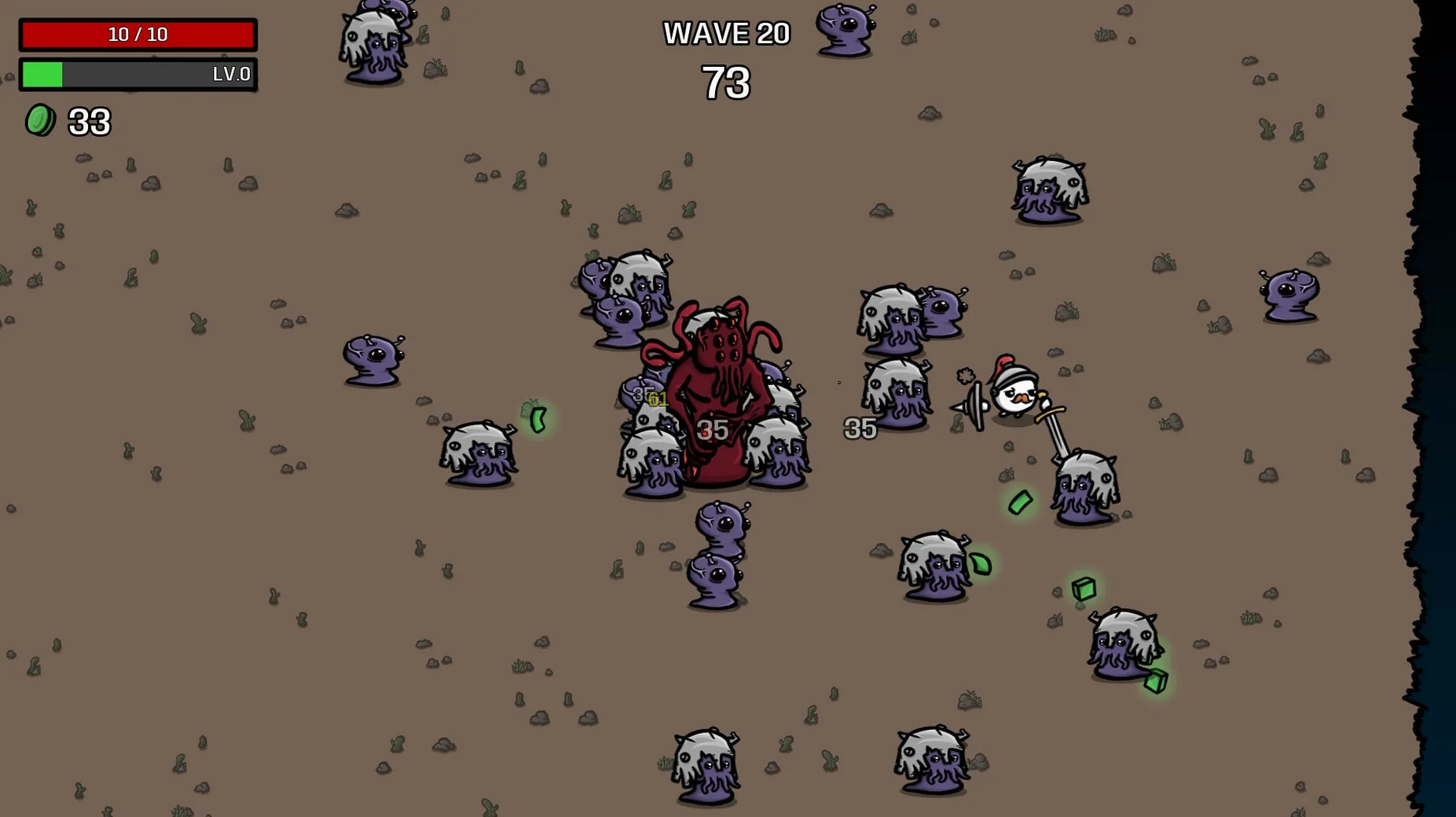
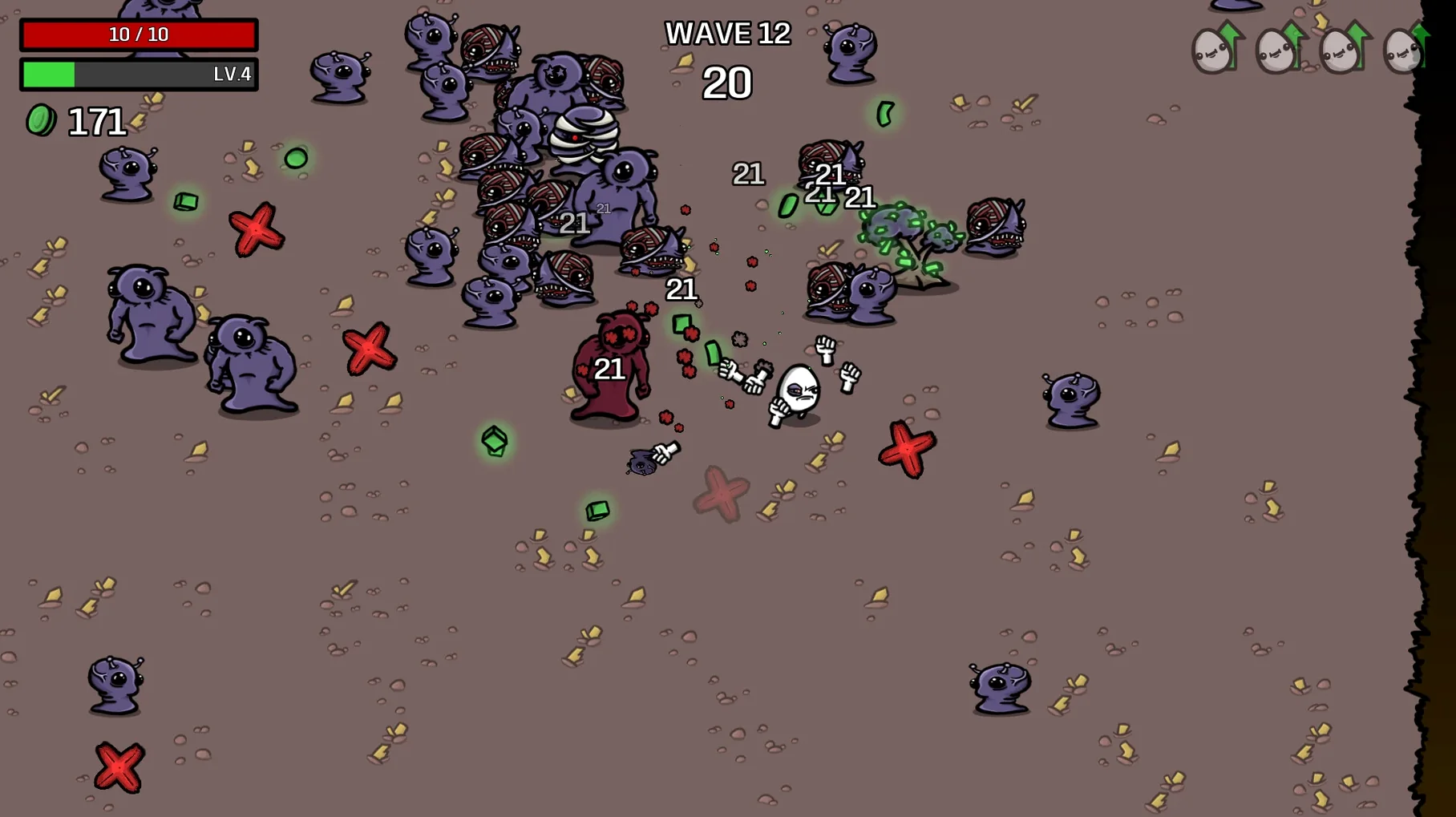
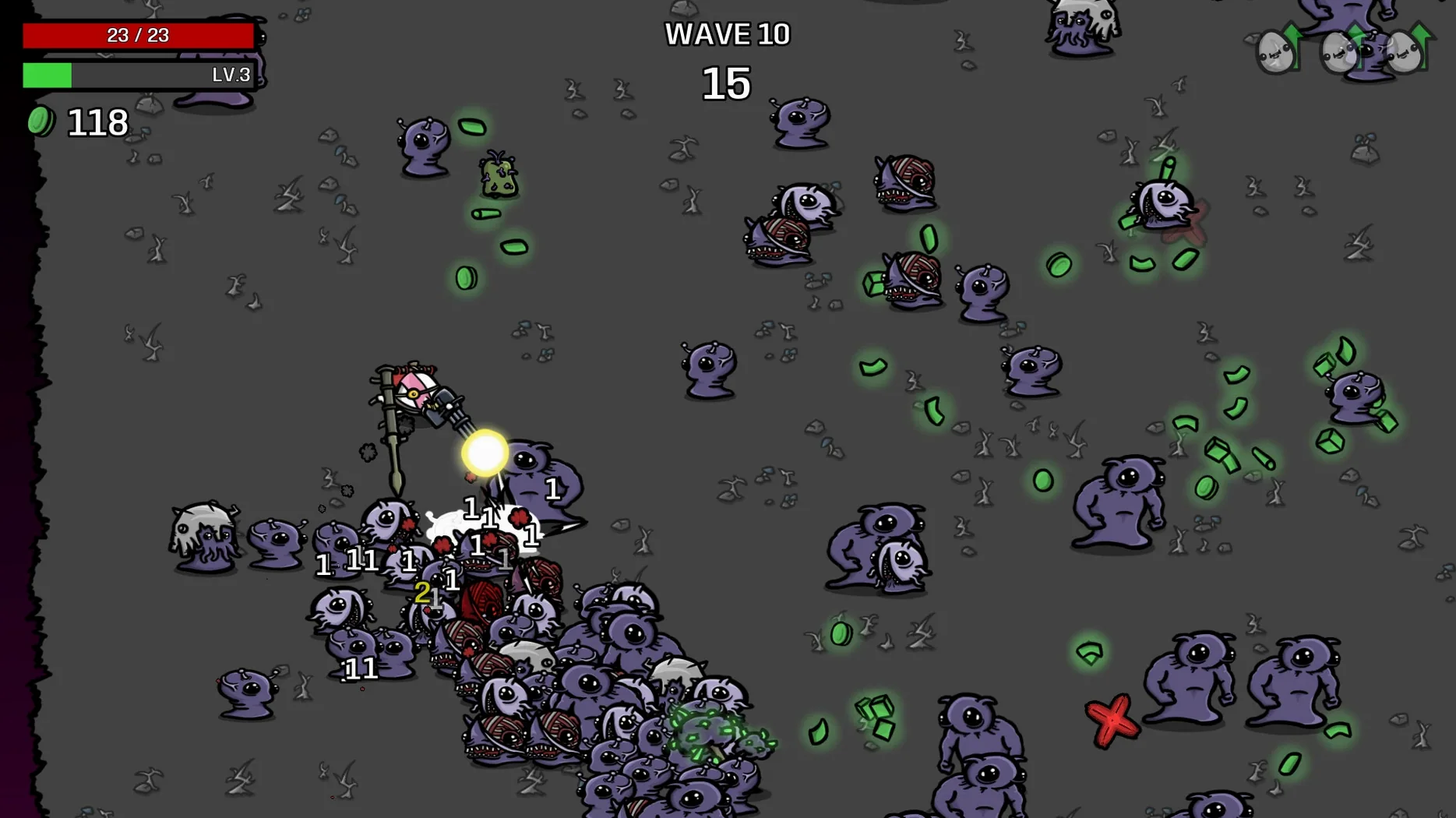
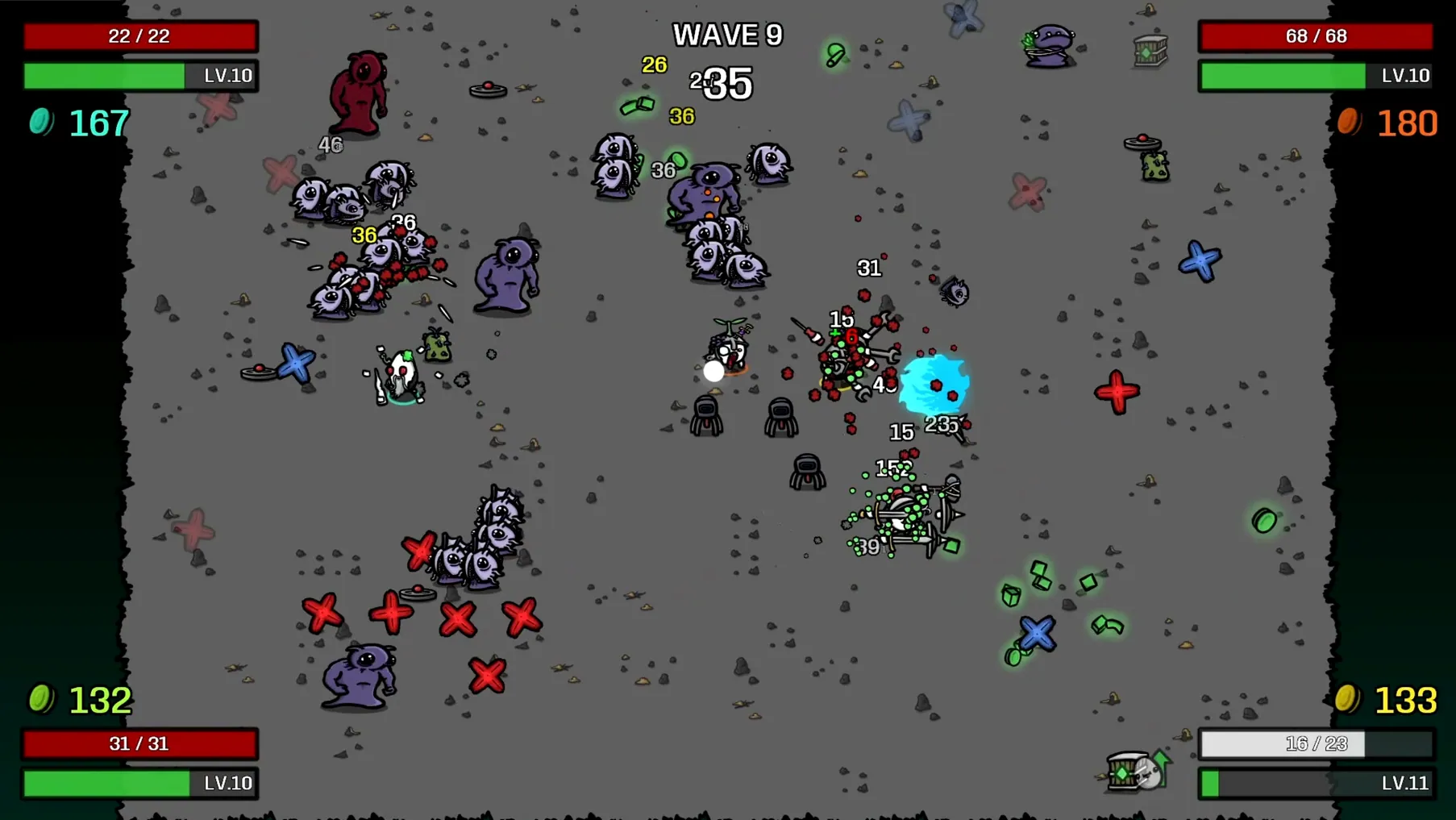
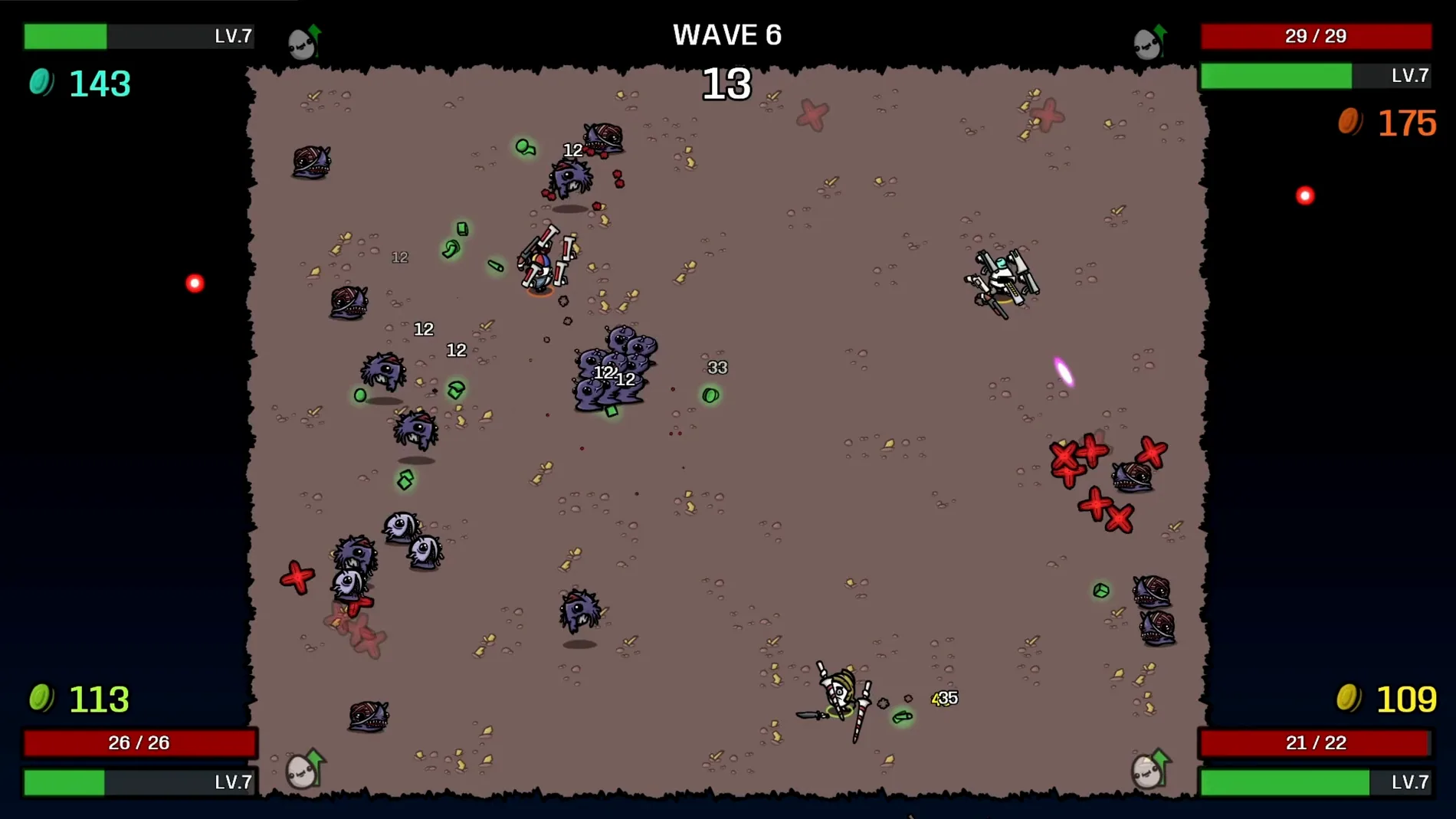
Think of Brotato as a twin-stick shooter where the stick is optional. You play a potato with a lot of weapons, and the arena throws waves of aliens at you. It's a familiar setup, but the details are what make it stick.
Six weapons at once with auto or manual aiming
- Up to six weapons at once — You can carry a mix of guns, melee tools, and thrown items. The loadout defines your build, and switching weapons mid-run changes how you approach each wave.
- Auto or manual aiming — The game shoots automatically by default, which suits the fast pace. If you want more control, manual aiming is there. Both work, but they change the feel completely.
- Adjustable difficulty — Enemy health, damage, and speed can be tweaked. That's useful for learning the game or for cranking up the challenge when you know the patterns.
- Short runs — A run lasts up to 30 minutes. That's short enough to fit a lunch break, and long enough to build a character and see it fail.
How it runs on Mac
The game is a top-down arena shooter roguelite, as Steam lists it. It supports both ARM and 64-bit x86 Macs, so it runs on Apple Silicon and older Intel models. Tested on macOS Tahoe with a Mac mini 2024 M4, it holds up well under the alien swarms.
Choosing a character sets your first direction
A run starts by picking a character from the dozens available. Each has a starting weapon or a stat quirk, so the first choice already sets a direction. Then the arena opens, and the first wave drops in. For the first twenty or thirty seconds you move, shoot, and see what the game throws at you. Between waves a shop screen appears. That is where you spend the materials collected during the fight. Items in the shop are random, so you adapt or force a build by rerolling. The shop also lets you buy traits that modify how weapons behave. After three or four waves the enemy density increases, and the loadout you put together either works or does not. A run that fails restarts you at the beginning with whatever experience you gained from the materials. That is the loop: pick, fight, shop, die, repeat.
Runs as a standard macOS app with local co-op
Brotato does not demand much from the system. It runs as a standard macOS app, installed by dragging it from the disk image into Applications. No extra runtimes or compatibility layers are needed. The game supports local co-op for up to four players, which maps to macOS's multiple user accounts and Bluetooth controller support. If you use an Xbox or PlayStation controller, macOS recognizes it natively, and Brotato picks it up without extra configuration. The game also works well with macOS's split-screen or second-monitor setup if you prefer to keep a browser or a chat app visible during runs. Because the runs are short, the game does not interfere with background tasks like music or downloads.
Spending materials in the shop between waves
- Ignoring the shop between waves — New players sometimes rush into the next wave without checking the shop. Materials you do not spend are lost when the run ends, and skipping the shop means missing upgrades that make later waves manageable.
- Sticking to one weapon type — Carrying six weapons sounds extreme, but limiting yourself to one or two types reduces options. A mix of close-range and ranged weapons handles more enemy patterns than a single category.
- Forgetting the difficulty sliders exist — The game lets you adjust enemy health, damage, and speed. Beginners often leave them at default and assume the wall is normal. Lowering damage or speed gives room to learn movement and weapon switching.
- Ignoring manual aiming entirely — Auto-shooting works, but some weapons benefit from aiming manually. Toggling it for a wave or two reveals whether it helps your accuracy without committing to a full run.
- Not using local co-op — The game supports four players locally. Trying to solo every wave when a second controller is available misses the chance to share the chaos and learn from another player's build choices.
- macOS: Not specified
- Architecture: Apple Silicon (ARM) and 64-bit Intel (x86)
Questions from the notes
Can I adjust the difficulty in Brotato?
Yes, you can modify enemy health, damage, and speed to suit your preferred challenge level.
Install procedure
- Open the downloaded disk image.
- Drag the app into the Applications folder alias.
- Once copying finishes, launch the app from Launchpad.
Reports from players
Sign in or create a tester account to file a report.
No reports filed yet.