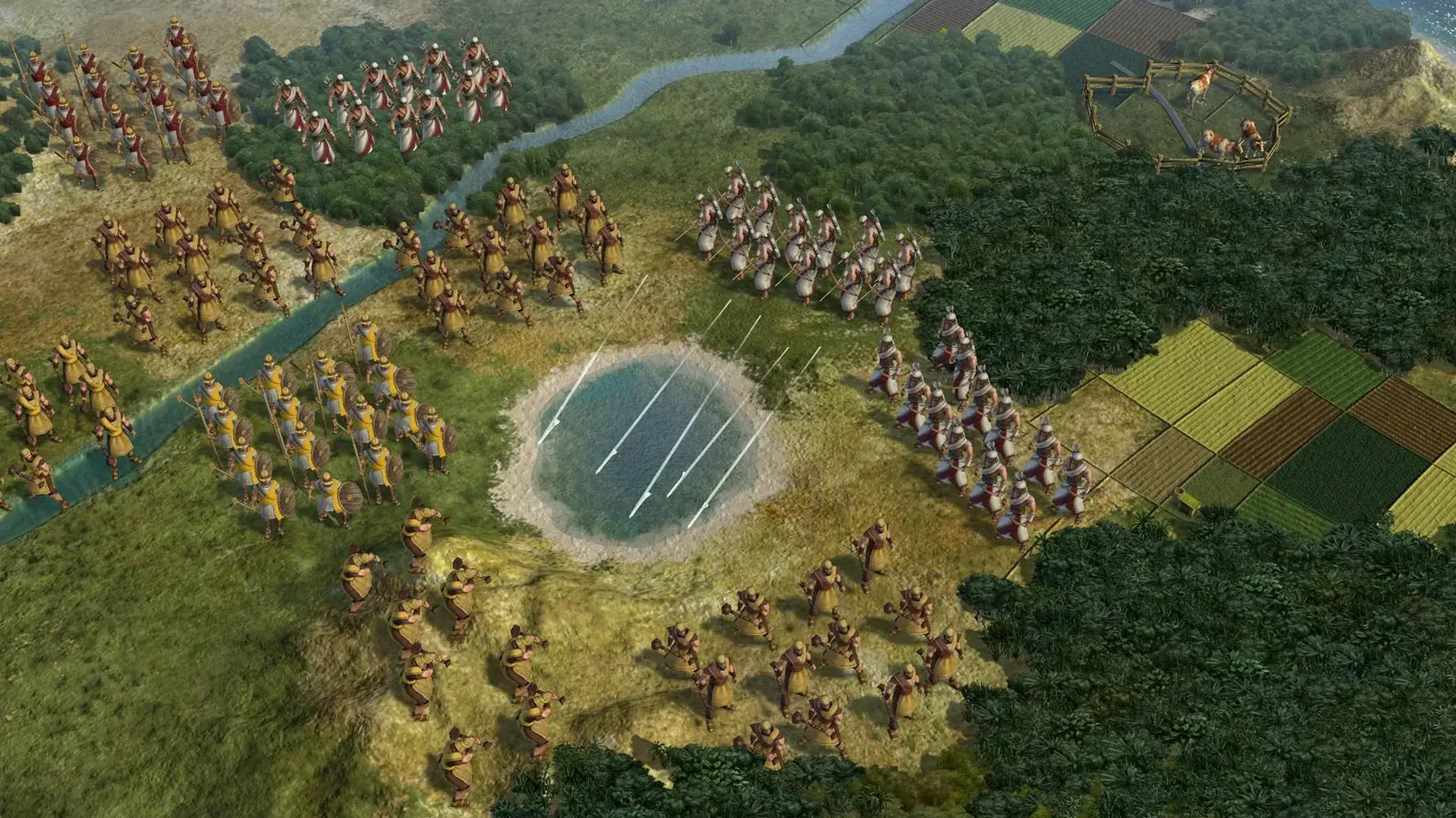
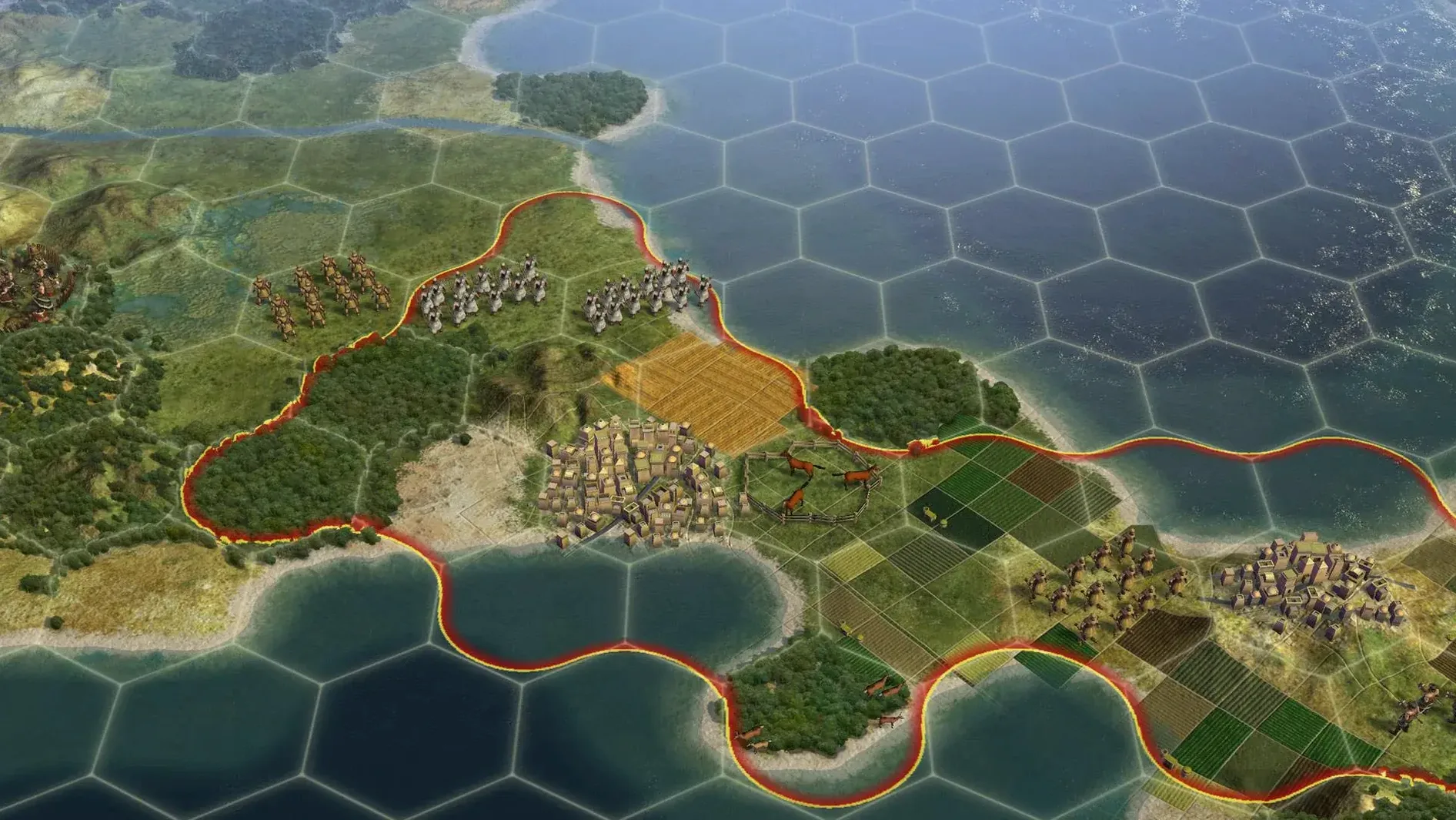
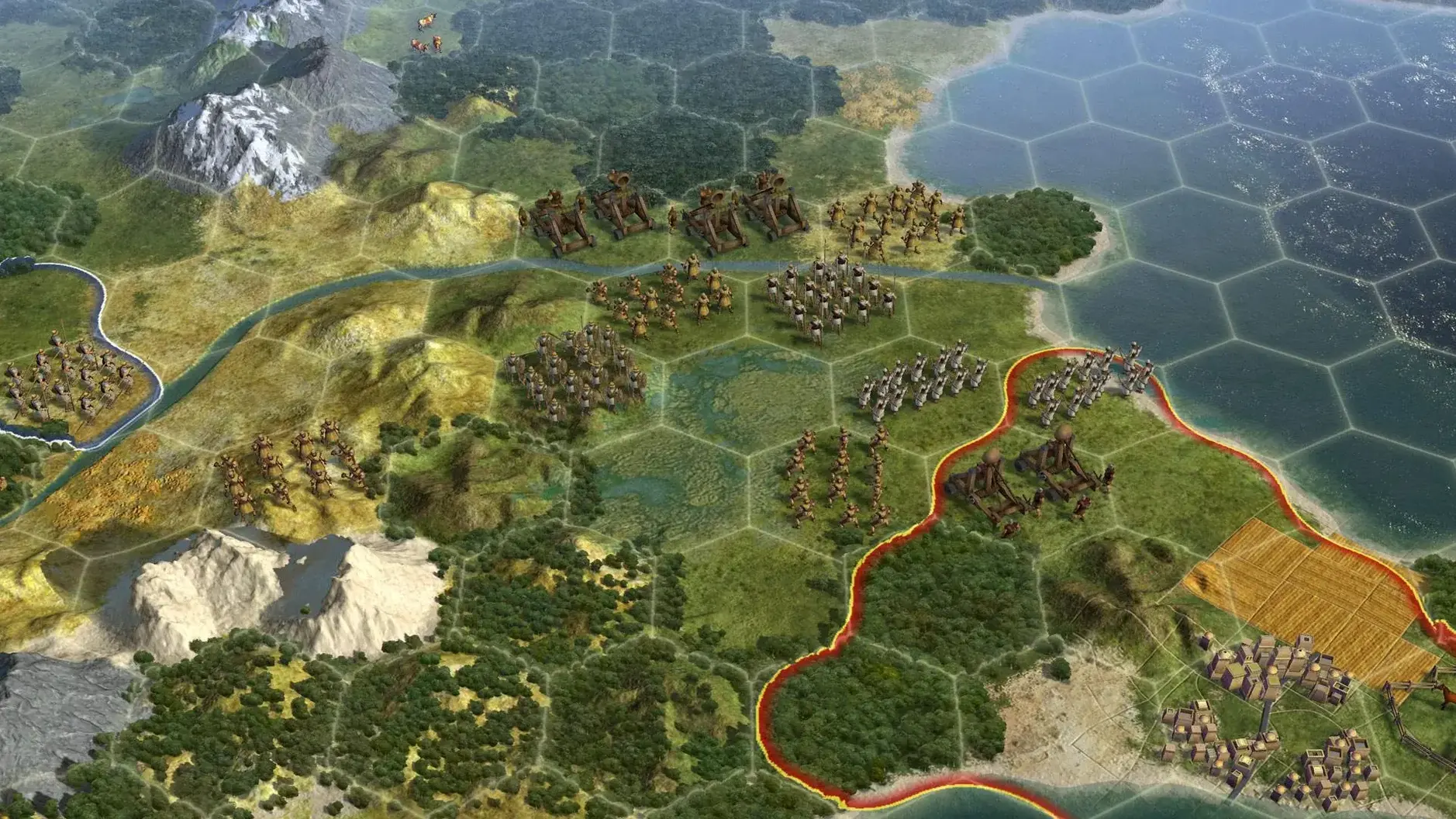

Civilization V is a turn-based strategy game where you guide a civilization from ancient times to the near future. The Mac port, released in 2010, is a 64-bit application that runs on macOS Sonoma with an Intel architecture, though it has been tested on a MacBook Air (M1, 2020) as well. This version includes Russian, English, German, and French as interface languages.
Gameplay centers on cities—they are your main hubs for growth, production, and conflict. Cities can attack enemy units at range, which adds a defensive layer to your empire. When you capture an enemy city, you have four options: annex it, make it a puppet state, raze it, or liberate it. Puppet cities are not directly controllable, but they contribute to your empire without the administrative overhead. Note that original capitals—both yours and city-state capitals—cannot be razed, so conquest has its limits.
The Mac version supports both single-player and multiplayer, so you can test your strategies against friends or the AI. Liberating a destroyed civilization brings it back with its previous level of development, which can be a diplomatic move or a way to create a buffer state.
Performance expectations on a Mac depend on your hardware. The game is not graphically demanding by modern standards, but turn times can stretch in the late game. On the tested M1 MacBook Air, it runs acceptably at default settings. Controls are mouse-driven, with the interface designed for point-and-click empire management.
Back up saved games and mods via the usual macOS file system
Civilization V uses the standard macOS file system, so saved games and mods live in the usual Documents/My Games/Sid Meier's Civilization 5 folder. This makes it straightforward to back up your progress with Time Machine or sync it to a cloud drive if you want to move between machines. The game also respects macOS window management—you can switch out to a browser or a chat app without forcing a quit, which helps during long multiplayer turns.
If you use multiple monitors, Civilization V stays on its assigned screen and doesn't try to span across displays. For single-monitor setups, the in-game resolution options match standard macOS display sizes. The game does not support macOS native features like split-screen or virtual desktops in any special way, but it works fine alongside other windowed apps.
The Mac port uses Steamworks for its multiplayer and mod distribution, so if you have Steam installed, workshop content and friend lists integrate directly. Either way, having Steam running in the background doesn't cause issues with performance on most machines.
How Leo tested the English interface after downloading the Russian version
Leo is a strategy game player who spends as much time tweaking XML files as playing. He downloaded the Russian version of Civilization V and wanted to test the English interface first. After dragging the app into Applications and launching it, he set the language to English from the options menu. He played a few turns as Rome to get a feel for how the hex grid changes unit movement compared to older games in the series.
His real interest was modding. He navigated to Documents/My Games/Sid Meier's Civilization 5/MODS and dropped in a custom civ mod he had prepared. The game recognized it on the next launch. He started a new game with the mod active, and it loaded without errors. For Leo, the Mac version works the same as the Windows version for mod compatibility—no extra steps needed.
Set your language preference before starting your first game
After installing, here are a few things to set up before you start your first game:
- Language preference. The version includes Russian, English, German, and French. If you want English, change it in the options before starting a campaign. The interface and voiceovers both switch at once.
- Graphics defaults. The game picks its own preset on first launch. If you are on integrated graphics or an M1 Mac, dropping the resolution one step and turning off anti-aliasing helps keep turn times shorter in the late game.
- They do not cross-play, but both support Hot Seat and LAN. For Steam, make sure your friends are in your friends list before starting a lobby.
- Save often. Civilization V autosaves every turn by default, but it only keeps a small number of backups. Manually saving before a major war or a wonder construction spares you from replaying a dozen turns if something goes wrong.
- City management. Remember that a city can hold one combat unit, one non-combat unit, one ship, and up to ten air units simultaneously. That stacking rule is useful when you are building an invasion force or defending a coastal city.
Requires macOS Sonoma or later and runs on Intel Macs from 2011 onward
Will this run on my Intel Mac?
The Mac build is 64-bit and requires macOS Sonoma or later. It targets Intel architecture, so any Intel Mac from around 2011 onward with at least 4 GB of RAM should handle it. The tested configuration was a MacBook Air (M1, 2020), which runs it through Rosetta 2 emulation. If you are on an Intel Mac with dedicated graphics, you will likely get better performance than on an M1.
Can I play with Windows friends?
Yes, through the Steam multiplayer lobby. The game uses the same version number across platforms, and Steam handles the cross-platform connection. LAN play between a Mac and a PC also works if both machines are on the same network.
Does it include the Gods & Kings or Brave New World expansions?
This is the base game version 1.4.2 with Russian language support. It does not include expansion content. You can add expansion mods manually if the modder has made them compatible with the base game's systems, but the official expansion features are not present.
Why is the Russian language version separate?
The build is labeled as the Russian version, and it includes a multilingual mode that lacks Russian. This means the installer handles the language packs differently from the standard international release. Once installed, you can switch between the four available languages normally.
Are mods from the Civilization 5 Workshop compatible?
Mods from the Steam Workshop are designed for the Windows version. Many of them work on the Mac port without changes, especially ones that only replace text, art, or XML files. Mods that use custom DLLs or Windows-only libraries will not run. Check the mod's description for Mac compatibility notes.
A long-session turn-based empire builder for strategy and 4X fans
Civilization V is a good fit for several types of Mac users:
- Strategy and 4X players who enjoy building and managing an empire over long sessions. The turn-based format means you can pause a game for hours and come back to it without losing progress.
- Single-player gamers who prefer narrative and progression over competitive matches. The AI opponents offer a consistent challenge across difficulty levels, and the tech tree and victory conditions provide clear goals.
- Multiplayer gamers who want to play with friends on a mix of platforms. The Steam cross-play and LAN support make it easy to organize sessions without worrying about operating system differences.
- Modders who want to customize their experience. The game's file structure is accessible, and the Mac version handles XML-based mods the same way the Windows version does. If you want to change civilizations, unit stats, or terrain rules, it is possible without a separate tool.
- Users with older Intel Macs looking for a game that does not demand a recent GPU. The graphics engine is from 2010, so it runs on integrated graphics and low-power chips without major compromises.
If you are new to the series, the tutorial in the game teaches the basics—city management, unit movement, and diplomacy—over a few turns. Returning players coming from civilization v torrent or civilization 5 torrent versions will find the same core loop with the hex grid and one-unit-per-tile rule that defined this entry in the series.
- Russian language is included, with the build labeled as the Russian version.
- The build is also labeled as multilingual without Russian.
- macOS Sonoma
- Intel architecture
- 64-bit
- Tested on MacBook Air (M1, 2020)
Questions from the notes
Can I raze any city in Civilization V?
No. Original capitals, including city-state capitals, cannot be razed. Player-founded cities also cannot be razed unless they were captured and recaptured.
What happens when I liberate a destroyed civilization?
Liberating a destroyed civilization returns it to the game with its previous level of development, which can make it a valuable ally.
Does the Mac version support multiplayer?
Yes, the Mac version supports both single-player and multiplayer.
Install procedure
- Open the downloaded disk image.
- Drag the app into the Applications folder shortcut.
- After copying finishes, open the app from Launchpad.
Reports from players
Sign in or create a tester account to file a report.
No reports filed yet.