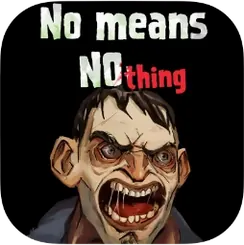
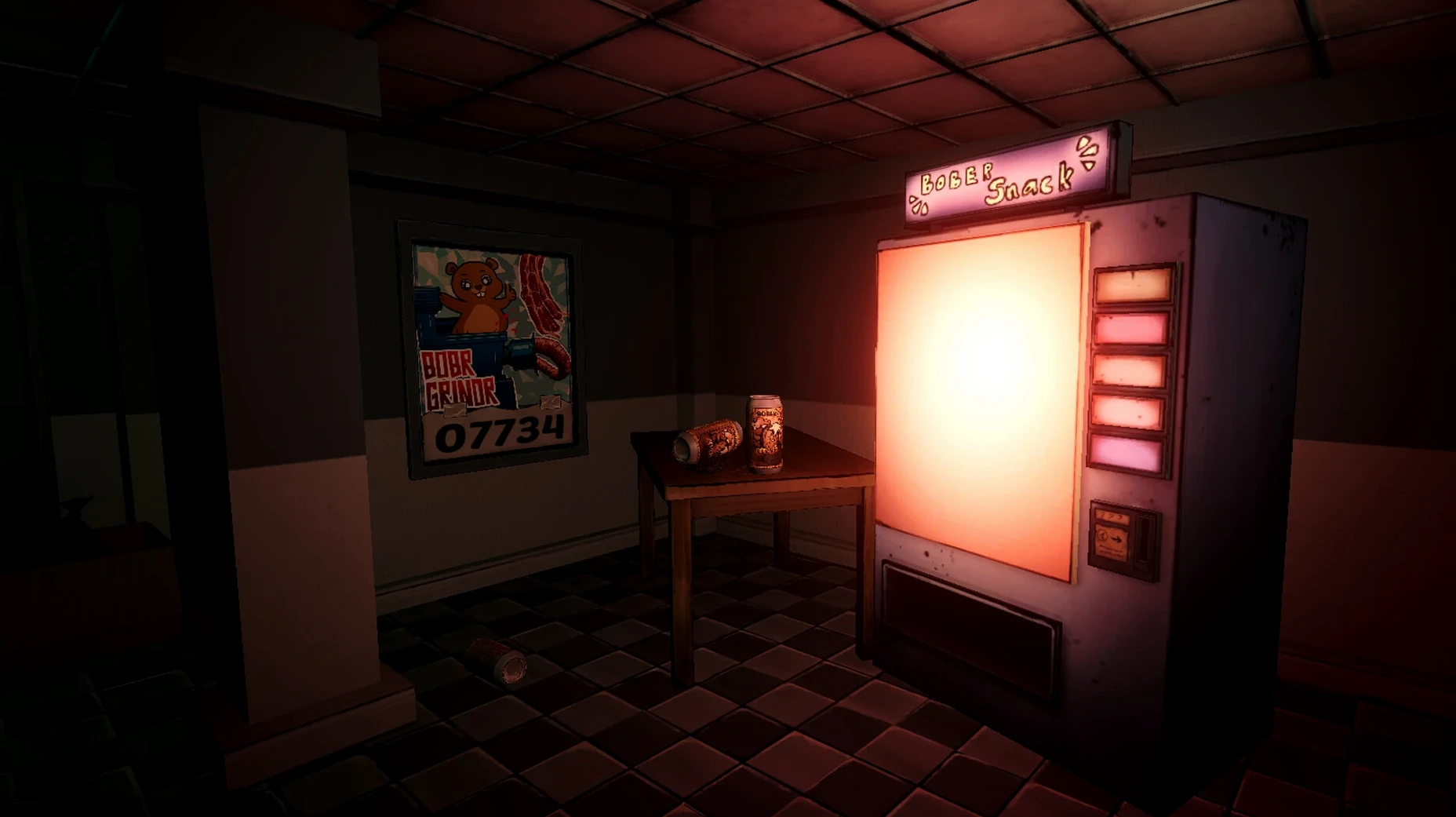
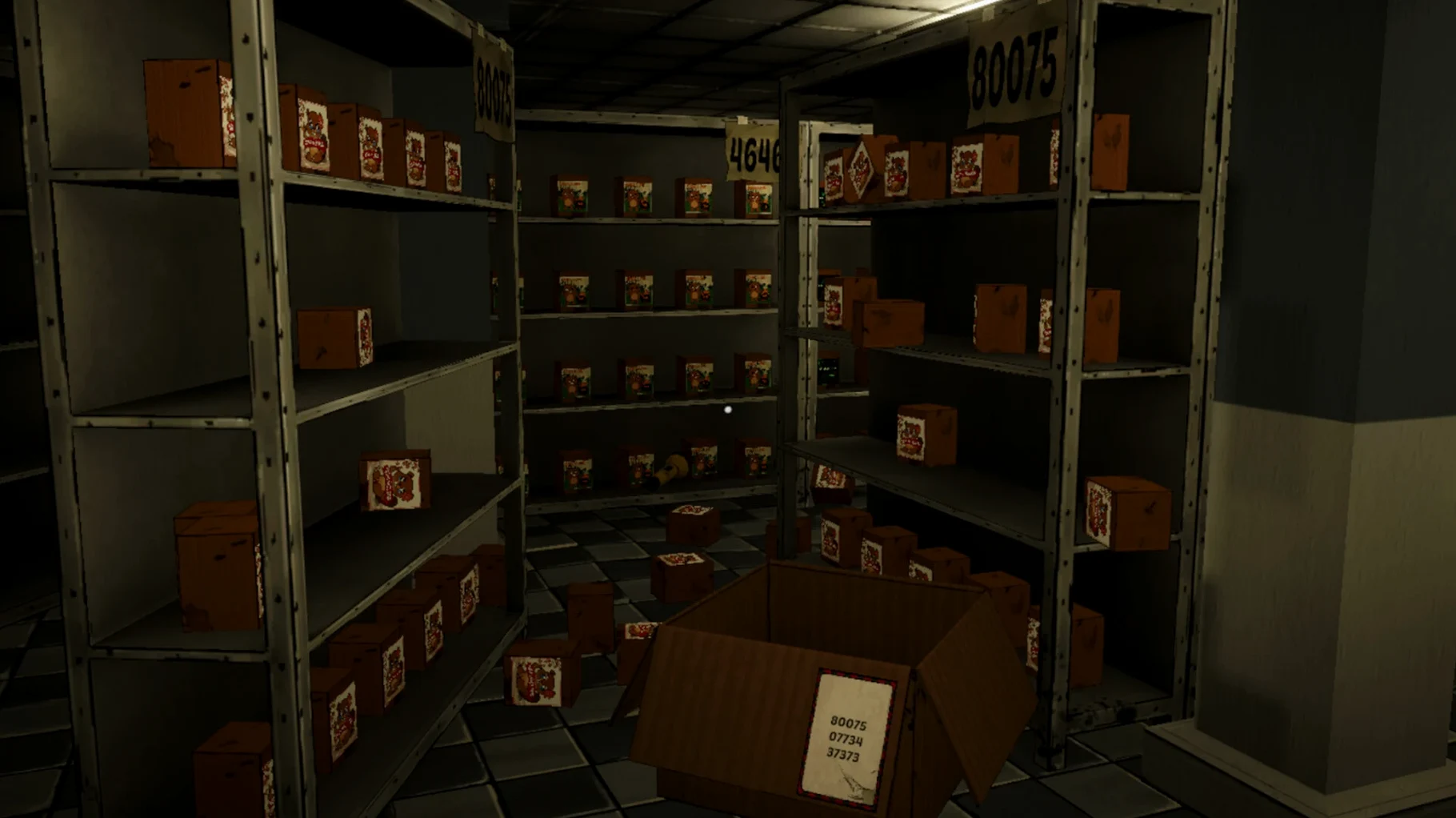
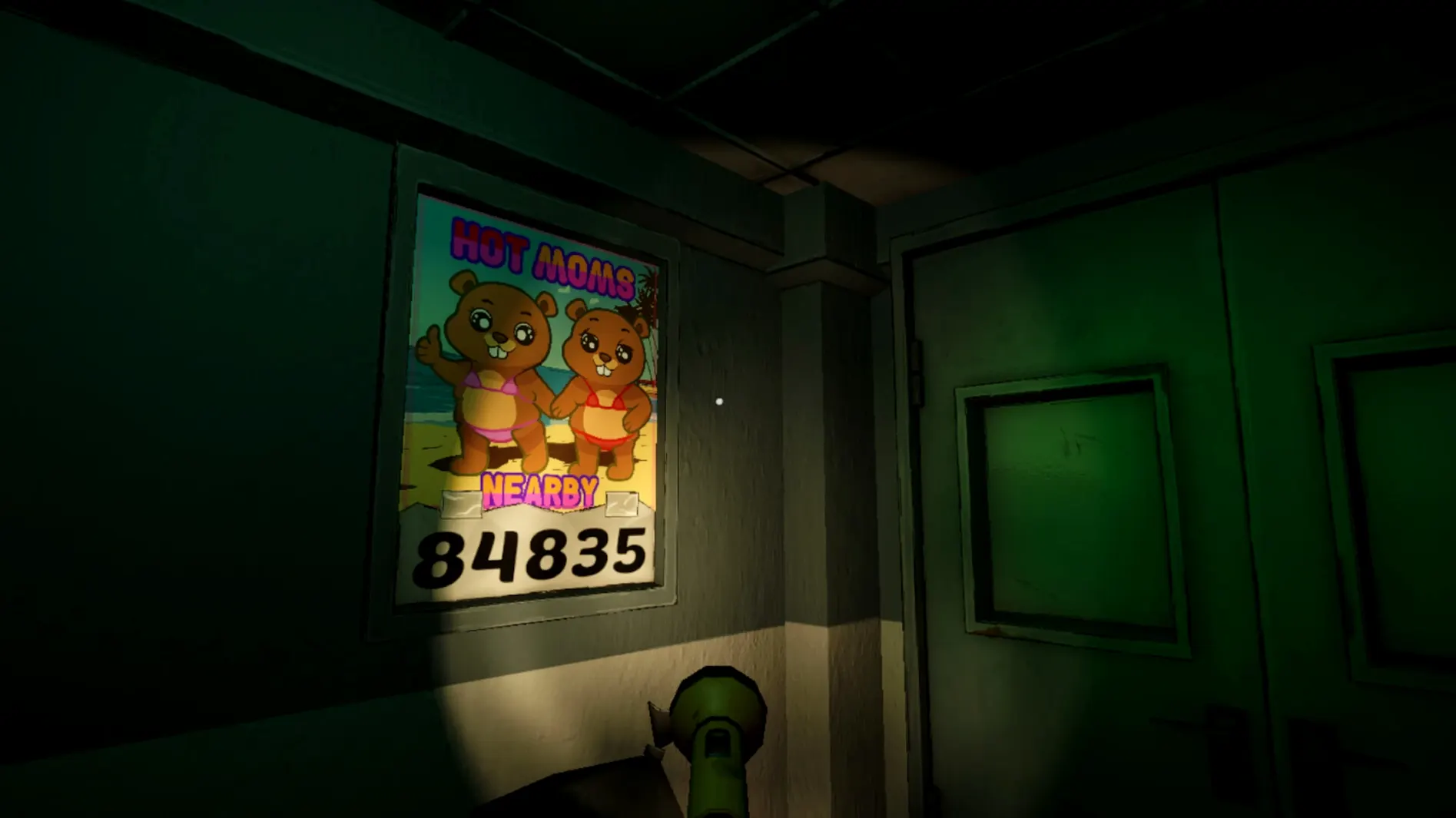
Bober Bros No Means Nothing is for people who want a horror game that works with the tools they already have. It's a short, atmospheric anti-dating sim about learning to say no, and it runs on Apple Silicon Macs through a Wineskin wrapper. That means you treat it like a regular Mac app, not a separate setup project.
Mount the disk image and run the Fix file if needed
- Mount the disk image and drag the app into your Applications folder.
- Launch it from Launchpad like any other app.
- If the game throws an error on first launch, run the Fix file inside the disk image.
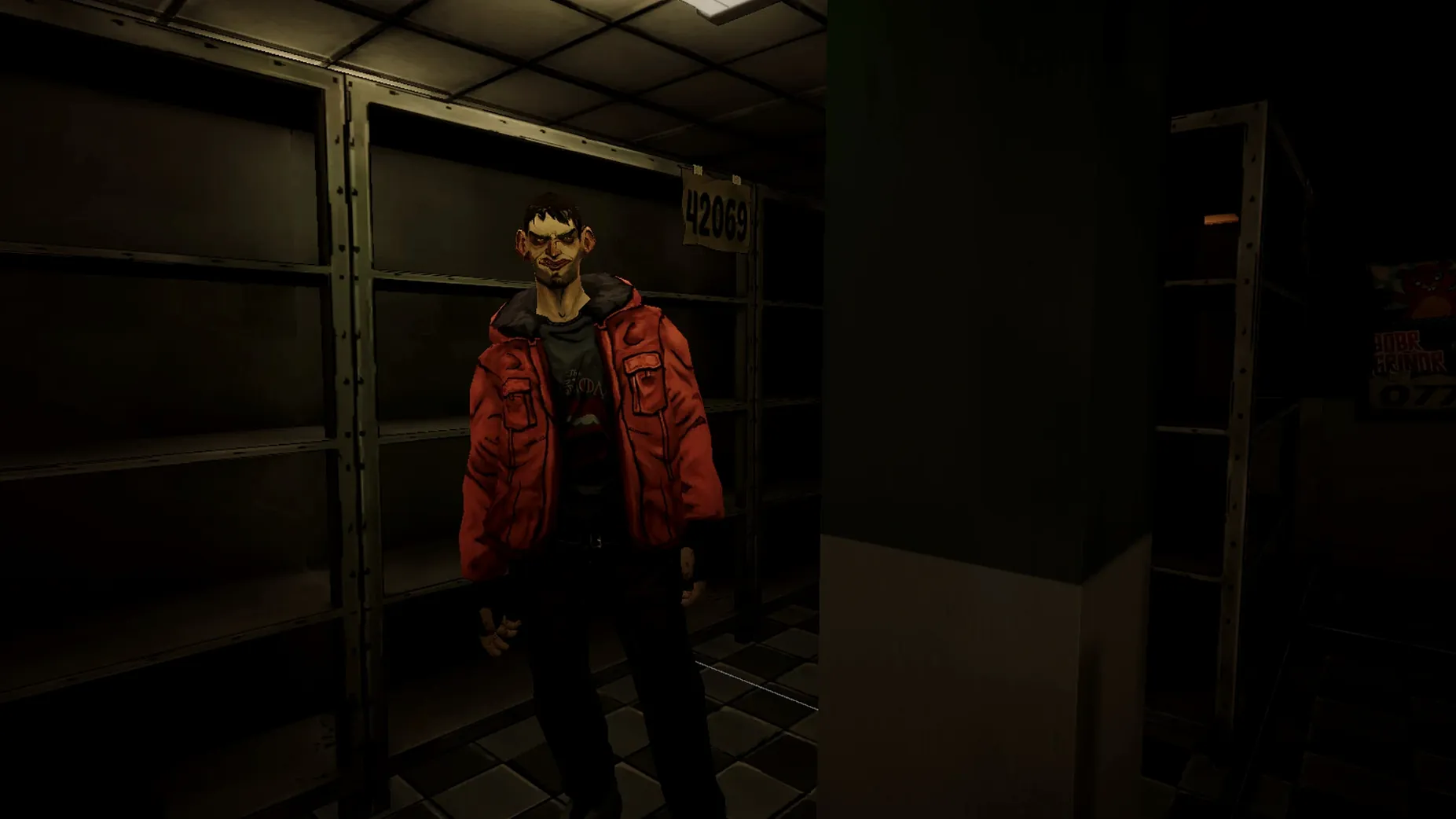
That's the whole install. No terminal, no extra tools. Once it's running, the horror comes from silence, hostile looks, and being cornered, not cheap jump scares. The game lasts about an hour and offers several endings, from an awkward farewell to something chilling. Language is set in the game's options, with Russian, English, German, Spanish, Simplified Chinese, Portuguese, Ukrainian, and Japanese available. Voice acting is listed as musical accompaniment, so the mood stays consistent.
A built-in Wineskin wrapper with no extra configuration
People usually ask whether a Wineskin wrapper means extra configuration. It doesn't. The wrapper is built into the app bundle, so the game behaves like a native macOS program. Another frequent question is whether saves carry across sessions. Yes, they save automatically to the app's internal directory, and you can replay to reach different endings without losing progress. Some ask about controller support. The game is designed for mouse and keyboard input, which matches its point-and-click dialogue structure. No special hardware is needed.
The architecture requirement is ARM, so Intel Macs won't run this build. If you have an Apple Silicon Mac, you are set. The game was tested on macOS Tahoe and a Mac mini 2024 M4, both ARM-based. Activation is not required, so you can install and play immediately.
A run-through: from the warehouse to an ending
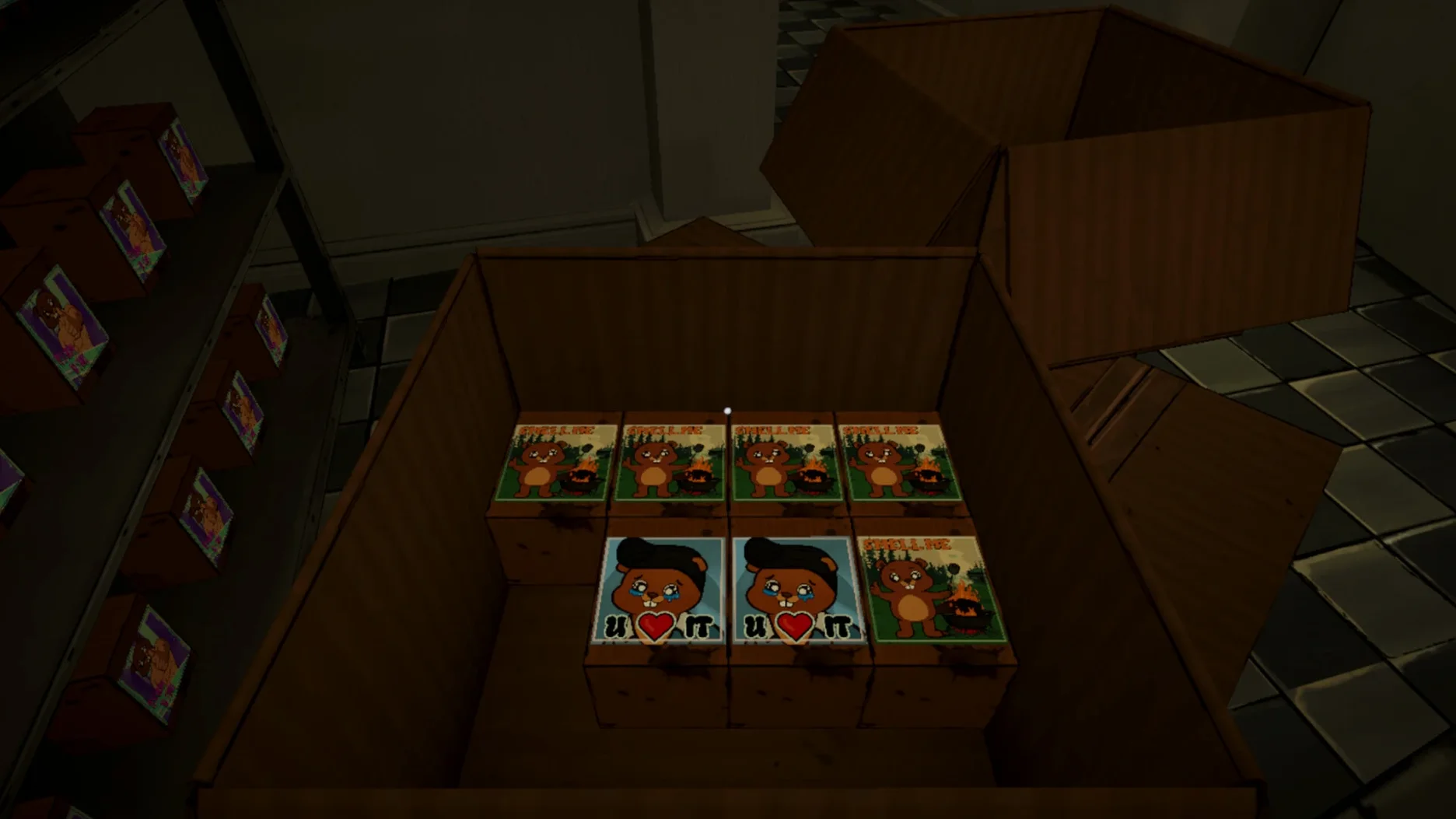
Start the game. You begin a normal shift at a warehouse. A colleague approaches and starts testing how willing you are to give in. Your only tools are choices, refusals, and silence. Pick a refusal early, and the colleague's reaction shifts. Pick compliance, and the tension builds differently. Silence works as a third option, letting the moment stretch.
Work through the dialogue scenes. Each decision shifts the relationships and the power balance. The game is short, so a full run takes about an hour. When you reach one of the endings, the credits roll. To see a different ending, start a new playthrough and make opposite choices, especially during the key confrontations. The game does not lock you into a single path, so multiple runs are straightforward.
A single Applications entry and predictable disk space
The game runs as a single app entry in your Applications folder. The disk image file is the distribution format, and you mount it to copy the app over. Once installed, the app takes up a predictable amount of space for a Wineskin bundle, though no specific size is listed in the specs. The game launches directly from Launchpad and uses your system's display resolution without manual scaling. Language selection is in the game settings, with eight supported options. No internet connection is required after the initial download, and activation is absent entirely.
- macOS version not specified
- Apple Silicon
Install procedure
- Mount the downloaded disk image and drag the app into the Applications folder shortcut.
- After copying finishes, launch the app from Launchpad.
- If the game shows an error on launch, run the Fix file in the disk image.
Reports from players
Sign in or create a tester account to file a report.
No reports filed yet.