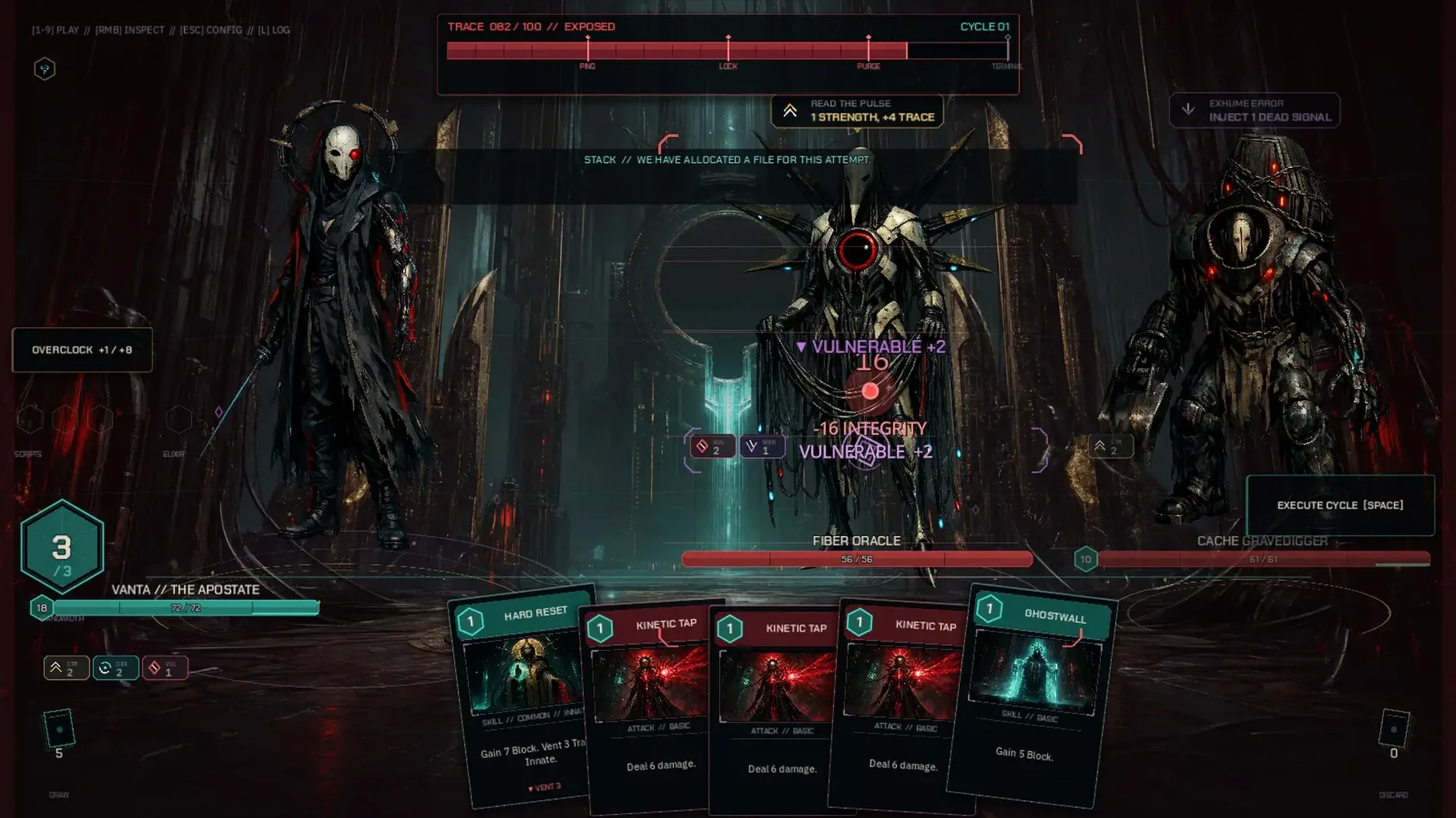
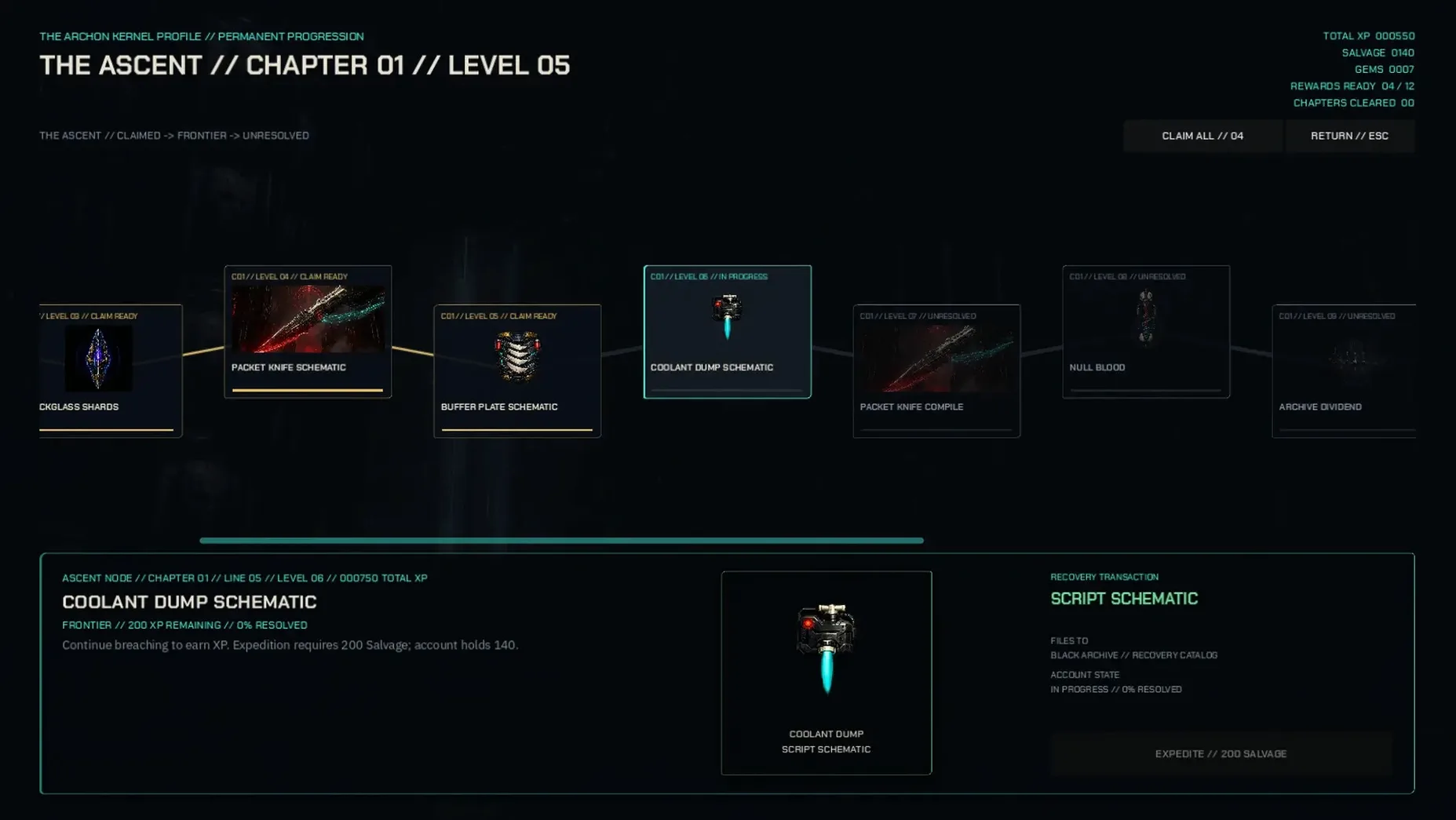
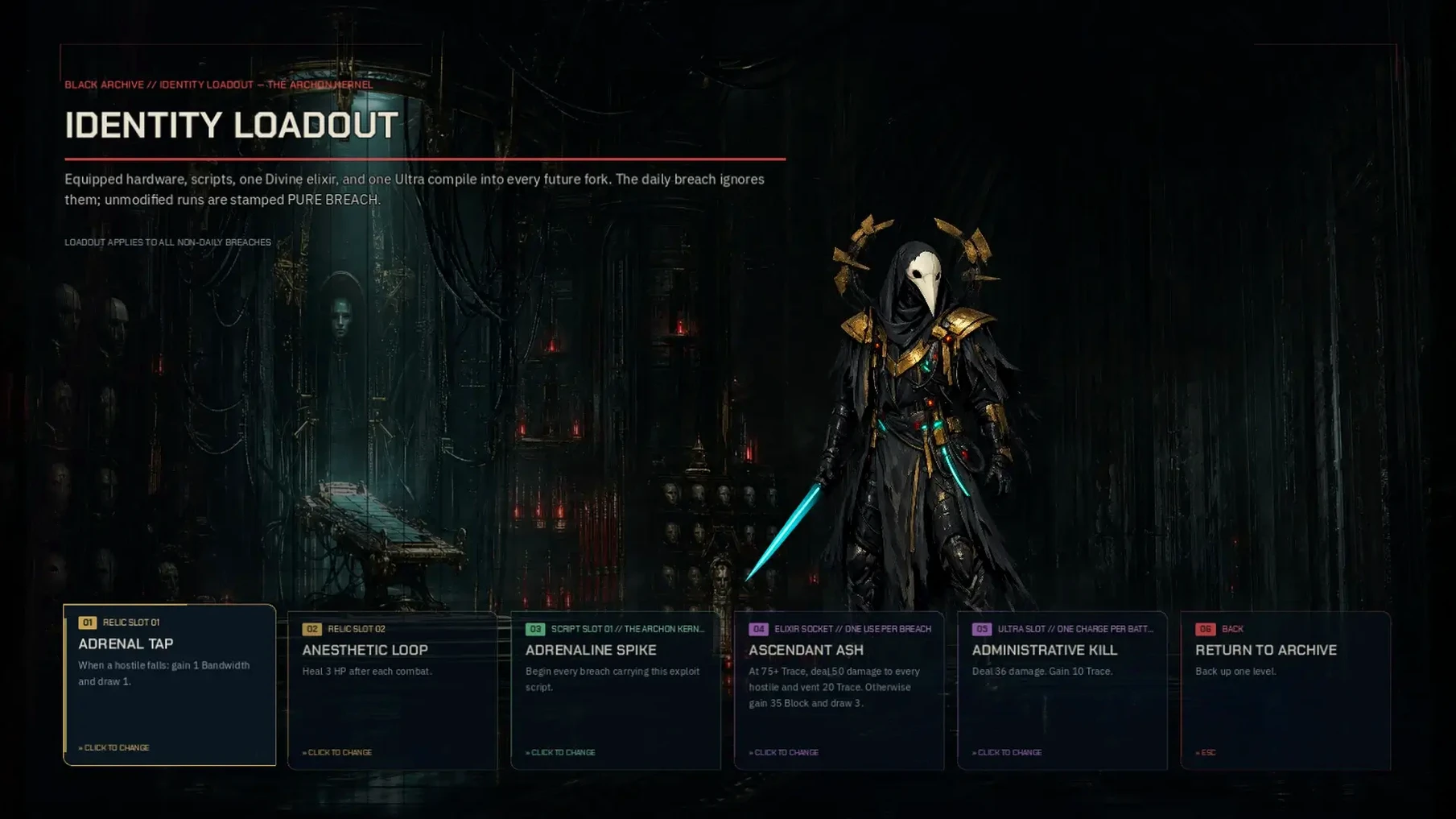
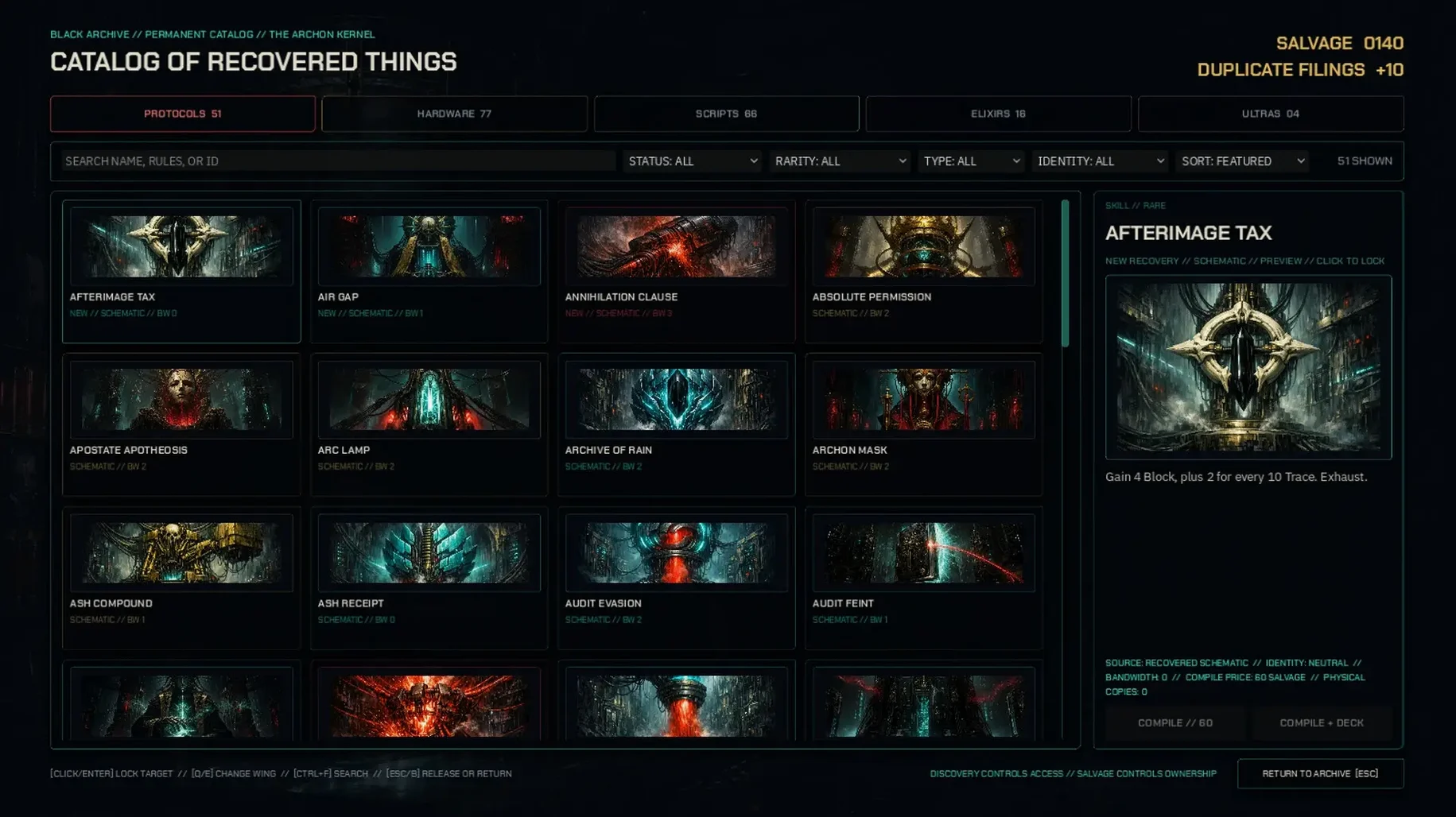
You start each run picking a graft — a piece of corporate tech that changes how your deck plays. Then you descend floor by floor, drawing cards to hack nodes, summon entities, or trigger wagers that can double a run or drain your health. The screen is a grid of choices: which tile to breach, which enemy to counter, which buff to risk a divine roll for. Between fights you visit a shop that sells deck upgrades and a workshop where graft tech trees unlock passive bonuses.
Terms & what they mean
Graft — The starting tech you install before a run. Each graft modifies your starting deck or adds a passive effect, like drawing an extra card per turn or unlocking a special wager minigame.
Node — A tile on the floor map. Breaching it gives you a card, an item, or a fight. Some nodes are locked behind a wager mini-roll.
Wager — A short gamble during combat or exploration, often using a divine roll. Win to claim a powerful card; lose to take damage or skip a turn.
Divine roll — A randomized check tied to occult themes. Succeed to trigger a bonus effect; fail and the wager backfires.
Graft tech tree — A set of persistent upgrades you unlock between runs. They improve starting stats, add new wager options, or reduce node breach costs.
Megastructure — The tower you climb (or descend). Each floor has a different layout, enemy pool, and set of environmental hazards like firewalls or data corruption.
Deck — Your hand of cards. Cards represent attacks, defenses, hacking tools, and occult rituals. You cycle through them each turn, balancing energy cost against effect.
Localized text — The game displays UI in twenty-seven languages. Version 0.30.1 fixed overflow issues on choice tiles for long translations, and refreshed all language files.
Set your language from twenty-seven options first
After the install, the first thing to do is check the settings for your preferred language out of the twenty-seven options. The game defaults to English, but switching to your language early avoids restarting later.
Spend your first few runs trying different grafts without worrying about winning. Each graft changes your starting deck noticeably — a defensive graft might give you an extra shield card, while an aggressive one unlocks a wager minigame from the first floor. The graft tech tree upgrades carry over between runs, so even failed runs contribute progress. Unlock a few nodes in the tech tree before focusing on a deep run.
Pay attention to the tile grid when breaching nodes. Some floors have firewalls or data corruption hazards that damage you if you take too long. The game doesn't rush you, but lingering on a floor with active hazards stacks penalties. Move through efficiently when you see those icons.
Boost wager odds with a divine roll graft
A player who prefers calculated risk over random chance might focus on grafts that improve wager odds. One such graft adds a divine roll bonus to every wager attempt, making the outcome more predictable. On the first floor, this player bypasses a few easy nodes to reach a locked node with a high-reward card behind a wager mini-roll. The divine roll succeeds, and the card — a ritual that heals per node cleared — carries the player through the next three floors. The graft tech tree upgrades that improve wager success rates make this approach viable over multiple runs, rather than depending on luck each time.
Small details that matter
- The shop between floors lists available upgrades in a fixed order. If you see a card you want but can't afford it, note its position — the same slot might hold it again on a later run.
- Version 0.30.1 added confetti and extra visual punch to major wager wins. It's not just cosmetic; the animation cues let you know immediately that the wager succeeded without reading the text.
- Localized text now fits inside choice tiles without overlapping. If you play in a language with long words — German, Hungarian, or Thai — the 0.30.1 fix makes a real difference during decisions.
- macOS 13.0 or later on Apple Silicon; macOS 11.0 or later on Intel
- 2 GB RAM
- 3 GB available storage
- OpenGL 3.3 graphics
- Keyboard and mouse
Install procedure
- Open the downloaded disk image.
- Drag the app to the Applications folder alias.
- After copying finishes, launch the app from Launchpad.
Reports from players
Sign in or create a tester account to file a report.
No reports filed yet.