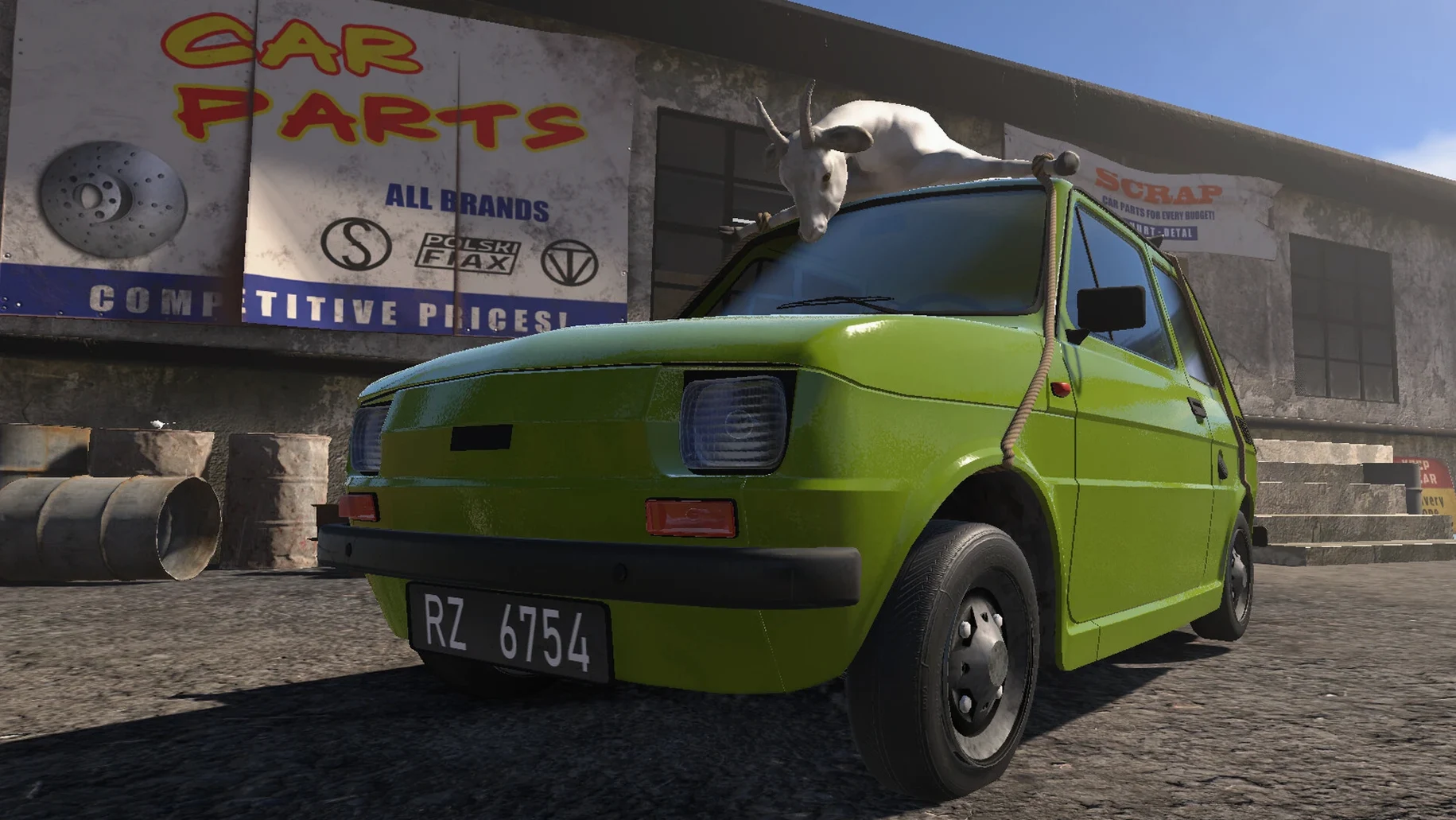
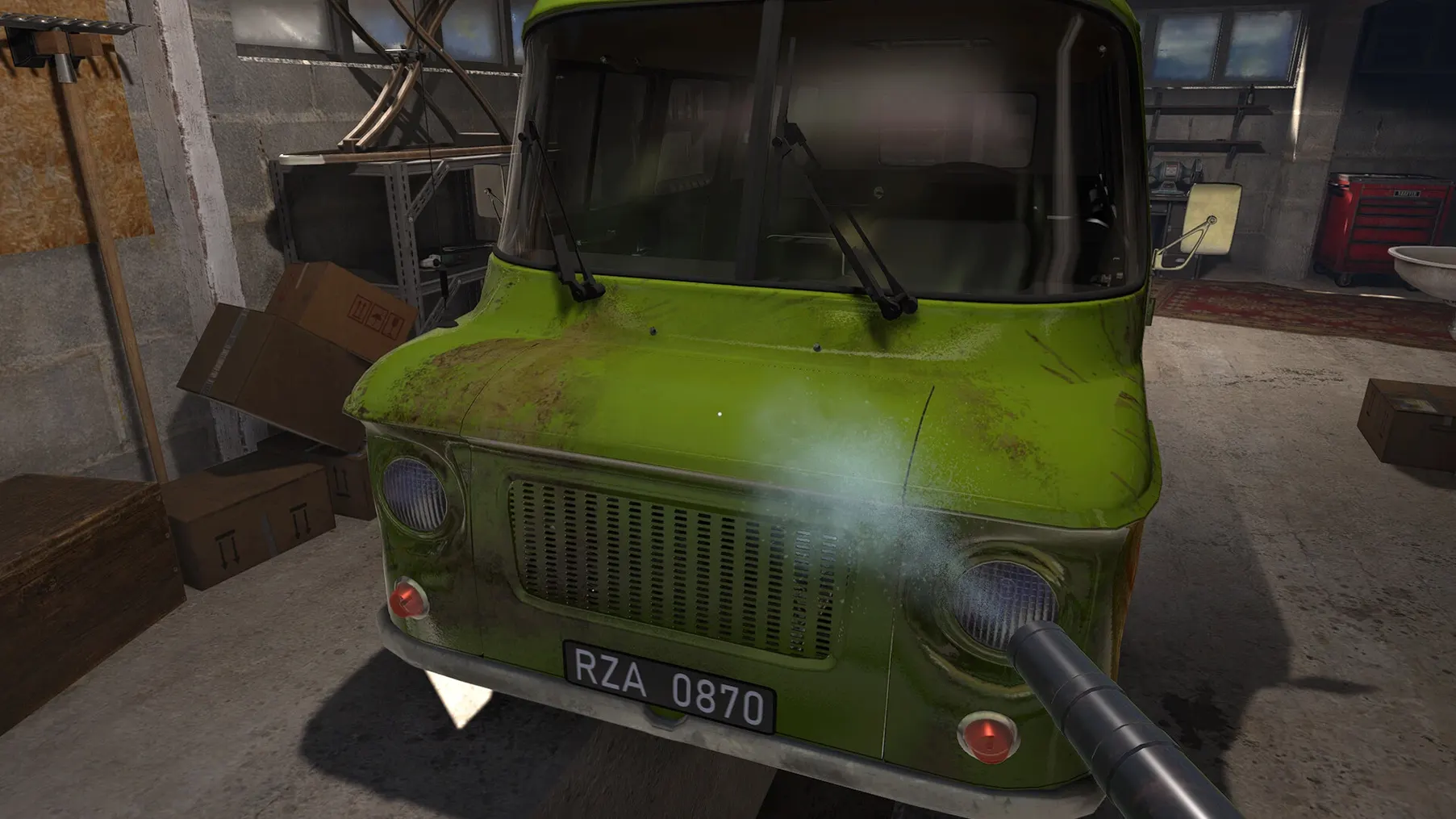
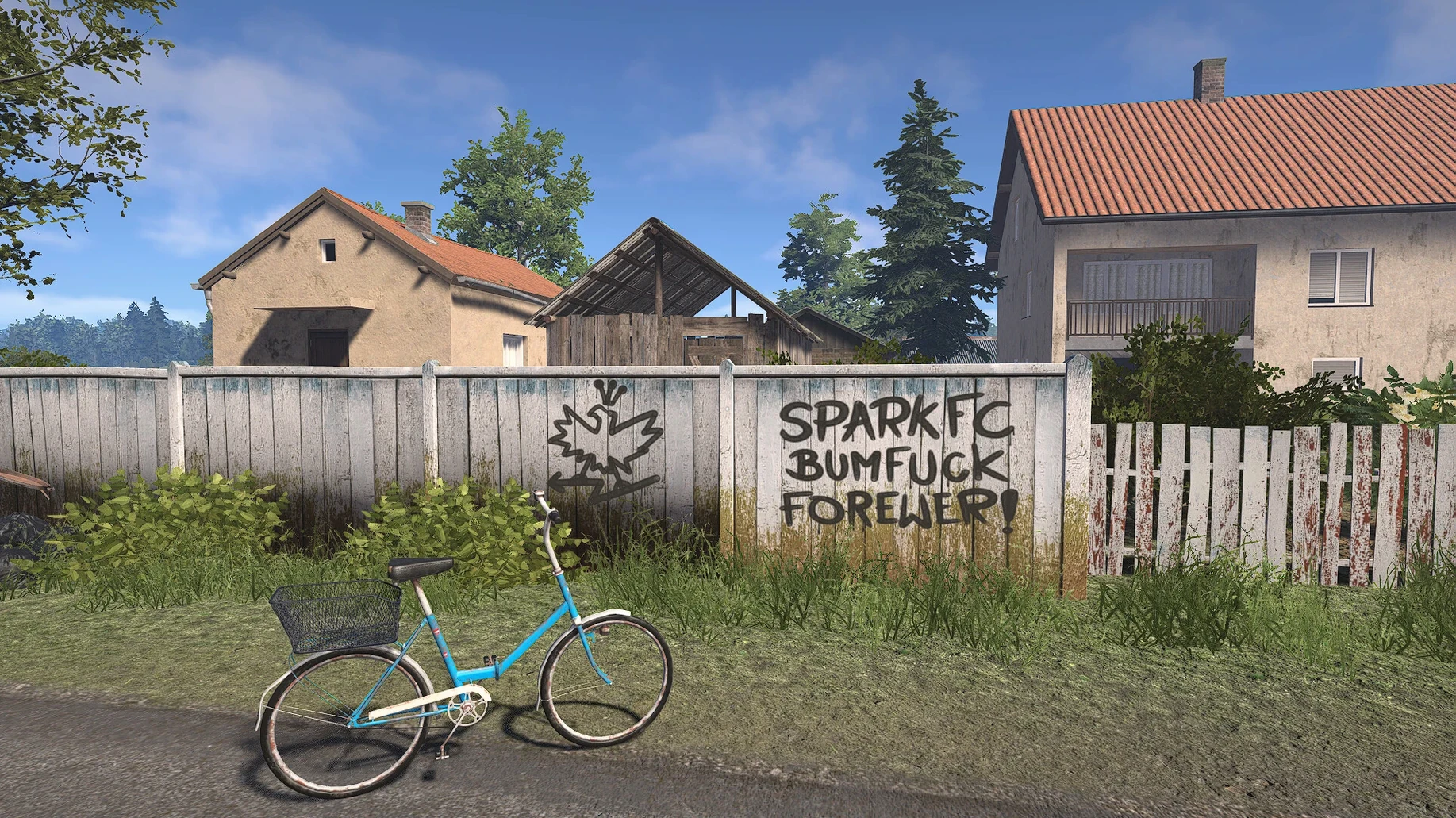
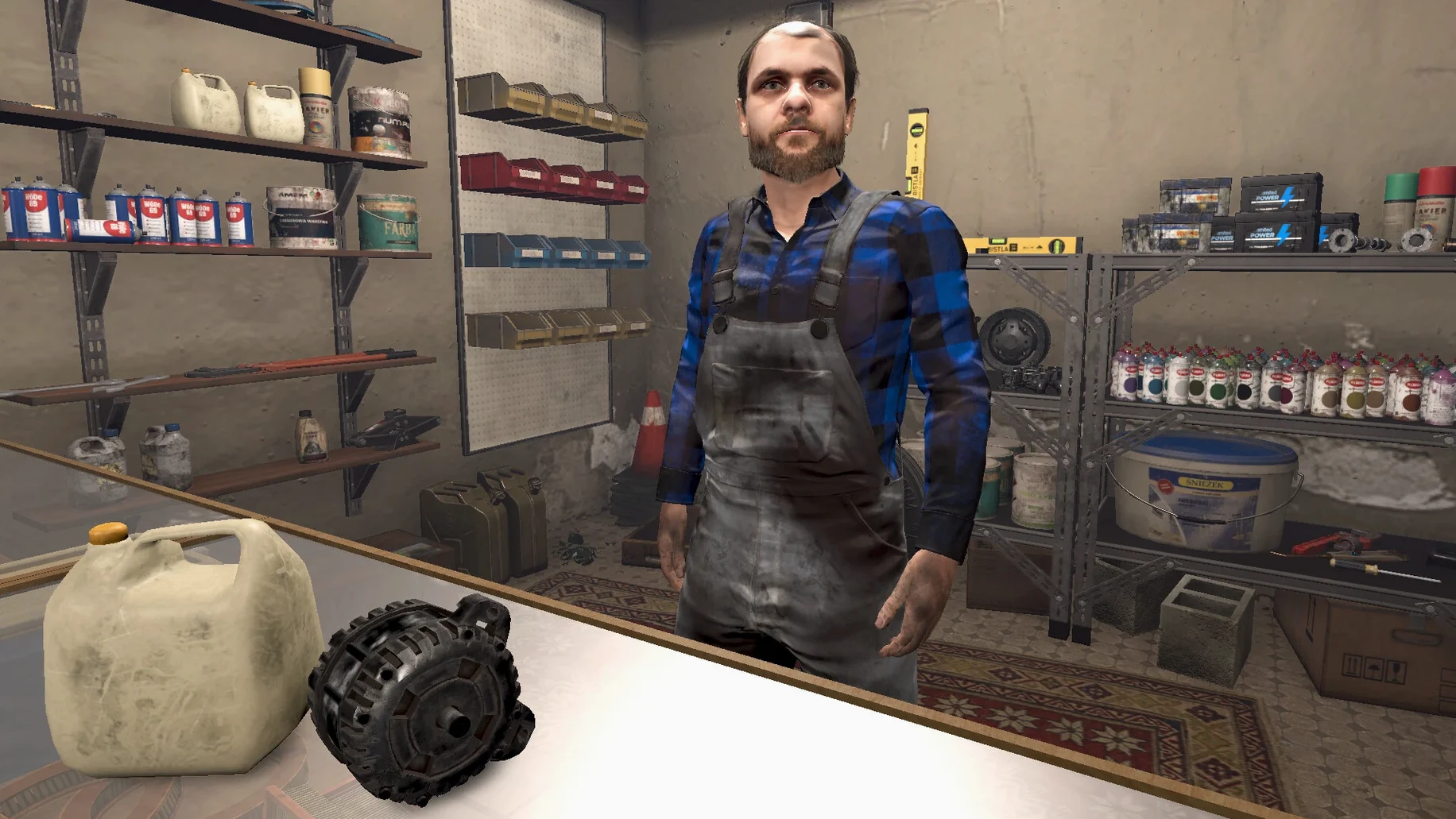
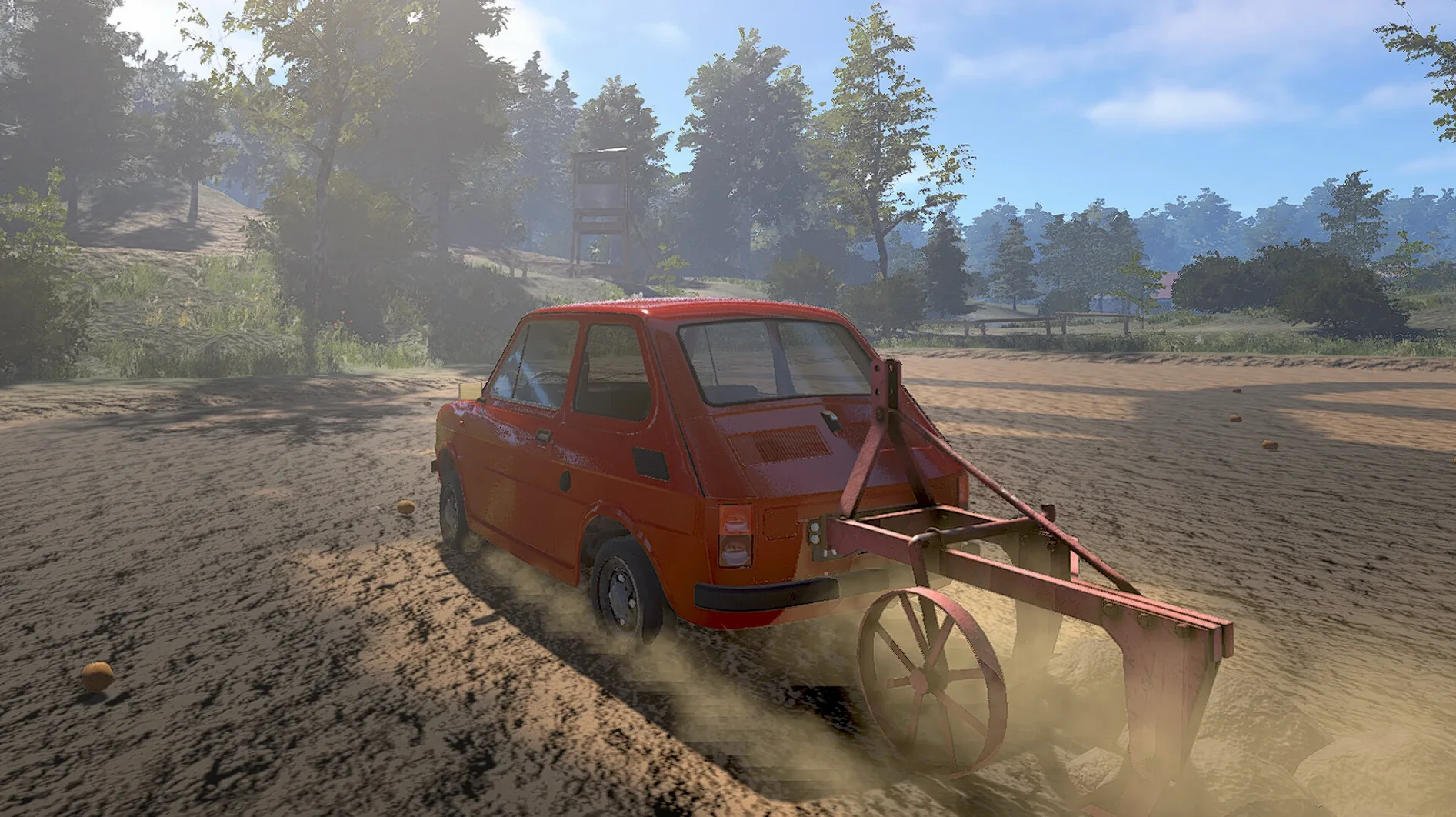
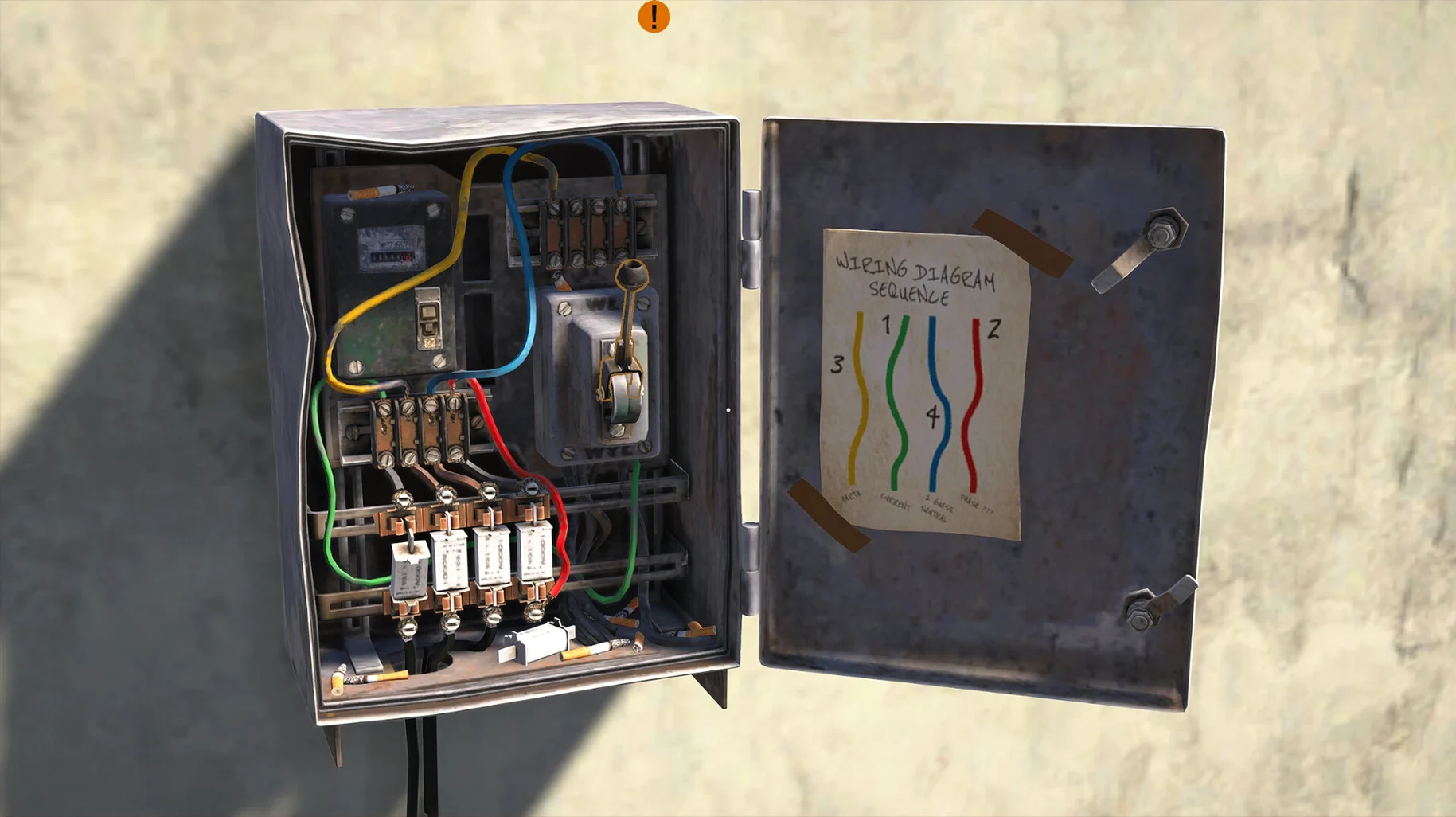
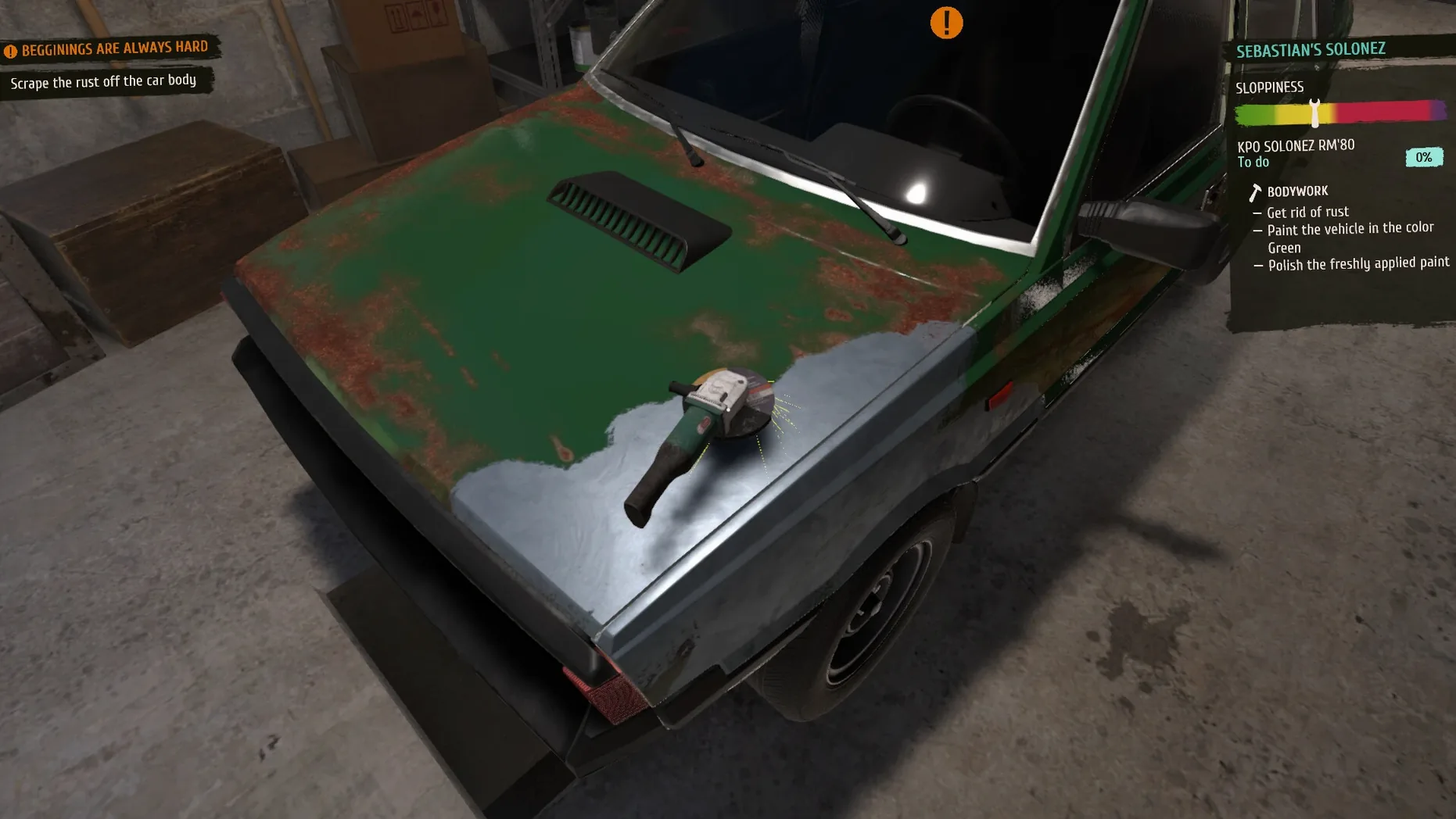
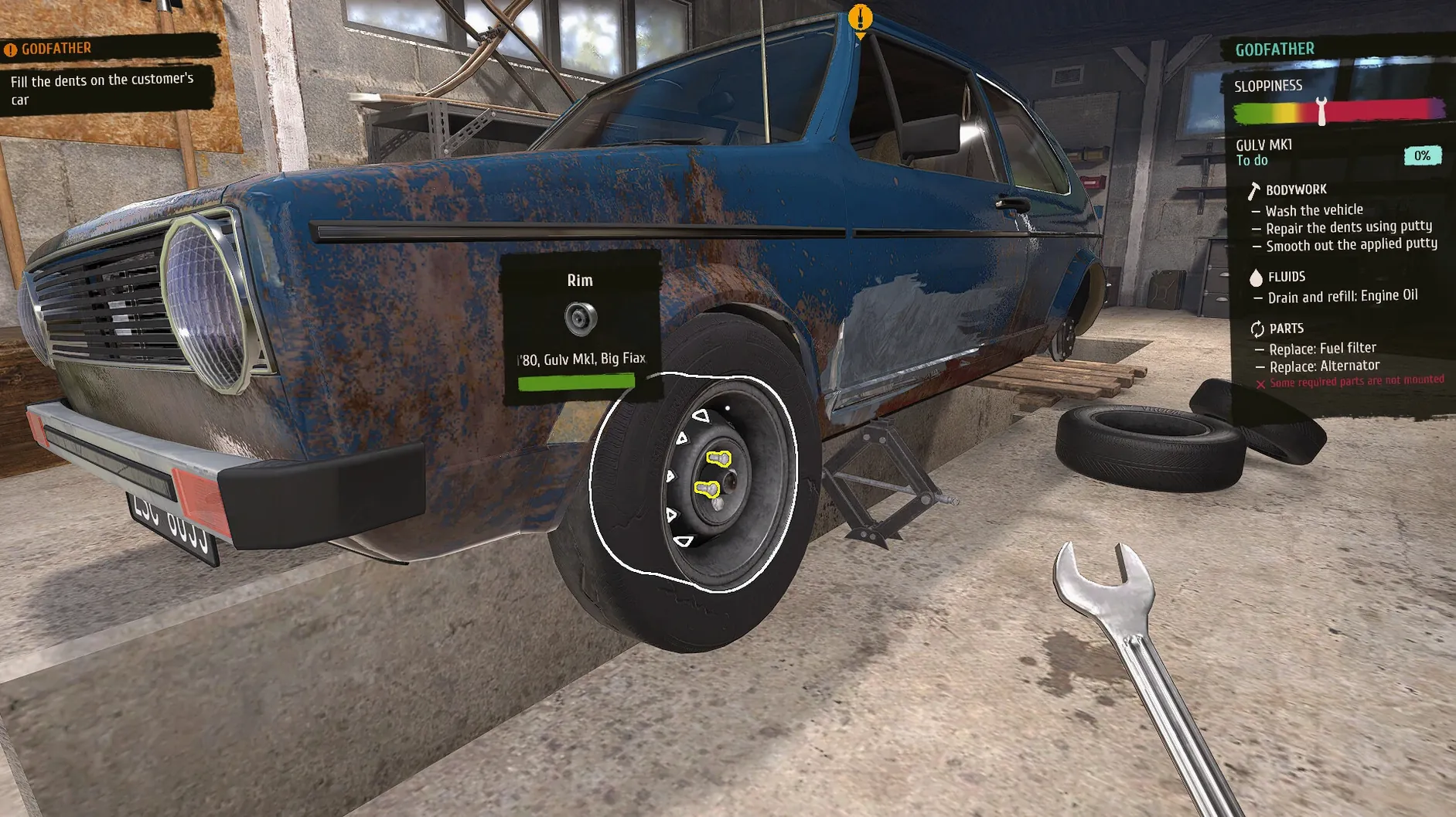
You clock in at a small Polish garage in the 1990s. A customer rolls in with a Fiat that stalls at every intersection. You pop the hood, diagnose, and start wrenching. That is the core loop of Cheap Car Repair, a simulation that leans into period detail and hands-on repair work.
Inspecting, disassembling, and replacing parts on 1990s cars
The game focuses on the full repair cycle: inspect, disassemble, replace parts, and test. Jobs range from quick fixes to longer overhauls, and each car has its own quirks. The 1990s setting is not just cosmetic—parts availability and tooling feel era-appropriate. You manage your workspace and budget as you take on more demanding customers.
Languages and Localization
Cheap Car Repair ships with a wide language list, including English, Polish, German, Spanish, French, Portuguese, Romanian, Ukrainian, and Simplified Chinese, among others. Polish support is a natural fit given the setting, and the interface is fully localized in each language. If you hit a launch error, the included Fix file on the disk image should sort it out.
Learning the flow with oil changes and belt replacements first
The opening jobs are straightforward—oil changes, belt replacements, brake pad swaps. Use these to learn the inspect and disassemble flow without penalties. Parts cost real money, so don't order everything at once. Diagnose first, then check the shop manual before buying anything. The game rewards looking for savings wherever possible, and that starts with not overstocking parts you might not need.
Save often. The save file path is inside the app bundle itself, so if you reinstall or move the app, back up the Saves folder first. Locate it at Cheap Car Repair.app/Contents/SharedSupport/prefix/drive_c/users/Sikarugir/AppData/LocalLow/SimplicityGames/Fuszerka/Saves. Copy it somewhere safe after every session.
Switching the language from Polish to English in settings
Open the game settings before your first real job. The language defaults to Polish if that matches your system—switch it to English or another language from the list right away if needed. The voiceover is Polish only, so even with English text you will hear Polish dialogue. That is not a bug, just a design choice for the setting.
Turn down the music volume if it competes with the engine sounds. The garage audio mix can get busy with radio, tools, and customer chatter. Find a balance that lets you hear diagnostic cues without distraction.
Running fully offline with no activation required
Does it need an internet connection? No. Once installed, the game runs entirely offline. Activation is not required, and there is no launcher to authenticate.
Can I play it on an Intel Mac? The build is tested only on Apple Silicon (ARM). The Wineskin wrapper targets macOS Tahoe and M-series chips. Intel users may have trouble, and no Intel testing was done for this version.
Do I need to know about cars? Not really. The game teaches you through jobs. Some familiarity with basic car parts helps, but the inspection system guides each step. Expect to learn as you go, not before.
Why is the fix file needed sometimes? The Wineskin wrapper can trigger a permissions or library error on first launch. Running the Fix file from the disk image clears that. It is a single click, and you only need it once per install.
- macOS Tahoe
- Apple Silicon (ARM)
- Tested on Mac mini 2024 M4
Questions from the notes
What macOS versions are supported?
The game requires macOS Tahoe and runs on Apple Silicon. It was tested on a Mac mini 2024 M4.
What do I do if the game won't launch?
Run the included Fix file from the disk image, then try launching again.
Install procedure
- Open the downloaded disk image and drag the app to the Applications folder alias.
- After copying finishes, launch the app from Launchpad.
- If the game shows an error at launch, run the Fix file from the disk image.
Reports from players
Sign in or create a tester account to file a report.
No reports filed yet.