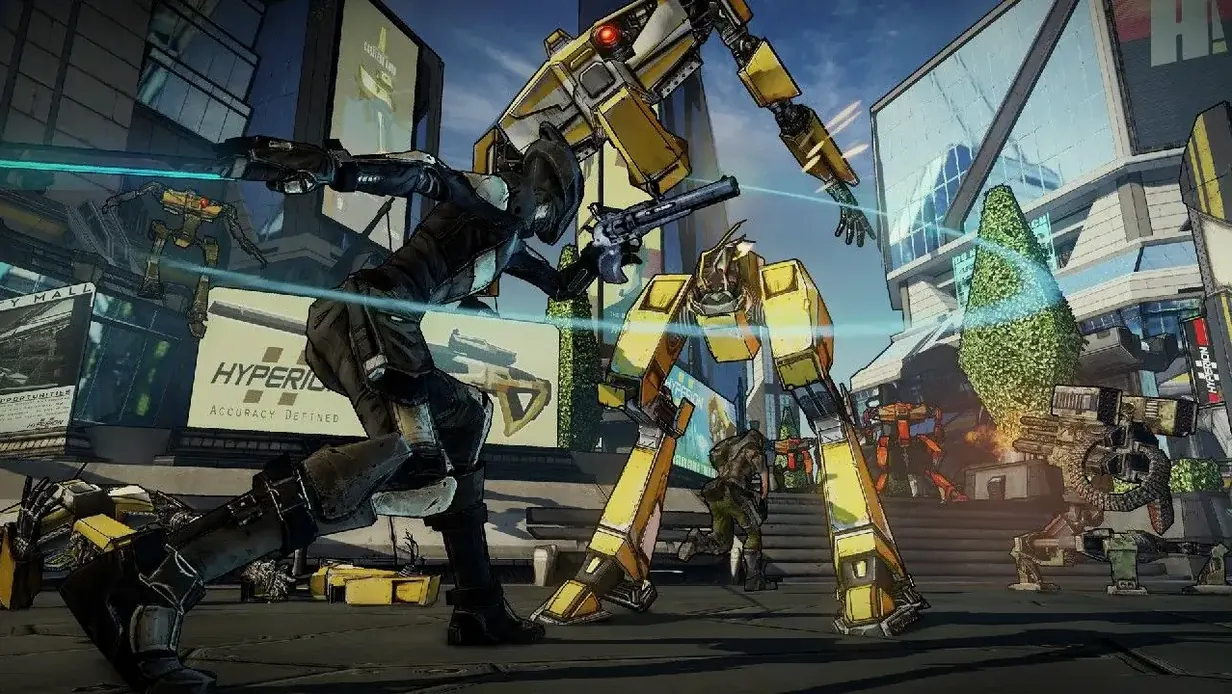
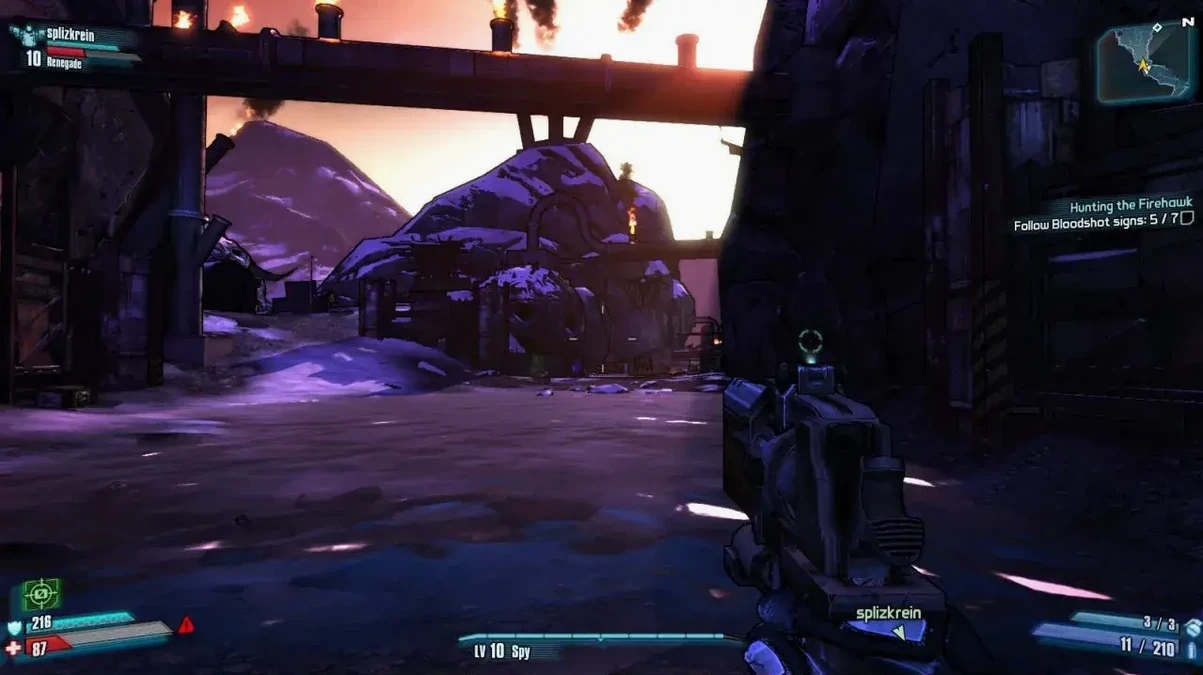
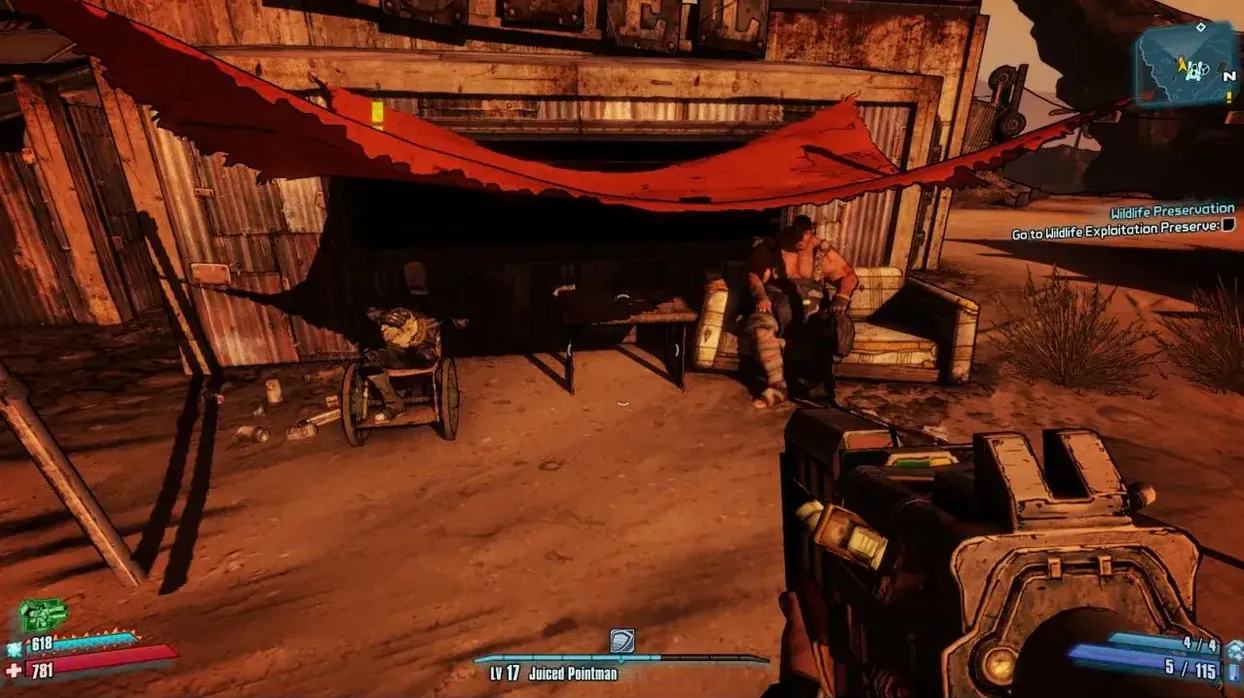
Borderlands 2 for Mac runs on Intel-based Macs with macOS 10.12.6 Sierra or later. The Apple Silicon (M1/M2) Macs require Rosetta 2 emulation, which works but carries a minor performance overhead depending on the scene. The game expects at least 4 GB of RAM and 40 GB of free space, with 80 GB temporarily needed during the install. Voiceovers are available in English, German, Spanish, Italian, French, and Japanese; the interface adds Traditional Chinese and Korean.
| Detail | Value |
|---|---|
| Current version | 1.8.5 fix |
| Developer | Gearbox Software |
| Release (original) | September 18, 2012 |
| Tested system | macOS Sonoma, MacBook Air M1 (2020) |
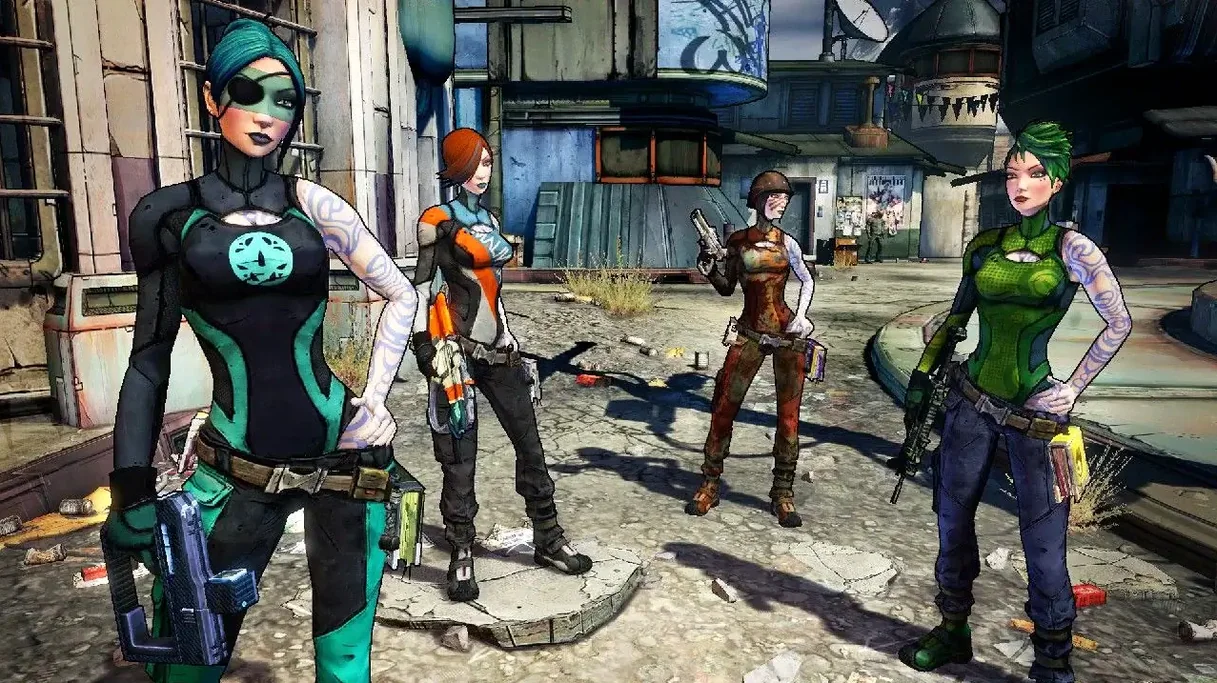
The shoot-and-loot loop — guns, grenades, class mods — is unchanged from the Windows version, and the Mac port includes all four original playable Vault Hunters plus the Mechromancer class. The 1.8.5 fix addresses a few crash conditions tied to specific hardware configurations, so updating is worth the time if you are reinstalling.
Narrows crash conditions on older Intel Macs
The 1.8.5 fix is a maintenance patch. It does not add new content, shift system requirements, or alter the graphics pipeline. What it does is narrow crash conditions that appeared on certain Intel configurations — mainly older Macs with integrated graphics or low RAM buffers. In everyday use, you will not notice new menus or altered weapon balance. What you will notice is that the game stops hard-locking during fast-travel transitions or when entering the Moxxi bar in Sanctuary. Prior to the fix, those were the two most frequent crash points on Mac hardware that technically met the 4 GB RAM minimum. The patch also tightens how the 64-bit binary handles memory allocation during split-screen co-op, which matters on a 4 GB system.
Workflow: starting a fresh co-op session
This sequence assumes you have the game installed and are setting up a local co-op session with one other player on the same Mac. For one player at a keyboard, the steps still apply.
- Move the game folder to the Applications folder alias.
- Disconnect from the internet before launching. The launcher checks for online services, and leaving the connection on inflates the loading screen by roughly two to three times its normal duration.
- Open the game from Launchpad. The main menu appears after the Gearbox and 2K logos.
- Select "LAN" from the network options.
- Set each player's class and appearance from the character select screen. The Mechromancer is available alongside the original four Vault Hunters.
- Once in-game, open the inventory menu to assign starting weapons. Do not open the SHiFT code menu — it is non-functional on this version.
The game saves automatically at checkpoints. Manual saves are not available, so quitting to the menu without a checkpoint marker may lose progress.
Sits between Torchlight II and Left 4 Dead 2 in the Mac shooter-RPG niche
Borderlands 2 sits in a specific niche: first-person shooter with loot progression and co-op. On Mac, the closest alternatives are Torchlight II and Left 4 Dead 2.
Torchlight II is an isometric action RPG with the same loot-and-level loop but no first-person shooting. It runs natively on Apple Silicon and Intel alike, and its system requirements are lower — 2 GB RAM and macOS 10.12 Sierra. The trade-off is visual style: Torchlight II uses a colorful top-down view, not a gun-camera perspective. Co-op is four-player, but the game lacks the scripted boss encounters and voiced story lines Borderlands 2 provides.
Left 4 Dead 2 is a first-person co-op shooter with a campaign-based structure, but it has no loot system. Weapons are static per level, and player progression resets each session. It also requires macOS 10.14 Mojave or later and runs only on Intel via Rosetta 2 on M-series Macs. Its advantage is tighter system requirements — 2 GB RAM — and a larger built-in modding scene through the Steam Workshop. Borderlands 2's loot feedback loop gives it more replayability per playthrough, but Left 4 Dead 2 is easier on older hardware.
Neither Torchlight II nor Left 4 Dead 2 replicates the specific feel of Borderlands 2 on Mac, but both are viable alternatives for co-op sessions with lower resource demands.
- macOS 10.12.6 Sierra or later
- Intel processor (64-bit)
- 4 GB RAM
- 40 GB available space (80 GB during install)
Questions from the notes
Does Borderlands 2 run on Apple Silicon Macs?
Yes, but through Rosetta 2 emulation. It runs on macOS Sonoma on an M1 MacBook Air, but expect slightly lower performance compared to native Intel hardware.
What languages are supported for voice and interface?
Voice languages include English, German, Spanish, Italian, French, and Japanese. The interface also supports Traditional Chinese and Korean.
Install procedure
- Move the game folder to Applications.
- Once the copy finishes, launch the game from Launchpad.
- Turn off your internet connection to avoid long loading times in the game.
Reports from players
Sign in or create a tester account to file a report.
No reports filed yet.