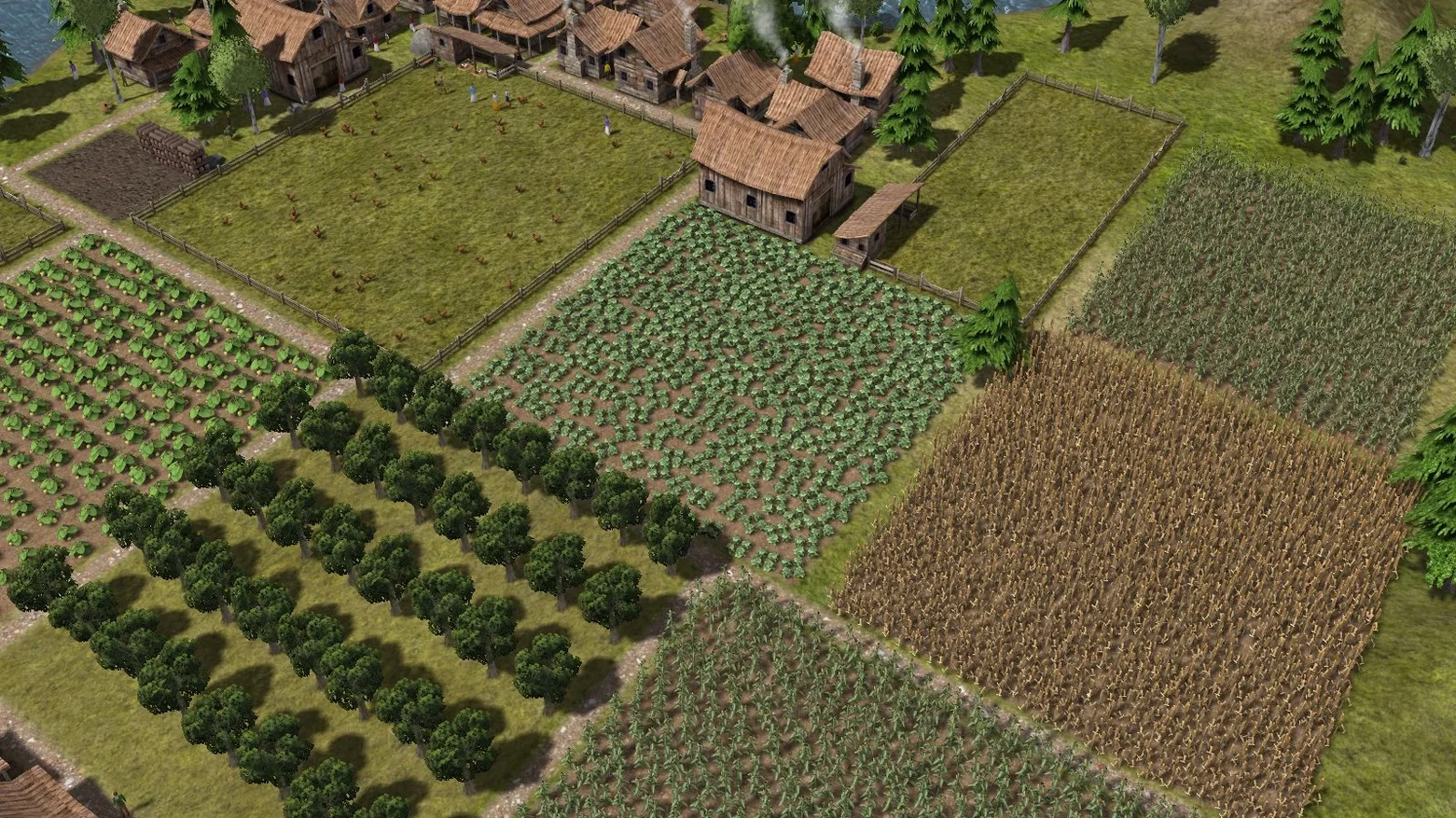
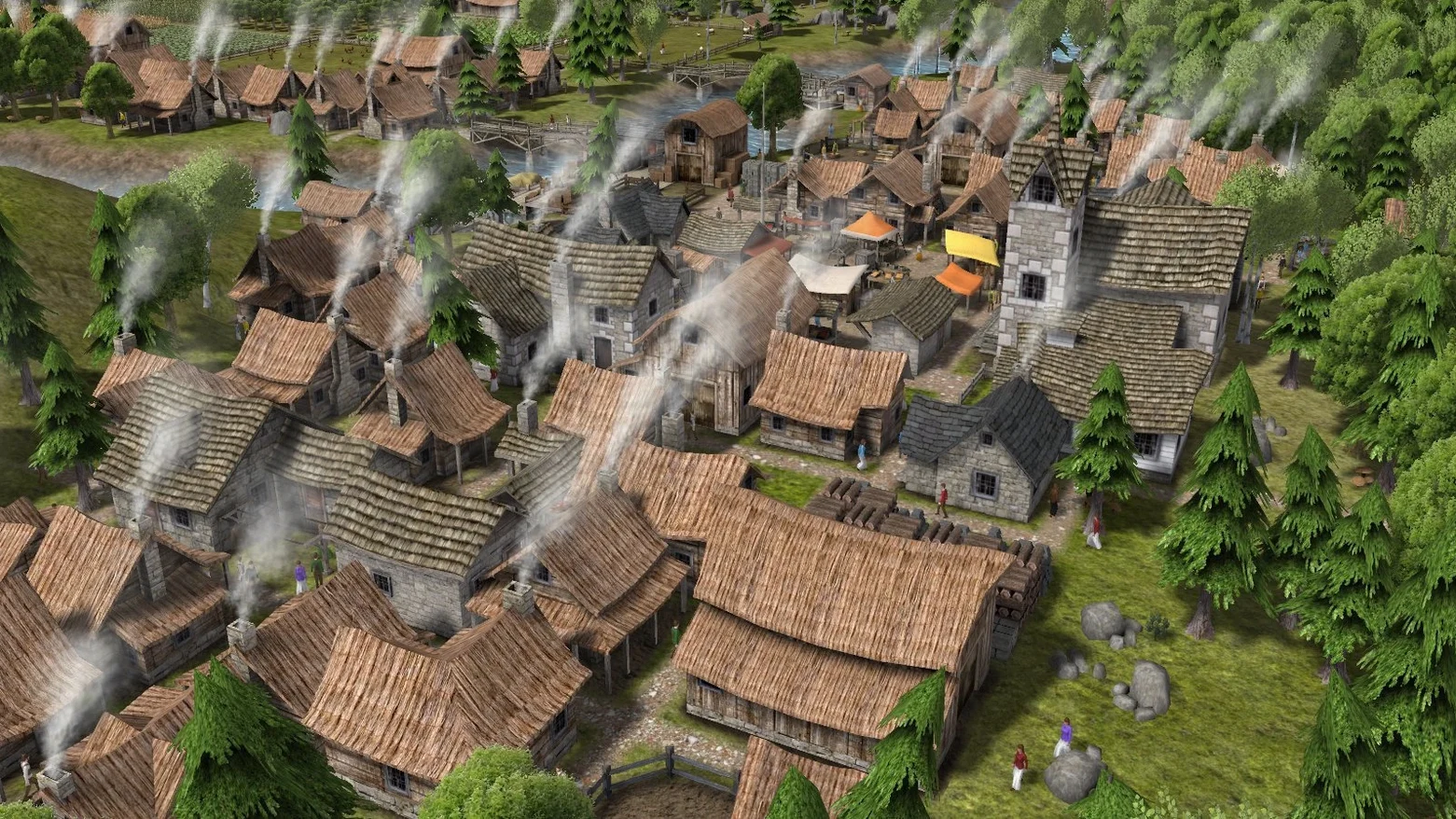
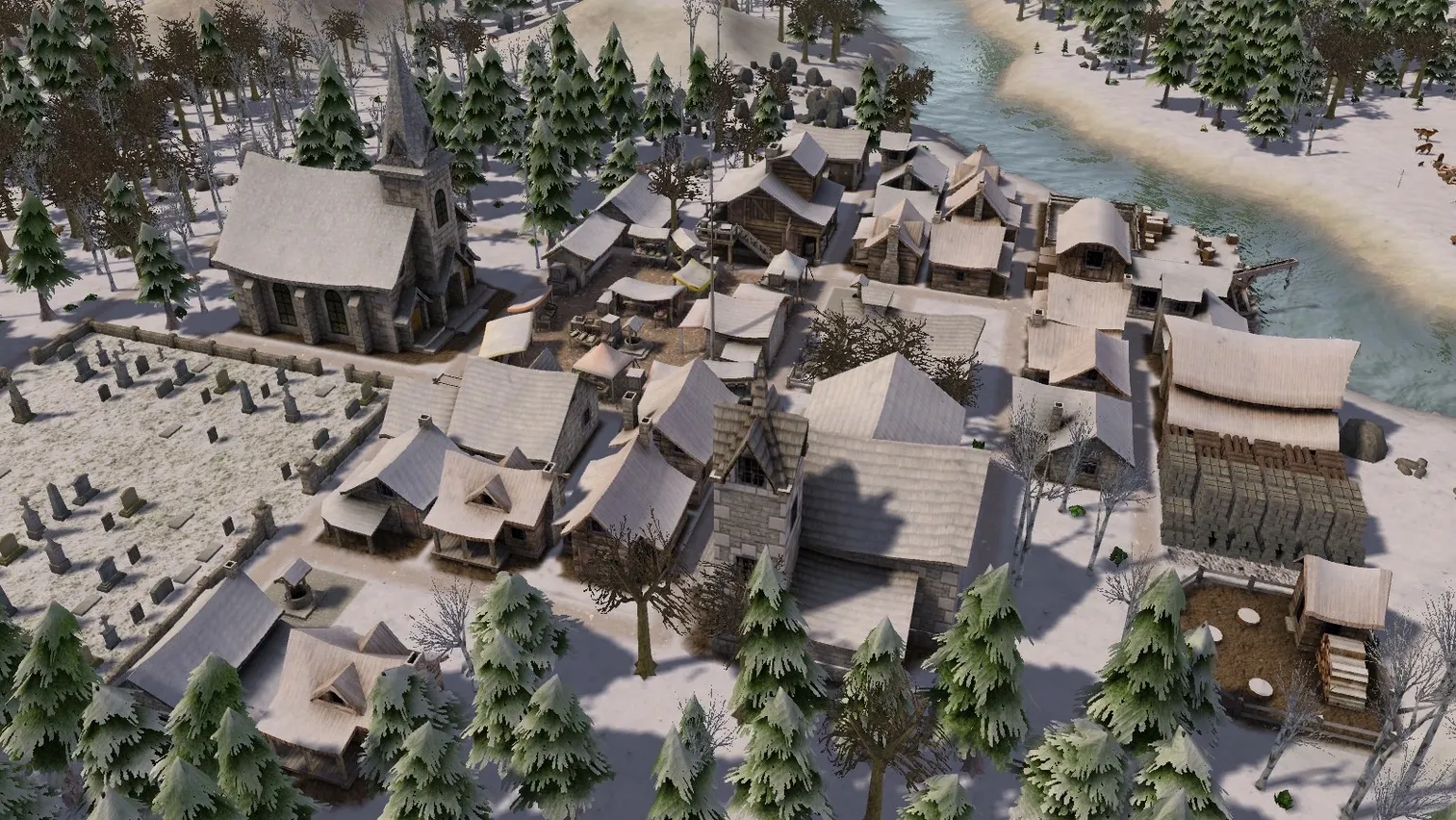
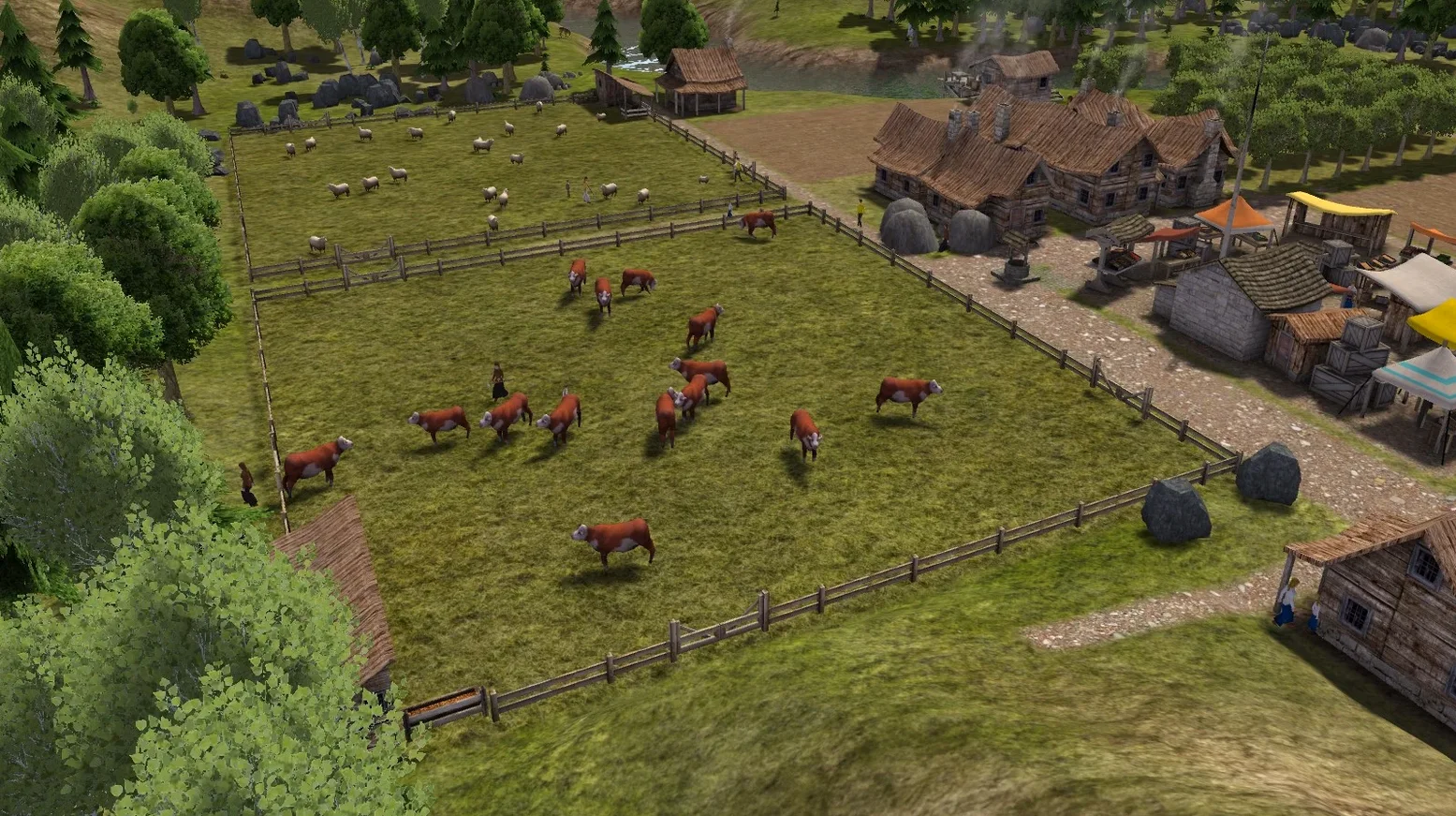
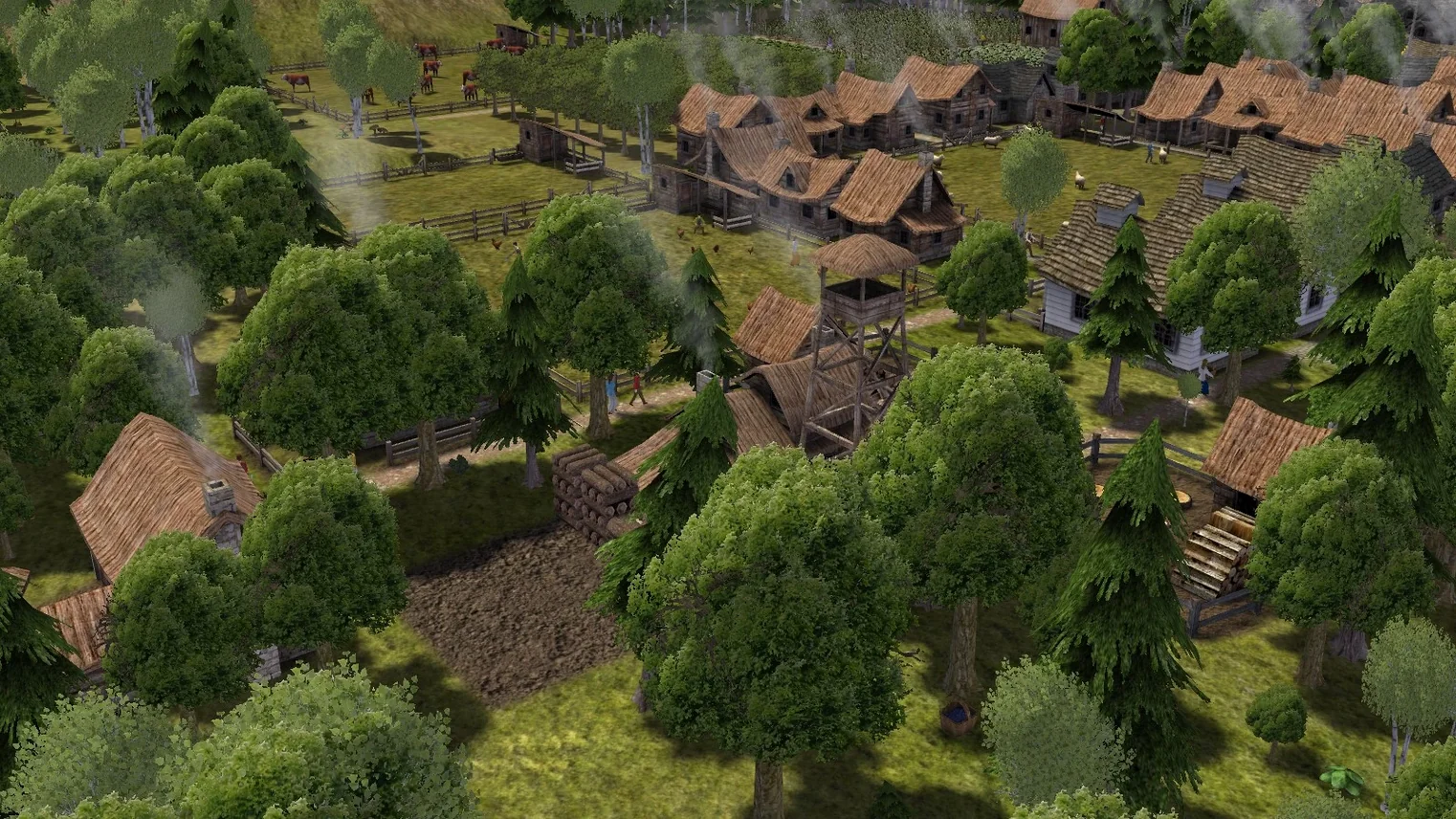
Banished solves the problem of starting from nothing: a group of exiled travelers arrives in a new land with only the clothes on their backs, and you decide where to put the first houses, the woodcutter, the gatherer. There is no skill tree, no currency, no tech rush. Townspeople are your main resource, and you manage their survival through winters, food shortages, and illness. Any building can be constructed once the required resources have been gathered, so you are free to shape the settlement however you like—plant forests, mine iron, quarry stone, or trade with passing merchants for livestock and crops.
| Detail | Information |
|---|---|
| Developer | Shining Rock Software LLC |
| Current version | 1.0.7 |
| macOS requirements | macOS ? (compatible with both Intel and Apple Silicon) |
| Interface languages | English, Russian |
| Tested on | macOS Sonoma, MacBook Air (M1, 2020) |
The game ran without issues on an M1 Mac under Sonoma. One known limitation: in the Russian version, a large world can trigger an infinite loading screen. For everyone else, the experience is straightforward—place buildings, assign workers, watch the population grow or shrink depending on how well you manage resources.
The installer handles the setup cleanly. Mount the disk image, drag the app folder to Applications, then launch from Launchpad. If the game errors on first launch, a repair file is included in the disk image — run that once before trying again. That step fixed it on the test machine and will likely do the same on yours. No activation is required and no account creation, so you can go straight from install to building your first stockpile.
Citizens swap professions without penalty
The citizen professions run twenty deep, from farming and hunting to blacksmithing, teaching, and healing. You assign workers to jobs as needed, and they swap roles without penalty — a hunter becomes a builder for a season, then goes back to hunting when the granary is full. No skill trees or experience bars to manage, just the body count and the work queue.
Merchant ships bring livestock and annual crops, but they also introduce disease from outside the settlement. This trade-off is worth knowing before you rely on imports for winter food. The game tracks it automatically, but you see the effect in the health of your population, not a warning popup — so keep an eye on the town's sickness levels after a merchant arrives.
Forests can be planted, iron mined, and stone quarried, but each consumes space that could otherwise be used for housing or farmland. On maps where one resource is scarce, you make that trade consciously. The game gives you the tools to replant trees for later harvests, so you are not permanently stuck with a barren landscape — it just takes planning and workers who are not already busy keeping everyone fed.
Runs on M1 Macs under Sonoma without extra setup
Does it work on Apple Silicon Macs?
Yes. The tested architecture includes both ARM and 64-bit x86, and it ran under macOS Sonoma on an M1 MacBook Air without extra configuration. No Rosetta settings or compatibility layers were needed beyond the Wineskin setup included in the build.
Can I switch languages after starting a game?
The interface is available in English and Russian. The known infinite loading bug affects only the Russian version on a large world map — if you play in English on a normal-sized map, you avoid that entirely.
Does the game save mid-session, or do I need to manually save?
Banished uses manual saves. You choose when to save, so it is worth developing the habit every few seasons — winter can hit harder than expected, and a reload saves you from starting over entirely.
How does it work with macOS features like Launchpad or the dock?
The installation guide says to launch the app from Launchpad after copying it to Applications. It appears in the dock during play like any other macOS app, and quitting it is standard — Command-Q or the window close button works as expected.
No Steam or launcher required, no DRM checks
Banished runs as a standalone application, so there is no dependency on Steam, a launcher, or any online service. That means no background updaters, no overlay, and no DRM checks. It coexists with other city-building titles on the same machine without conflict — you can have it alongside older strategy games or modern management sims, and none of them interfere with each other.
The game uses a standard disk image file for distribution. Mac Finder mounts it natively, so no third-party tools like Daemon Tools or VirtualBox are needed. Once installed, the application lives in your Applications folder and behaves like any other Mac program — you can pin it to the dock, search for it with Command-Space, or drag it to a second desktop.
For players who keep multiple language versions of games installed, the Russian and English language files are bundled in a single package. Switching languages does not require a separate download or launcher flag — it is a menu option inside the game. Just be aware of the infinite loading bug if you choose Russian on a large world map. Stick to English or a small-to-medium map, and you are fine.
- macOS ?
- Architecture: Intel or Apple Silicon
Questions from the notes
Does Banished require a specific macOS version?
The official requirements do not specify a minimum macOS version, but the game has been tested on macOS Sonoma and runs on both Intel and Apple Silicon Macs.
Can I build any building at any time?
Yes. Any building can be constructed as soon as you have collected the required resources. There is no tech tree or progression gate.
Install procedure
- Mount the downloaded disk image.
- Drag the app to the Applications folder shortcut.
- After copying finishes, open the app from Launchpad.
- If the game shows an error on launch, run the repair file from the disk image.
Reports from players
Sign in or create a tester account to file a report.
No reports filed yet.