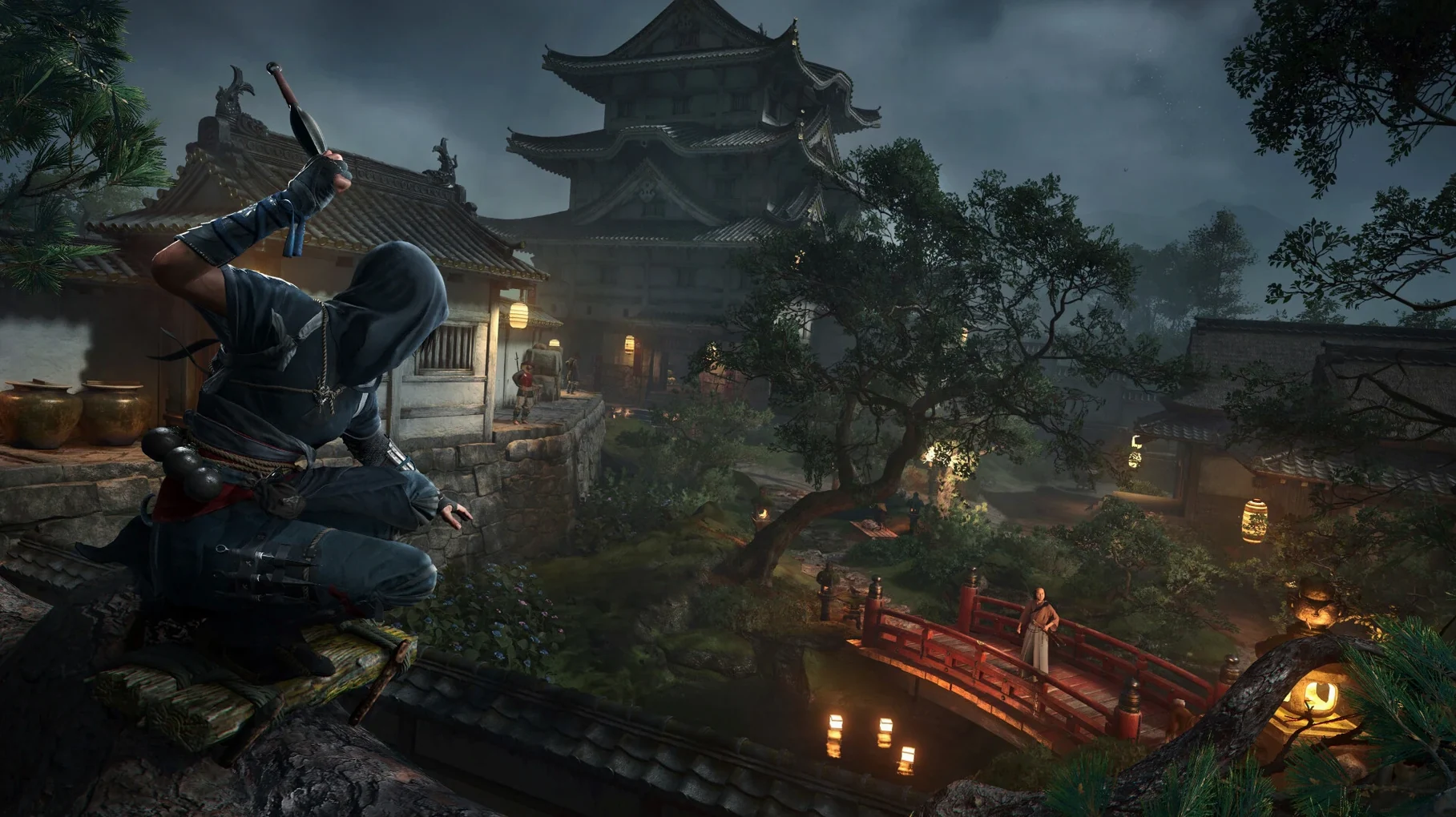
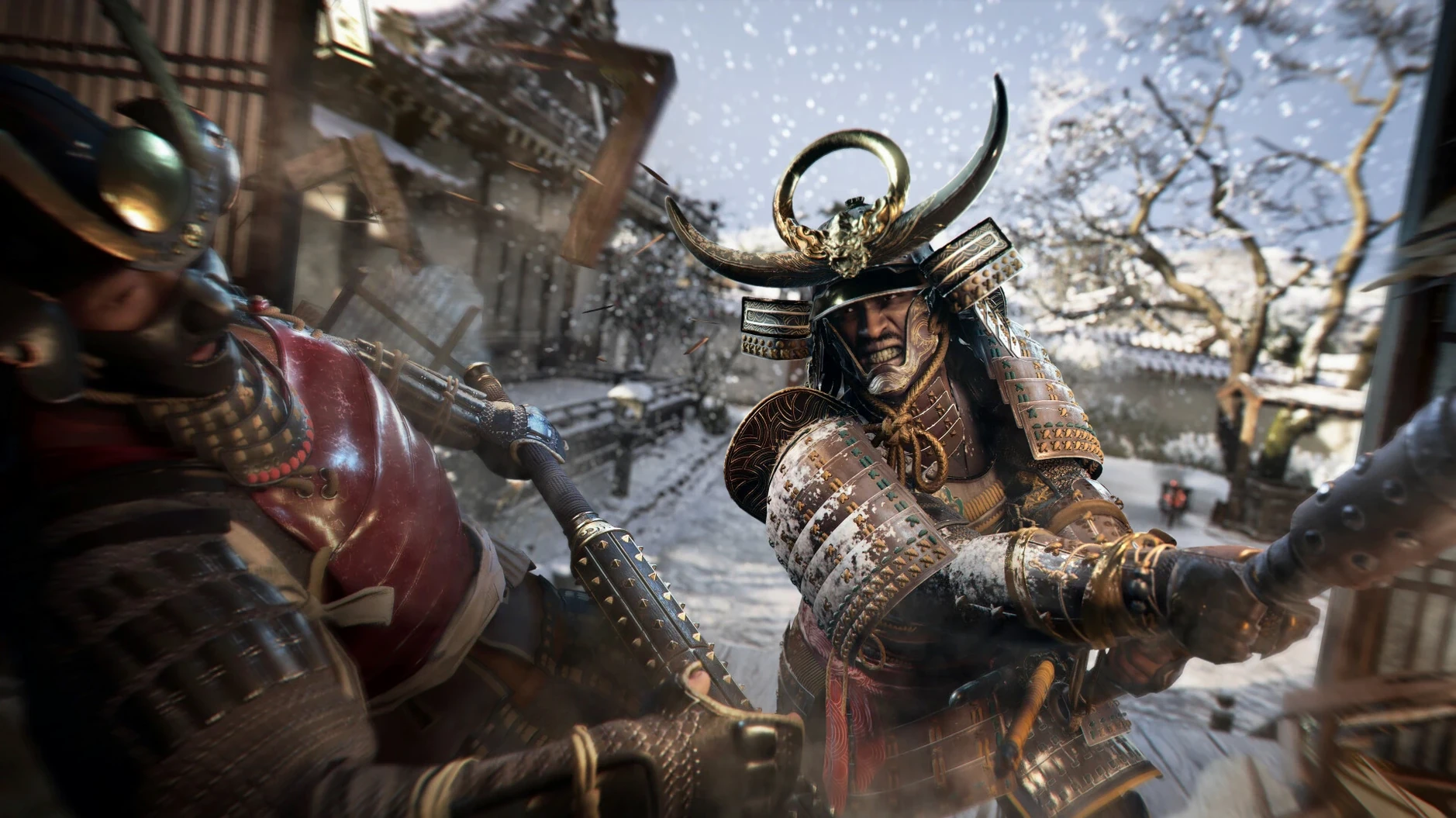
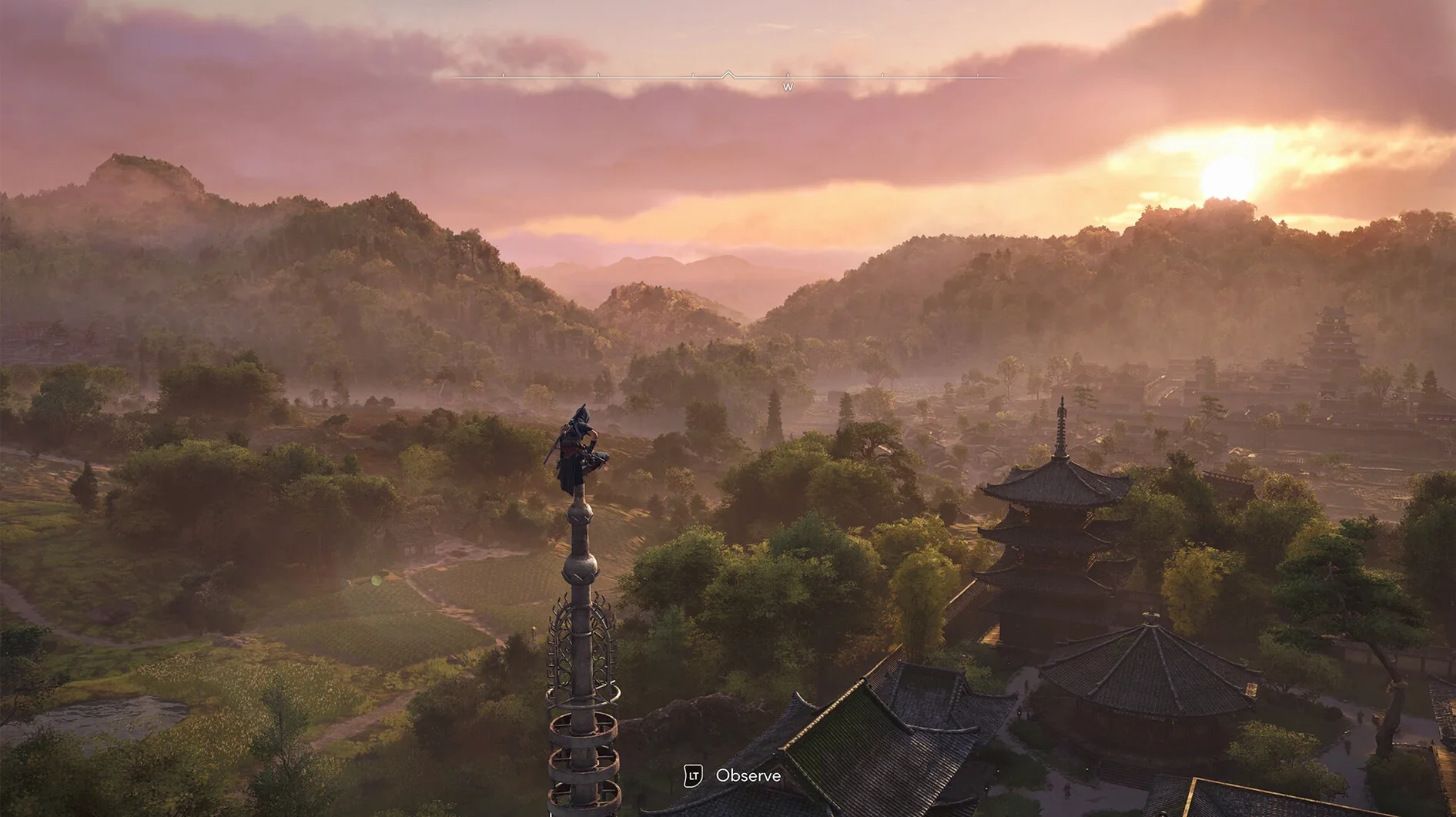
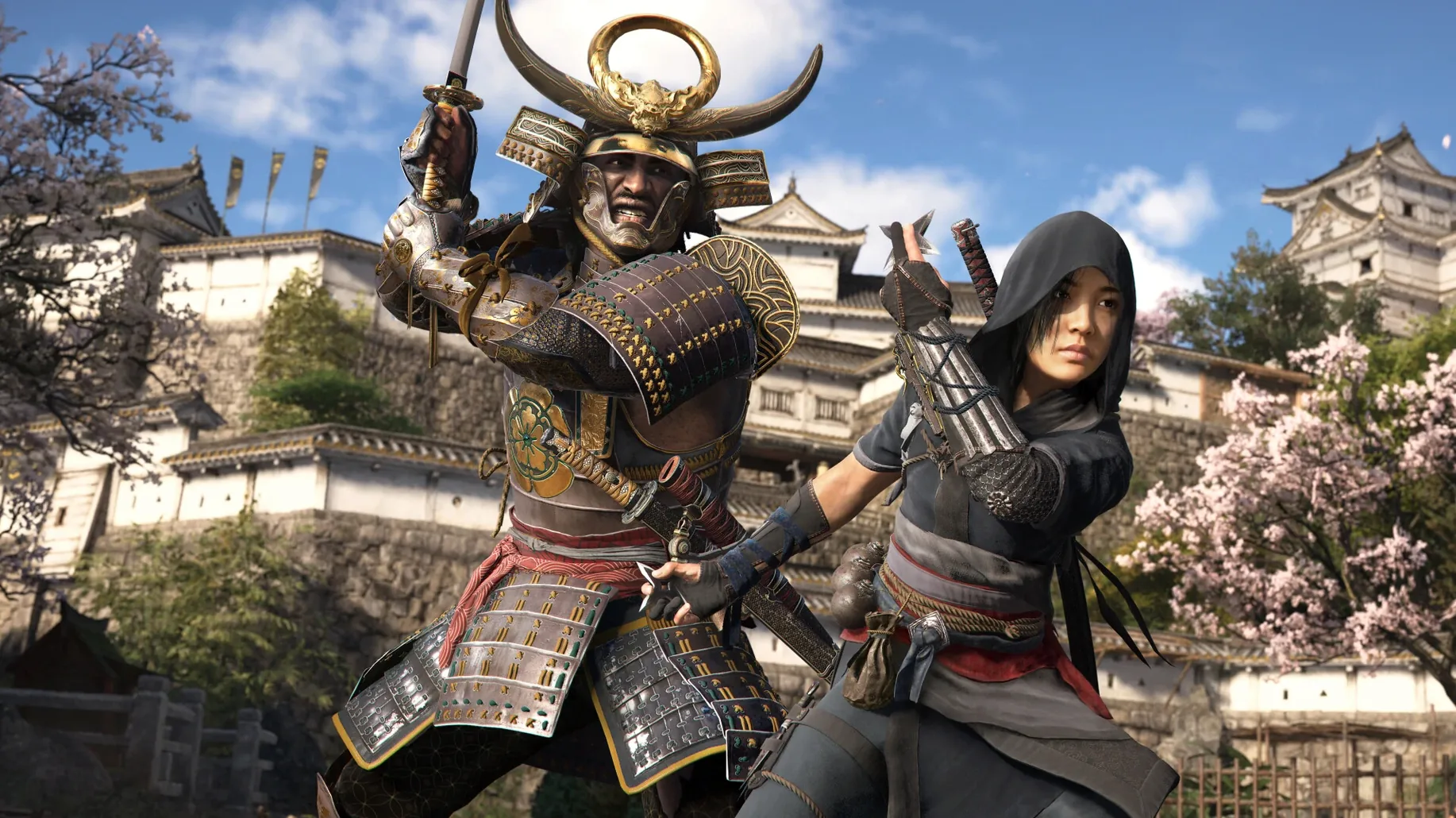
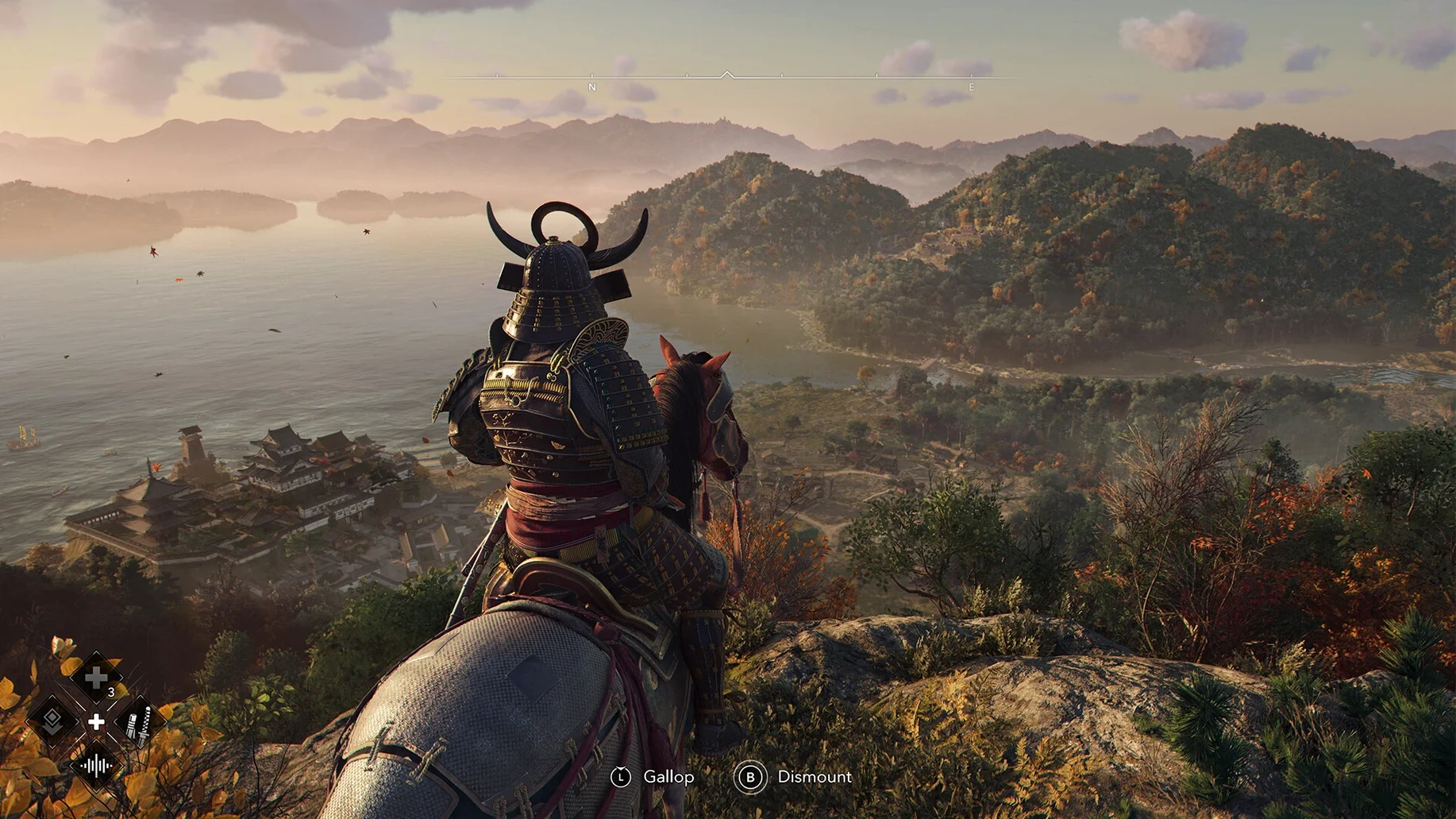
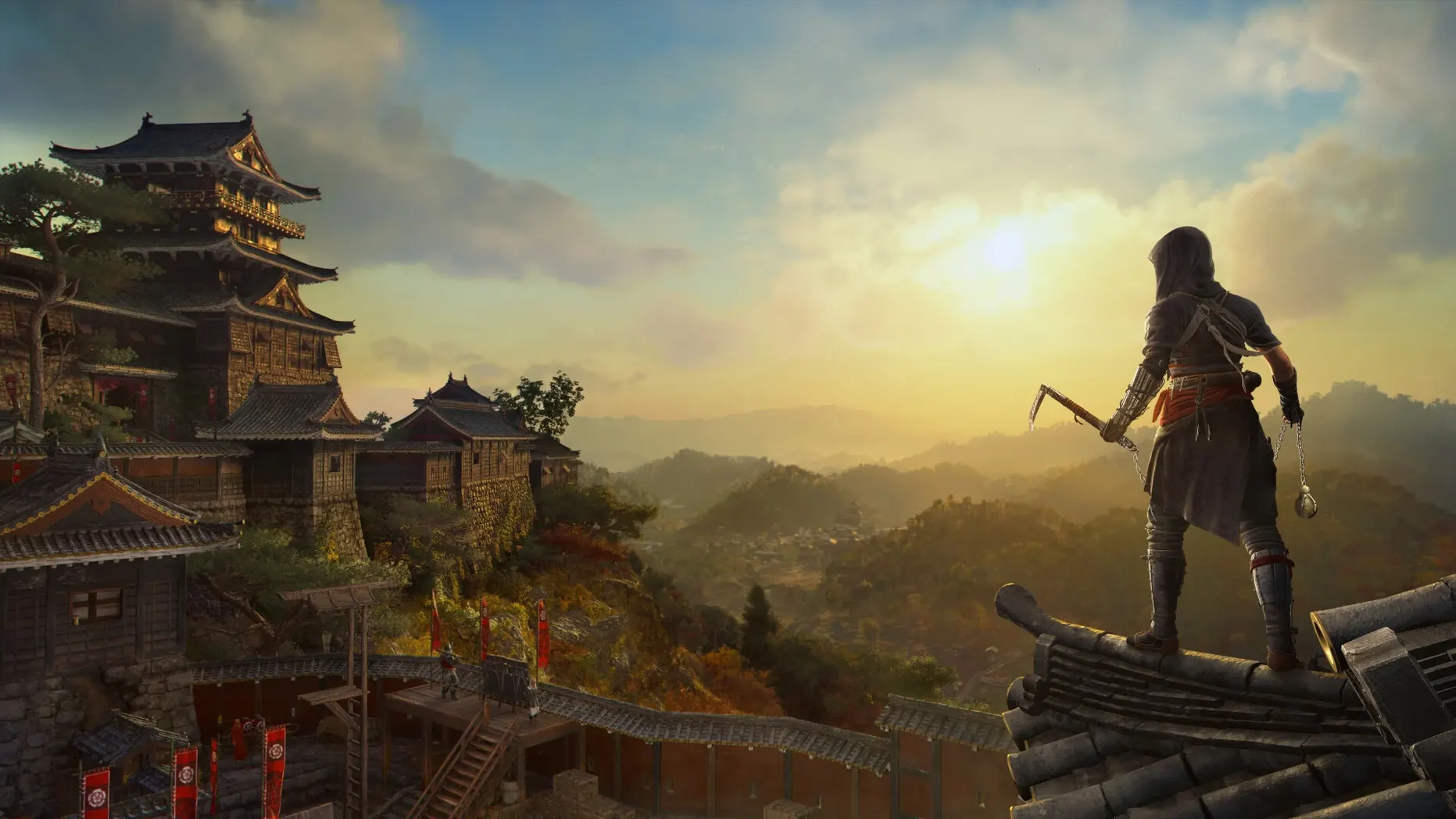
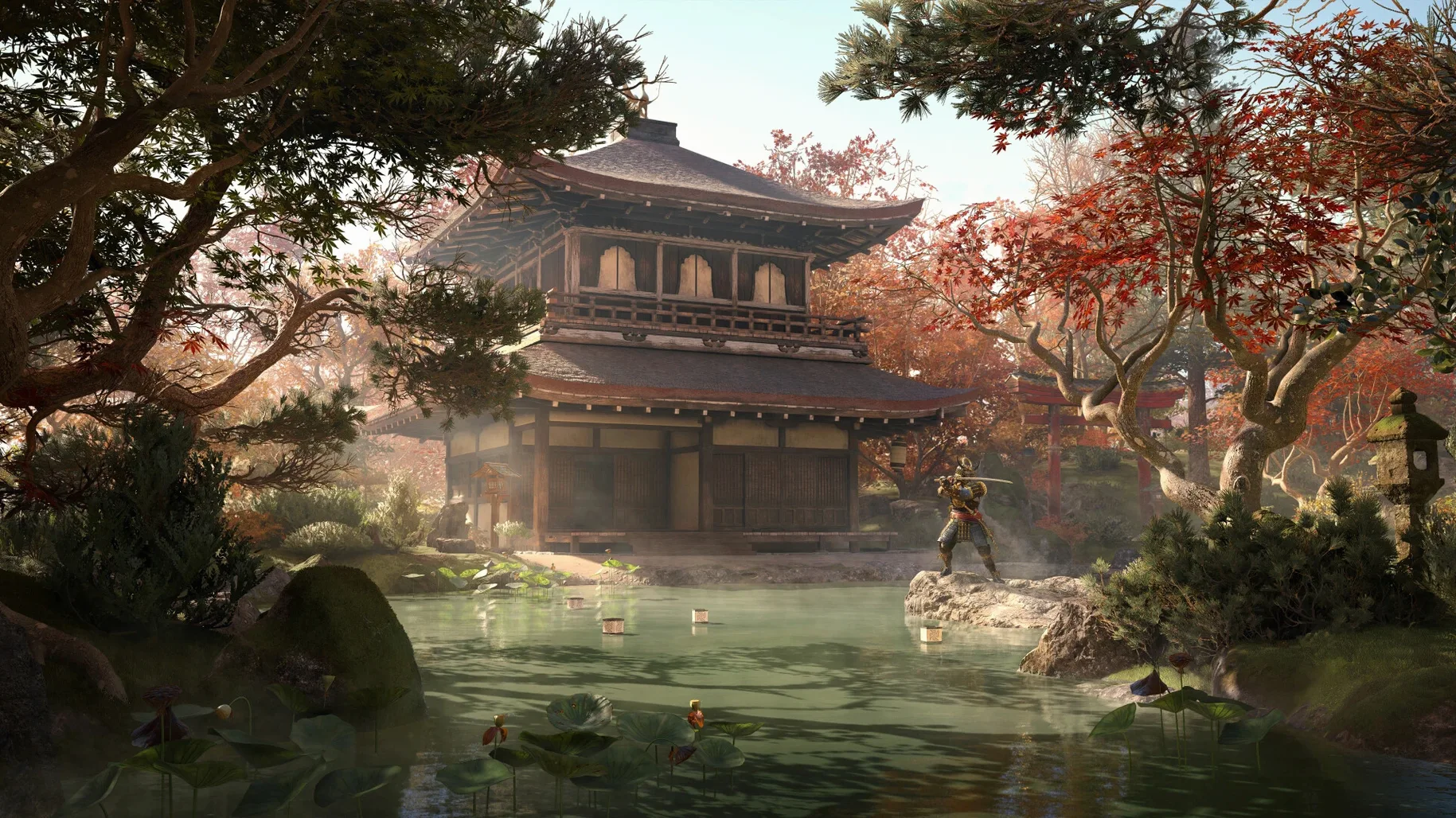
Assassin's Creed Shadows is a dual-protagonist action-adventure game set in feudal Japan, following Naoe, a shinobi, and Yasuke, a samurai.
Open-world explorers with a love for customizable hideouts
Players who like open-world exploration with changing weather and a customizable hideout will find a lot here. The hideout lets you craft new equipment, arrange furnishings, and train allies, which adds a layer of strategy between missions.
Low-end Mac users should temper expectations on graphics
Those expecting a high-fidelity experience on low-end Macs should temper expectations.
What about the story?
If you prefer a single, focused protagonist, switching between Naoe and Yasuke might feel fragmented. But if you enjoy contrasting playstyles, the game offers two distinct approaches to combat and stealth.
Any technical caveats?
You'll need macOS Sequoia 15.0 or later, an Apple Silicon Mac, 16 GB RAM, and 130 GB of free space. A Ubisoft account is required to launch the game.
Start as Naoe in 16th-century Japan and learn stealth basics
After launching the game and logging into your Ubisoft account, the opening sequence drops you into 16th-century Japan as Naoe. You start in a small village, learning the basics of movement and stealth before the world opens up. The first hour is mostly linear — follow the path, climb a few rooftops, assassinate a target or two. The game does not rush you into the open world.
Once you reach the first castle town, the map expands. You can choose to follow the main story or veer off to explore ports and shrines. A typical session might begin by checking the scout network from the hideout menu. Sending scouts to track a target takes a few moments of real time, so you fill that gap by raiding a nearby province or gathering materials for crafting. The seasons change while you play — a sudden snowfall can turn a straightforward infiltration into a visibility problem, and the mud after rain makes Yasuke's heavy footsteps easier to hear.
Switching between Naoe and Yasuke happens at designated mission points or back at the hideout. Naoe's sessions tend to be slower, more deliberate: you pick a rooftop, wait for a patrol to pass, move. Yasuke's sessions are the opposite — you walk through the front gate and let the combat system handle the rest. Both approaches work, but the game nudges you toward using the right character for the right job.
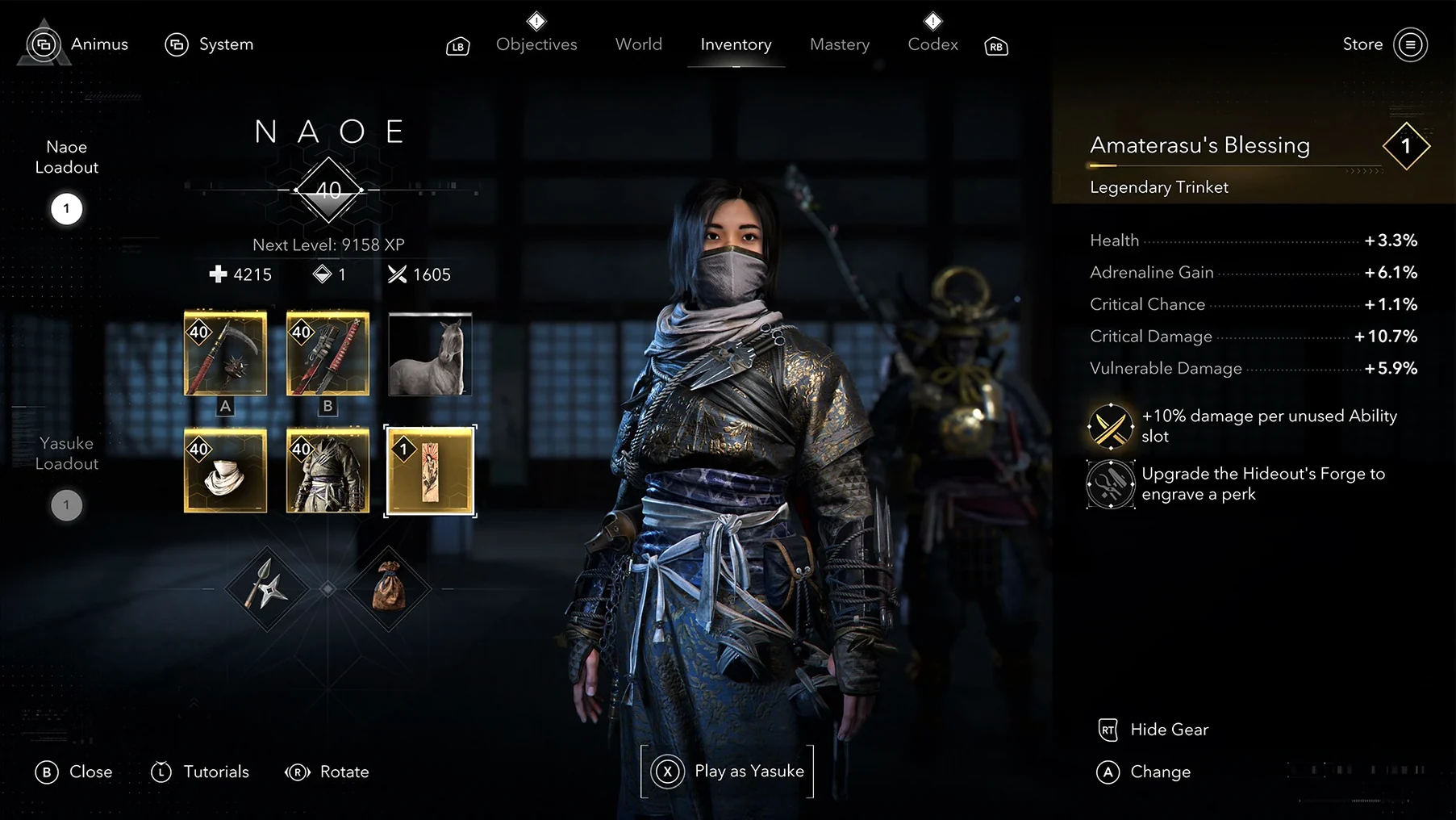
Between missions, you return to the hideout to train allies and craft equipment. The hideout menus are straightforward: select a training task, assign an ally, wait for the timer to complete. Crafting follows the same pattern — pick a recipe, spend materials, collect the item. There is no real-time crafting queue, so you do one thing at a time.
Turn off ray tracing on M3 and M4 Macs to prevent stutter
Before you start, open the graphics menu. The game defaults to a balanced preset that works well enough, but a few adjustments can save you from unnecessary stutter. First, ray tracing is on by default on M3 and M4 Macs. If you are on an M1 or M2, turn ray tracing off — the hardware does not support it, and the setting will still attempt to run it in software, which eats performance for no visual gain. The toggle is labeled "Ray Tracing" under the display tab.
Second, set the resolution target to 720p if you are on base silicon with 16 GB RAM. The game targets 30 frames per second at that resolution with the low preset, and trying to push higher will drop frames in dense areas like castle towns. Third, the HDR toggle only appears on M3 and M4 models; on M1 and M2 it is grayed out, so do not waste time looking for it.
On the gameplay side, the subtitles are set to English by default. If you want Japanese voice acting with English subtitles — a common preference for the setting — set voice language to Japanese and leave interface language on English. The option is in the audio menu, not the language menu.
M3 and M4 Macs with 16GB RAM unlock HDR and ray tracing
Owners of M3 and M4 Macs with 16 GB or more RAM will see the full picture. Those machines support HDR and hardware-accelerated ray tracing, which adds noticeable depth to the castle towns and forests. The game was designed with Metal 3 and Apple silicon in mind, so the M3 and M4 architectures benefit directly from that optimization.
Players who enjoy the resource-management layer of games will find the hideout and scout systems rewarding. The hideout is not a passive decoration space — it drives equipment progression and ally upgrades, so skipping it leaves you under-geared in later provinces. Players who prefer pure action and hate any kind of menu management might find the hideout sessions tedious.
People who bounce between stealth and combat styles will appreciate the dual-protagonist setup. Naoe handles infiltration, Yasuke handles open fights. The game does not force you to pick a favorite — it expects you to use both, and the missions are designed so that one approach is clearly better for each objective.
Recruit scouts early to track targets while you play
The scout network is easy to overlook early on. You can recruit scouts from certain villages, then send them to track targets or discover new regions. A scout takes time to return, so you set one task and continue playing. The result is displayed in a small notification when they finish. It replaces the typical "follow the quest marker" loop with something that feels less guided.
Allies trained in the hideout unlock abilities that carry across both characters. If you train an archer ally, Naoe and Yasuke both get access to that ally's support during missions. The training menu lists each ally's current task and remaining time, so you can see at a glance who is available.
Crafting equipment at the hideout uses materials you collect from provinces and enemies. The game does not force you to craft — you can loot gear from bodies and chests — but crafted items often have better base stats for your current level. The recipe list shows the material requirements and the stat range before you craft, which saves you from wasting rare components on a dud roll.
Interface languages are set independently from voice languages. If you want the UI in Russian and the voices in Japanese, the options are there. The same goes for any of the thirteen interface languages paired with any of the seven voice languages. That flexibility is not something every port offers, and it is set once at the start.
The hideout layout customization is more than cosmetic. Placing certain buildings or decorations near each other can unlock small stat bonuses for your allies. The game does not explain this explicitly — you have to experiment or notice the tooltip when you place an item. It is a minor detail, but it adds a reason to rearrange things beyond looking good.
- macOS 15 Sequoia or later
- Apple Silicon (M1 or newer)
- 16 GB RAM
- 130 GB available storage
- Ubisoft account required to launch
Install procedure
- Open the downloaded disk image.
- Drag the app to the Applications folder alias.
- Launch the app from Launchpad after copying finishes.
- Register a Ubisoft account to start the game.
Reports from players
Sign in or create a tester account to file a report.
No reports filed yet.