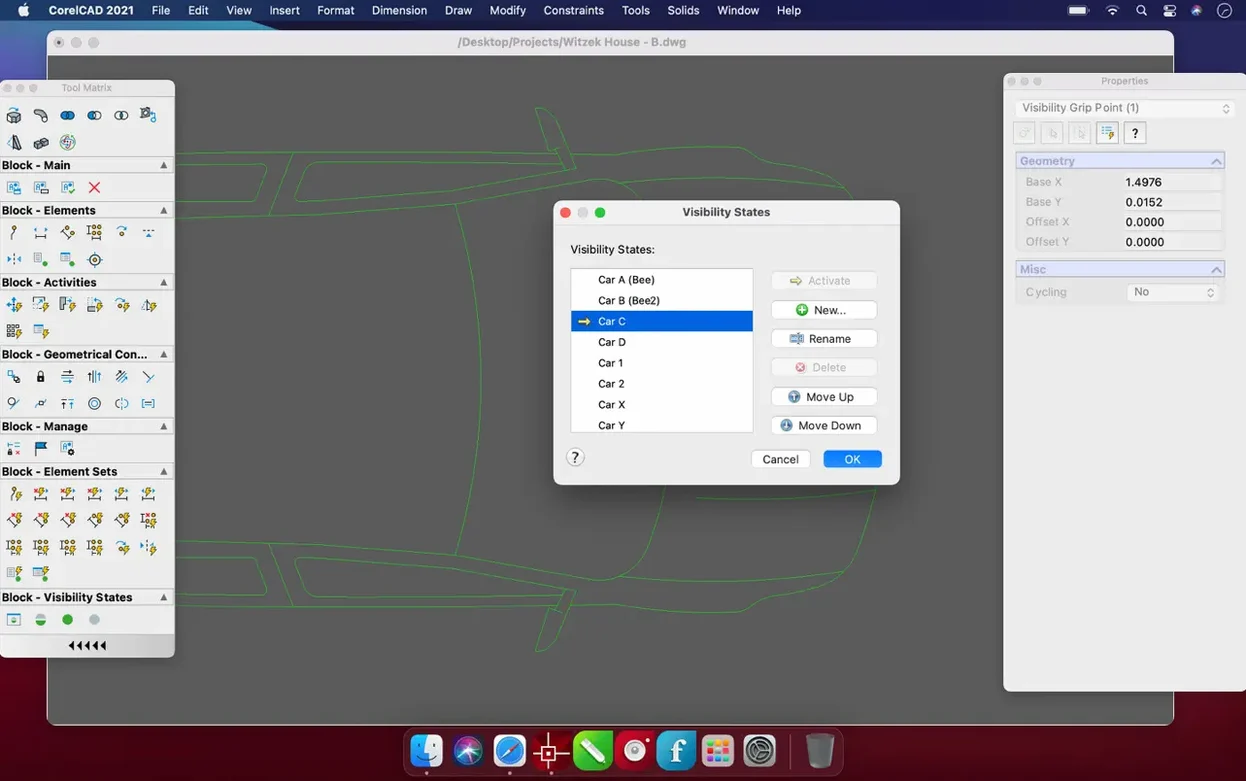
CorelCAD 2022.5 runs on any Mac with macOS 10.14 or later, covering both Intel and Apple Silicon machines. It is a CAD application built around the native AutoCAD DWG format, so your existing drawings open and save without conversion headaches.
Covers 2D drafting, technical drawings, and multi-format imports
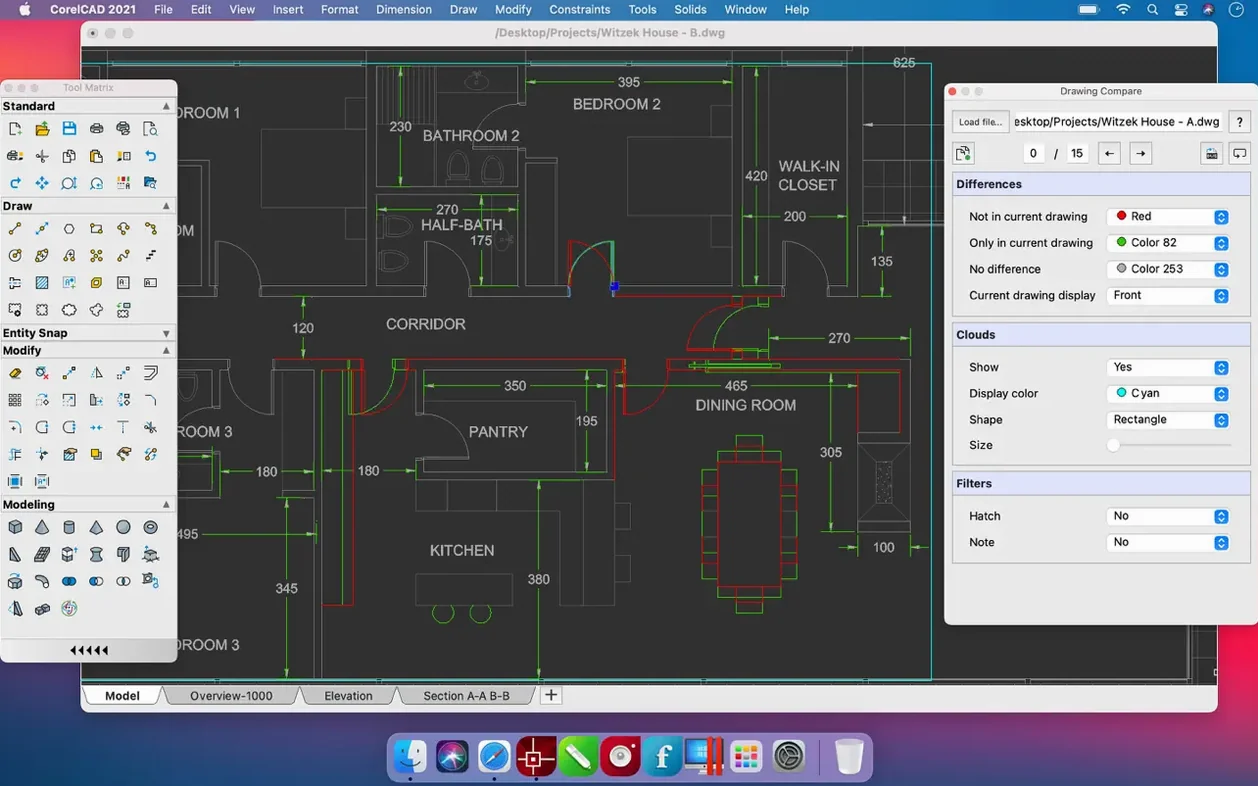
- 2D drafting and technical drawings — the toolset covers planning, editing, layouts, and concepts.
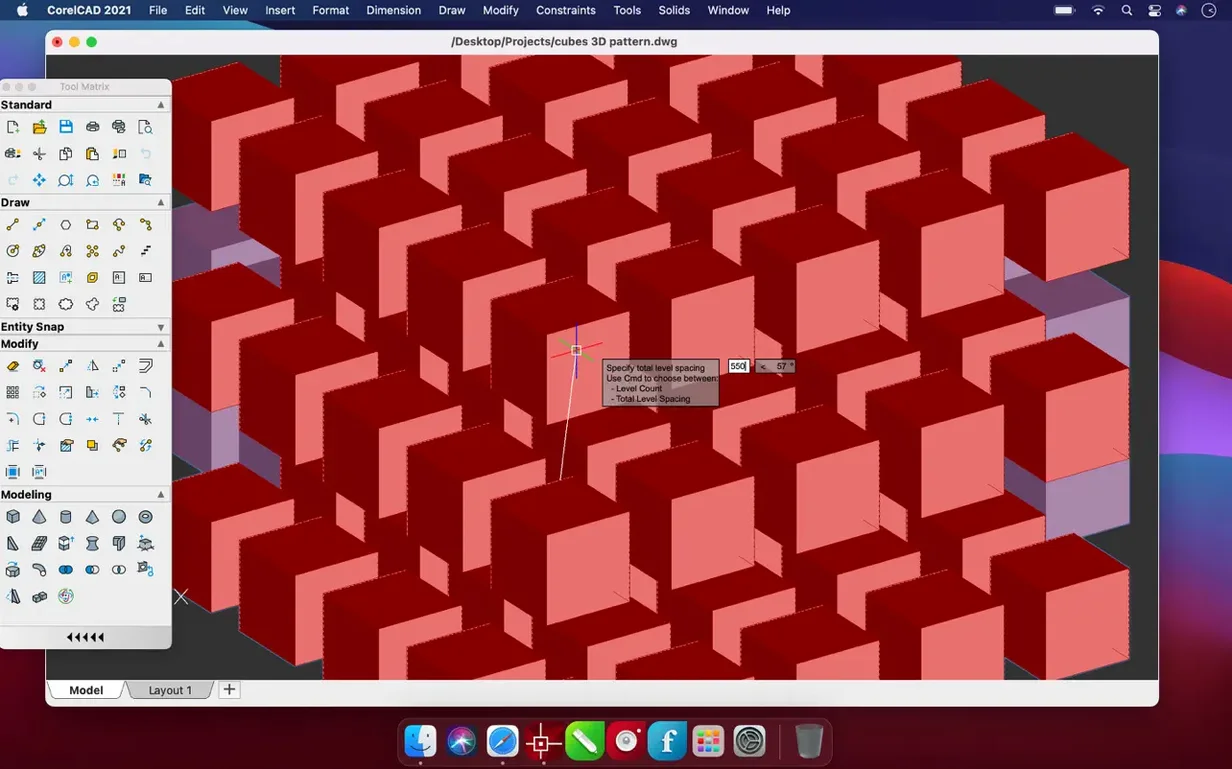
- Converting 2D designs into 3D graphics in a few clicks, useful for quick visualizations.
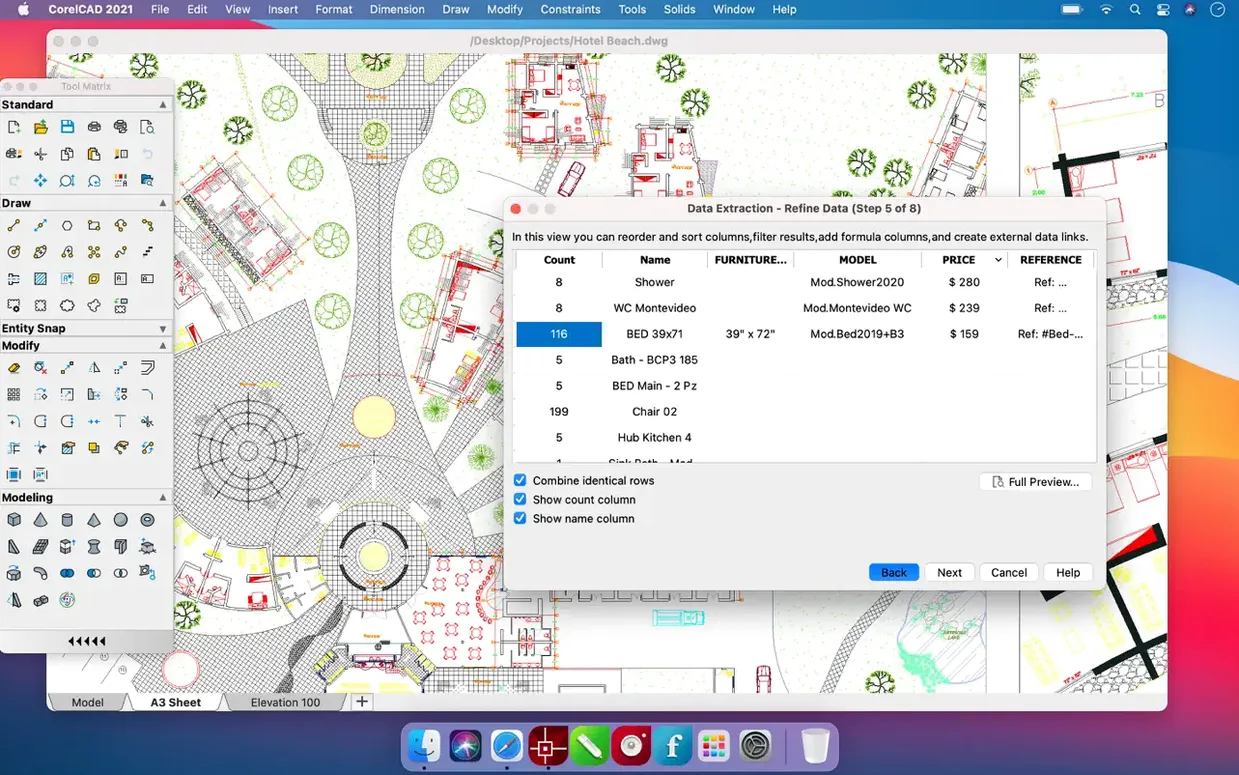
- Working with multiple file types: PDF, SVG, EPS, DWF, STL, SAT, SHP, and DWS.
Available as a desktop app in multiple languages
- The current build is 22.3.1.4090, part of the 2022.5 release line.
- Interface languages include English, French, German, Spanish, and ten others.
- It is a desktop app; you install it from a disk image and run it from Launchpad.
Workflow example: turn a 2D floor plan into a 3D model
Open CorelCAD and import or create a 2D floor plan in the native DWG format. Use the 2D drafting tools to clean up walls, doors, and windows. Select the geometry you want to extrude, then apply the 3D modeling tools to convert it into a three-dimensional shape. A few clicks later the flat lines become walls with depth. Save the result as an STL file if you plan to 3D-print the model, or keep it as DWG for further editing. The workflow stays inside one app, no format hopping needed.
How to resolve common installation and compatibility issues
File won't open or shows garbled geometry
CorelCAD reads DWG natively, but very old or corrupted files can trip it up. Try saving the file again from your previous CAD software as a standard DWG (not a newer revision). If the file opens but looks wrong, check that the drawing uses units CorelCAD recognizes — mismatched unit settings can scale everything incorrectly.
3D conversion produces unexpected results
If your 2D shapes contain open polylines or overlapping segments, the 3D tools may skip them or create odd faces. Clean up the 2D geometry first: join open polylines, trim overlaps, and verify that all lines form closed boundaries. The 3D conversion works best on clean, closed contours.
Performance slows on large drawings
Complex drawings with many layers, hatches, and external references can become sluggish. Group related elements into blocks or layers, and turn off layers you are not actively editing. If the file is unusually large, consider splitting it into separate files for each major section.
Does CorelCAD need the latest macOS?
No. It runs on anything from macOS 10.14 onward, so older Macs that cannot upgrade past Mojave are still supported. That covers both Intel and Apple Silicon hardware.
Will it replace a full AutoCAD setup?
That depends on your needs. CorelCAD supports native DWG files and provides a comparable 2D/3D toolset, but it is not a clone. If your workflow relies on specific AutoCAD macros or third-party plug-ins, you may need to test compatibility first. For standard drafting, editing, and 3D conversion, it works as a standalone alternative.
Can I collaborate with colleagues who use other CAD software?
Yes, through the native DWG format. You can share files directly with anyone using AutoCAD or other DWG-compatible programs. For non-CAD collaborators, export to PDF or SVG for review.
Best for architects, interior designers, and DWG-reliant engineers
Architects and interior designers working on floor plans, elevations, and 3D visualizations will find the 2D-to-3D conversion especially useful for client presentations. Hobbyists and small-shop operators who want to 3D-print their own designs benefit from the direct STL export. Anyone running a Mac with Apple Silicon will appreciate native ARM support — no emulation layer needed.
- Build number updated to 22.3.1.4090.
- Enhancements and performance/stability improvements included as of the 2023.5 update notes.
- macOS 10.14 or later
- Apple Silicon or Intel (64-bit)
Questions from the notes
Does CorelCAD support Apple Silicon Macs?
Yes, CorelCAD 2022.5 supports both ARM and 64-bit x86 architectures, so it runs natively on M-series and Intel Macs.
Install procedure
- Open the downloaded disk image.
- Drag the app to the Applications folder.
- Launch the app from Launchpad once the copy finishes.
Reports from players
Sign in or create a tester account to file a report.
No reports filed yet.