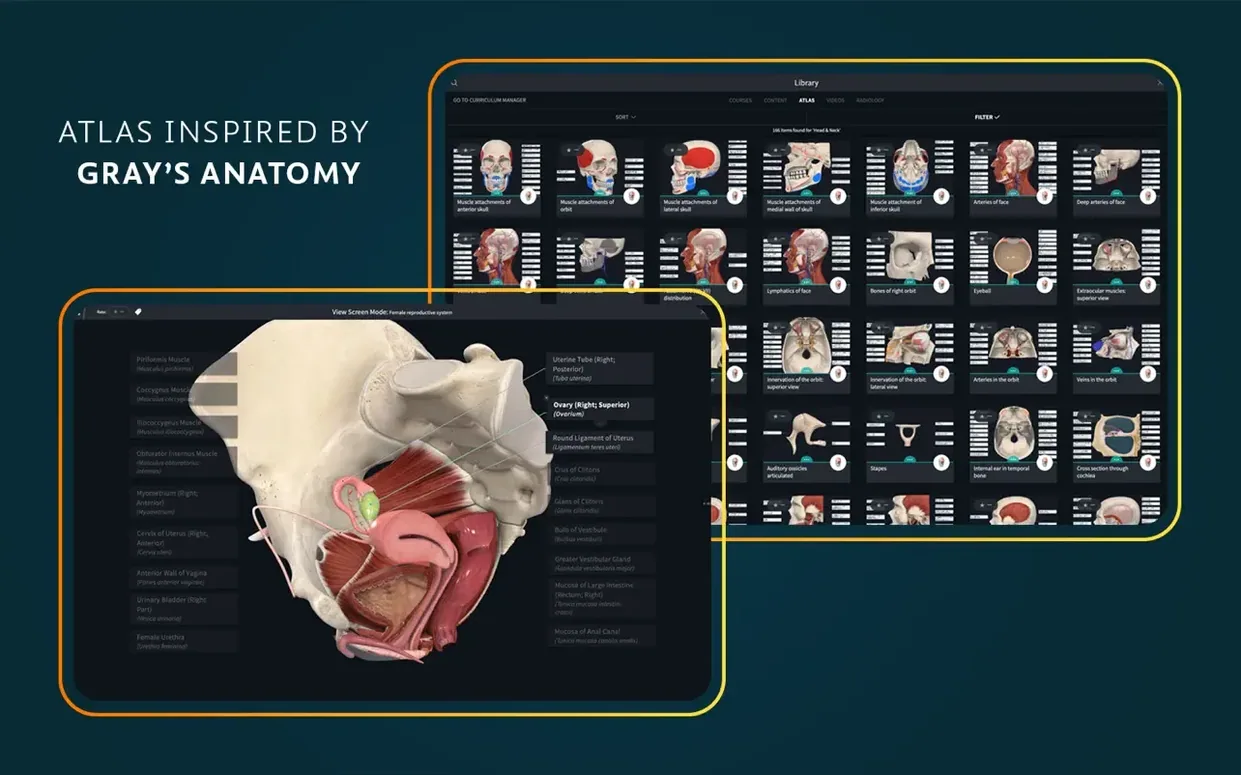
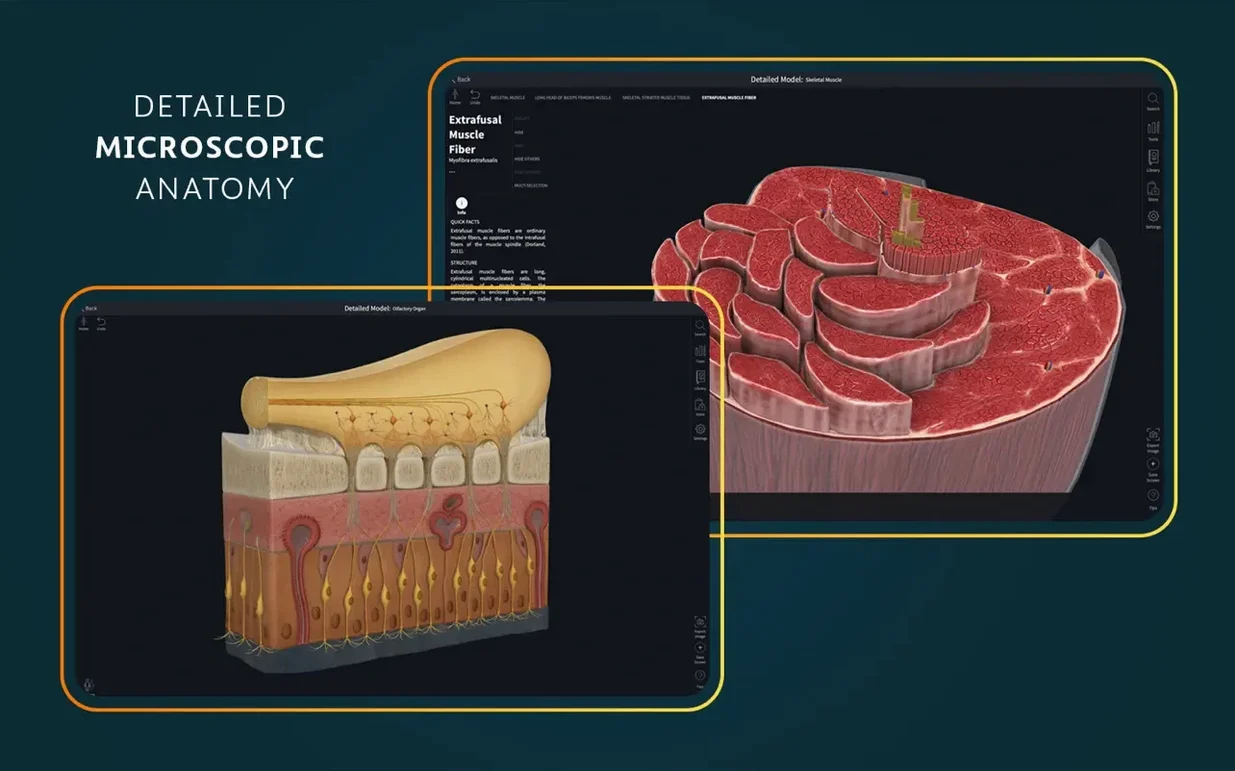
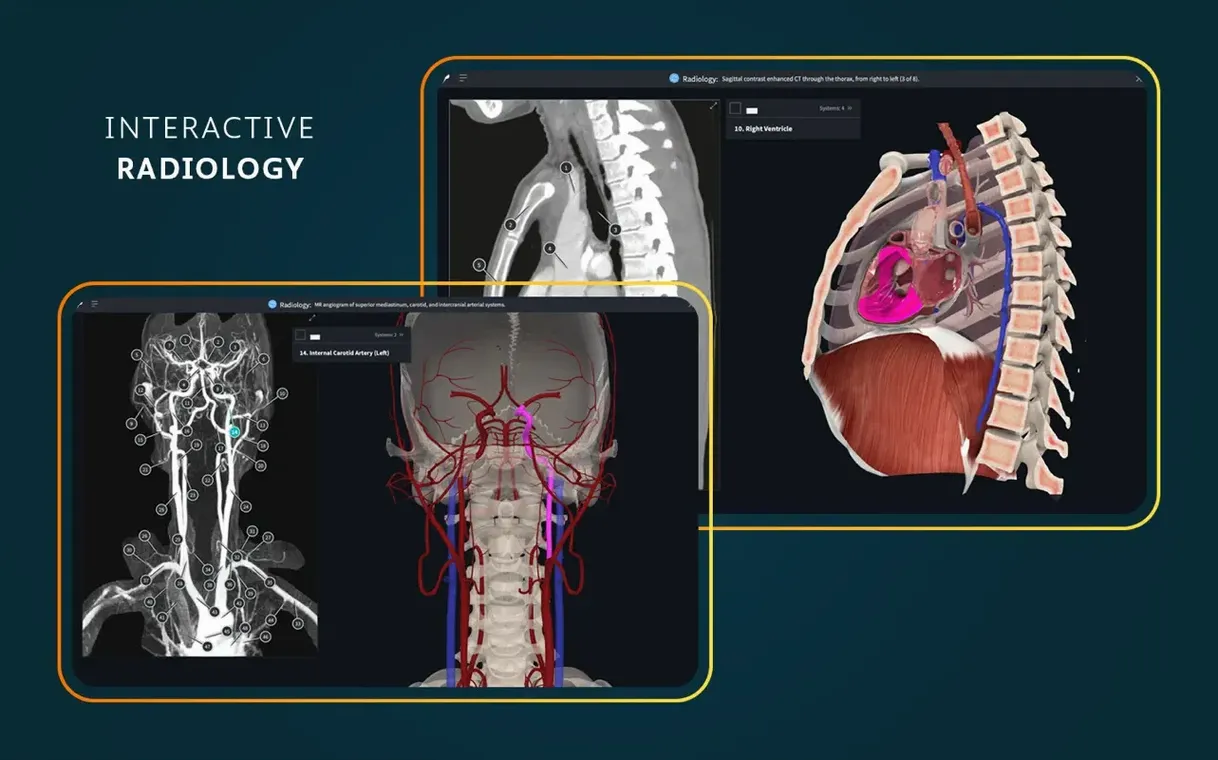
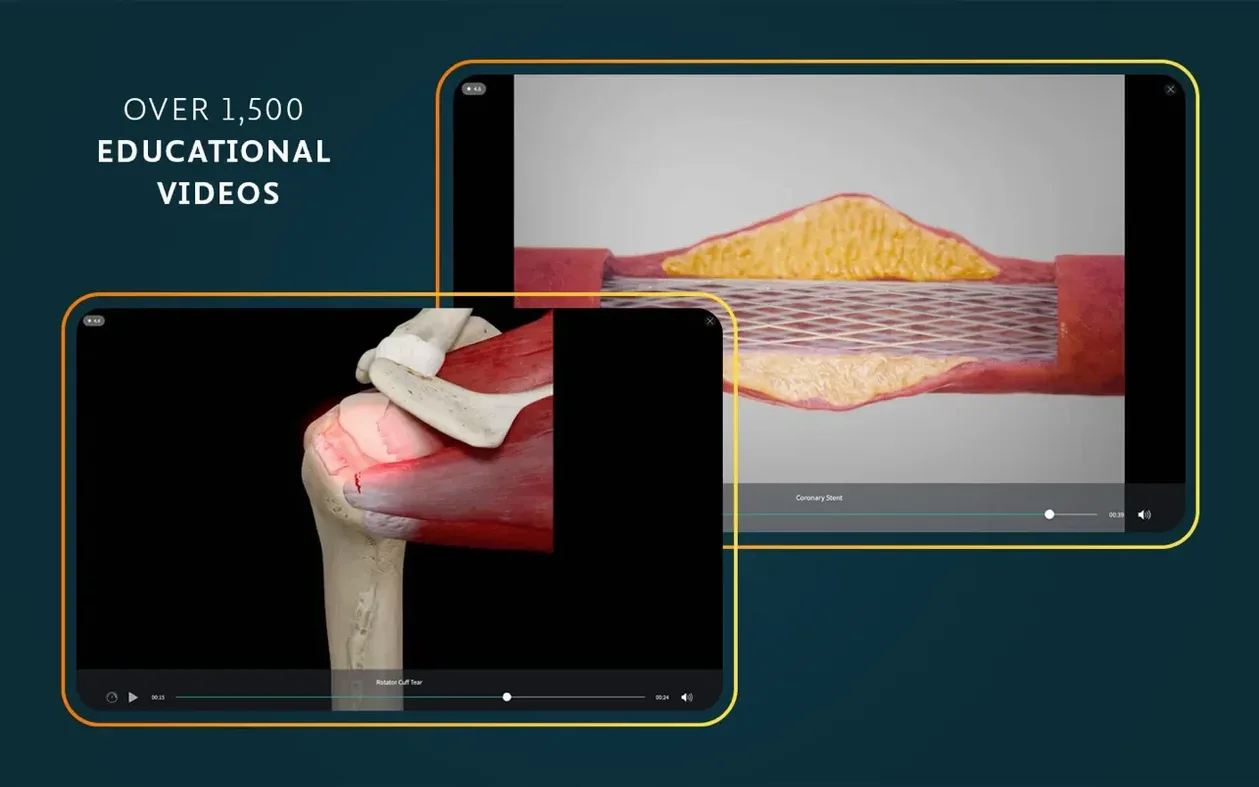
Complete Anatomy 11.5 on macOS packs an atlas of more than 700 screens, but the deeper value sits in the tools you can build a course around. Published by 3D4Medical from Elsevier, it pairs interactive 3D models with a radiology view, so you can switch from a rendered muscle layer to an actual scan without leaving the workspace.
Map a dissection course
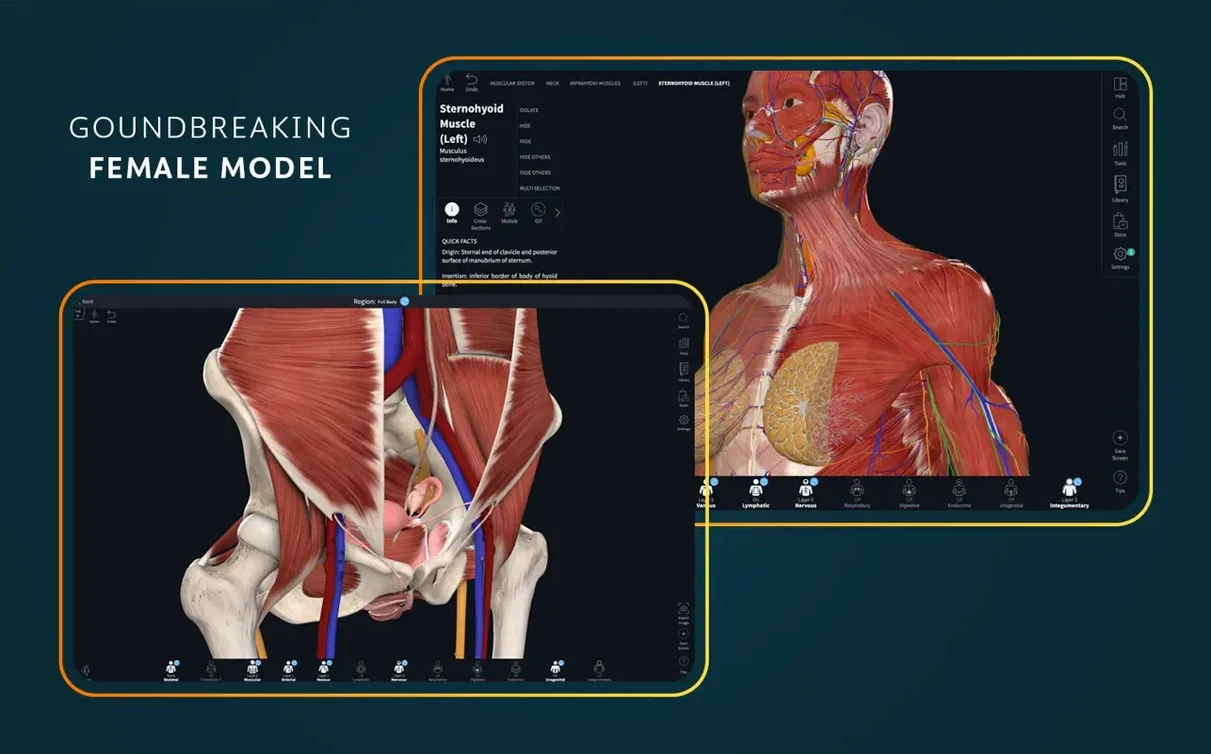
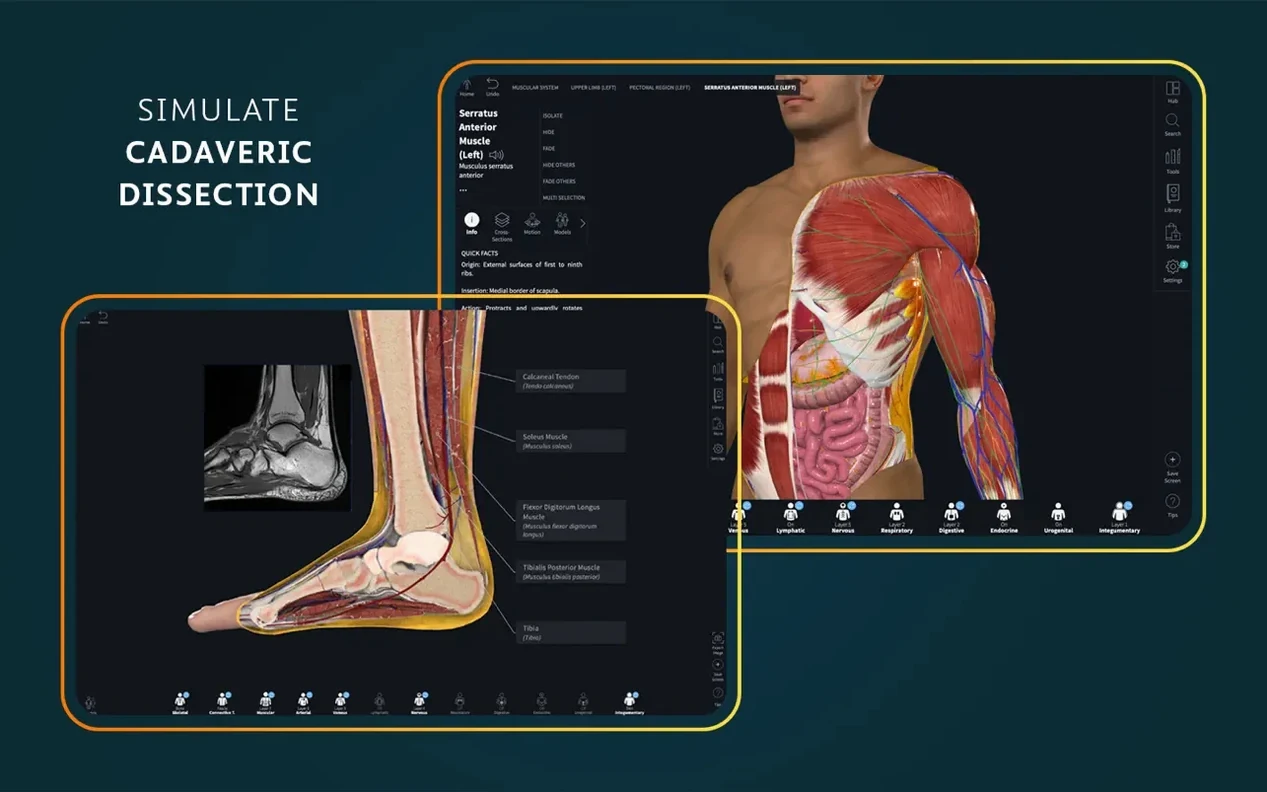
The built-in dissection courses walk through layers in sequence, which is useful when you need to prepare a practical session. You can isolate structures, hide systems, and step through the female anatomy content the same way you would with a cadaver guide.
Check clinical correlations
Point-of-care ultrasound and clinical correlations tie the model to real-world presentation. If you are reviewing a procedure or a pathology, the radiology view lets you compare the 3D position against the imaging you will actually see.
Run it on your Mac
The app is a standard Mac app: copy it into Applications and launch from Launchpad. It needs macOS 11 or later, and a signed-in account for full functionality. Interface languages cover English, German, Spanish, Simplified Chinese, and French.
Treating it like a video player on day one
Common enough in the first hours: treating it like a video player. New users click around waiting for narrated tours, then wonder why the model does not move by itself. Complete Anatomy expects interaction — click a structure, rotate the view, toggle systems on and off. If you just scroll, you see a fraction of what is there.
Another pattern is ignoring the search bar. The atlas has more than 700 screens; hunting for the femur through manual rotation takes time. Type "femur" or "brachial plexus" and the app jumps straight to it. Also easy to miss: the AR mode is not a gimmick. Point your Mac's camera at a printed marker and the model sits on your desk, which helps with spatial relationships that a flat screen cannot quite deliver.
A third mistake is skipping the sign-in. The app requires an account for full functionality, and several features — saved courses, custom pins, clinical video access — stay locked until you log in. Do that right after installing.
Open the live heart model on day one
Day one: open the live heart model. It beats, it dissects, it is the single most impressive piece in the app. Spend ten minutes peeling layers off it — that demo alone justifies the install size.
Day two: pick one clinical correlation video and one dissection course. Run both side by side with the 3D model. You will start seeing how the atlas maps onto real patient imaging faster than if you only used the model.
Day three: create a custom pin set on a structure you are currently studying. Use the pin tool to label five or six landmarks, then hide the model labels and test yourself. The app does not quiz you, but this method works as a recall drill.
Keep the radiology view open in a second window if your screen allows it. Switching between the 3D model and the scan reinforces how depth translates between formats.
Set the interface language before anything else
Before you do anything else, set the interface language if English is not your preferred. The app supports German, Spanish, Simplified Chinese, and French out of the box. Changing it early saves you from digging through menus later.
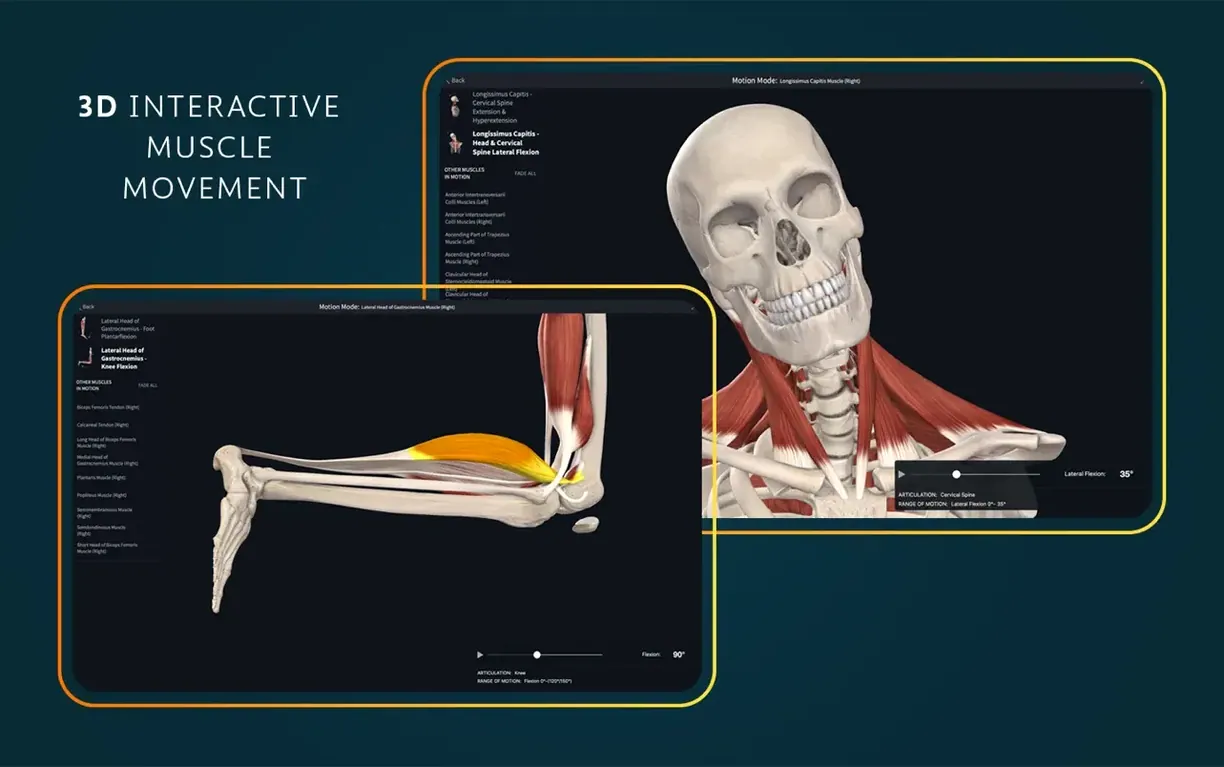
Under the display options, adjust the cross-section plane sensitivity. The default is fine for casual browsing, but if you are dissecting a tight area like the wrist, a slower, finer cut plane gives more control. Also enable the real-time muscle movement overlay during the first session — it visualises how tendons shift as you rotate a joint, which is subtle but instructive.
If you plan to use the AR mode, calibrate the camera distance in the settings panel before placing your marker. The default assumes a tabletop setup; if you work on a laptop on a desk, you may need to tweak it so the model does not float mid-air.
Wider clinical video library than Visible Body
Compared to Visible Body, Complete Anatomy has a wider clinical video library — over 1,500 clips — and the live heart model that Visible Body lacks. Visible Body is lighter on system resources and runs on older Macs, but its models feel static next to the real-time muscle movement and dynamic cross-sections here. For a student who needs to understand movement, Complete Anatomy is the stronger pick.
Against Primal Pictures, Complete Anatomy offers more interactive dissection. Primal Pictures is image-heavy and excellent for reference stills, but you cannot peel layers on the fly the same way. The AR mode also gives Complete Anatomy an edge for spatial learning — Primal does not have a native equivalent. Where Primal wins is in its cadaveric image library; if your course relies on photographs of real specimens, you may want both tools.
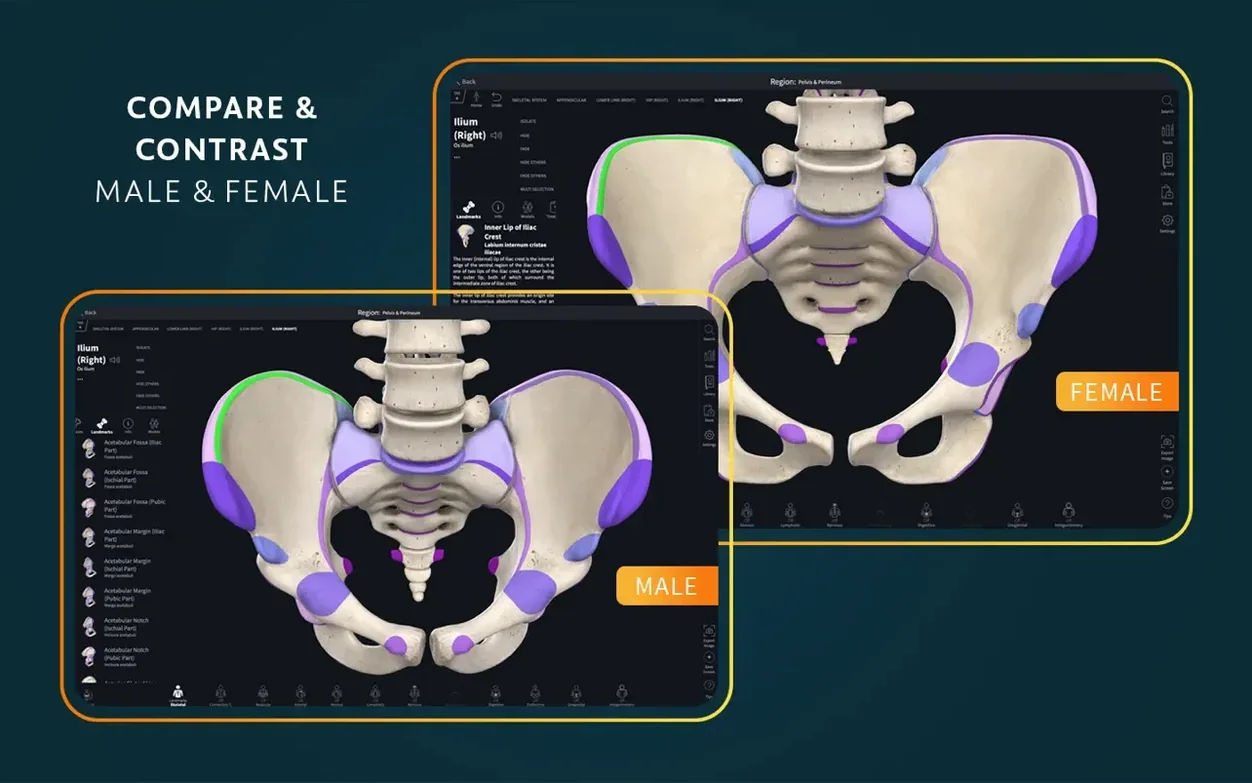
BioDigital Human is the closest competitor on architecture and feature set. Both run on macOS 11 or later, both support ARM and x86. BioDigital has a strong web version that works on any machine without installation, but its macOS app is less polished than Complete Anatomy's. The female anatomy content here is more developed, and the point-of-care ultrasound section is something BioDigital does not match at the same depth. If you need an offline-capable app with dissection tools, Complete Anatomy is the better fit.
- Optimized support for iOS 26.
- macOS 11 or later
- Intel or Apple Silicon
- A signed-in account is required for full functionality
Install procedure
- Open the downloaded disk image.
- Drag the app into the Applications folder.
- After copying finishes, launch it from Launchpad.
Reports from players
Sign in or create a tester account to file a report.
No reports filed yet.