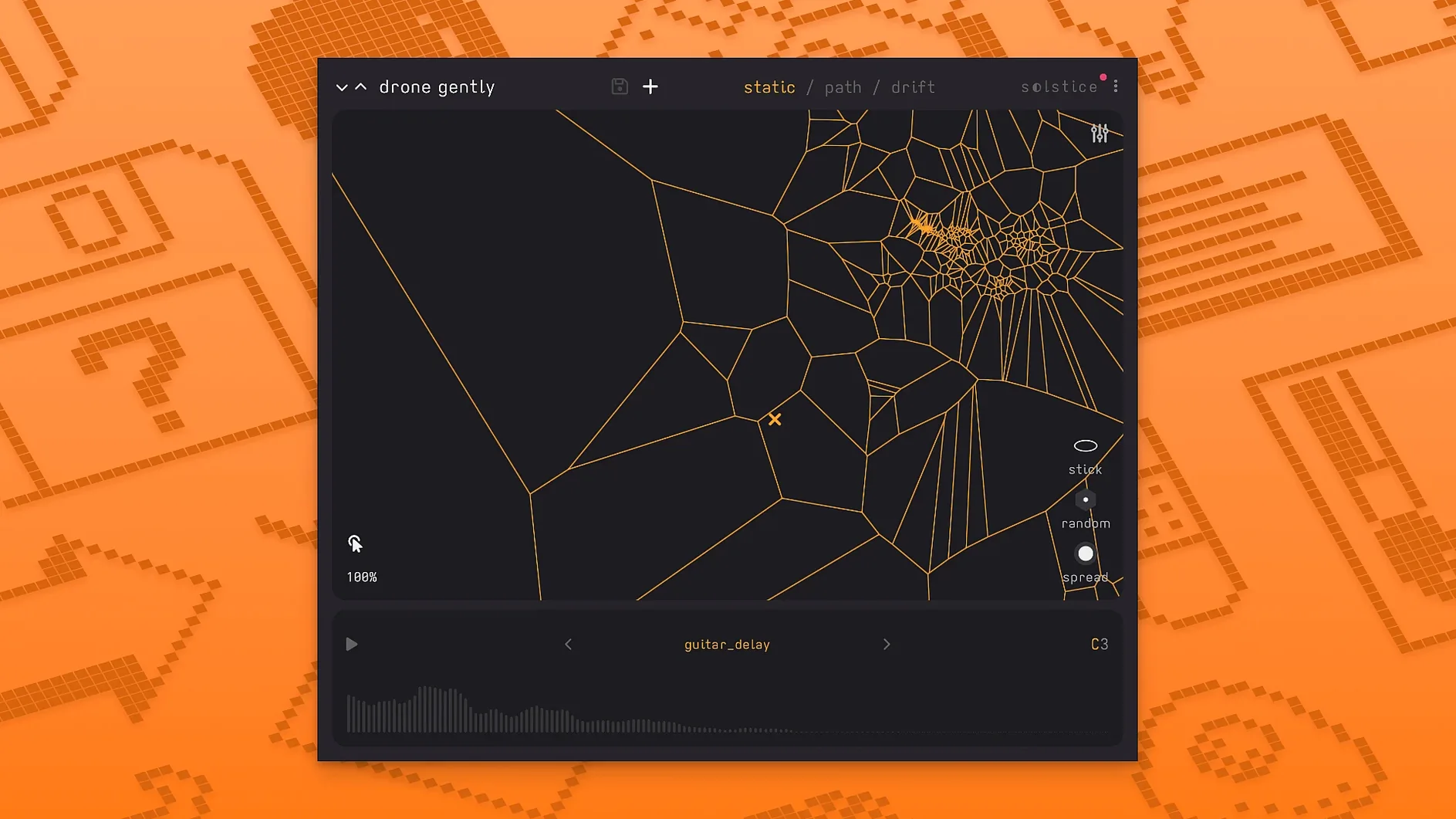
If you already use samplers that map a sound across a keyboard, Solstice replaces the static pitch-zone model with a live spectral map you can wander through. It’s a plugin for the track where you want the sample to behave less like a sample and more like a terrain.
Loads as a standard instrument plugin on a MIDI track
Track instrument — Solstice loads as a standard instrument plugin on a MIDI track. Feed it any sample (a field recording, a synth pad, a vocal phrase) and it builds a spectral map you can play across the keyboard.
Sound design bus — Route a finished audio track into Solstice’s sidechain or render the sample first, then use the five spectral effects (texture, tilt, flutter, stretch, bloom) plus saturation and glue to reshape the sound. The auto root note detection saves you from having to set the key manually.
Ambient or experimental layer — Turn on the auto-drift feature and Solstice wanders across the map by itself, creating unpredictable patterns. Works best on a dedicated bus where you can blend the drifting output with the dry signal.
Typical jobs
Ambient, experimental, aleatoric music — The plugin is built for this. The drift engine and spectral effects make it hard to get the same result twice.
Layering a vocal sample — Drop a spoken-word clip, let Solstice detect the root note, and play chords that stretch the original timing and pitch.
It's a tool that builds a playable map from your own sample
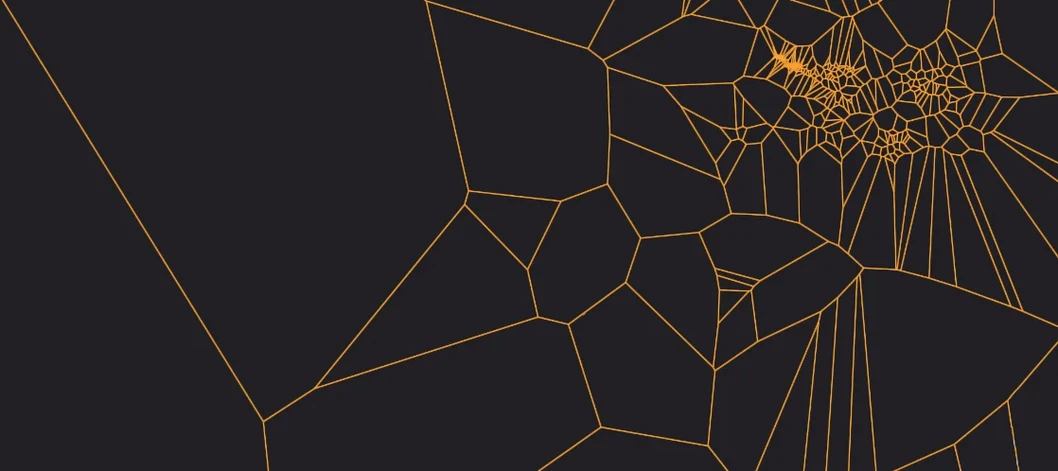
If you've never used a spectral sample-map synth, the core question is usually what exactly am I downloading? Solstice isn't a library of pre-made sounds. It's a tool that takes one sample you provide and builds a playable map from its spectral content. The map clusters similar timbres together, so clicking near a dense area plays variations of that sound, while dragging across the map morphs between distant regions. You don't need a huge sample library to get started — a single 5-second field recording can yield dozens of distinct sonic zones.
Another common question is does it work in my DAW? Solstice loads as a standard instrument plugin on a MIDI track. It supports both VST3 and AU formats on Mac, so it should slot into Logic Pro, Ableton Live, Cubase, Reaper, and most other modern DAWs. The 1.2.0 update added Basic MPE and MTS-ESP support, which means if your DAW or hardware controller sends polyphonic aftertouch or microtonal pitch bend, Solstice can interpret those messages to shift across the map with more nuance than standard MIDI CCs.
Do I need a powerful Mac? The plugin runs on both ARM and 64-bit x86 Macs with macOS 12 or later. Spectral analysis is compute-heavy while loading a sample, but once the map is built, real-time playback is lighter. The five spectral effects (texture, tilt, flutter, stretch, bloom) add some overhead, but nothing unusual for a modern instrument plugin.
Short clicks and long field recordings can produce sparse or chaotic maps
Most first-run issues come down to sample format or activation. Very short clicks or long field recordings can produce a map that feels sparse or chaotic. If the map looks empty after loading, try a sample with more harmonic or timbral variety, like a sustained synth note or a vocal phrase with clear pitch movement.
Another snag: the plugin might not appear in your DAW's instrument list after installation. This usually means the plugin file wasn't placed in the correct system folder. The included installation instructions specify the right folder for your DAW and DAW version. If you've moved the file manually, drag it into the correct location and rescan your plugin list. Activation follows a separate step in the instructions — the plugin needs authorization before it will produce sound.
If the auto-drift feels too aggressive or too subtle, check that you're not also sending sustain pedal or hold messages that lock the cursor in place. The drift engine responds to MIDI note-off messages, so a held note can prevent free movement. Use a dedicated MIDI track with no overlapping notes when you want pure drift behavior.
Basic MPE support lets you slide individual notes across the keyboard
The jump to 1.2.0 added a handful of features that alter how you work with the plugin day to day:
- Basic MPE support — If your controller sends MPE (MIDI Polyphonic Expression), you can now slide individual notes across the map independently. Before 1.2, all notes shared the same map position. Now a chord can spread three notes across three different timbral zones, and each one moves separately when you bend pitch or pressure.
- MTS-ESP support — Microtonal tuning systems now work with Solstice. If you compose in 19-TET, just intonation, or any MTS-ESP-compatible scale, the plugin maps those pitches onto the spectral grid. Useful if you're layering Solstice with other microtonal instruments.
- Five spectral effects — Texture, tilt, flutter, stretch, and bloom each reshape the sample's spectrum in a different way. Texture roughens or smooths the grain structure; tilt shifts the spectral balance toward highs or lows; flutter introduces rhythmic spectral movement; stretch widens or narrows the frequency content; bloom spreads the sound across time. These replace workarounds like routing Solstice through a separate spectral EQ or granular processor.
- Crisp pitch shifting and saturation/glue — The pitch shifting in 1.2 is cleaner than earlier builds, especially at larger intervals. Saturation and glue let you warm up the output inside the plugin, which saves a bus in your session.
- Reverb modulation and auto root note detection — The reverb now includes modulation controls for pitch-shifting tails. Auto root note detection reads the fundamental of your sample and sets it automatically, so you can start playing immediately without dialing in a key manually.
None of these changes break compatibility with sessions saved in earlier versions. Older maps load and sound the same — the new features just add controls you can ignore or explore as needed.
- Basic MPE support added.
- MTS-ESP support added.
- Five spectral effects added: texture, tilt, flutter, stretch, and bloom.
- macOS 12 or later
- Intel or Apple Silicon Mac
- Interface language: English
Questions from the notes
Does Solstice support MPE controllers?
Yes. Version 1.2 adds basic MPE support, so you can control pitch, timbre, and pressure per note with an MPE-compatible keyboard.
Can I sync tuning with other instruments?
Yes. Solstice 1.2 includes MTS-ESP support, letting it receive microtonal tuning data from compatible hosts or tuning plugins.
Install procedure
- Follow the included installation instructions to copy the plugin to your VST or Audio Unit folder.
- Follow the included activation instructions to authorize the plugin on your machine.
Reports from players
Sign in or create a tester account to file a report.
No reports filed yet.