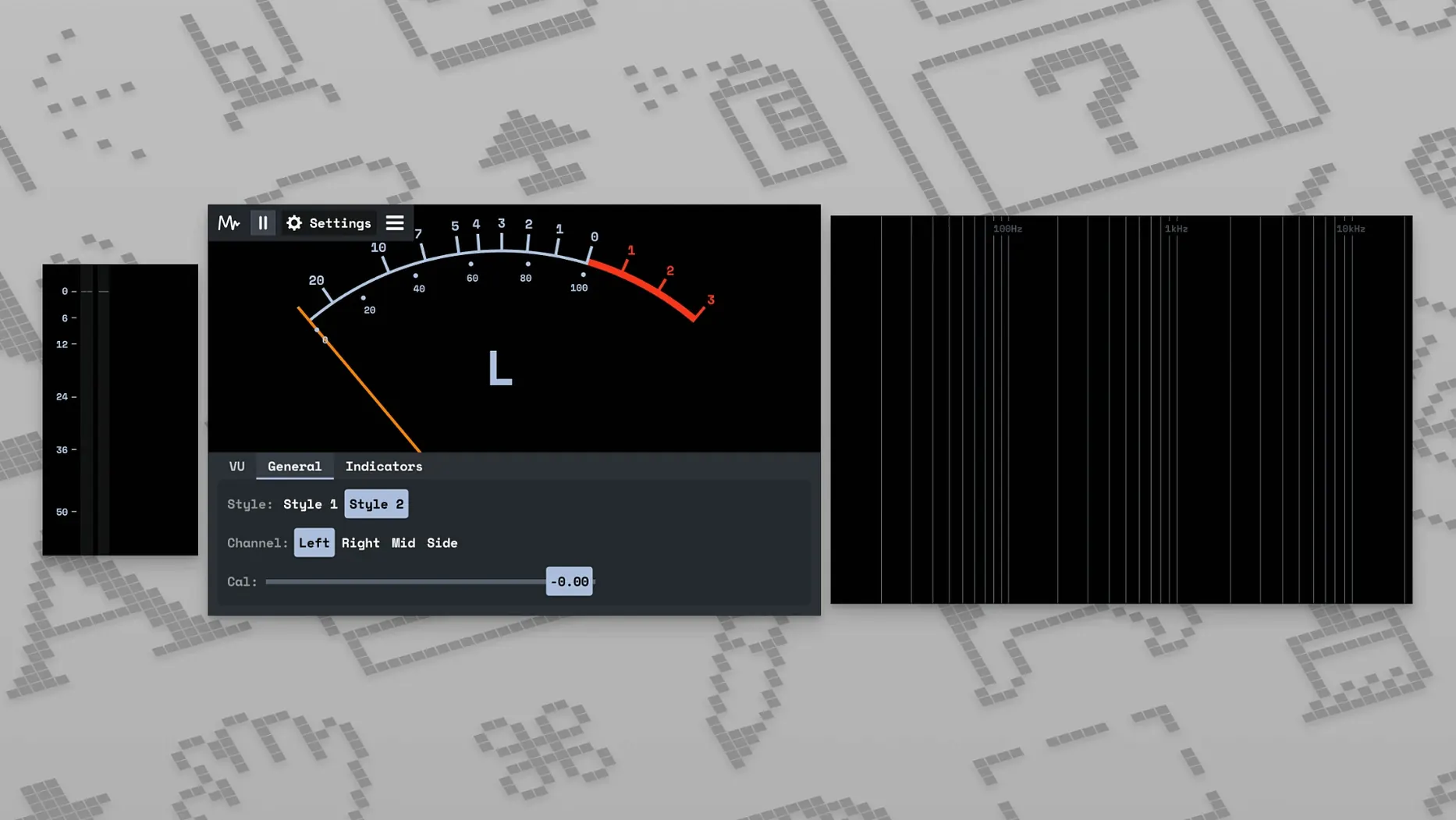
MiniMeters fits where you need a quick, reliable look at audio without opening a full analyzer. It is a compact application for visual audio monitoring in real time.
Tracks: The stereo meter shows channel balance, so you can spot a lopsided level on a vocal or guitar without squinting at numbers.
Buses: The LUFS meter is spec compliant since v0.7.0. Use it on a master bus to check loudness against a target.
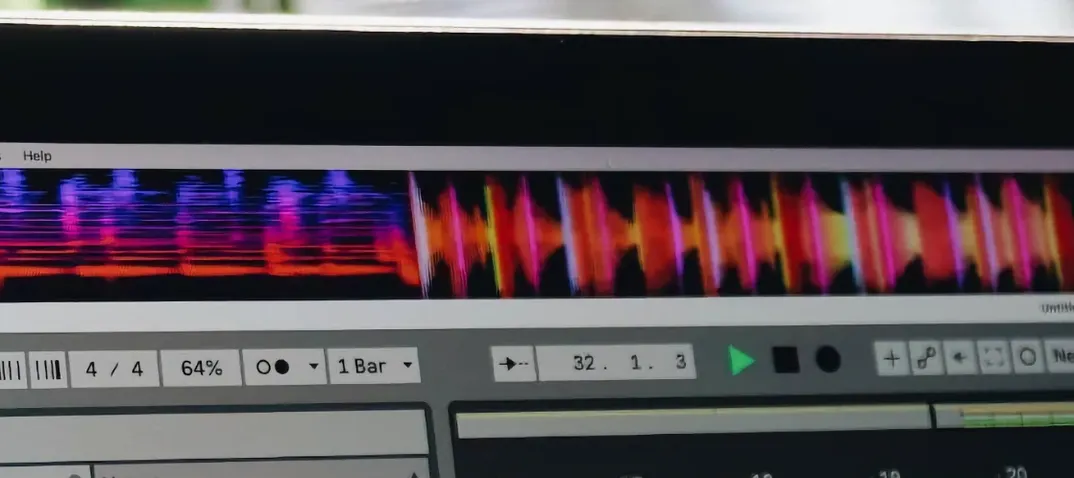
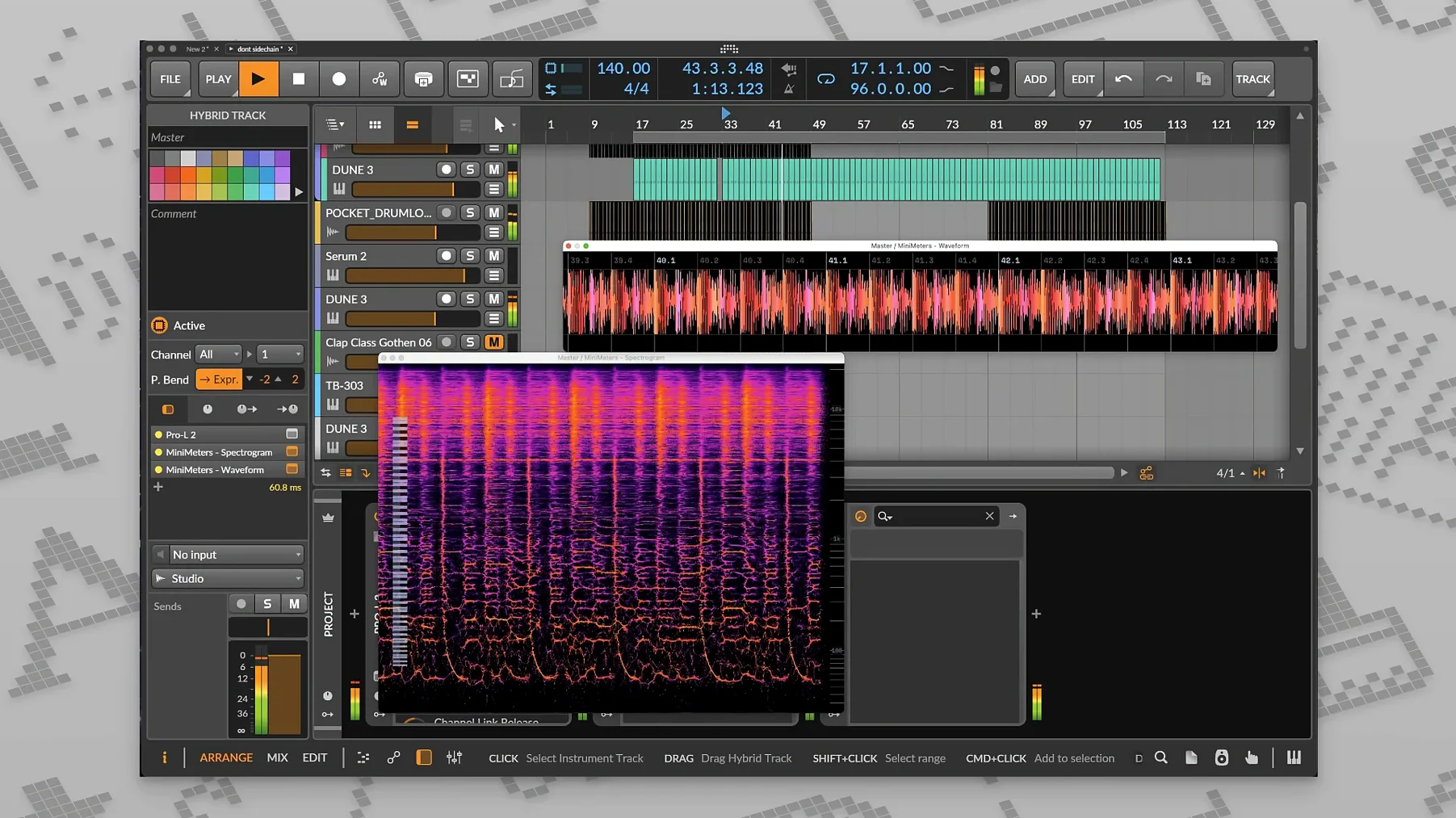
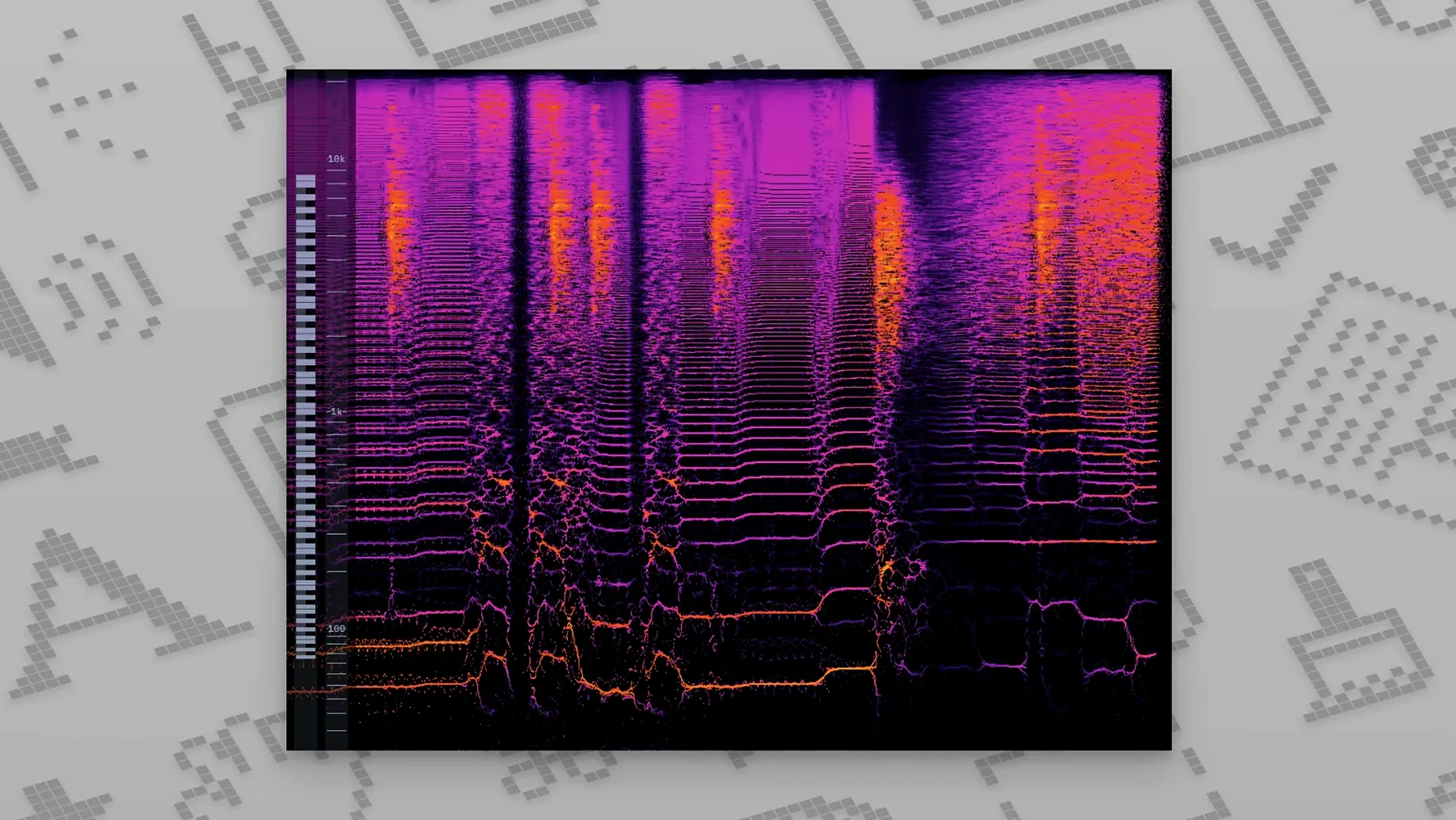
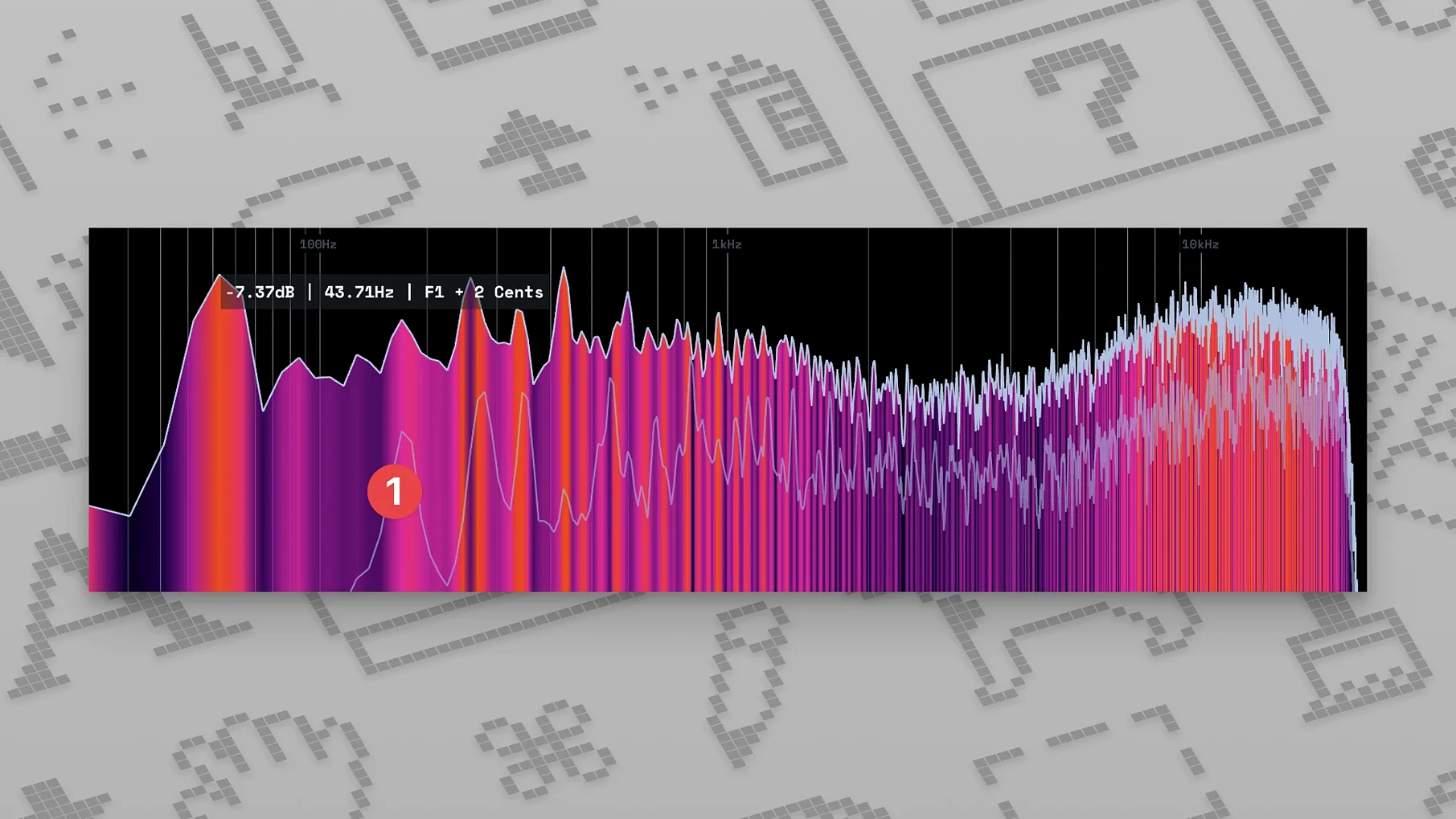
Spectrum: The frequency spectrum display gives a fast read on tonal shifts; v0.8.0 added a spectrogram update for those who prefer a time-based view.
Standalone: It also runs as a standalone app for system audio, useful when you are checking playback outside a DAW.
System: The suite works on macOS 10.15 or newer, and the installer uses a MiniMeters macOS.dmg. Follow the on-screen instructions to complete installation.
Everyday conveniences you might miss
The waveform display is easy to overlook when you are focused on the spectrum or LUFS numbers. It shows a running trace of the audio signal, which helps you see where transients hit before you hear them. Useful when you are scanning a reference track for its loudest passages.
MiniMetersServer is the small background tool that sends audio from your DAW to the meter display. It runs silently and does not add latency to the signal path. If you close MiniMeters and reopen it, the server reconnects without extra steps. That is the kind of detail that saves time during a long session.
The interface lets you choose tools, colors, and layout. This is not just cosmetic. Setting a distinct color for each meter helps you locate the LUFS display instantly when you have three meters open. The layout choices let you stack meters vertically or arrange them in a grid, depending on your screen size.
A real-world scenario: quick reference check during mastering
A mastering engineer has a finished mix loaded in their DAW and wants to compare it against a commercial reference track. They open MiniMeters as a standalone app and route the system audio through the display. The LUFS meter shows both the integrated loudness and the momentary peaks. The engineer sees that the reference track hits -9 LUFS integrated while their own mix sits at -11 LUFS. The stereo meter shows the reference has a wider spread in the high end, so they go back to adjust the stereo image on the master bus. The whole check takes under a minute. No plugin window to open, no session file to reload.
Fewer unexpected redraws after switching workspaces
Version 1.0.30.358 is the current release. The release notes say it fixed long-standing bugs and small UI issues. In practice this means fewer unexpected redraws when switching between workspaces, and meter labels that stay readable on high-DPI displays. If you have been using an earlier 1.0.x build, the update is straightforward: run the MiniMeters macOS.dmg installer, double-click MiniMeters.pkg, and follow the on-screen instructions. The settings and server configuration carry over.
The v0.8.0 spectrogram update is worth mentioning again in a different light: before it, the frequency display was purely a real-time spectrum analyzer. The spectrogram adds a time axis, so you can see how a resonant peak builds and decays over several seconds. That is helpful when you are tuning a compressor and want to watch the effect on the frequency content over time.
Runs on macOS 10.15 with a standard drag-and-drop install
MiniMeters runs on macOS 10.15 or newer. The installer is a .dmg file, and inside you find a .pkg package. The installation process is the standard macOS drag-and-drop sequence. No extra permissions or system tweaks are needed.
Both Intel and Apple Silicon Macs are supported. The application uses the same installer for both architectures, so there is no separate ARM build to track down. The MiniMetersServer component is included in the same package and works on both architectures as well.
The application is lightweight in terms of disk footprint. The developer describes it as a simple audio metering application and plug-in suite. It does not install background services or modify system audio routing. You launch it when you need it, and it closes cleanly when you quit.
If you are using a DAW that supports signal routing, MiniMetersServer is the bridge. The server sends audio from the DAW to the meter display over a local connection. The setup is described in the official help. Once configured, the meters update in real time with no perceptible delay. The server does not process audio or change the signal in any way; it only relays the data for visual monitoring.
For anyone searching: minimeters macos, minimeters crack, minimeters free download, minimeters crack mac, minimeters torrent — the application is straightforward to install and run on supported hardware. No activation or license file is required.
- Fixed long-standing bugs.
- Resolved small UI issues.
- macOS 10.15 or newer
- Architecture: Intel and Apple Silicon
Questions from the notes
Does MiniMeters include a spectrum analyzer?
Yes, it has a frequency spectrum display, and v0.8.0 added a spectrogram update.
Can MiniMeters run as a standalone app?
Yes, it can work as a standalone app for checking system audio.
What macOS versions are supported?
The official description states that macOS 10.15 or newer is supported.
Install procedure
- Open the downloaded disk image.
- Double-click MiniMeters.pkg.
- Follow the on-screen installation instructions.
Reports from players
Sign in or create a tester account to file a report.
No reports filed yet.