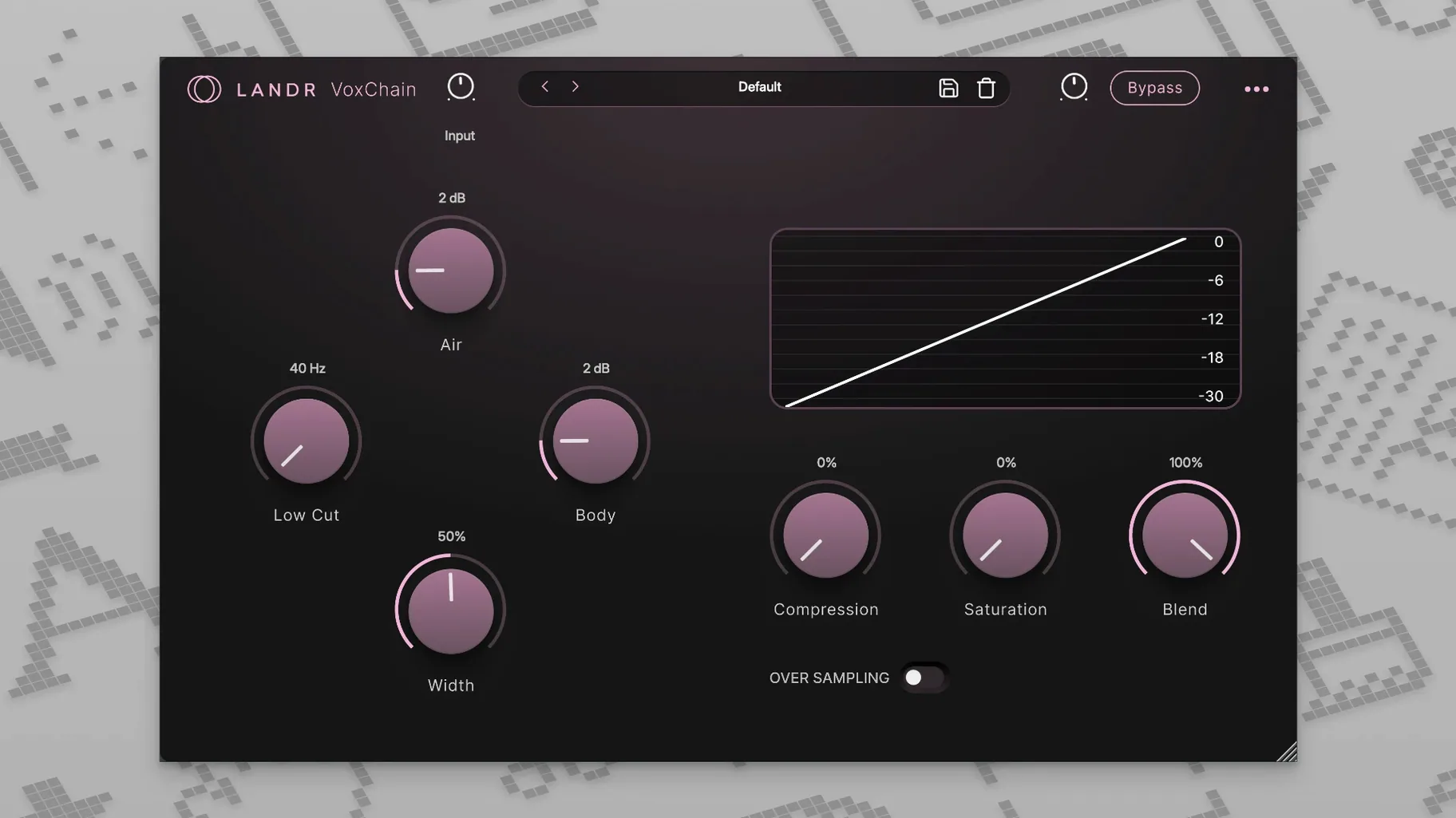
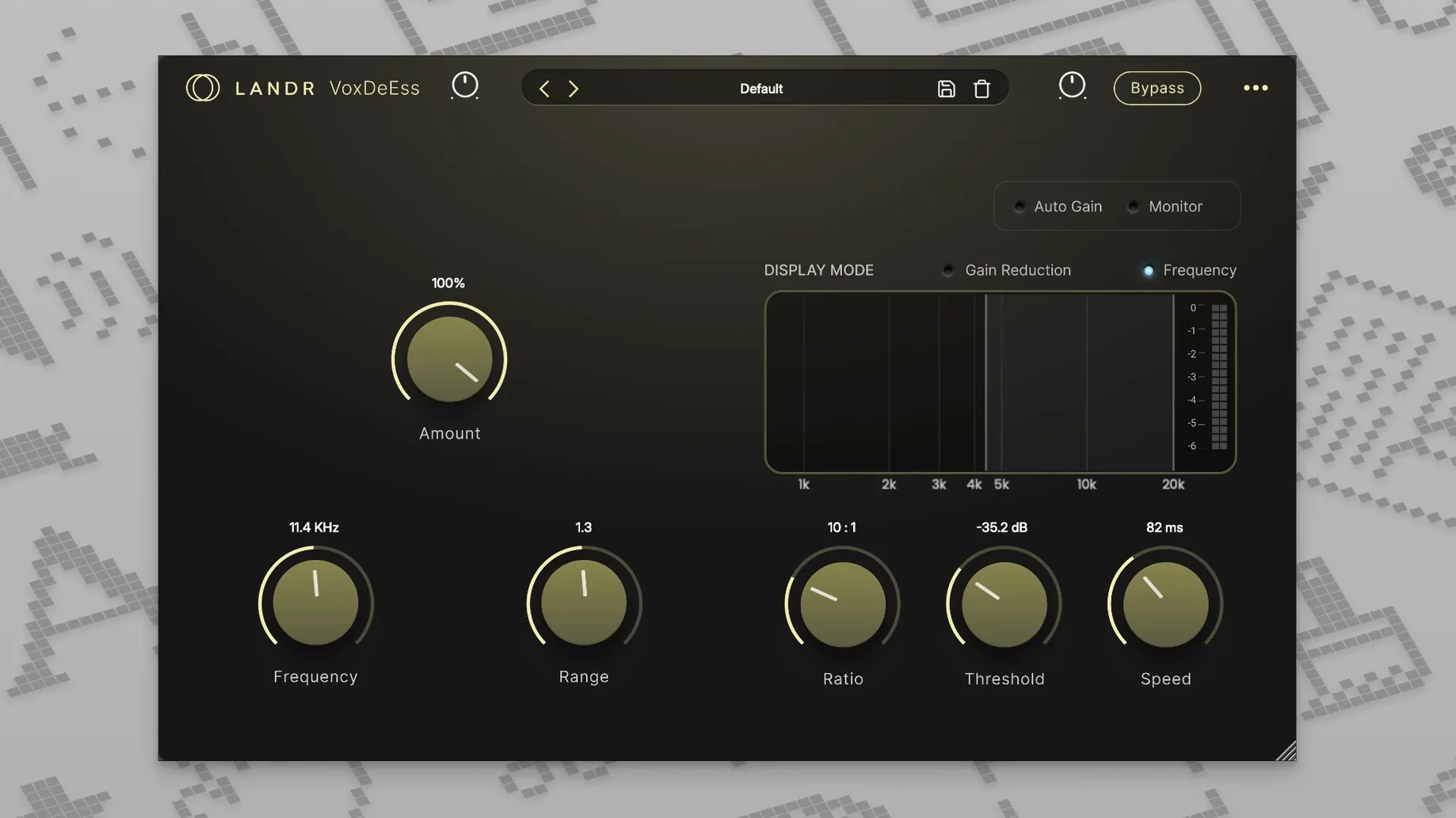
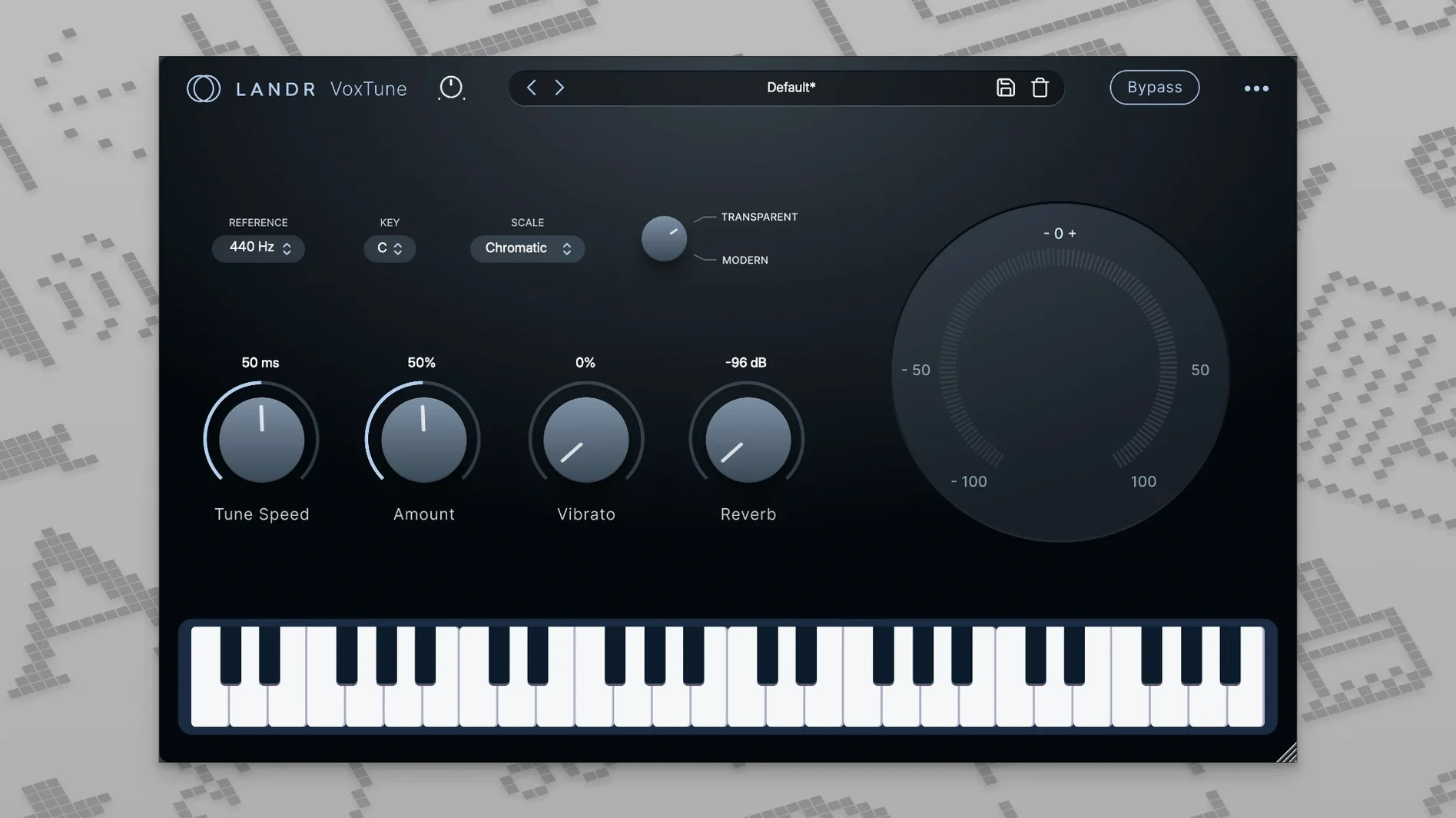
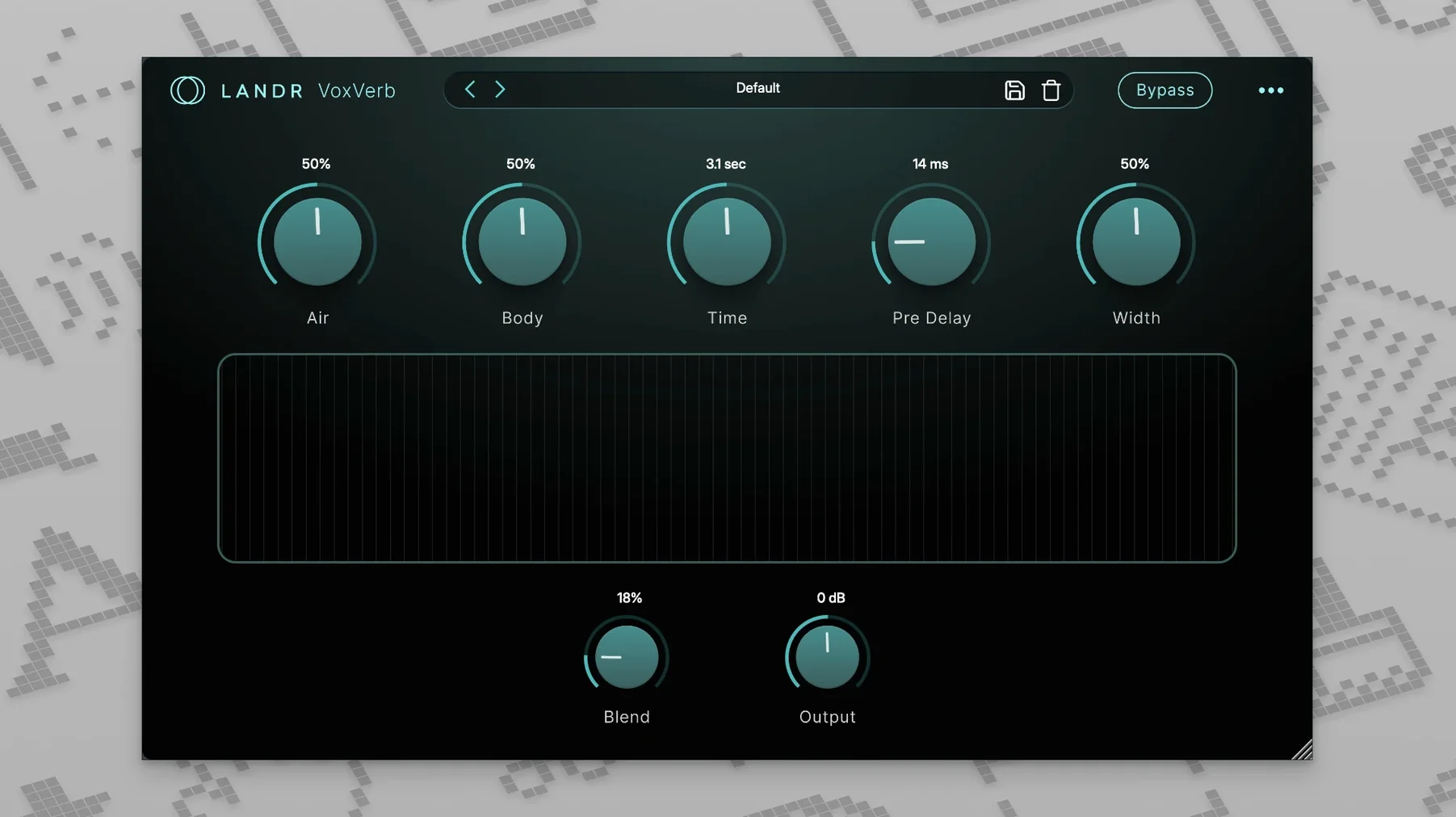
The current version, 2025.12, keeps the bundle focused on the vocal chain from input to bus. Four plugins cover the usual ground: VoxTune handles real-time pitch correction without added latency, VoxChain stacks EQ, compression, and saturation in one window, VoxVerb provides a vocal-tuned reverb, and VoxDeEss cleans up sibilance. The controls stay simple, which suits quick sessions where you don't want to dig through menus.
| Detail | Value |
|---|---|
| Plugins | VoxTune, VoxChain, VoxVerb, VoxDeEss |
| Latest version | 2025.12 |
| macOS | 10.14 or later |
| Architecture | Intel and Apple Silicon |
For a mix, the bundle covers the whole vocal workflow: quick correction first, then shaping and space. VoxChain's combined EQ and compression means fewer inserts, and VoxVerb's tuning avoids the muddy tails that generic reverbs add to vocals. If you work mostly in the box and want one set of tools for the vocal track, this is a practical collection.
Pitch-correct, compress, EQ, add space, and tame sibilance in one pass
For this session, a vocal track recorded earlier in the day needs pitch correction, a little compression and EQ, some space, and the sibilance knocked down. The order matters less than having the four plugins open at once, but I tend to start with VoxTune because pitch problems become harder to hear once reverb is on.
First, VoxTune loads on the vocal track. The default setting catches the obvious off-pitch notes without making the performance sound rigid. For the chorus, a stronger correction curve helps the doubled vocal take sit tighter. The vibrato control is useful here: a slight amount smooths out the tail of long notes without a robotic feel. The absence of latency means comping and timing edits stay aligned.
Next, VoxChain. The EQ section cuts the low end rumble around 120 Hz first, then a gentle high shelf adds air above 8 kHz. The compression side handles the dynamics: a ratio around 3:1 with medium attack catches the peaks without pumping. The saturation knob adds a little harmonic content, enough to give the vocal presence before reverb. Having EQ, compression, and saturation in one plugin saves two insert slots and keeps the session tidy.
VoxVerb comes third. The clarity control keeps the dry signal audible, which matters for a verse where articulation is key. The plugin does what a vocal-tuned reverb should: depth without mud.
Finally, VoxDeEss goes last in the chain. The threshold catches the sibilant s and sh sounds on the louder phrases. The frequency band is set to the standard 6 kHz range. It only activates when those harsh moments happen, which makes for a transparent de-essing that doesn't dull the rest of the vocal.
Dropping macOS 10.14 support and requiring macOS 12 or later
The 2025.12 update didn't add new plugins or a redesign. What changed under the hood is compatibility: the bundle now requires macOS 12 or later instead of the earlier 10.14 floor. For anyone running older macOS versions, that means the bundle no longer opens. For users on macOS 12 and up, the plugins behave the same way as before. No new controls, no performance shift noticeable in a session.
The practical effect is that installs on systems still on macOS 11 or earlier will fail. If you're updating from a previous version, the installer will replace the old ones without asking. The plugin file sizes stayed the same, so no extra disk space needed.
Load VoxDeEss first and adjust threshold on loud sibilance
- Load one plugin at a time at first. Start with VoxDeEss on a vocal track that has clear sibilance. Play a section with loud s and sh sounds, adjust the threshold until those sounds sit back, then bypass to hear the difference. It gives a quick read on how aggressive the processing is.
- Try VoxTune on a dry vocal before adding any EQ. Pitch correction works best on an unprocessed signal. After you dial in the correction amount, then add VoxChain. The order affects how the compression responds to the corrected pitch.
- Use VoxVerb's preset as a starting point, not a final setting. The default decay time is generous. For a dense mix, shorten it by a third. For a sparse arrangement, lengthen it slightly. The clarity control is worth adjusting before touching the EQ in VoxChain.
- Save plugin chains as track presets in your DAW. Once you have a vocal chain that works for your mic and voice, save it as a preset. That avoids loading four plugins individually on the next session.
- Check the plugin order when you load a saved session. DAWs sometimes reorder plugins on recall. Make sure VoxDeEss stays at the end of the chain and VoxTune at the beginning.
Clean pitch drift, 500 Hz room bump, and sibilance from a raw demo vocal
This workflow starts with a raw vocal recorded in a untreated room with a condenser mic. The take has pitch drift in the verses, a bump at 500 Hz from the room, sibilance on every s, and no ambience. The goal is a clean demo vocal that sounds intentional, not perfect.
- Insert VoxTune first. Set the correction amount to around 30 percent, enough to pull the pitch toward the nearest semitone but loose enough that the vibrato and portamento notes pass through. Leave the voice color at default. The vibrato control stays off.
- Insert VoxChain second. The EQ: a high-pass filter at 100 Hz to remove rumble, a cut between 400 Hz and 600 Hz to reduce the room resonance, and a tiny shelf boost at 10 kHz for air. The compressor: ratio at 2.5:1, medium attack, fast release. The saturation: barely on, just enough that the waveform looks less flat.
- Insert VoxVerb third. Pick the Small Room preset from the dropdown. Keep the mix low — the reverb should be audible only when the vocal stops. The idea is to mask the dead room sound, not to create a noticeable effect.
- Insert VoxDeEss at the end. Play the section with the most sibilance. Set the threshold so that the loudest s and sh sounds drop in level by about 3 dB. Leave the frequency band at its default. Bypass the plugin and listen to the whole phrase to check that the sibilance isn't gone entirely — just reduced.
- Listen to the full take. Solo the vocal track and play through the whole demo. Adjust only one plugin at a time if something sounds off. The order remains: pitch first, shape second, space third, sibilance last.
This setup takes about five minutes and leaves the vocal ready for the rest of the mix. The same chain works for rough demos or for tracking live if your DAW supports real-time monitoring through the inserts. For a more polished result, the same workflow scales by increasing the compression ratio or adding more saturation in VoxChain.
- macOS 12 or later
- Intel or Apple Silicon
Questions from the notes
Does VoxTune work in real time?
Yes, VoxTune is designed for real-time pitch correction and operates without latency.
What does VoxChain include?
VoxChain combines EQ, compression, and saturation in a single plugin.
Which macOS versions are supported?
The bundle requires macOS 10.14 or later, and works on both Intel and Apple Silicon Macs.
Install procedure
- Open the downloaded disk image.
- Run the standard installation procedure.
Reports from players
Sign in or create a tester account to file a report.
No reports filed yet.