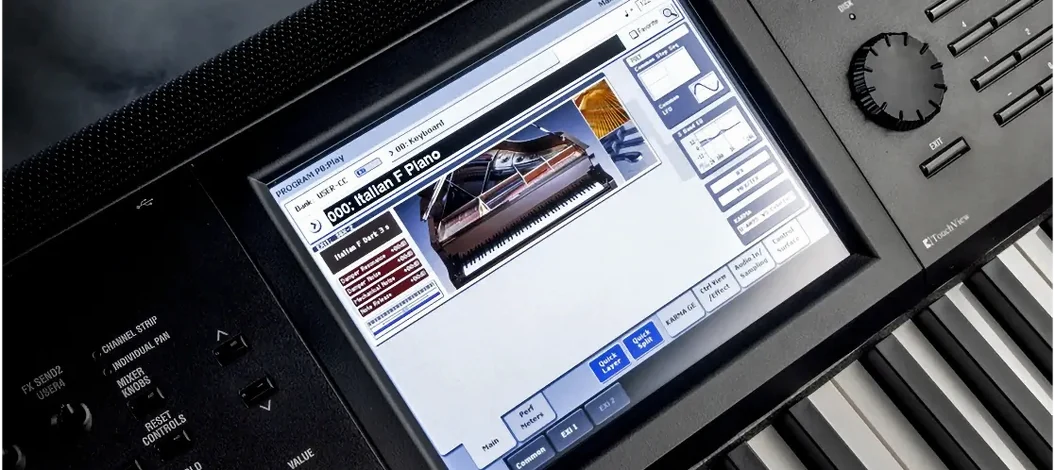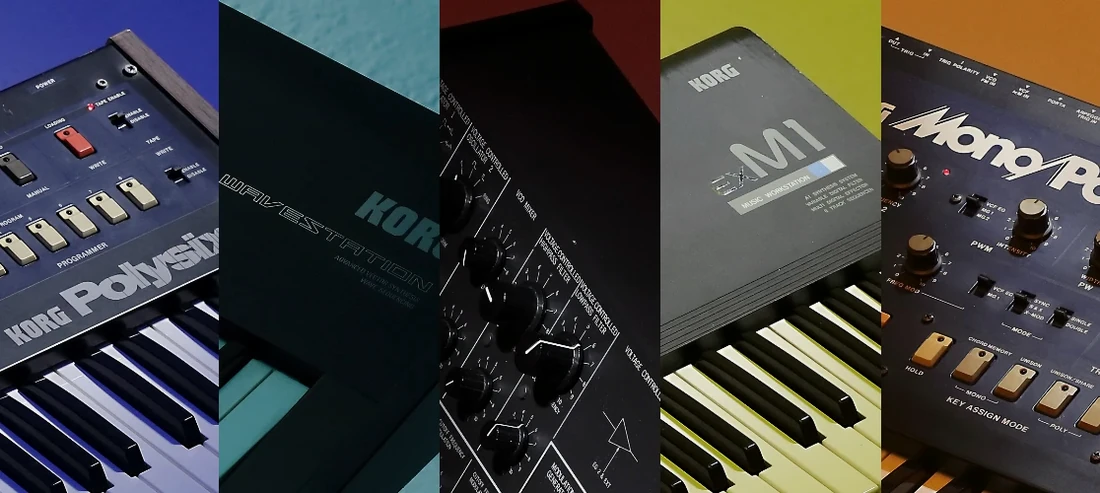
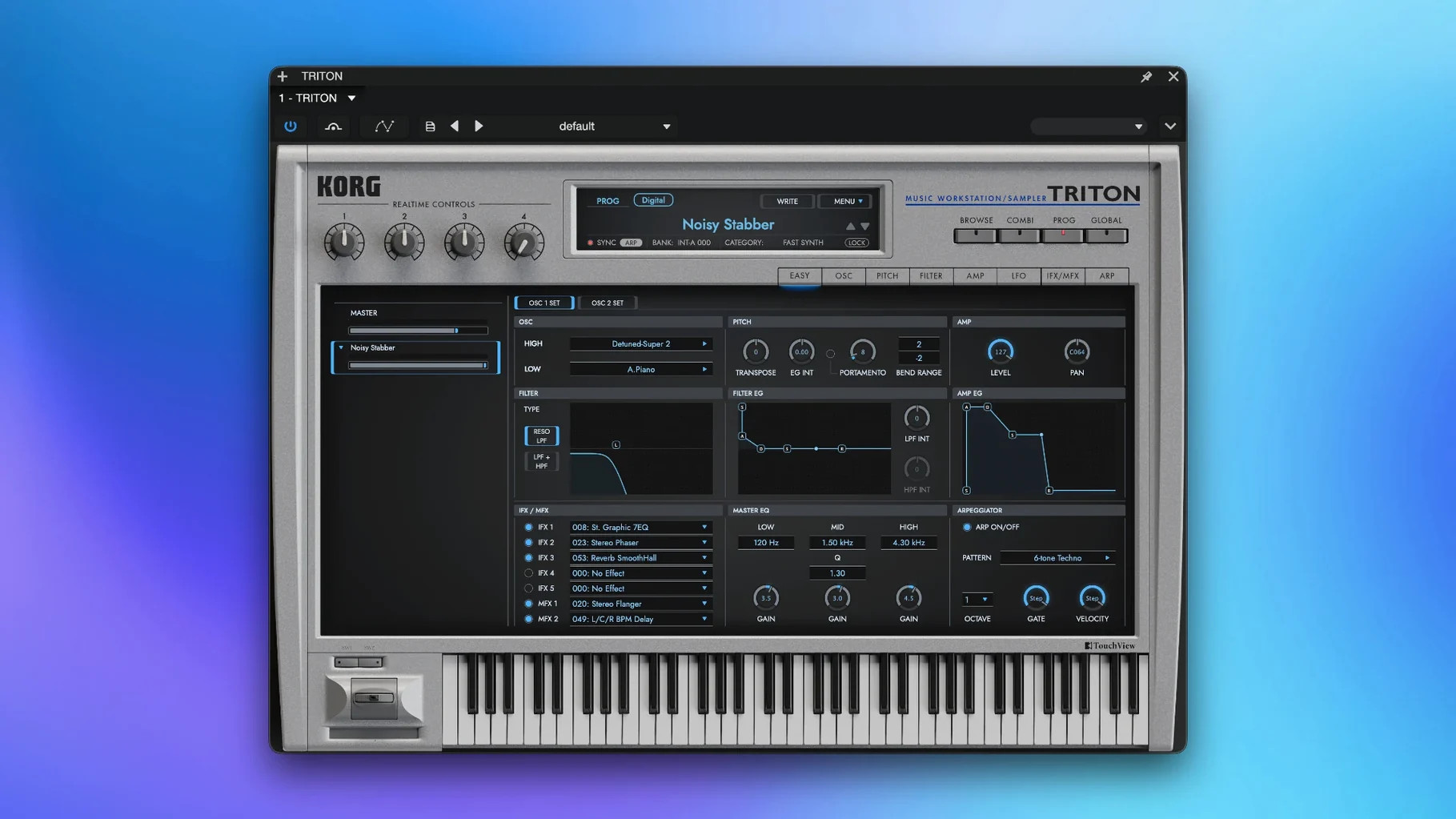
KORG TRITON is for producers and keyboard players who grew up on the hardware workstation and want that sound without the desk space. It’s a faithful recreation of the TRITON and TRITON Extreme, built on the TRITON HI synthesis system, and it behaves like the original in a modern DAW.
Tracking: Layering Combis and Programs
In a tracking session, TRITON earns its place as a multi-timbral workhorse. The eight-part combis let you stack a bass, a pad, and a lead in one instance, routing each part to its own MIDI channel. Each part gets two filters (choose from two types) and its own insert effects—five total—so you can shape sounds individually before they hit the mix.
Buses: Insert Effects and Master EQ
When you’re mixing, TRITON’s effect routing mirrors the hardware. You get five insert effects per program or combi, two master effects on the bus, and a final master EQ. That’s plenty to add depth or glue without reaching for external plugins. The PCM samples, captured at 48 kHz, keep the character intact.
Typical Jobs: Sound Design and Quick Ideas
For sound design, the two filter types give you classic TRITON sweeps and aggressive textures. For sketching ideas, the combis load fast and inspire—just pick a combo and play. It’s a dependable tool for anything from hip-hop to film scoring.
Assign separate MIDI channels to each of eight parts
The multi-timbral combi mode is the headline, but the details make it useful across a session. Each of the eight parts can be assigned a separate MIDI channel, which means you can record a drum pattern on channel 10, a bass line on channel 2, and a string pad on channel 3 all inside one instance of the plugin. No second instance, no bouncing to audio just to keep working.
The master EQ at the end of the signal chain is worth remembering. It’s not a fancy multiband tool, but it saves you from slapping a separate EQ on the bus when you need to trim the low end or add air to a combi that’s getting dense. The two master effects work the same way—set a reverb and a delay on the bus and every part feeds them, preserving the hardware’s original send structure.
If you spend time auditioning sounds, the PCM sample set is the same 48 kHz library that shipped with the original TRITON and TRITON Extreme. That means the pianos, strings, basses, and pads you remember are all present, and they respond to velocity and aftertouch the way they did on the keyboard. The two filter types (low-pass and high-pass, each with its own character) are the same ones that gave the hardware its signature sweep.
Runs natively on Intel and Apple Silicon Macs
KORG TRITON runs on macOS 11 and later, and it supports both Intel (x86 64-bit) and Apple Silicon (ARM) architectures natively. That means it will launch and work on an Intel Mac as well as an M-series Mac without Rosetta translation. The interface language is English.
Installation follows the included instructions—no separate license manager or online activation step is required. The plugin appears as a VST instrument in any compatible DAW, and it also runs standalone for playing without a host. The package is a single installer that places the plugin and the standalone app in the expected locations.
Expect the plugin to load the same 4,000+ sounds that the hardware carried. Combis and programs are organized in banks, and switching between them is instant. Insert effects, master effects, and the master EQ are all available from the plugin’s front panel, which matches the hardware layout closely enough that anyone who used a TRITON will find the controls familiar.
Cycle preset combis to hear layering and splits
- Start in combi mode. Pick one of the preset combis and cycle through the eight parts to hear how the layering and splits work. It’s the fastest way to understand the multi-timbral engine.
- Route each part to its own MIDI channel in your DAW. That lets you record and edit each instrument independently, which is the whole point of the multi-timbral design.
- Try the two filter types on a single program. Sweep the cutoff with the resonance up—the difference between the filter types is subtle until you push them.
- Use the master effects as a send. Set a reverb on master effect 1 and a delay on master effect 2, then adjust each part’s send level. It keeps the mix clean and matches the hardware workflow.
- Save your own combis. Once you layer a few programs and set the effects, save the combi so you can recall it later. The plugin writes to its own bank, not the system.
Workflow: Building a multi-timbral sketch from start to finish
Open a new project in your DAW and load KORG TRITON on a MIDI track. Set the plugin to combi mode and select an empty or default combi slot—you want a clean slate.
Assign Part 1 to a piano program, Part 2 to a pad, Part 3 to a bass, and Part 4 to a simple drum kit. Each part gets its own MIDI channel: channel 1 for piano, channel 2 for pad, channel 3 for bass, channel 4 for drums. Create separate MIDI tracks in your DAW, each sending to the same plugin instance but on its respective channel.
Route the drum part (channel 4) to an insert effect if you want compression or a filter on it alone. The remaining three parts can share the master effects: a hall reverb on master effect 1, a stereo delay on master effect 2. Adjust the send levels per part so the piano gets more reverb and the bass stays dry.
Record a simple chord progression on the piano track, a sustained pad on the second track, a bass line on the third, and a basic pattern on the drum track. You now have a four-part arrangement playing through one plugin instance, with individual effect processing and shared bus effects. The master EQ at the end lets you shape the overall mix before it reaches your DAW’s master bus.
Save the combi from the plugin’s menu so you can reuse the same setup in another project. The workflow repeats: pick the sounds, assign the channels, route the effects, and play.
- macOS 11 or later
- Both Intel and Apple Silicon supported
- VST-compatible host
Questions from the notes
Does the KORG TRITON plugin support Apple Silicon Macs?
Yes, the plugin supports both ARM (Apple Silicon) and x86 64-bit architectures, and it runs on macOS 11 or later.
Install procedure
- Run the installer and follow the on-screen steps.
- Complete the activation process as described in the included instructions.
Reports from players
Sign in or create a tester account to file a report.
No reports filed yet.