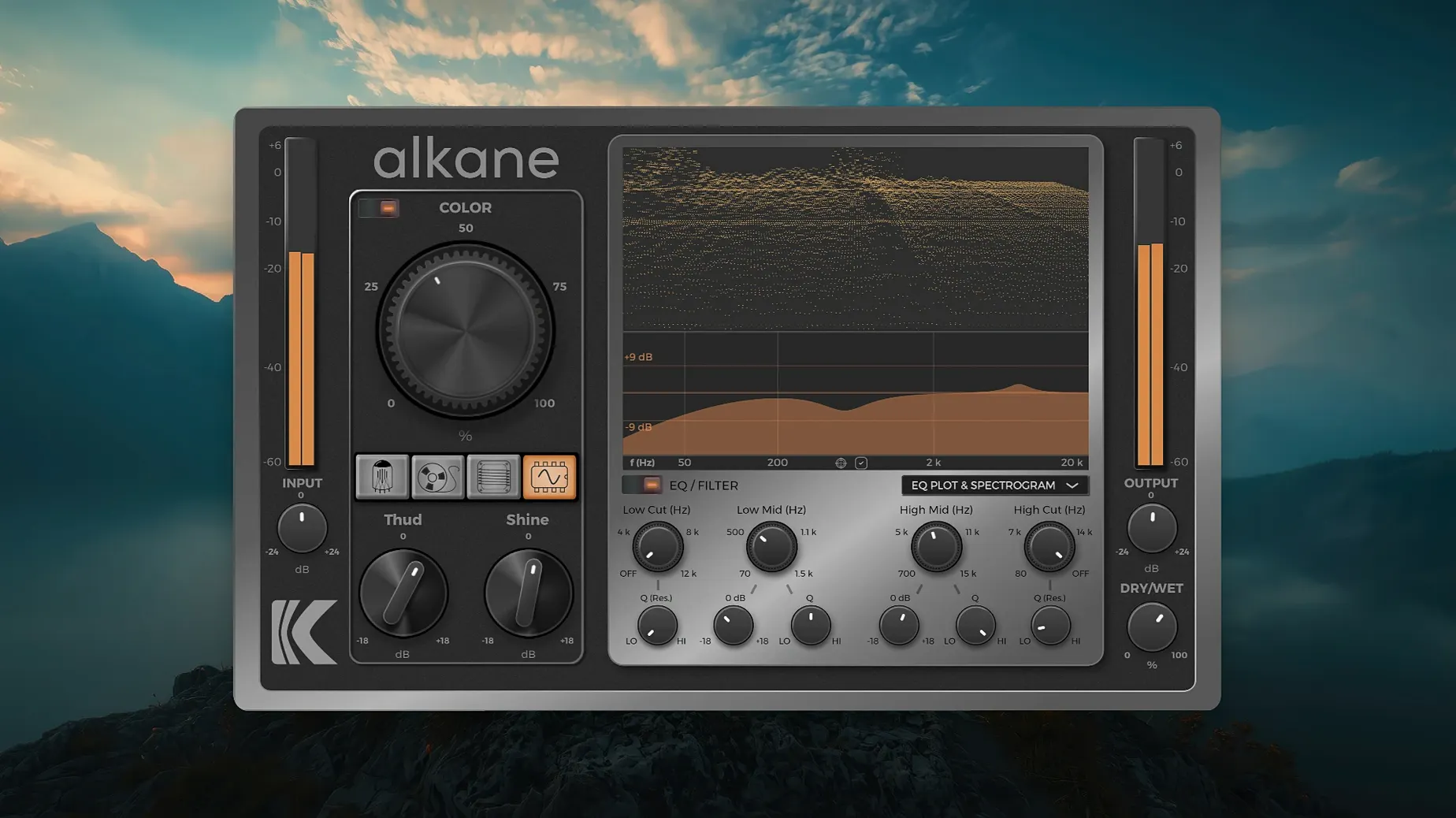
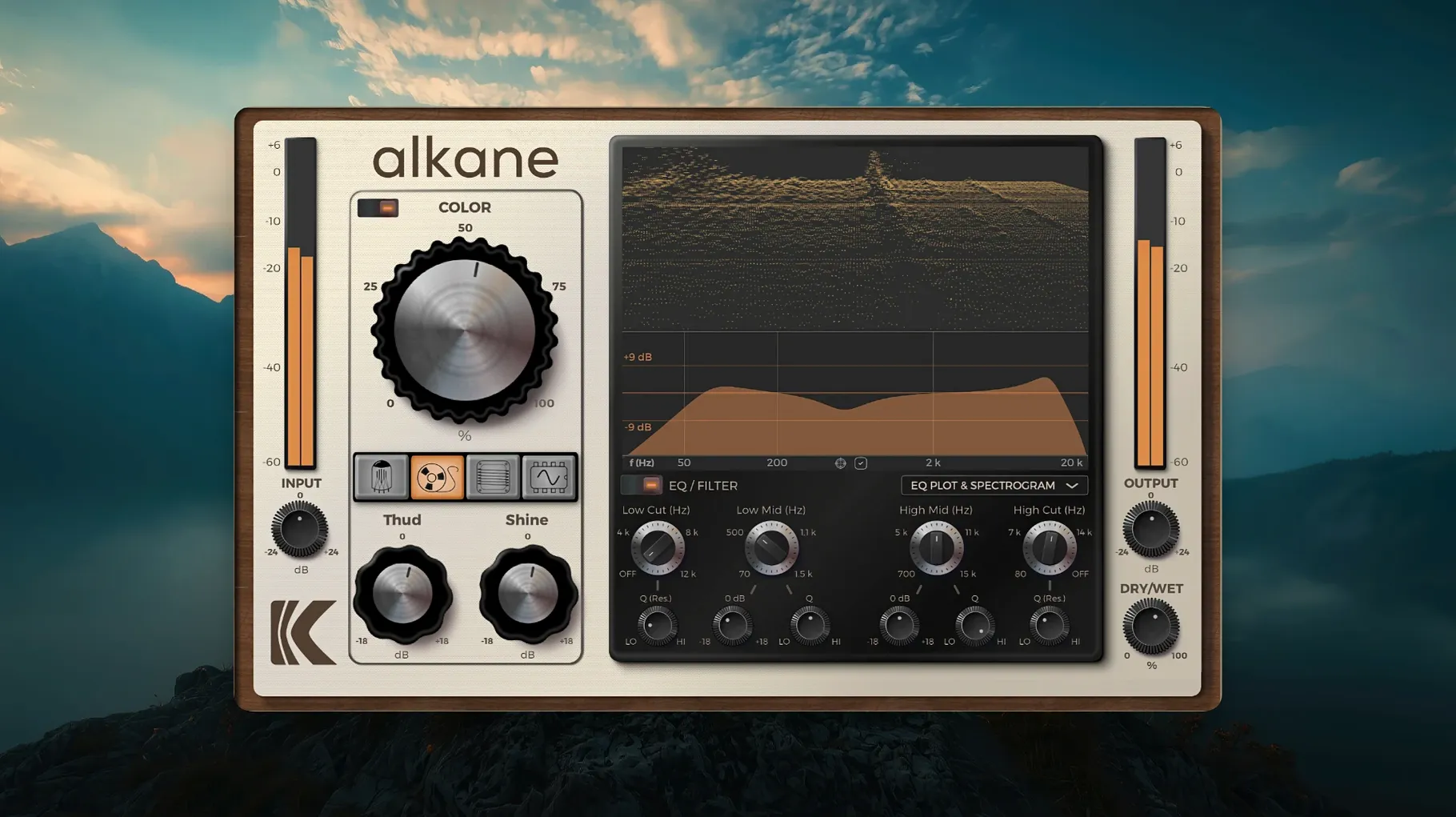
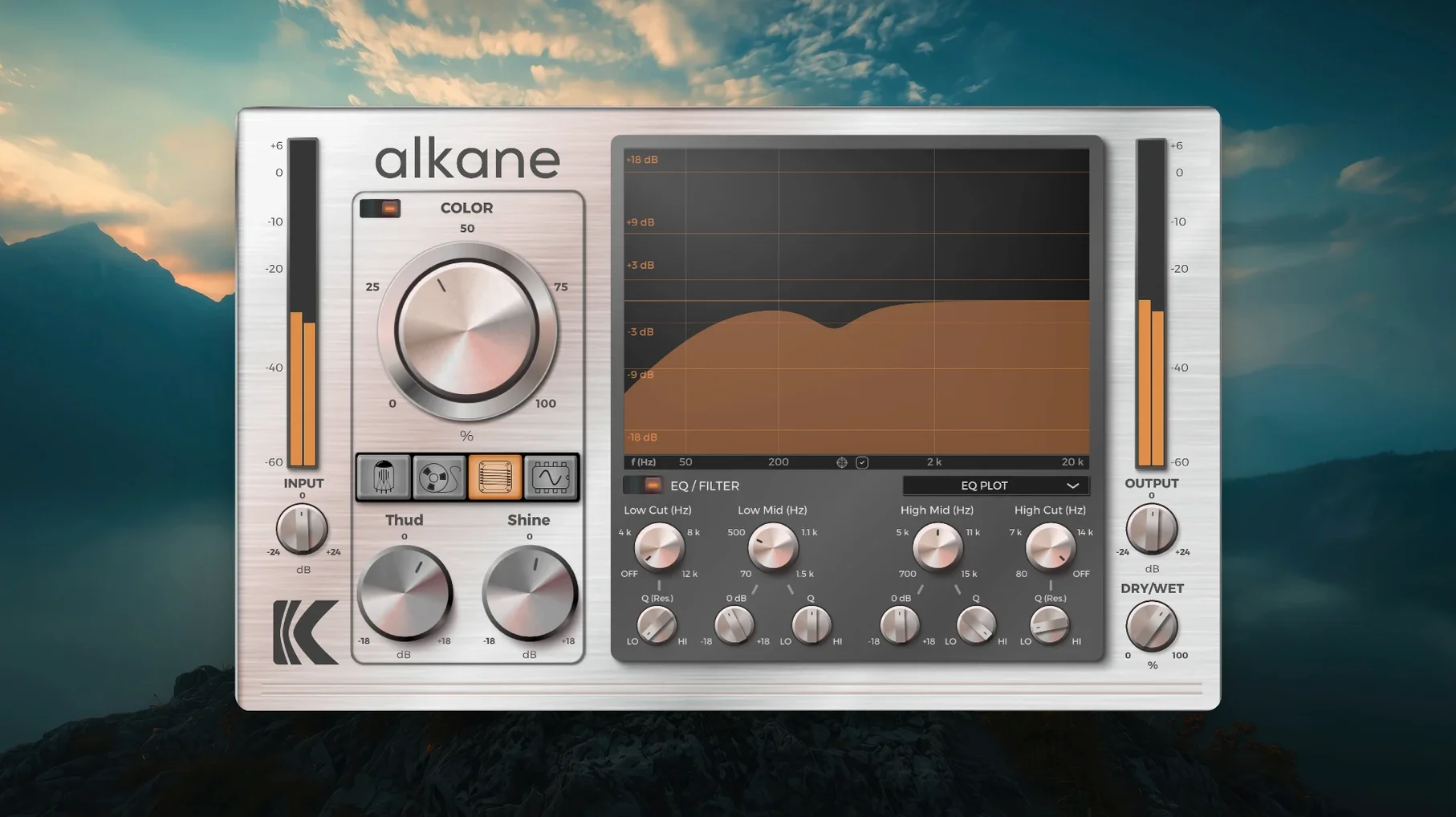
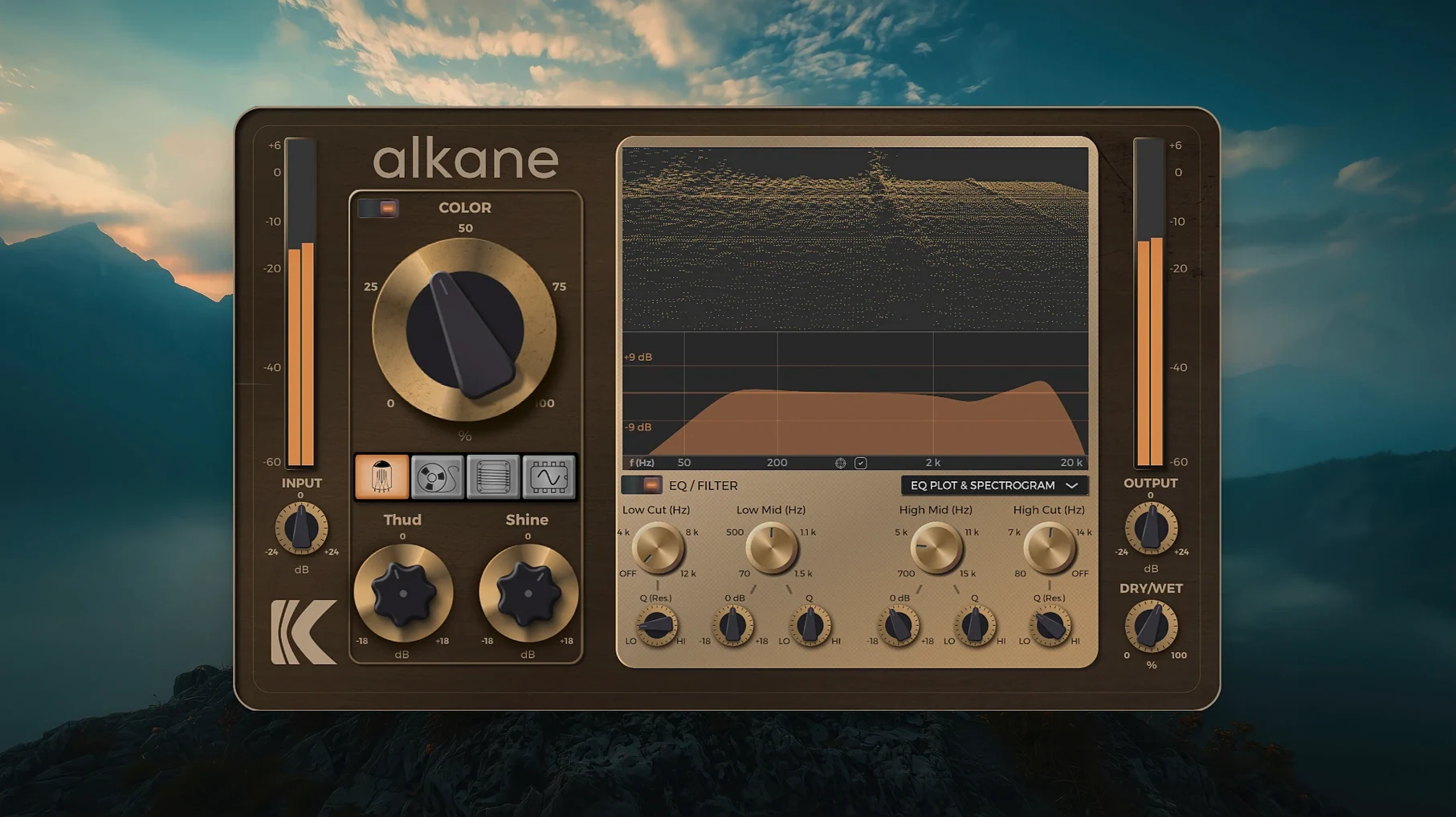
You drop KD Alkane on a vocal bus that needs presence without losing transient clarity. The Color module applies non-linear harmonics that stay clean on attacks, so the snare still cuts through. Four circuit models—Tube, Tape, Transformer, Synth—run in parallel or solo, each adding a different flavor of saturation. The EQ section has high-pass and low-pass filters to shape the harmonic content before it hits the visualizer, which shows a 3D spectrogram and a live EQ plot. With 8x oversampling and support for AAX, AU, and VST3, it fits into most sessions without extra latency issues. The GUI scales cleanly on high-resolution displays, and the whole thing runs on macOS 11 and later on Apple Silicon. It does not work on Intel Macs.
KD Alkane loads as a standard audio plugin in any compatible DAW
KD Alkane works as a standard audio plugin, so it loads inside any DAW that supports AAX, AU, or VST3 formats. On macOS, Logic Pro and Pro Tools handle the AU and AAX versions natively; Cubase and Studio One prefer VST3. The plugin does not require a standalone host or a separate control panel—it appears in the track insert menu like any other processor. The 8x oversampling happens internally, so the host DAW does not need to adjust its buffer settings for aliasing control. The Color module's transient detection works independently of the DAW's own transient shapers, which means you can leave the DAW's processing off and let Alkane handle harmonic content alone. The visualizer's 3D spectrogram and EQ plot update in real time alongside the DAW's own meters, but the two do not interact—Alkane measures its own output, not the bus sum.
On macOS 11 and later, the plugin respects the system's UI scaling settings. The installer uses the standard macOS disk-image format, so it works with the built-in Archive Utility or any disk mounter. No extra permissions or third-party package managers are needed; the installer places the component files into the system's standard plugin folders that Logic, Pro Tools, and Cubase scan at launch.
Bass DI track gains life from the Color module's transient-safe harmonics
A mix engineer works on a rock track where the bass DI sounds clean but lifeless. The raw track has no audible distortion, just a flat signal from a direct input. The Color module is engaged with its default transient-safe setting to keep the attack of the pick attack intact. The two-band EQ rolls off everything below 40 Hz with the high-pass filter and dips a narrow band near 250 Hz to reduce boxiness. The 3D spectrogram shows the new harmonic content spreading across the 1–4 kHz range without adding mud. The result is a bass track that sounds amplified rather than artificially driven, and it sits in the mix without masking the kick drum's fundamental.
Turn off the Color module first for cleaner analog-style saturation
Before adjusting the four circuit models, change these defaults for a cleaner starting point:
- Color module state: It is on by default. If you want a purely analog-style saturation without the additional transient-safe harmonics, turn it off first. Then audition the four circuits alone to hear their baseline character.
- EQ bypass: The EQ section is always active when inserted. Bypass it until you finish setting the harmonic mix. Otherwise, the EQ's high-pass filter can remove low frequencies before the harmonics are even balanced.
- Circuit mix levels: Each circuit has its own mix control. Running all four at equal levels from the start usually sounds congested on single sources like vocals or bass.
- Oversampling: 8x is the only option. No toggle for lower rates. Factor that into your session's overall CPU load, especially on large projects with multiple instances.
KD Alkane's four circuits surpass Sound Alkane's single distortion path
Versus Sound Alkane (not the same developer) is a free VST/AU plugin that applies a single distortion circuit with a resonance filter. It lacks the multi-circuit architecture and the Color module. KD Alkane offers four distinct circuit models that can run in parallel, while Versus Sound Alkane stays on one type of saturation at a time. The visualizer in KD Alkane adds a 3D spectrogram that the free plugin does not have.
Soundtoys Decapitator is a saturation plugin with two distortion styles and a built-in high-pass filter. It does not include a transformer circuit or a dedicated Color module. Decapitator's GUI is fixed-resolution, while KD Alkane's GUI scales on high-DPI displays. Both use oversampling, but KD Alkane locks to 8x while Decapitator lets you choose between 2x and 4x. The multi-circuit approach in KD Alkane gives more parallel routing options than Decapitator's single-input design.
iZotope Trash offers multi-band distortion and a convolution-based cabinet section. It has a broader feature set beyond harmonics, including filtering and modulation. KD Alkane stays focused on four circuit models and the Color module, with no convolution or modulation. Trash's visualizer is a standard frequency analyzer; KD Alkane's 3D spectrogram provides a different perspective on the harmonic distribution over time. For mix engineers who only need analog-style saturation without the extra processing stages, KD Alkane's simpler routing can mean faster decisions.
- macOS 11 or later
- Apple Silicon processor
- Interface language: English
Questions from the notes
Can I use KD Alkane on a drum bus?
Yes. The transient-safe Color module preserves punch while adding harmonics, and the four circuit models let you dial in saturation without flattening the attack.
Does it work on Intel Macs?
No. It requires Apple Silicon and macOS 11 or later.
What plugin formats are available?
It ships as AAX, AU, and VST3.
Install procedure
- Close all DAWs and music applications.
- Download the installer package.
- Open the downloaded disk image.
- Double-click the installer package to start installation.
- Follow the on-screen prompts.
Reports from players
Sign in or create a tester account to file a report.
No reports filed yet.