Post-production engineers, podcast editors, and sound designers reach for RX when a recording has problems that EQ and compression can't fix. It's the toolkit that cleans up dialogue, removes hums and clicks, and separates mixed elements into something usable. RX 12 sits on a track or bus in your session, or runs as a standalone processor, depending on how you like to work.
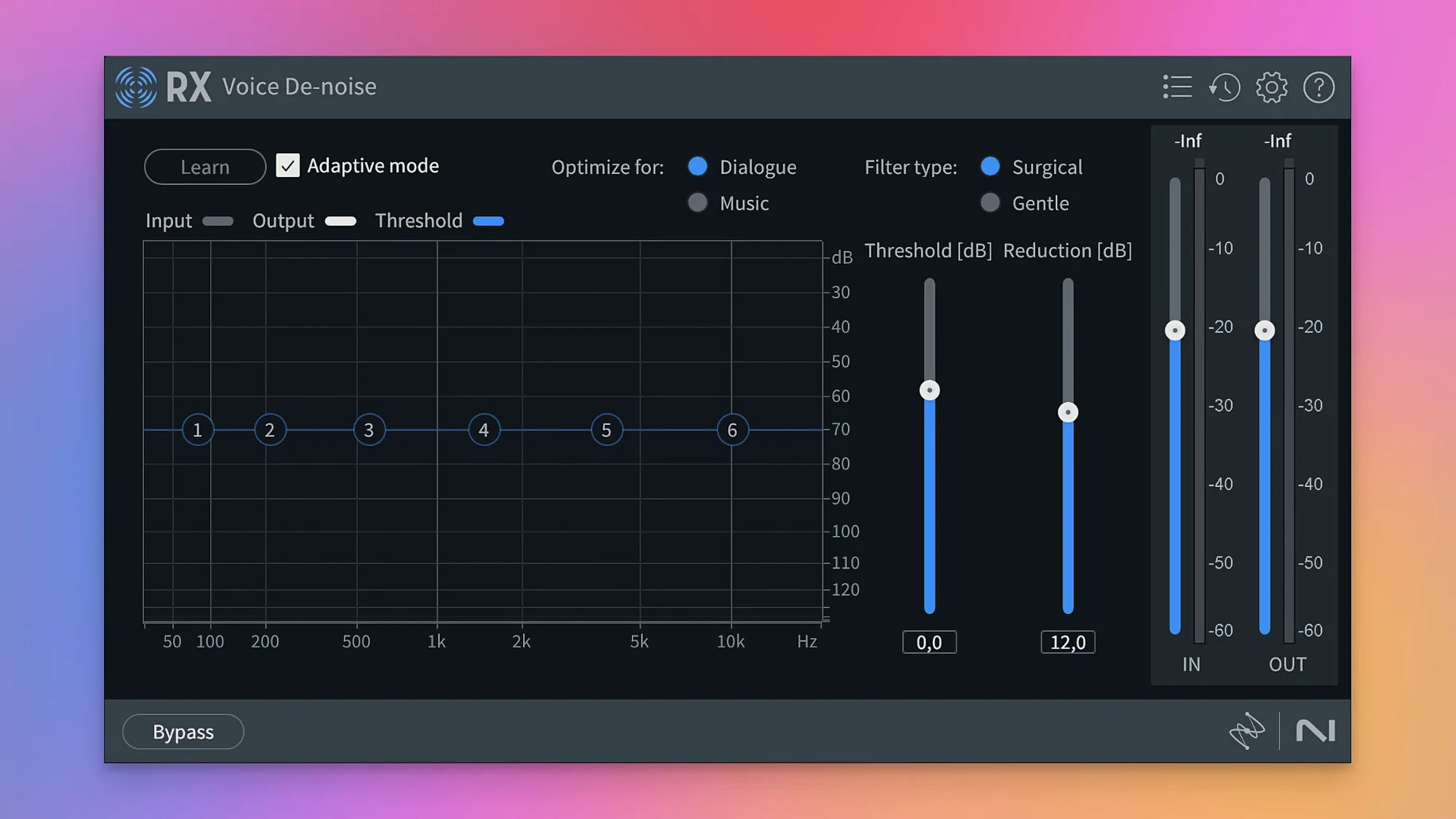
In a session, RX works in two ways. As an insert on a track or bus, you can apply modules like Voice De-noise or Music Rebalance in real time. For heavier jobs, the AAX Audiosuite version processes audio destructively, which is often the better route for long files. The rebuilt De-bleed module handles leakage between microphones, and Trim Silence cuts dead air from interviews or voiceover takes.
The new Scene Rebalance module splits dialogue, music, and effects from a mixed track, which is useful when you only have a final mix to work with. Dialogue Isolate and Music Rebalance also got improvements. RX 12 supports AU, AAX, VST3, and ARA formats, and runs natively on Apple silicon or under Rosetta on Intel Macs.
The Repair Assistant analyzes a short selection and suggests a chain of modules
The Repair Assistant is worth opening early. It analyzes a short selection and suggests a chain of modules with settings tailored to the file. You can accept the chain, tweak individual modules, or ignore it entirely. It's not a one-click fix for everything, but it saves time when you're facing an unfamiliar noise type.
Spectral De-noise and the Spectral Editor share a common visual approach. The Spectral Editor displays audio as a frequency-over-time image, letting you paint out unwanted tones or buzzes with a brush tool. If you already know how to use the De-noise module's spectrogram view, the editor will feel familiar. Both rely on the same underlying analysis engine, so results stay consistent between them.
Stems View is tucked into the application's layout. It displays a track's separated stems — dialogue, music, effects — as individual layers. You can solo a stem, mute it, or apply modules to a single stem without affecting the others. This is especially useful when a guitar bleed sits inside a vocal track, or a camera buzz only appears during quiet dialogue sections. You process the stem, not the whole mix.
The module's presets are organized by use case: dialogue, music, post-production, and podcasting. Each preset adjusts multiple parameters at once. They are a reasonable starting point, and you can save your own as you dial in workflows that repeat across projects.
A podcast editor with a two-hour interview recorded in a hotel room
A podcast editor receives a two-hour interview recorded in a hotel room. The guest's microphone picked up a low-frequency hum from the HVAC system. The host's microphone has occasional plosives and page rustle. The file is a single stereo mixdown — no individual tracks.
First, the editor drops the file into the RX standalone application. Using the Repair Assistant on a six-second sample that contains the hum, the assistant suggests Spectral De-noise tuned to the hum frequency. The editor accepts the suggestion, applies it to the full file, and previews the result. The hum is reduced without audible artifacts on the voices.
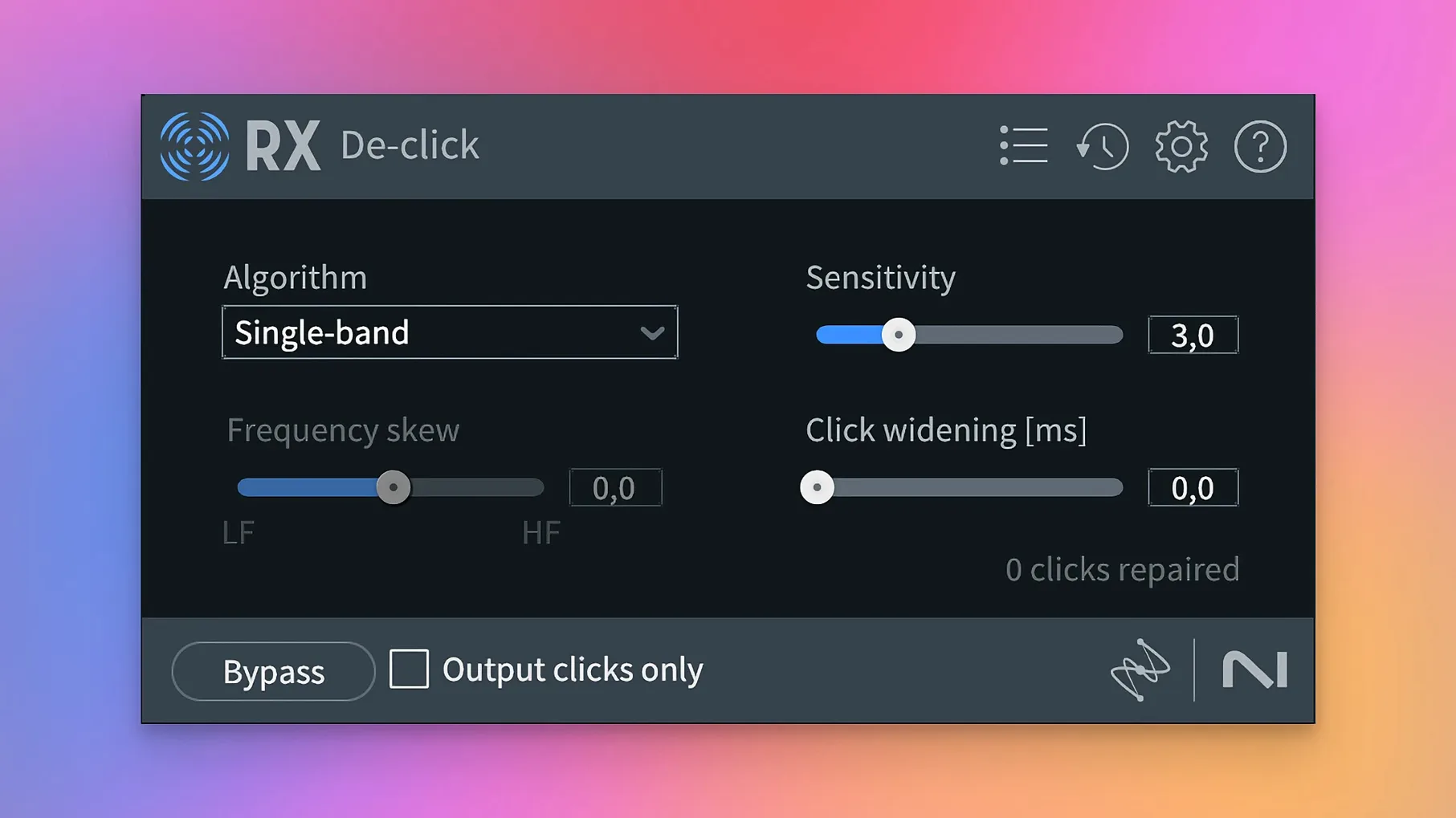
Next, the editor locates the page rustle sections. Spectral De-noise with a custom noise print taken from a rustle-only section cleans those moments. For the plosives on the host's mic, De-click with a medium setting handles them in one pass.
The editor exports a WAV file, opens it in the DAW, and lines it up with the original for comparison. No session plugins were needed during the edit — all processing happened destructively in RX. The final mix is clean enough that only a compressor and limiter are added in the DAW.
Start with a recording you have already cleaned manually in your DAW
Start with files you know well. Take a recording you have already cleaned manually in your DAW and run it through RX 12's Repair Assistant. Compare the result to your own work. This gives you a baseline for how aggressive the modules are with your material.
Learn the difference between real-time and destructive processing early. As an insert in your DAW, modules like Voice De-noise and De-ess work in real time, but they introduce latency. For longer edits or files with multiple problems, use the standalone application or the Audiosuite version. The same module settings produce identical results in either mode, but the workflow changes.
Keep the Undo History panel visible. RX 12 remembers every processing step, and you can jump back to any earlier state without losing the rest of your work. This is especially helpful when you apply a chain of three or four modules and want to compare the result with the state after only the first two.
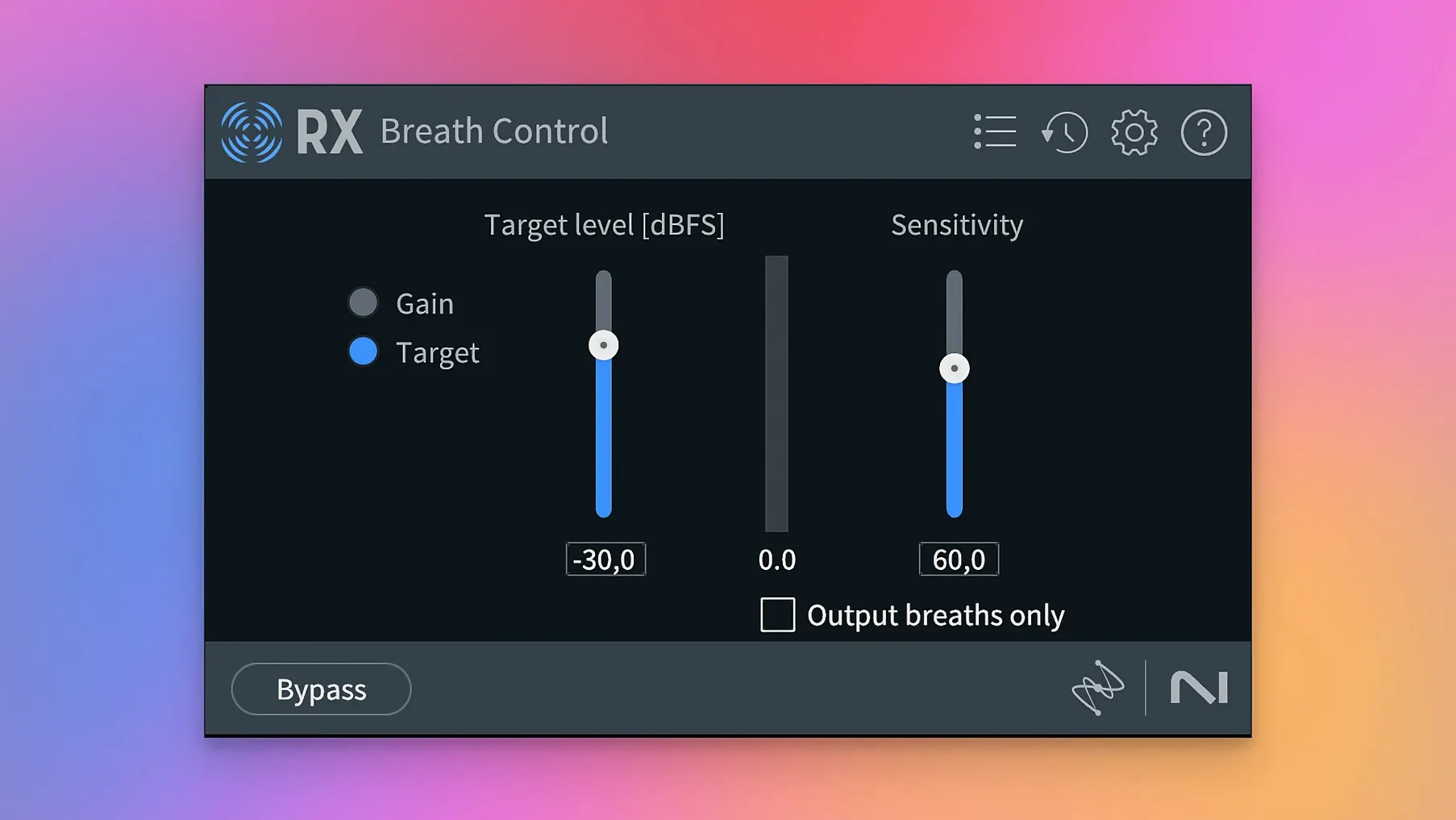
Experiment with the Breath Control module on voiceover recordings. It can reduce or remove breath sounds, but the rebuilt version in RX 12 includes sensitivity and attack controls that let you preserve natural breathing when you want it. The default preset is conservative; turn up the sensitivity gradually until the breaths disappear or sit at a natural level.
Scene Rebalance isolates dialogue, music, and effects from a mixed track
Scene Rebalance is the headline addition in version 12.0.0. It works on mixed audio where dialogue, music, and effects are already combined. Previous versions could separate music and dialogue with Music Rebalance, but they could not isolate sound effects as a third stem. Scene Rebalance adds that third output, which is useful when you need to replace a specific sound effect in a mix but keep the dialogue and music intact.
Trim Silence is new and behaves like a batch processor. You select a threshold and a minimum silence duration, and the module removes everything below that level. It does not split regions — it simply deletes the silent sections and closes the gaps. For interview files or long voiceover takes, it reduces manual editing time significantly.
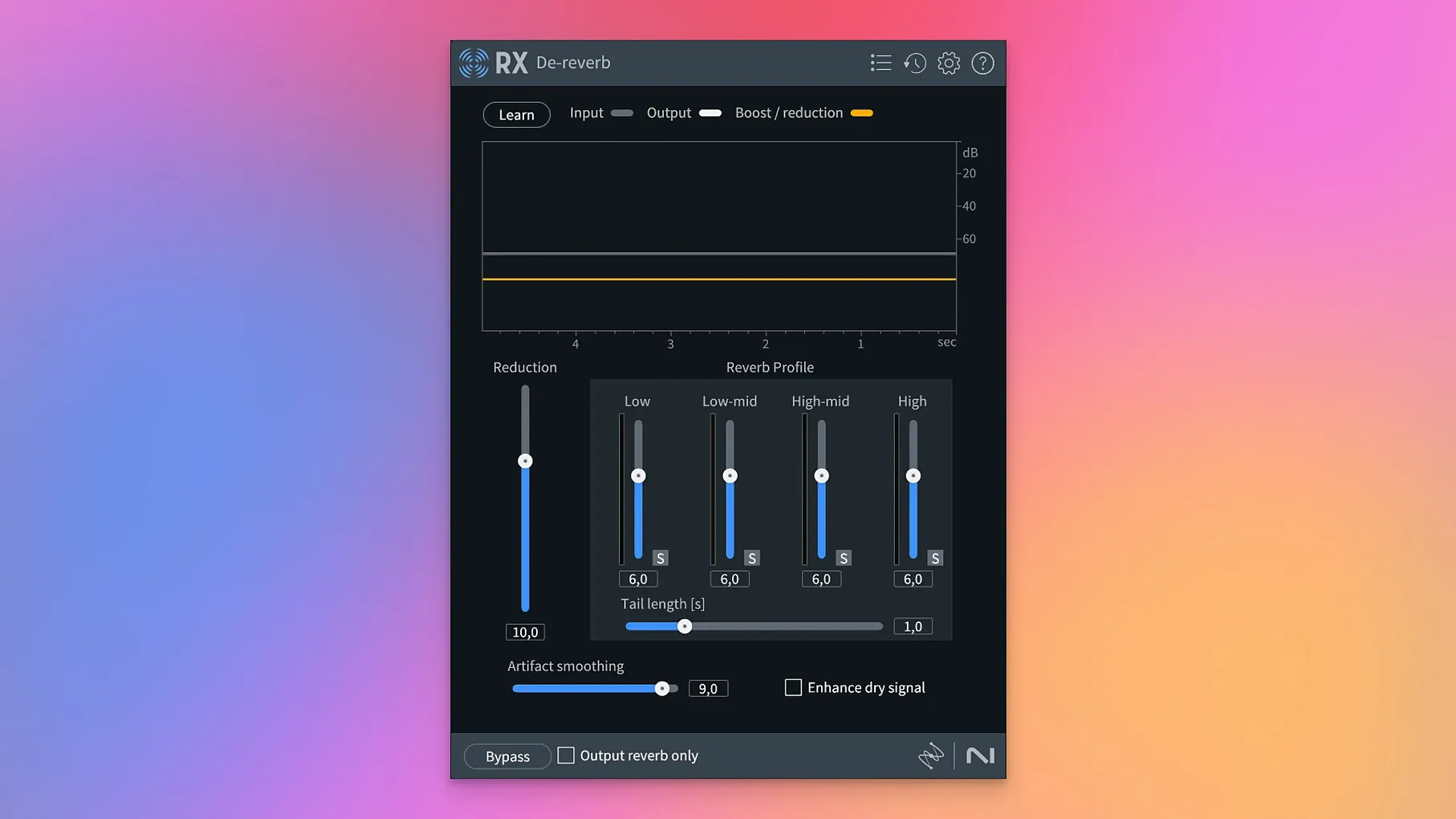
Stems View changes how you apply modules. Instead of processing the entire mix, you can isolate a stem and apply De-bleed or De-reverb to only that element. The ability to solo a stem means you hear exactly what the module is affecting, without interference from other sounds.
The De-bleed module was rebuilt. The previous version required careful threshold adjustments to avoid removing wanted audio. The rebuilt version uses machine learning to distinguish bleed from direct signal more accurately. It works best when you provide a sample of the bleed source from another microphone.
Breath Control was also rebuilt. The earlier version often sounded artificial at aggressive settings. The rebuilt module includes a naturalness control that preserves the character of the original breathing while reducing its level. It works on dialogue and singing vocals.
Music Rebalance and Dialogue Isolate received improvements that affect everyday use. Music Rebalance separates stereo mixes into stems more cleanly at lower bitrates, and Dialogue Isolate has a new voice count control that helps when multiple speakers are present in the same track.
iZotope RX restores audio by removing noise, hum, clicks, and bleed in one package. The changes in RX 12 are incremental but practical — Scene Rebalance and Stems View change how you approach mixed audio, and the rebuilt modules reduce the time spent tweaking parameters.
iZotope RX 12 runs natively on Apple silicon and requires macOS 14.7
RX 12 requires macOS 14.7 Sonoma or later. It runs on both ARM and x86 64-bit Macs. On Apple silicon, it operates natively, which means it uses the efficiency and performance cores without translation overhead. On Intel Macs, it runs under Rosetta 2, which adds a small translation step but maintains full functionality.
The installer and activation instructions are inside the package. The suite installs as both a standalone application and a set of plugins in AU, AAX, AAX Audiosuite, VST3, AU ARA, and VST3 ARA formats. The ARA versions integrate with compatible DAWs for deeper editing workflows.
Disk space requirements are not listed, but the suite includes multiple modules and sample files. A typical installation on an external drive or internal SSD is recommended for projects with large audio files. RAM and processor demands depend on the module: Spectral De-noise and Music Rebalance use more processing power than De-click or Trim Silence. Real-time processing as an insert may introduce latency on older Intel Macs; using the standalone application or processing destructively avoids this issue.
iZotope RX repairs damaged audio and removes unwanted noise for audio professionals. The module set and system requirements differ from earlier versions, particularly with the addition of Scene Rebalance and Stems View.
- Adds Scene Rebalance for separating dialogue, music, and effects.
- Adds Trim Silence for cleaning up long audio files.
- Adds Stems View for working on isolated stems.
- Rebuilds De-bleed and Breath Control modules.
- macOS 14.7 Sonoma
- Intel or Apple silicon (native and Rosetta)
Install procedure
- Follow the installation instructions included in the package.
- Follow the activation instructions included in the package.
Reports from players
Sign in or create a tester account to file a report.
No reports filed yet.