
If you already use a video editor like Final Cut Pro or DaVinci Resolve, you know the gap between compositing stills and building a scene from scratch. Moho Pro 14.4 fills that gap: it is a professional 2D animation program (formerly Anime Studio Pro) that works with vector graphics and cut-out puppets. You can export finished projects as video, image sequences, or SWF files, then bring them straight into your NLE or compositor.
Moho Pro fits naturally alongside other creative tools on a Mac. It reads Adobe Photoshop documents directly, so you can pull layered character art into your animation without flattening. For game developers, the new glTF/GLB export in version 14.4 makes it easy to move animations into Unity, Unreal, or Godot. The scripting interface now uses Lua 5.4.4, and a built-in library of visual objects speeds up scene assembly.
The current version runs on both Intel and Apple Silicon Macs under macOS 10.15 or later. It supports 15 interface languages including English, French, German, Japanese, Chinese, and Russian. System requirements are modest: a 2.0 GHz Intel Core i3, 4 GB RAM, and 1.6 GB free disk space with an OpenGL 4.1-capable GPU.
Getting oriented after installing
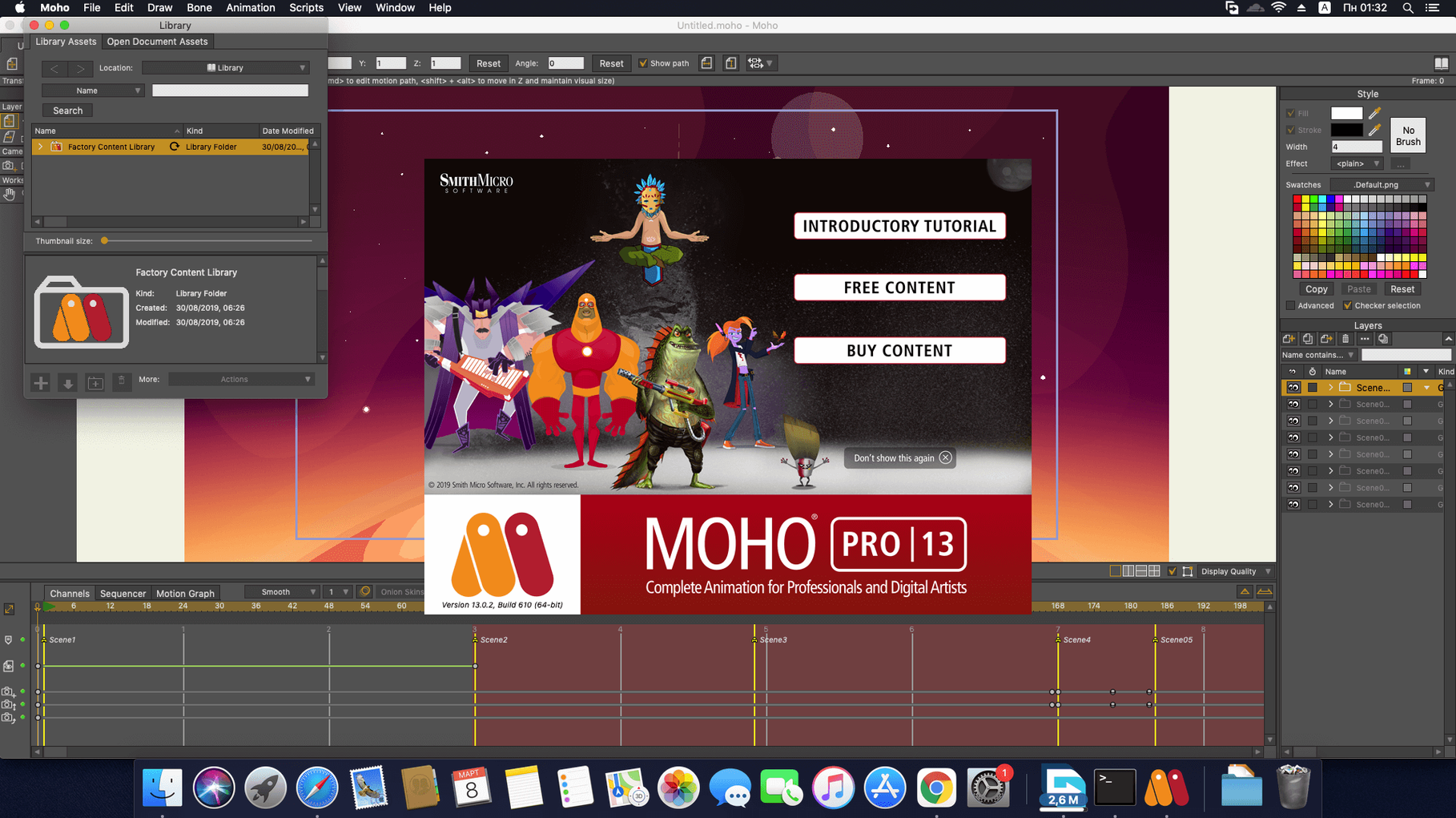
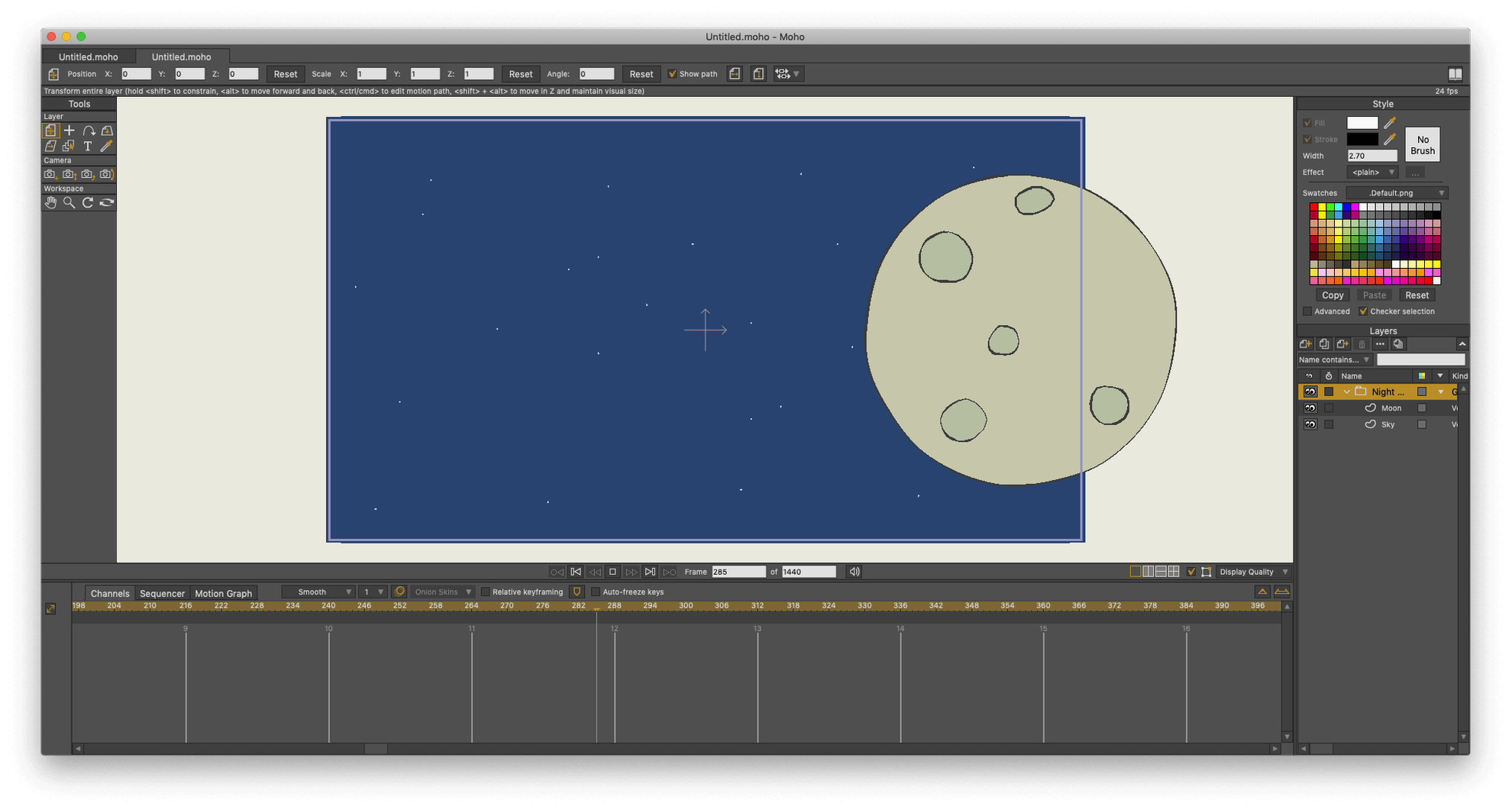
The installer includes activation instructions in the package. Once you have the program running, take a few minutes to walk through the default workspace. Moho Pro organizes tools along the top toolbar and a dock on the right, but the layout can feel dense if you are coming from a raster-based editor. Open any of the sample files in the built-in library to see how layers and bones are stacked before you start your own project.
Settings to adjust early
Most default settings work fine for general use, but a couple are worth changing before you invest time in a project.
- Auto-save interval — the default interval is longer than most animators want. Set it to 5 or 10 minutes in the preferences panel. Moho can crash like any complex tool, and losing an hour of rigging is not a good way to learn the bone system.
- Undo levels — raise this to at least 50 if you work with layered vector files. You will frequently need to step back through brush strokes or bone rotations without restarting.
- Grid and snap settings — enable snap-to-grid and set a comfortable grid spacing if you plan to align characters or background elements. This is especially useful when importing Photoshop documents that may have slightly misaligned layers.
Bones not moving the right layers
Most problems new users hit come from the way Moho handles the relationship between layers, bones, and export. A few repeat patterns are easy to sort out.
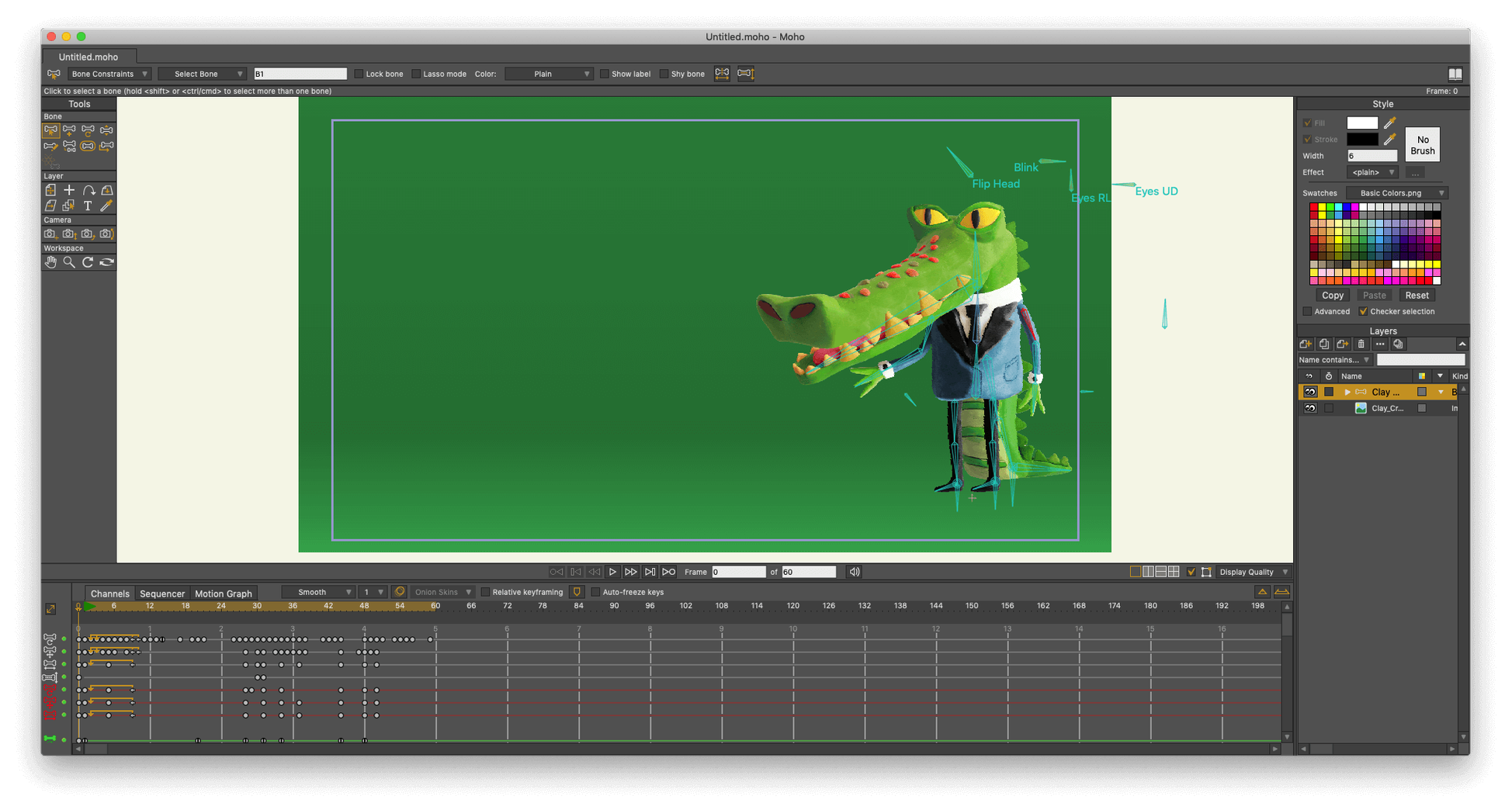
- Bones not moving the right layers. This happens when a bone layer is not parented to the correct group. Check the layer hierarchy in the Layers window: the bone layer should sit above the group of layers you want to animate, and the group must be a child of the bone layer. Drag layers in the list to fix the order.
- Exported video looks different from the preview. Moho's preview renders at a lower quality than the final export. Export as an image sequence first if you want pixel-perfect results, then assemble in your video editor.
- glTF/GLB export fails or produces empty objects. This is usually a naming or hierarchy issue. Make sure every animated layer has a unique name — duplicate names confuse the export. Also check that you have not applied any scripted effects that are incompatible with the glTF format. Strip back to bones and layers only, then export again.
- Photoshop import looks flat. Moho imports PSD files as layered images, but it cannot re-animate layer effects or adjustment layers. Flatten these in Photoshop before importing, or export each layer as a separate PNG file and assemble them manually in Moho.
A final practical tip: use the sequencer early. The built-in sequencer lets you preview a timeline of bone movements and keyframes without rendering the full project. It is faster than scrubbing through the main timeline and helps you catch timing errors before you export a moho animation torrent or a finished video file.
- New glTF/GLB export for video game engines and 3D software.
- Updates and fixes to the particle system and layers.
- Scripting interface updated to Lua 5.4.4.
- macOS 10.15 or later
- Intel or Apple Silicon
- 64-bit OS
- OpenGL 4.1 supported graphics card
- 2.0 GHz Intel Core i3 or higher
- 4 GB RAM or higher
- 1.6 GB free hard drive space or higher
- Online connection required for online activation
Questions from the notes
Can Moho Pro 14.4 export to game engines?
Yes, version 14.4 adds glTF/GLB export for use with Unity, Unreal, and Godot.
Does Moho Pro support Adobe Photoshop files?
Yes, it supports Adobe Photoshop documents directly, so you can import layered artwork without flattening.
What languages does the interface support?
The interface is available in English, Russian, German, Spanish, French, Japanese, Chinese (Traditional and Simplified), and several others.
Install procedure
- Installation and activation instructions are included in the package.
Reports from players
Sign in or create a tester account to file a report.
No reports filed yet.