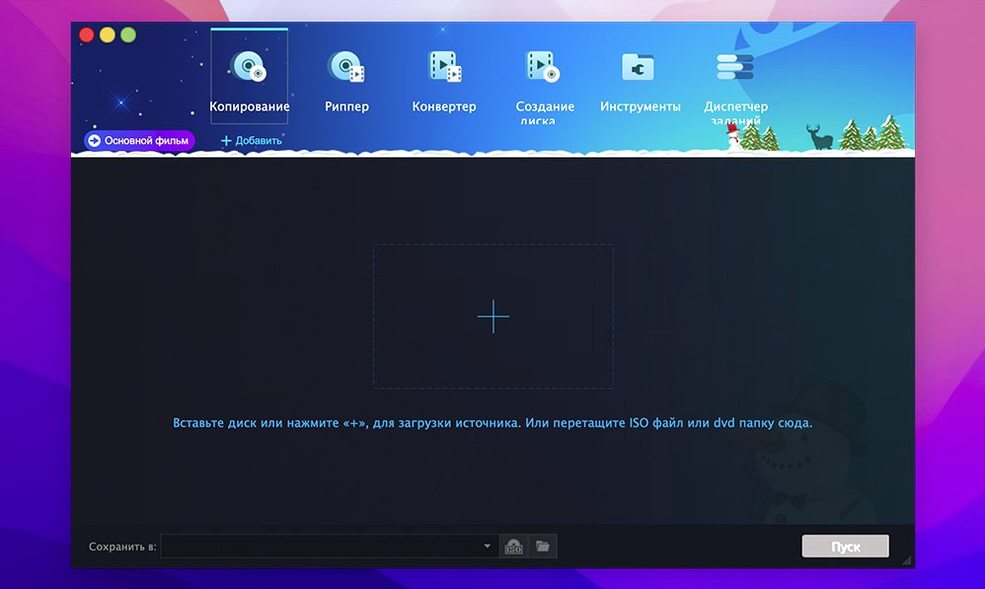
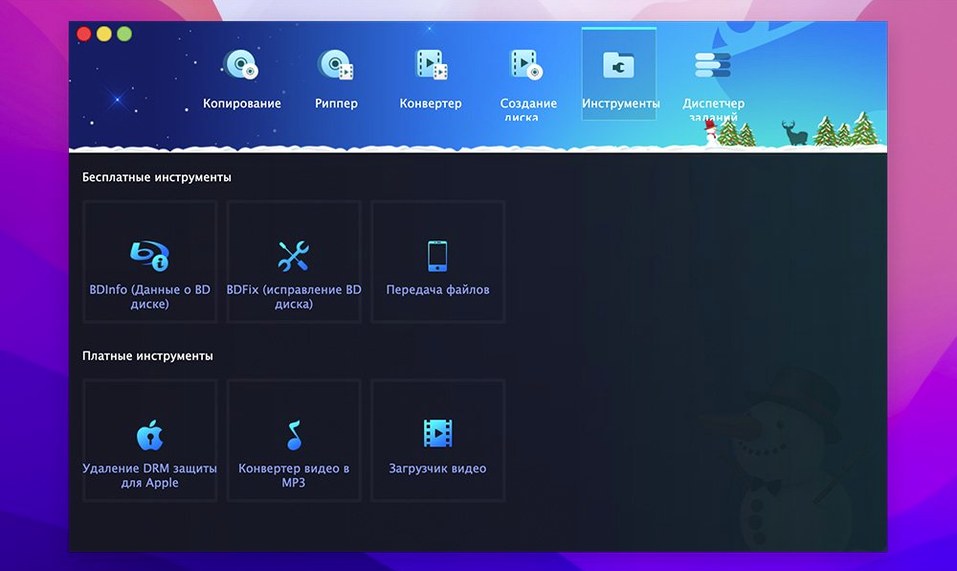
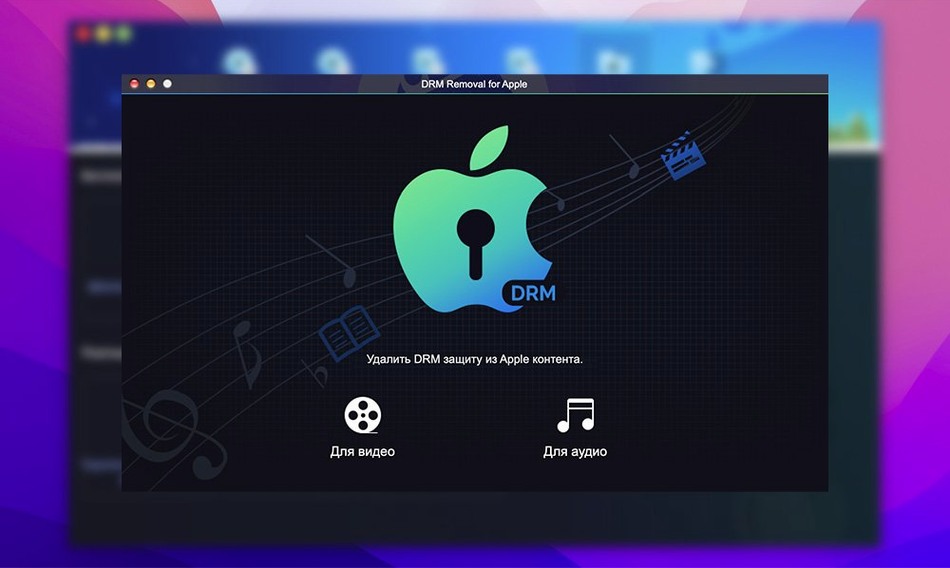
If you already use HandBrake for ripping or Burn for disc writing, DVDFab mac is the next step up: one suite that covers backup, ripping, burning, and authoring. Version 12.0.8.2 is the current release, and it runs on macOS from OS X 10.10 through 15.x, on both Intel and Apple Silicon.
Runs on macOS 10.10 through 15.x on Intel and Apple Silicon
- macOS 10.10 or later (up to 15.x)
- Intel and Apple Silicon
- Interface localized in 26 languages, including English, French, German, Spanish, Japanese, and Chinese
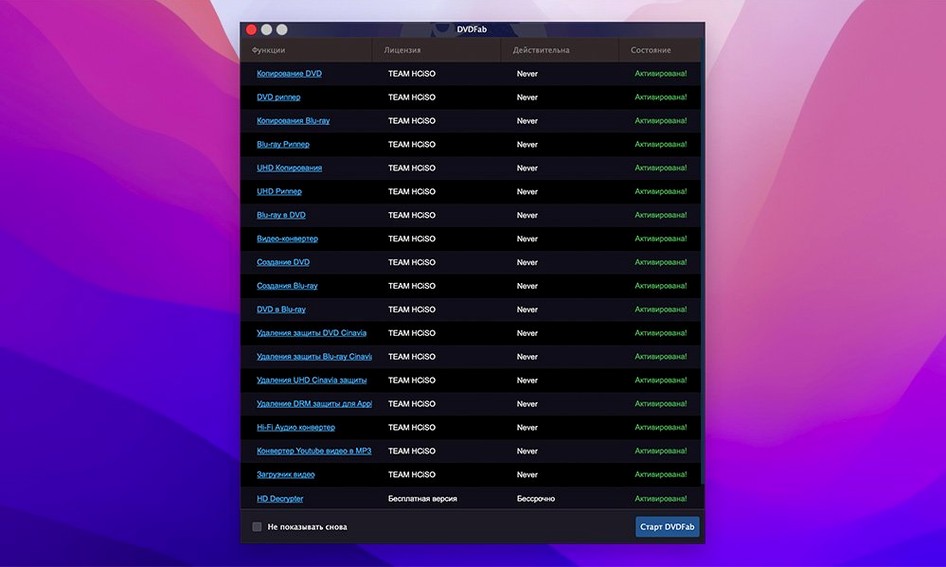
What the suite does
DVDFab can clone a DVD 1:1, including menus and trailers, or strip protections like CSS, Region Code, RCE, Macrovision, and UOPs. It burns DVD folders or ISO images to disc, supports dual-layer media, and merges titles from multiple sources into one DVD. Ripping and authoring round out the toolkit, so most disc workflows stay inside one app.
Choosing the wrong copy method strips menus and extras
The most common slip is choosing the wrong copy method for the disc. A user who wants the full menu structure but picks "Main Movie" ends up with just the feature, no extras. Another frequent issue is forgetting that a DVD-9 split into two DVD-5 discs needs two blank discs ready before you start. People also overlook the option to restore unreadable IFO files. When a disc is damaged and the program warns about the IFO, the correct first step is to let it attempt a recovery, not to cancel the job and retry with a different method.
A third mistake: assuming the write-data mode is for urgent burns only. It is useful for writing a pre-made ISO image, but beginners often try to burn a VIDEO_TS folder with it, which fails. The correct method for folders is "Write Data" set to DVD Video format, or use the "Customize" copy path if you want to rearrange titles first. Finally, users new to the suite sometimes skip the region-code check. If a disc is locked to Region 2 and your drive expects Region 1, the rip can stall mid-way. DVDFab strips region codes as part of its protection handling, but only if you explicitly select the removal option before starting.
12.x added DVD+R DL and DVD-R DL support
Version 12.0.8.2 sits in a branch that also covers 12.x and 13.x on the update page. The 12.x line added support for writing to DVD+R DL and DVD-R DL, which was not present in the earliest 12.0 releases. The 13.x branch, listed separately, includes newer disc-drive firmware compatibility for macOS 15.x. For everyday use, the practical change is that dual-layer burning no longer requires a separate pass through a command-line tool. The suite also widened its language set to 26 locales; users running macOS in Turkish, Croatian, or Arabic can now see menus in their system language without switching the interface to English.
Merge mode combines titles from different discs into one DVD
- Merge mode lets you combine titles from different source discs into a single DVD. If a box set has extras spread across two discs, you can collect them into one disc without re-authoring from scratch.
- The customise method gives you a title list where you can add or remove individual chapters, and keep the original menu if you leave it intact.
- When the IFO file is unreadable, the program attempts a restoration before failing. This can salvage a disc that another ripper would reject outright.
- The split method is the only way to fit a full DVD-9 onto two DVD-5s while preserving menus on each half.
Inserting a scuffed, Region 4 locked library DVD
You insert a DVD that came from the library, a disc with a scuffed label and a Region 4 lock. Open DVDFab. The source window shows the disc title and its capacity. You set the output format to DVD Folder, the copy method to "Full Disc," and tick the removal options for CSS and region code.
You switch the method to "Split" and choose a break point at the start of the second hour of the main feature. You click Start. The program reads the disc, decodes the copy protection, and writes the first half as a VIDEO_TS folder on the desktop. You swap the disc for a blank DVD-R, select "Write Data" from the main menu, point it to the folder you just created, and let it burn. Repeat for the second half.
Halfway through the second burn, the program finishes. You test both discs in a standalone player: menus work, chapter skips respond, and the fake region lock never appeared. Total time, including the read phase, is about forty minutes. The session used two modes (Full Disc with split, then Write Data) and one protective removal. No other app was needed.
- macOS OS X 10.10 or later
- Intel or Apple Silicon
Questions from the notes
Does DVDFab 12.0.8.2 work on Apple Silicon Macs?
Yes, the download center lists support for both Intel and Apple Silicon architecture on macOS 10.10 through 15.x.
Can DVDFab make an exact copy of a DVD?
It can clone a DVD 1:1, preserving menus and trailers, and it also removes common protections like CSS and region codes.
Install procedure
- Open the downloaded disk image.
- Drag the app into the Applications folder shortcut.
- After copying finishes, launch the app from Launchpad.
Reports from players
Sign in or create a tester account to file a report.
No reports filed yet.