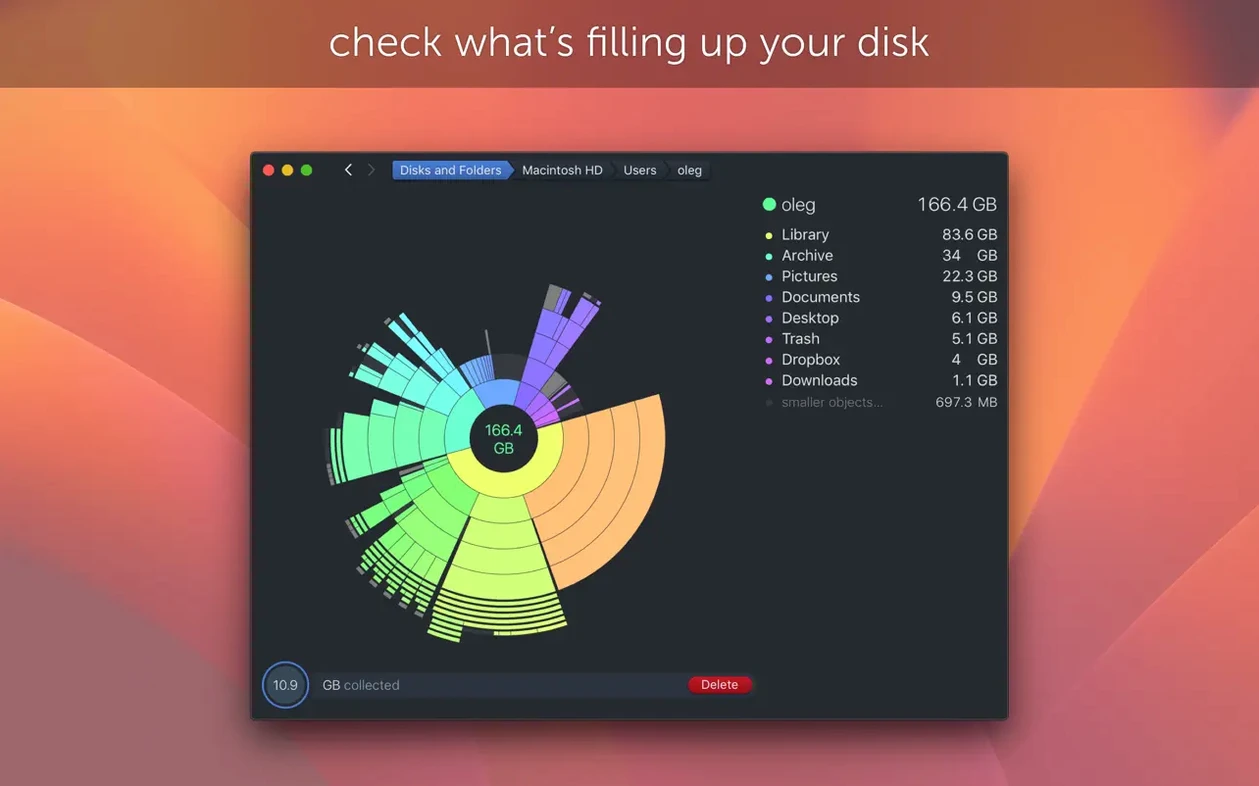
Disk space disappears faster than you expect, and hunting for the culprits in Finder is slow. DaisyDisk maps your drive as an interactive visual diagram, so you can see at a glance which folders and files eat the most space. It works on both Intel and Apple Silicon Macs, and requires macOS 10.13 or later.
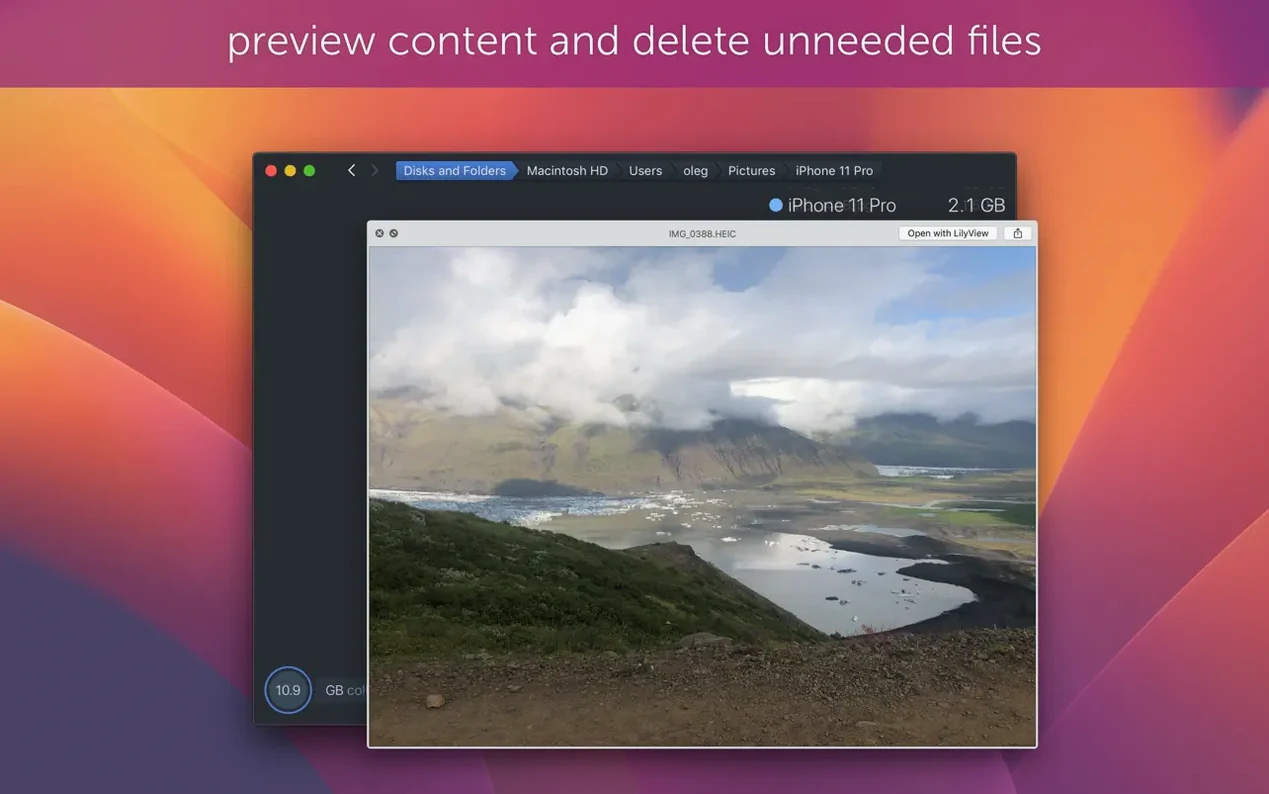
Drag files from the map into the deletion panel
- Can I actually delete files from it? Yes. Drag any file or folder from the map into the deletion panel, and DaisyDisk removes it.
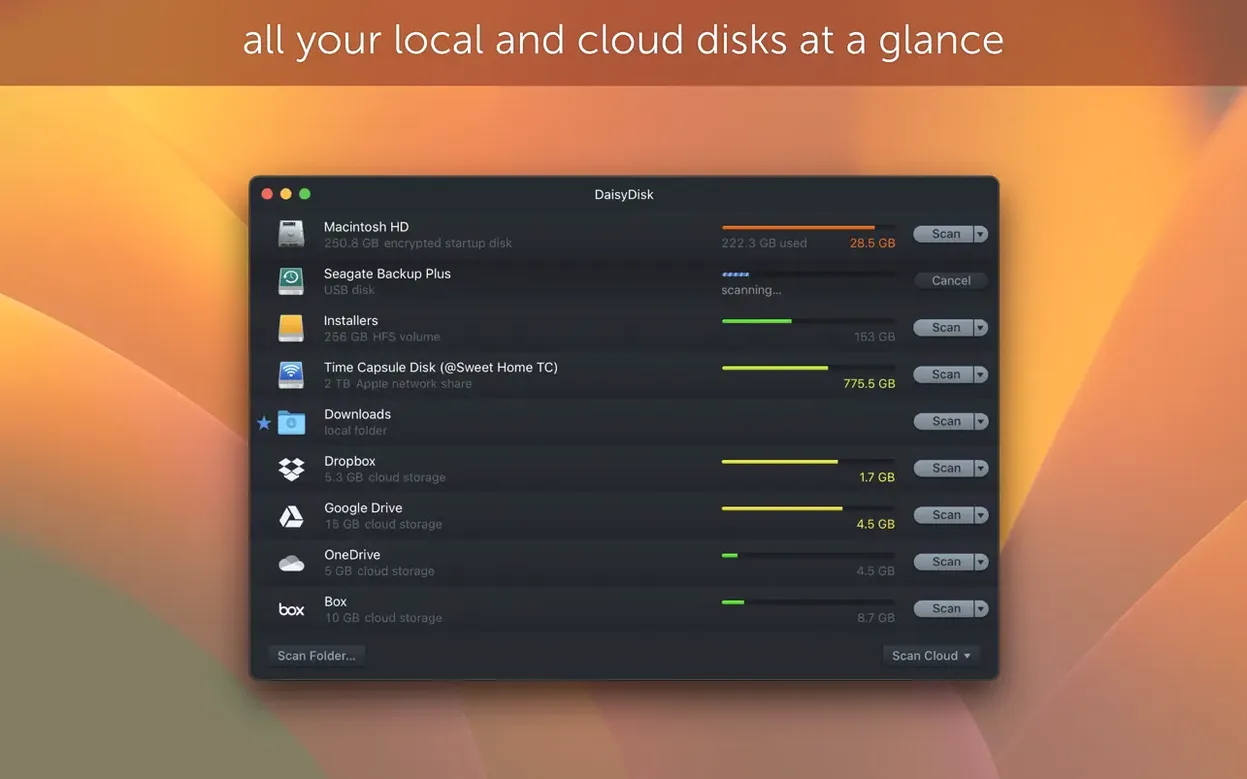
- Does it handle multiple disks? It scans mounted disks in parallel, which saves time if you have several volumes or external drives.
- What about modern Mac features? Version 4.34.2 adds support for APFS clones and counts only the first occurrence of each clone in used space calculations. That means no double counting on APFS volumes.
- Is it usable in my language? The interface is available in English, French, German, Spanish, Italian, Polish, Russian, Swedish, Japanese, and Simplified or Traditional Chinese.
What the visual map gets you
The map isn't just decorative. Each block represents a file or folder, and its size is proportional to how much disk space it takes. You can drill down into nested folders, sort by size, and spot large unnecessary files like old installers, caches, or duplicate backups. It supports Retina displays, so the map stays sharp on modern screens. If you still need the daisy disk torrent to evaluate it, the version you get here is the full 4.34.2 release.
Switch from the boot drive to external volumes in the scan menu
A few changes right after installation make a difference. The interface defaults to scanning the boot drive, but you can switch to a specific volume from the scan menu. If you work with external drives or network mounts, scan them in parallel — the option is in the preferences panel. Enable the Quick Look integration if you plan to preview files before deleting them; it saves opening Finder just to check what a file is. Retina users should confirm high-DPI mode is active, though DaisyDisk detects it automatically on most setups.
Version 4.34 added support for APFS clones
- Version 4.34.2 fixes a bug — the release note does not specify which bug, but updates from this series tend to address scan stability or calculation edge cases.
- Version 4.34 added support for APFS clones. This matters if you use macOS features like copy-on-write or snapshots, because the app now counts each clone only once in used space. Before 4.34, cloned files could appear larger than they really were.
- Version 4.34.1 fixed a scanning bug affecting macOS versions older than 14 Sonoma. If you are on macOS 10.13 through 13, this fix keeps the scan from stalling on certain directory structures.
- Version 4.33.2 improved support for macOS Tahoe and made hidden space estimation more accurate. It also corrected size calculations on FAT32 and exFAT file systems, which are common on USB drives and SD cards.
None of these changes alter the core workflow — the map, the drag-to-delete panel, and the parallel scan feature work the same way. The APFS clone fix is the most relevant for users on newer macOS versions with Apple Silicon machines.
Runs on macOS 10.13 or later and supports Apple Silicon
DaisyDisk runs on macOS 10.13 or later and supports both ARM (Apple Silicon) and 64-bit Intel architectures. It can handle any mounted file system the OS sees, including internal SSDs, external HDDs, USB flash drives, and APFS or exFAT volumes. The interface loads in one of eleven languages — the installer picks the system language automatically, and you can switch later from the preferences menu.
Because it is a single-purpose tool, it does not index files in the background or slow down normal work. The scan time depends on how many files are on the target volume; the app reads the file system metadata, not every byte. The visual map updates as you drill down, so you never wait for a full scan to finish before starting cleanup. The deletion panel works like a staging area — files land there before removal, so accidental drags can be reviewed.
Scans mounted disks in parallel unlike competitors
Disk Space Analyzer
Disk Space Analyzer also uses a treemap visualization, but it lacks parallel scanning and Quick Look integration. DaisyDisk shows the "Other" category breakdown, which Disk Space Analyzer does not. For daily cleanup, the drag-to-delete panel in DaisyDisk feels faster than right-click menus in the alternative.
SpaceRescue
SpaceRescue focuses on detecting duplicate files and large archived data, but its map is less interactive. DaisyDisk gives you more control over deletion flow — you can queue files from multiple folders before confirming removal. SpaceRescue does not support Retina displays as consistently, which matters on MacBooks with high-resolution screens.
TreeSize Pro for Mac
TreeSize Pro offers a list-based view with optional charting. Its strength is exporting reports for managed environments. DaisyDisk is more visual and immediate — the map shows size relationships without reading numbers. TreeSize Pro requires macOS 11 or later, while DaisyDisk runs on 10.13 and up, making it a better fit for older Macs still on High Sierra or Mojave.
- Fixes a bug.
- Adds support for APFS clones.
- Counts only the first occurrence of each APFS clone in used space calculations.
- macOS 10.13 or later
- Intel or Apple Silicon
Questions from the notes
Does DaisyDisk work on macOS Tahoe?
Version 4.33.2 improved support for macOS Tahoe, and it runs on macOS 10.13 and later.
Can I use DaisyDisk on external drives?
Yes, it scans mounted disks in parallel, so external volumes are handled alongside internal ones.
Install procedure
- Mount the disk image and run the app. If Gatekeeper blocks it, open Terminal and press Enter to bypass.
- Drag the app to the Applications folder.
- Launch it when the copy finishes.
Reports from players
Sign in or create a tester account to file a report.
No reports filed yet.