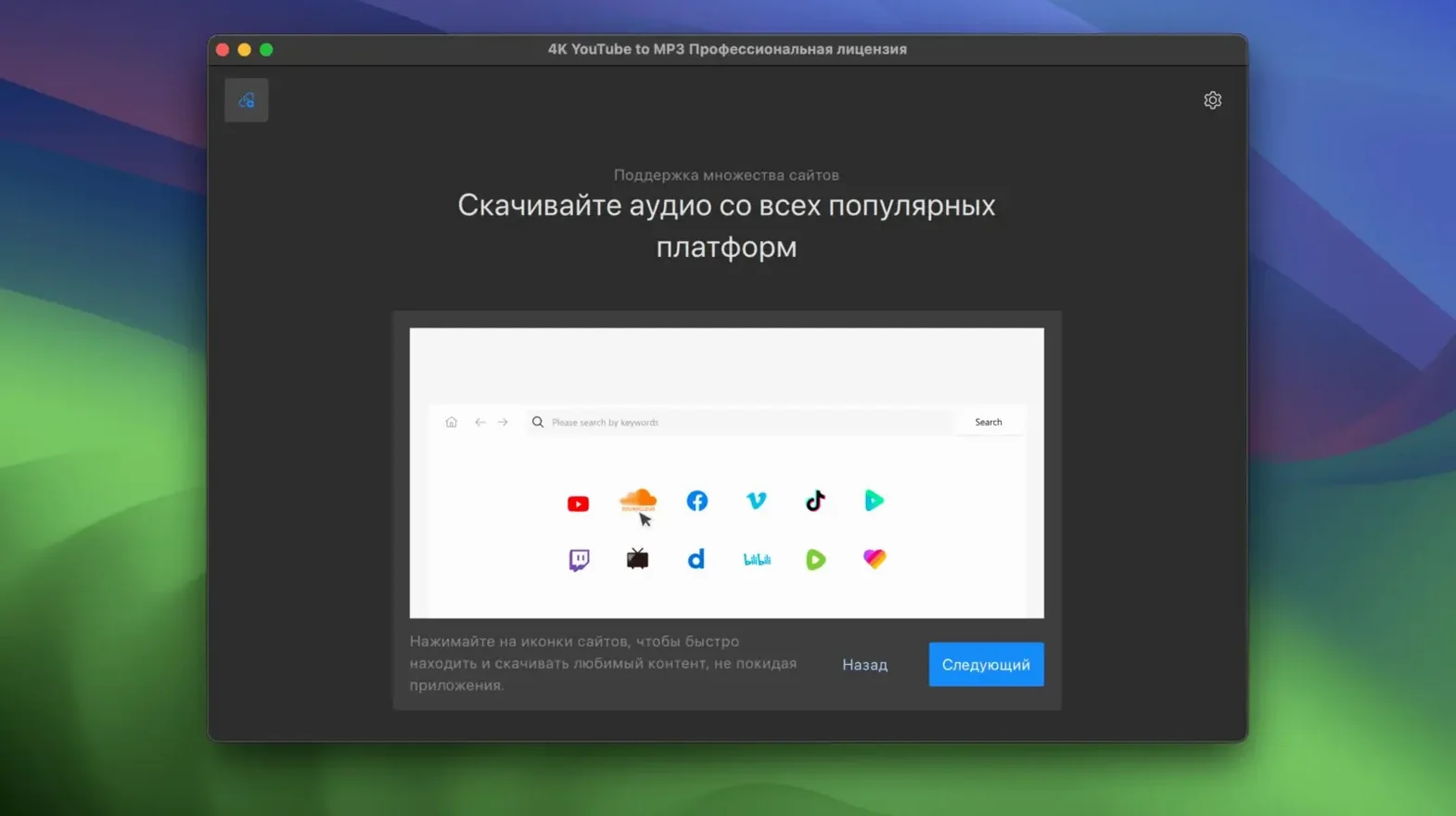
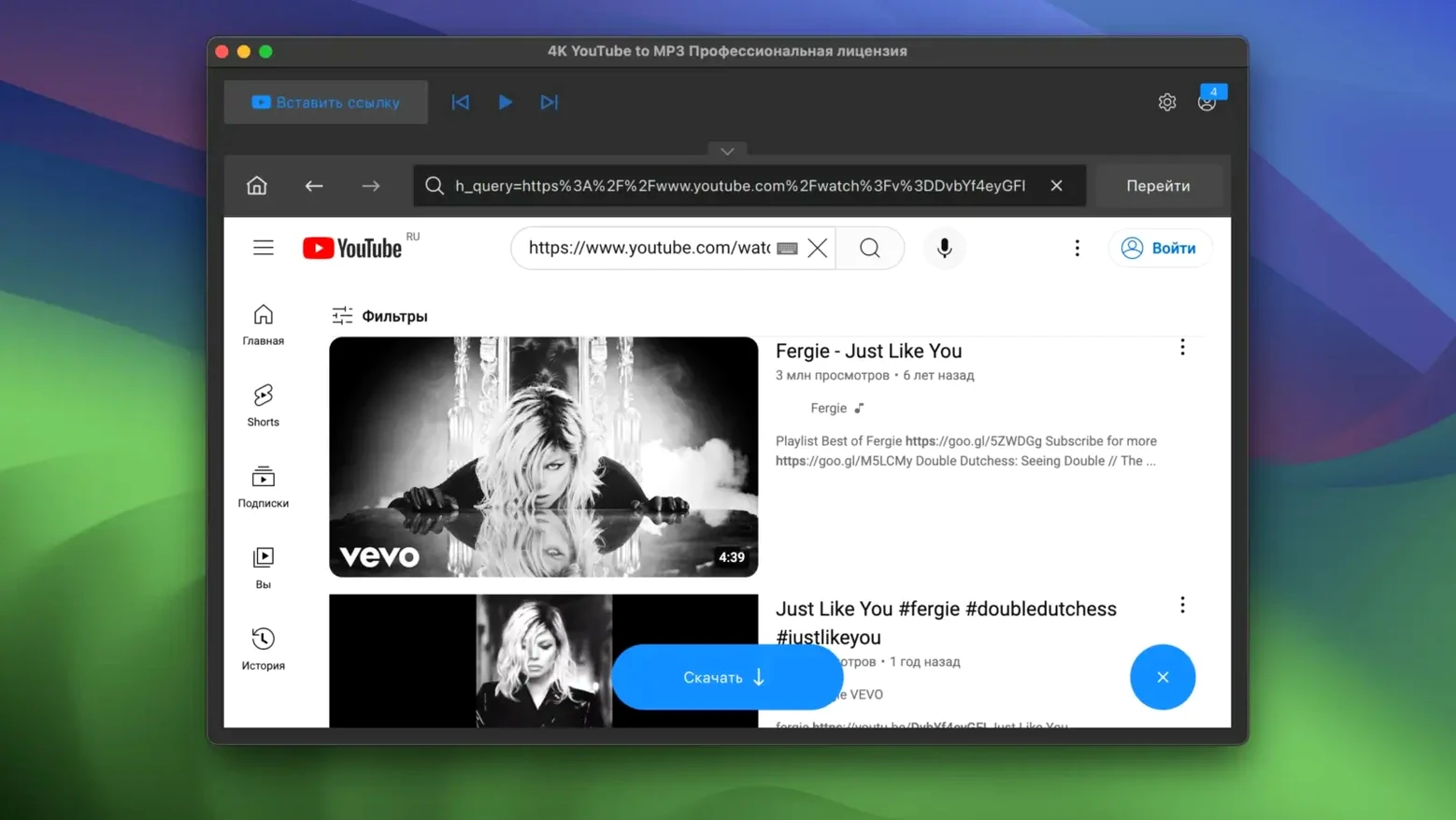
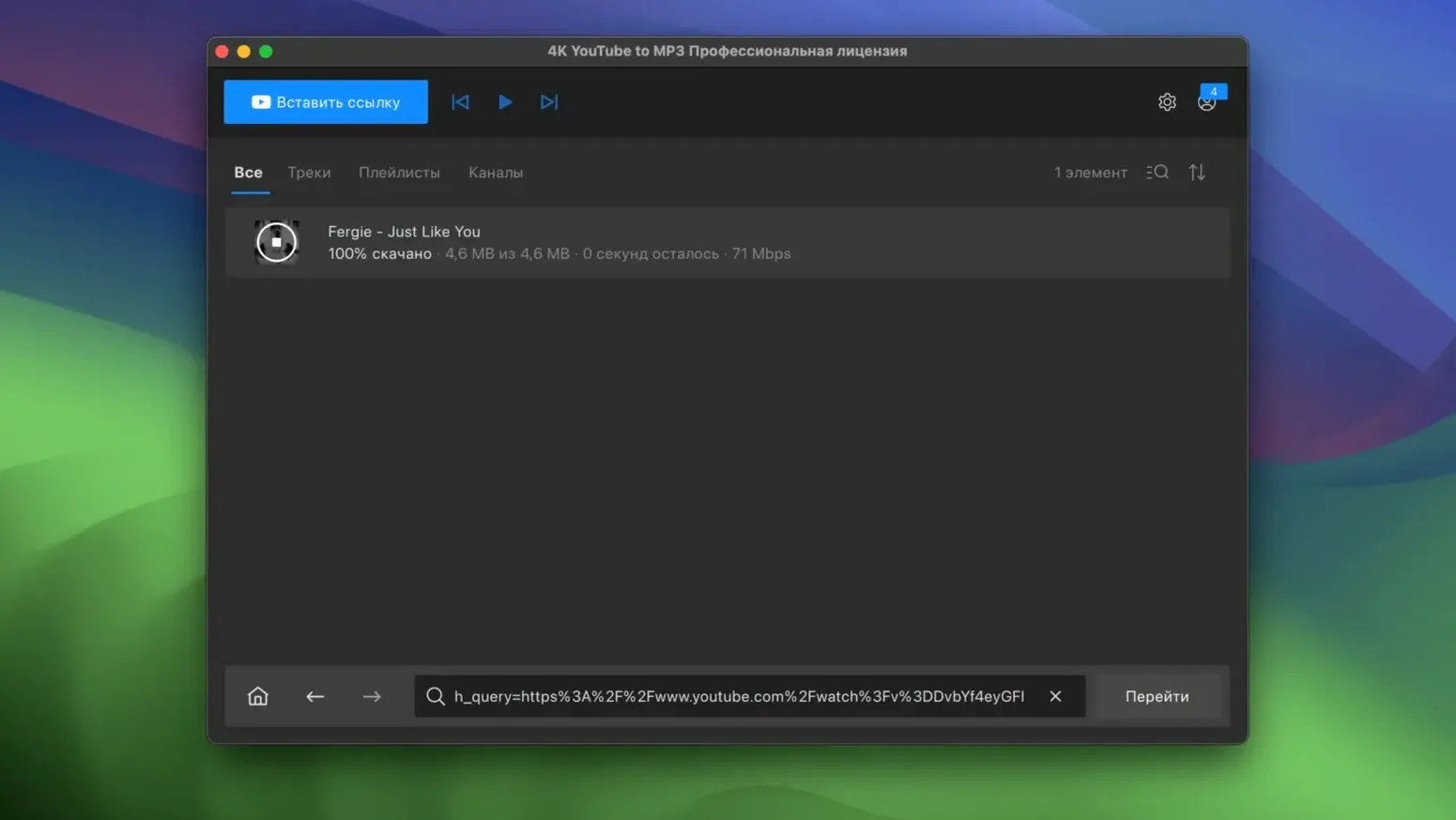
You paste a long YouTube mix into the app, pick MP3 as the output, and let it run through the playlist. That is the core workflow, and version 26.3.5 handles it without fuss. The interface stays in English, and the controls are sparse enough that you are never hunting for the right button.
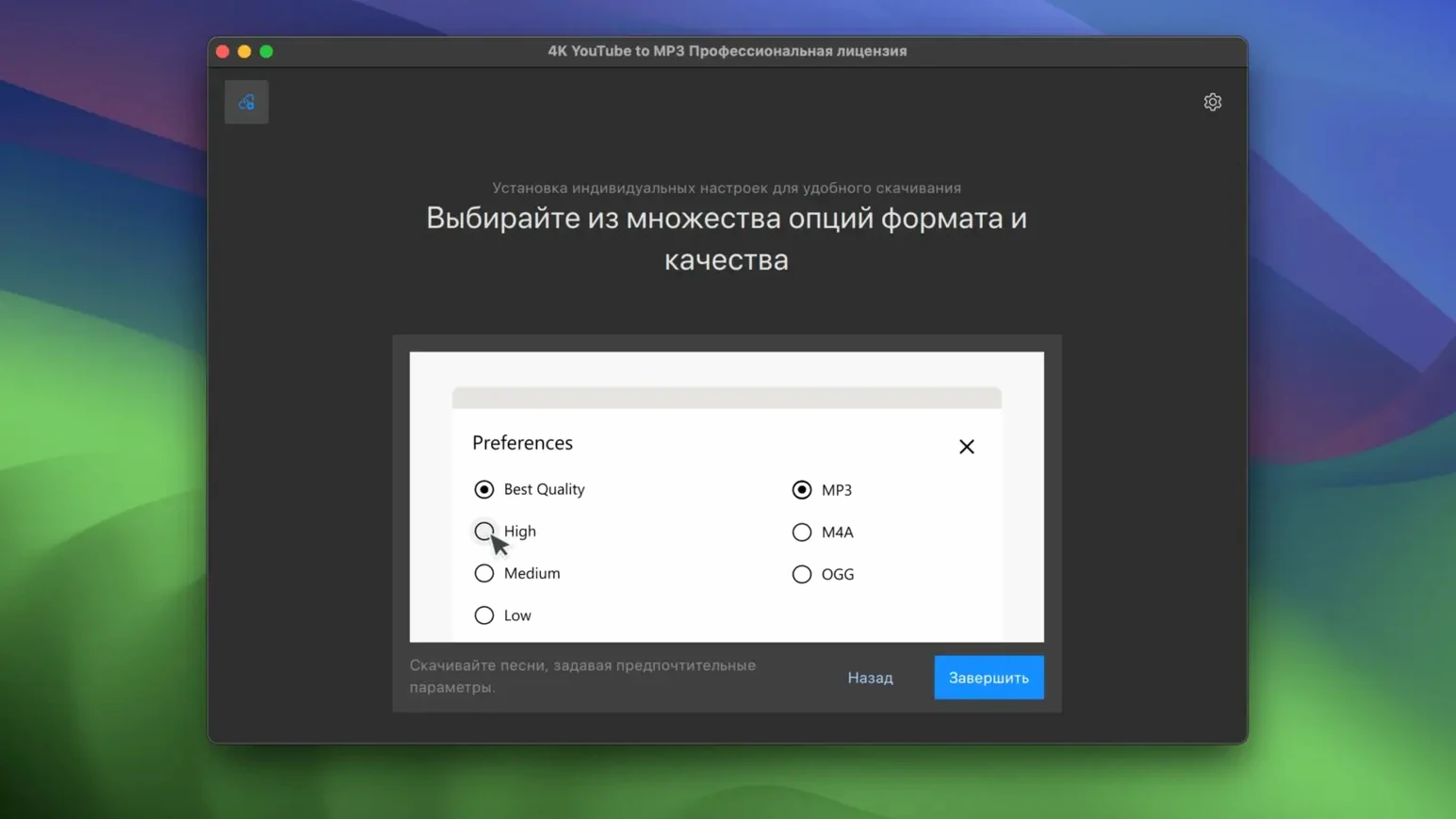
What matters for an experienced user is the output flexibility. The app writes MP3, M4A, and OGG, so you can match the container to your player or editing workflow. Playlist support means you do not have to queue tracks one by one, which is a real time-saver when you are pulling a whole album or a podcast series.
It runs on macOS 12 and newer, but note the Intel-only build — Apple Silicon users will need Rosetta or a different tool. The downloader is separate from 4K Download itself, so you get a focused utility rather than a bloated suite.
For a 4K converter YouTube audio extraction, the app does exactly what the name says. No extra features, no clutter, just a direct path from URL to audio file.
Runs on Intel Macs natively and via Rosetta 2 on Apple Silicon
Given the Intel-only architecture and the macOS 12 minimum, the app runs as a 64-bit x86 binary. On Intel Macs, it is native. On Apple Silicon models, macOS handles the translation through Rosetta 2 automatically, but the app will not show up as an Apple Silicon-native process in Activity Monitor. The interface is responsive regardless — the app is not doing heavy video rendering, it is pulling audio streams and repackaging them.
The 26.3.5 build is a single-purpose tool, so memory usage stays low during idle. When you paste a playlist, the app will fetch metadata and then begin downloading each track sequentially. It does not batch-download several videos at once, which keeps bandwidth predictable. The app writes files to your chosen output folder, one per track, in the format you selected before starting the download.
If you are on a Mac with limited storage, keep an eye on the output directory. M4A and OGG at comparable bitrates are similar. The app does not compress or re-encode on the fly — it extracts the audio stream from the source video, so the file size is roughly what the stream provides.
Fix a pasted link that does nothing by checking the URL format
A few recurring issues come up with this kind of tool. Here is what people run into and how to get past them without reinstalling or hunting for hidden settings.
- Paste a link, nothing happens. The URL format matters. YouTube, VEVO, SoundCloud, and Facebook links are supported. If you paste a shortlink or a private video URL, the app may not parse it. Use the full public URL from the browser address bar.
- Playlist downloads stop partway through. The app processes tracks in sequence. If one video in the playlist is unavailable, region-locked, or deleted, the queue stalls. Remove the offending URL from the playlist and restart the download from the remaining tracks.
- Output folder permission errors. If the app is installed via drag-and-drop into Applications, it runs with the user's permissions by default. Make sure the output folder is writable by your user account. Avoid system-owned folders like
/Systemor/Volumeswithout write access. - App opens, but the interface is blank or frozen. This sometimes happens after a macOS update that changes security policies. Re-drag the app to Applications, then right-click and choose Open. If Gatekeeper blocks it, use Terminal as described in the install steps to bypass the block once.
- Files download as .part or .tmp. The app writes temporary files while downloading. If the download is interrupted, these remain. Delete them manually and restart the download. The app does not clean up partial downloads on its own.
Extracts audio without extra tools compared to Mac alternatives
There are a handful of Mac apps that extract audio from streaming sites. Here is how this one stacks up against a couple of common alternatives, based on what each does out of the box.
Versus YouTube to MP3
Versus is a free command-line tool that also pulls audio from YouTube. It gives you full control over bitrate and format, but requires terminal comfort. 4K YouTube to MP3 provides a graphical interface and playlist support out of the gate. If you are comfortable in Terminal and want maximum control, Versus is viable. If you want to paste a playlist link and walk away, the 4K tool saves time.
Downie
Downie is a paid Mac app that downloads video and audio from many sources, including YouTube, Vimeo, and SoundCloud. It supports Apple Silicon natively and offers more format options, including video downloads. 4K YouTube to MP3 is narrower — audio-only, three formats — and may be a better fit if you never need video and want a simpler interface. Downie costs money; the 4K tool is activated here for use without a license.
YT Downloader (various open-source projects)
Several open-source tools like youtube-dl or yt-dlp offer the same core functionality via command line. They support more sites and are updated frequently. 4K YouTube to MP3 trades flexibility for ease of use. The graphical interface and playlist handling make it a solid pick for users who do not want to maintain a config file or update a script.
Real-world scenario: the podcast archiver
Sarah runs a small podcast network and needs to archive back episodes from a few SoundCloud shows that are scheduled for deletion. She has a 2019 iMac running macOS 12. She opens 4K YouTube to MP3, pastes the link to the first show's playlist (about 40 episodes), and sets the output format to M4A for compact file sizes. The app downloads each episode sequentially. While it runs, she works in other apps — the downloader does not hog CPU or network. Two hours later, the archive folder has 40 files, each with the episode title from the page metadata. She repeats the process for the other shows. No terminal commands, no scripting, and no need to rename files manually because the app keeps the original titles. For her, the app replaces a fragile workflow of browser downloads and manual renaming with a single paste-and-wait operation.
- No release notes were available for version 26.3.5 in the official results.
- macOS 12 or later
- Intel 64-bit processor
- Interface language: English
Questions from the notes
What audio formats can I save with 4K YouTube to MP3?
You can save audio as MP3, M4A, or OGG, depending on your playback or editing needs.
Does 4K YouTube to MP3 support playlists?
Yes, the official site states that the app supports playlists, so you can batch-convert multiple videos at once.
Install procedure
- Mount the disk image and launch the installer — Gatekeeper will prompt you.
- Press Enter in Terminal to bypass Gatekeeper.
- Drag the app to the Applications folder.
- The app is ready to use.
Reports from players
Sign in or create a tester account to file a report.
No reports filed yet.