1Password for Mac requires macOS 10.12 or later and runs on Intel 64-bit hardware. Version 7.9.4 is the current release, and it brings no new features — the application is stable, with the same set of tools that have defined it for years.
What version 7.9.4 keeps
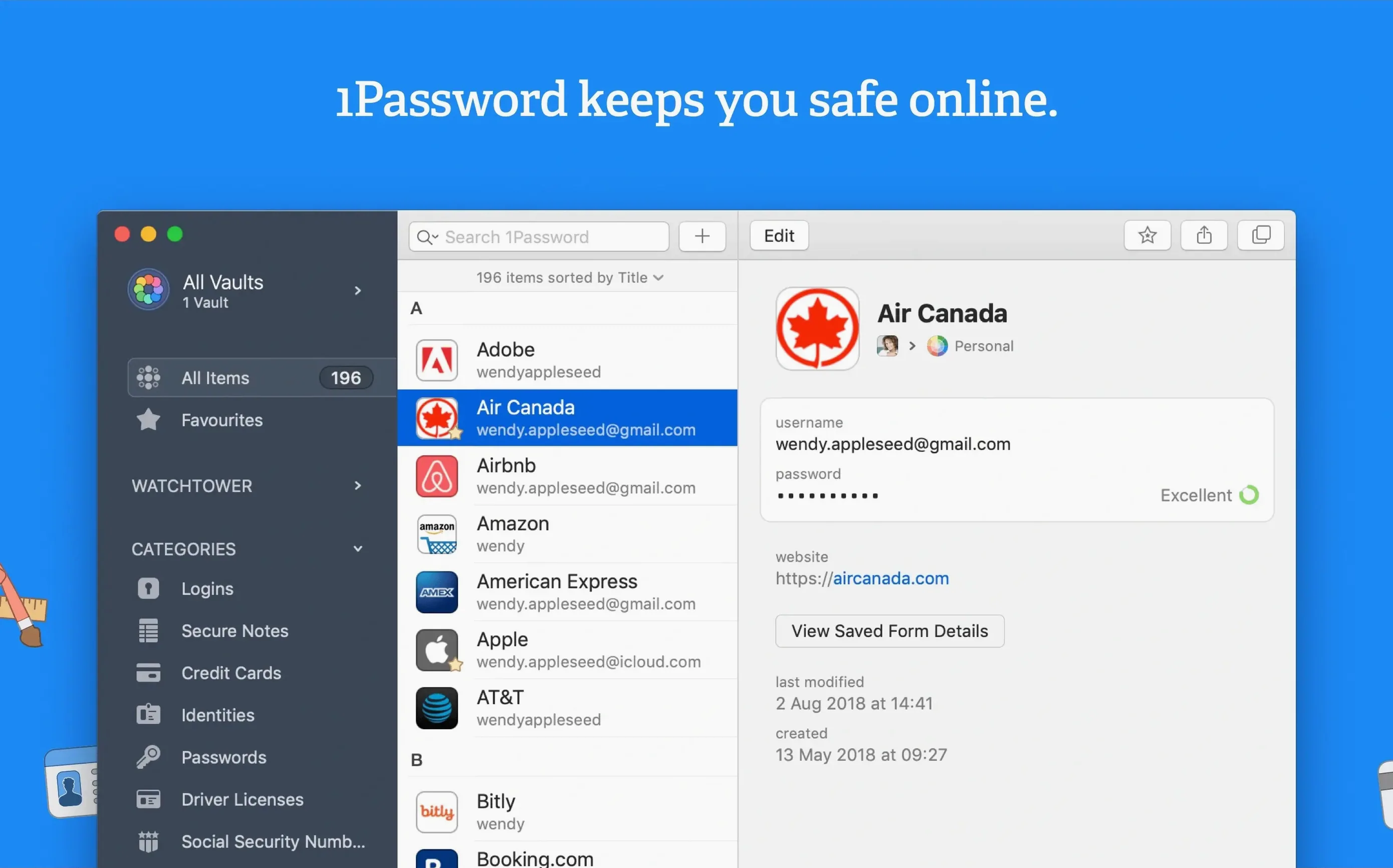
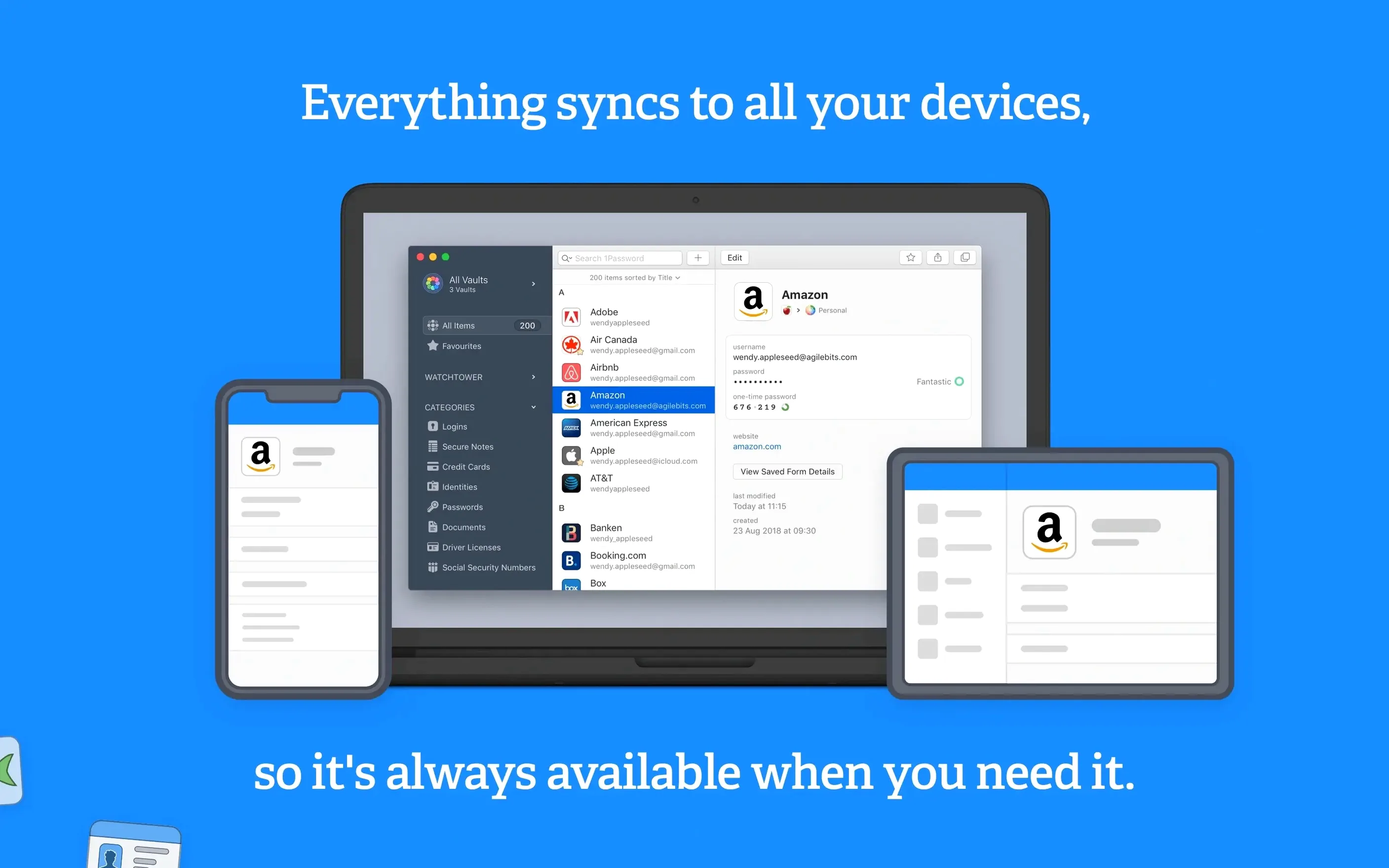
Watchtower still scans your vault for weak, compromised, and reused passwords, and flags sites that use unencrypted HTTP. The master password remains the only key to your data — a design that hasn't changed. Form filling works with a single action across browsers and apps. You can store passwords, credit cards, secure notes, and other items in one place.
Languages and compatibility
AgileBits ships 1Password with support for 21 interface languages, including English, French, German, Spanish, Italian, Russian, Japanese, and both Traditional and Simplified Chinese. The Intel-only architecture limits native Apple Silicon performance to Rosetta 2 translation, but the app runs without issues on modern Macs.
Browser extension connection hiccups
A few things trip people up when they first set up 1Password 7.9.4. The browser extension sometimes doesn't connect right away. If the app doesn't detect that you've installed it, restart both the browser and 1Password. That usually does it. If not, check that the extension is enabled in your browser's extension manager — some privacy tools disable it during installation.
Another frequent issue: the app asks for your master password but won't accept it. This is almost always a typo or a stuck keyboard layout switch. Caps Lock is the usual suspect. Type the password into a text editor first to see what comes out, then paste it into the master password field. After that, change nothing and proceed.
Watchtower scans can take a while on a large vault. If the scan appears stuck, give it a few minutes. The app isn't frozen — it's working through every entry. On older Macs with mechanical drives, the scan can feel slow. Let it finish.
Importing from other managers sometimes produces duplicate items. 1Password doesn't merge duplicates by default — you get two entries for the same site. The easiest fix is to delete the duplicate manually after confirming which one has the correct password. There's no built-in deduplication tool in 7.9.4, so keep an eye on it during import.
The 1password duplicate item problem also appears if you save the same login from two different browsers. Check your vault after the first sync and remove extras before they pile up.
Unlock the vault and start the morning routine
Morning. Open the Mac, unlock the vault with the master password. The app sits in the menu bar, out of the way. Open a browser — the extension is already there, grayed out until you authenticate. Type the master password once, and the extension turns blue. You're in.
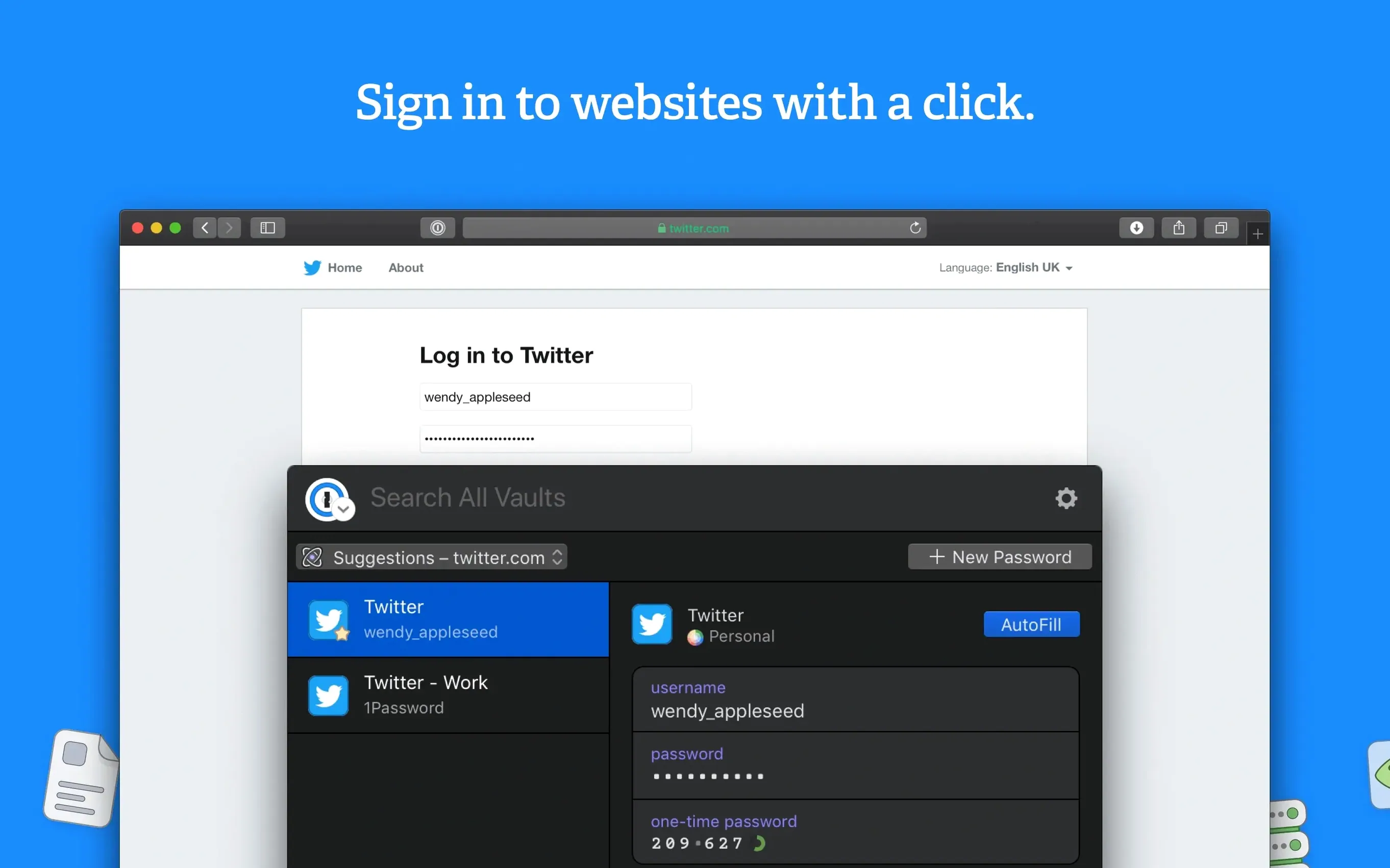
Navigate to a forum you haven't visited in months. The login page has the username and password fields. Click the 1Password icon in the toolbar. It offers the saved login for that site. One click, and both fields fill. Hit enter. Done.
Midday: a new account setup for a project management tool. Type a username, then let 1Password generate a password. It suggests one with mixed case, numbers, and symbols. Accept it. The app offers to save the login automatically. Approve it. The entry goes into the vault, tagged with the site URL.
Late afternoon: pay an invoice. Open the credit card entry in the vault. Click the card number field — it copies to the clipboard. Paste it into the payment form. Same for the expiration date and CVC. The details never touch the browser's autofill, which is a small comfort.
End of day: lock the vault. The menu bar icon goes gray. No one can access the vault without the master password, even if the Mac is left unlocked.
Freelancers and sysadmins with dozens of logins
People who juggle dozens of logins — freelancers, remote workers, sysadmins — save time with form filling and generated passwords. Anyone running a small business with shared accounts can store secure notes for Wi-Fi passwords, server access, or software licenses. Journalists and privacy-conscious users benefit from the Watchtower scans that flag sites still on HTTP or missing two-factor authentication.
Users on older Macs running macOS 10.12 or later get full functionality without needing new hardware. The Intel-only requirement means that anyone on a pre-Apple Silicon Mac runs it natively, no translation layer needed. That includes most Macs from 2012 through 2019.
Multilingual users appreciate the breadth of interface languages. The vault content stays in whatever language you typed it, but menus, alerts, and Watchtower reports display in one of 21 languages. Switching between them doesn't require reinstalling — the locale is baked into the app.
Set automatic lock for sleep or screensaver
After installation, open Preferences. A few adjustments make the app behave the way you actually use it:
- Automatic lock. Set it to lock the vault when the Mac goes to sleep or when the screen saver activates. That way, walking away from the desk locks the vault without thinking about it.
- Passwords and credit card numbers sit in memory otherwise. This is a simple safeguard that costs nothing.
- Watchtower schedule. Let it run on its default schedule. If you prefer manual control, disable automatic checking and run a scan once a week. The scan covers all entries, so weekly coverage is enough for most vaults.
- Browser integration. Confirm that all the browsers you use are listed and enabled. If you use a less common browser, check whether 1Password supports it. For the big ones — Chrome, Firefox, Safari, Edge — it works out of the box.
- macOS 10.12 or later
- Intel 64-bit architecture
Questions from the notes
How do I find a 1Password duplicate item?
1Password does not have a built-in duplicate finder in version 7.9.4. You can manually review your vault or use third-party tools to identify duplicate entries.
Install procedure
- Mount the disk image and run the installer — Gatekeeper allows it.
- Press Enter and wait for the process to finish.
- Complete the standard installation steps.
- The app is ready to use.
Reports from players
Sign in or create a tester account to file a report.
No reports filed yet.