
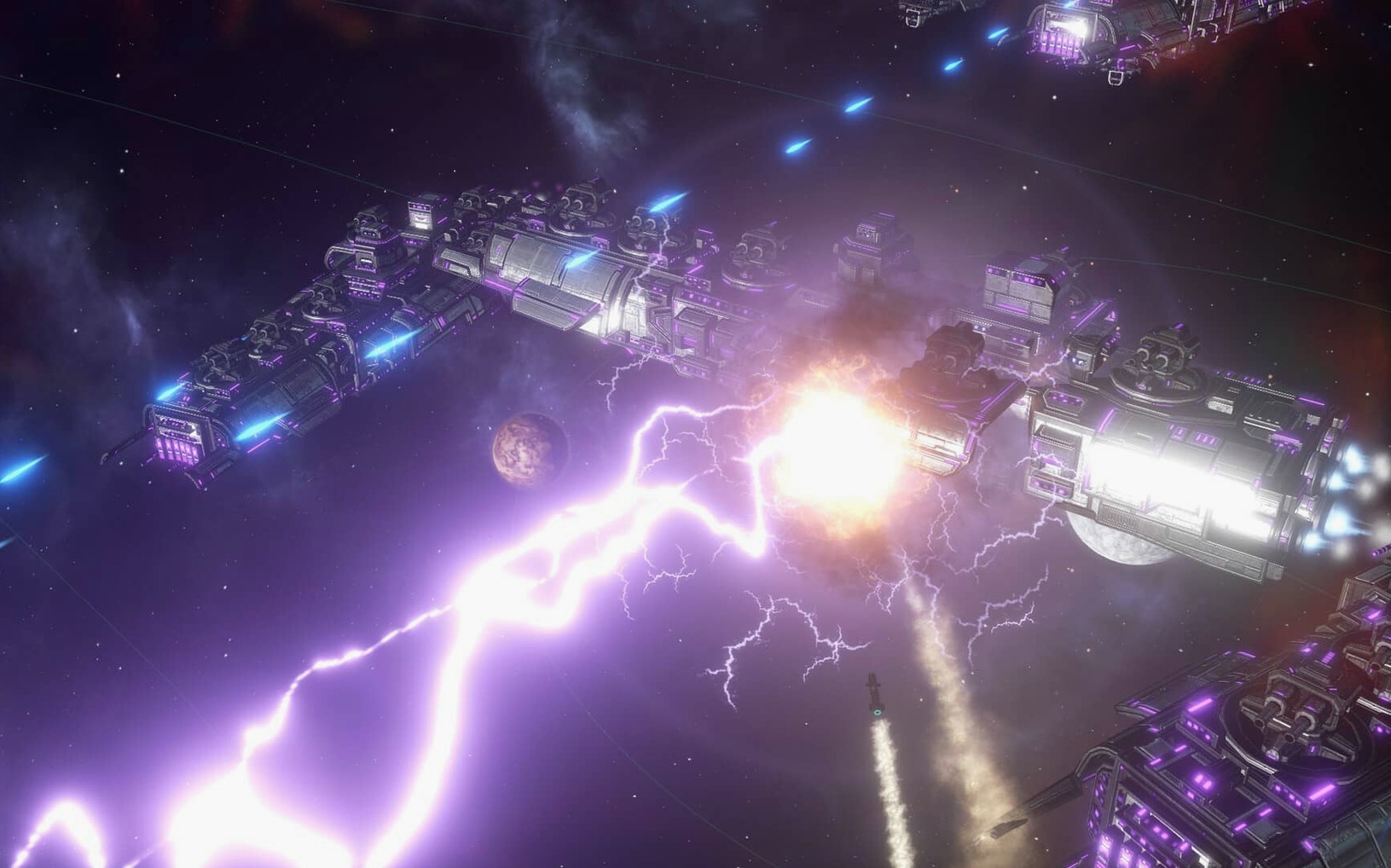
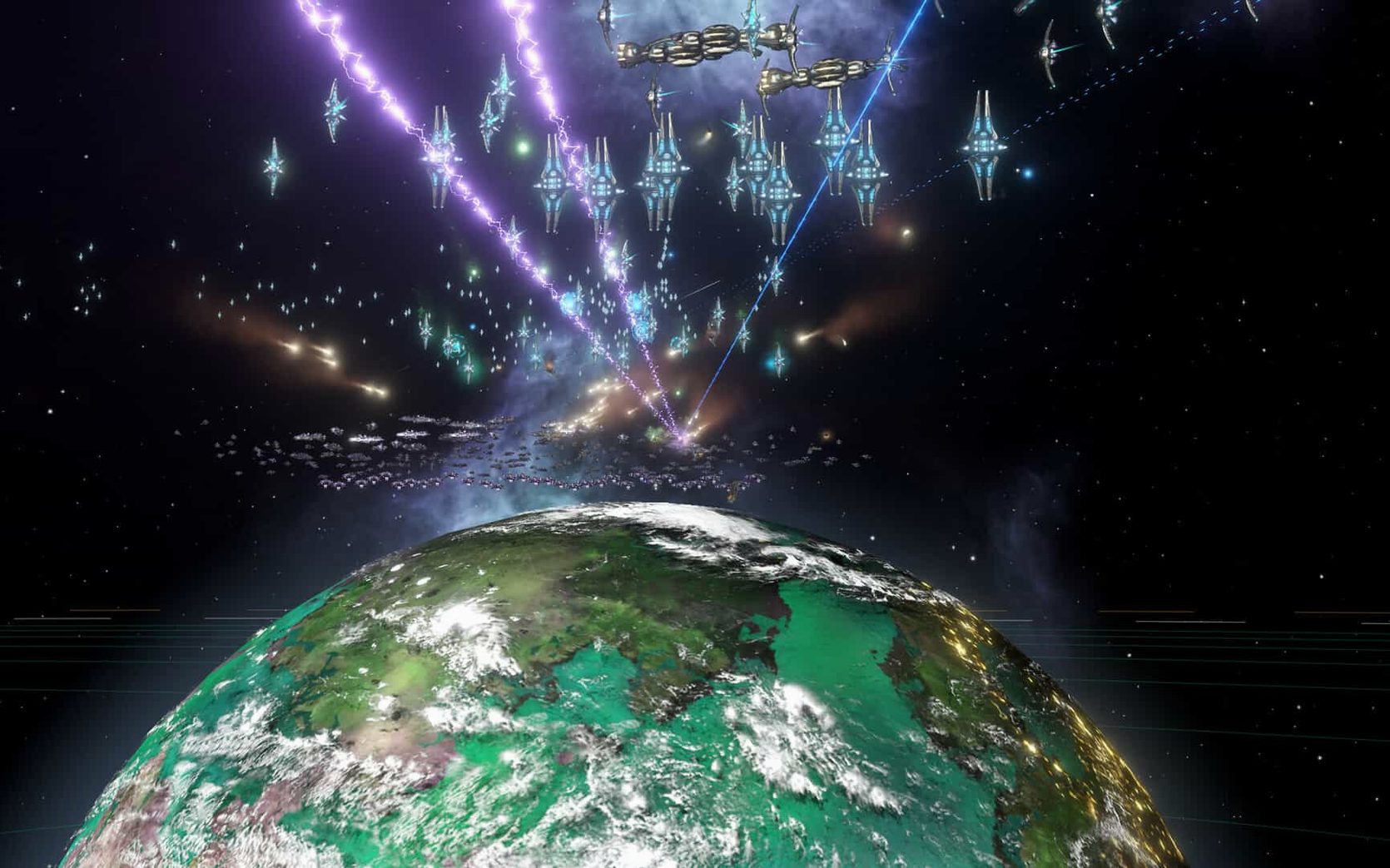
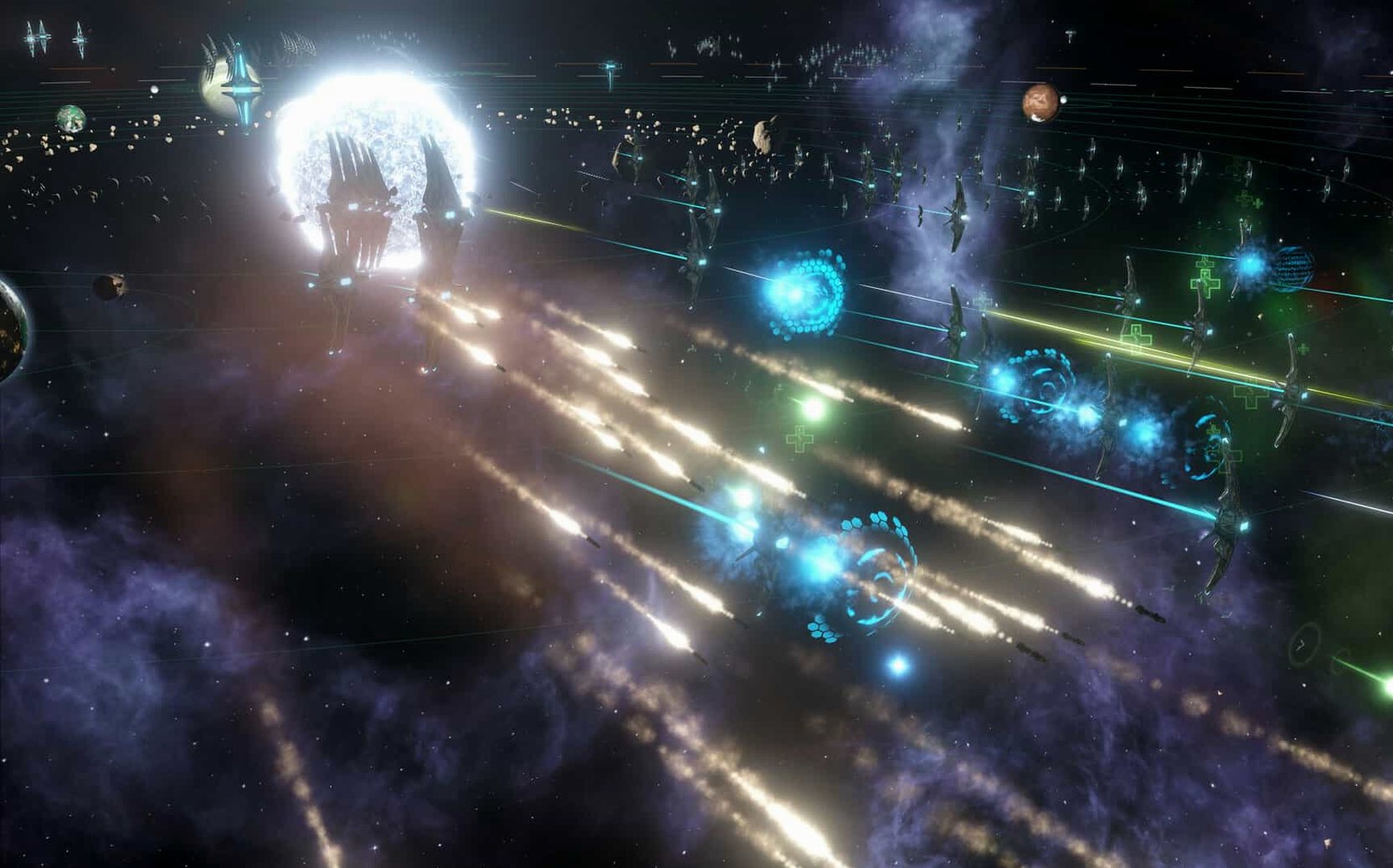
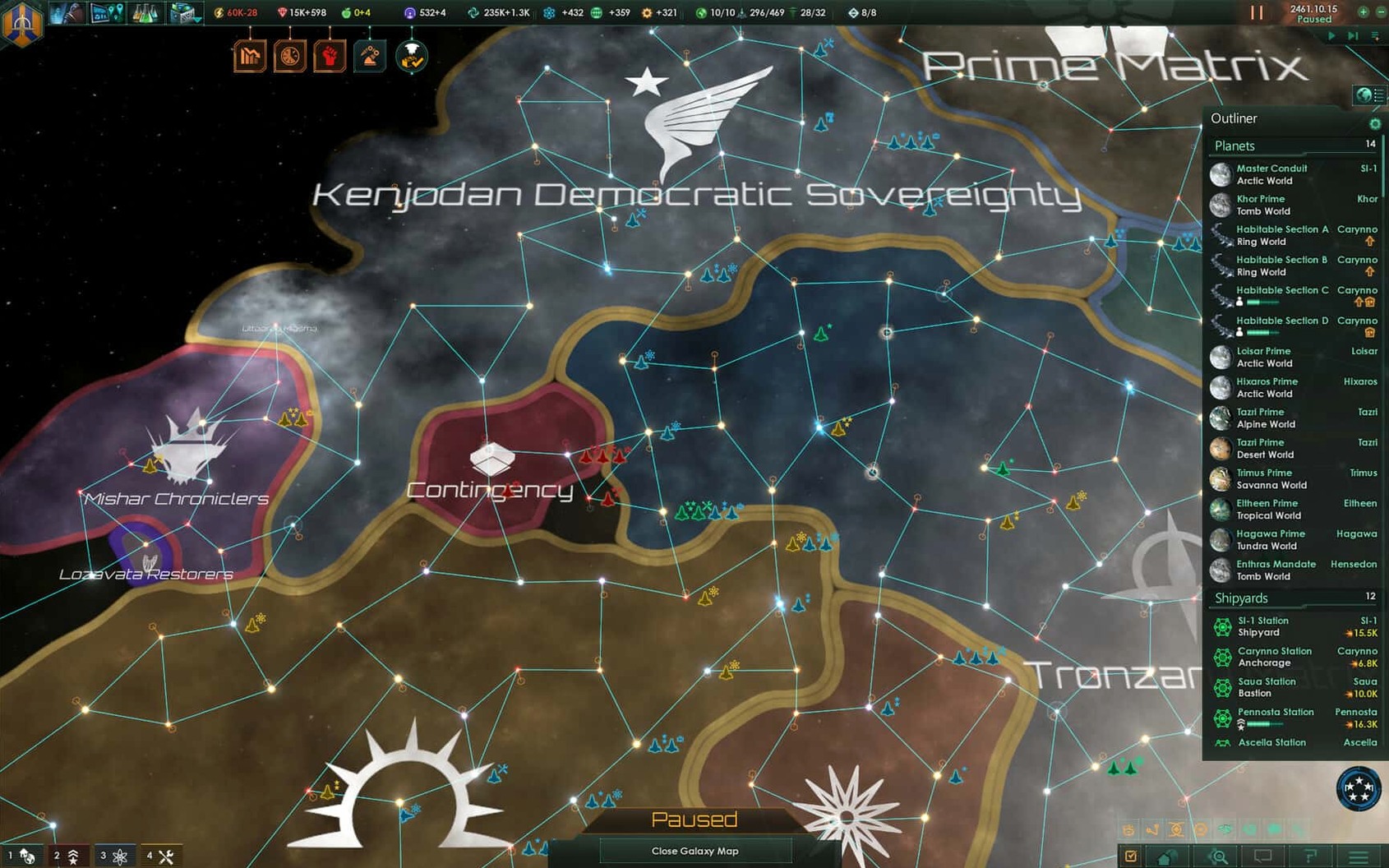
The clock in the upper corner of the screen marks the passage of centuries. That is the scale of Stellaris, a real-time 4X grand strategy game from Paradox Development Studio, the team behind Crusader Kings and Europa Universalis. You leave Earth, send out colonizers to sample planets and hunt for useful resources, then build bases and industrial facilities on successful colonies. As your society grows, internal conflicts rise alongside the external threats.
Some regions can become autonomous units with their own governors. The artificial intelligence can manage those regions for you, which frees attention for diplomacy, war, and the next expansion wave. It is a game about juggling priorities: where to expand, what to research, who to trust.
Who will enjoy it: players who like systems-heavy strategy, who find satisfaction in watching a small colony become a sprawling interstellar state, and who do not mind pausing to read tooltips. Who might not: those who want a quick session or a focused narrative. Stellaris expects patience and a tolerance for menus.
Version 4.5.1 is a hotfix. It improves fleet automation so it follows selected actions, removes the Harvesting Agreements Automation sub-menu, and disables auto-disengagement after 15 days of battle inactivity. A Synaptic Lathe ownership bug is fixed, plus multiplayer out-of-sync issues and several crashes.
How Stellaris fits with other apps and macOS features
Stellaris runs as a standalone application, but it interacts with the system in a few predictable ways. The game writes its settings and save files to ~/Documents/Paradox Interactive/Stellaris. That is where you go to edit configuration files manually, including the language switch described in the install steps. The folder also stores your empire designs and autosaves, so backing it up before a major macOS update is a reasonable precaution.
The game respects macOS window management. You can use Mission Control to switch between Stellaris and other applications, and the game pauses automatically when you tab out by default. That is useful when you need to check a browser guide or respond to a message mid-session. The in-game clock keeps running only while the application is active, so you never return to find your empire has collapsed while you were away.
Stellaris supports standard macOS keyboard shortcuts for common actions like copy and paste in text fields. The game does not use the Touch Bar or offer a widget, and it does not integrate with macOS notifications. It is a full-screen-or-nothing kind of application, which is typical for grand strategy titles.
Intel Macs without a dedicated GPU can still run Stellaris
Can Stellaris run on an Intel Mac without a discrete GPU? Yes, the game is listed as 64-bit x86 and was tested on a Mac mini with an M4 chip, but the architecture requirement is Intel. The game uses CPU-heavy calculations for galaxy generation and AI turns, so a faster processor helps more than a high-end graphics card. Integrated graphics from the last several Intel generations handle the map rendering at moderate settings.
Does the game support multiplayer across different macOS versions? Multiplayer works between machines running the same game version. Version 4.5.1 fixes a known out-of-sync issue involving custom AI empires, which was a common problem in earlier patches. Cross-platform play between macOS and Windows is not mentioned in the build notes, but Paradox games typically support it if both sides use the same patch level.
Is the game playable in languages other than English? Yes, the interface supports Russian, German, Spanish, Simplified Chinese, Polish, Portuguese, and French. Voice language is music only, so there are no spoken lines to switch. The language change requires editing a text file after the first launch, as described in the install steps.
Does the DRM-free build mean no launcher or account requirement? Correct. The build is marked DRM-free, so you do not need to log into a Paradox account or run a separate launcher. The game starts directly from the application file. This also means you can keep multiple versions in different folders if you want to test old saves against new patches.
The AI governor handles autonomous sector development and defense
The AI governor for autonomous sectors is a feature that deserves attention. When a region becomes large enough, you can assign it a governor and let the AI handle development, construction, and defense. This does not lock you out completely — you can override decisions or reassign resources. It is a way to reduce micromanagement once your empire grows beyond a comfortable size.
Fleet automation in version 4.5.1 follows selected actions and options more reliably than before. You can set a fleet to patrol, hunt pirates, or reinforce a specific system, and it will carry out that order without further input. The removed Harvesting Agreements Automation sub-menu suggests the developers simplified the automation options to reduce confusion.
The game pauses on events by default. When a first contact situation, a war declaration, or a special project appears, the clock stops until you respond. This is critical for a real-time game where you might be managing multiple fronts. You can also pause manually with the space bar at any moment to issue orders.
Save files are compressed and small by modern standards. A hundred-year campaign typically takes up a few megabytes, so you can keep a long history of saves without filling your drive. The game names autosaves by date and year, which makes it straightforward to find a specific moment in your empire's timeline.
- Fixes a Synaptic Lathe ownership issue.
- Improves fleet automation behavior.
- Fixes multiplayer out-of-sync issues.
- Fixes multiple crash cases.
- macOS: Unknown (check compatibility)
- Architecture: Intel
- 64-bit processor required
Install procedure
- Mount the downloaded disk image.
- Run the standard installation process.
- Choose the install location when prompted; use the Applications folder if available.
- To switch the interface to Russian, launch the game once, then quit after the menu loads.
- Open Documents, then Paradox Interactive, then Stellaris.
- In settings.txt, change l_english to l_russian and save.
Reports from players
Sign in or create a tester account to file a report.
No reports filed yet.