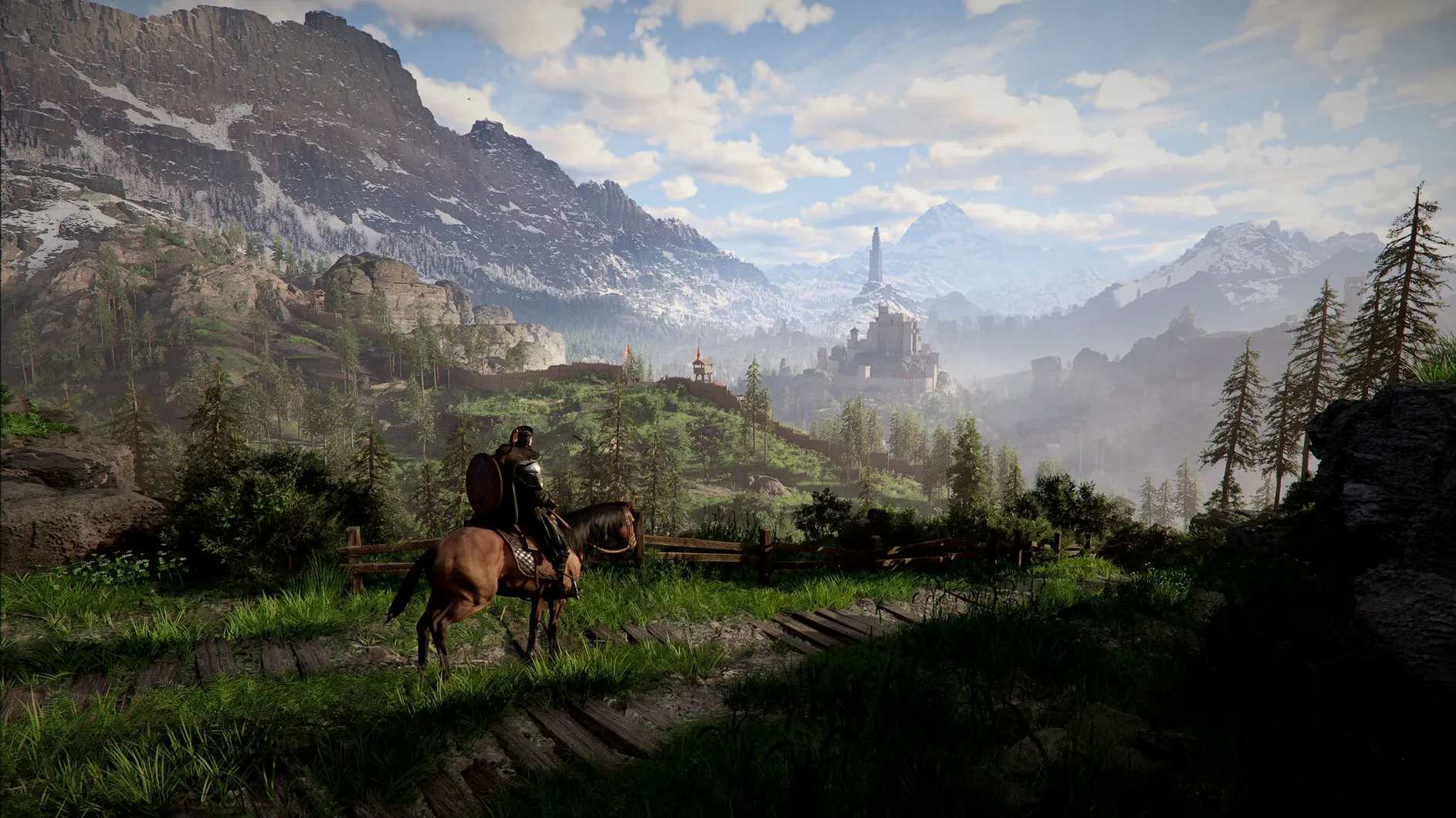
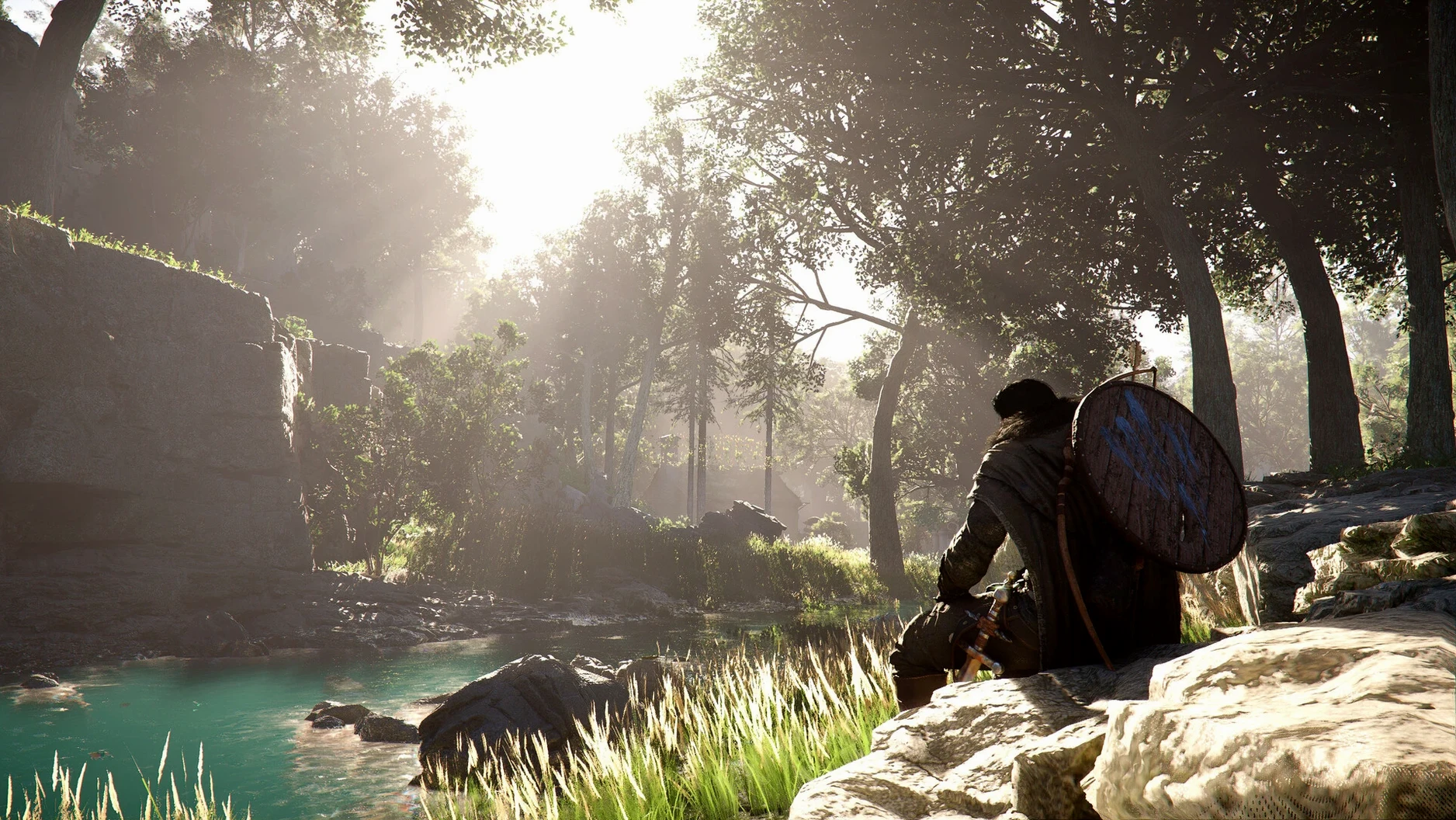
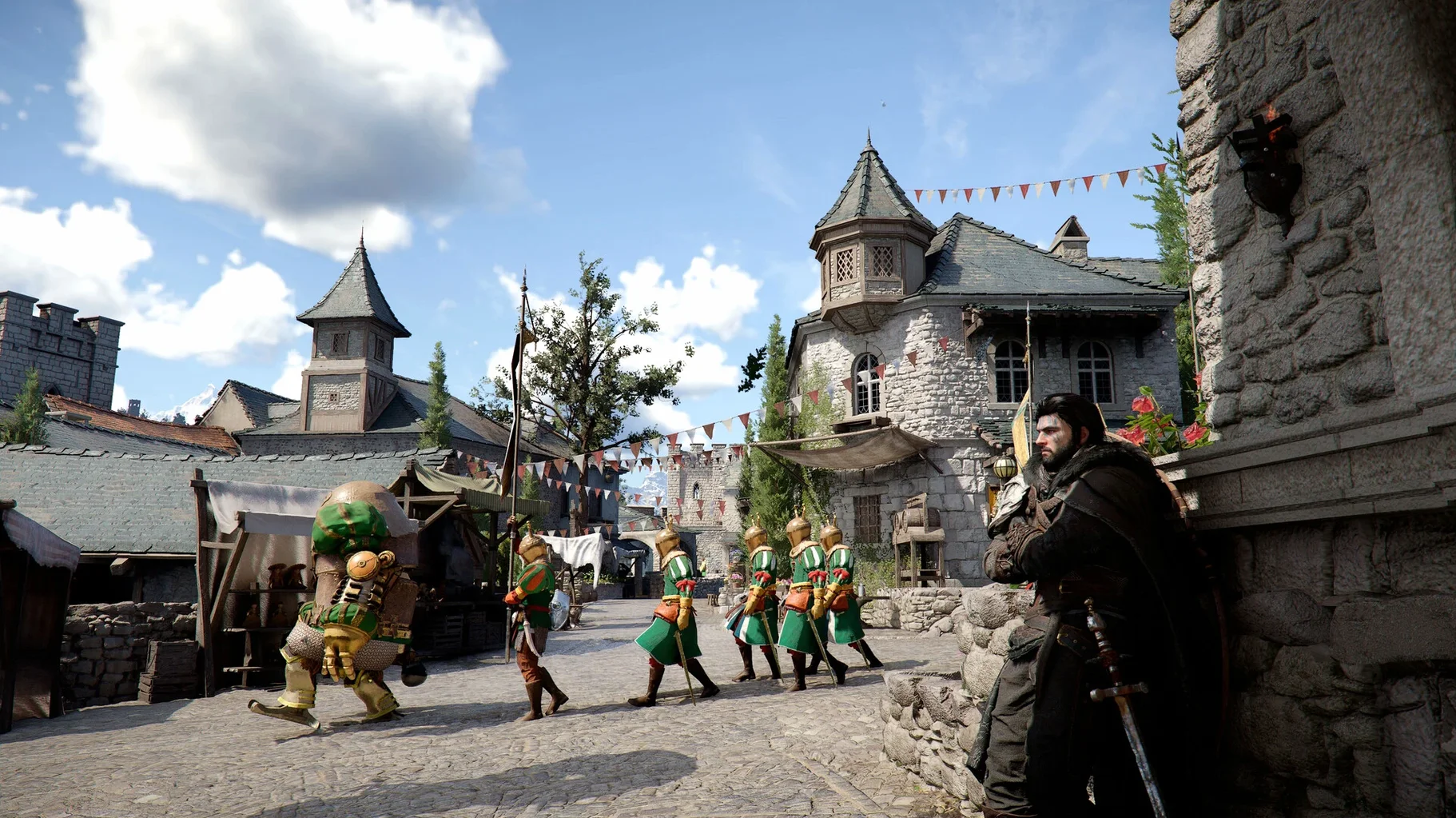
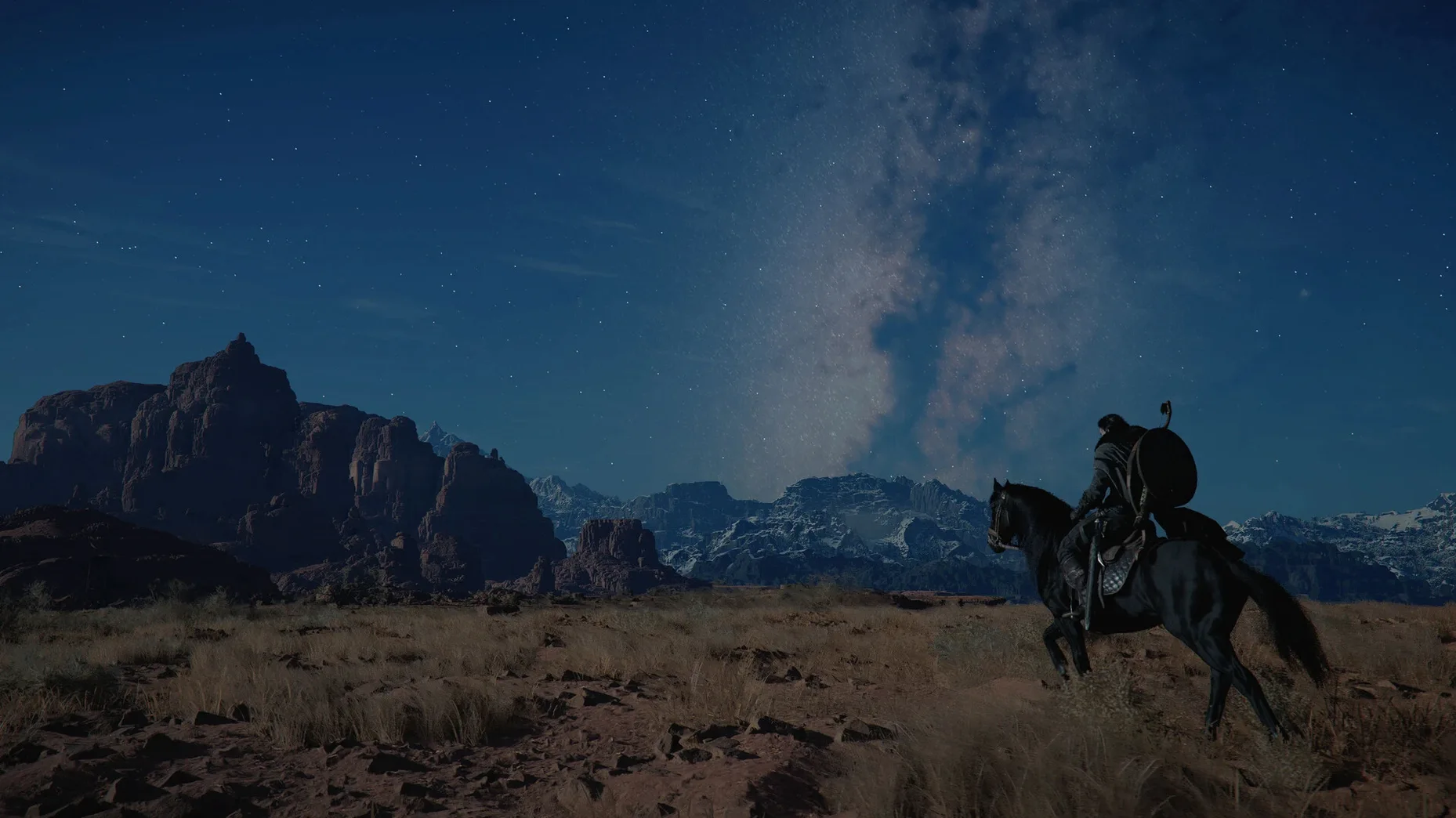
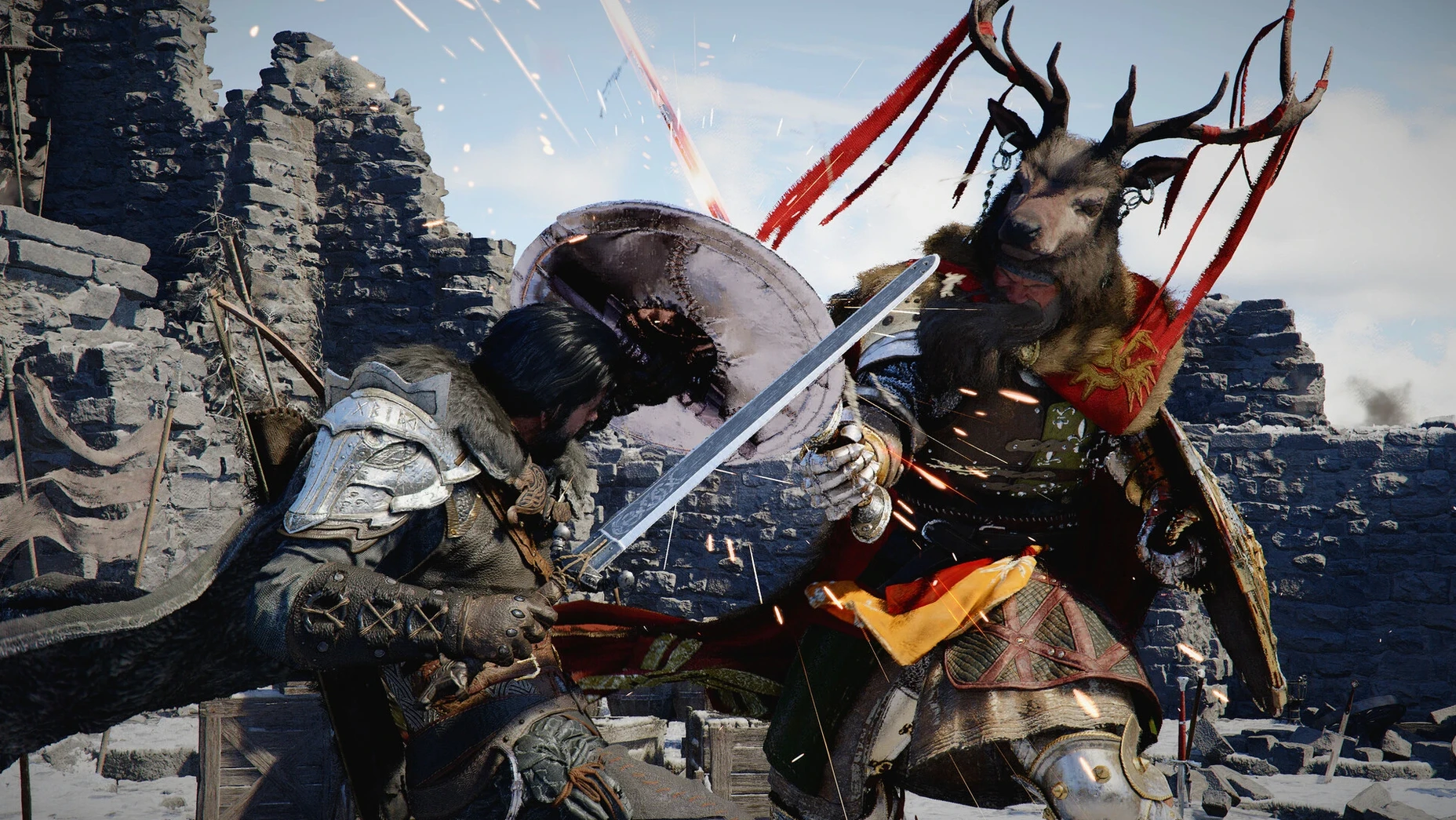
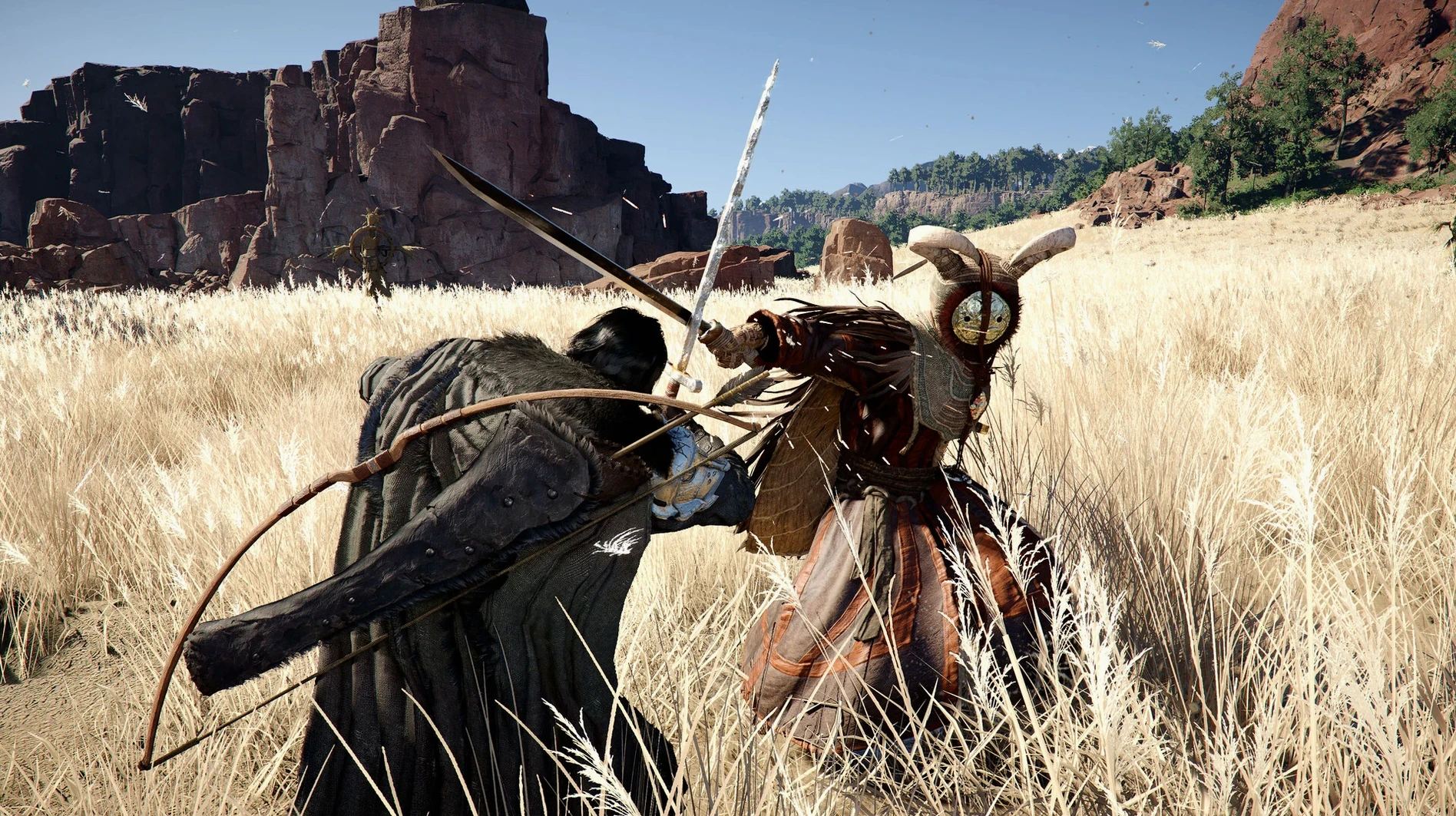
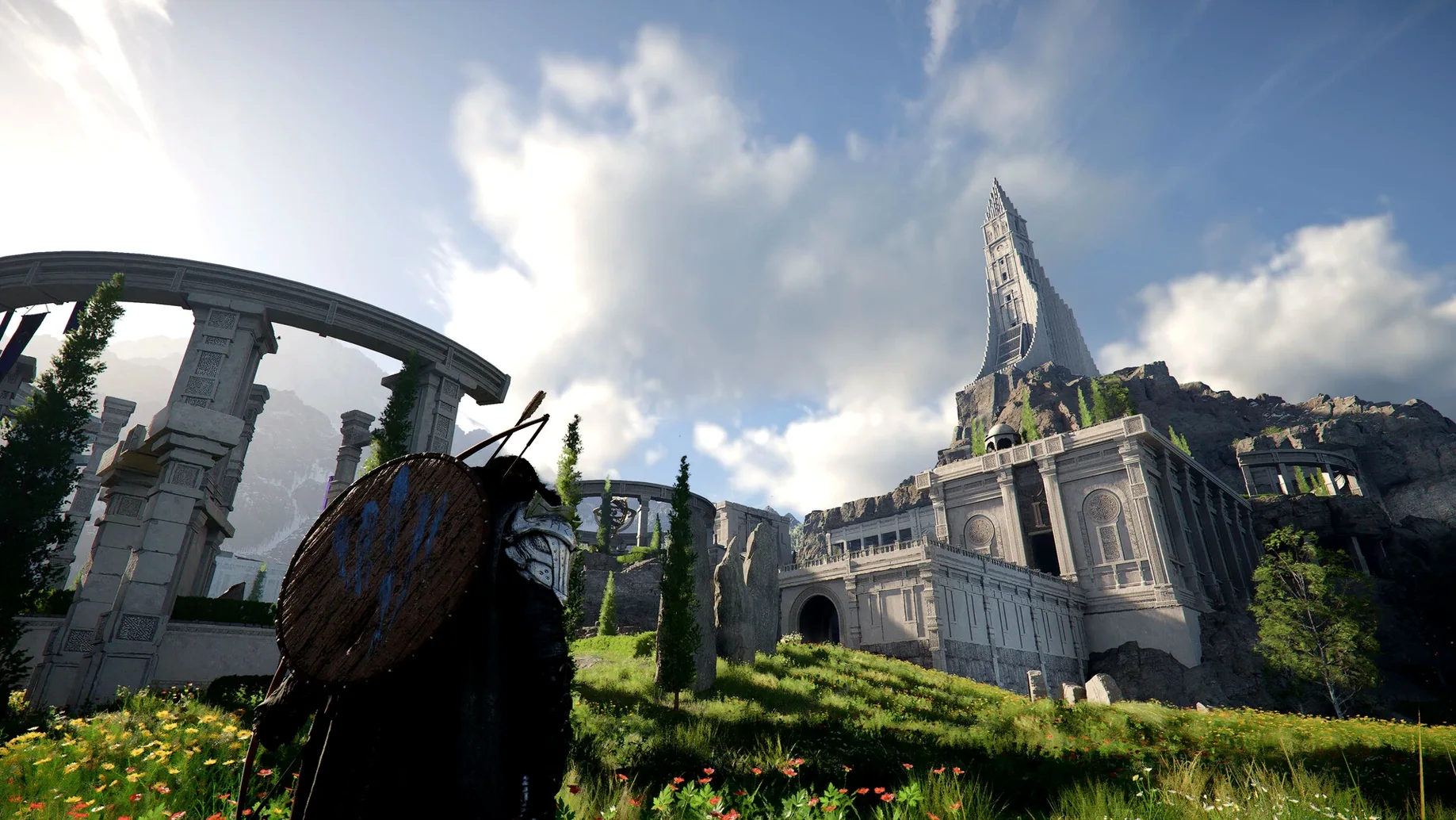
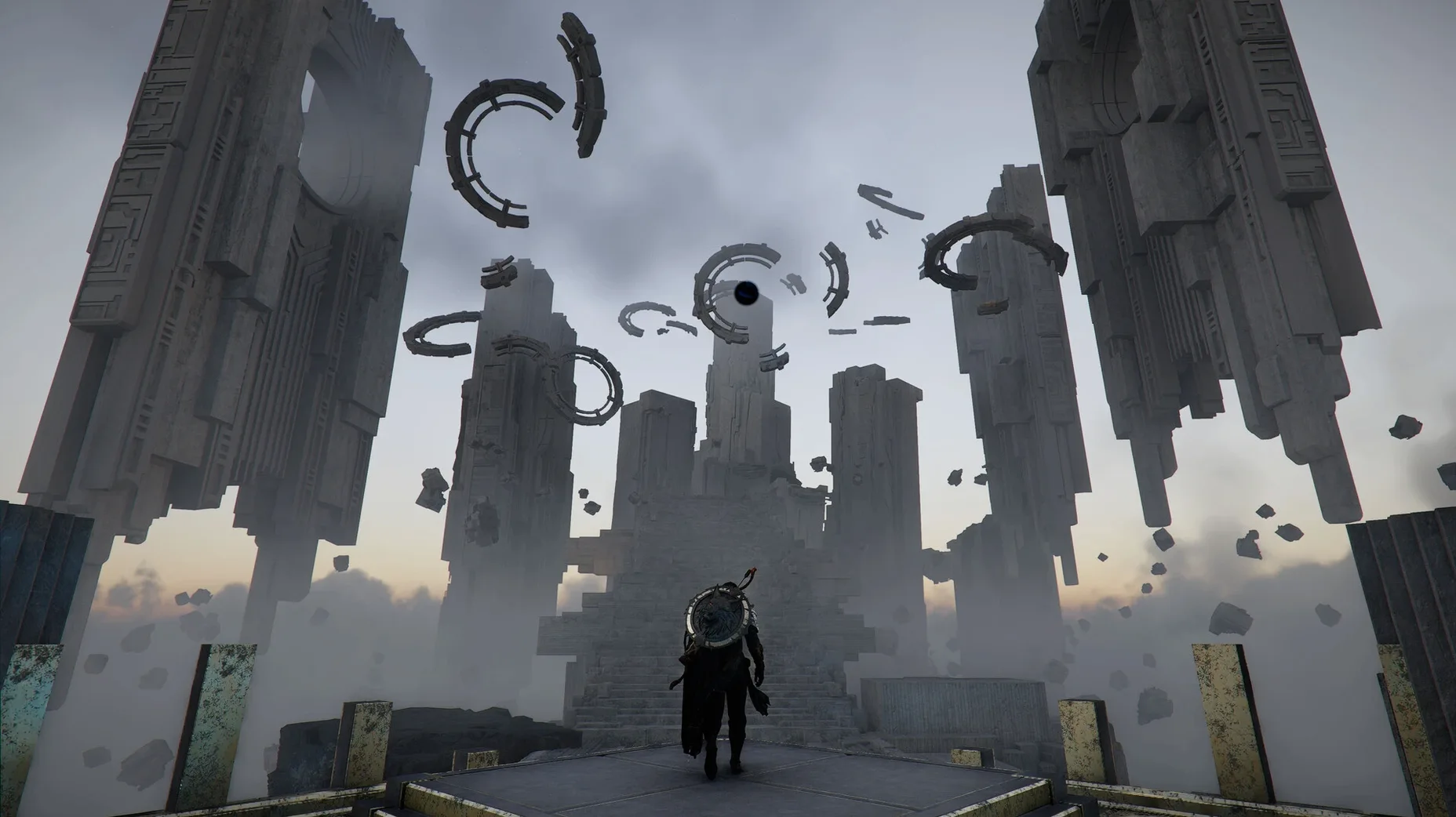
The combat in Crimson Desert lets you chain sword swings into punches, grabs, and counterattacks, with sliding and dodging keeping the pace fast. From the plains and forests to the Abyss, the world of Pywel is packed with cities, ruins, and villages to explore. You can also expand a camp, gather resources, cook, fish, or hunt between fights. Three playable characters — Kliff, Unca, and Damiana — offer different approaches to both one-on-one duels and large-scale battles.
Players who enjoy action games with mechanical depth
Players who like action games with a lot of mechanical depth will find plenty to work with here. The mix of melee weapons and ranged options means you can switch tactics mid-fight. The camp building and survival activities give you a reason to slow down between combat encounters. If you like an open world that rewards wandering, the variety of biomes and the Abyss gives you a lot of ground to cover.
Players who prefer tight story-driven experiences without side activities
If you prefer tight, story-driven experiences without side activities, the breadth here might feel like too much. The game asks you to engage with resource gathering and camp management to get the full experience. Players who want a shorter, more focused campaign may find the scale overwhelming. It runs on Apple Silicon only, so Intel Macs are out. Cross-save support in version 2.02.00 helps if you also play on another platform.
Common snags and sorting them out
Version 2.02.00 fixed several issues that could block progress. If you are stuck at a certain point, the patch notes give clues. For example, if you cannot liberate Thornbriar Fortress or housing does not become available after raising the banner at Howling Hill Camp, make sure your inventory was not full when you triggered those events — the 2.02.00 fix addresses that. If items disappear from your Trade Goods Storage, it was a save-file loading issue that is now resolved. And if the letter vanishes during the quest "The Words of Alustin," reloading after the fix should keep it in place.
One crash that could hit when starting a new game with DLSS Frame Generation enabled is also patched. If you still see UI text shaking during certain scenes, that is another item the update cleaned up. If you are on a fresh install, just apply the latest version and these snags should not appear.
Cross-save syncs progress automatically between Mac and other platforms
Cross-save for Mac arrived in version 2.02.00. That means you can switch between your Mac and another platform and keep your progress, gear, and camp upgrades. No manual file shuffling — the game syncs automatically if you set it up.
The game supports thirteen languages in text and three in voice (English, Simplified Chinese, Korean). If you prefer playing in one language and reading subtitles in another, that is an option. The localization improvements in 2.02.00 also cleaned up phrasing across all languages, so the dialogue and menus read more consistently.
Customization goes beyond character looks. You can change hairstyles, tattoos, and clothing colors on Kliff, Unca, and Damiana. It is not a deep character creator, but if you want your version of a character to look different from someone else's, the options are there.
Apple Silicon Macs only with native ARM support and no Rosetta overhead
Crimson Desert works on Apple Silicon Macs only. If you have an M1 or later, you are set. The game is built for ARM, so no Rosetta overhead. Players who want to spend time in a large world without a strict linear path will find the most value. The open world is not just scenery — every biome has its own set of activities, from hunting and fishing to trading in cities.
If you are someone who likes to optimize a loadout, the three playable characters with distinct weapons and skills give you room to experiment. The combat system rewards learning timing for counterattacks and chaining moves, so players who enjoy mechanical mastery have something to dig into. The camp expansion and resource gathering also appeal to anyone who likes a side progression system that feeds back into the main game.
For players who split time between platforms, the cross-save feature makes this a good candidate for a portable-and-desktop setup. Start a hunt on the go, continue at home.
New players often ignore the camp system and its benefits
New players often ignore the camp system early on. It is easy to treat it as optional, but expanding the camp unlocks storage, cooking, and other conveniences that make the rest of the game smoother. Gathering resources as you travel, instead of making dedicated trips later, saves time.
Another common slip is sticking to one combat style. Each of the three characters has a different approach, and switching between them can solve encounters that feel frustrating. If you are stuck on a duel, try swapping to a character with a different weapon reach or speed.
Some players neglect the mini-games with local residents. They are not required, but they offer rewards and break up the pacing. Skipping them means missing out on some useful items and a change of pace from fighting.
Finally, do not forget that you can ride a dragon or control a robot for traversal and combat. Many beginners walk or ride a horse everywhere, missing the faster and more powerful options. Check the controls early — these are not hidden endgame unlocks, just features you need to activate.
- Apple Silicon Mac
Questions from the notes
Does Crimson Desert support cross-save on Mac?
Yes, version 2.02.00 adds cross-save for Mac, letting you carry progress between platforms.
Install procedure
- Open the downloaded disk image.
- Drag the app to the Applications folder shortcut.
- After copying finishes, launch the app from Launchpad.
Reports from players
Sign in or create a tester account to file a report.
No reports filed yet.