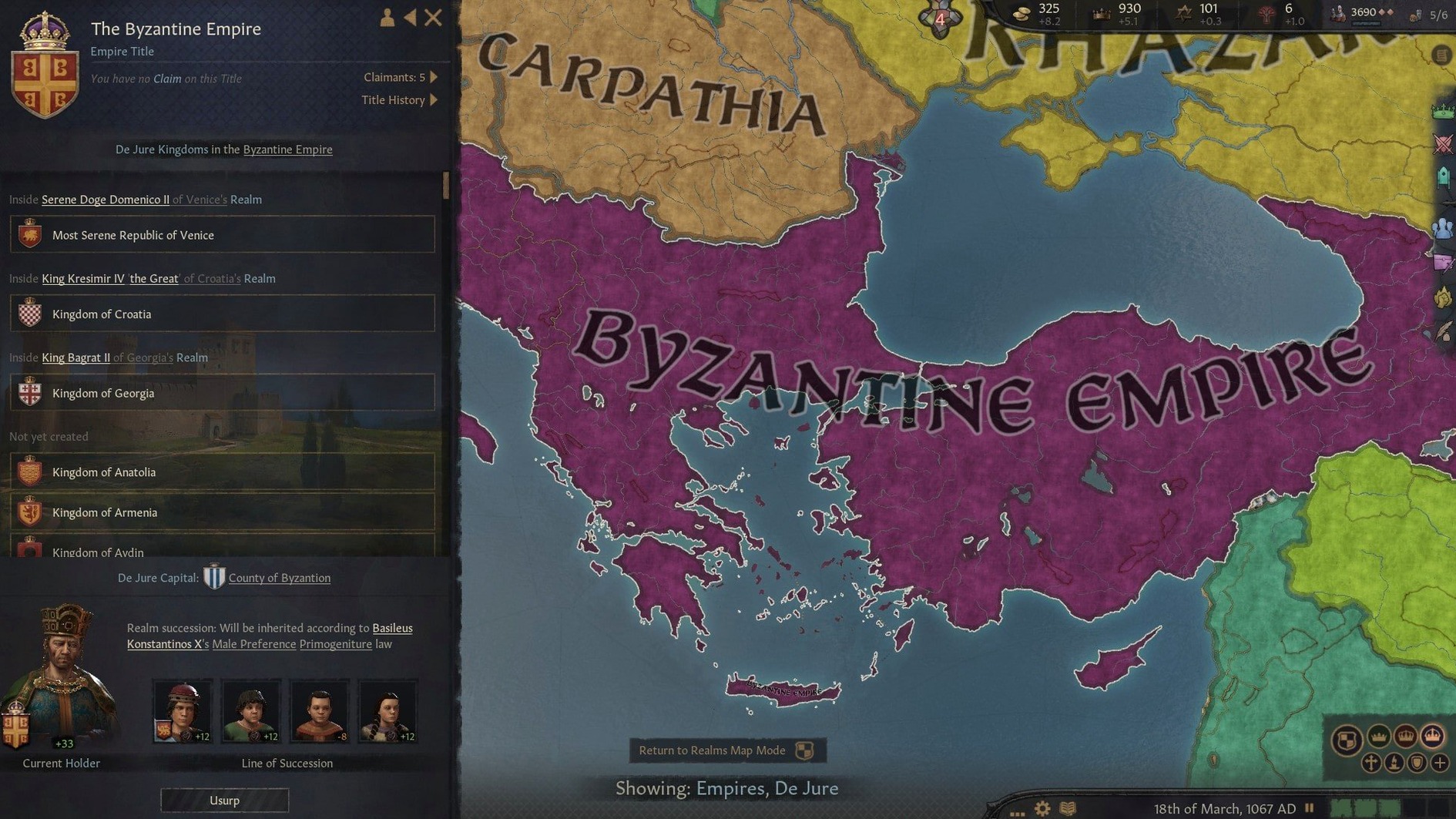
Crusader Kings III is the sequel in the Crusader Kings series, and if you have run other Paradox grand strategy titles on a Mac, you know the drill: the interface is dense, the map is busy, and the CPU carries most of the load. This version is an x86 64-bit build, so on an Apple Silicon machine like a Mac mini 2024 M4 running macOS Tahoe, it runs through Rosetta 2.
| Detail | Value |
|---|---|
| Developer | Paradox Development Studio |
| Version | 1.19.0.6 |
| Genre | Grand strategy / RPG |
| Architecture | x86 64-bit (Intel) |
| Languages | English, Russian, German, Spanish, Simplified Chinese, Korean, French |
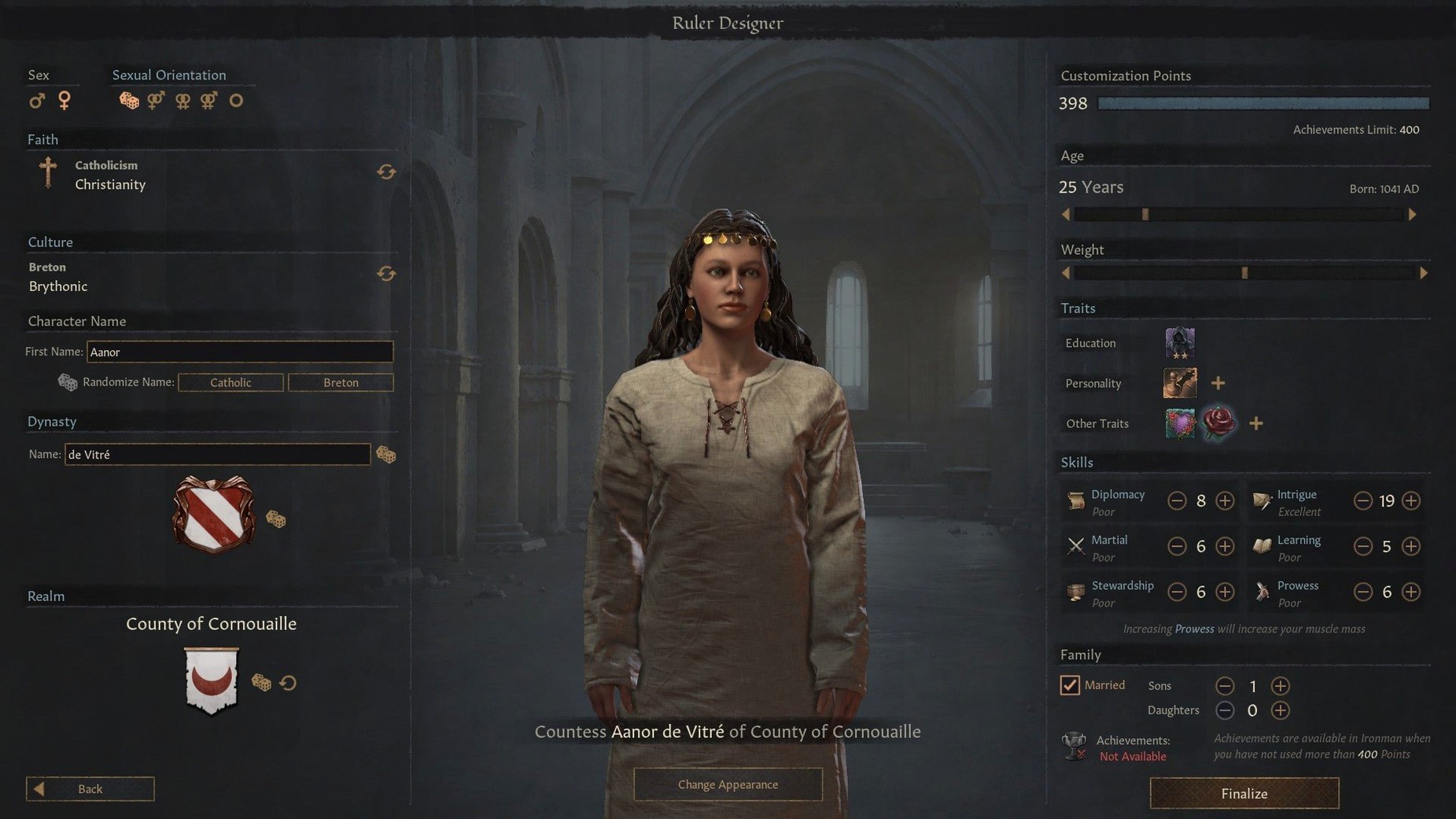
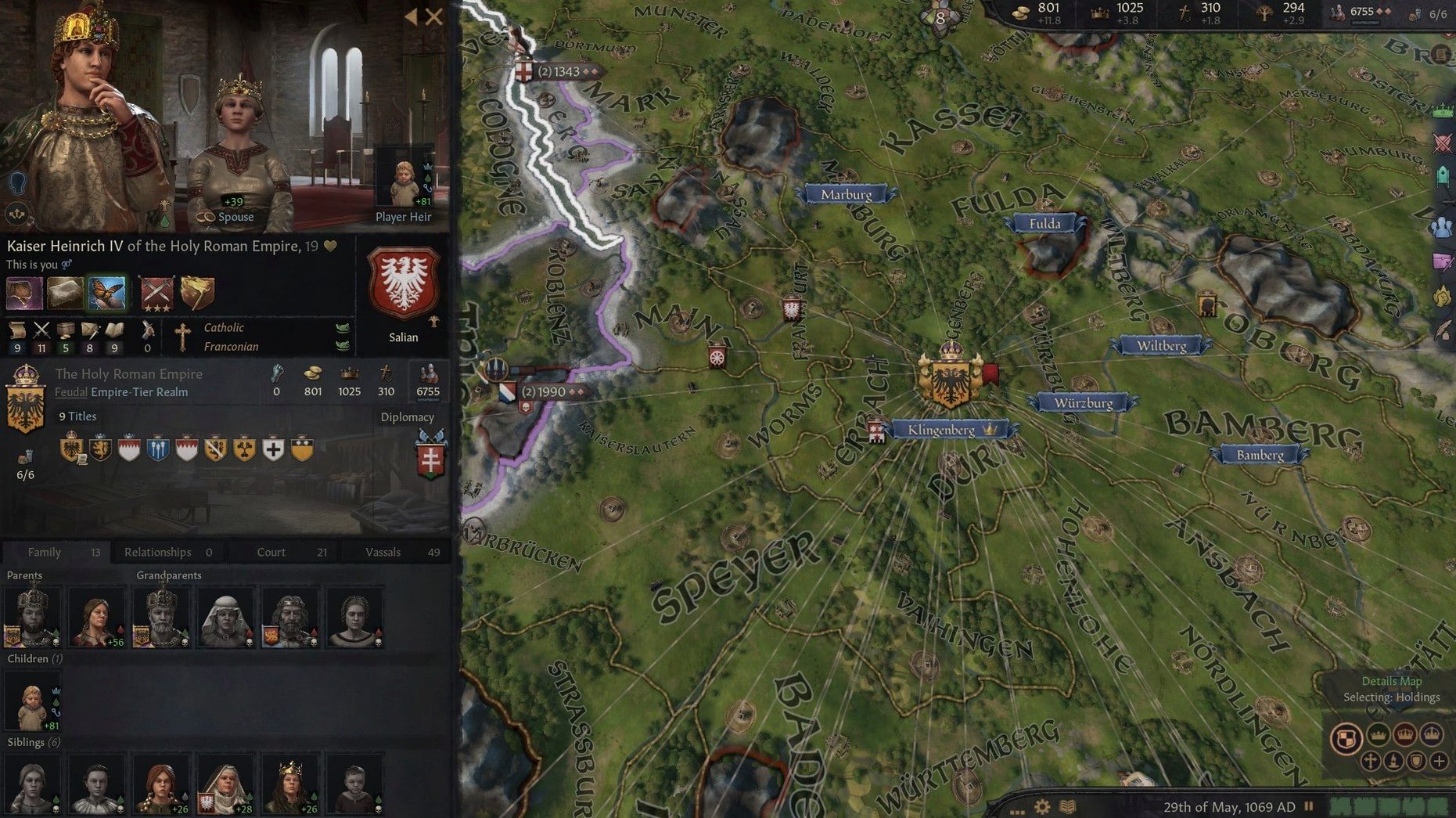
The crusader kings 3 torrent build focuses on dynasty management across generations. You handle personal domains, use diplomacy to secure alliances, and go to war when that fails. Controls are standard Paradox: right-click to move armies, tooltips for everything, and a lot of keyboard shortcuts. Performance depends on map speed and realm size; expect longer turns as your dynasty expands.
Run the launcher directly if it stays missing
The Paradox launcher sometimes does not appear after installation. If the launcher window stays missing, locate the ParadoxLauncher file inside the installed folder and run it directly. The game itself launches through ck3.app, and the launcher is only needed for settings and mod management.
Another frequent issue is the game not detecting a saved game after a crash. Crusader Kings III saves periodically, but if the autosave file gets corrupted, the game may refuse to load it. The workaround is to load the backup autosave, which the game keeps under Documents/Paradox Interactive/Crusader Kings III/save games/. Backups have a .backup suffix. Rename one to .ck3 and load it from the game menu.
On Apple Silicon Macs, the x86 build runs under Rosetta 2. If the game feels sluggish, check that you are not running other x86 apps simultaneously. Rosetta 2 translates code per-process, and running multiple Intel applications at once can slow things down. Quitting browsers and chat apps before launching Crusader Kings III helps more than you might expect.
Some players report that tooltips appear blank or partially cut off. This is a known display quirk with certain in-game resolutions. Switching to windowed mode or toggling fullscreen off and on again usually fixes it. Go to the video settings and change the display mode, then switch back if needed.
If the game fails to start and shows a missing library error, the Paradox installer may not have placed all files correctly. Re-run the installer from the disk image. Make sure you copied every folder from the disk image to Applications, not just the main installer file.
Set auto-save to yearly for long play sessions
Before diving into a campaign, open the game settings and make a few adjustments. The auto-save frequency defaults to monthly, which is fine for most, but if you plan long play sessions, set it to yearly. This reduces the chance of a corrupted save file and lowers disk writes during big wars.
Turn off tooltip delay entirely or set it to the shortest option. The game gives you a lot of information, and a half-second delay on every popup adds up fast. With instant tooltips, you can scan character stats and diplomatic options without waiting.
Disable the combat tutorial popups if you have played a Paradox game before. The option is under gameplay settings. The tutorial messages interrupt the flow and tell you things you already know from other grand strategy titles.
Set the map mode to "terrain" or "political" early. The default view can be cluttered with army icons, character portraits, and event markers. Switching to a cleaner map mode helps you focus on your domain and your neighbor's borders.
Launch ck3.app to skip the Paradox launcher entirely
Does this version require the Paradox launcher to run? No. The launcher is optional. You can launch ck3.app directly and skip the launcher entirely. Mod management and cloud saves are not available without the launcher, but the game itself runs fine without it.
Can I use my existing save files from the Windows version? Yes, if you copy them manually. Save files are cross-platform as long as they come from the same game version. Place them in Documents/Paradox Interactive/Crusader Kings III/save games/ and they should appear in the load menu.
Does Crusader Kings III support mods in this build? Mods can be added manually. Download mod files, extract them, and put them in the mod folder under Documents/Paradox Interactive/Crusader Kings III/. The game reads them at launch if they are correctly formatted. The Paradox launcher's mod browser is not available, so you need to source mods elsewhere.
Is the game playable offline? Yes. No internet connection is required after installation. The launcher does not phone home for this build, and the game does not contact a server during gameplay.
What languages are available? The interface and text are in English, Russian, German, Spanish, Simplified Chinese, Korean, and French. Voiceovers are in English only. Subtitles and menus follow the chosen language setting.
Watch memory usage with other apps in later centuries
Crusader Kings III runs well alongside productivity apps if you keep an eye on memory usage. The game uses a fair amount of RAM, especially during later centuries when the map has hundreds of characters and armies. If you need to keep a browser open for reference material, use a lightweight browser or a dedicated wiki app rather than a full desktop browser.
macOS's virtual desktop feature works well with this game. Assign one desktop to Crusader Kings III and another to a notes app or wiki. Switching between them with a three-finger swipe or a keyboard shortcut is smoother than alt-tabbing out of fullscreen, which can trigger the game's resolution reset.
For players who want to record or stream, macOS's built-in screen recording works, but the game's UI can look cramped at lower resolutions. Record at the same resolution you play at to keep tooltips readable. The game does not have a dedicated streaming mode, so chat overlays may overlap with the in-game event windows.
The game plays nicely with macOS's Do Not Disturb mode. Enable it before launching to avoid notifications breaking your concentration during wars or scheme events. Notifications from mail or messaging apps can steal focus and cause accidental clicks on the map.
If you use multiple monitors, Crusader Kings III runs on one display and leaves the other available for other apps. The game does not natively use a second screen for map or info panels, but you can drag the ParadoxLauncher log window or a notes app to the second screen. The game itself stays on the primary display.
For anyone hunting a crusader kings 3 mac torrent or a crusader kings iii torrent, this build is the version to grab. It requires no activation and works with the standard installation steps: mount the disk image, copy the contents, run the installer, then launch ck3.app. No extra configuration or account setup is needed.
- Fixed an issue preventing players from manually inviting agents to schemes.
- Fixed an issue causing epidemics and natural disasters to be less lethal than intended.
- macOS (version not specified)
- Intel architecture
Questions from the notes
Does Crusader Kings III run on Apple Silicon Macs?
Yes, but the build is x86 64-bit, so it runs through Rosetta 2 on M-series chips. It works, but you may see higher CPU usage than a native version.
What macOS version is required?
The requirements list macOS with Intel architecture. The tested setup used macOS Tahoe on a Mac mini 2024 M4.
What languages are supported?
English, Russian, German, Spanish, Simplified Chinese, Korean, and French.
Install procedure
- Mount the disk image and copy its contents to the Applications folder.
- Run ParadoxInstaller.
- After installation, check for Paradox Launcher; if it does not appear, run the provided ParadoxLauncher file.
- Launch ck3.app.
Reports from players
Sign in or create a tester account to file a report.
No reports filed yet.