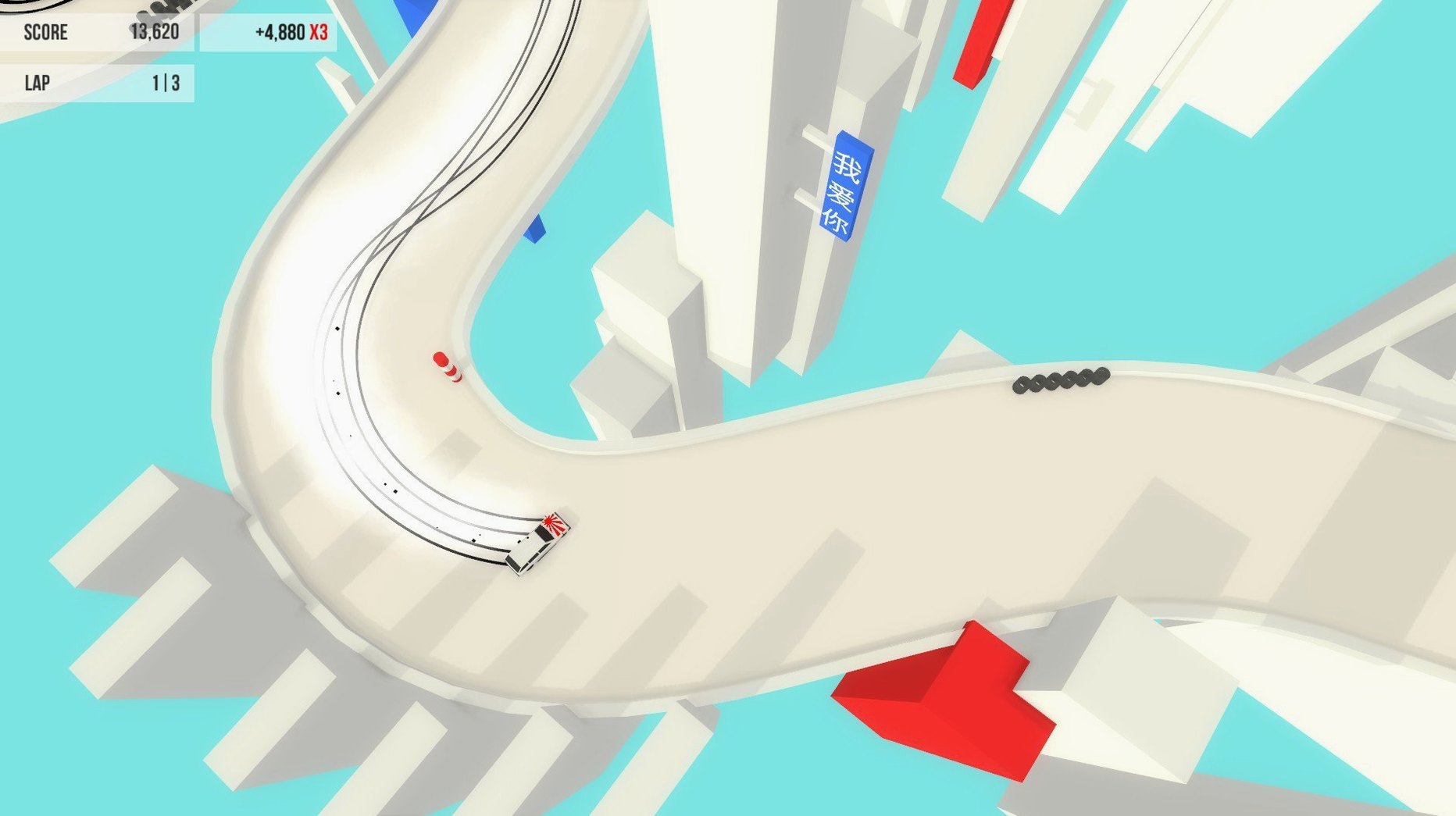
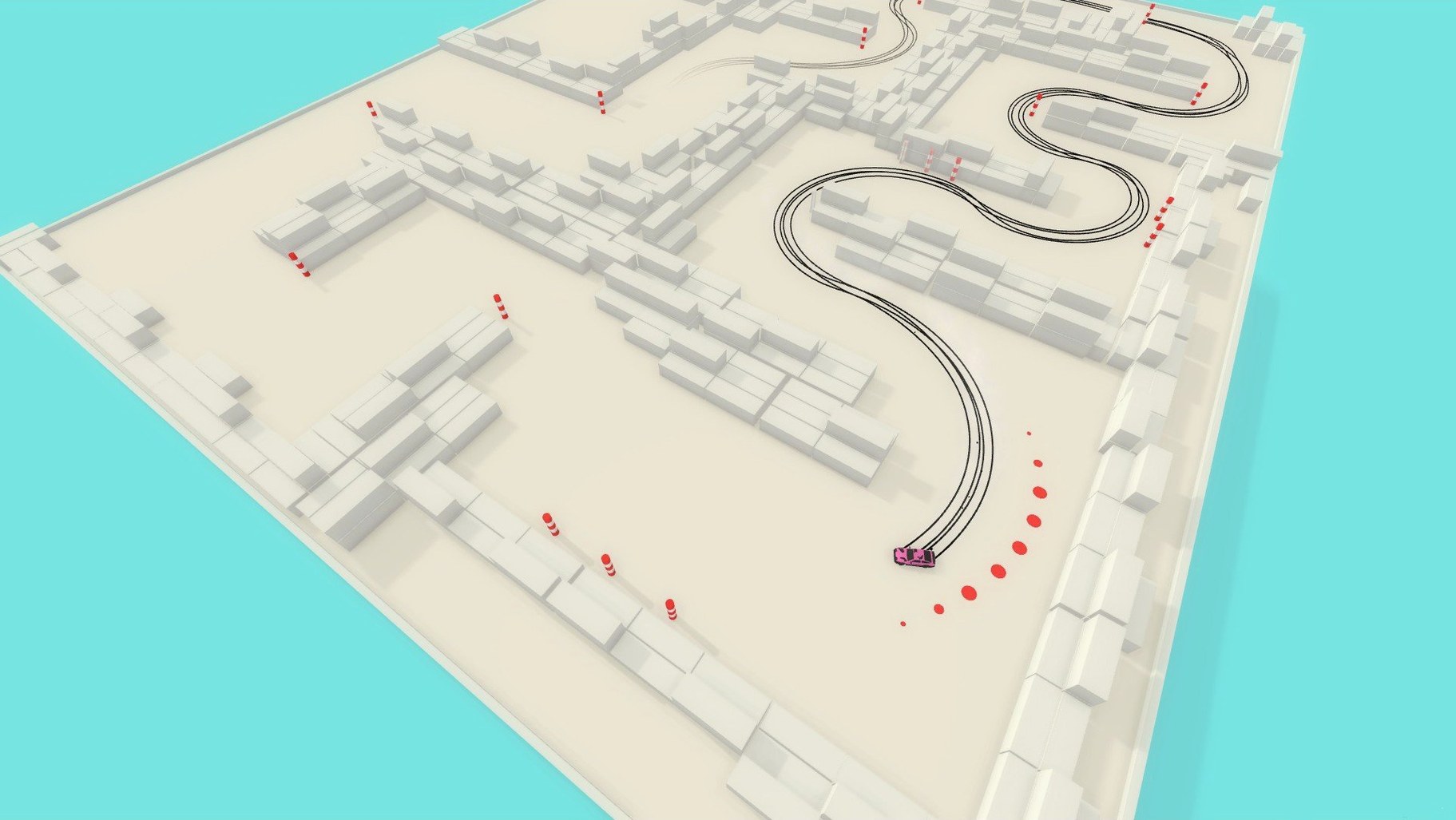
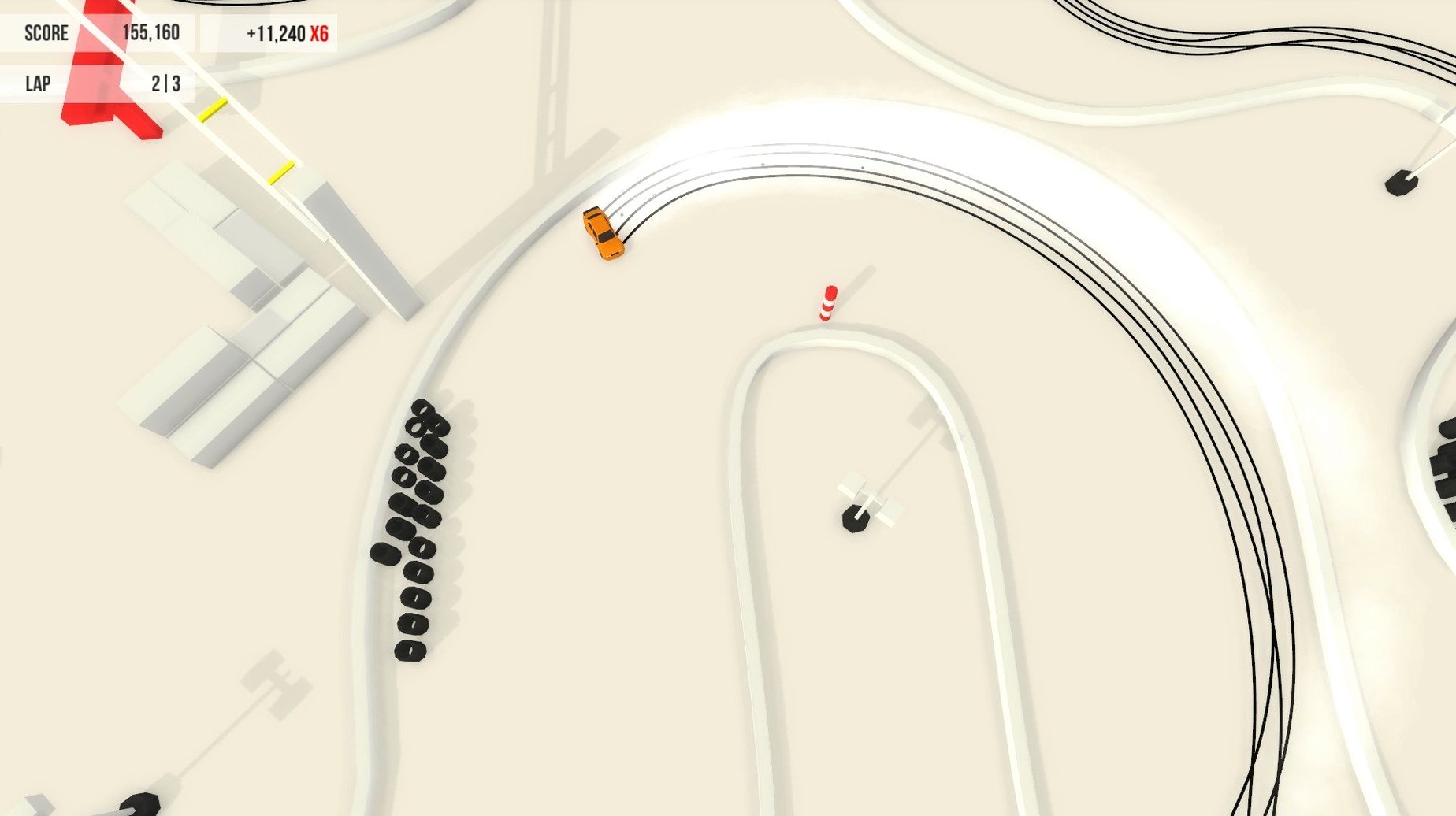
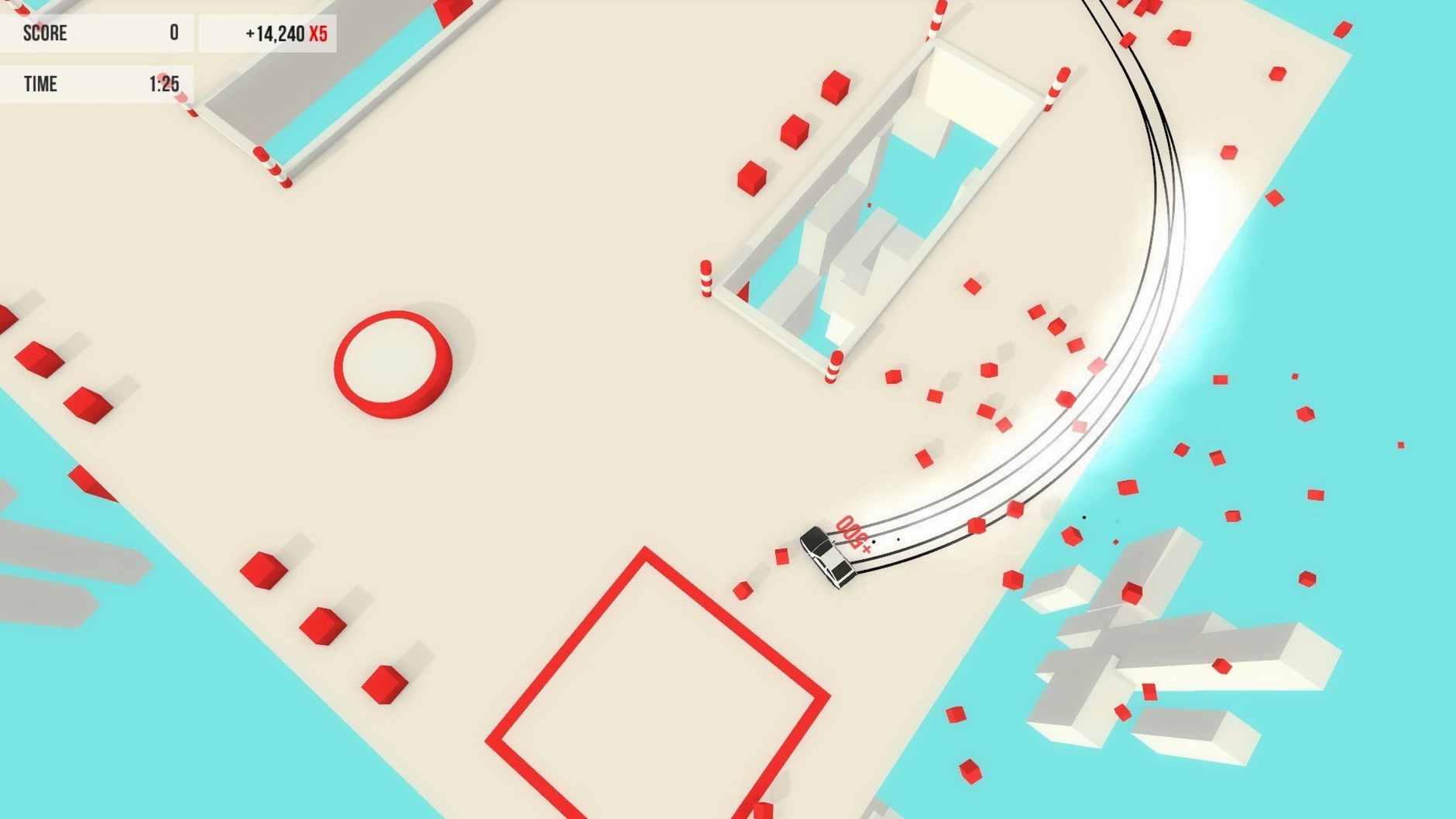
Absolute Drift is a game about controlled slides. The Zen Edition build for Mac includes three distinct modes: Driftkhana, Drifting, and Mountain Drifting. Driftkhana is a scored playground where you chain drifts through a set course. Drifting is the classic points-and-combo mode, and Mountain Drifting is exactly what it sounds like — long, downhill runs where precision matters more than style.
Suits controller users who prefer skill mastery over AI racing
- Players who like mastering a skill rather than racing against AI.
- Anyone who wants a drift game that works with a controller — PS4, Xbox, or compatible.
- People who want variety: more than 24 tracks spread across three modes.
Runs only on 64-bit Intel Macs with English-only interface
- The Mac build is 64-bit Intel only, so it won't run on Apple Silicon without translation.
- Interface is English only.
- Audio is music only — no voice or sound effects beyond the soundtrack.
Designed for Mac players who treat drifting as a practice discipline
Absolute Drift suits Mac users who play with a controller and treat a racing game as a practice discipline rather than a speed run. If you already own a PS4 or Xbox controller, the game recognizes it natively, which removes the keyboard-tweaking phase. It also fits players who rotate between short sessions and longer free-roam exploration — the five open areas let you warm up without starting a scored event. Users on older Macs with Intel graphics will find the visual load manageable, since the game predates the heavy GPU demands of modern racing titles.
The lack of voice acting or story means it works well as a background-focus game: music plays, you drift, nothing pulls your attention.
First few days: what to do
- Launch the game and go straight to a free-roam area. Driftkhana and Mountain Drifting have their own rules, but free-roam lets you feel the weight of each car without the pressure of a leaderboard. Spend at least two sessions here.
- Map your controller dead zones. The game expects analog stick input for steering and throttle control; if your controller has a response curve adjustment, set it to something linear. The default in-game sensitivity may feel loose on older pads.
- Try each of the six cars once, but do not chase scores yet. The cars differ in turn radius and deceleration. Pick one that stops sliding when you lift off the gas — that will save you frustration in Driftkhana later.
- Once you are comfortable holding a drift through a 90-degree corner, enter a Driftkhana event on the easiest track. The combo multiplier there punishes resets more than mountain runs do, so you want the muscle memory first.
Settings to adjust early
The Zen Edition build ships with defaults that assume a generic controller profile. If the car feels twitchy or unresponsive, check these first:
- Steering sensitivity. Back it off by one notch from default. Most Intel Mac setups with a standard Xbox or PS4 controller respond better with a slightly lower sensitivity than the starting value.
- Camera distance. The default chase cam sits close to the car. Pull it back one step — it reduces the visual disorientation in Mountain Drifting, where the road twists quickly.
- Control scheme. The build maps throttle to the right trigger and brake to the left trigger by default. If you are used to arcade racers that swap those, change it before the first drift event. Relearning muscle memory after ten minutes costs more time than setting it upfront.
- Soundtrack volume. The drum-and-bass mix by C41 and Nyte is prominent at default levels. Lowering it to 60–70 percent helps you hear the engine pitch change during a long slide, which matters for throttle timing.
- macOS: ?
- Architecture: Intel
- Other: -
Questions from the notes
What game modes are included in Absolute Drift?
Absolute Drift includes three modes: Driftkhana, Drifting, and Mountain Drifting. Each offers a different take on the drift mechanic.
Install procedure
- Run the downloaded package and follow the standard installation process.
- Choose the install location when prompted.
- Use the Applications folder if you want the recommended install location.
Reports from players
Sign in or create a tester account to file a report.
No reports filed yet.