
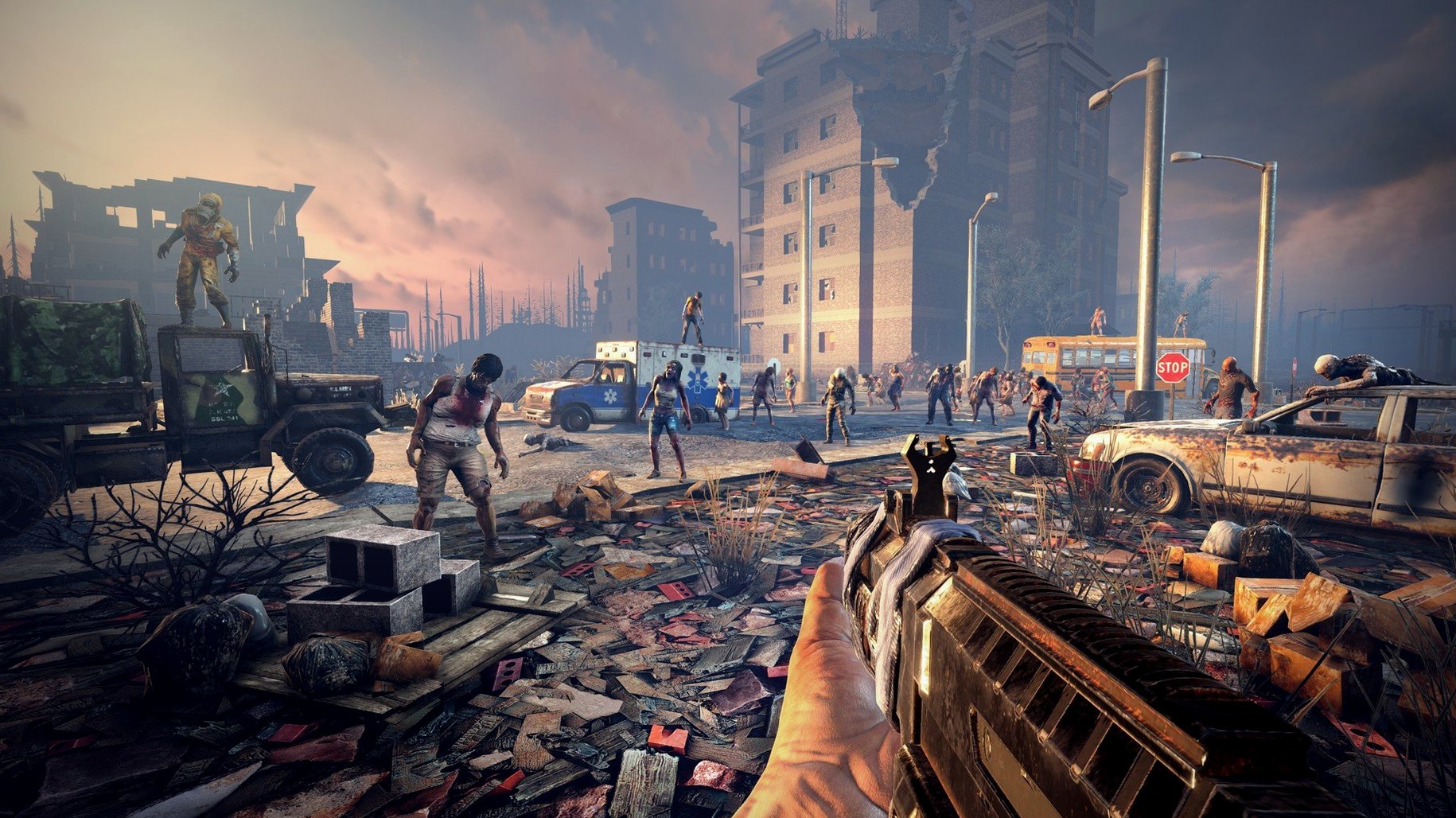
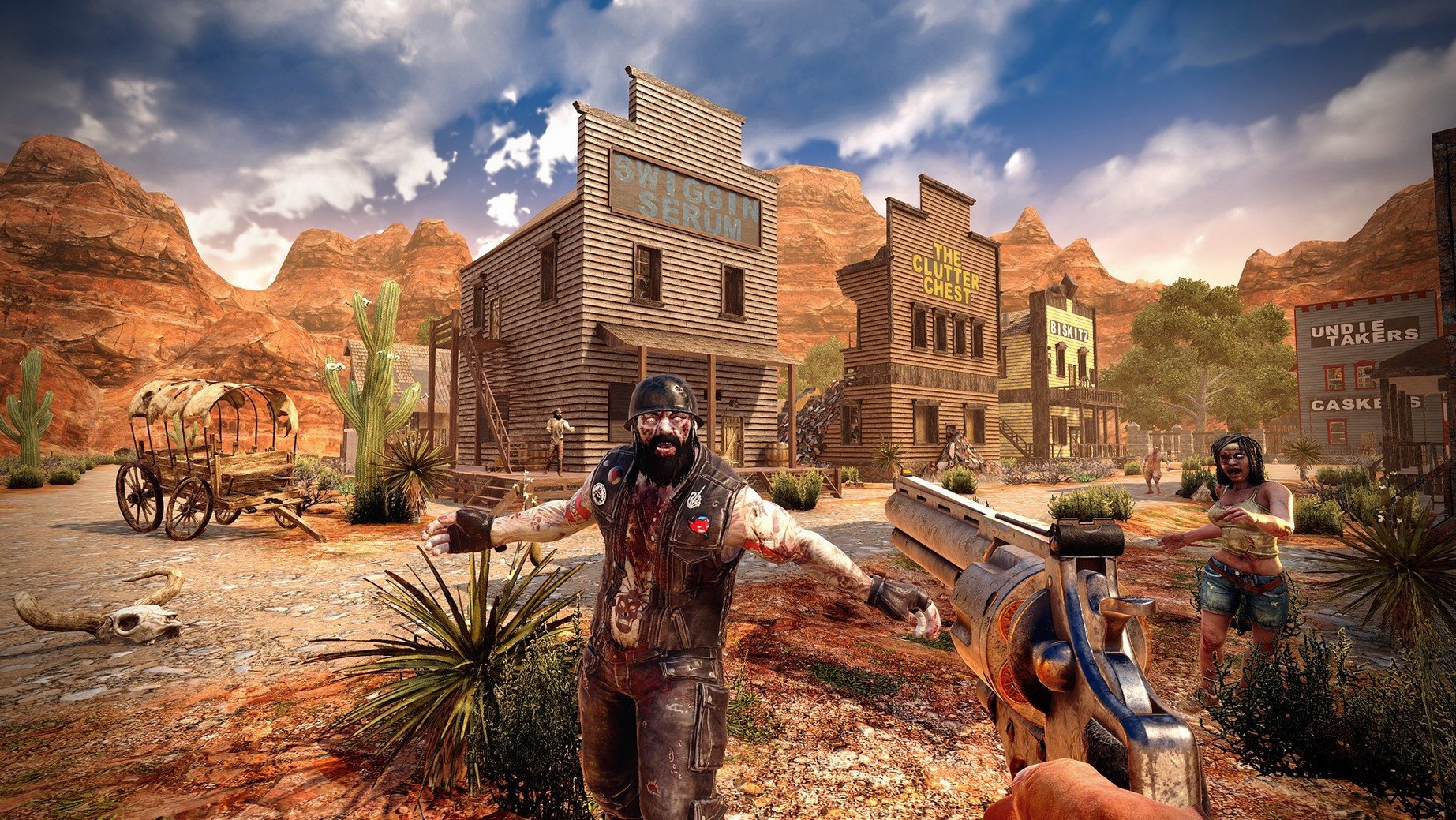
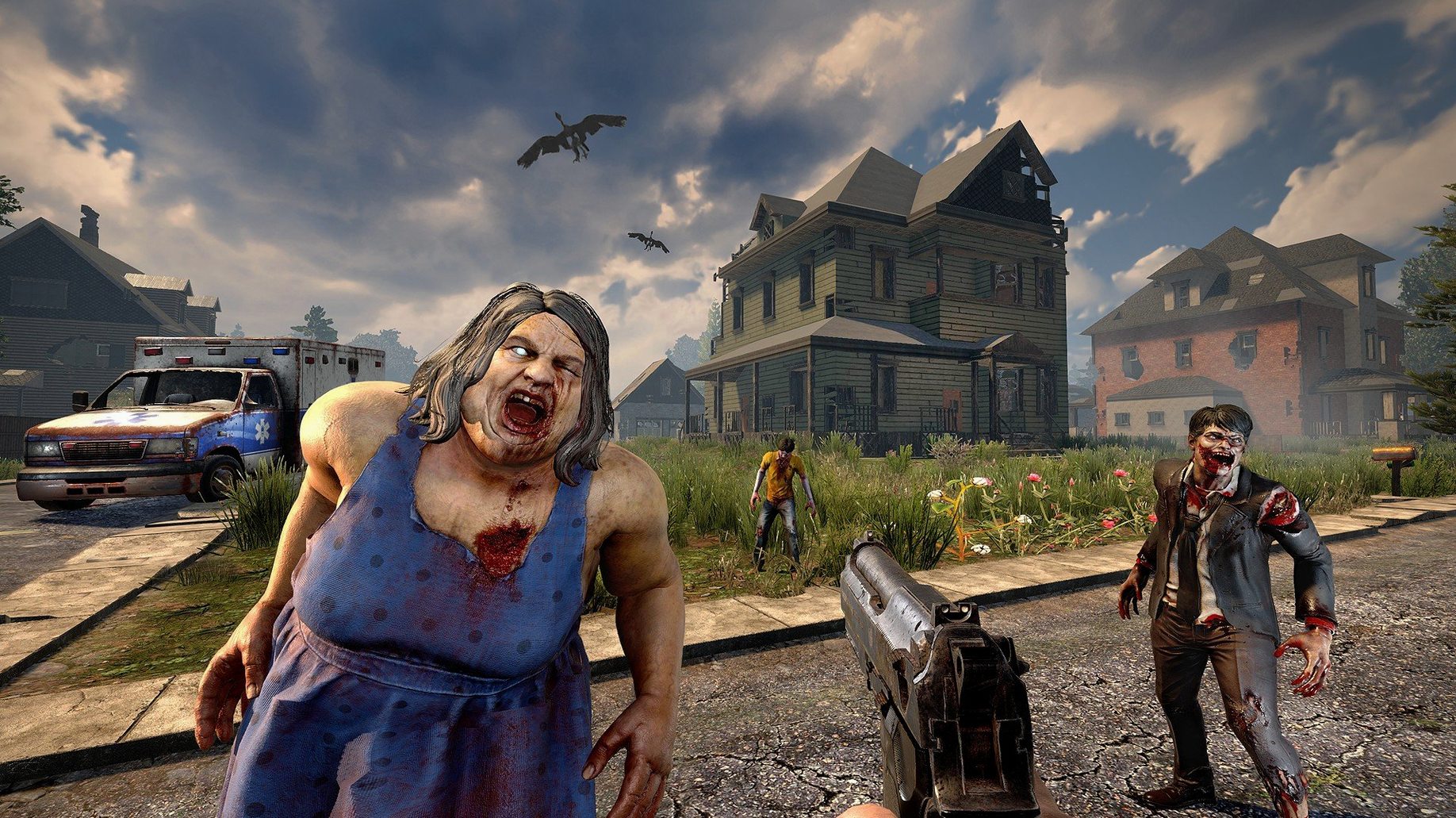
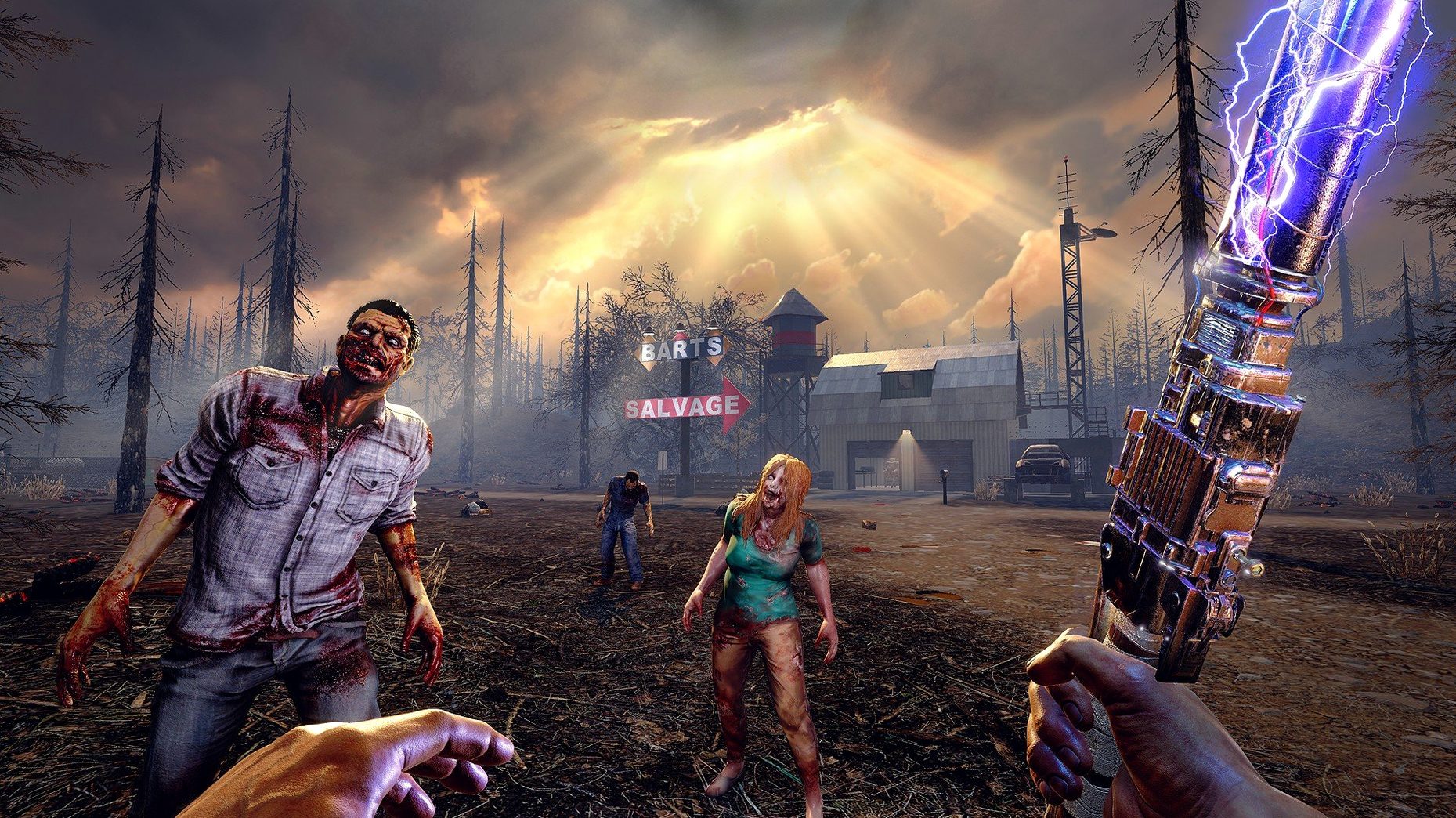
7 Days to Die is for players who like survival games with a clear loop: scavenge, build, defend, repeat. The Mac build of version 3.2.0.B10 runs on both Intel and Apple Silicon, and it packs first-person shooter combat, survival horror, castle defense, and role-playing into one package. Here is what you actually do minute to minute.
the minute-to-minute workflow
- Scavenge and loot. Search cities, villages, and caves for supplies. The world has over 550 unique locations, so there is always a new building to clear.
- Craft and upgrade. Use gathered resources to craft tools, weapons, and gear. Six quality tiers mean you are always looking for something better. The painting system lets you customize your builds visually.
- Build a base. Fortify a structure or build from scratch. Doors, walls, traps—everything matters when the horde comes.
- Fight and defend. Combat is first-person and direct. Melee or ranged, you choose. The seven-day cycle brings a bigger horde each time, so preparation is key.
- Develop your character. Spend points across five main attributes to specialize. Stealth, strength, intellect—pick a path and stick with it.
The game supports 13 languages, including English, French, German, Spanish, Japanese, and Russian. If you are on a Mac with 8 GB RAM and a DirectX 11 capable GPU, it will run. The current version 3.2.0.B10 fixes some gear texture memory issues and reworks the combine station UI, so crafting is smoother than before.
Base construction and automated defense set it apart
On Mac, the survival sandbox space is thin. 7 Days to Die sits somewhere between Project Zomboid and Don't Starve, but it leans harder into base construction and automated defense. Project Zomboid focuses on a single character's slow attrition in a fixed map; 7 Days to Die gives you five biomes and worlds up to 100 square kilometers, plus the ability to build a fortress with traps, electricity, and turrets. Don't Starve is a tighter survival-crafting loop with a timer and narrative pressure. 7 Days to Die is more open—you can ignore the main campaign entirely and play on randomly generated worlds, setting your own pace.
Neither of those games includes vehicle assembly. 7 Days to Die lets you build a bicycle, minibike, motorcycle, 4x4 truck, or gyrocopter from parts. That alone changes how you scout territory and haul loot back to base. For co-op players, the multiplayer support means you can split roles: one person farms and crafts, another scouts and hunts, a third handles security. That kind of division is not possible in most single-character survival titles on Mac.
first-day tips for new players
Your first session is about getting your bearings, not clearing every building. Here is what to focus on.
- Loot light, craft smart. Grab tools and simple weapons first. 500+ recipes sounds overwhelming, but you only need the first dozen to survive day one. Craft a melee weapon and a basic ranged option immediately.
- Scout before you build. Walk through two or three locations before committing to a base spot. Check for nearby resources like water, wood, and metal. A location with a trader NPC nearby means you can offload excess loot and take quests without a long trek.
- Read books. Over 100 books in the world grant skills. They are a one-time read, so grab every one you see. The character progression from books stacks on top of your five main attributes.
- Watch the terrain. Buildings and natural elevations can collapse if you damage their structural support. A poorly placed explosive can bring a roof down on you. Take note of what is above and below before you start digging or blasting.
Hoarding everything wastes early hours
The game does not hold your hand, and a few missteps are common in the first few hours.
- Hoarding everything. With 800+ items and six quality tiers, it is tempting to keep everything you find. You do not need five rusty pipes. Salvage what you cannot carry, repair what you can, and leave the rest. Inventory management is a skill you learn by doing.
- Ignoring the seven-day cycle. The horde gets bigger each night. New players sometimes treat it like a standard zombie game where the threat stays flat. It does not. Build defenses early. Even a simple wall and a few traps buy you time to gear up.
- Building too big too fast. Over 1,300 building blocks are available, and the painting system makes customization easy. Beginners often build sprawling bases that are impossible to defend. Start small, fortify, then expand outward. A compact fortress with overlapping fields of fire beats a mansion with open gaps.
- Neglecting vehicle assembly. The gyrocopter and 4x4 truck are not late-game luxuries. Once you have basic gear and a defended shelter, start gathering vehicle parts. A working vehicle speeds up looting, trading, and evacuation when a horde overruns your position.
Unlock trader doors with your vehicle horn
A few issues crop up regularly. Here is what players hit and what actually works.
- Trader doors locked. The version 3.2.0.B10 release notes mention trader doors can be opened with a vehicle horn. If you are standing at a trader's door and nothing happens, back up, honk, and the door opens. It is a quirk, not a bug.
- Combine station UI confusion. The combine station interface was reworked in 3.2.0. If the new layout does not show your available recipes immediately, check that you have placed the correct materials in the input slot. The rework changed the order of results, not the logic.
- If you were on an older build and had slowdown while browsing inventory, this update should resolve it. On Macs with only 8 GB RAM, avoid having many high-tier items in your active loadout at once—store extras in chests.
- Collapse mechanics are not obvious. Buildings and natural elevations can collapse from mechanical damage or poor construction. If a structure looks unstable, it probably is. Reinforce load-bearing walls before you dig tunnels or add a second floor. A collapse mid-construction is frustrating and wastes materials.
- Language settings stick. The game ships with 13 languages. If the wrong one loads, change it in the settings menu before starting a new world. The language change applies to the entire interface, not just subtitles.
A native Apple Silicon build tagged 3.4.0.B9 has landed. No detailed patch notes accompanied this one, so treat it as a direct architecture refresh of the current version.
- Apple Silicon or Intel 64-bit Mac
Questions from the notes
What are the minimum system requirements for 7 Days to Die on Mac?
You need macOS 10.13 or later, 8 GB RAM, 15 GB free disk space, and a GPU with 2 GB dedicated memory that supports DirectX 11.
Install procedure
- Mount the downloaded disk image.
- Drag the game to the Applications folder.
- Launch the game from /Applications/7DaysToDie.app/Contents/Game/7DaysToDie.app.
Reports from players
Sign in or create a tester account to file a report.
No reports filed yet.