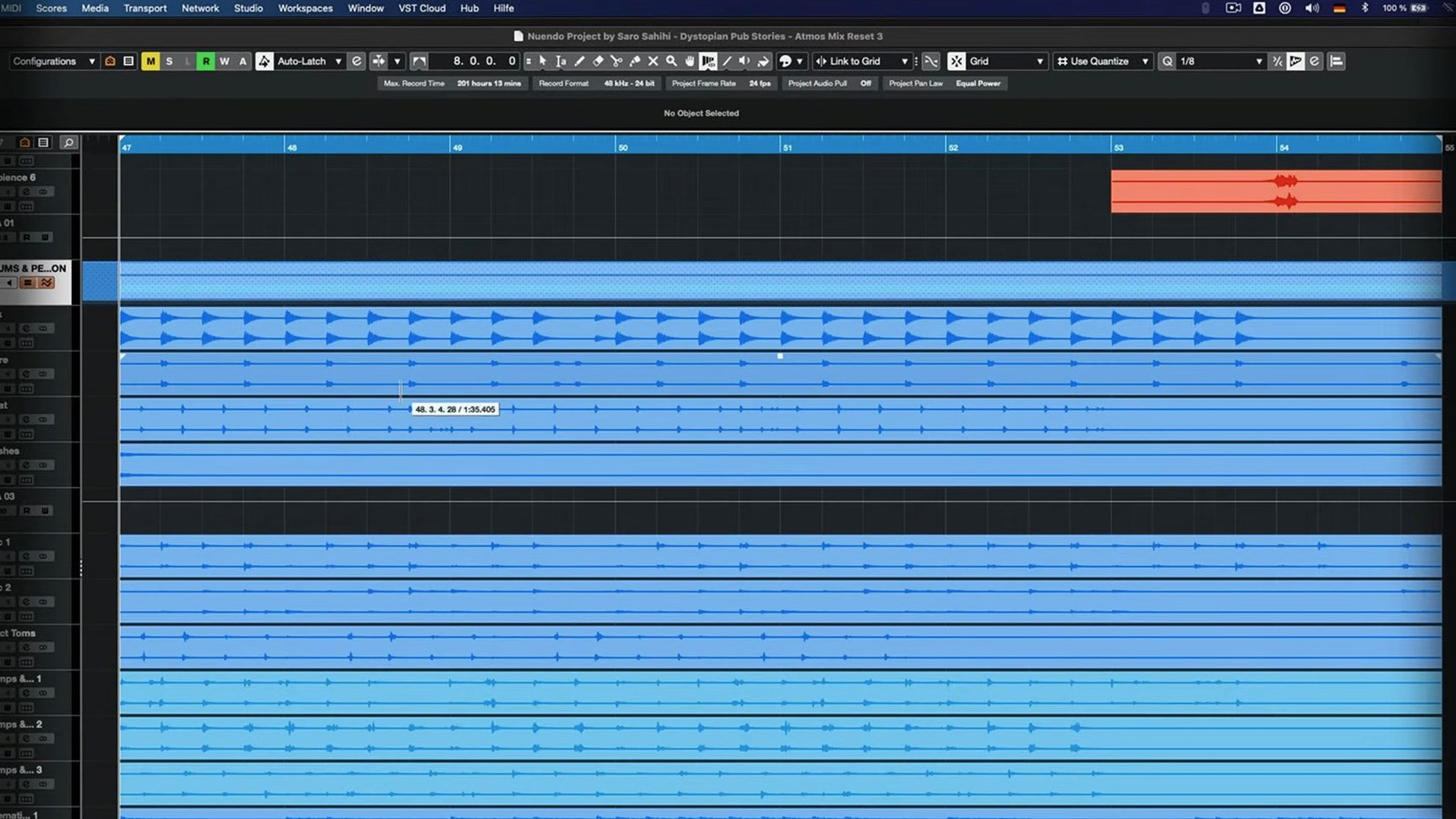
Nuendo 15.0.30 runs on any Mac with macOS 11 or later, whether it uses Intel or Apple Silicon. The download sits just under 1.8 GB, and the interface is English only. That’s the short version of compatibility – the longer version is that it stays a professional audio post-production workstation for film, television, games, and immersive audio, and this update doesn’t change that core purpose.
The 15.0.30 update is an application update, not a feature release. What it brings is a set of fixes and performance tweaks: the Analyzer track has updates, Folder track routing and Group Channel behavior were adjusted, and importing track settings or track archives should behave better now. The Comp Tool with Group Editing got fixes, and the Score Editor no longer misbehaves when a project contains a locked global track. The Direct Offline Processing interface was fixed for VST Bass Amp and VST Amp Rack, and the Multiband Envelope Shaper plug-in runs more efficiently when bypassed. Quick Link and MIDI port or channel behavior were also tweaked.
What stayed the same is the workflow: you still get the same post-production toolset, the same routing flexibility, and the same focus on surround and immersive formats. Regular updates keep the application current without reinventing the interface or the core feature list. If you’re on an earlier Nuendo 15 build, this is a straightforward maintenance patch. If you’re evaluating the software, the system requirements and general behavior haven’t shifted.
Mac mini M2 and 2019 MacBook Pro both run natively
With version 15.0.30, the application demands macOS 11 or later and runs natively on both ARM and x86 architectures. That means a Mac mini M2 and a MacBook Pro from 2019 both load the same binary set — the installer handles the architecture detection. The download itself is under 1.8 GB, which is modest for a full post-production workstation. Installation follows the included activation instructions, and after that the application presents itself in English. There is no multi-language toggle.
The daily experience depends on what you route through it. Folder tracks with Group Channel functionality were adjusted in this build, so if you use folder tracks to bus subgroups — common in film dialog mixing or game sound design — the routing behavior may differ from earlier 15.x builds. The Analyzer track, which shows spectral analysis data on a separate lane, also received updates. If you rely on the Analyzer for frequency spotting during audio restoration or sound design, the display logic has been refined.
Comp tool now works with group editing
The 15.0.30 release notes list fixes and enhancements across several areas, none of which redesign the interface or add a new module. Here is what changed that affects how you work:
- Comp Tool with Group Editing — The comp tool, used to assemble takes from multiple recordings, now behaves correctly when group editing is active. If you comp dialog takes across multiple tracks simultaneously, this fix prevents mismatched comp regions between grouped tracks.
- Score Editor with locked global tracks — Projects containing a locked global track (for example, a locked tempo or time signature track) no longer cause the Score Editor to display incorrectly. This matters if you export notation from a locked-tempo session.
- Quick Link and MIDI ports or channels — Quick Link, which automatically connects selected tracks to a channel strip, was adjusted to handle MIDI port and channel assignments properly. Users who switch between MIDI controllers and virtual instruments during a session may notice fewer unexpected disconnections.
- Direct Offline Processing UI for VST Bass Amp and VST Amp Rack — The interface for offline processing of these plug-ins no longer shows display artifacts or misaligned controls. If you apply offline processing to DI guitar or bass tracks, the dialog renders correctly now.
- Multiband Envelope Shaper bypass performance — When the plug-in is bypassed, it consumes less CPU. This is a background optimization — you won't see a change in the user interface, but projects with many bypassed instances of this plug-in may run more efficiently.
Imported track settings and track archives also received handling improvements. If you frequently import track presets from older sessions or from other users' projects, the import dialog should map parameters more accurately without manual correction.
Folder track routing now updates group channel behavior
Several changes in 15.0.30 are small enough to go unnoticed until they save you time:
- Folder track routing with Group Channel behavior was updated. If you route a folder track to a group channel and then change the group assignment, the routing now follows the intended path without requiring a manual re-route. This is a minor behavior tweak but it reduces the number of session reloads during complex routing setups.
- The Analyzer track update addressed display logic for certain frequency ranges. If you use the Analyzer track for side-by-side spectral comparison of two audio events, the graph update rate and range scaling were adjusted to match the project's sample rate more consistently.
- Track archives — files that store a track's entire state including routing, plug-ins, and automation — now import their settings with fewer discrepancies when the source and destination projects have different track counts or routing configurations.
None of these are flashy features. They are the kind of polish that accumulates over maintenance updates and makes the application behave more predictably across varied session configurations.
How nuendo fits together with other apps and macos features
Nuendo is a standalone application, not a plug-in host in the way a DAW like Cubase can be. It communicates with the macOS audio subsystem via the standard ASIO driver model on Windows and Core Audio on macOS. On a Mac running macOS 11 or later, that means it uses the built-in Core Audio for interface drivers, with no additional driver installation required for most audio interfaces. Aggregate devices — combining multiple USB or Thunderbolt interfaces into one virtual device — work through the standard macOS Audio MIDI Setup utility before Nuendo sees them as a single device.
For MIDI, Quick Link and the general MIDI port/channel behavior were adjusted in this build. If you use an external MIDI controller or a MIDI-over-USB keyboard, the connection handshake follows the same macOS MIDI services that other applications use. Nuendo does not install its own MIDI driver.
In terms of file interchange, Nuendo reads and writes common audio interchange formats — WAV, AIFF, FLAC, and compressed formats via codecs that macOS provides. The application does not rely on macOS media frameworks like QuickTime for audio playback; it handles audio entirely through its own engine. That means codec support is limited to what Steinberg licensed, not what macOS natively supports. If you import an AAC file, for example, Nuendo uses its own decoder rather than the system decoder.
For video playback, Nuendo relies on the system's video codecs. On macOS 11 and later, that means H.264 and H.265 are available through the operating system's built-in decoders. ProRes and DNxHD are also supported if the codecs are present. If you work with video reference tracks in post-production, the video engine runs through macOS QuickTime services, so QuickTime must be installed for some older codec formats. The 15.0.30 build did not change any video-related components.
Automation and control surface integration works through MIDI and Mackie Control Universal (MCU) protocols. The application does not require proprietary drivers for most control surfaces — if the device presents itself as a class-compliant MIDI controller or uses the MCU standard, Nuendo maps it automatically. The Quick Link adjustment in this update affects how control surfaces interact with selected tracks, so users with a control surface may notice more consistent track-to-surface mapping after the update.
For users who also run Steinberg's Cubase or Dorico, project files and presets are not interchangeable between the applications. Each uses its own file format, though audio stems and MIDI files export to standard formats that any DAW can read. The VST Bass Amp and VST Amp Rack plug-ins, which received interface fixes in this build, are Steinberg plug-ins that also install with a Cubase Pro license, so if you run both Cubase and Nuendo on the same Mac, the plug-in libraries are shared.
- Fixes and enhancements across several areas of the application.
- Analyzer track updates.
- Folder track routing and Group Channel behavior updated.
- Imported track settings and track archives handling improved.
- Quick Link and MIDI port or channel behavior adjusted.
- Comp Tool with Group Editing fixes.
- Score Editor behavior fixed when a project contains a locked global track.
- Direct Offline Processing interface fixed for VST Bass Amp and VST Amp Rack.
- Multiband Envelope Shaper plug-in bypass performance optimization.
- macOS 11 or later
- Intel or Apple Silicon
Questions from the notes
Does Nuendo 15.0.30 run on Apple Silicon Macs?
Yes, the application supports both Intel and Apple Silicon architectures on macOS 11 and later.
What does the 15.0.30 update fix for the Comp Tool?
The update includes fixes for the Comp Tool when used with Group Editing.
Install procedure
- Use the included installation and activation instructions.
Reports from players
Sign in or create a tester account to file a report.
No reports filed yet.