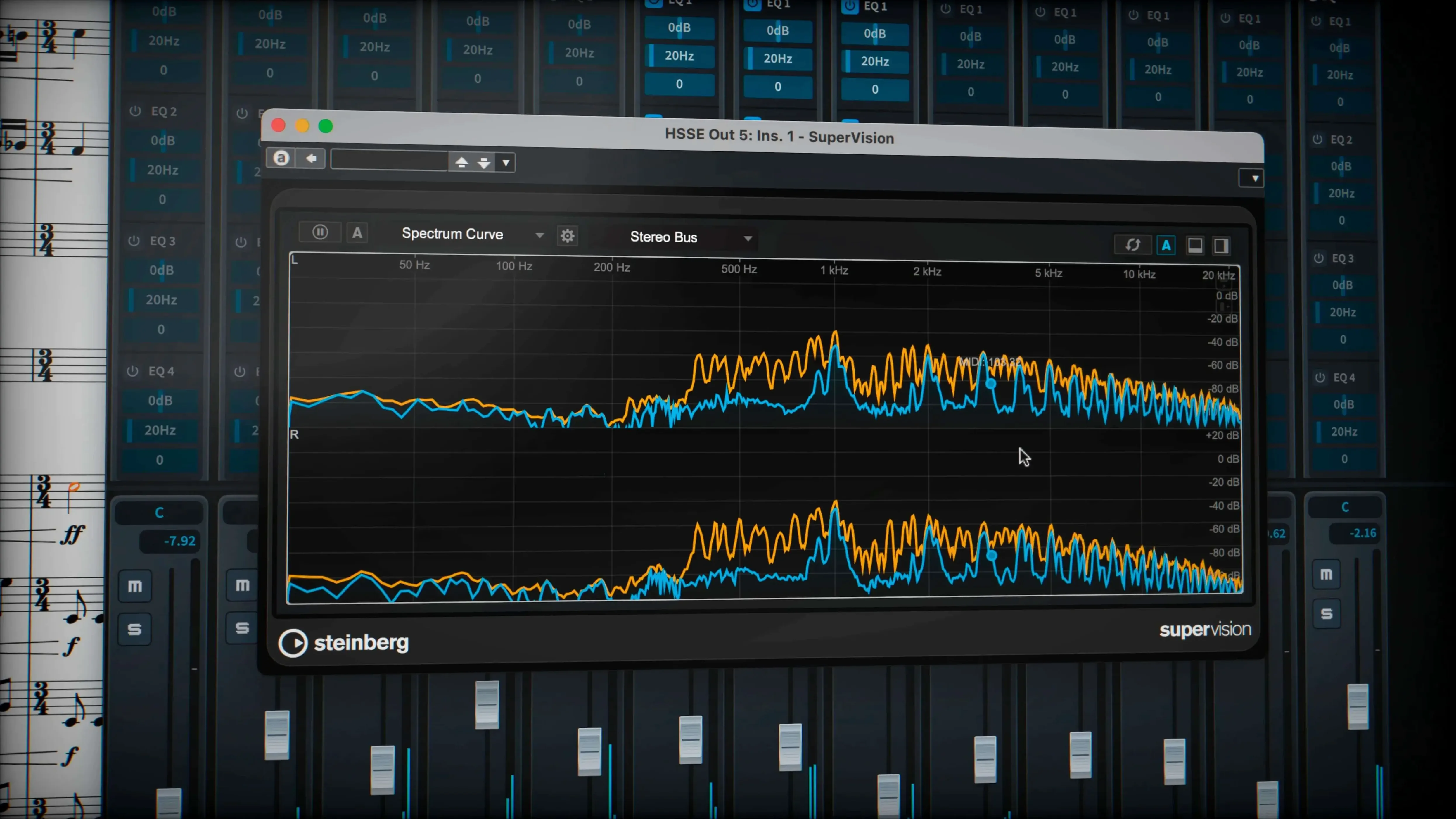
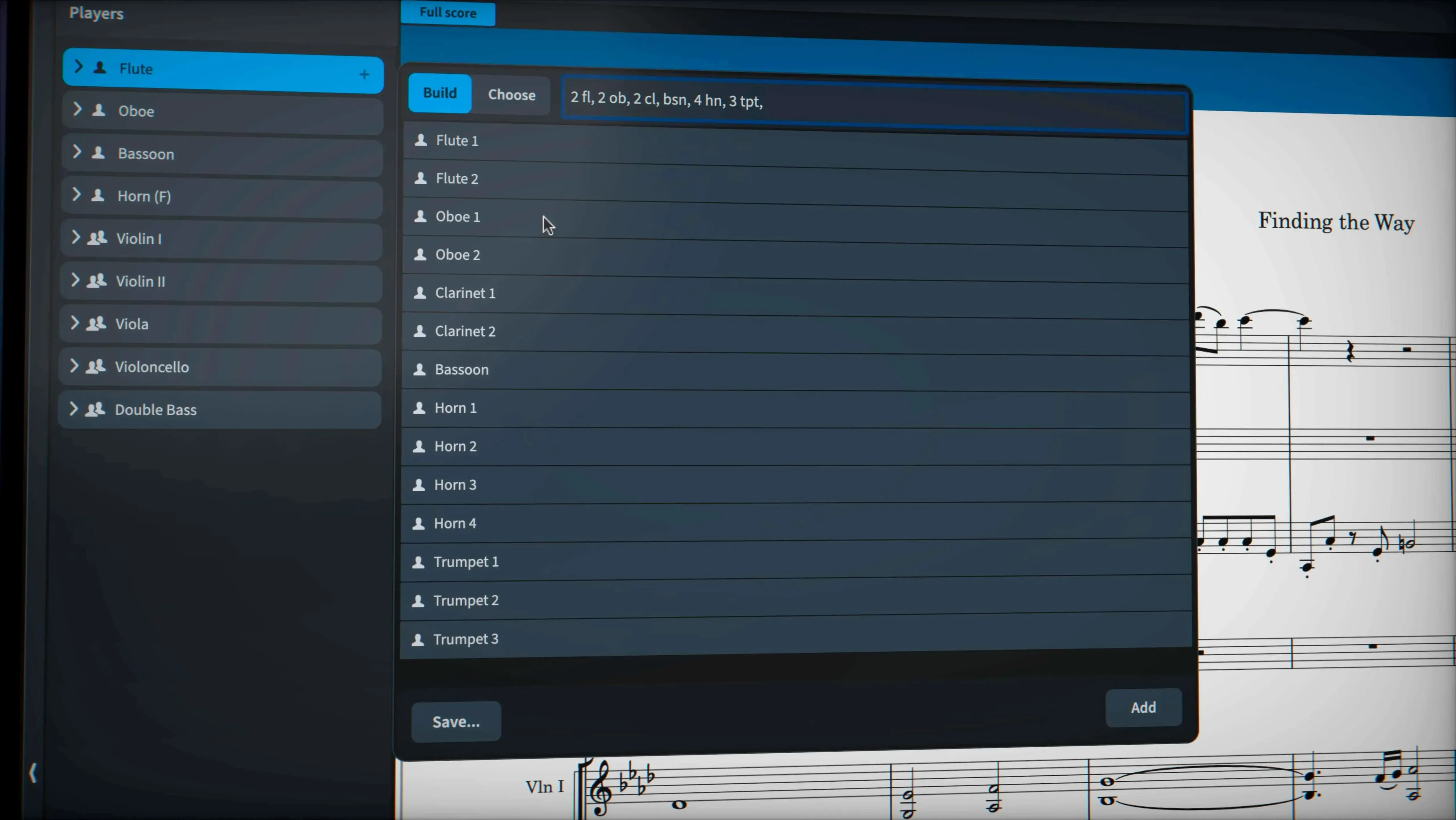
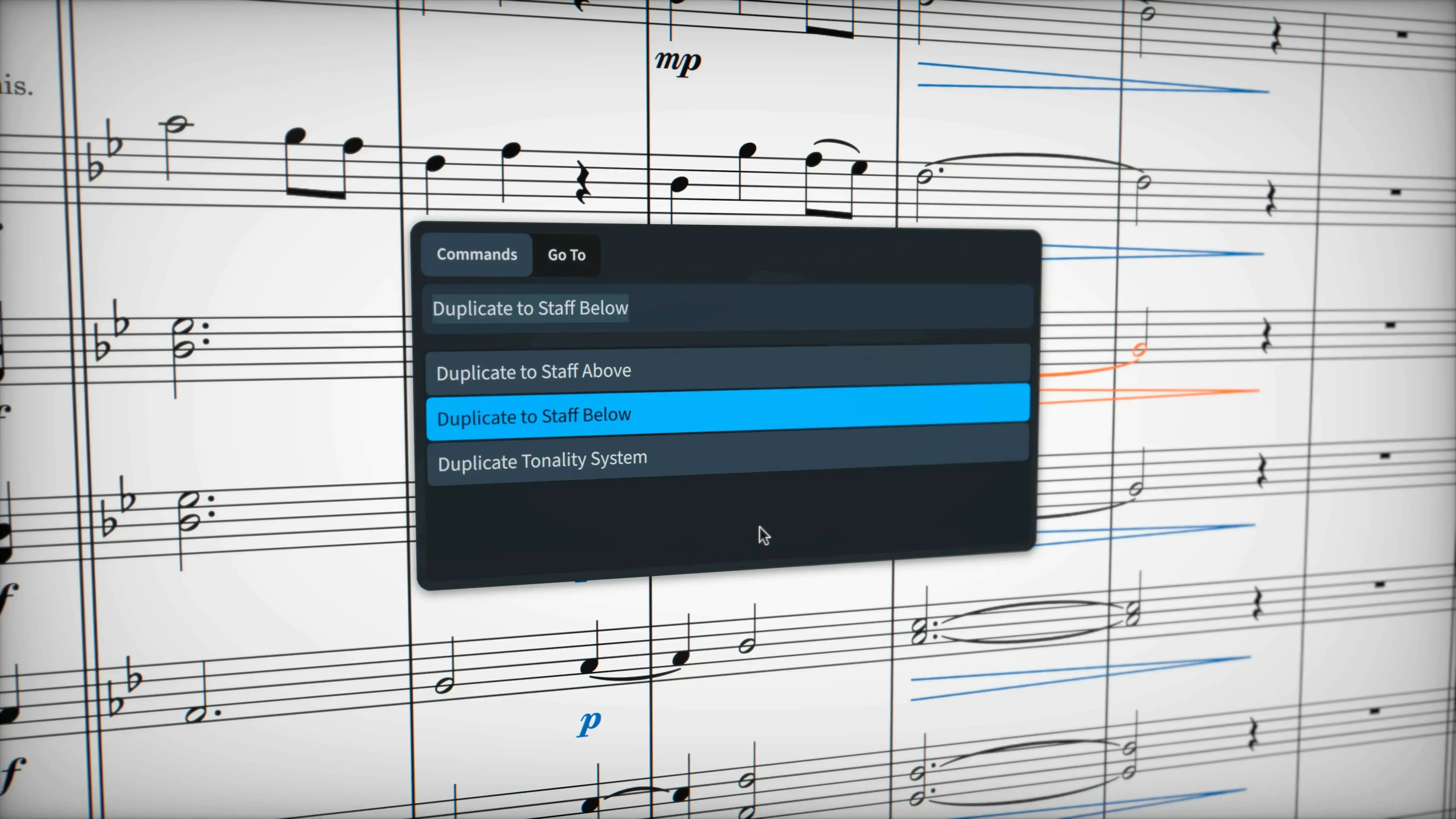
Start with the playback engine. Dorico Pro includes almost 1,500 built-in sounds and 30 VST 3 processors, so a new composition has a decent mix straight away — no third-party instruments required. Open the mixer, load a VST 3 instrument, and confirm the output is routed to your interface or speakers. On Apple Silicon and Intel Macs running macOS 12 or later, it just works. No extra configuration for the core audio engine.
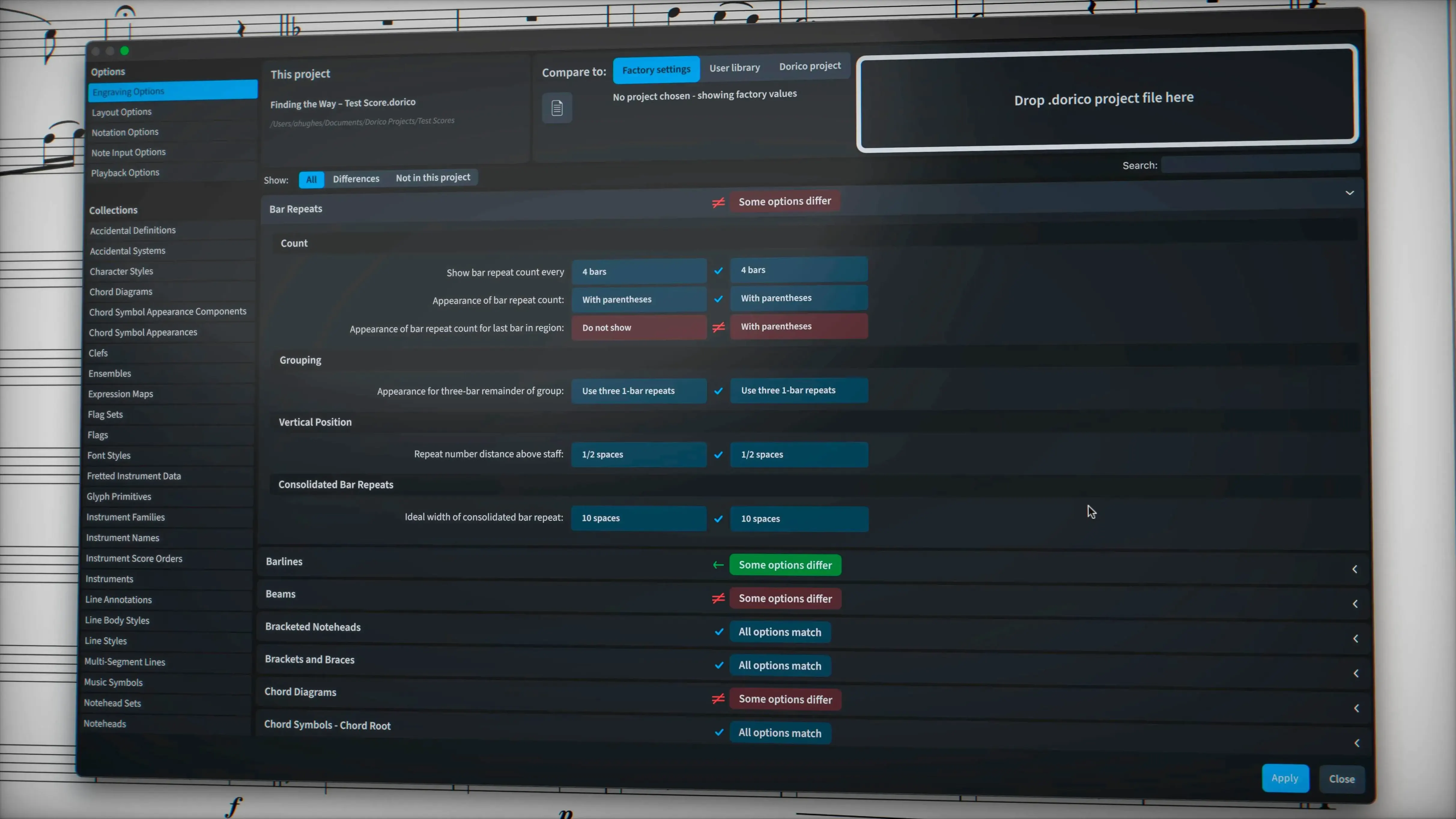
Next, open a new project and write a few bars of melody. The default engraving settings handle most common notation — chord symbols, percussion, and non-piano staves — without manual tweaks. If you need a wiggly glissando line, draw it with the trill wiggle glyph or change its line style from the project settings. Dorico treats notation as a score-preparation tool for engraving, publishing, and copying, so the output can go straight to PDF, MusicXML, or MIDI. The update fixes over 40 bugs and improves hidden-note handling, which matters when you're cleaning up a part for print.
No internet connection required
People often ask whether Dorico Pro needs an internet connection to work. It does not. The software runs entirely locally. The activation method in this package is pre-handled, so you do not need to log into a Steinberg account or validate online after installation. The package includes its own installation and activation guide — follow that, and the application is ready to use on your machine.
Another frequent question is whether existing projects from other notation software can be opened. Dorico imports MusicXML and MIDI files, which covers almost every scenario: Finale, Sibelius, MuseScore, and older Dorico projects can be exported to MusicXML on the source side and opened here. The 6.2.30 update specifically addressed import and export issues with MusicXML, so the transfer is cleaner than in earlier versions. Percussion notation, complex chord symbols, and non-piano staves survive the round-trip better now.
Some users wonder about language support. Dorico Pro ships with interfaces in Russian, English, German, Spanish, Italian, Simplified Chinese, Portuguese, French, and Japanese. The language can be changed from the preferences menu — no separate language packs are needed.
Native Apple Silicon and Intel support in one installer
Dorico Pro 6.2.30 runs on macOS 12 and newer, on both Apple Silicon and Intel 64-bit Macs. The installer is a single package that detects the architecture and places the correct binaries. You do not need Rosetta or compatibility layers on Apple Silicon machines — it runs natively.
The built-in sound library spans almost 1,500 sounds. If you plan to work with large orchestral templates and third-party VST 3 instruments, the memory usage will scale with the sample libraries you add — that is normal for any notation or DAW software. The same applies to the 30 included VST 3 processors: reverbs, EQs, and dynamics that run on the CPU. Heavier processing chains increase CPU load, as they would in any audio application.
The MIDI editor with piano-roll view works like a sequencer. You can edit velocities, durations, and controller data in a familiar grid. This is useful for tightening playback after writing notation. The automatic page layout and collision avoidance run in the background, so parts and scores stay readable without manual repositioning — though you can still override anything.
Set up independent voice playback in Play mode
Open the Play mode Track Inspector first. The independent voice playback setting — which lets you route individual voices to Cantai — is enabled from there. If you want separate articulations for different lines within the same instrument, toggle that option before writing dense passages. It saves redoing voice assignments later.
Export a test project to MusicXML early. Open it back in Dorico to confirm that hidden notes, tuplet brackets, and glissando lines come through as expected. The 6.2.30 update fixed export for tuplet brackets and numbers hidden by engraving options, so the round-trip is reliable now. If you plan to exchange files with collaborators, this is the format to use.
Set up a template project with your preferred instruments, VST 3 routing, and page size. Dorico uses a single project file for both score and parts, so a template saves time on every new composition. Save it as a .dorico file in your templates folder. Then open it, write, and export without reconfiguring playback each time.
If you use sustain or sostenuto pedal lines in your scores, export them to check the rendering. The 6.2.30 update added support for exporting these pedal lines — earlier versions did not. This matters for piano parts that go to engraving or PDF.
Native ARM support gives Dorico an edge over Sibelius on Mac
vs. Sibelius. Sibelius has a longer history in professional engraving, but its current macOS version lags behind on Apple Silicon native support for some features. Dorico runs natively on ARM from the ground up. The playback engine is also stronger in Dorico: 1,500 built-in sounds vs. Sibelius's bundled sound library, plus 30 VST 3 processors. Dorico's collision avoidance and automatic layout are more aggressive — less manual nudging for parts and page turns.
vs. MuseScore. MuseScore is free and open-source, with a smaller built-in sound set and no native VST 3 host on macOS. Dorico's engraving controls and professional export options (PDF, MusicXML, MIDI with full detail) are more polished for publish-ready scores. MuseScore handles basic notation well, but complex chord symbols, microtonality, and stemless music require workarounds that Dorico handles natively.
vs. Finale (legacy). Finale is no longer developed, which makes it a static choice. Dorico continues to receive updates — the 6.2.30 release with 40+ fixes is one example. On the same Mac, Dorico's native Apple Silicon build will outperform Finale running through Rosetta. File exchange between the two works through MusicXML, and Dorico's import handles Finale exports better than previous versions.
- macOS 12 or later
- Apple Silicon or Intel processor
Questions from the notes
What file formats can Dorico Pro exchange?
It supports MusicXML, MIDI, and PDF for data exchange with other programs.
Does it require a specific macOS version?
It runs on macOS 12 and later, on both Apple Silicon and Intel Macs.
Install procedure
- An installation and activation guide is included in the package.
Reports from players
Sign in or create a tester account to file a report.
No reports filed yet.