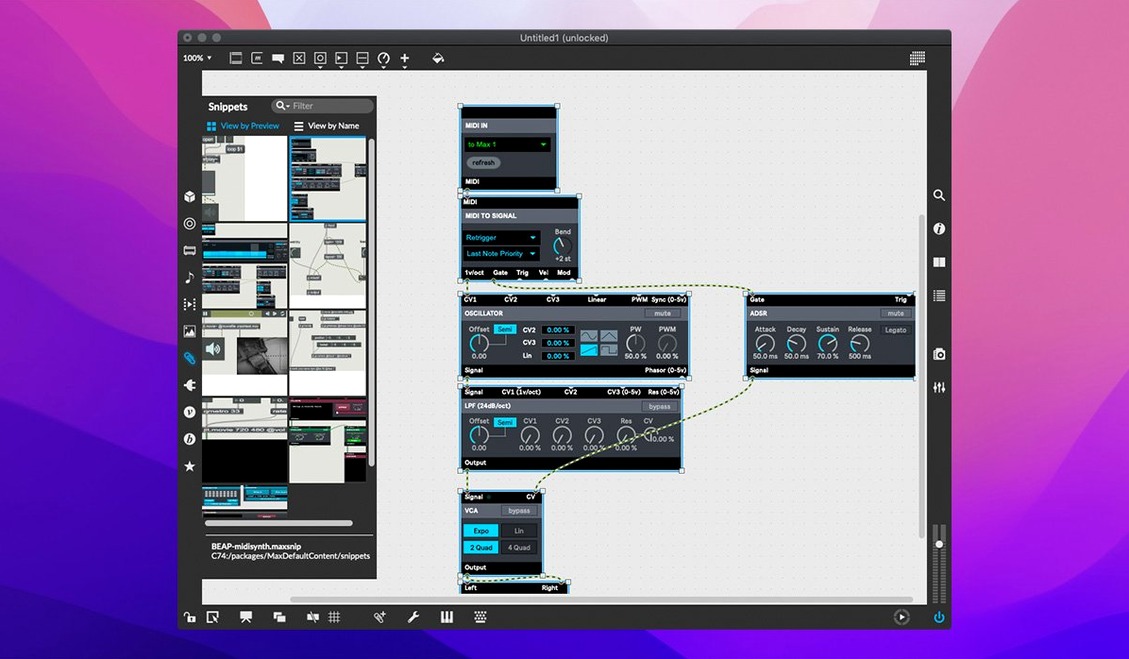
You patch a MIDI note into a live.banks object, assign a button to a parameter bank, and your set evolves in real time. That's a typical session with Cycling '74's Max, the interactive visual programming tool for music and multimedia. The current version, 9.0.9, keeps the core workflow intact while fixing a few sharp edges.
Inspector crash fix and text editor listing correction
The release notes list two notable fixes. The Inspector no longer risks crashing when you edit or close a text field. And the Web Based Text Editor corrected File > List Externals and Subpatcher Files, so that listing works as expected. For live.banks users, button assignments for parameter banks are now supported, which simplifies hardware mapping.
Max remains Max/MSP with MIDI, debugging, and object demos
Max remains Max/MSP at heart. You still get built-in MIDI input and output, the interactive editor with foreground and background debugging, message tracking, the object inspector, and smart copy and paste. Each object ships with working demonstrations in the interactive help. RNBO, the visual programming environment for building synthesizers and effects, is bundled at version 1.3.5. The app runs on both ARM and 64-bit x86 Macs, so it covers Intel and Apple Silicon machines.
Routes MIDI to Logic Pro and Ableton Live without extra software
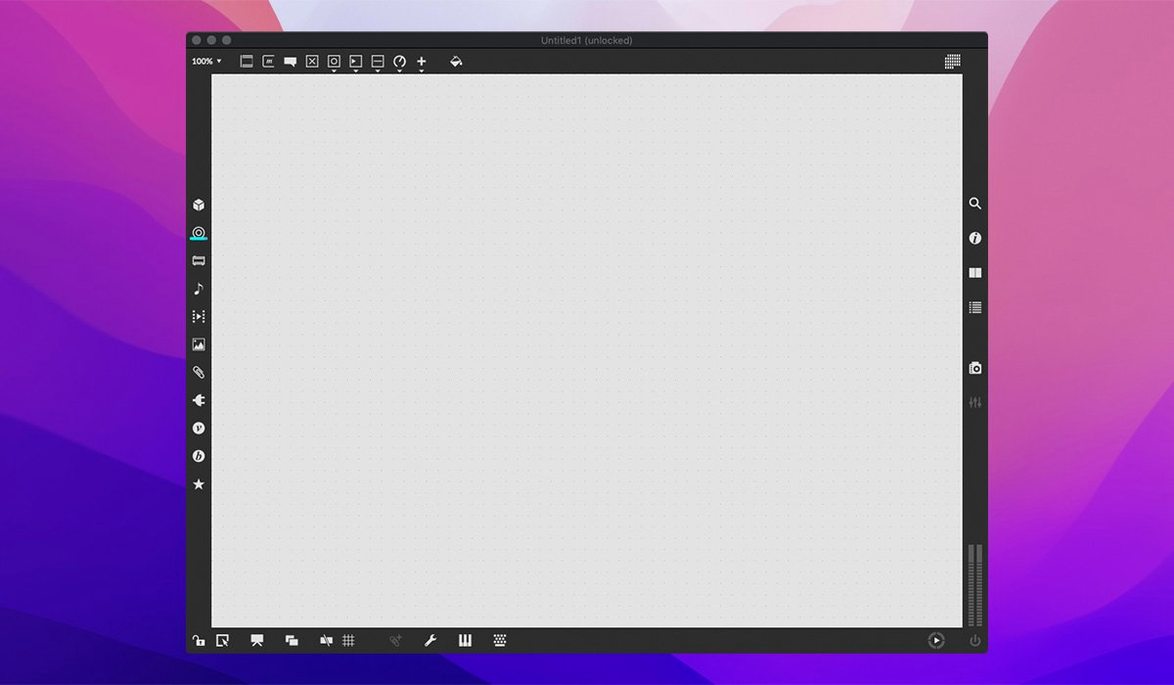
Max works as a hub in a larger creative toolkit. Its built-in MIDI support means you can route data to and from a digital audio workstation like Logic Pro or Ableton Live without extra software. Serial devices and mouse cursor tracking let you connect hardware controllers or build interactive installations that respond to screen position. QuickTime movie playback gives you a timeline for scoring to video or syncing visuals, all inside a single patcher window. The cross-platform SDK extends that further – if you need a custom object that talks to a specific USB device or a network protocol, you build it yourself and Max loads it natively.
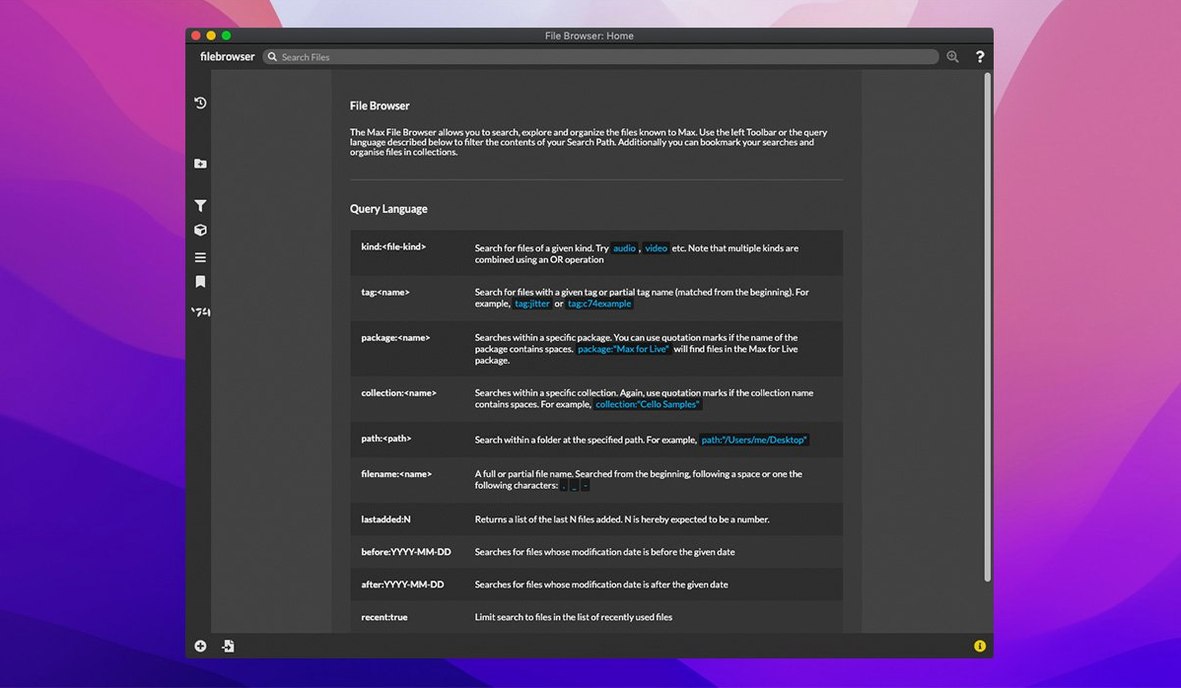
On macOS, the app behaves like a standard document-based program. You mount the disk image, drag the app to Applications, then launch it from Launchpad. It respects macOS window management and virtual desktops, which helps when you run a patcher on one screen and the interactive help or the Web Based Text Editor on another. The Inspector and the debugger work as floating panels, so you can keep them visible while editing a patch.
Web Based Text Editor now lists external objects and subpatchers correctly
A few things in 9.0.9 don't make headlines but change everyday use. The Web Based Text Editor now lists external objects and subpatcher files correctly under File > List Externals and Subpatcher Files. That matters when you inherit a project with dozens of dependencies and need to see what's missing before you hit play. The same editor had a rough edge before – now it just works.
The Inspector fix for text fields is subtle. If you edit a large comment or a named object property, closing that field no longer risks a crash. For anyone who writes detailed documentation inside their patches, that saves occasional frustration. The interactive help for each object remains the fastest way to learn a new object's behavior without leaving the app.
Native Apple Silicon support and live.banks button assignment
If you are on Apple Silicon, you do not need a translator layer – Max runs natively on ARM. No settings to change there. For live.banks users, the new button assignment support is the first thing to test: assign a MIDI controller button to a parameter bank and see if your hardware mapping holds across preset changes. That is not a default setting – you configure each assignment per bank.
The debugger's message tracking is on by default, but you can toggle foreground and background tracking separately. If you work with timing-sensitive patches, background tracking keeps the audio running while you inspect messages. The object inspector is worth opening early in a session: it shows every attribute of a selected object, and you can edit values inline. That saves digging through submenus.
For users coming from earlier versions, the smart copy and paste feature respects object connections. Copy a cluster of objects and their patch cords stay intact. That is not a setting to change, but it is a habit to adopt early.
- Support for button assignments for parameter banks in live.banks.
- RNBO v1.3.5 is bundled.
- Fixed a potential crash in the Inspector when editing or closing a text field.
- Web Based Text Editor fixed File > List Externals and Subpatcher Files.
- macOS 11 or later
- 64-bit processor (ARM or x86)
Questions from the notes
Does Max 9.0.9 support Apple Silicon Macs?
Yes, Max 9.0.9 supports ARM and 64-bit x86 Macs, so it runs on both Apple Silicon and Intel processors.
What version of RNBO is included with Max 9.0.9?
RNBO v1.3.5 is bundled with Max 9.0.9.
Install procedure
- Mount the downloaded disk image.
- Drag the app to the Applications folder alias.
- After copying finishes, launch the app from Launchpad.
Reports from players
Sign in or create a tester account to file a report.
No reports filed yet.