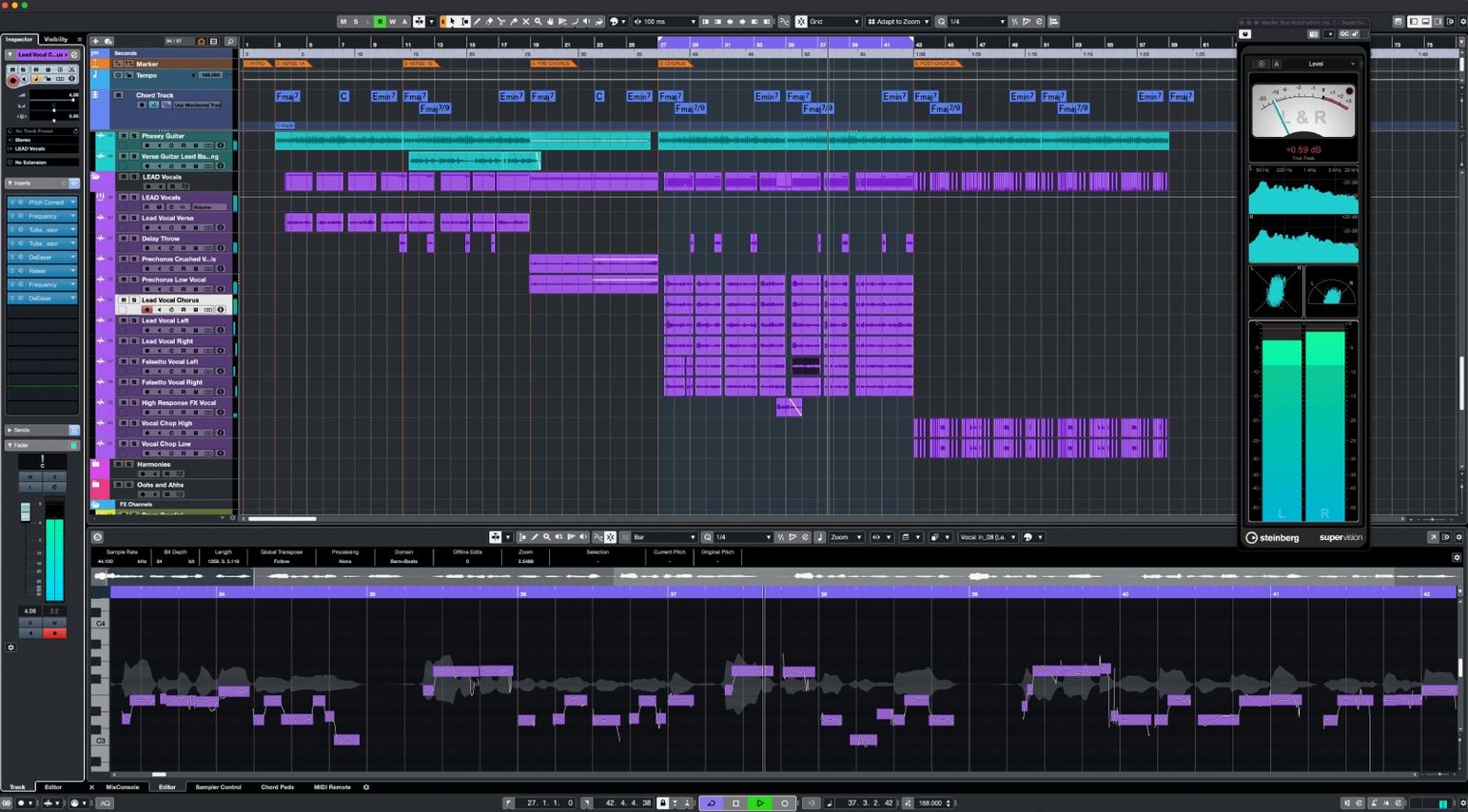
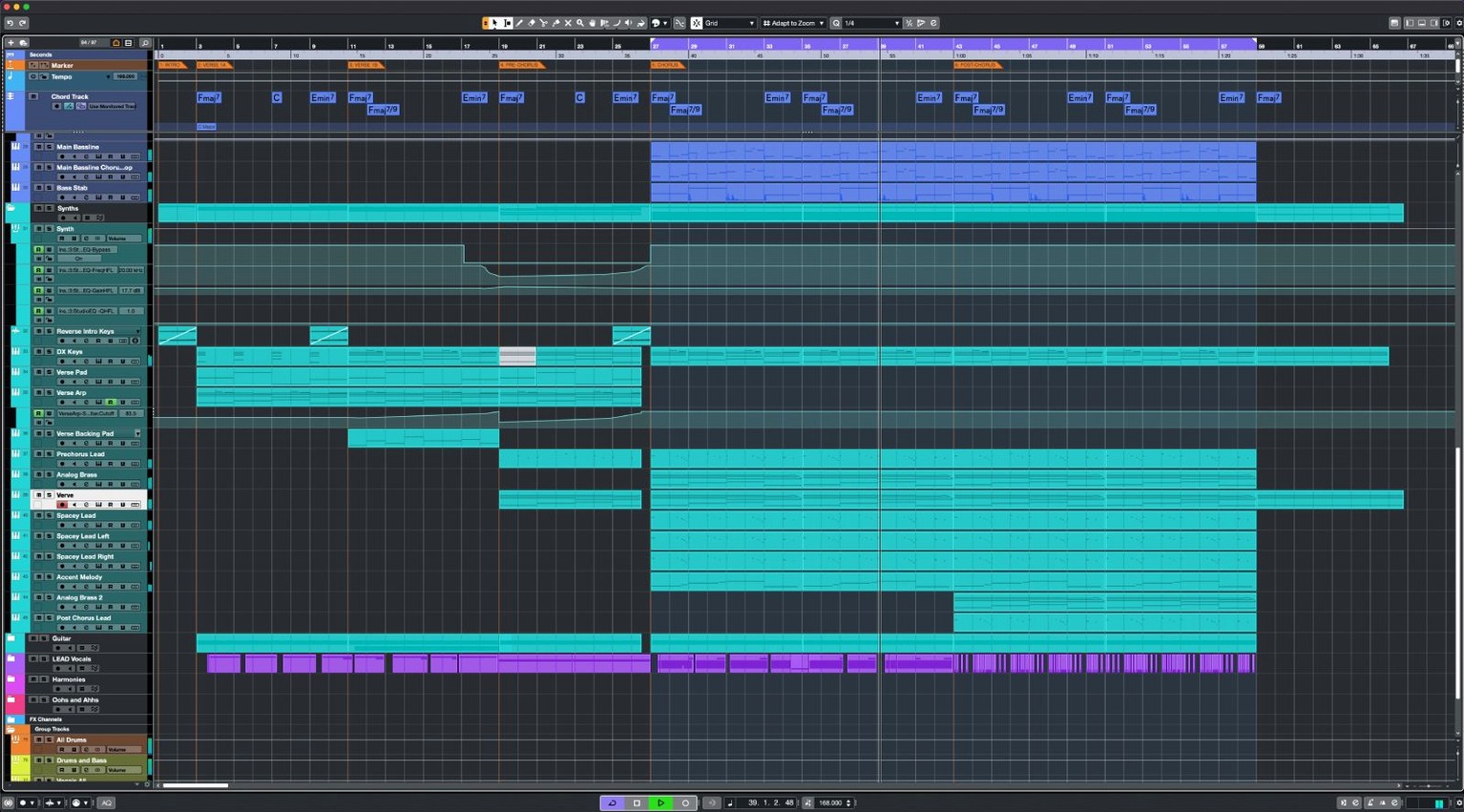
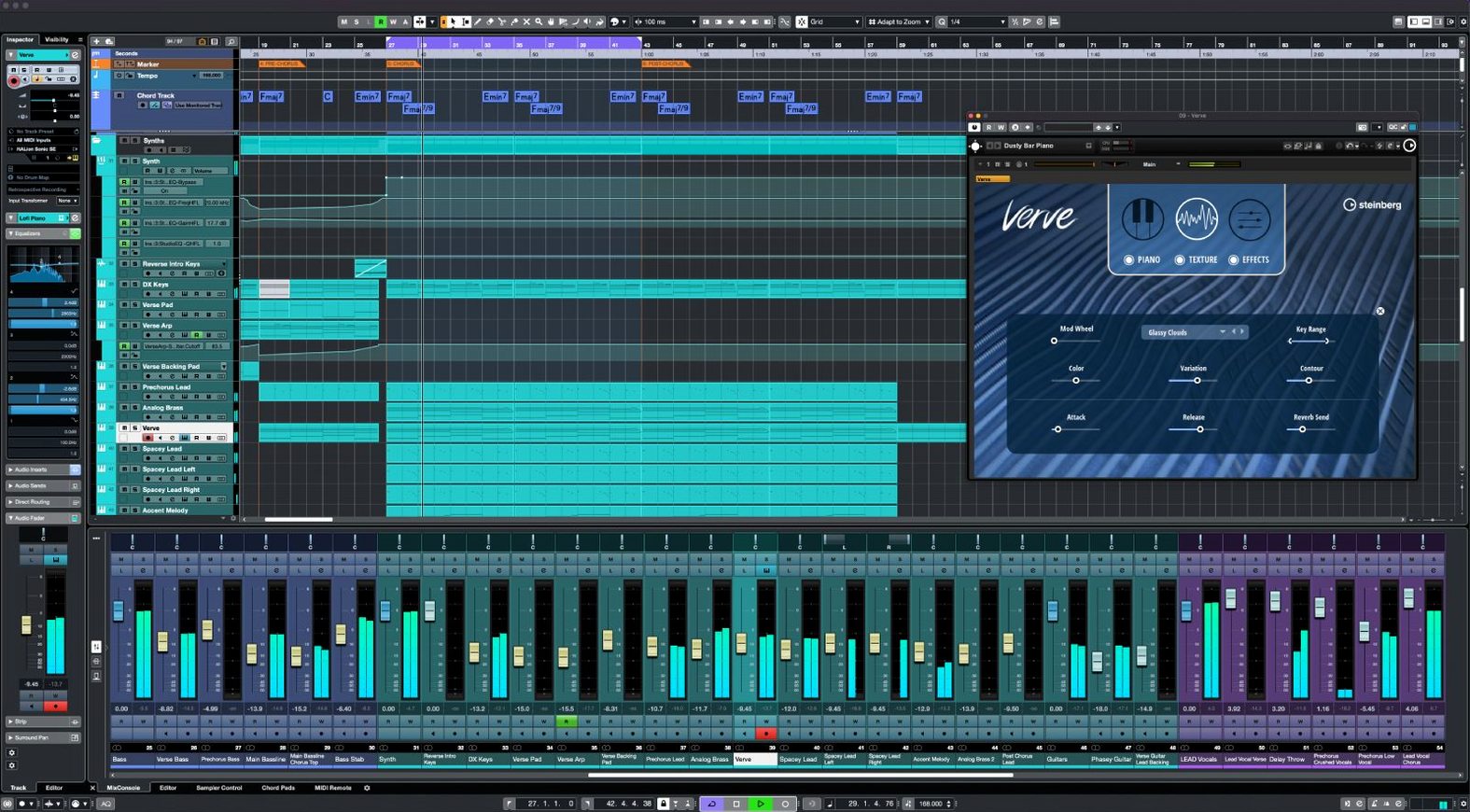
Cubase 15.0.30 brings a round of fixes and enhancements across the app, plus support for the Novation Launch Control Series 3 and MIDI Remote API 1.3. For those searching for a cubase 10 torrent, the current version builds on years of refinement.
Before installing, here are the questions people typically ask:
- What are the track limits? Unlimited audio channels and MIDI or instrument tracks, with up to 16 insert effects per channel.
- Does it handle high-end audio? Yes, sample rates up to 192 kHz with a 64-bit sound engine.
- Is vocal correction included? VariAudio is built in, plus the Scale Assistant for quick key adjustments.
- Can I use my controller? MIDI Remote lets you link controllers and create custom mappings.
- Is the interface manageable? It's straightforward, aimed at professional producers, composers, and sound engineers.
- What about loudness? The Raiser compressor increases loudness without squashing transients.
Which users get the most out of it
Cubase 15 suits a range of workflows. Composers working on scores with large orchestral templates benefit from the unlimited instrument tracks and 64 VST instrument slots per project. Sound engineers handling post-production or surround mixes can use the Dolby Atmos tools, 256 group channels, and sample rates up to 192 kHz. Producers who record live instruments or vocals will find the unlimited audio channels and 16 insert effects per channel flexible enough for complex chains.
The MIDI Remote features make it practical for anyone using hardware controllers. Custom mappings and support for the Novation Launch Control Series 3 reduce setup friction. The Scale Assistant and Audio to MIDI chords also help songwriters who want to sketch ideas quickly without digging into music theory.
Cubase runs on Macs with macOS 13 or later
Cubase 15.0.30 runs on macOS 13 or later. The installer is a single package under 1.3 GB, and one installer covers all Cubase 15 versions — your license determines which edition opens. Both Apple Silicon and Intel Macs are supported. The 64-bit sound engine and support for sample rates up to 192 kHz mean you can work with high-resolution audio files without format conversion.
The application's simple interface keeps the main tools visible, and the keyboard shortcut system lets you speed up common tasks once you learn the bindings. Dolby Atmos tools are available for surround projects, and the 256 physical inputs and outputs accommodate larger studio setups. The activation instructions are included with the download; use them after running the installer.
What versions 15.0.30 changed in everyday use
Version 15.0.30 is a maintenance update. The release notes cover fixes and enhancements across several areas of the application — no major overhauls, but incremental improvements that reduce friction. The addition of MIDI Remote API 1.3 means controllers and mappings behave more consistently, especially with newer hardware. Support for Novation Launch Control Series 3 is now built in, so users with that controller can skip manual configuration.
For anyone coming from earlier Cubase 15 releases, the update smooths out rough edges. Cubase 15.0.30 fixes bugs from version 12 while keeping the same core tools for music production. The single-installer approach means you don't need to redownload a separate package — just update through Steinberg Download Assistant and your existing license works.
AudioWarp and FX Modulator add quick creative control
- AudioWarp aligns audio to the project grid and tempo without time-consuming manual slicing. Useful for tightening recorded takes or matching loops to a BPM.
- FX Modulator generates complex textures from a single source. It's one module, not a chain of effects, which keeps the signal path readable.
- Raiser is a compressor designed to increase loudness while leaving transients and transparency intact. It's a single plugin, not a multiband chain.
- VariAudio handles vocal correction without needing a separate editor. The Scale Assistant integrates with it, so pitch shifts stay in key.
- Audio to MIDI chords detects harmony from an audio track and converts it to MIDI notes. This works with monophonic and polyphonic material for quick transcription.
- MIDI Remote creates custom mappings for any MIDI controller. No external utility needed.
New users overlook shortcuts and the single-installer design
New users often overlook the keyboard shortcut system, relying on mouse clicks for every action. Learning a few shortcuts early saves time during long sessions. Another common misstep is ignoring the single-installer approach — downloading the wrong version or expecting a separate package for Cubase 15 Pro when one installer handles all editions. The license alone determines what opens.
Some beginners skip the activation instructions included with the download. Cubase 15 requires proper activation through Steinberg Download Assistant, so following those steps matters. Others max out the insert slots or VST instrument slots without checking the limits — 16 insert effects and 64 instrument slots are generous, but piling on plugins can lead to confusion before any performance issues appear.
Setting up MIDI Remote for the first time can trip people up. Custom mappings are powerful, but the interface expects you to define them rather than guessing. Starting with a simple mapping and expanding gradually works better than trying to map everything at once. The Dolby Atmos tools are also easy to misuse in stereo projects — they're meant for surround work, so enabling them in a basic stereo mix adds complexity without benefit.
Who gets the most from Cubase 15
Music producers building dense arrangements with layered synths and samples make use of the unlimited audio channels and 256 group channels. Group channels let you route multiple tracks through a single processing chain, which keeps the mixer organized when you have dozens of parts. Composers who score to picture benefit from the sample rate support up to 192 kHz — matching the project's rate to the video source avoids resampling artifacts.
Sound engineers mixing for film or broadcast will use the Dolby Atmos tools. The 256 physical inputs and outputs also work with large-format consoles or multi-channel audio interfaces, so the software fits into established studio workflows. Songwriters who work with vocalists appreciate VariAudio for tuning takes and the Raiser compressor for final loudness without pumping.
The Audio to MIDI chords feature helps when you have a recorded idea but want to rearrange it with virtual instruments. Instead of transcribing by ear, you play the audio into Cubase and convert the harmony to MIDI for editing. The FX Modulator suits sound designers who need evolving textures without building complex modulation chains from scratch.
What to expect on your Mac
Cubase 15.0.30 requires macOS 13 or later. The installer is under 1.3 GB and works on both Apple Silicon and Intel Macs — one download covers all hardware. The license you own determines whether you get Cubase Elements, Artist, or Pro, so there is no separate installer to track.
The 64-bit sound engine handles sample rates up to 192 kHz. If your audio interface supports those rates, you can record and mix at high resolutions. The 64-bit internal processing means the mixer stays accurate even when summing many channels. With unlimited audio channels and 256 group channels, the project size is limited more by your drive space than the software.
MIDI tracks and instrument tracks are also unlimited. You can load up to 64 VST instruments per project, and each channel can take up to 16 insert effects. Eight send channels and 64 return channels give you room for reverb, delay, or parallel processing buses. The 256 physical inputs and outputs match most studio patchbays without needing to re-patch frequently.
The interface is straightforward. The keyboard shortcut system is available, and the Dolby Atmos tools are accessible when you need them.
Version 15.0.30 in daily use
The 15.0.30 update from June 2026 addresses bugs and makes small enhancements across the application. For everyday work, the most noticeable change is the added support for Novation Launch Control Series 3. If you own that controller, you can plug it in without hunting for a template or writing a script. The MIDI Remote API 1.3 support also improves reliability with other controllers — custom mappings should behave more predictably.
This update does not add new major features or change the interface. The same tools — VariAudio, Scale Assistant, AudioWarp, FX Modulator, Raiser, MIDI Remote — work the same way as in version 15.0.0. The fixes reduce crashes or quirks in specific workflows, particularly around routing and MIDI mapping. Users on earlier Cubase 15 releases should update through Steinberg Download Assistant to get these improvements.
Cubase 15.0.30 offers music producers the same intuitive workflow with added tools for immersive mixing and creative effects. The single-installer design means you can install 15.0.30 and your license still opens the correct edition — no need to manage separate builds for different Cubase versions.
Check the system requirements below and follow the install steps to get Cubase running on your Mac.
Steinberg has posted the release notes for Cubase Pro 16.0.5 — a maintenance update now available with the usual collection of stability refinements and workflow corrections.
- macOS 13 or later
- Apple Silicon or Intel 64-bit processor
Questions from the notes
Does Cubase 15 work on Intel Macs?
Yes, Cubase 15 supports both Intel and Apple Silicon Macs running macOS 13 or later.
What audio formats does Cubase support?
Cubase handles high sample rates up to 192 kHz and uses 64-bit processing for audio.
Install procedure
- Follow the included installation instructions.
- Follow the included activation instructions.
Reports from players
Sign in or create a tester account to file a report.
No reports filed yet.