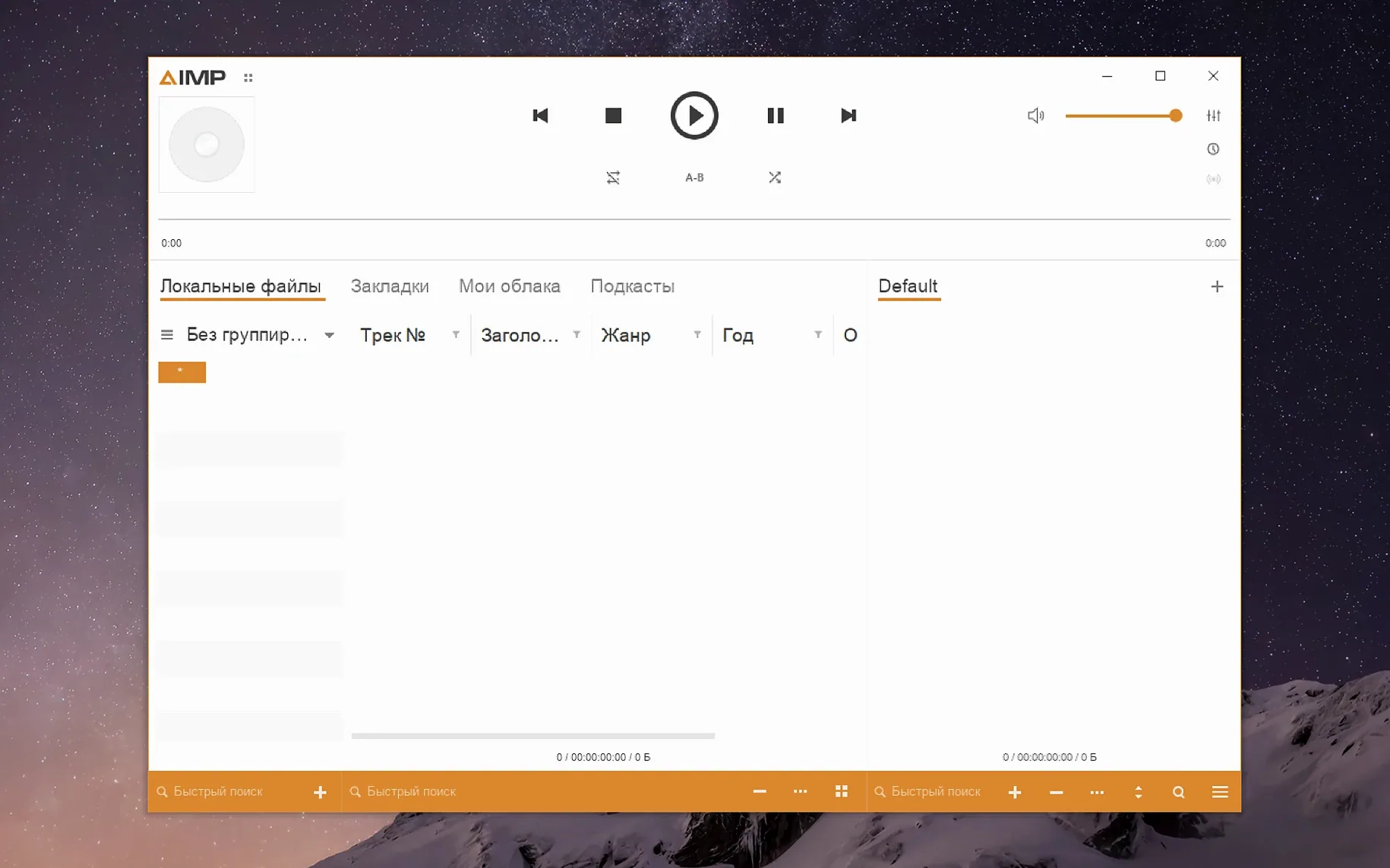
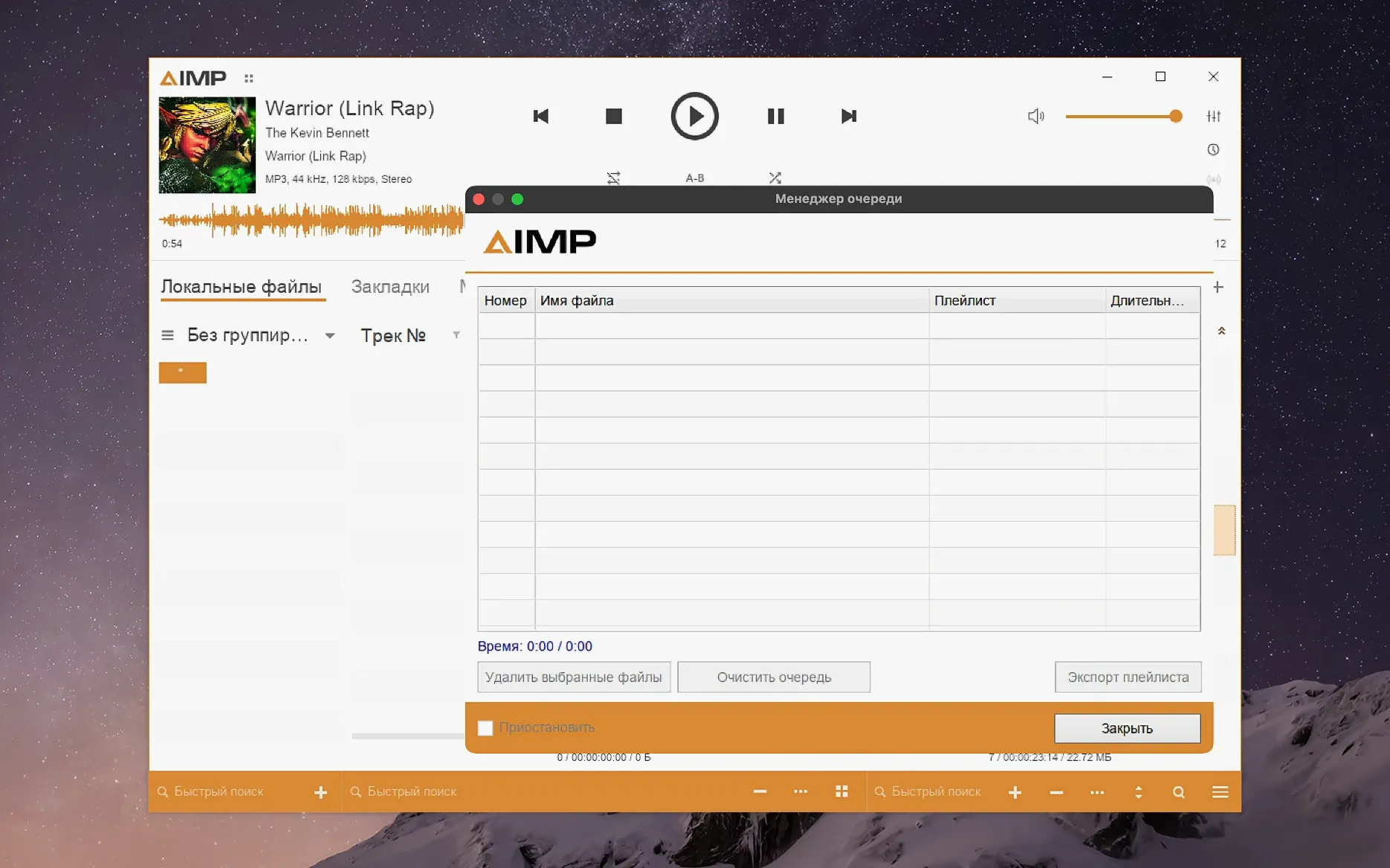
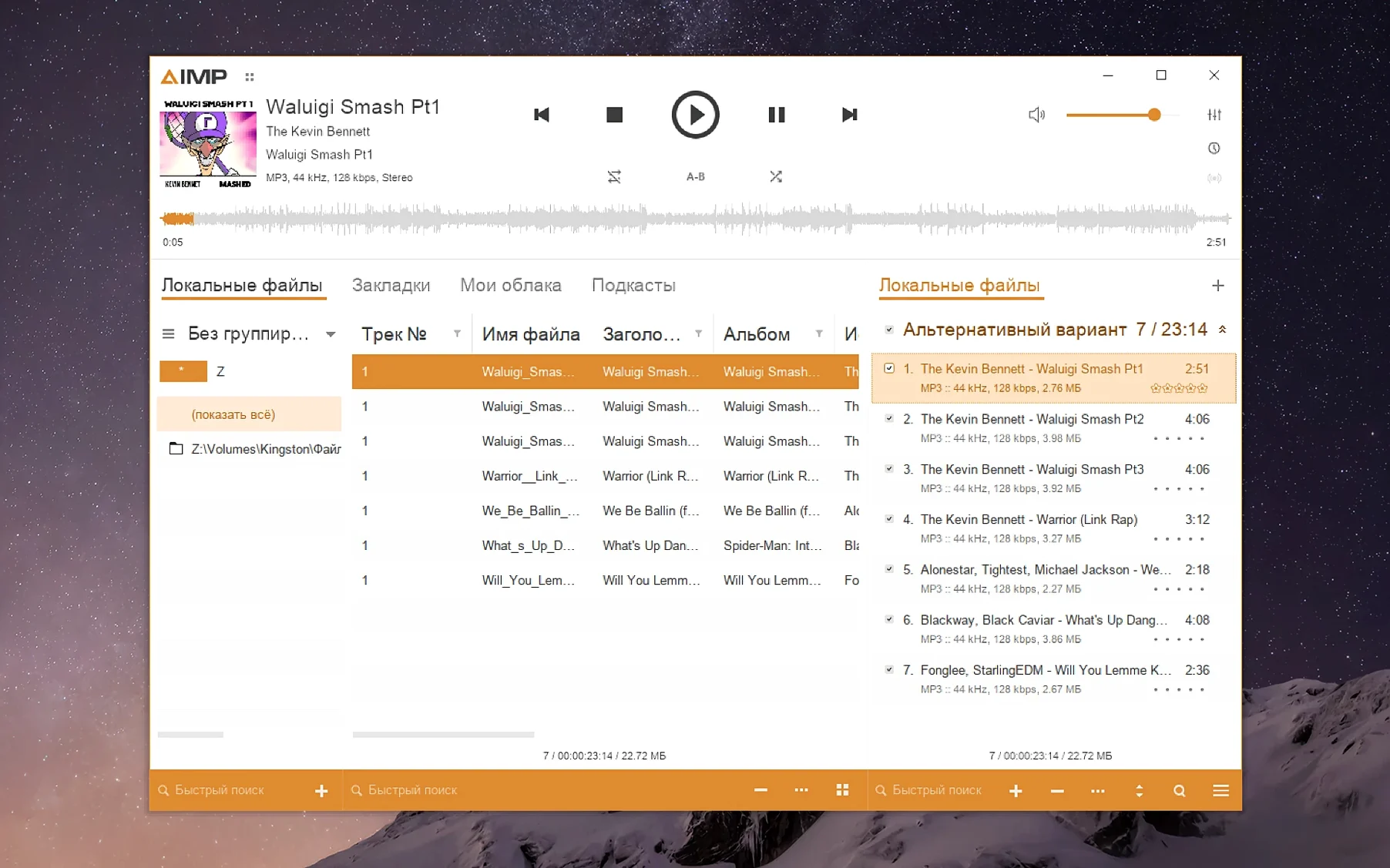
5.40.2675 is the current AIMP build for macOS, packaged with Wineskin. Waveform calculation speed has increased, and altering the sampling rate no longer keeps outdated buffers, with the changelog prioritizing fixes relevant to users who push the player beyond standard configurations. The playlist manager stopped marking content as modified after a track change, which cuts down on unnecessary saves.
- Install the app normally from the disk image.
- To change the interface language, find the
winecfgtool. Open the app package contents, go toContents, and launch KegworksConfig. Under Tools, start Config Utility (winecfg). In the Graphics tab, set screen resolution to a value between 122 and 144 to enlarge the interface. - If a launch error appears, run the Fix file inside the disk image.
Languages available: English, Russian, German, Arabic, Belarusian, Hungarian, Danish, Spanish, Italian, Traditional Chinese, Simplified Chinese, Korean, Polish, Portuguese, Turkish, Ukrainian, Finnish, French, Czech, Swedish, Japanese. The Finnish and Korean localizations were updated in this release.
Start with a small library to test the playlist manager
Start with a small library. Point the player at a folder with a few dozen tracks and let it scan. This gives you time to check how the playlist manager behaves with your file structure before you add your full collection. If you work with large tag-editing sessions, do a quick test on three or four files first — the MP4 field fix in this version means the tag editor no longer halts on unnamed fields, which used to interrupt batch edits.
The waveform speed improvement is noticeable when you load long recordings or live sets. If you listen to podcasts or lectures, opening a two-hour file now draws the waveform noticeably faster than before. No reason to limit yourself to short tracks.
Set your sampling frequency early. The buffer-flush fix means changing the sampling frequency mid-session no longer leaves stale audio data in the pipeline. Pick your preferred rate in the player settings once, and the player should stay consistent from then on.
How the tag-cleaner handles FLAC, Monkey's Audio, and embedded artwork
Someone who maintains a library of lossless audio files collected over several years — FLAC, some Monkey's Audio, a few MP4s with embedded artwork. They open AIMP for the first time, point it at their music folder, and notice the playlist manager marking folders as modified every time a track finishes. Version 5.40.2675 fixed that: the playlist manager no longer flags content as changed after a simple track switch. That saves the user from seeing phantom unsaved changes in the library view.
Later, they open the tag editor to fix a batch of MP4 files that have no title field. Earlier builds would throw a parser error and stop the edit. This build handles unnamed MP4 fields without complaint. The same user updates the Monkey's Audio codec to version 11.08, which comes bundled with this release, and finds that older .ape files open without issue. The waveform drawing speed means scanning through a 90-minute live recording to find cue points takes less time than it used to.
Faster waveform calculation and Monkey's Audio codec fix
The changelog for 5.40.2675 addresses several points that affect regular listening and library management:
- Waveform calculation speed was improved. Scrubbing through long tracks or checking peaks happens faster than in the previous build.
- The Monkey's Audio codec was updated to version 11.08. Files encoded with newer versions of the codec should open without needing a separate decoder install.
- A libVorbis conflict with third-party plugins was resolved. If you use Vorbis-based plugins from other sources, they should no longer cause the built-in codec to fail.
- A sampling-frequency buffering issue was fixed. Changing the frequency no longer leaves already filled buffers unflushed, which means audio output stays clean after a switch.
- The playlist manager no longer marks content as modified after changing the playing track in active storage. This cuts down on unnecessary library-save prompts.
- The tag editor no longer raises a parser error for an unnamed MP4 field. Tagging batches that include MP4 files with missing fields now completes without interruption.
- The Skin Engine mouse wheel issue in the visualization window was fixed. Scrolling through visualizer views works correctly again.
- The music library grouping tree Alt+Click issue was fixed. Using Alt+Click to expand or collapse groups now works as expected.
- Localizations were updated for Finnish and Korean.
What Mac users ask before installing AIMP
Does this work on Apple Silicon Macs?
Yes. The build supports Apple Silicon architecture. It runs through the Wineskin compatibility layer, which handles the translation between the Windows-based AIMP and the ARM macOS environment. No extra setup is needed beyond the install steps.
AIMP runs without activation or a license key
No. Activation is not required. Install it from the disk image, and it runs without asking for a license key or an account.
What about languages other than English?
The interface includes 22 languages. If yours is among them, you can switch in winecfg or through the player settings after launch. The Finnish and Korean localizations were updated in this version, so those speakers will find the most current translations.
Will my existing playlists from other players work?
AIMP imports standard playlist formats like M3U and PLS. Copy your playlist files into the player's library folder, or open them directly from the file menu. The playlist manager's behavior is more reliable in this build after the false-modified-state fix.
Can I use third-party plugins?
Yes, but the libVorbis fix in this version addresses a specific conflict with third-party Vorbis plugins. If you rely on VST or DSP plugins that process Vorbis-encoded streams, test them early. The built-in codec now handles them better, but plugin compatibility always depends on the plugin author's implementation.
- Fixed: libVorbis conflict with third-party plugins.
- Fixed: sampling-frequency buffering issue.
- Updated: Monkey's Audio codec to version 11.08.
- Improved: waveform calculation speed.
- Updated: localizations.
- macOS 11 (Big Sur) or later
- Apple Silicon (M1/M2/M3)
Questions from the notes
Does AIMP for macOS support Apple Silicon?
Yes, the Wineskin wrapper includes Apple Silicon support, so it runs on M1 and M2 machines.
Install procedure
- Open the downloaded disk image.
- Drag the app to the Applications folder alias.
- After copying finishes, launch the app from Launchpad.
- If an error appears on launch, run the Fix file in the disk image.
- To enlarge the interface, open the app package contents.
- Open the Contents folder and start KegworksConfig.
- In Tools, open Config Utility (winecfg).
- In the Graphics tab, set the screen resolution to a value from 122 to 144.
- Apply the change and start the app again.
Reports from players
Sign in or create a tester account to file a report.
No reports filed yet.