
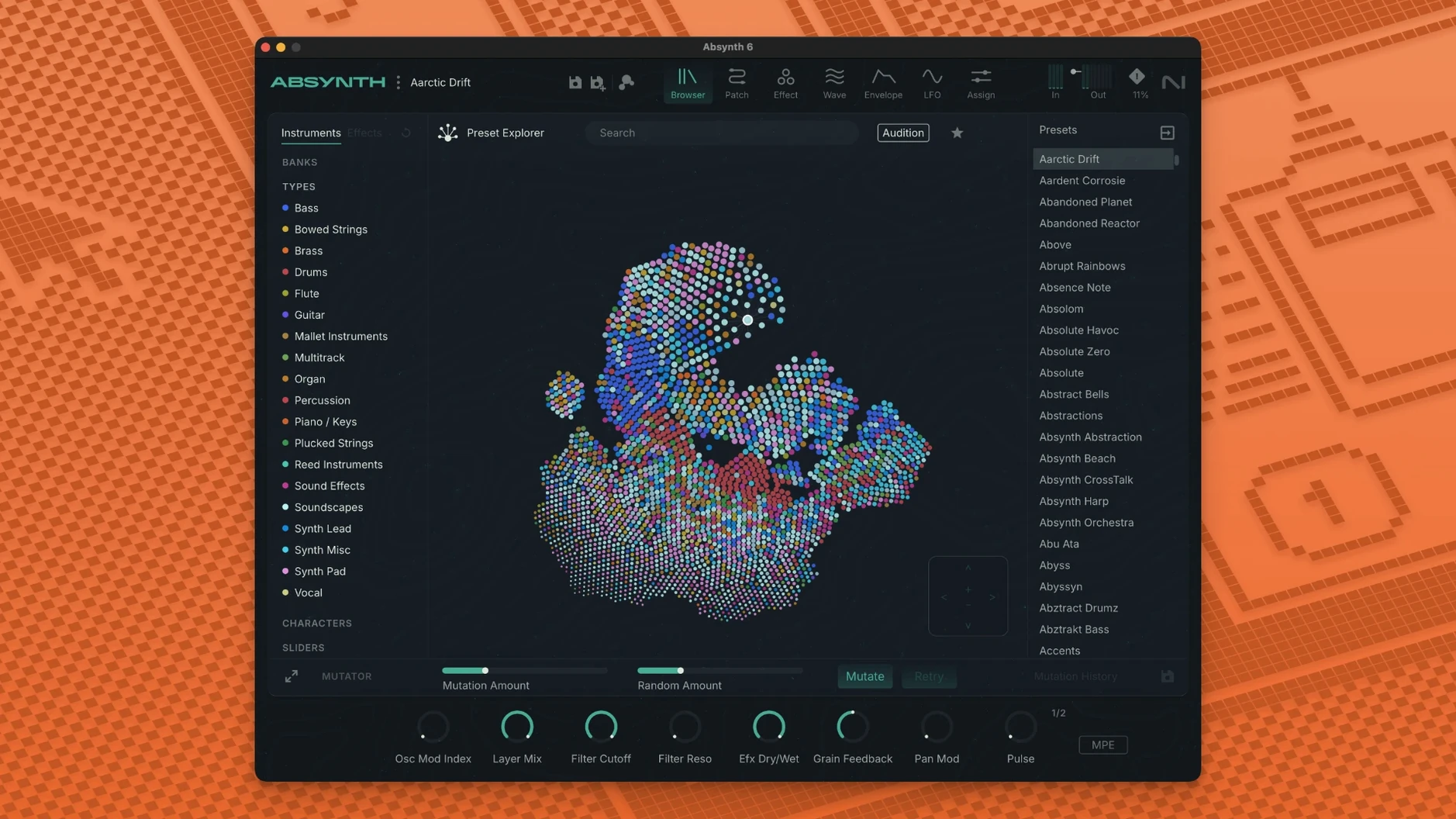
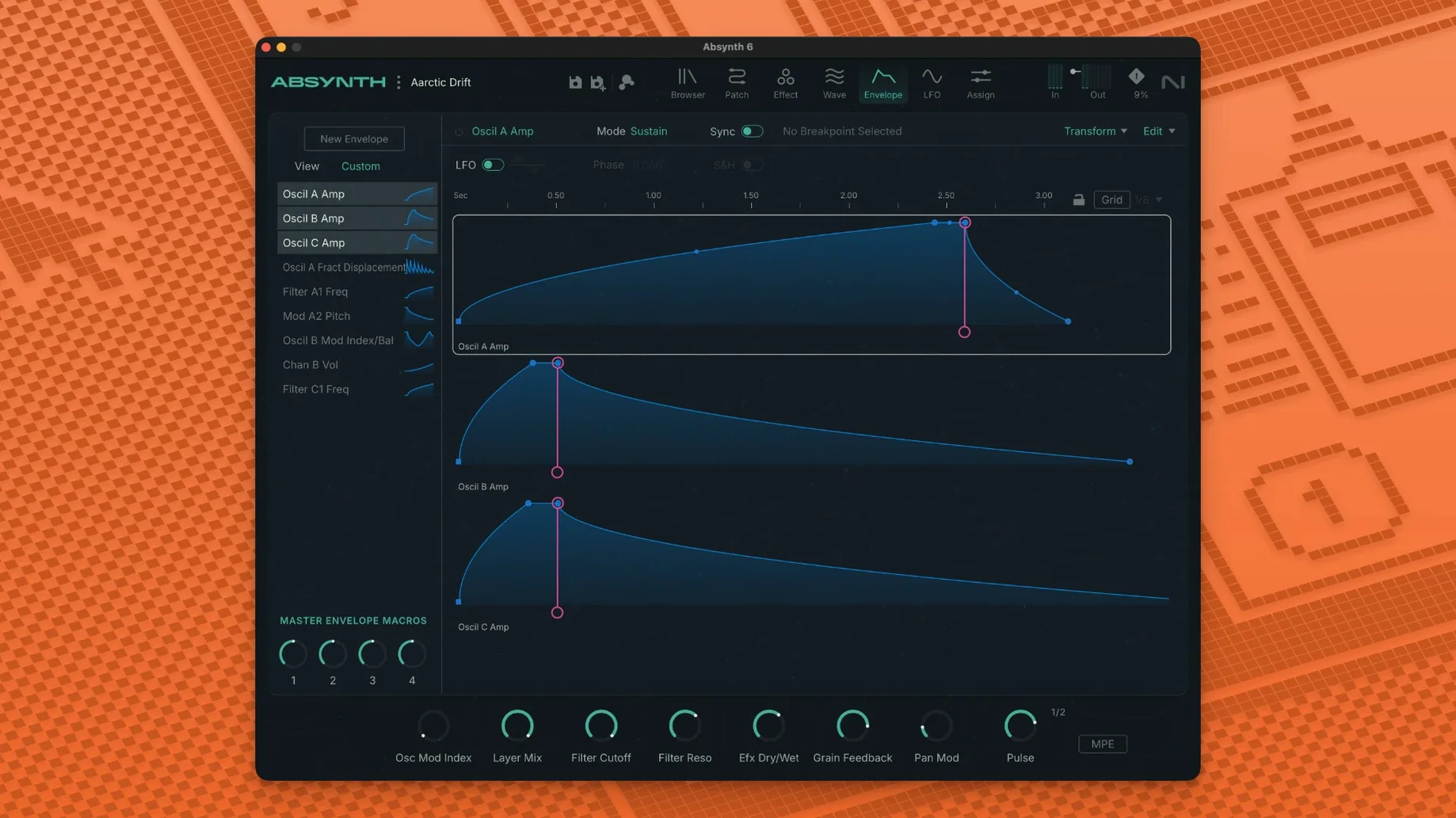
Sound designers who need a synth that goes beyond the usual subtractive architecture have a tool in Absynth. It is a hybrid synthesizer, meaning it combines multiple synthesis methods to shape textures, pads, and evolving atmospheres. The current version, Absynth 6, brings the instrument back with support for up to eight-channel surround formats, including Quadraphonic, 5.1, and Octaphonic, so your patches can move around a room, not just sit in stereo.
- Full MPE support with polyphonic aftertouch for expressive performance.
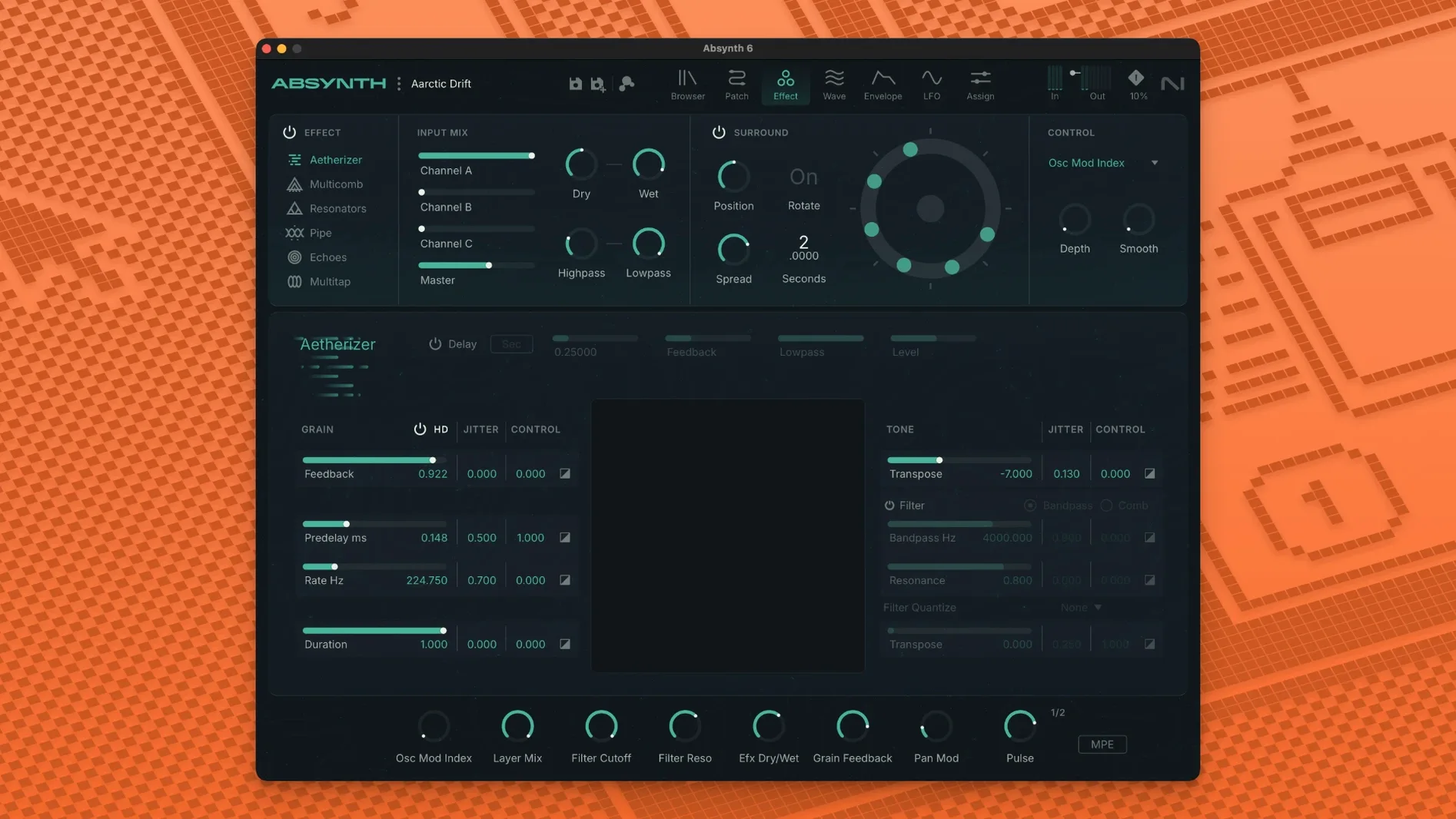
- Built-in effects and filters like the Aetherizer, Cloud Filter, and Supercomb for instant character.
- Runs as a 64-bit plugin in VST3, AU, and AAX hosts on macOS.
- Requires macOS 14 or later, with 4 GB RAM (6 GB recommended).
- Works on both Intel Core i5 and Apple Silicon Macs.
Absynth 6 fits alongside your existing plugins. It loads as a standard AU or VST3, so you can drop it into Logic, Ableton, or any modern Mac host without extra setup. If you have been using an older version, the return to Absynth 6 feels like a familiar tool with wider surround and MPE capabilities.
Building a surround drone from scratch
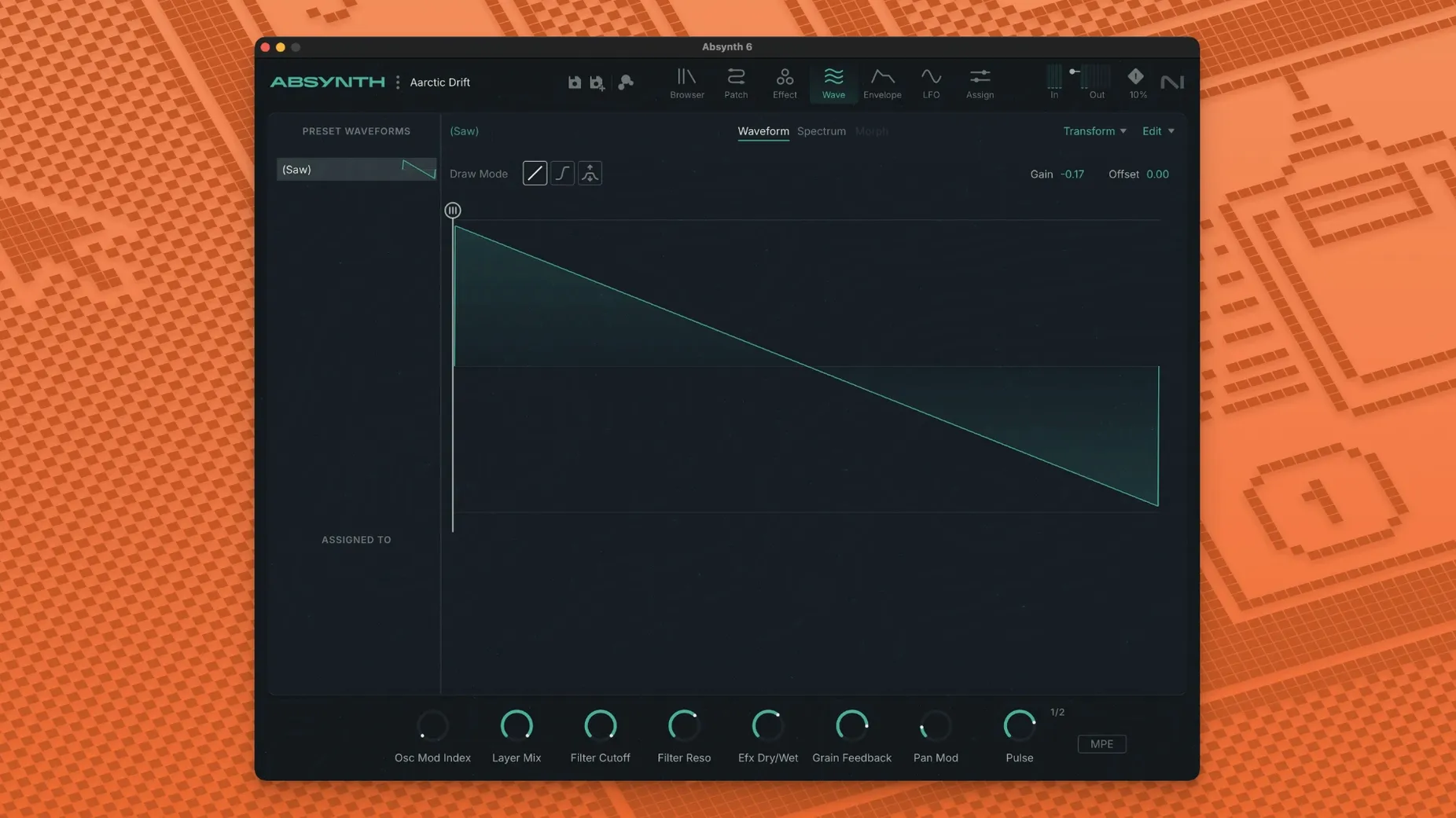
A typical starting point: open a new instance in your DAH, load an empty patch, and select a wavetable oscillator as the first sound source. Dial in a slow-moving envelope on the filter cutoff so the timbre shifts over several seconds. Add a second oscillator using FM synthesis, set a few cents detuned for width. Route both through the Cloud Filter — a reverb-like effect that smears the signal into drifting harmonics. Now the patch is a stereo drone, but you can go further.
Switch the output to a 5.1 bus in your DAH, then set Absynth’s surround mode to 5.1 in the plugin window. Each oscillator can be placed at a different point in the surround field using the internal panner. The Cloud Filter’s output can also spread across all channels, turning the drone into a wash that rotates slowly. The result is a pad that encircles the listener, not just a stereo spread.
Integrating with macOS and other tools
Absynth 6 works as a standard AU or VST3 plugin, so it appears in Logic Pro, Ableton Live, and Reaper without any bridge or wrapper. On Apple Silicon Macs, it runs natively — no emulation layer. If you use the macOS Audio MIDI Setup utility to route MIDI from a hardware controller, Absynth responds to full MPE and polyphonic aftertouch. That means each note in a chord can change its timbre independently via per-note pressure, which is useful for evolving pads or ambient textures.
For sound design outside the DAH, you can use Absynth in standalone mode if the installer includes it (check your installation). Combined with a loopback audio driver like BlackHole, you can route its output into field recording software or a live-streaming app. The preset browser lets you organize banks by category or custom tags, so if you are building a library for film work, you can label presets by scene type.
Scenario: a sound designer preparing a 5.1 ambience for a short film
A sound designer needs a wind texture that moves from left front to right rear over sixteen bars. They open Absynth 6, load a granular synthesis patch from the factory presets, and tweak the grain size and density. The patch starts as a stereo file. They switch the output to 5.1 in the plugin, assign the left front oscillator to the left front channel, the right rear oscillator to the right rear channel, and automate their pan positions over the timeline. The Aetherizer effect adds an extra layer of shimmer that spreads across the center and LFE channels. The whole patch remains editable in real time, so the director can ask for changes and the designer can adjust modulation depths or filter cutoff without reloading the session. File export happens inside the DAH — bounce the 5.1 stem as a multichannel WAV, which the editor imports directly into the video timeline.
Surround panning and MPE polyphony fixes in daily use
- Fix: Surround output mode now retains channel assignments after reopening a session. Earlier builds sometimes reset pan positions to center on reload.
- Fix: MPE input with polyphonic aftertouch no longer drops notes when more than six are held simultaneously. This makes sustained chord work more reliable.
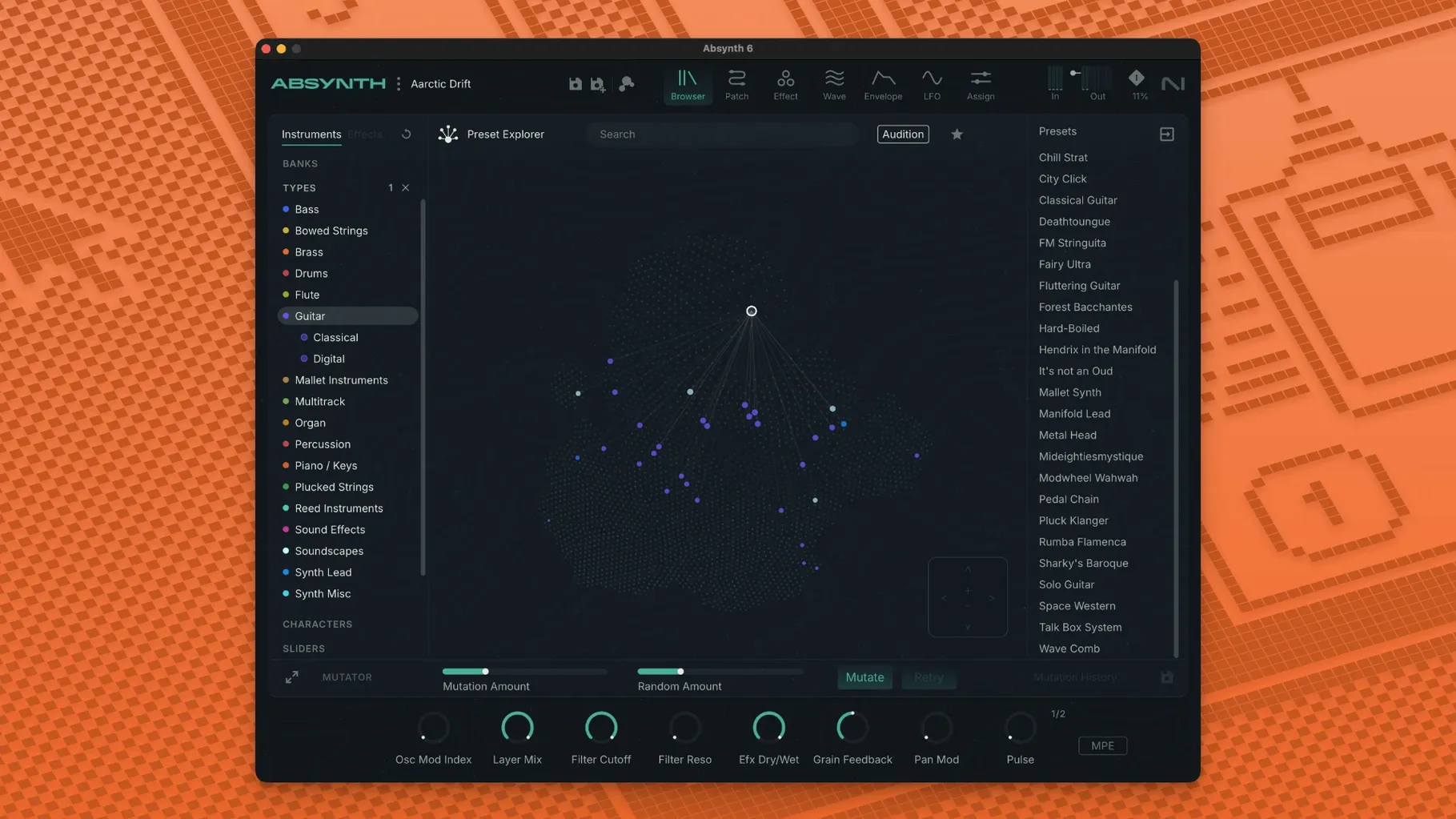
- Change: The preset browser now filters by synthesis type — subtractive, FM, wavetable, granular — so you can narrow down the 250 presets without scrolling through categories you do not use.
- Change: Cloud Filter and Supercomb now respond to modulation wheel messages over MIDI, which opens live tweaking during performance.
These fixes make Absynth 6.1.0 a more predictable tool for surround and MPE work. If you rely on the 5.1 or Octaphonic modes, the channel retention fix alone saves time resetting your pans each session.
- Return of the synthesizer in version 6.
- Added support for up to eight-channel surround formats.
- Full MPE and polyphonic aftertouch support.
- macOS 14 or later
- Apple Silicon or Intel Core i5 (or equivalent)
- 4 GB RAM (6 GB recommended)
- 64-bit VST3, AU, or AAX host
Questions from the notes
What Mac versions does Absynth 6 support?
Absynth 6 requires macOS 14 or later, including macOS 15 and macOS 26 with the latest update. It runs on both Intel and Apple Silicon Macs.
Does Absynth 6 support surround sound?
Yes, Absynth 6 supports up to eight-channel surround formats, including Quadraphonic, 5.1, and Octaphonic.
Install procedure
- Open the downloaded disk image.
- Run the standard installation procedure.
Reports from players
Sign in or create a tester account to file a report.
No reports filed yet.