
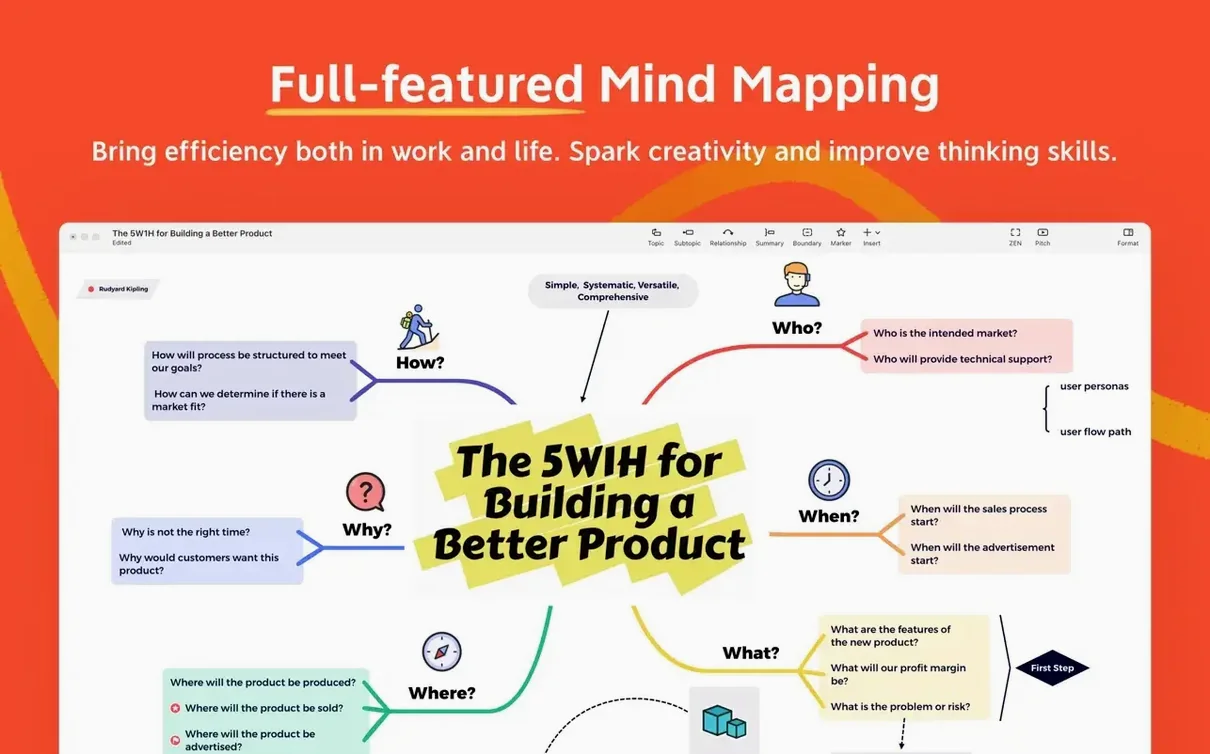



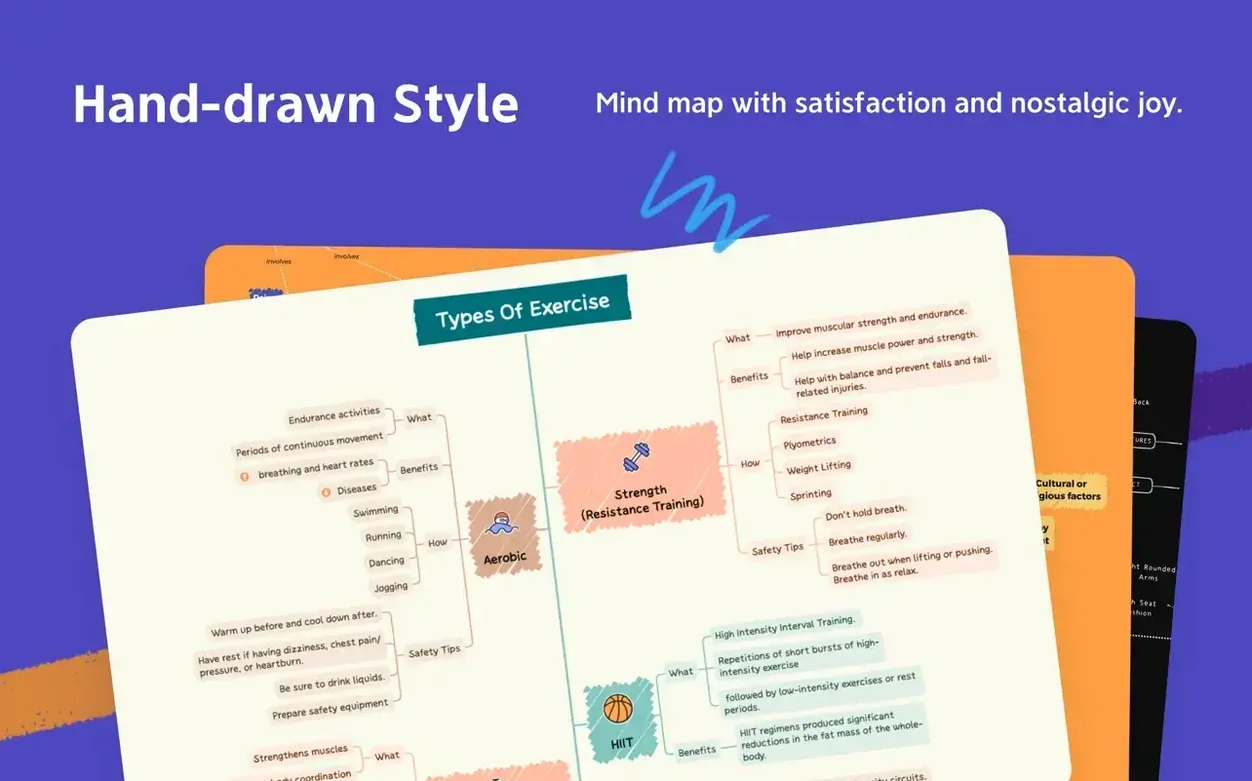

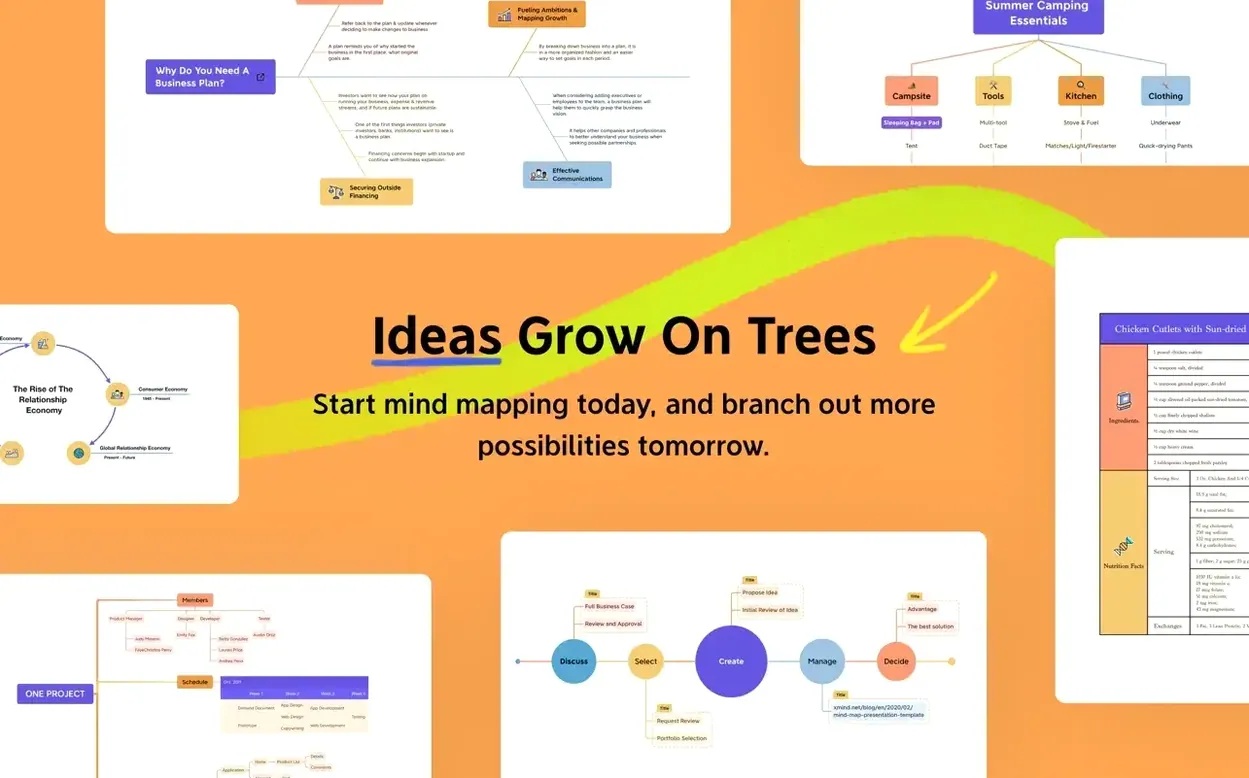
Engineers, project leads, and anyone who needs to untangle a messy set of ideas use mind maps regularly. XMind Pro is a full-featured tool for brainstorming, knowledge management, meeting notes, and task planning on a Mac.
Requires macOS 11 or later and runs on both Intel and Apple Silicon
- Requires macOS 11 or later.
- Runs on both Intel and Apple Silicon Macs.
- Interface available in 13 languages including English, French, German, Spanish, Russian, and several Asian languages.
- Supports real-time collaboration with other users.
What the app does
You can build complex mind maps with branches, attachments, and cross-links, then export them for presentations or share them with a team. The structure is straightforward: start with a central topic, add subtopics, rearrange them, and apply themes or markers. It works for personal planning and for group sessions where multiple people edit the same map.
Label short, attach details in notes instead of writing paragraphs
New users often treat XMind Pro like a document editor and try to type long paragraphs inside each topic node. The app is built for hierarchy and brevity. Short labels keep the map readable; details belong in notes attached to the node or in attached files. Another common error is ignoring the boundary and relationship tools. People manually draw lines or try to indicate connections with text, which clutters the map. The relationship tool handles that cleanly, and boundaries group related branches without extra work.
Beginners also skip the template system. XMind Pro ships with starter templates for meeting minutes, SWOT analysis, and project timelines. Opening a blank canvas every session means rebuilding the same structure by hand. Picking the closest template saves time and gives a consistent layout. A third issue is over-nesting. Maps with seven or eight levels of hierarchy become hard to navigate. The app supports deeper nesting, but keeping practical limits — three or four levels — produces maps you can actually scan during a meeting.
Runs natively on all Macs with macOS 11 or newer
Based on the requirements alone, the app runs on any Mac that boots macOS 11 or newer. That covers Intel 64-bit models and Apple Silicon machines natively, so no translation layer is needed on newer hardware. The version listed is 26.04.01337, built in July 2026. It installs from a disk image: mount it, drag the app to Applications, and launch from Launchpad. No extra runtimes or dependencies are mentioned — the app includes everything it needs.
The interface can switch between 13 languages, which matters if you share maps with colleagues who prefer a different locale. Russian, English, German, Spanish, French, Italian, Japanese, Korean, Thai, Indonesian, Portuguese, and both Simplified and Traditional Chinese are available. The app does not require an active internet connection for local work, though collaboration features obviously need one. File compatibility with FreeMind means maps from that ecosystem open without conversion steps.
Mid-2026 build with no public changelog from developer
Version 26.04.01337 is a mid-2026 build. The developer has not published a public changelog alongside the build, so specific fixes or additions are not listed here. What is visible from the build metadata is that the crack team K'ed by QiuChenly prepared this release, which typically means the activation layer was removed or bypassed — the app behaves as a fully unlocked Pro edition.
Users upgrading from an earlier cracked build should note that map files created in older versions usually open without issues in this one. The app does not prompt for online verification at startup, which is expected for this release. The interface and layout remain consistent with the XMind 26 series — the toolbar, topic editing, and marker palette are in the same positions, so muscle memory carries over.
Start with the meeting-minutes template for weekly project reviews
You are preparing for a weekly project review. Open Launchpad and start XMind Pro. The app opens to the template picker. You select the meeting-minutes template because it already has sections for agenda items, decisions, and action owners. The central topic auto-labels to "Meeting Notes."
You rename it to "Sprint 14 Review." The keyboard focus is on the central topic, so you press Tab to add the first main branch. You type "Updates" and press Enter. Tab again for a subtopic under Updates — "QA" — then Enter and type "Dev" on the next subtopic. You continue adding branches for "Blockers," "Next Sprint," and "Parking Lot." The map fills out in under two minutes because you never reach for the mouse except to drag a marker onto a node — a red flag for a blocker, a green check for completed items.
Your colleague sends a comment about a blocked task. You add a relationship line from the blocker branch to the relevant update node, label it "Depends on." The map now shows both structure and dependencies. You save the file as Sprint-14-Review.xmind to a shared folder. Later, you export a PNG copy and paste it into the team chat. The whole session takes about ten minutes from launch to export. No network calls, no popups, no activation prompts.
- macOS 11 or later
- Intel or Apple Silicon processor
Questions from the notes
What macOS version does XMind Pro need?
macOS 11 or later. It runs on both Intel and Apple Silicon Macs.
Can I collaborate with other people in XMind?
Yes, XMind supports collaboration with other users on the same mind map.
What languages does the interface support?
Russian, English, German, Indonesian, Spanish, Italian, Traditional Chinese, Simplified Chinese, Korean, Portuguese, Thai, French, and Japanese.
Install procedure
- Open the downloaded disk image.
- Drag the app to your Applications folder.
- Once copying finishes, launch the app from Launchpad.
Reports from players
Sign in or create a tester account to file a report.
No reports filed yet.