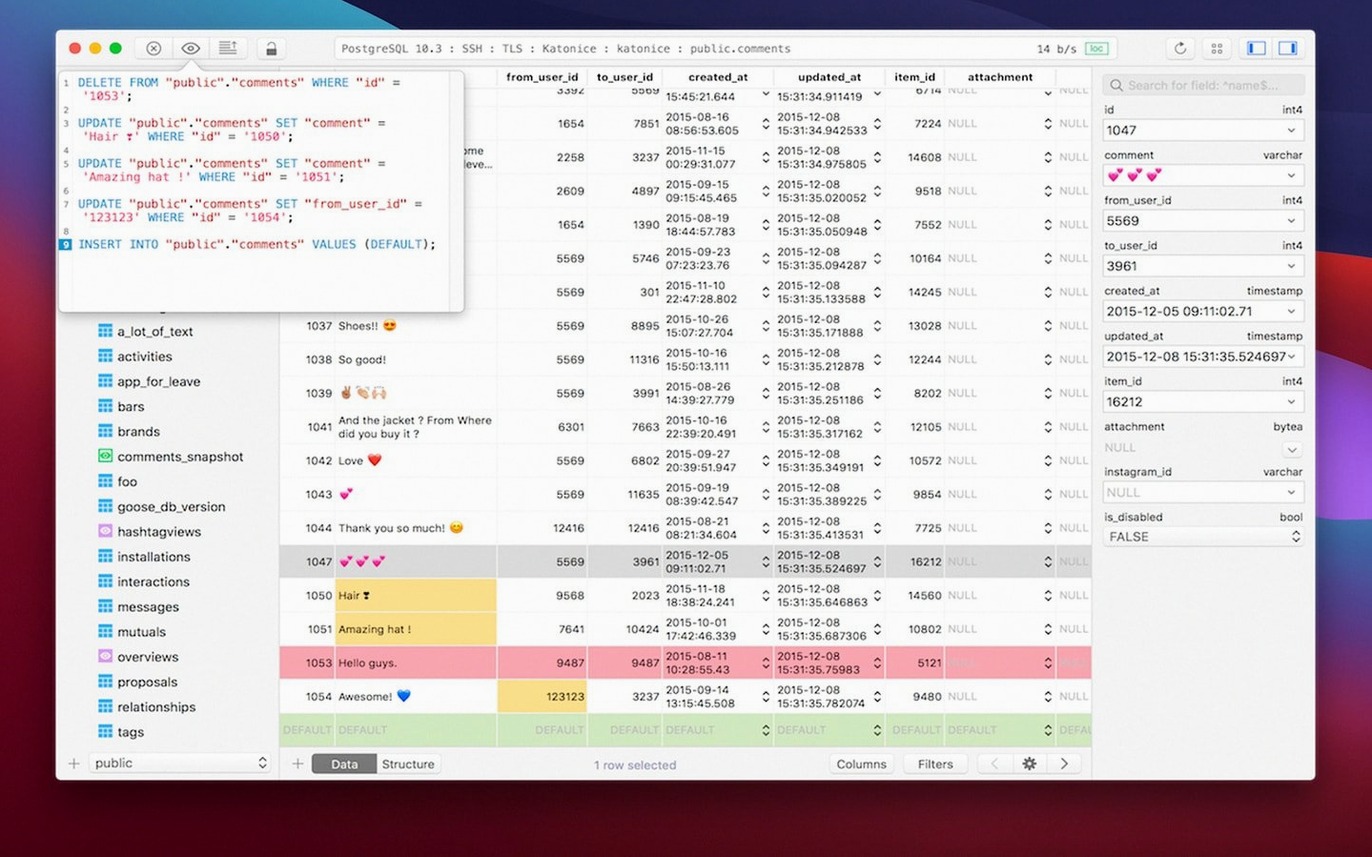
TablePlus 6.8.0, built March 5, 2026, keeps its position as a modern native client for relational databases on macOS. The current release carries no headline feature, just the steady polish that comes from regular maintenance.
What TablePlus does
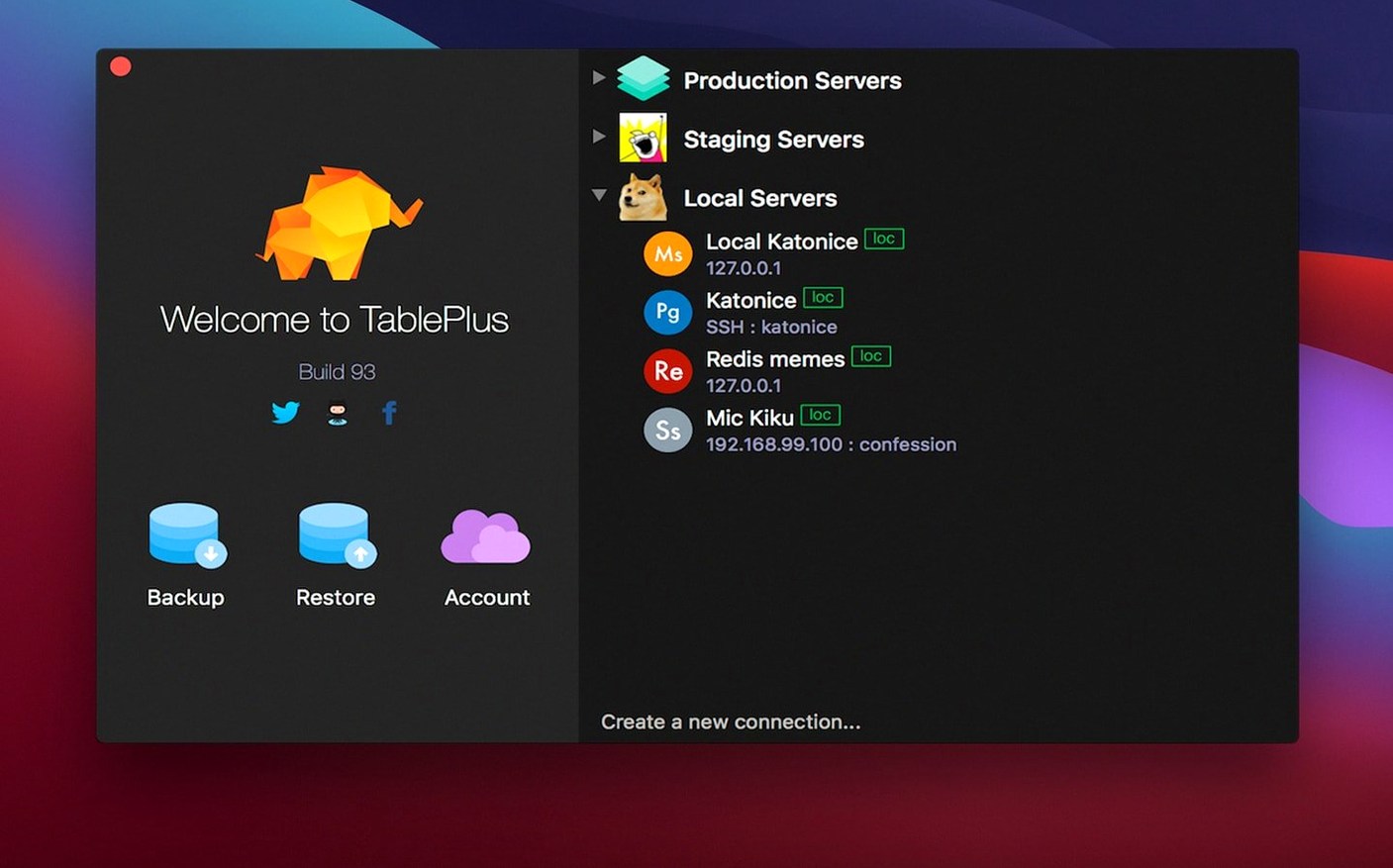
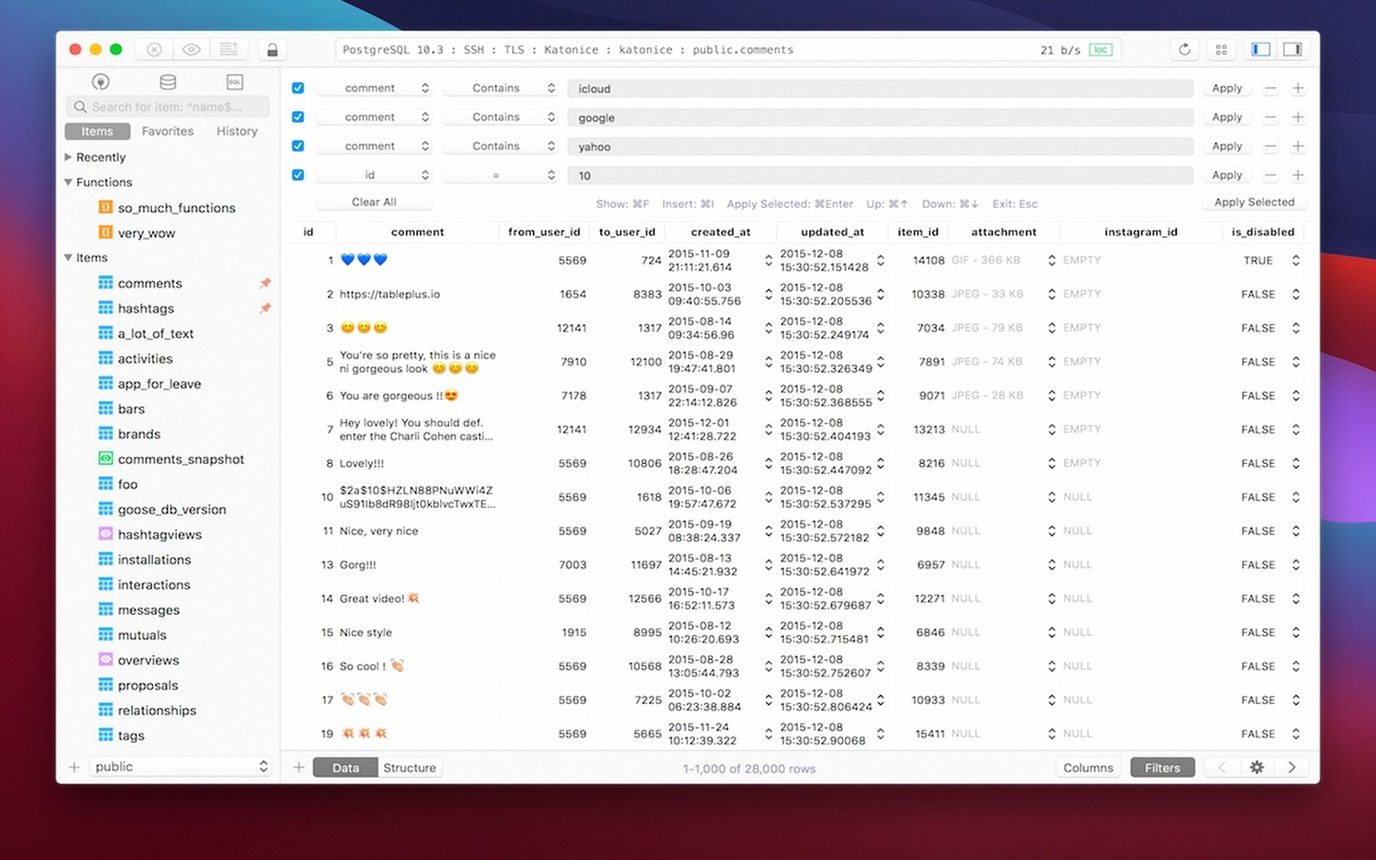
Multiple tabs and windows — run several database sessions side by side without losing context. Each connection lives in its own tab, so switching between projects is quick.
Keyboard shortcuts — the interface is built around them. Common actions like run query, switch tables, or close a connection have bindings that stay consistent across sessions.
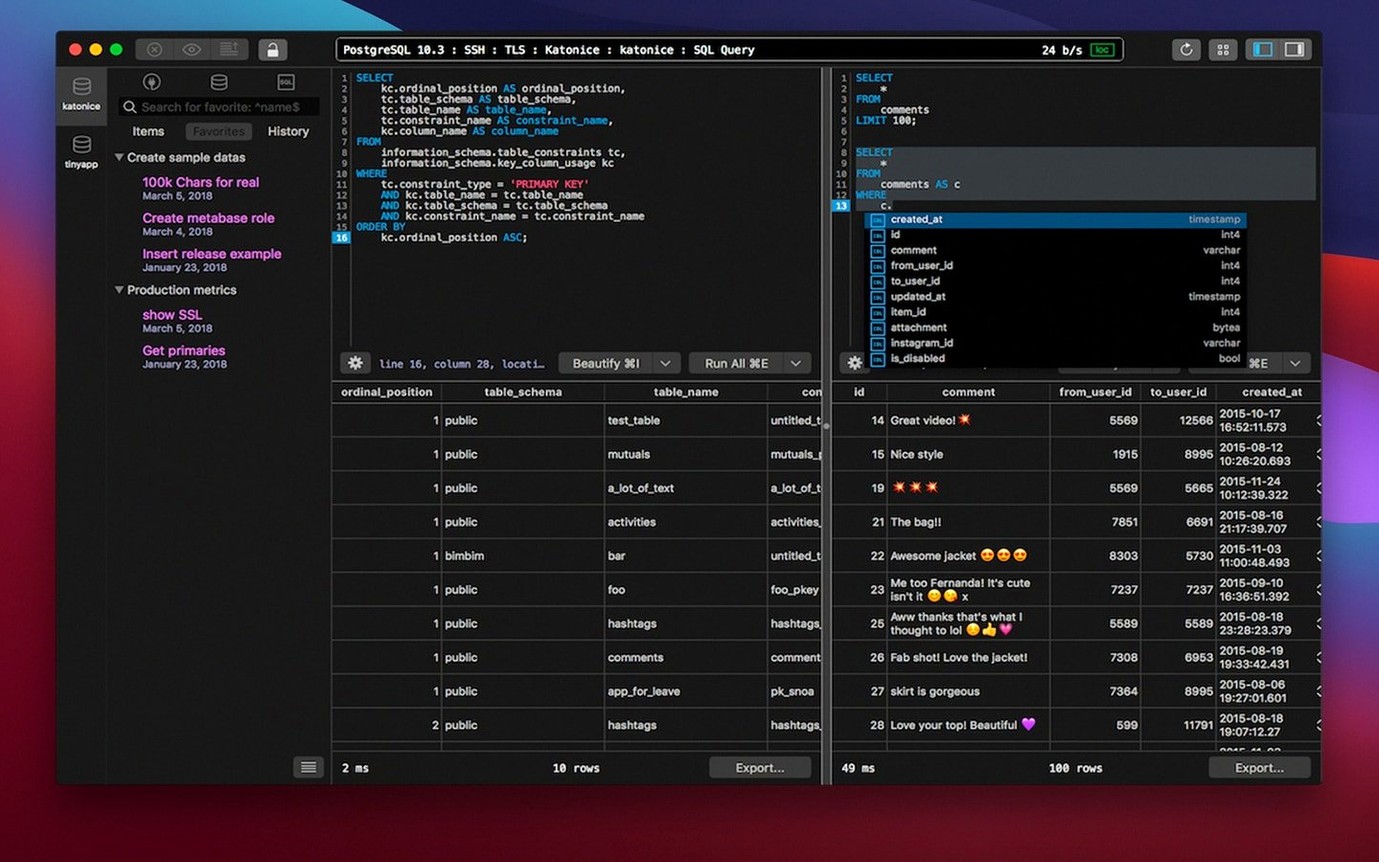
Script editor with error reporting — write and run SQL directly. When a statement fails, the editor points at the problem instead of leaving you to parse a generic message.
Safe mode — a guard for those moments when you want to run a query that could change or delete data. It gives you a second look before execution.
Code preview — see the generated SQL or data changes before they hit the database. Useful for verifying an operation on a production table.
Supported engines include PostgreSQL, MySQL, and SQLite. The developer states Apple Silicon support, and the app runs on both Intel and Apple chips under macOS 12.6 or later. Interface language is English.
Runs on macOS 12.6 or later with native ARM and x86 support
TablePlus 6.8.0 runs on macOS 12.6 or later, and the binary includes support for both ARM (Apple Silicon) and x86 (64-bit Intel) architectures. That means it will launch and work on M-series Macs and on the last generations of Intel Macs without needing Rosetta translation or a separate version. The app is distributed as a standard disk image, and the install is the same drag-and-drop to Applications that macOS has used for two decades.
Because the app is native to macOS, its interface uses system-level components — menus, dialogs, and the file chooser behave like any other Mac application. The script editor draws from the same font rendering and text engine as the OS, so SQL code looks sharp on Retina and high-DPI displays. The dark mode option follows the system-wide dark preference if you have it set, which saves one extra setting per session.
Connection encryption uses native libraries and TLS, so traffic between TablePlus and your database server is handled through the same security stack as the rest of your system. There is no bundled OpenSSL or custom crypto layer — it relies on what macOS provides.
March 5, 2026 maintenance release with under-the-hood fixes
The March 5, 2026 build is a maintenance release. There are no new connection types, no redesigned panels, and no overhaul of the shortcut system. What you get are the usual under-the-hood fixes that keep the app stable across different macOS point releases and driver versions. If you were on an earlier 6.x build, the upgrade replaces the existing app icon in the dock; the connections, saved credentials, and workspace layout carry over without re-importing.
Plugin compatibility was not broken, so third-party drivers that worked in 6.7.x still load in 6.8.0. The safe mode and error reporting logic were not changed, meaning they behave identically to the previous version. For a daily driver, the update is invisible — the app starts, connects, and runs queries the same way it did before.
Safe mode is off by default; turn it on before running updates or deletes
- Not enabling safe mode before running updates or deletes. Safe mode is off by default. New users often run a
UPDATEorDELETEwithout aWHEREclause, then realize what happened. Turn safe mode on during your first session and leave it on until you are certain of every statement. - Assuming all database types behave the same. TablePlus supports PostgreSQL, MySQL, SQLite, and Microsoft SQL Server, but each engine has its own SQL dialect, data type rules, and connection quirks. A query that runs on MySQL may fail on PostgreSQL for syntax reasons that have nothing to do with the app.
- Ignoring the error report panel. When the script editor flags an error, the message is often detailed enough to point you to the exact line and token. Beginners sometimes close the message and re-run, hoping it will work. Reading the report first saves time.
- Not using code preview before committing changes. The preview panel shows what the generated SQL will actually execute. Skipping it on a production table is a common way to apply unintended changes.
- Running too many connections in one window. Multiple tabs and windows are useful, but opening a dozen tabs to the same server strains the connection pool on the database side. Close tabs you are not using.
Native ARM binary works on M2 and M3 Macs without emulation
Does it work on an M2 or M3 Mac? Yes. The app ships with a native ARM binary, so it runs without emulation on Apple Silicon chips. The same installer also includes x86 support for Intel Macs — it is one download that works on both.
Can I use it with just SQLite? Yes. SQLite is one of the supported engines. You open a SQLite database file the same way you connect to a PostgreSQL server. No extra driver or plugin is needed.
Is it a replacement for a command-line SQL client? For most daily tasks, yes. The script editor, syntax highlighting, error reporting, and code preview cover what you would normally type into a terminal. For bulk operations or scripting, the command line still has its place, but TablePlus handles interactive querying and data browsing well.
Will my existing connections transfer after an update? Yes. Connection settings are stored in a configuration file that the installer does not touch. After you drag the new version into Applications, your saved connections, favorites, and workspace layout are still there.
Does it support encrypted connections? Yes. The app uses native libraries and TLS for connection encryption. No additional configuration is required beyond what your database server expects.
- Build dated 2026-03-05.
- macOS 12.6 or later
- Intel or Apple Silicon
Install procedure
- Open the downloaded disk image.
- Drag the app to the Applications folder alias.
- Launch the app from Launchpad after the copy finishes.
Reports from players
Sign in or create a tester account to file a report.
No reports filed yet.